
9 Best Cheap PPC Management Tools for Small Budgets in 2026
A practical guide to cheap ppc management tools.


If you run Google Ads for yourself, a handful of clients, or a small agency, a $300-a-month platform can eat the margin the ads are supposed to create. This list is for you. The tools were picked for low entry price, real optimization value for Google Ads, and fit for freelancers and small teams. Most are not full "management platforms," and cheap rarely means one tool: PPC work splits into optimization, auditing, reporting, bulk editing, and research, so the tools are grouped by the job they do. Prices were checked against vendor sites, but plans change, so confirm current pricing before you buy (as of November 2026).
Quick Comparison of the Cheap PPC Tools
- Keywordme: solo advertisers and small agencies cutting junk search terms; $12/month per user; works inside the native Google Ads Search Terms Report.
- Google Ads Editor: freelancers and agencies doing big builds and restructures; free; bulk editing across many accounts, with offline drafting.
- Optmyzr: agencies wanting a wide optimization toolkit; tiered, see website; the broadest customizable rule-based automation here.
- Adalysis: agency teams wanting ongoing audits; see website; continuous ad testing analysis and alerts.
- Google Ads Scripts: technical advertisers wanting free automation; free; fully custom JavaScript automation.
- Looker Studio: freelancers needing free client reporting; free; flexible, shareable dashboards with a native Google Ads connector.
- Swydo: small agencies automating monthly reports; tiered, see website; scheduled white-label reports.
- WordStream: small business owners who want guidance; see website; a guided workflow for non-specialists.
- Google Keyword Planner: advertisers planning new campaigns; free with a Google Ads account; official Google keyword data for pre-launch planning.
1. Keywordme
Keywordme is a Chrome extension that adds one-click actions to the Search Terms Report inside Google Ads. It is built for people whose biggest leak is junk search terms. (Quick definitions: a search term is what a person actually typed; a keyword is what you bid on. A negative keyword blocks searches you don't want, while a positive keyword is one you want to trigger ads.) Full disclosure: this is our own product, so weigh it accordingly.
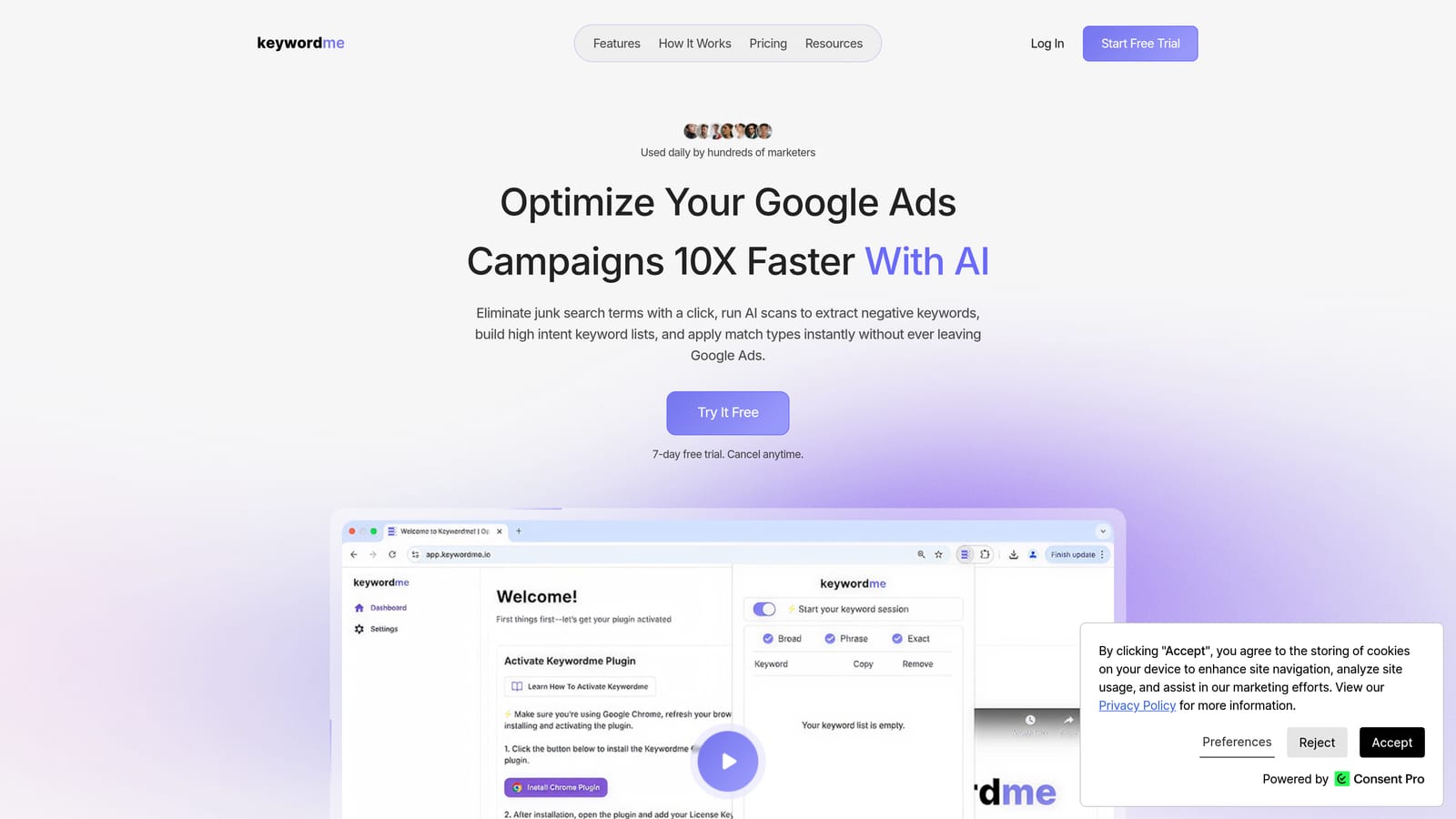
What sets it apart on this list is where it lives. You stay in the native Search Terms Report, with no exports, spreadsheets, or separate dashboard. You review terms, click, and move on. A lot of small accounts waste money on irrelevant queries rather than on a missing suite of features, which is why a narrow tool can beat a broad one on cost.
- One-click negative keywords straight from the Search Terms Report, so junk queries stop costing you.
- Add search terms as keywords with match types applied instantly, which removes the manual formatting step.
- Keyword clustering to group related terms and spot themes faster than scanning a long list.
- Bulk editing so you can handle many terms in one pass.
- Multi-account and team support, so agencies can work across client accounts.
Setup is installing the extension in Chrome and opening Google Ads. You decide what to add or exclude, so the day-to-day runner is whoever already reviews search terms. The limitation is scope: it handles search terms and keyword hygiene. It has no cross-channel reporting, no bid automation, and no audits. It also only works in Chrome, and it needs you to do the reviewing.
Pricing: $12/month per user, with a 7-day free trial. Cost scales with the number of users, not ad spend or accounts.
Best for: Solo advertisers and small agencies cutting wasted spend from junk search terms.
2. Google Ads Editor
Google Ads Editor is Google's free desktop app for bulk editing campaigns, including offline. It suits freelancers and agencies who build or restructure accounts at scale and are tired of clicking through the web interface.

Its edge over everything else here is free, large-scale structural editing across many accounts. Renaming hundreds of ad groups, changing final URLs, or cloning a campaign structure for a new client takes minutes rather than hours.
- Bulk edits across campaigns and accounts, so one change applies to hundreds of items.
- Offline drafting, so you can prepare and review changes before posting them live.
- Copy and paste of campaign elements, which speeds up building similar campaigns.
- Multi-account management from one app, so you don't switch logins constantly.
It connects only to Google Ads. Setup means downloading the app and syncing your accounts. The learning curve is real for beginners, and a bulk mistake can spread quickly, so review changes before posting.
The bigger limitation is what it lacks: there is no search term review workflow and no recommendations. It edits what you tell it to edit. That makes it a complement to a search term tool rather than a replacement.
Pricing: Free.
Best for: Freelancers and agencies running big account builds and restructures.
3. Optmyzr
Optmyzr is a PPC optimization suite with audits, automations, and reporting. It's aimed at agencies and in-house teams who want to systematize optimization work across many accounts.

It is the broadest optimization toolkit on this list. The standout is customizable rules: you define conditions and actions, so repetitive checks happen on your terms instead of by hand.
- Rule-based automations, so routine checks run on a set logic you control.
- Account audits that surface issues worth fixing.
- Bid and budget tools for adjusting spend without constant manual review.
- Reporting, so you can show clients what changed.
It works with Google Ads and Microsoft Advertising. Expect a more involved setup than a browser extension, since rules and audits take time to configure and tune, and someone needs to own them. That someone is typically an account manager or the agency owner.
The honest limitation: it costs more than entry-level tools and may be too much for a single small account. If your only problem is junk search terms, you'd be paying for a lot you don't use.
Pricing: Tiered. The starting price wasn't confirmed for this article, so check the website (as of November 2026). Expect cost to move with plan tier and the amount of ad spend or accounts managed.
Best for: Agencies wanting a wide optimization toolkit at mid-range pricing.
4. Adalysis
Adalysis is an automated PPC audit and monitoring tool. Think of it as a second set of eyes that keeps checking accounts while you work on other things.
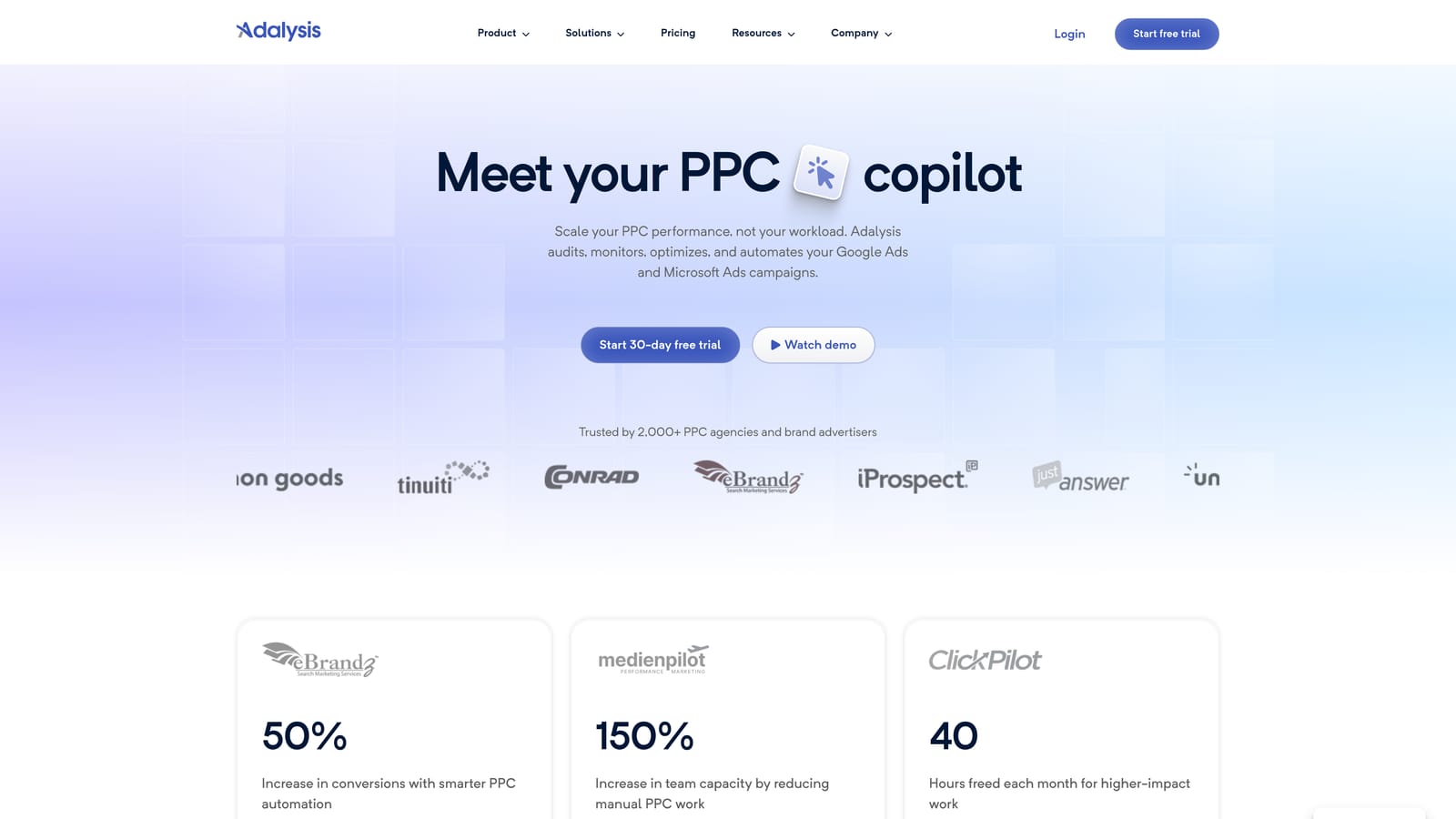
Its distinctive strength is ongoing ad testing analysis paired with issue alerts. Where an editor or extension waits for you to act, Adalysis tells you what looks wrong or what test has a winner.
What you get
- Automated account audits that flag problems across campaigns.
- Ad testing analysis, so you know which ad variations are actually performing.
- Alerts that point you to changes needing attention.
- Quality Score and keyword insights to guide cleanup.
Fit and limits
It connects to Google Ads and Microsoft Advertising. Setup is mostly account connection, then deciding who reviews the findings. For agencies, that is usually a specialist or account lead with a regular review slot.
It diagnoses; you apply the fixes. It also may not suit very small budgets, since pricing is built with agency use in mind. A solo advertiser with one modest account may find the alerts outpace what they have time to act on.
Pricing: See the website for current plans (as of November 2026). I couldn't confirm a starting price, so check before budgeting.
Best for: Agency teams that want ongoing audits and ad test monitoring.
5. Google Ads Scripts
Google Ads Scripts lets you write JavaScript that runs inside your Google Ads account to automate tasks. It's free and built in, and it's the do-it-yourself end of this list.
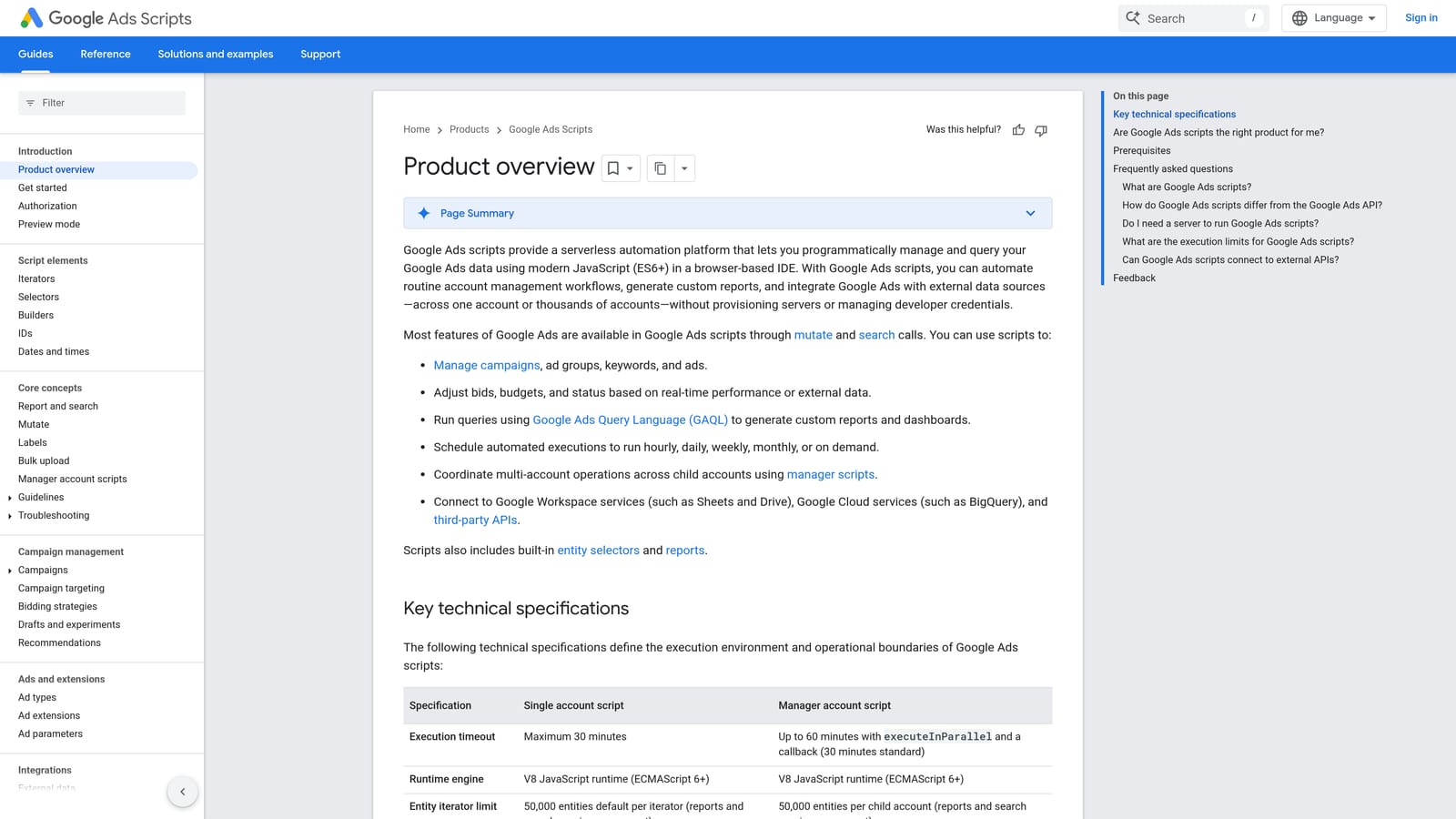
Its advantage is flexibility at no software cost. If you can describe a task precisely, you can probably script it, from alerts to reports.
- Custom automations tailored to your account rules.
- Anomaly alerts, so a sudden spend spike or traffic drop reaches you quickly.
- Broken link checks that catch dead landing pages before they burn budget.
- Custom reporting to Google Sheets for lightweight dashboards.
It works with Google Ads and Google Sheets. Setup means writing or adapting scripts, testing them, and scheduling runs. You or a technical teammate becomes the maintainer.
That is the catch. It requires coding skill and ongoing maintenance, and a script that breaks quietly can leave you thinking something is monitored when it isn't. If nobody on your team writes JavaScript, the "free" price turns into time you don't have.
Pricing: Free.
Best for: Technical advertisers who want free custom automation.
6. Looker Studio
Looker Studio is Google's free dashboard and reporting tool. It doesn't manage campaigns at all, but for many freelancers it replaces a paid reporting product.
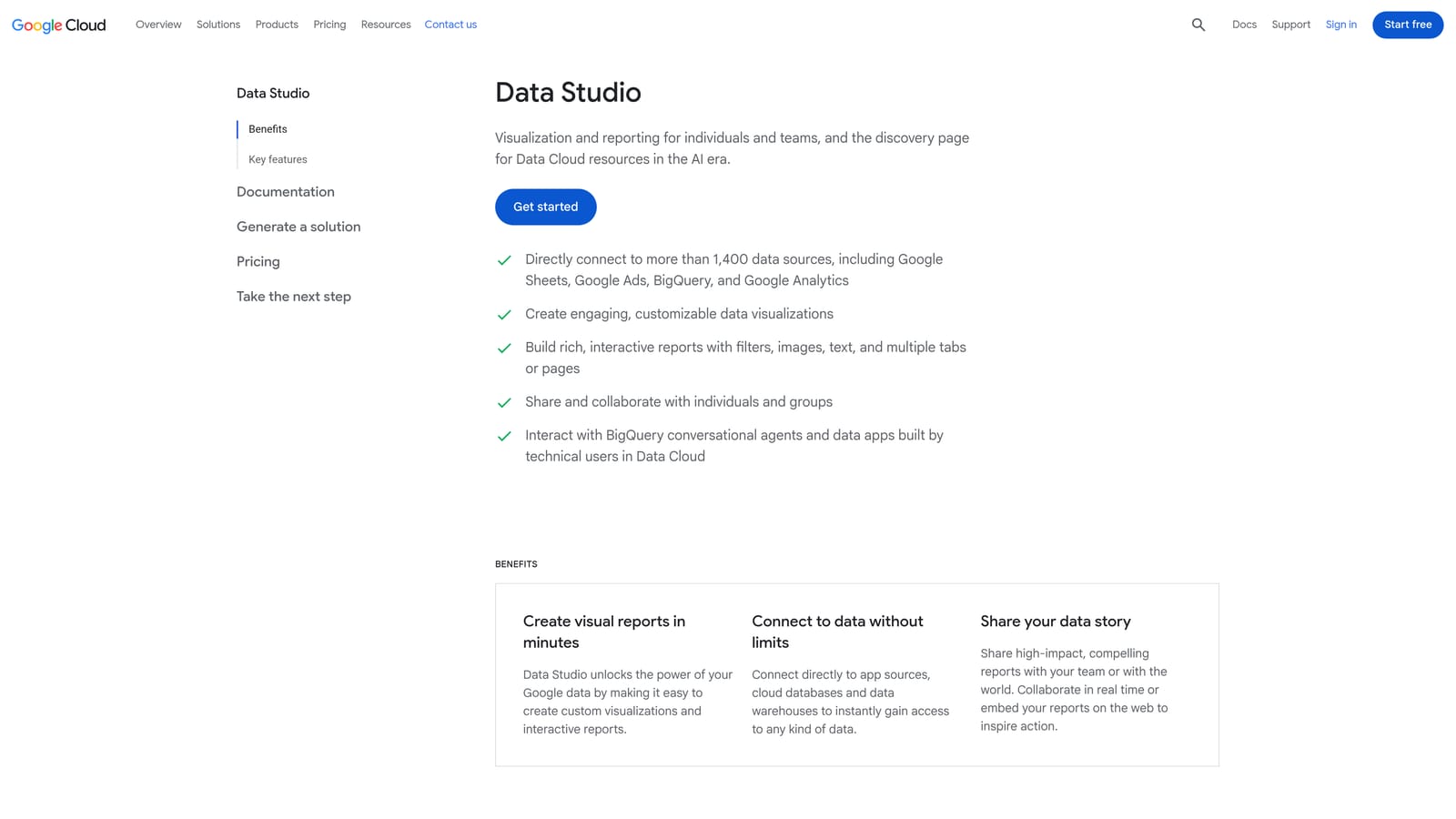
It stands out for free, flexible, client-facing dashboards. You decide what to show and how it looks, then share a link.
- A native Google Ads connector, so campaign data flows in without exports.
- Shareable dashboards that clients can view anytime.
- Custom charts, so reports match what each client cares about.
- Template support, which lets you build once and reuse across clients.
It also connects to Google Analytics and Google Sheets. Building the first dashboard takes effort, but reuse pays it back. Whoever owns client reporting runs it.
Limits: it is reporting only and never changes a campaign. Some third-party connectors for non-Google platforms cost extra, which can blur the "free" label. Scheduling and white-labeling are also less turnkey than in a dedicated reporting product.
Pricing: Free; some third-party connectors cost extra.
Best for: Freelancers who need free client reporting.
7. Swydo
Swydo is an automated PPC reporting platform for agencies. It takes the monthly reporting chore and turns it into something that sends itself.
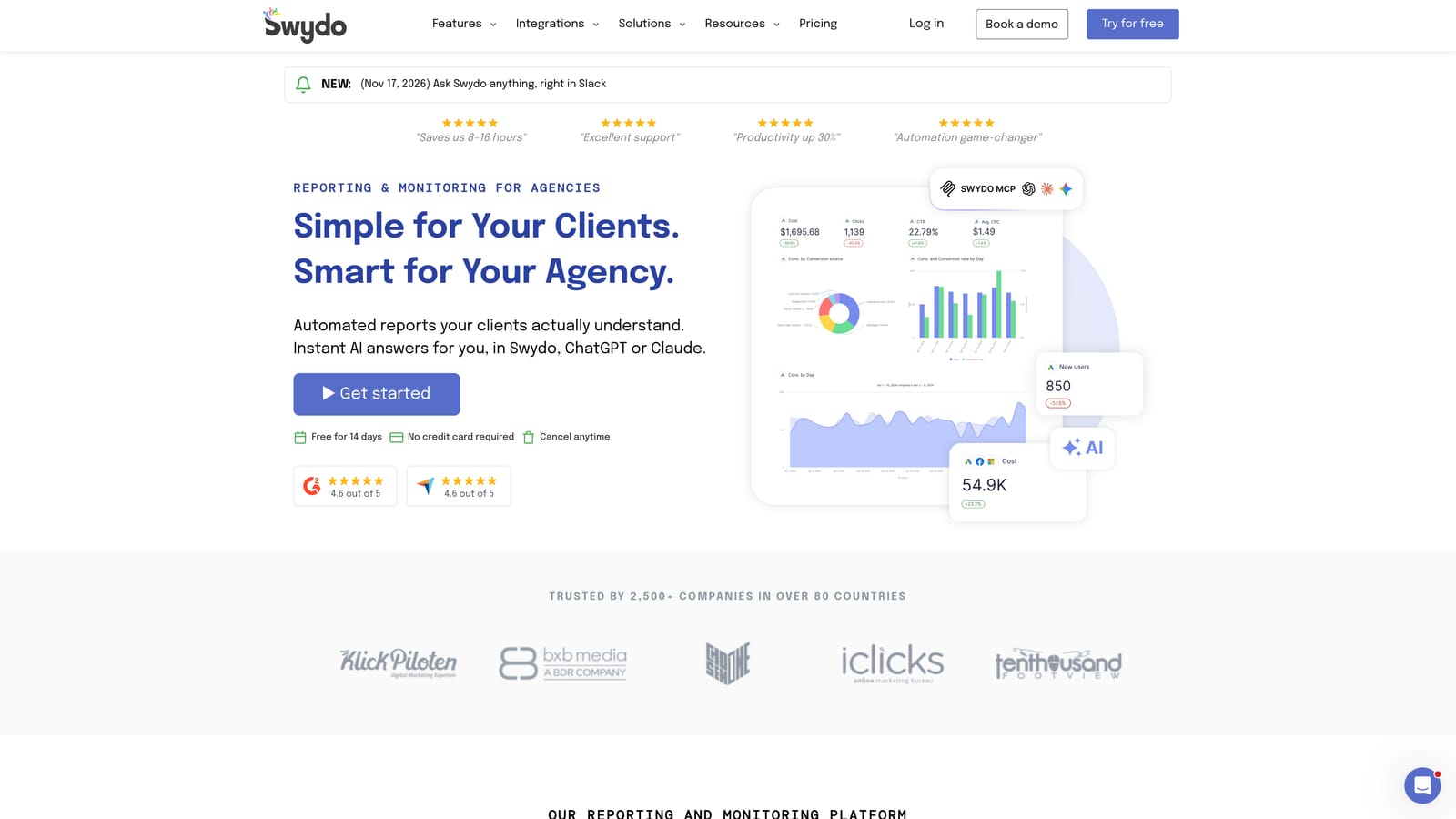
Compared with Looker Studio, its pitch is agency-ready white-label reports on a schedule, with less assembly on your end.
- Report templates, so new clients are set up quickly.
- Scheduled delivery, so reports go out without you remembering.
- White-label reports carrying your agency's branding.
- Multi-platform data, so Google and other channels land in one report.
It connects to Google Ads, Meta Ads, and Google Analytics. Setup is connecting each client's accounts and choosing a template; after that, an account manager mostly checks the output.
It is reporting only, with no hands-on optimization, so it won't reduce wasted spend by itself. For one or two clients, free Looker Studio may be enough, and a paid reporting tool only makes sense once report-building time starts to hurt.
Pricing: Tiered; see the website (as of November 2026). Plan cost typically depends on how many clients or data sources you manage, so confirm current tiers.
Best for: Small agencies that want to automate monthly client reports.
8. WordStream
WordStream is advertising software and services for small businesses, from LocaliQ. It targets owners who run their own ads and want direction rather than a toolbox.
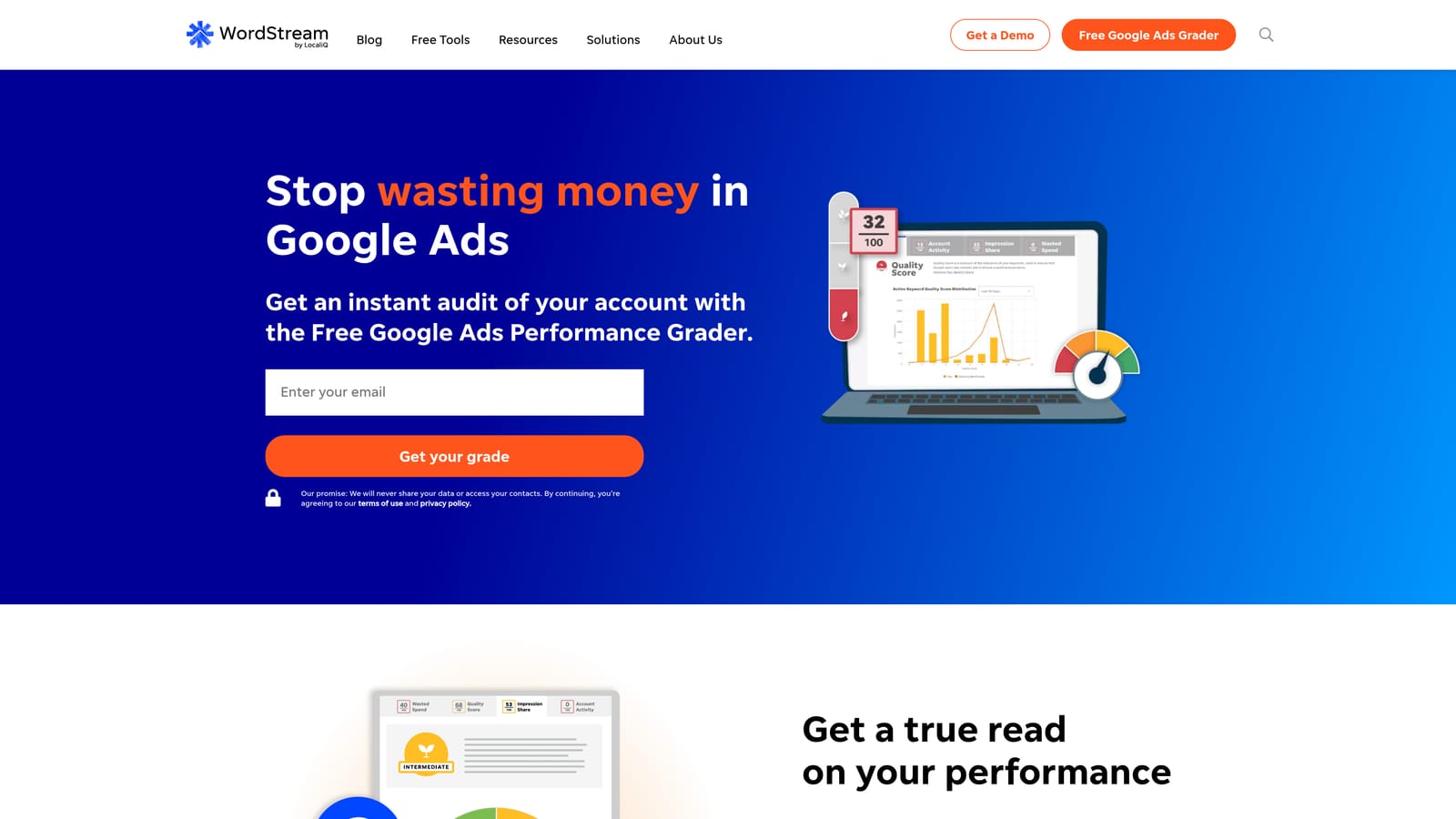
The difference here is the guided workflow for non-specialists. Instead of building rules or reading audits, you follow recommendations.
- Guided optimization recommendations that tell you what to look at next.
- Performance grading, so you get a quick read on account health.
- Campaign management support for owners who want some help.
- A small business focus in how things are explained and prioritized.
It works with Google Ads, Microsoft Advertising, and Meta Ads. Setup is light, and the business owner usually runs it day to day.
Its offering and pricing have shifted over time, so verify what is currently included. It may not be cheap for the smallest budgets, and agencies that want granular control will likely find it less flexible than Optmyzr or Adalysis.
Pricing: See the website (as of November 2026). I couldn't confirm a starting price, and it may depend on the service level and ad spend.
Best for: Small business owners managing their own ads who want guidance.
9. Google Keyword Planner
Google Keyword Planner is the free keyword research and forecasting tool inside Google Ads. It's a research tool, not a management tool, but it sits at the start of every good campaign.

It's the only option here that gives official Google keyword data for pre-launch planning, so you can sanity-check demand before you spend.
- Keyword ideas to expand a seed list into themes.
- Search volume ranges that show relative demand.
- Forecasts, so you can estimate how a plan might perform.
- Bid estimates to gauge what traffic might cost.
It lives in Google Ads and needs an account. Anyone building campaigns can use it with no setup beyond that.
The limits are clear. It is research only. Accounts with little or no spend may see volume as broad ranges instead of exact figures, and its numbers are estimates, not promises. Once campaigns run, your own search term data tells you more than any planner.
Pricing: Free with a Google Ads account.
Best for: Advertisers planning new campaigns on a zero software budget.
Matching a Budget Stack to Your Situation
You rarely need all nine. Pick by the job that costs you the most today.
- Solo advertiser: Start with Keywordme to cut junk search terms, and use Keyword Planner when you plan new campaigns. Cost: $12/month.
- Freelancer with several clients: Pair Keywordme for weekly search term cleanup with Google Ads Editor for builds and Looker Studio for reporting. Only Keywordme costs money.
- Small agency needing reporting: Add Swydo once manual reports eat real hours. Consider Optmyzr or Adalysis if you need audits and automation across many accounts, after checking current pricing.
- Someone who can code: Google Ads Scripts, Editor, Looker Studio, and Keyword Planner cover a lot at zero software cost, if you accept the maintenance.
A sensible cheap starter stack is Keywordme, Google Ads Editor, Looker Studio, and Keyword Planner. That is optimization, bulk editing, reporting, and research for $12/month per user. Add paid audit or reporting tools only when a specific bottleneck shows up.
Optimize Google Ads Campaigns 10X Faster. Without Leaving Your Account. Keywordme lets you remove junk search terms, build high-intent keyword lists, and apply match types instantly, right inside Google Ads. No spreadsheets, no switching tabs, just quick, seamless optimization. Start your free 7-day trial (then just $12/month) and take your Google Ads game to the next level.
