
9 Best Cheap PPC Management Software Tools in 2026 (That Actually Work)
Discover the 9 best cheap PPC management software tools in 2026 that deliver real functionality—keyword research, bid optimization, and campaign auditing—for under $50/month, helping freelancers and agencies run profitable Google Ads campaigns without overpaying for bloated enterprise platforms.


TL;DR: You don't need to spend hundreds a month on PPC management software to run tight, profitable Google Ads campaigns. Whether you're a freelancer managing a handful of accounts or an agency juggling dozens of clients, there are genuinely affordable tools that cover keyword research, negative keyword management, bid optimization, and campaign auditing without the enterprise price tag.
This list covers the best cheap PPC management software options available in 2026. We've focused on tools that offer real functionality at a low cost (generally under $50/month), not watered-down free tiers that upsell you at every click. We'll cover what each tool does best, who it's built for, and what you'll actually pay. If you're tired of overpaying for bloated dashboards you barely use, this guide is for you.
1. Keywordme
Best for: In-interface Google Ads keyword optimization without spreadsheets or tab switching
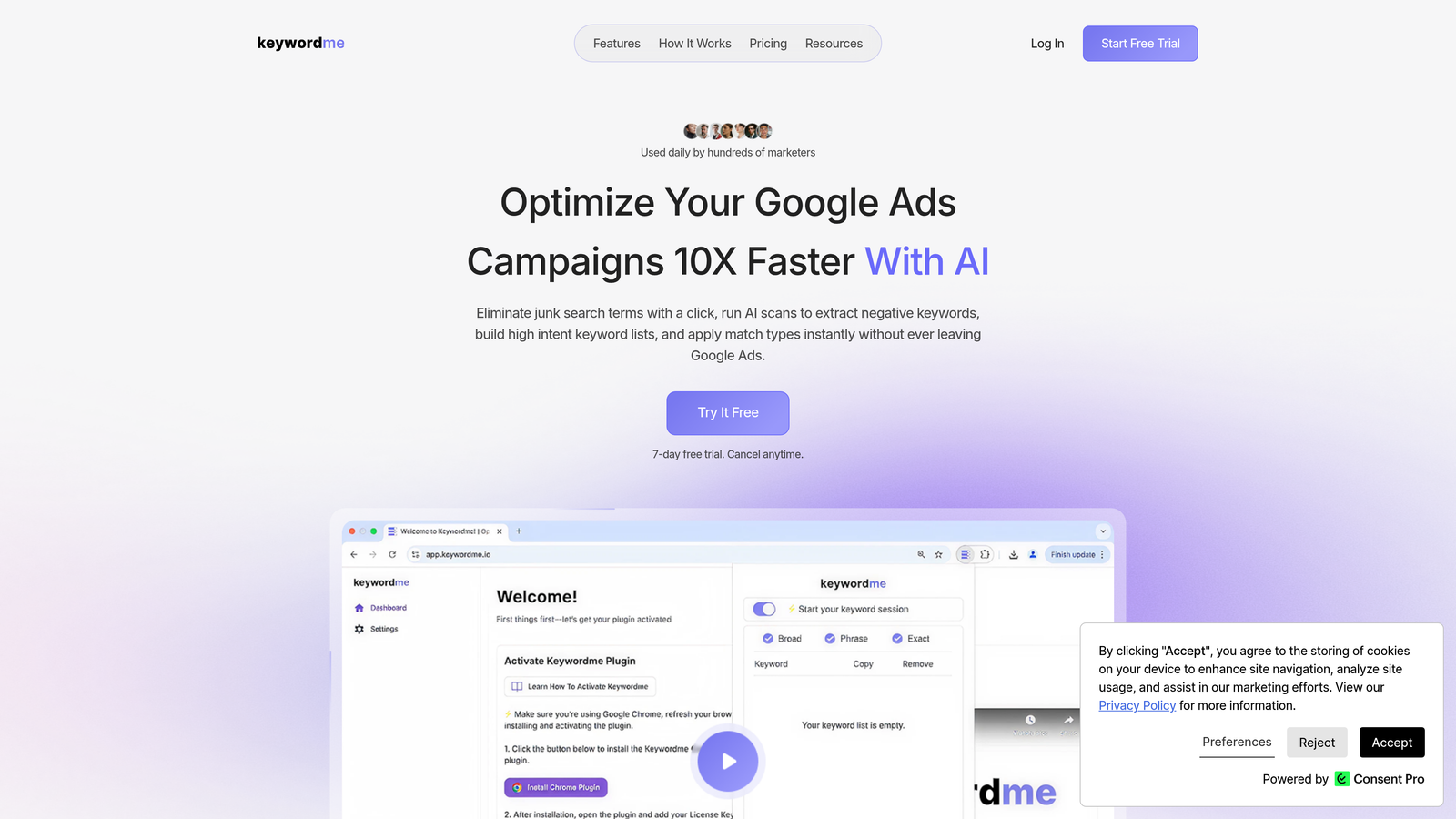
Keywordme is a Chrome extension that integrates directly into Google Ads' Search Terms Report, letting you remove junk search terms, add negatives, apply match types, and build keyword lists without ever leaving the Google Ads interface.
Where This Tool Shines
Most PPC managers spend a painful amount of time exporting search term reports to spreadsheets, filtering out junk, building negative keyword lists, and then re-importing everything back into Google Ads. Keywordme eliminates that entire loop. You're working directly inside the native interface, which means less context-switching and fewer opportunities to make import errors.
In most accounts I audit, negative keyword management is the single biggest time sink. Keywordme turns what used to be a 30-minute spreadsheet exercise into a few focused clicks. For agencies managing multiple client accounts, the multi-account and team support features make this genuinely scalable rather than just a solo-use convenience.
Key Features
One-Click Negative Keyword Addition: Add negatives directly from the Search Terms Report without exporting or switching tabs.
Bulk Match Type Application: Apply exact, phrase, or broad match types across multiple keywords instantly, no spreadsheet required.
Keyword Clustering: Group related search terms into structured ad groups for cleaner campaign architecture.
Multi-Account and Team Support: Manage multiple client accounts and collaborate with team members, making it agency-ready.
Flat-Rate Pricing: No percentage-of-spend fees. You pay the same whether you're managing $1,000 or $100,000 in monthly ad spend.
Best For
Freelance PPC managers and agency teams who live inside Google Ads and want to cut down on repetitive keyword workflow tasks. Especially valuable if you're managing more than two or three accounts and negative keyword hygiene has become a bottleneck.
Pricing
$12/month per user. A 7-day free trial is available, so you can test it against a real account before committing.
2. Google Ads Editor
Best for: Bulk campaign edits and offline management at zero cost
Google Ads Editor is Google's official free desktop application for managing Google Ads campaigns offline with bulk editing capabilities.

Where This Tool Shines
Google Ads Editor is the tool every PPC manager should already have installed, full stop. It's free, it's built by Google, and it handles bulk edits that would take hours to do manually inside the native web interface. Need to update ad copy across 50 ad groups? Restructure a campaign? Copy a whole campaign structure to a new account? Editor handles all of it.
The offline editing workflow is genuinely useful when you're working through a large restructure and don't want to risk accidental live changes mid-edit. You make all your changes, review them, then upload when you're ready. It's not flashy, but it's indispensable.
Key Features
Completely Free: No subscription, no trial period, no catch. Download and use it indefinitely.
Bulk Editing: Make changes across campaigns, ad groups, keywords, and ads simultaneously.
Offline Workflow: Edit campaigns without an active connection, then upload changes when ready.
Multi-Account Management: Manage multiple Google Ads accounts from a single interface.
Find and Replace: Update URLs, ad copy, or keyword text across your entire account in seconds.
Best For
Any Google Ads manager handling bulk changes, account restructures, or multi-account management. This is a foundational tool, not a specialty one. It works best as a complement to other tools rather than a standalone solution.
Pricing
Completely free. No strings attached.
3. Optmyzr
Best for: Rule-based automation and one-click optimizations without writing scripts
Optmyzr is a PPC management platform offering automated optimizations, rule-based scripts, and one-click recommendations for Google and Microsoft Ads.

Where This Tool Shines
The mistake most agencies make is trying to write custom Google Ads scripts for everything, then spending more time debugging the script than the optimization was worth. Optmyzr's "optimization recipes" give you pre-built automation logic you can configure without touching a line of code. That's a real time saver for managers who want automation but aren't developers.
The one-click recommendations are genuinely useful rather than generic. They're based on your actual account data, which means the suggestions are contextualized rather than boilerplate advice.
Key Features
One-Click Optimization Recommendations: Account-specific suggestions you can apply with a single click, no manual analysis required.
Rule-Based Automation: Build automation logic without writing scripts, using a visual rule builder.
Quality Score Tracker: Monitor quality score changes over time with historical tracking.
Custom PPC Reporting: Build client-ready dashboards and reports with flexible templates.
Shopping Campaign Tools: Dedicated management features for Google Shopping campaigns.
Best For
PPC managers and agencies who want meaningful automation without enterprise pricing or developer resources. Particularly strong for teams managing Google Shopping alongside search campaigns.
Pricing
Check optmyzr.com for current plan pricing. Entry tiers are available for smaller account spend levels.
4. SEMrush (PPC Toolkit)
Best for: Competitive PPC research and keyword intelligence before launching campaigns
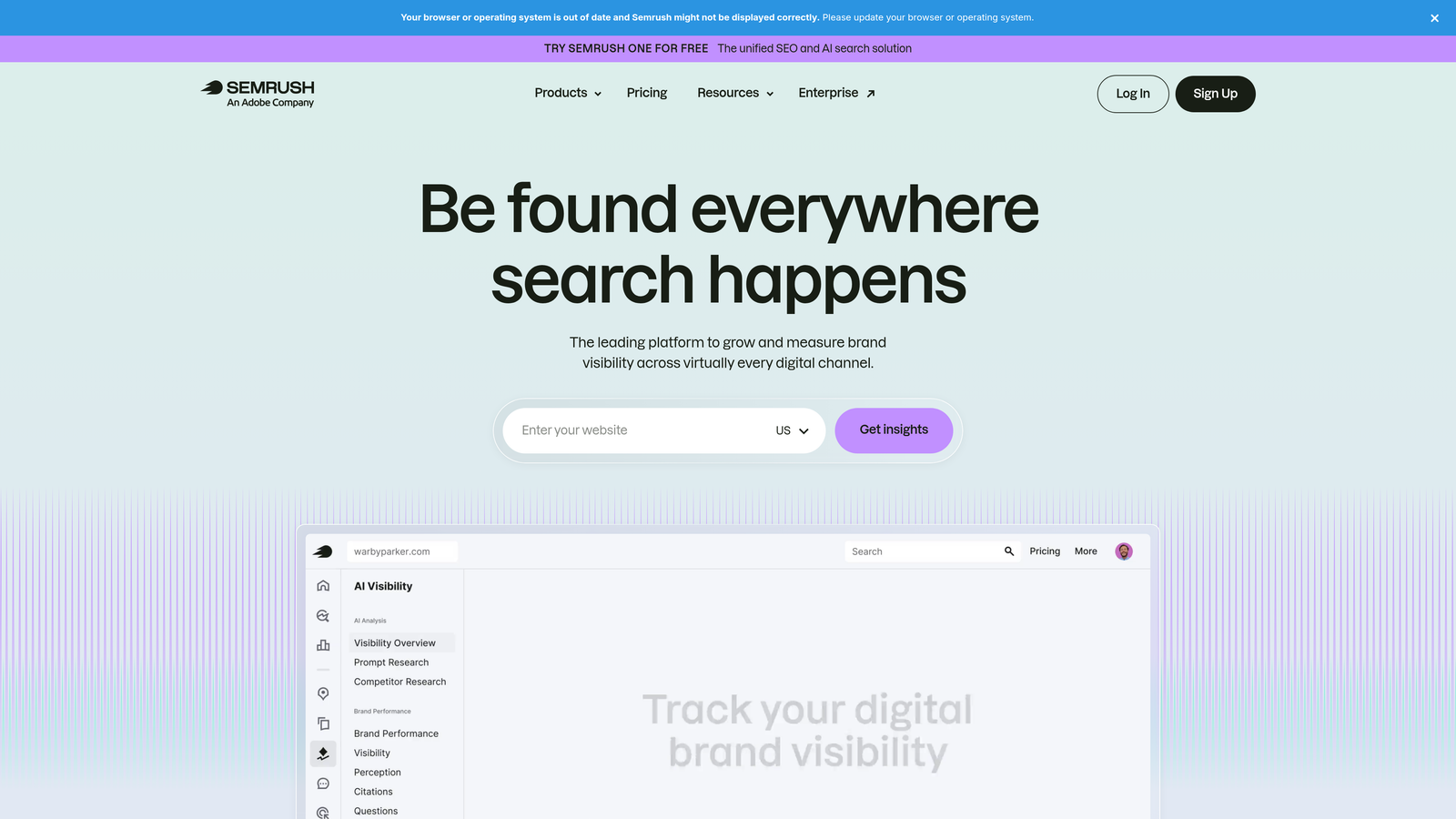
SEMrush is an all-in-one marketing platform with a dedicated PPC toolkit covering competitive research, keyword analysis, and ad copy intelligence.
Where This Tool Shines
SEMrush's PPC toolkit is most valuable before a campaign launches, not during day-to-day management. If you're entering a new vertical or pitching a client, the Advertising Research tool lets you see exactly which keywords competitors are bidding on and what ad copy they're running. That's genuinely useful intelligence that shapes your strategy before you spend a dollar.
The Keyword Gap feature is particularly underused. Drop in a few competitors and you'll quickly surface PPC opportunities your client isn't currently capturing. It's the kind of analysis that used to take hours of manual research.
Key Features
Advertising Research: View competitor keywords, ad copy, and estimated spend across your target market.
Keyword Gap Analysis: Identify PPC opportunities your campaigns are missing compared to competitors.
PLA Research: Analyze Product Listing Ads for ecommerce competitive intelligence.
CPC Map: Visualize geographic cost-per-click data for bid planning.
Ad History Data: See how competitor ad copy has evolved over time for benchmarking.
Best For
Agencies doing competitive research before launching campaigns, and PPC managers who also handle SEO and want a single platform for both. Less useful as a day-to-day campaign management tool.
Pricing
Check semrush.com for current plan pricing. Core PPC research features are accessible on entry-level plans.
5. SpyFu
Best for: Budget-friendly competitor keyword and ad copy research with deep historical data
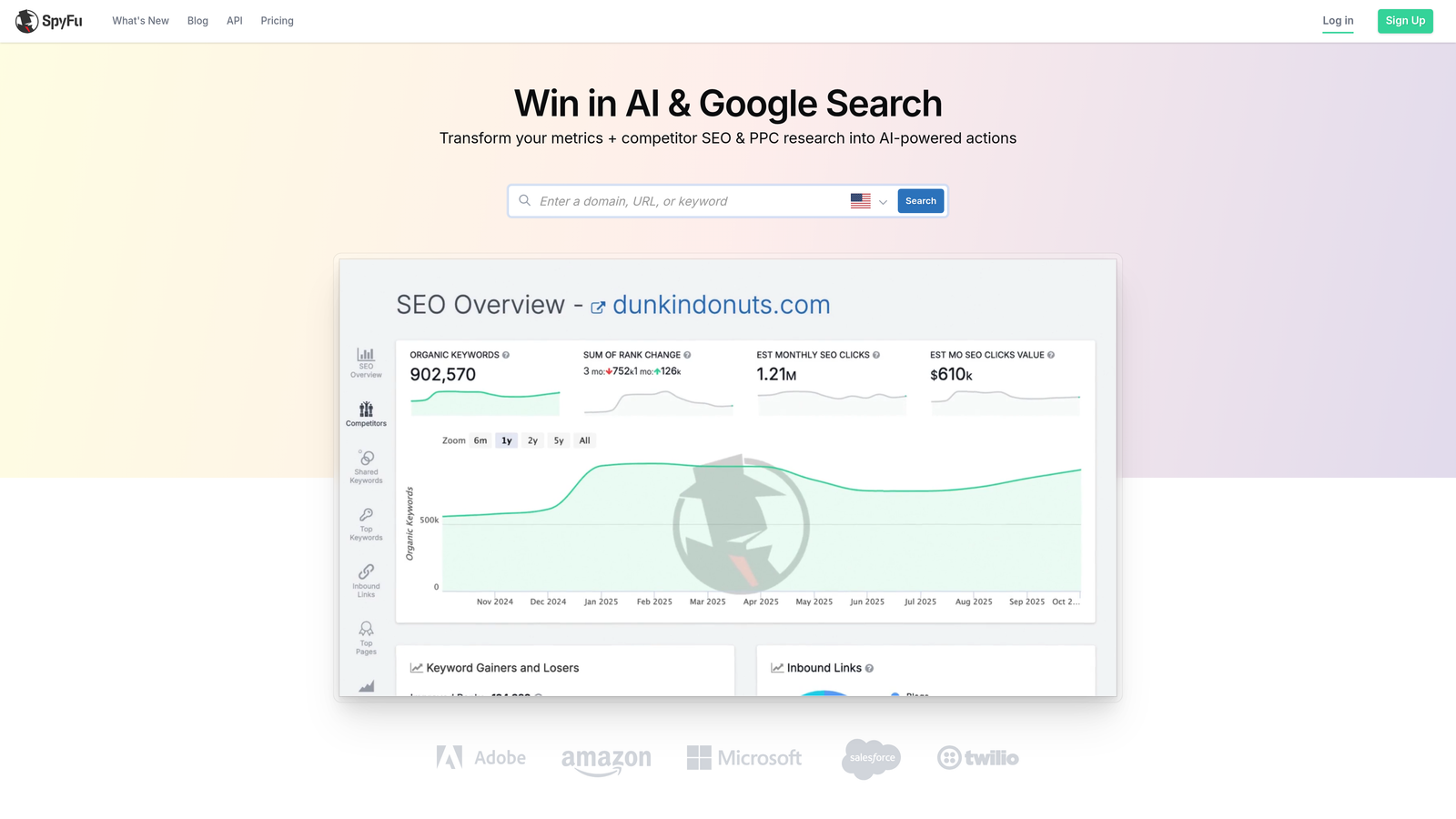
SpyFu is a competitive intelligence tool focused on PPC and SEO research, known for its affordability and depth of historical competitor data.
Where This Tool Shines
SpyFu punches well above its price point for competitive PPC research. The historical ad copy data is one of its strongest differentiators: you can see how a competitor's messaging has evolved over years, which tells you a lot about what's working for them and what they've abandoned. That context is hard to get anywhere else at this price.
What usually happens here is that agencies use SpyFu during the pre-launch research phase and then move to other tools for ongoing management. That's a perfectly valid workflow. It's a research tool, not a campaign manager, and it's priced accordingly.
Key Features
Competitor Keyword Tracking: See which keywords competitors have been bidding on, with years of historical data.
Ad Copy History: View and analyze competitor ad variations over time to identify proven messaging patterns.
Keyword Grouping: Organize keyword research into logical groups with negative keyword suggestions built in.
SERP Analysis: Analyze both paid and organic results for target keywords in one view.
Affordable Entry Pricing: Generally one of the most cost-effective competitive intelligence tools available.
Best For
Freelancers and small agencies doing competitive analysis before launching campaigns. Also useful for ongoing monitoring of competitor activity without the cost of enterprise tools.
Pricing
Check spyfu.com for current plan pricing. Historically one of the more affordable options in the competitive intelligence category.
6. Adalysis
Best for: Structured ad testing and account health monitoring for Google Ads managers
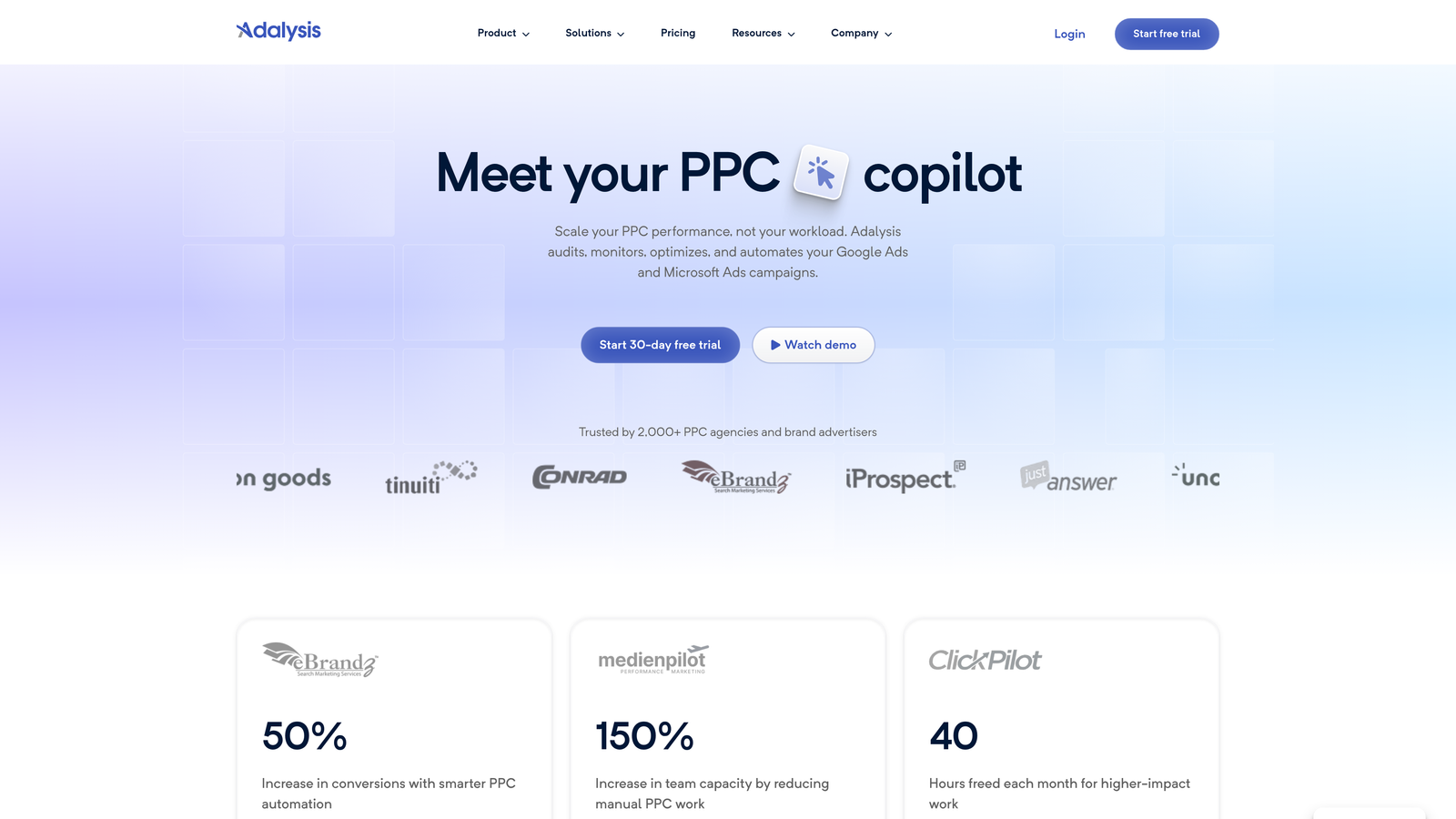
Adalysis is a PPC management and testing platform built specifically for Google Ads and Microsoft Ads, with a focus on ad testing, quality score, and account health monitoring.
Where This Tool Shines
Ad testing is one of those things most PPC managers say they do but rarely do systematically. Adalysis forces structure onto the process: you set up A/B tests, track them to statistical significance, and get clear winners rather than gut-feel decisions. If you're managing accounts where ad copy quality directly impacts CPA, that rigor pays off.
The account health alerts are also worth calling out. Rather than manually auditing accounts for issues, Adalysis flags problems proactively. For agencies managing a lot of accounts, that kind of automated monitoring is the difference between catching an issue early and explaining to a client why CPC spiked for two weeks.
Key Features
Structured A/B Ad Testing: Run statistically valid ad tests with significance tracking built in.
Quality Score Monitoring: Track quality score changes over time with historical data by keyword.
Account Health Alerts: Automated checks that flag issues before they become expensive problems.
Search Term Analysis: Identify negative keyword opportunities directly from search term data.
Responsive Search Ad Testing: Test RSA headline and description combinations with performance data.
Best For
PPC managers who want a disciplined testing workflow and proactive account monitoring. Particularly strong for agencies managing multiple accounts where manual auditing doesn't scale.
Pricing
Check adalysis.com for current plan pricing. Pricing scales with account spend, with accessible entry tiers for smaller accounts.
7. Microsoft Advertising (Native Interface)
Best for: Free Bing Ads management with Google Ads import and built-in optimization tools
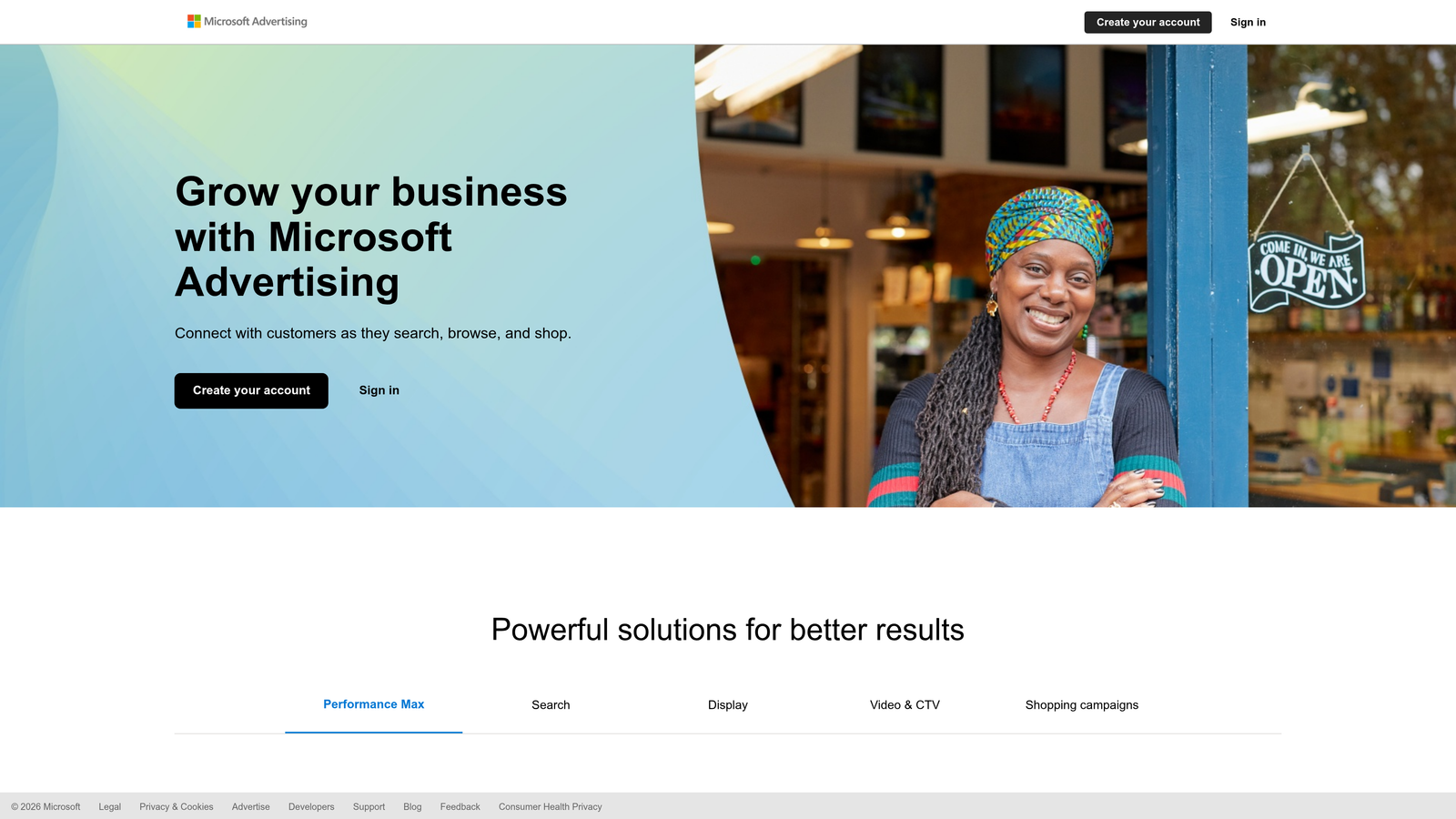
Microsoft Advertising is Microsoft's own free advertising platform interface, which includes campaign management, Google Ads import, and built-in optimization suggestions for Bing and partner network ads.
Where This Tool Shines
A lot of PPC managers overlook Microsoft Advertising simply because Google dominates the conversation. But the native interface is genuinely capable, and the one-click Google Ads import feature means you can extend existing campaigns to the Microsoft network in minutes rather than hours. For clients who want incremental reach without incremental management complexity, that's a compelling option.
The LinkedIn profile targeting available through Microsoft Advertising is also worth noting. It's a differentiator you won't find in Google Ads, and for B2B campaigns targeting by job title or company, it can meaningfully improve audience quality.
Key Features
One-Click Google Ads Import: Mirror existing Google Ads campaigns to Microsoft Advertising with minimal manual setup.
Built-In Performance Recommendations: Native optimization suggestions at no additional software cost.
LinkedIn Profile Targeting: Target audiences by job title, industry, or company size, a unique B2B advantage.
Native Reporting and Bulk Editing: Full reporting suite and bulk editing tools built directly into the interface.
Zero Software Cost: You only pay for actual ad spend, not for the platform itself.
Best For
Any advertiser already running Google Ads who wants to extend reach to Bing and Microsoft's partner network. Also strong for B2B campaigns where LinkedIn-style audience targeting adds value.
Pricing
Free to use. You pay only for your actual ad spend on the Microsoft Advertising network.
8. Acquisio
Best for: Automated bid and budget management across multiple ad platforms using machine learning
Acquisio is a PPC management platform using machine learning for automated bid and budget optimization across Google, Microsoft, and Facebook Ads.
Where This Tool Shines
Acquisio is positioned toward agencies managing campaigns across multiple platforms simultaneously. The machine learning bid optimization is its core differentiator: rather than relying on manual bid adjustments or simple rules, it uses algorithmic pacing to allocate budget where performance data suggests it'll have the most impact.
The automated budget pacing feature is particularly useful for agencies running fixed-budget campaigns for clients. Overspending or underspending a client's monthly budget is one of those operational headaches that erodes trust fast, and automated pacing reduces that risk.
Key Features
Machine Learning Bid Optimization: Algorithmic bidding that adjusts based on real-time performance signals across platforms.
Automated Budget Pacing: Prevents overspend and underspend by automatically distributing budgets across the campaign period.
Multi-Platform Management: Manage Google, Microsoft, and Facebook Ads from a single dashboard.
Agency Client Reporting: White-label and client-facing reporting tools built for agency workflows.
Performance Alerts: Anomaly detection that flags unexpected changes in campaign performance.
Best For
Agencies managing multi-platform campaigns who need automated bid management and client reporting under one roof. Less suited to solo freelancers managing a single platform.
Pricing
Check acquisio.com for current plan pricing. Entry tiers are available, though Acquisio tends to sit at the higher end of this list's price range.
9. WordStream AdWords Performance Grader
Best for: Free Google Ads account audit and benchmarking before choosing paid tools
WordStream's AdWords Performance Grader is a free Google Ads account audit tool that benchmarks your account performance across key metrics and delivers an instant, actionable report.
Where This Tool Shines
Think of this as a diagnostic tool, not a management platform. Before you invest in any paid PPC software, running the Performance Grader gives you a clear picture of where your account's biggest problems actually are. That context helps you choose the right tool for your specific situation rather than guessing.
It's also genuinely useful for agencies doing initial client audits. Running the grader on a prospective client's account gives you a structured talking point for the sales conversation: here's your account score, here's what's dragging it down, and here's how we'd fix it.
Key Features
Free Instant Account Health Score: Get a graded overview of your Google Ads account performance with no subscription required.
Benchmark Metrics: Compares your CTR, Quality Score, impression share, and other key metrics against industry benchmarks.
Wasted Spend Identification: Flags areas where budget is likely being wasted based on account data.
No Ongoing Subscription: Run it whenever you need a quick audit, with no commitment.
Actionable Recommendations: Delivers specific, prioritized suggestions rather than a generic score.
Best For
PPC managers who want a quick account health check, agencies auditing new client accounts, and anyone trying to identify where to focus optimization efforts before investing in paid tools.
Pricing
Completely free. No account required to run the grader.
Which Tool Is Right for Your Workflow?
Here's the honest takeaway: most PPC managers don't need one mega-platform. A combination of a free tool plus one affordable specialist tool will cover the vast majority of what you actually need day-to-day.
For quick use-case guidance:
For in-interface Google Ads optimization without spreadsheets: Keywordme at $12/month is the most direct, lowest-friction option. It solves the single biggest time sink in most accounts, which is negative keyword management and search term triage, right where you're already working.
For bulk editing at zero cost: Google Ads Editor is a non-negotiable. Install it, use it alongside everything else on this list.
For competitive research on a budget: SpyFu delivers solid depth at an accessible price point. Pair it with SEMrush if you also handle SEO for your clients.
For automation without enterprise pricing: Optmyzr's entry tier or Adalysis are both worth evaluating, depending on whether your priority is campaign automation or structured ad testing.
For a free account audit before buying anything: Run the WordStream Performance Grader first. It'll tell you where your biggest problems are, which makes every other tool decision easier.
The smartest approach is to start with the free trials available across most of these tools, identify where your biggest time sink or wasted spend is coming from, and pick the tool that solves that specific problem. That's a better use of budget than paying for a bloated all-in-one suite you'll use 20% of.
If you're ready to cut down on the spreadsheet grind and optimize faster inside Google Ads, Start your free 7-day trial of Keywordme and see how much time you get back in the first session. After the trial, it's just $12/month per user, with no percentage-of-spend fees regardless of how much you scale.
.svg)