
9 Best PPC Management Tools to Buy in 2026 (Ranked for Marketers & Agencies)
Marketers and agencies looking to buy a PPC management tool in 2026 can choose from nine ranked options—from lightweight Chrome extensions for solo advertisers to enterprise platforms managing 50+ client accounts. This guide cuts through the noise with honest assessments of value, usability, and real-world fit to help you make a smarter purchasing decision.


TL;DR: The best PPC management tools in 2026 range from lightweight Chrome extensions that work inside Google Ads to full-scale agency platforms with cross-channel reporting. The right pick depends on your workflow, team size, and budget. This list covers 9 tools worth buying, ranked by value, usability, and real-world fit for marketers, freelancers, and agency owners.
If you're running Google Ads and still copy-pasting search terms into spreadsheets to find negatives, you're burning time and probably budget. The PPC management tool market has matured significantly: there are options for solo advertisers managing one account and enterprise platforms built for agencies juggling 50+ clients.
This guide breaks down the best tools to buy right now, what each one actually does well, and who it's built for. No fluff, no vague feature lists. Just what you need to make a smart buying decision.
1. Keywordme
Best for: Google Ads users who want faster in-interface optimization without leaving the native UI.
Keywordme is a Chrome extension that plugs directly into Google Ads' Search Terms Report, letting you clean up junk traffic, build negative keyword lists, and manage match types without ever opening a spreadsheet.

Where This Tool Shines
In most accounts I audit, the Search Terms Report is where the most wasted spend hides. The problem isn't that advertisers don't know this—it's that the manual workflow of exporting, filtering, and uploading negatives is slow enough that it doesn't happen as often as it should. Keywordme solves that friction by putting the actions directly inside the report.
You can remove a junk search term, apply a match type, and cluster related keywords in a few clicks—all while staying inside the Google Ads interface you're already working in. For freelancers and agency managers who live inside Google Ads daily, this kind of workflow acceleration adds up fast.
Key Features
One-click negative keyword addition: Flag and add negatives directly from the Search Terms Report without exporting to a spreadsheet.
In-interface match type application: Apply broad, phrase, or exact match types to keywords without leaving the native UI.
Keyword clustering and bulk editing: Group related search terms and make bulk changes in a single session.
Multi-account and team support: Designed for agencies managing multiple client accounts with shared access.
No separate dashboard required: Everything happens inside Google Ads—no context switching, no tab juggling.
Best For
Solo Google Ads managers, freelancers, and agency teams who spend meaningful time each week in the Search Terms Report. It's especially useful if your current bottleneck is slow keyword hygiene workflows rather than cross-channel reporting or complex attribution needs.
Pricing
$12/month per user, billed monthly. A 7-day free trial is available with no credit card required upfront.
2. Google Ads Editor
Best for: Bulk offline editing of Google Ads campaigns at no cost.
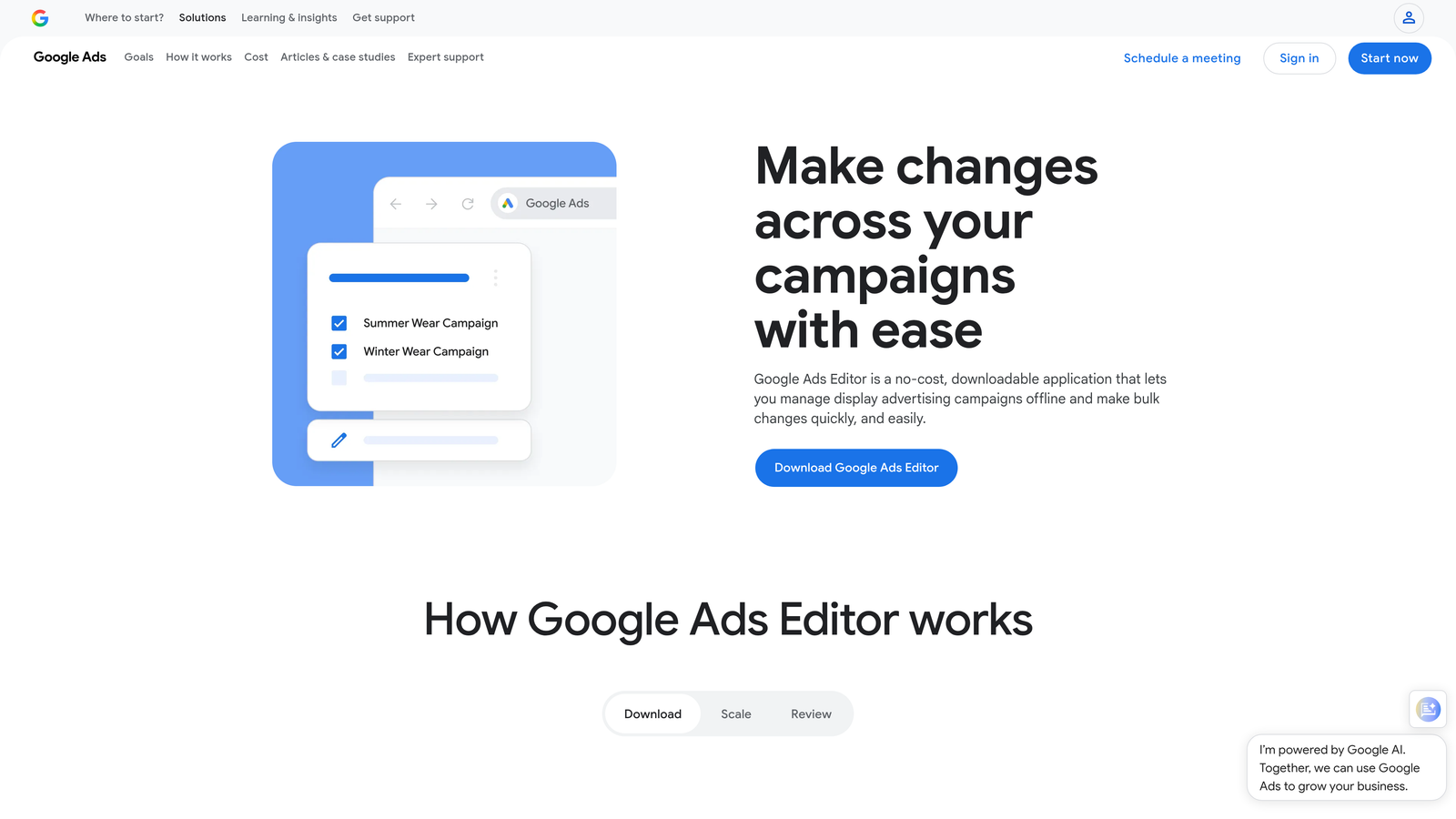
Google Ads Editor is Google's free desktop application for making large-scale changes to campaigns without working inside the live interface.
Where This Tool Shines
If you're restructuring a campaign, duplicating ad groups across multiple campaigns, or running a find-and-replace across hundreds of ads, the Editor is genuinely fast. The offline workflow means you can stage all your changes, review them, and push them live in one go—which reduces the risk of accidentally publishing half-finished edits.
The mistake most agencies make is treating Google Ads Editor as their only optimization tool. It's excellent for structural changes but doesn't help you with search term analysis, automation, or competitive research. Think of it as a power tool for bulk edits, not a full management solution.
Key Features
Bulk campaign editing offline: Make large-scale changes without touching the live account until you're ready.
Copy and paste campaigns and ad groups: Duplicate entire structures in seconds.
Find and replace across the account: Update URLs, ad copy, or labels at scale.
Supports all major campaign types: Search, Display, Shopping, Performance Max, and more.
Completely free: No subscription, no usage tiers.
Best For
Any Google Ads advertiser who regularly makes bulk changes—especially useful for agencies onboarding new clients or restructuring legacy accounts. Pairs well with Keywordme for a lean, low-cost optimization stack.
Pricing
Free. No cost to download or use.
3. Optmyzr
Best for: Agencies and in-house teams needing automation, reporting, and multi-channel PPC management.
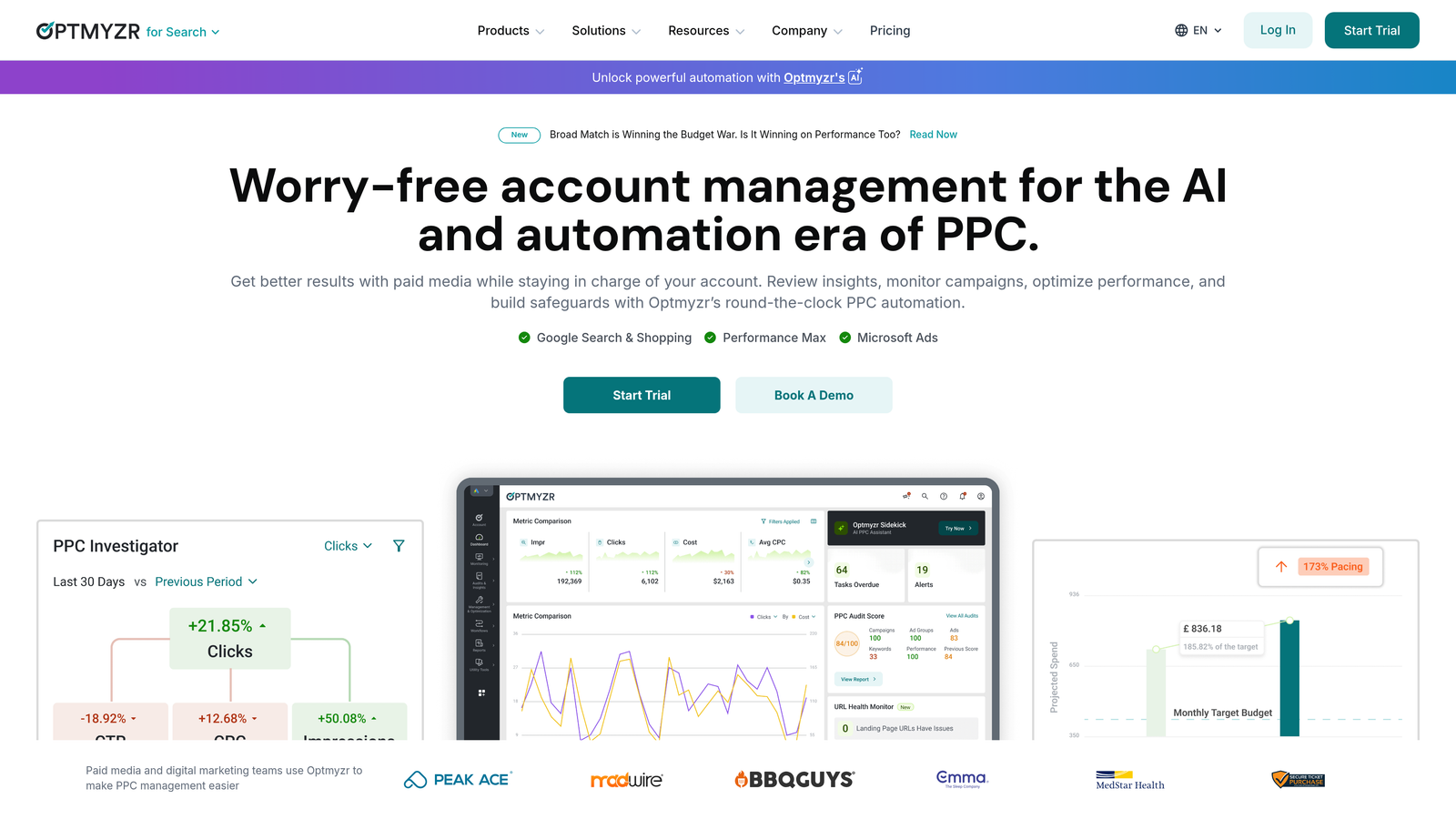
Optmyzr is a PPC automation and reporting platform covering Google Ads, Microsoft Ads, Amazon Ads, and Facebook Ads with rule-based automations and one-click optimization suggestions.
Where This Tool Shines
Optmyzr's strength is in its automation layer. You can build rule-based scripts without needing to write code, set up budget pacing alerts, and generate client-ready reports without manually pulling data from multiple platforms. For agencies managing 10+ accounts, that kind of operational leverage matters.
The one-click optimization suggestions are genuinely useful for account managers who want a structured way to work through recommendations without building their own auditing process from scratch. It's not a replacement for strategic thinking, but it's a solid workflow scaffold.
Key Features
Rule-based automation and scripts: Build automations without writing code from scratch.
One-click optimization suggestions: Actionable recommendations surfaced directly in the platform.
Multi-channel support: Covers Google, Microsoft, Amazon, and Facebook Ads in one interface.
Agency-friendly reporting and client dashboards: White-label reports and scheduled delivery.
Bid management and budget pacing tools: Keep campaigns on track without constant manual monitoring.
Best For
Mid-size to large agencies and in-house PPC teams managing multiple accounts across channels. Best suited to teams where reporting and automation overhead is a real time drain.
Pricing
Starts at $208/month billed annually. Pricing is tiered based on total ad spend managed across accounts.
4. WordStream Advisor
Best for: Small businesses and beginners who want guided PPC management with weekly action items.
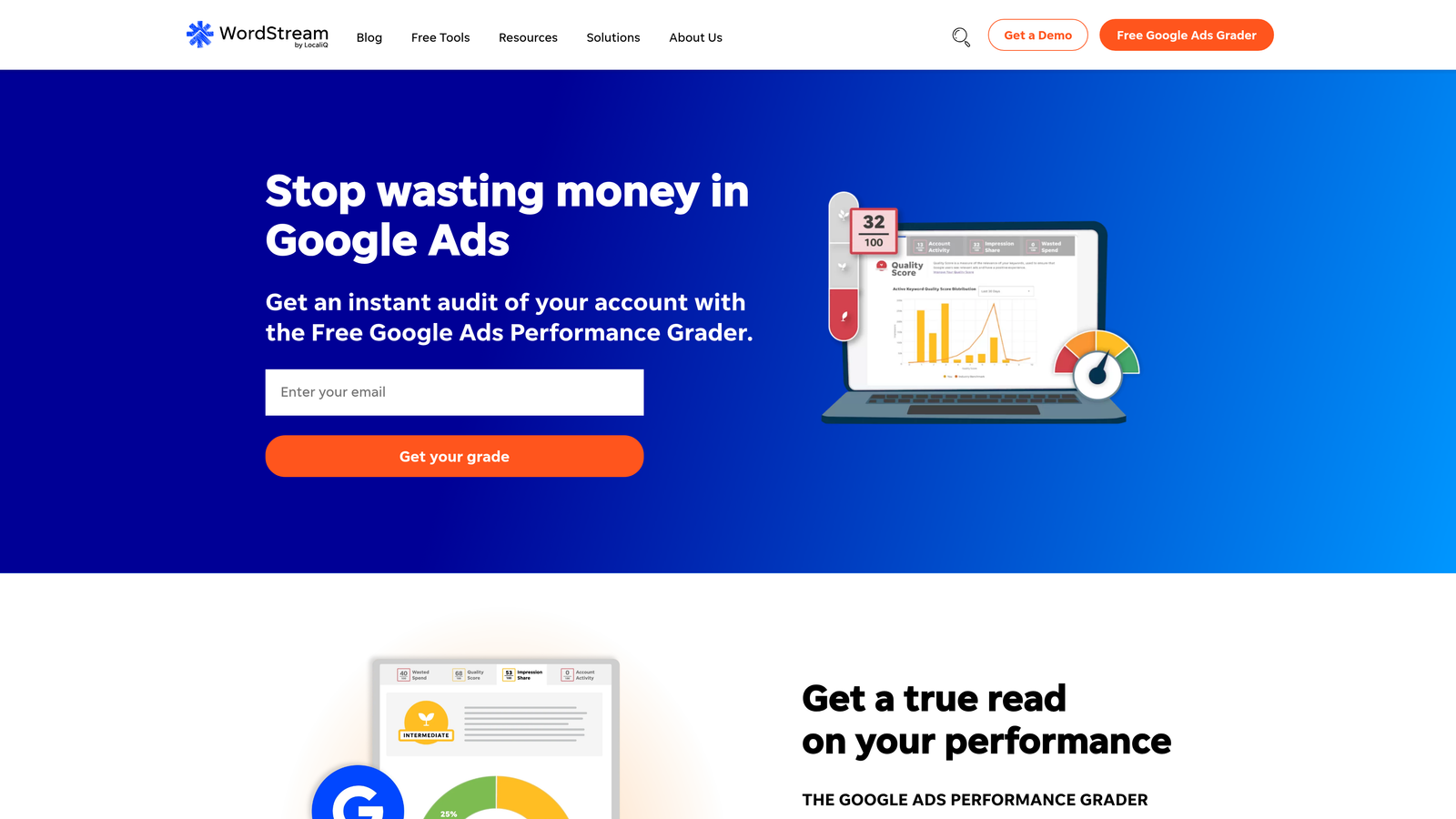
WordStream Advisor is a guided PPC management tool built around simplifying Google and Facebook Ads management for non-experts and small business owners.
Where This Tool Shines
WordStream's "20-minute work week" concept was built around giving small business owners a structured checklist of recommended actions each week. If you're not a full-time PPC manager and want a tool that tells you what to do rather than requiring you to know what to look for, the guided workflow is genuinely accessible.
That said, experienced PPC managers often find WordStream limiting. The abstraction that makes it beginner-friendly can feel constraining once you know what you're doing. It's a starting point, not a scaling platform.
Key Features
Weekly PPC action items and alerts: Prioritized recommendations delivered each week.
Keyword research and suggestion tools: Built-in keyword discovery within the platform.
Performance grader reports: Free account health scoring against benchmarks.
Cross-platform support: Covers both Google Ads and Facebook Ads.
Simplified interface for non-experts: Designed to reduce the learning curve for new advertisers.
Best For
Small business owners managing their own ads without a dedicated PPC background. Less suited to experienced managers or agencies looking for granular control.
Pricing
Custom pricing based on ad spend. Contact WordStream directly for a quote.
5. SEMrush Advertising Toolkit
Best for: Competitive PPC research, keyword discovery, and ad intelligence bundled with SEO tools.
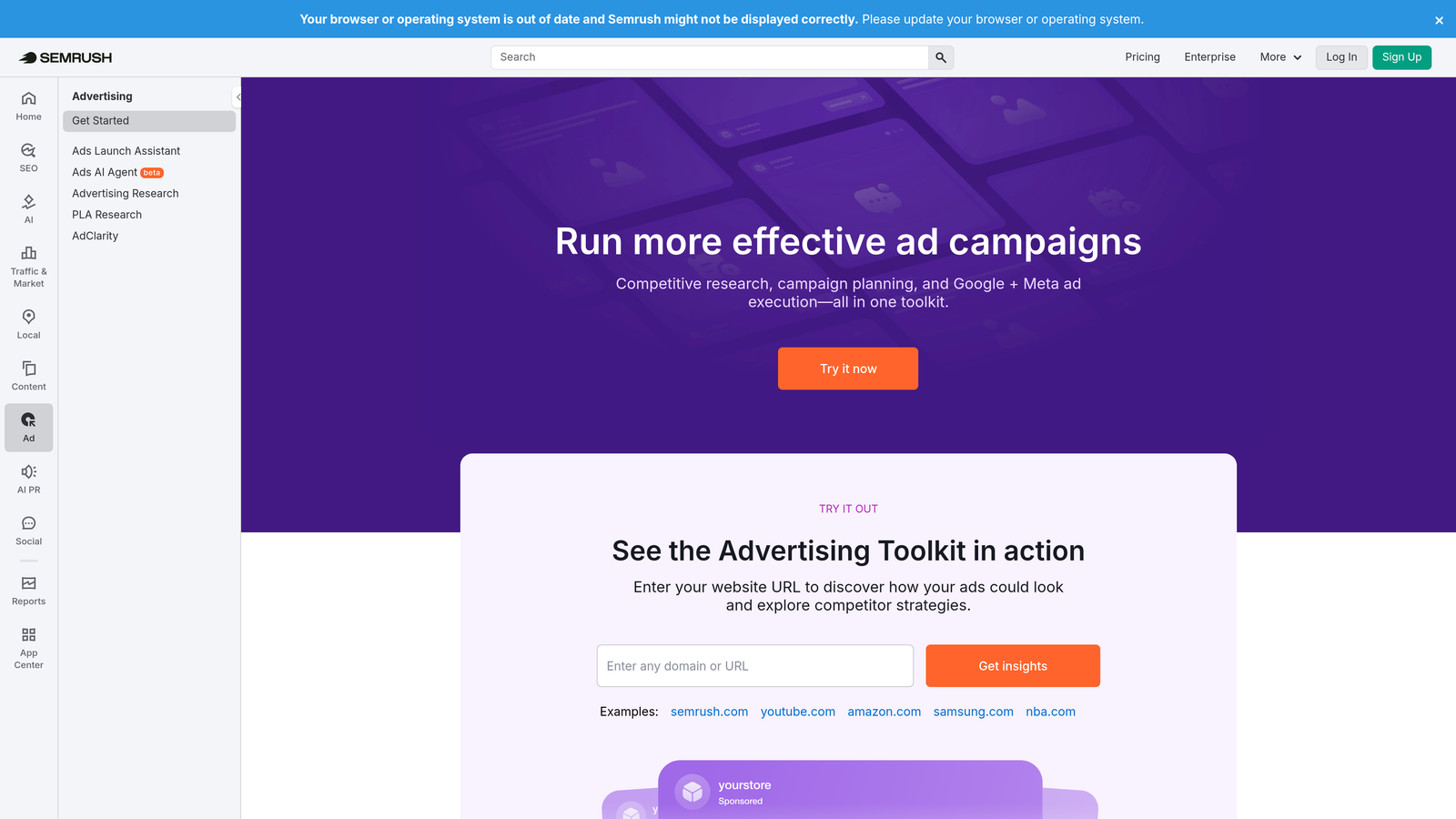
SEMrush's Advertising Toolkit is the PPC research and competitive intelligence layer within the broader SEMrush platform, covering keyword discovery, competitor ad analysis, and CPC data.
Where This Tool Shines
What usually happens here is that PPC managers use SEMrush as a research tool before launching campaigns or auditing competitor strategies. The competitor ad copy and keyword history features are particularly useful when you're entering a new vertical or trying to understand why a competitor is outranking you on specific terms.
It's worth being clear: SEMrush is not a campaign management tool. You can't make changes to your Google Ads account from within SEMrush. It's an intelligence layer—powerful for research and strategy, but you'll still need a separate tool for execution.
Key Features
Competitor ad copy and keyword research: See what your competitors are bidding on and what their ads look like.
CPC and traffic volume estimates: Benchmark keyword costs before committing budget.
Ad history tracking for competitors: Review how competitor campaigns have evolved over time.
Keyword gap analysis: Identify terms competitors are targeting that you're missing.
Bundled with SEMrush SEO tools: Strong value if you're already using SEMrush for organic search.
Best For
Marketers who need both SEO and PPC research in one platform, and agencies doing competitive analysis as part of new client onboarding or ongoing strategy work.
Pricing
Starts at $139.95/month on the Pro plan. The Advertising Toolkit is included across all subscription tiers.
6. SpyFu
Best for: Affordable competitive PPC intelligence for freelancers and small agencies.
SpyFu is a competitive intelligence tool focused on PPC keyword research, competitor ad history, and keyword gap analysis for Google and Microsoft Ads.

Where This Tool Shines
SpyFu's pricing makes it accessible for freelancers and smaller agencies that can't justify SEMrush's subscription cost just for PPC research. The competitor keyword overlap and ad history features are genuinely useful for building a keyword strategy from scratch or identifying gaps in an existing account.
It's also a solid tool for agency new business pitches. Pulling a prospect's competitor landscape before a sales call takes minutes and adds real credibility to your recommendations. The data depth isn't always as granular as SEMrush, but for most use cases it's more than sufficient.
Key Features
Competitor PPC keyword and ad history: See what keywords competitors have been bidding on and for how long.
Keyword overlap and gap analysis: Identify missed opportunities relative to competitors.
SERP ranking history: Track how positions have shifted over time for any domain.
Affordable pricing: Accessible entry point for freelancers and small agencies.
Google and Microsoft Ads data: Coverage across both major search platforms.
Best For
Freelancers, small agencies, and solo advertisers who need competitive intelligence without paying enterprise-level subscription fees. Also useful for pre-pitch research.
Pricing
Starts at $39/month on the Basic plan. Higher tiers unlock additional data exports and features.
7. Adalysis
Best for: Data-driven PPC managers who prioritize ad testing automation and account health monitoring.
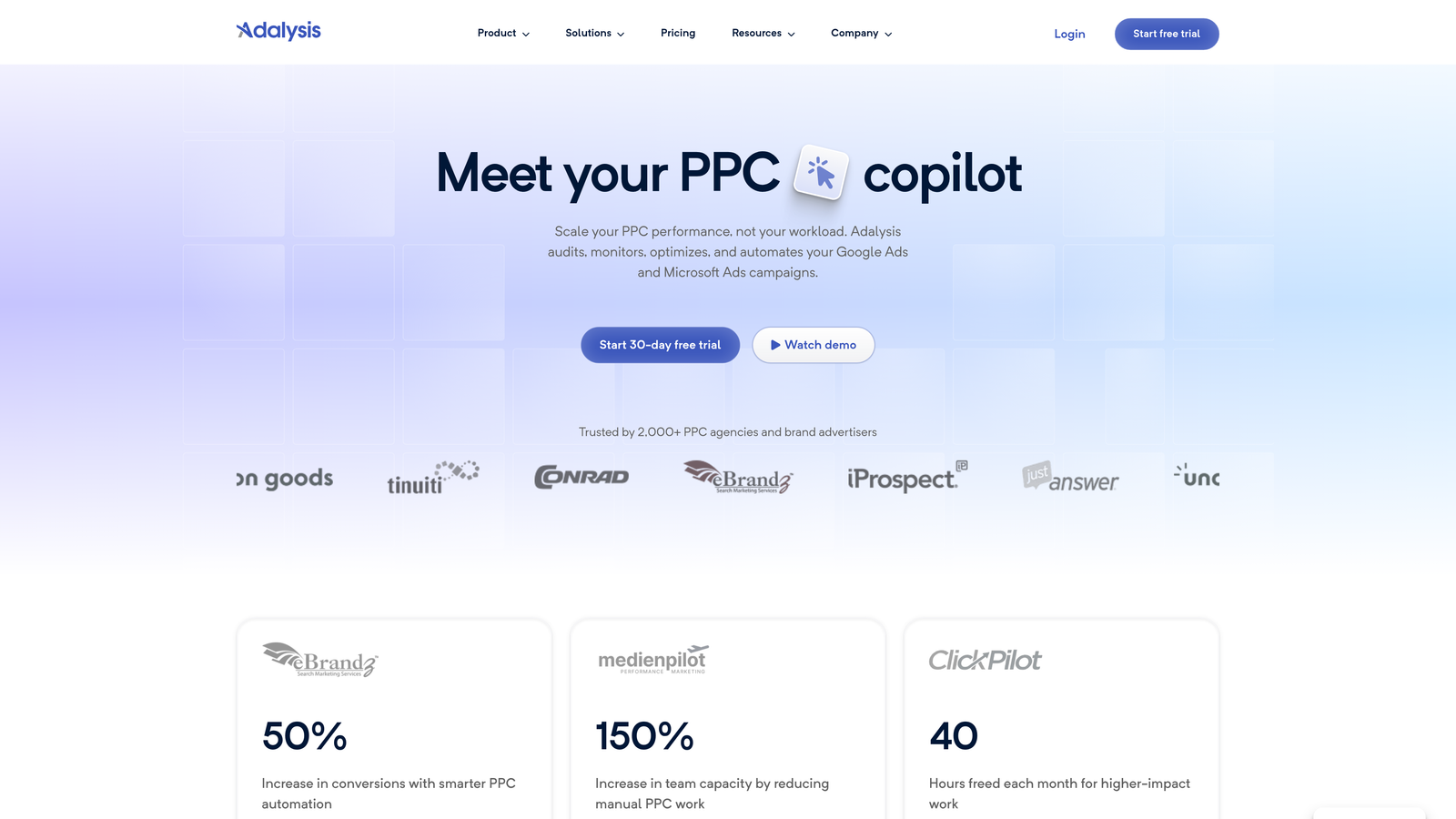
Adalysis is a PPC management tool specializing in automated A/B ad testing, quality score monitoring, and campaign health alerts for Google and Microsoft Ads.
Where This Tool Shines
Most agencies I've worked with either don't run structured ad tests at all, or they run them manually in ways that are hard to track consistently. Adalysis builds a proper testing framework into your workflow—automatically pausing losing ads, flagging statistical significance, and keeping a log of what's been tested and when.
The quality score tracking is also underrated. Quality score issues compound over time and are easy to miss in a busy account. Having automated alerts surface problems before they become expensive is the kind of proactive monitoring that makes a real difference in account performance.
Key Features
Automated A/B ad testing framework: Structured testing with automatic winner selection based on statistical thresholds.
Quality score tracking and alerts: Monitor quality score trends and get notified when issues appear.
Campaign audit and health checks: Systematic account reviews surfaced automatically.
Pause and enable rules based on performance: Automate routine optimization decisions.
Supports Google and Microsoft Ads: Works across both major search platforms.
Best For
PPC managers and agencies who run large volumes of ads and need a systematic approach to testing and quality monitoring. Particularly strong for accounts with active creative testing programs.
Pricing
Starts at $99/month. Pricing is based on the number of accounts managed.
8. Microsoft Advertising Editor
Best for: Advertisers expanding to Microsoft Ads who want bulk editing and Google Ads import functionality.
Microsoft Advertising Editor is Microsoft's free desktop tool for bulk offline editing of Microsoft Ads campaigns, with built-in Google Ads import capability.
Where This Tool Shines
The Google Ads import feature is the standout here. If you're already running campaigns on Google and want to extend them to Microsoft's search network (Bing, Yahoo, DuckDuckGo), you can import your existing campaign structure directly rather than rebuilding from scratch. That alone saves hours of setup time.
Like Google Ads Editor, this is a bulk editing tool rather than an optimization platform. It doesn't surface recommendations or automate bid changes. But if you're managing Microsoft Ads at any meaningful scale, the offline editing workflow is significantly faster than working inside the web interface.
Key Features
Bulk offline campaign editing: Stage and review changes before pushing live.
Google Ads campaign import: Bring existing Google Ads structures into Microsoft Ads with minimal rework.
Find and replace across accounts: Update ad copy, URLs, or targeting settings at scale.
Supports all Microsoft Ads campaign types: Search, Shopping, Audience, and more.
Completely free: No subscription or usage fees.
Best For
Any advertiser running Microsoft Ads, especially those expanding from Google Ads who want to import existing campaigns quickly. A natural complement to Google Ads Editor if you're managing both platforms.
Pricing
Free. Available as a desktop download from Microsoft.
9. Skai (formerly Kenshoo)
Best for: Enterprise advertisers and large agencies managing omnichannel campaigns with complex attribution needs.
Skai is an enterprise omnichannel advertising platform with AI-driven budget optimization, cross-channel campaign management, and advanced attribution modeling.
Where This Tool Shines
Skai operates at a different level than most tools on this list. If you're managing significant ad spend across search, social, and retail media simultaneously, and you need attribution modeling that accounts for cross-channel interactions, Skai is built for that complexity. The AI-driven budget allocation across channels is particularly useful for large brand advertisers trying to optimize spend across a fragmented media mix.
The honest caveat: Skai is enterprise software with enterprise pricing and enterprise complexity. It's not the right tool for a freelancer or a small agency. But for large agencies or brand advertisers with the team and budget to support it, the forecasting, scenario planning, and reporting capabilities are genuinely powerful.
Key Features
AI-driven budget allocation across channels: Automated optimization of spend distribution based on performance signals.
Omnichannel campaign management: Unified management of search, social, and retail media.
Advanced attribution modeling: Cross-channel attribution that goes beyond last-click.
Forecasting and scenario planning: Model budget scenarios before committing to changes.
Enterprise-grade reporting and integrations: Deep data connectivity and custom reporting infrastructure.
Best For
Large agencies and enterprise brand advertisers managing substantial budgets across multiple channels who need sophisticated attribution and unified campaign management. Not suited for small teams or single-channel advertisers.
Pricing
Custom enterprise pricing. Contact Skai directly for a quote.
Which PPC Management Tool Is Right for You?
Here's how to cut through the options based on your actual situation.
If you're a solo advertiser or freelancer running Google Ads, Keywordme gives you the most bang for your buck at $12/month. It works right inside the interface you're already using, and the time you save on search term cleanup pays for itself quickly. Pair it with Google Ads Editor for bulk structural changes and you've got a lean, capable stack for under $15/month.
If you're an agency managing 10 or more accounts and reporting overhead is eating your team's time, Optmyzr or Adalysis are worth the higher price. Optmyzr wins on multi-channel breadth and automation; Adalysis wins on ad testing rigor and quality score monitoring. Your choice depends on whether your bottleneck is reporting or creative testing.
If competitive research is the priority, SpyFu is the affordable entry point and SEMrush's Advertising Toolkit is the more comprehensive option if you're already using SEMrush for SEO. Neither replaces a campaign management tool, but both add real strategic value to your workflow.
For enterprise teams managing cross-channel budgets at scale, Skai is in a category of its own. Just make sure your team size and ad spend justify the investment before committing to a custom contract.
The biggest mistake advertisers make when buying a PPC management tool is over-buying. You don't need an enterprise platform if you're managing three accounts. Start with what solves your actual bottleneck, whether that's wasted spend, slow keyword workflows, or messy reporting, and scale from there.
If reducing wasted spend and cleaning up your Search Terms Report is the priority right now, Start your free 7-day trial of Keywordme and see how much faster your optimization workflow gets. Then it's just $12/month to keep going.
.svg)