
9 Best PPC Management Software Tools to Buy in 2026
Before you buy PPC management software, it helps to match a tool to your real bottleneck, whether that is search term review, account audits, rule automation, or reporting. This guide compares nine Google Ads-focused tools by fit, pricing transparency, and usefulness for freelancers and agencies, with prices as of November 2026.


You're about to pay for PPC management software, and the category is messier than it looks. Some tools clean up search terms, some audit accounts, some automate rules, and some only research competitors or pipe data into dashboards. The first job is matching a tool to the bottleneck you actually have. This list is built for marketers, freelancers, and agency owners running Google Ads-led work. Tools were picked for fit with Google Ads, how transparent the buying terms are, usefulness for solo and agency setups, and how clearly each one differs from the rest. Prices change often, so everything below is as of November 2026, and you should confirm on each vendor's site before buying.
Quick Comparison of the Tools
- Keywordme: freelancers and agency teams who spend hours on search term review; $12/month per user; works inside the native Google Ads Search Terms Report, with no spreadsheet or separate dashboard.
- Optmyzr: agencies wanting configurable rules across many accounts; pricing on website, tiered by managed ad spend; the deepest library of customizable rules and one-click optimizations here.
- Adalysis: teams that need ongoing audits and ad testing insight; tiered pricing on website; automated audit alerts that prioritize account issues.
- WordStream Advisor: small business owners running ads themselves; pricing on website, likely sales-led; recommendations written for non-specialists.
- Google Ads Editor: advertisers doing large bulk changes; free; the official first-party desktop app built for big structural edits.
- Semrush: marketers planning campaigns who also do SEO; subscription tiers on website; PPC competitor research and SEO data under one subscription.
- SpyFu: advertisers sizing up competitors before building campaigns; monthly plans on website; a historical view of competitors' bought keywords and ads.
- Supermetrics: agencies building their own client dashboards; tiered pricing on website; the widest connector coverage for custom reporting.
1. Keywordme
Keywordme is a Chrome extension that adds one-click actions to the Search Terms Report inside Google Ads. It's built for people who live in that report: freelancers, in-house marketers, and agency teams who review search terms every week and are tired of exporting them to a spreadsheet.
A quick vocabulary check, because the distinction drives the whole workflow. A keyword is what you bid on. A search term is what someone actually typed before seeing your ad. A negative keyword blocks searches you don't want, and a match type (broad, phrase, or exact) controls how closely a search has to match a keyword. Keywordme works on the gap between those: you see a search term, and you act on it right there.
What sets it apart on this list is where it works. There's no separate dashboard, no login to another platform, and no export-and-reimport loop. You stay in the native Google Ads interface and click.
- One-click negative keywords straight from the Search Terms Report, so junk queries stop costing you money faster.
- Add a search term as a keyword with a match type applied, which turns converting queries into targeted keywords without retyping.
- Keyword clustering to group related terms, which helps when you're building tighter ad groups.
- Bulk editing for handling many terms at once instead of one at a time.
- Multi-account and team support, so an agency can run the same workflow across clients.
Setup is light: install the extension and use it with your existing Google Ads access. Whoever already reviews search terms runs it day to day, and there's little to configure.
The limitation is scope. Keywordme focuses on search terms and keyword management in Google Ads. It isn't a bid, budget, or cross-channel reporting platform, so you won't get audits, automation rules, or client dashboards from it. Keywordme also describes itself as up to 10x faster for optimization, which is the company's own claim, so judge it on your own trial. You still review each term and decide what to add or block.
Pricing is $12/month per user with a 7-day free trial, per company materials. Cost scales with the number of users, not ad spend or accounts.
Best for: Freelancers and agency teams who spend hours on search term review.
2. Optmyzr
Optmyzr is a PPC optimization platform built around rule-based automations, bulk tools, and recommendations you can review before applying. It's designed for agencies and in-house teams managing a lot of accounts who want a systematic way to find and fix the same problems everywhere.

Its edge over the rest of this list is the depth of its rule library. Where other tools hand you a fixed set of suggestions, Optmyzr lets you define your own conditions and actions, then run them on a schedule or apply them with one click.
- One-click optimizations that apply a suggested fix without hand-editing each item.
- Customizable rules and automations, so you can encode your own account standards and stop repeating checks manually.
- Bulk editing tools for changes across campaigns and accounts.
- Client reporting templates to cut down the time spent assembling updates.
It covers Google Ads and Microsoft Advertising, and it supports other ad platforms too. Check the current platform list on the site, since coverage shifts. Setup takes real effort. You'll connect accounts, learn the rule logic, and decide which automations deserve your trust. Plan for someone on the team to own this, usually a senior PPC manager or an operations-minded lead, rather than treating it as install-and-forget.
That's also where the limitations sit. A solo advertiser with one or two small accounts will likely find it more than they need, and the setup time may not pay off. Automation also isn't automatically better. Rules that run unchecked can make poor decisions at scale, so reviewing what they do matters, especially early on.
Pricing is tiered by the ad spend you manage, so cost grows as your accounts grow. The starting price isn't something to quote from memory, so check the website for current plans and any trial before committing.
Best for: Agencies wanting configurable rules-based optimization across many accounts.
3. Adalysis
Adalysis is an account auditing and monitoring tool. It scans your Google Ads and Microsoft Advertising accounts, flags issues, and points out testing opportunities. The buyer is a team that wants a second set of eyes watching accounts continuously, not someone looking for a tool to push changes.
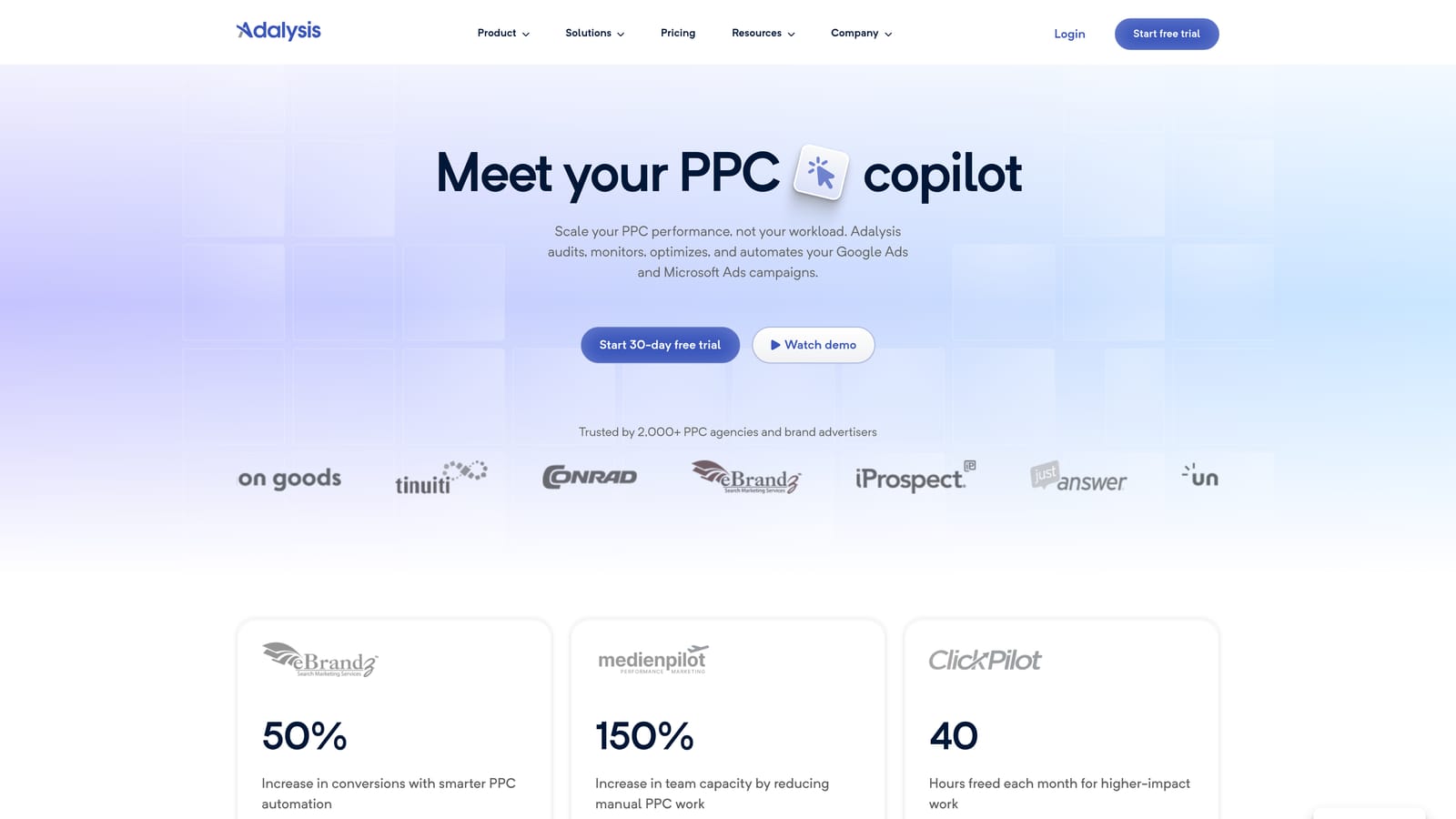
Its distinctive strength is the audit layer. Instead of leaving you to hunt for problems, it surfaces and prioritizes them with alerts, which suits agencies with many accounts where nobody has time to check everything by hand each week.
What you get
- Automated account audits that check for common problems and rank what to look at first.
- Ad testing analysis, so you can see which ad variations are performing and where to run the next test.
- Alerts and monitoring that tell you when something changes, rather than waiting for a monthly review to catch it.
- Multi-account views for seeing the state of every client at a glance.
Setup, limits, and cost
Setup means connecting your ad accounts and then working through what it finds. The day-to-day user is usually a PPC manager or account lead who treats the alert list as a to-do queue.
The main limitation is in the design. Adalysis diagnoses more than it edits, so you still make the changes yourself, either in Google Ads or with another tool. That's why it pairs naturally with an in-account editor. If you want a platform that applies fixes for you, or if your pain is the sheer manual labor of cleaning search terms, this won't solve it alone. It also won't cover social platforms or research.
Pricing is tiered. Check the website for current plan names, what each tier includes, and whether a trial is offered, since those details move.
Best for: Teams that need ongoing audits and ad testing insight.
4. WordStream Advisor
WordStream Advisor is guided PPC management software aimed at small-business advertisers. It's meant for the owner or generalist marketer who runs ads alongside everything else and doesn't have a PPC specialist to lean on.
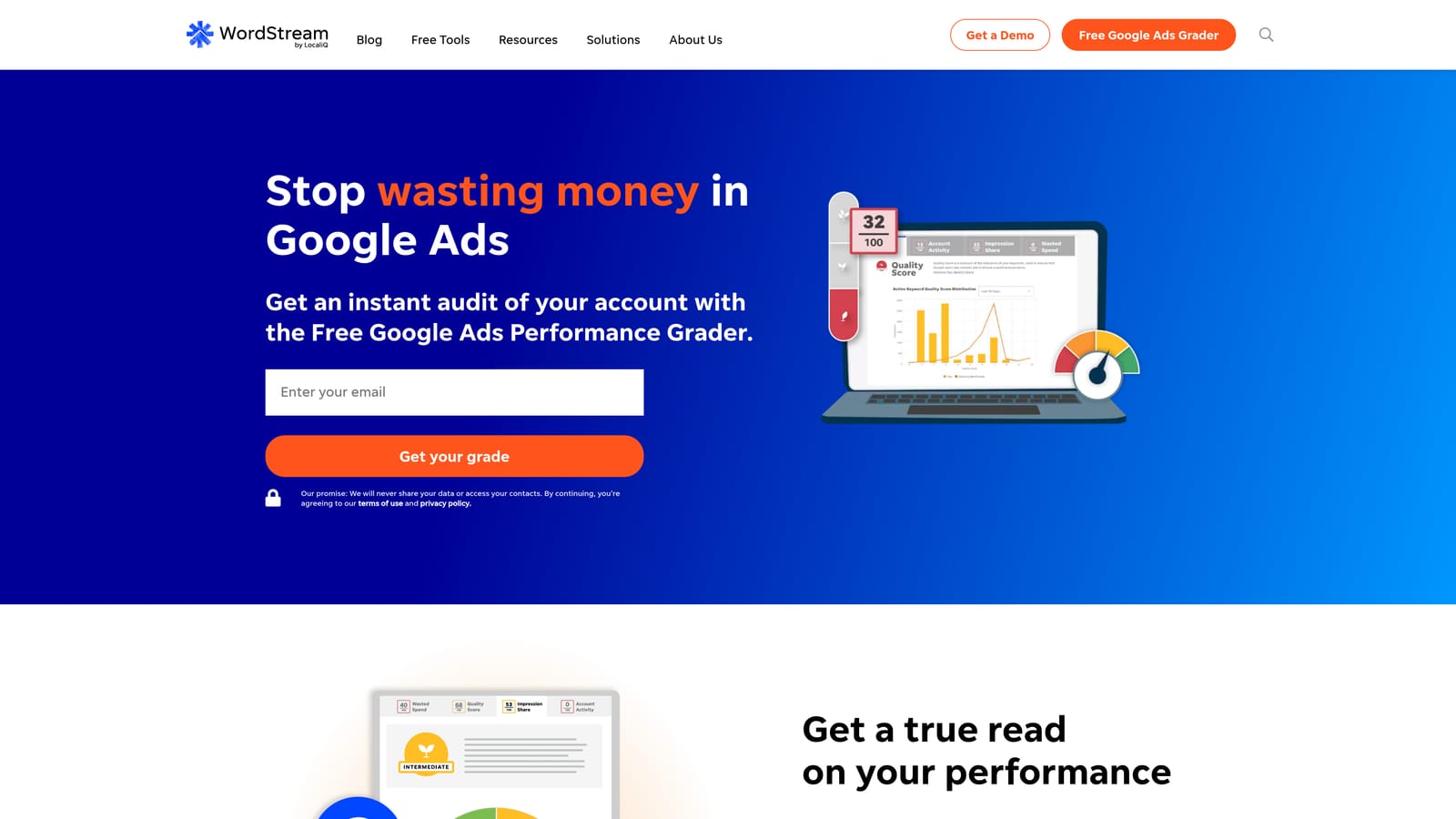
The distinctive part is the tone. Recommendations are written in plain language for non-specialists, so you get a clear next step rather than a dashboard full of metrics you need to interpret yourself.
- Plain-language recommendations that explain what to change and why, which is useful when you're learning as you go.
- Multi-platform management, which can cover more than Google Ads. Confirm the current list of supported platforms before you buy.
- Performance grading that gives you a quick read on how an account is doing.
- A guided workflow that walks you through improvements in a sensible order.
Integrations typically center on Google Ads, Microsoft Advertising, and Facebook Ads, but verify current coverage on the site. Setup is meant to be approachable, and the day-to-day user is often the business owner themselves.
The trade-off is control. Agencies and experienced PPC managers generally want more granular settings, custom rules, and bulk tooling than a guided product offers. There's also a packaging question: WordStream has been associated with LOCALiQ, and how the product is bundled and sold may have changed. Confirm what you're actually buying, and who you'd be dealing with, before you commit.
Pricing isn't published as a simple starting number here, and buying is likely sales-led. Expect a conversation and a quote, and compare what's included against simpler options on this list. Bundled all-in-one platforms aren't automatically cheaper than combining a couple of focused tools.
Best for: Small business owners running ads themselves.
5. Google Ads Editor
Google Ads Editor is Google's free desktop application for managing accounts in bulk. You download your account data, make changes offline, and post them back. It's aimed at anyone who has outgrown clicking through the web interface one campaign at a time.

What it does best against this list is large structural edits, and it costs nothing. Restructuring ad groups, rewriting many ads, or copying campaign elements between accounts is faster here than in the browser, and because it's first-party, there's no third-party vendor to evaluate.
- Bulk edits across campaigns, ad groups, keywords, and ads, so a change that would take hours happens in a few steps.
- Offline editing, so you can prepare changes without being tied to the live interface.
- Copy and paste across accounts, which helps agencies replicate a proven structure for a new client.
- A review step before posting, so you can check every change before it goes live.
It works with Google Ads only, and setup is a download and a sign-in. The person using it is typically whoever handles account builds and restructures, from a freelancer to an agency specialist.
The limits are clear. It gives you no recommendations, no audits, no alerts, and nothing across other channels. It's an editing surface, not an advisor, so you decide what to change and bring your own analysis. It also isn't built for the quick, repeated task of reviewing search terms and acting on them as you read. For that, an in-report tool is quicker, while Editor handles the heavier restructuring.
It's free, with no tiers or per-seat cost to track.
Best for: Advertisers doing large bulk changes who want a free baseline.
6. Semrush
Semrush is a broad marketing research suite, and its PPC tools sit alongside its SEO tools. It's for marketers who plan campaigns using competitive data and who also care about organic search.
The distinctive thing is the combination. You can look at what competitors are bidding on and how they write their ads, then cross-reference with SEO data, all under one subscription. If you'd otherwise pay for separate PPC and SEO research tools, that overlap is the appeal.
- PPC keyword research to find terms worth bidding on and gauge how competitive they are.
- Competitor ad copy research, so you can see how others pitch the same audience before you write your own.
- Keyword gap analysis to spot terms competitors target that you don't.
It may connect with Google Ads and Google Analytics, but verify which integrations are available on your plan. Setup is mostly a login and learning where the PPC tools live inside a large product. Day to day, it's used by whoever plans campaigns and does keyword research, often a strategist or an SEO and PPC generalist.
The key limitation is that it researches and plans. It does not manage live campaigns. You can't clean up search terms, apply negatives, or edit bids from inside it, so it's a poor fit if your bottleneck is account management. The size of the suite can also be a drawback: if you only want PPC research, you'll be paying for a lot you don't touch.
Pricing is subscription-based with tiers, and the amount depends on the plan and what's included. Check the website for current plan details as of November 2026.
Best for: Marketers planning campaigns who also do SEO.
7. SpyFu
SpyFu is a competitor research tool focused on keywords and ad history. It's for advertisers who want to see what rivals have been buying before they spend their own money.
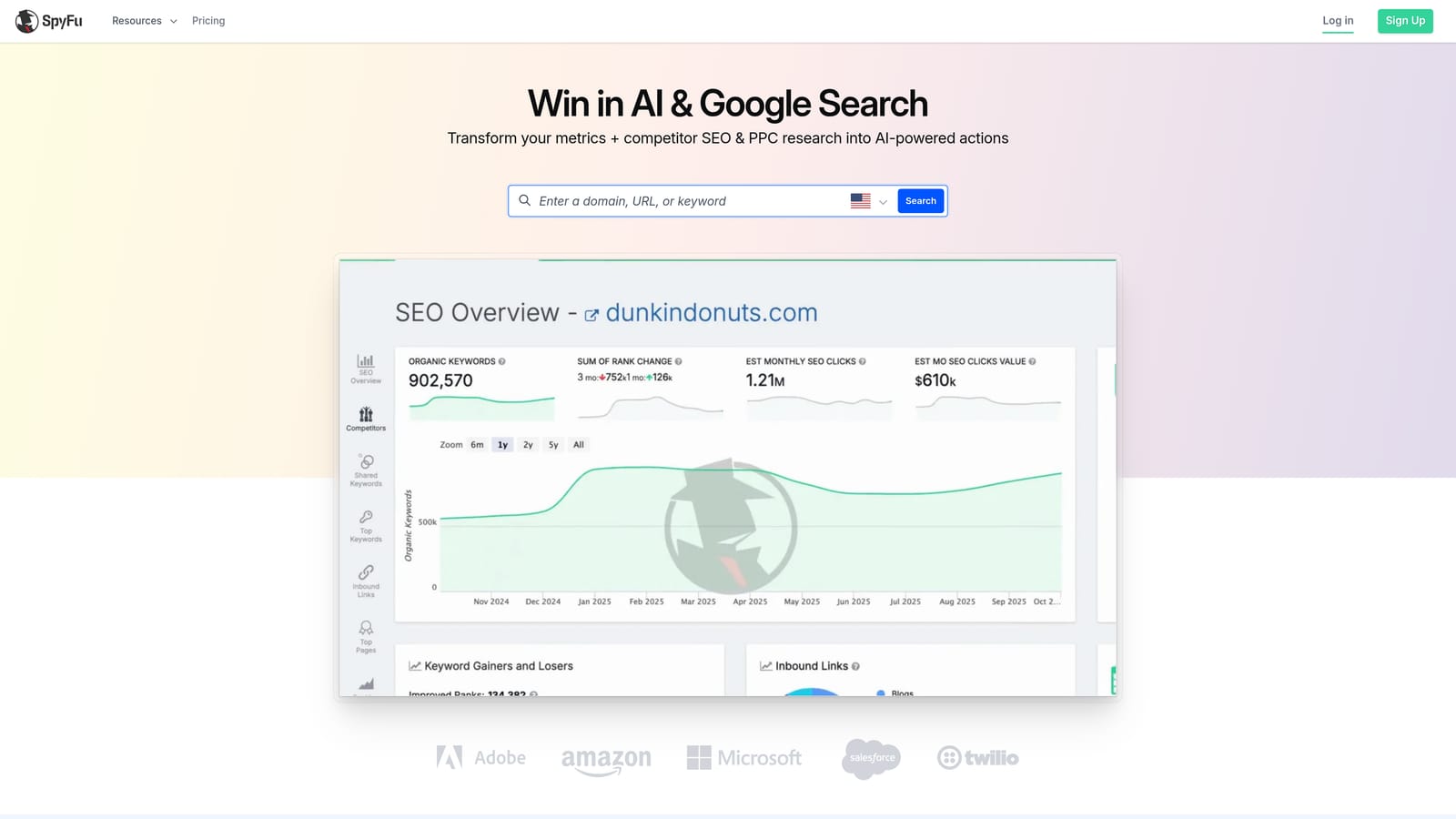
The standout is the historical angle. You can look at the keywords a competitor has bought and the ads they've run over time, which tells you what they've kept running and what they dropped. That's useful context when you're deciding where to start in a crowded market.
- Competitor PPC keyword lists that give you a starting point for your own keyword research.
- Ad history showing how competitors' messaging has changed, which hints at what has worked for them.
- Keyword research for building out lists around your own offer.
Integrations are limited, so verify what's currently supported. Setup is minimal since it's a research tool you log into and search. Typically one strategist or account manager uses it during campaign planning, not daily.
Know what you're getting. It's research only, and the data is estimated. Treat the numbers as directional, not exact, and don't expect them to match what you'd see in your own account. It can't edit campaigns, and it won't help with ongoing optimization once you're live. That makes it a poor sole purchase if your problem is wasted spend in existing campaigns.
Pricing is on monthly plans, and the amount depends on the tier. Check the site for current prices and plan limits. Because it's a monthly commitment, it's relatively easy to use for a planning phase and pause afterward, though confirm the current terms yourself.
Best for: Advertisers sizing up competitors before building campaigns.
8. Supermetrics
Supermetrics is a marketing data connector. It pulls Google Ads and other platform data into spreadsheets and dashboards so you can build your own reports. It's aimed at agencies and analysts who want custom client reporting instead of a fixed template.
What separates it from everything else here is breadth of connection. Its coverage of ad platforms and destinations is the widest on this list, so if your clients run ads across several channels and you want one consolidated view, this is the plumbing that makes it possible.
- Connectors for many ad platforms, so data from different channels lands in one place.
- Exports to Google Sheets, Looker Studio, Excel, and data warehouses, so you pick the tool your clients already use.
- Scheduled data refreshes, so reports stay current without manual pulls.
Setup is more involved than a plug-and-play tool. You connect your data sources, choose a destination, and build or adapt the report layout yourself. Someone comfortable with spreadsheets or Looker Studio usually runs it, often an analyst or an operations person at an agency, not the person tweaking bids.
It's reporting only. It performs no optimization actions: it won't add negatives, adjust bids, or recommend anything. If you buy it hoping it will improve campaigns, it won't, because it only shows you the numbers. It also adds a build-and-maintain burden, since you own the dashboards you create.
Pricing is tiered. What moves the cost depends on the plan, such as which connectors and destinations you need, so check the website for current tiers as of November 2026.
Best for: Agencies building their own client dashboards.
Matching a Tool to Your Bottleneck
Start with the job, then pick the tool. For search term cleanup and keyword building, Keywordme is the fastest way to act on what you see inside Google Ads, and at $12/month per user it's cheap to test. If you need rules-based automation across many accounts, Optmyzr is the deeper option. Adalysis fits teams that want ongoing audits and ad testing insight.
Small-business owners who want guidance will get more from WordStream Advisor. If you're sizing up the competition, Semrush and SpyFu handle research. Google Ads Editor is the free choice for large bulk edits, and Supermetrics is the answer for client reporting.
Two habits will save you money. Trial before buying, because workflow fit matters more than a feature list. And remember that research and reporting tools don't edit campaigns, so pair one with an in-account editing tool rather than expecting a single purchase to do everything.
Optimize Google Ads Campaigns 10X Faster. Without Leaving Your Account. Keywordme lets you remove junk search terms, build high-intent keyword lists, and apply match types instantly, right inside Google Ads. No spreadsheets, no switching tabs, just quick, seamless optimization. Start your free 7-day trial (then just $12/month) and take your Google Ads game to the next level.
