
9 Best Google Ads Management Tools to Buy in 2026
Discover the best Google Ads management tools to buy in 2026, with this roundup evaluating nine solutions—from lightweight Chrome extensions to enterprise platforms—based on ease of use, PPC features, pricing transparency, and team size fit. Whether you need search term cleanup, negative keyword management, bid automation, or multi-account reporting, this guide helps advertisers find the right tool to eliminate manual busywork and improve campaign performance.


TL;DR: Managing Google Ads manually is a grind. Whether you're scrubbing search terms at midnight or copy-pasting negative keywords into a spreadsheet for the fifth time this week, the right tool changes everything. This roundup covers the best Google Ads management tools you can buy in 2026, evaluated on ease of use, core PPC features, pricing transparency, and fit for different team sizes. From lightweight Chrome extensions to enterprise platforms, there's something here for every advertiser.
The tools below were selected based on publicly available feature documentation, pricing pages, and how well each one addresses the real pain points PPC managers deal with daily: search term cleanup, negative keyword management, bid automation, and multi-account reporting. No filler, no fluff. Let's get into it.
1. Keywordme
Best for: Fast, in-interface search term optimization without leaving Google Ads
Keywordme is a Chrome extension that plugs directly into your Google Ads Search Terms Report and lets you optimize campaigns without ever opening a spreadsheet or external dashboard.

Where This Tool Shines
Most Google Ads tools require you to export data, work in a separate interface, then import changes back. Keywordme skips all of that. You work directly inside Google Ads, which means less context-switching and a much faster optimization loop. In most accounts I audit, search term cleanup is one of the biggest time drains. Keywordme turns that into a series of quick clicks.
For agencies managing multiple clients, the multi-account and team support features make it easy to standardize workflows across the whole team. The keyword clustering feature is particularly useful when you're trying to build tightly themed ad groups quickly, without manually sorting through hundreds of terms.
Key Features
One-Click Search Term Removal: Eliminate junk search terms directly from the Search Terms Report without exporting to a spreadsheet.
Match Type Application: Apply exact, phrase, or broad match types to keywords instantly from within the native interface.
Keyword Clustering: Group related search terms into themed keyword lists without leaving Google Ads.
Negative Keyword List Building: Build and manage negative keyword lists in bulk, right where you're already working.
Multi-Account and Team Support: Manage multiple client accounts and collaborate with teammates under one subscription.
Best For
Freelancers and agency teams who spend significant time in the Search Terms Report and want to cut that time dramatically. Also a strong fit for in-house PPC managers who want a low-friction tool they can start using on day one without a steep learning curve.
Pricing
$12/month per user, with a 7-day free trial. One of the most affordable options in this list, especially for the time it saves on routine optimization tasks.
2. Optmyzr
Best for: Automation-heavy agencies managing large Google Ads budgets
Optmyzr is a comprehensive PPC management platform built around pre-built optimization recipes, custom rule builders, and strong support for Shopping and Performance Max campaigns.

Where This Tool Shines
Optmyzr is where agencies go when they've outgrown manual optimization and need rule-based automation at scale. The "recipes" system lets you build repeatable optimization workflows that can run across multiple accounts. What usually happens here is that agencies build a library of rules over time that essentially automate their standard account management playbook.
The Performance Max and Shopping campaign tools are a genuine differentiator. PMax is notoriously difficult to optimize with native tools alone, and Optmyzr gives you more visibility and control than you'd have otherwise.
Key Features
Pre-Built Optimization Recipes: Run one-click optimizations using pre-configured workflows for common PPC tasks.
Custom Rule Engine: Build automated bid and budget adjustment rules tailored to your account logic.
PMax and Shopping Tools: Dedicated optimization features for Performance Max and Shopping campaigns.
Multi-Account Dashboards: Manage and monitor client accounts from a centralized interface.
Reporting and Alerting Suite: Customizable reports and automated alerts for performance changes.
Best For
Mid-to-large agencies that need automation at scale, particularly those running Shopping or PMax campaigns. Less suited for solo advertisers or small accounts where the pricing may not justify the feature set.
Pricing
Starts around $249/month and scales with the total ad spend managed. Enterprise tiers can run significantly higher.
3. Adalysis
Best for: Ad testing, quality score tracking, and granular performance monitoring
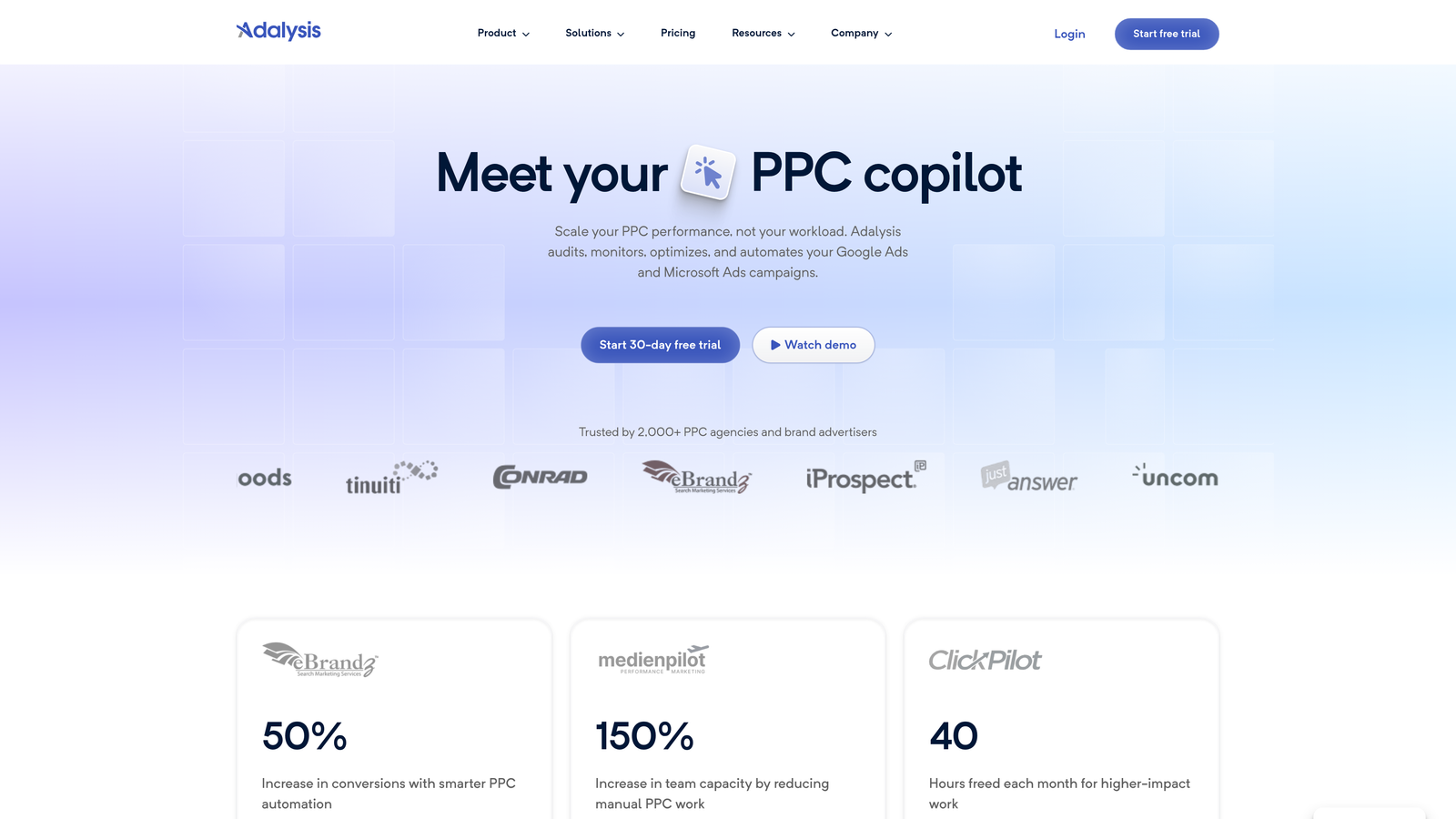
Adalysis is a Google Ads management tool built around automated ad testing, quality score visibility, and detailed account health monitoring.
Where This Tool Shines
The mistake most agencies make is treating ad testing as an afterthought. Adalysis puts statistical significance tracking front and center, so you're not making decisions based on data that hasn't reached a meaningful sample size. That alone saves a lot of bad optimization calls.
The negative keyword conflict detection is also genuinely useful. It flags situations where a negative keyword is inadvertently blocking a keyword you actually want to serve, which is a surprisingly common issue in mature accounts.
Key Features
Automated Ad Testing: Run structured ad tests with statistical significance tracking built in.
Quality Score Monitoring: Track quality scores historically to see how account changes affect performance over time.
Negative Keyword Conflict Detection: Automatically identify conflicts where negatives are blocking intended keywords.
Search Query Analysis: Surface search term insights and recommendations for keyword expansion or exclusion.
Custom Alerts and Audit Tools: Set up automated alerts for anomalies and run structured account audits.
Best For
PPC managers who want deeper visibility into ad testing and account health than Google Ads provides natively. Particularly useful for accounts with large keyword sets where conflicts and quality score issues are harder to spot manually.
Pricing
Starts around $149/month, tiered by ad spend managed.
4. WordStream (by LocaliQ)
Best for: Small businesses and less experienced advertisers managing Google and Meta ads
WordStream, now part of LocaliQ, is a guided PPC management platform designed to make cross-platform ad management accessible to advertisers who aren't full-time PPC specialists.

Where This Tool Shines
The "20-Minute Work Week" workflow is WordStream's signature feature, and it genuinely delivers on the promise for smaller accounts. It surfaces the most impactful optimization tasks and walks you through them in a structured way. For a small business owner who manages their own ads, this kind of guided experience removes a lot of the guesswork.
The cross-platform management (Google plus Meta) in a single interface is a practical advantage for businesses running campaigns on both platforms without a dedicated PPC team.
Key Features
20-Minute Work Week: A guided optimization workflow that prioritizes the highest-impact tasks for the week.
Cross-Platform Management: Manage Google Ads and Meta Ads from a single dashboard.
Performance Grading and Benchmarking: See how your account stacks up against industry benchmarks.
Landing Page Tools: Built-in landing page creation and conversion tracking support.
Beginner-Friendly Interface: Designed for advertisers who don't have deep PPC expertise.
Best For
Small business owners and marketing generalists who run their own ads and need a structured, guided experience. Less suited for experienced PPC managers who want granular control.
Pricing
Custom pricing; a free Google Ads performance grader is available on the website.
5. Opteo
Best for: Hands-off account monitoring with prioritized, one-click recommendations
Opteo is an always-on Google Ads monitoring tool that continuously analyzes your accounts and surfaces prioritized improvement suggestions you can approve with a single click.

Where This Tool Shines
Opteo works best as a safety net for accounts you can't watch constantly. It monitors for budget anomalies, performance drops, and optimization opportunities in the background, then queues up recommendations in priority order. For agencies managing a high volume of accounts, this kind of passive monitoring is hard to replicate manually.
The one-click implementation model is genuinely useful. You review the suggestion, see the supporting data, and approve or skip it. No exporting, no rebuilding logic in a separate tool.
Key Features
Continuous Account Monitoring: Always-on analysis that surfaces issues and opportunities as they emerge.
Prioritized Suggestions: Recommendations are ranked by expected impact so you work on what matters most first.
One-Click Implementation: Apply recommended changes directly from the Opteo interface.
Budget and Performance Alerts: Get notified when spend or performance deviates from expected patterns.
Multi-Account Dashboard: Agency-friendly view across all managed accounts.
Best For
Agencies and freelancers managing multiple accounts who want a reliable monitoring layer without building manual alert systems. Also useful for in-house teams that want a second set of eyes on their accounts.
Pricing
Starts at $129/month, scaling with total ad spend managed across accounts.
6. Google Ads Editor
Best for: Bulk editing campaigns offline, for free
Google Ads Editor is Google's free desktop application for making bulk edits to campaigns, ad groups, keywords, and ads without needing a live internet connection.

Where This Tool Shines
For bulk structural changes, nothing beats Ads Editor. Restructuring campaigns, duplicating ad groups across multiple campaigns, or running find-and-replace on ad copy across hundreds of ads: these are tasks where Ads Editor is still the fastest option available. And it's free, which makes it a baseline tool for virtually every serious Google Ads manager.
The offline editing workflow is underrated. You can make all your changes locally, review them carefully, and upload when you're confident everything is right. That review step catches a lot of mistakes that would otherwise go live immediately.
Key Features
Bulk Editing: Make changes across campaigns, ad groups, and keywords simultaneously.
Offline Editing: Work without an internet connection and upload changes when ready.
Find and Replace: Update text across account elements in seconds.
Import and Export: Move campaign structures in and out via CSV for additional flexibility.
Free: Built and maintained by Google at no cost.
Best For
Any Google Ads manager who needs to make bulk structural changes. It's a foundational tool that works alongside paid tools rather than replacing them. If you're not already using it, start today.
Pricing
Free. No subscription, no usage limits.
7. Semrush PPC Toolkit
Best for: Competitive PPC research combined with keyword planning and negative keyword management
Semrush's PPC Toolkit is a research and planning suite that combines competitor ad intelligence with keyword grouping tools and negative keyword cross-matching.

Where This Tool Shines
The competitive intelligence angle is where Semrush earns its place in a PPC workflow. You can see what keywords competitors are bidding on, review their ad copy history, and identify gaps in your own keyword strategy. For new campaign builds, this is genuinely useful research that would otherwise take hours of manual work.
If you're already using Semrush for SEO, the PPC toolkit is essentially a bonus. The keyword grouping and negative keyword cross-matching features help clean up campaign structure before you even launch, which is a smarter approach than cleaning up after the fact.
Key Features
Competitor Ad Intelligence: See the keywords and ad copy competitors are running in Google Ads.
PPC Keyword Research: Build keyword lists with CPC estimates and competition data.
Keyword Grouping: Organize keywords into themed groups for tighter campaign structure.
Negative Keyword Cross-Matching: Identify and resolve keyword conflicts before they cause wasted spend.
Ad History and Landing Page Analysis: Review competitor ad history and destination pages for creative inspiration.
Best For
Marketers who already use Semrush for SEO and want to extend it into paid search, or agencies that prioritize competitive research as part of their campaign build process.
Pricing
Included in Semrush plans starting at $139.95/month. Not a standalone PPC tool, so the value depends on whether you'd use the broader Semrush platform.
8. Marin Software
Best for: Enterprise advertisers managing paid media across Google, Meta, Amazon, and Bing
Marin Software is an enterprise-grade cross-channel paid media platform with advanced attribution modeling, machine learning bid optimization, and API-level integrations.
Where This Tool Shines
Marin operates at a level of complexity and scale that most mid-market tools can't match. The attribution modeling across channels is the core differentiator: if you're running significant budgets across Google, Meta, and Amazon simultaneously, understanding true cross-channel contribution is critical for budget allocation decisions. Native attribution in each platform is inherently biased toward that platform's own conversions.
The budget forecasting and pacing features are also enterprise-grade. For teams managing millions in monthly spend, automated pacing that prevents both overspend and underspend has real financial impact.
Key Features
Unified Cross-Channel Management: Manage Google, Bing, Meta, and Amazon campaigns from a single platform.
Machine Learning Bid Optimization: Automated bidding that optimizes across channels using cross-channel data signals.
Attribution Modeling: Custom attribution models that account for cross-channel touchpoints.
Budget Forecasting and Pacing: Automated spend pacing to keep campaigns on target throughout the month.
Enterprise Reporting and API Integrations: Deep reporting capabilities with API access for custom integrations.
Best For
Enterprise marketing teams and large agencies managing substantial cross-channel paid media budgets where unified attribution and automated pacing justify the investment.
Pricing
Custom enterprise pricing. Typically starts at $1,000+/month, making it a significant investment suited to large-scale operations.
9. Shape.io
Best for: Automated budget pacing and spend management across multiple ad platforms
Shape.io is a budget management and pacing tool that automates spend allocation across Google Ads, Meta, and Bing to prevent overspending or underspending against targets.
Where This Tool Shines
Budget pacing is one of those problems that sounds simple but causes real headaches at scale. When you're managing dozens of client accounts, manually checking spend pacing every day isn't realistic. Shape.io automates that monitoring layer and sends alerts when something is drifting off track. The mistake most agencies make is relying on Google's native budget tools alone, which don't account for cross-platform spend or monthly pacing nuances.
The client-level budget tracking is particularly useful for agencies billing on a managed spend model. You can see at a glance whether each client is on pace to hit their monthly targets, without logging into each account individually.
Key Features
Automated Budget Pacing: Allocates and adjusts spend automatically to stay on pace with monthly targets.
Real-Time Spend Alerts: Notifications when accounts are over- or under-pacing against budget.
Cross-Platform Budget Management: Manages budgets across Google, Meta, and Bing from one view.
Client-Level Budget Tracking: Agency-friendly view of budget status across all managed clients.
Platform Integrations: Connects directly with major ad platforms for real-time data.
Best For
Agencies managing multiple client accounts across platforms where manual budget monitoring isn't scalable. Also useful for in-house teams with strict monthly spend targets across multiple campaigns.
Pricing
Starts around $100/month, scaling with the number of accounts managed.
Which Tool Is Right for You?
There's no single "best" Google Ads management tool because the right choice depends entirely on your situation. Here's a quick breakdown by use case to help you decide.
If your biggest bottleneck is search term cleanup and you want to optimize faster without leaving Google Ads, Keywordme is the most direct solution. At $12/month with a 7-day free trial, it's also the lowest-friction entry point on this list. You can be up and running in minutes, and the time savings on search term management alone typically justify the cost within the first week.
If you're running an automation-heavy agency and need rule-based optimization at scale, Optmyzr is the established choice. If you want passive account monitoring with prioritized suggestions, Opteo delivers that well. For bulk structural edits on a zero budget, Google Ads Editor is non-negotiable and free.
Enterprise teams managing cross-channel budgets at scale should look seriously at Marin Software, while agencies struggling specifically with budget pacing across multiple clients will find Shape.io solves a real operational problem. And if competitive research drives your campaign strategy, Semrush's PPC Toolkit earns its place if you're already in the Semrush ecosystem.
Before committing to any paid tool, take advantage of free trials. Most of the tools above offer them, and hands-on testing in your own account will tell you more than any feature comparison table.
If search term optimization is eating your time right now, start your free 7-day trial of Keywordme and see how much faster your workflow gets when you're not bouncing between spreadsheets and Google Ads. After the trial, it's just $12/month per user: a straightforward cost for a tool that saves hours every week.
.svg)