
9 Best Bulk Keyword Management Software Tools for Google Ads in 2026
Bulk keyword management software eliminates the manual grind of organizing large keyword lists in Google Ads, and this roundup covers the 9 best tools for 2026—from lightweight Chrome extensions to full-scale PPC platforms—helping marketers, freelancers, and agencies handle bulk edits, negative keyword lists, and match type changes faster across multiple accounts.


TL;DR: Bulk keyword management software helps PPC managers add, remove, and organize large keyword lists without the spreadsheet chaos. This list covers the best tools for Google Ads users, from Chrome extensions that work inside the native UI to full-scale PPC platforms. Whether you're a freelancer managing a handful of accounts or an agency juggling dozens of clients, there's a tool here built for your workflow.
Managing keywords one by one is a genuine time sink. When you're dealing with hundreds of search terms, junk queries, match type changes, and negative keyword lists across multiple campaigns, you need software that handles bulk actions fast. The tools below were selected based on how well they handle bulk editing, workflow speed, Google Ads integration depth, and value for the people who actually do this work every day: marketers, freelancers, and agency owners.
1. Keywordme
Best for: Google Ads users who want bulk keyword actions without leaving the native interface
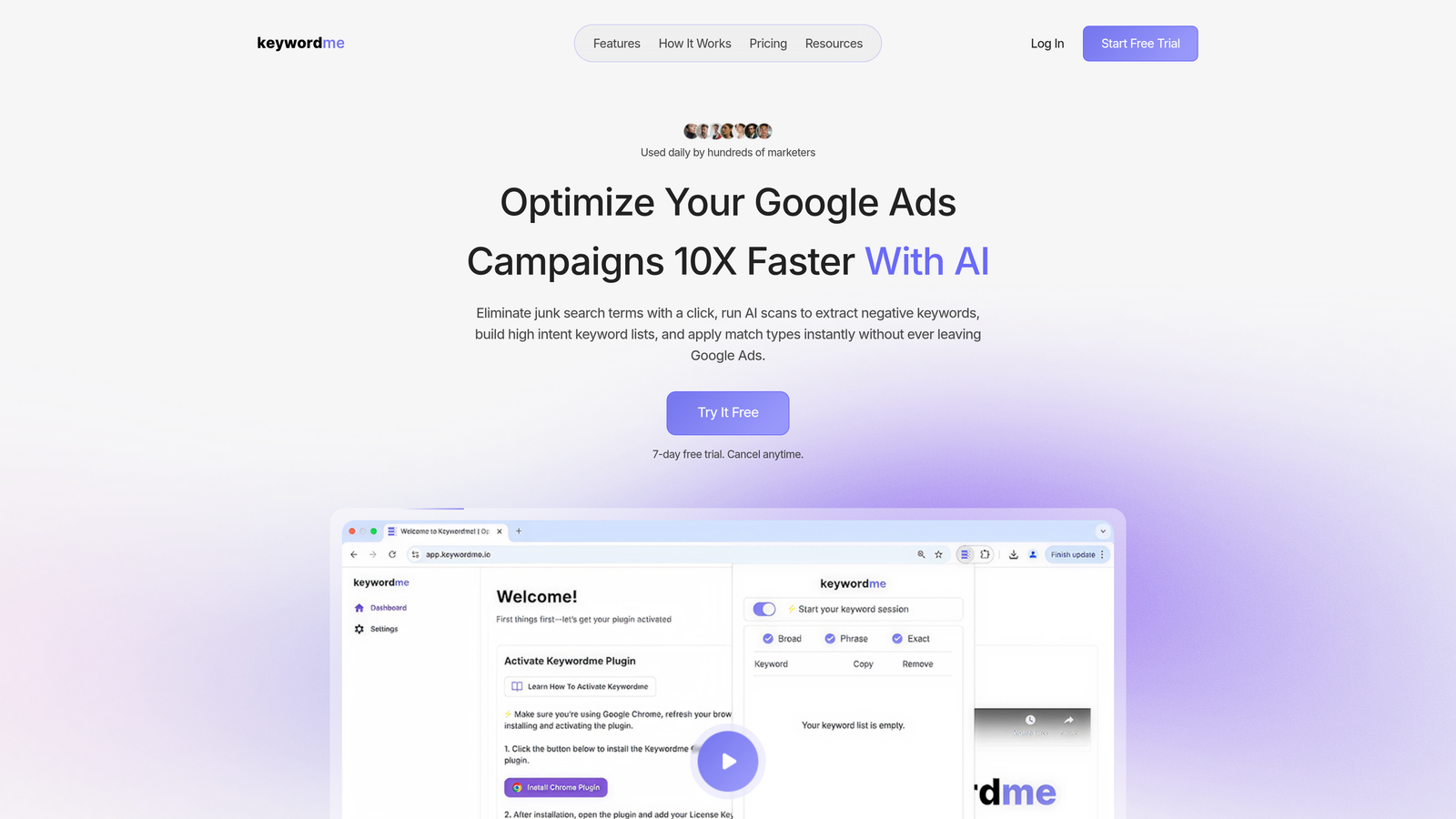
Keywordme is a Chrome extension that brings bulk keyword management directly into Google Ads' Search Terms Report, eliminating the export-edit-import cycle entirely.
Where This Tool Shines
Most bulk keyword tools require you to leave Google Ads, work in a separate dashboard or spreadsheet, then push changes back. Keywordme skips all of that. You stay inside the native Google Ads UI the whole time, clicking through your search terms and taking action in real time. For daily optimization work, this is a significant workflow difference.
In most accounts I audit, the search terms report is where the most impactful work happens: removing junk queries, harvesting high-intent terms, and locking down match types. Keywordme turns those actions from a multi-step process into single clicks. That's the core value proposition, and it's a real one.
Key Features
One-Click Negative Adding: Flag and add junk search terms as negatives directly from the Search Terms Report without exporting anything.
Bulk Match Type Application: Apply exact, phrase, or broad match types across multiple keywords simultaneously.
Keyword Clustering: Group high-intent terms quickly to organize them into relevant ad groups without manual sorting.
Multi-Account and Team Support: Built for agencies managing multiple clients, with team-level access controls.
Native UI Integration: Everything happens inside Google Ads itself. No external dashboard, no tab switching, no CSV files.
Best For
Freelancers and agency managers who spend significant time inside the Google Ads Search Terms Report every week. If you're doing regular optimization work and the export-import cycle is slowing you down, this is the most direct fix available.
Pricing
$12/month per user. A 7-day free trial is available. Flat-rate pricing makes it easy to budget for across a team.
2. Google Ads Editor
Best for: Bulk offline editing of Google Ads campaigns before pushing changes live
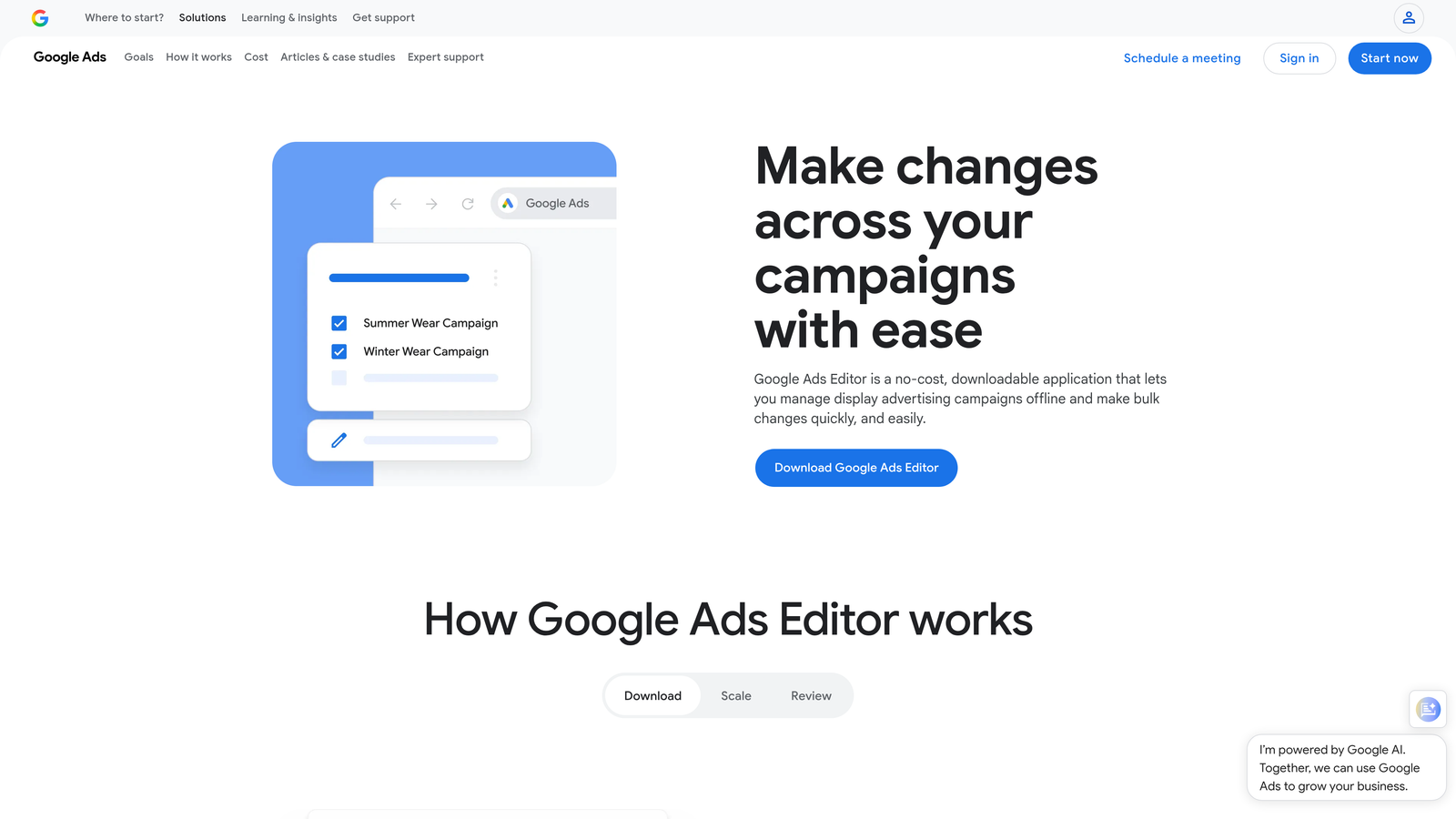
Google Ads Editor is Google's free official desktop application for making large-scale changes to campaigns without working inside the browser-based interface.
Where This Tool Shines
If you need to restructure a large account, upload thousands of keywords, or make sweeping match type changes across dozens of campaigns, Google Ads Editor is the go-to. It handles volume well and gives you a safety net: you can review everything offline before a single change goes live.
The find-and-replace function is genuinely useful for bulk keyword edits. Copy/paste across campaigns and ad groups also works cleanly. What it doesn't do is offer suggestions or real-time recommendations. It's a power tool for people who know exactly what they want to change.
Key Features
Bulk Keyword Upload and Deletion: Add, edit, or remove large keyword lists across multiple campaigns at once.
Offline Editing with Batch Push: Work without an internet connection and push all changes live when ready.
Find-and-Replace: Edit keyword text, match types, or bids across entire keyword lists in seconds.
Campaign Copy/Paste: Duplicate campaigns and ad groups with their keyword structures intact.
Free Access: Available to any Google Ads account holder at no cost.
Best For
PPC managers doing large-scale account builds, restructures, or bulk match type migrations. Also ideal for anyone who prefers working offline and reviewing changes before they go live.
Pricing
Free with any Google Ads account.
3. SEMrush Keyword Manager
Best for: Building and organizing large keyword lists with competitive research built in
SEMrush Keyword Manager is a list-building and tracking tool inside the SEMrush platform that combines keyword data with grouping and export functionality for Google Ads use.
Where This Tool Shines
SEMrush is primarily a research platform, and the Keyword Manager reflects that. Where it excels is in helping you build large, well-organized keyword lists before they go into Google Ads. The automatic clustering by topic is genuinely useful for structuring ad groups logically rather than dumping keywords into a flat list.
The competitive gap analysis built into the platform makes it easy to identify keywords competitors are targeting that you aren't. For account buildouts or expanding into new campaign territory, this is a strong starting point.
Key Features
Large List Management: Build and manage keyword lists with up to 1,000 keywords per list.
Automatic Clustering: Group keywords by topic automatically to speed up ad group structuring.
Performance Tracking: Monitor keyword metrics over time within the platform.
Google Ads Export: Export keyword lists in formats ready for direct Google Ads upload.
Keyword Gap Analysis: Identify high-value keywords competitors rank or bid on that you're missing.
Best For
Marketers who want research and list management in one place. Best suited for the planning and buildout phase of campaigns rather than day-to-day optimization inside Google Ads.
Pricing
Included with SEMrush plans. Verify current pricing at semrush.com before subscribing.
4. WordStream Advisor
Best for: Guided PPC workflows with built-in bulk keyword recommendations
WordStream Advisor is a guided PPC management platform that structures keyword actions into a repeatable weekly optimization workflow.

Where This Tool Shines
WordStream's value is in the structure it imposes on account management. The "20-minute work week" concept gives less experienced PPC managers a clear workflow for keyword actions, negative keyword management, and ad group recommendations without requiring deep platform expertise.
For agencies managing clients who don't have a dedicated PPC team, this guided approach can help maintain account hygiene consistently. The mistake most agencies make here is treating the guided workflow as a ceiling rather than a floor. It's a solid baseline, not a replacement for deeper optimization work.
Key Features
Automated Keyword Suggestions: Recommendations based on account performance data, surfaced in a weekly workflow.
Bulk Negative Keyword Management: Add and manage negative keywords across multiple campaigns from one interface.
Guided Workflow: Structured 20-minute weekly optimization process for keyword and ad actions.
Cross-Account Management: Manage keyword actions across multiple client accounts from a single dashboard.
Ad Group Recommendations: Keyword grouping suggestions to improve account structure over time.
Best For
Agencies with varied client expertise levels, or smaller advertisers who want a guided approach to keyword management rather than a blank-slate tool.
Pricing
Custom pricing. Contact WordStream directly for current rates at wordstream.com.
5. Optmyzr
Best for: Rule-based bulk keyword automation for agencies managing complex accounts
Optmyzr is a PPC automation platform with rule-based bulk keyword management, one-click optimizations, and scripting capabilities for advanced advertisers.

Where This Tool Shines
Optmyzr is built for PPC managers who want to automate the repetitive parts of keyword management without giving up control. The rule-based engine lets you define conditions, such as "if CPA exceeds threshold, pause this keyword," and apply them across campaigns at scale. For agencies managing dozens of accounts, this kind of automation is the difference between scaling and burning out.
The one-click optimization suggestions are backed by performance data, which makes them more actionable than generic recommendations. The PPC scripting tools are a bonus for teams with technical resources who want custom bulk keyword logic.
Key Features
Rule-Based Automation: Set conditions for bulk keyword bid changes, match type updates, and pausing based on performance thresholds.
One-Click Optimizations: Performance-based keyword recommendations that can be applied in a single click.
PPC Scripts: Build custom bulk keyword actions with Google Ads scripts managed inside the platform.
Keyword Harvesting: Pull high-performing search terms into keyword lists at scale across campaigns.
Multi-Account Dashboard: Manage keyword actions across all client accounts from one view.
Best For
Agencies and experienced in-house PPC managers running large accounts who want automation with guardrails, not full autopilot.
Pricing
Starts around $208/month. Verify current pricing at optmyzr.com.
6. Ahrefs Keywords Explorer
Best for: Building large, research-backed keyword lists before pushing them into Google Ads
Ahrefs Keywords Explorer is a research-first keyword tool with deep data for building well-organized keyword universes before campaign setup.
Where This Tool Shines
Ahrefs is the strongest pure research tool on this list. The keyword data depth, parent topic clustering, and SERP analysis give you a clear picture of search intent before you commit budget to a keyword. This matters more than most PPC managers acknowledge: bidding on terms without understanding intent is one of the fastest ways to waste spend.
The parent topic feature is particularly useful for avoiding keyword cannibalization across ad groups. If you're building out a new campaign from scratch or expanding into a new product category, starting with Ahrefs data gives you a more defensible keyword structure.
Key Features
Multi-Platform Keyword Data: Keyword metrics across Google, Bing, YouTube, and additional search engines.
Parent Topic Clustering: Group keywords by parent topic to avoid overlap and cannibalization across ad groups.
Traffic Potential Estimates: Understand realistic traffic potential before committing to a keyword strategy.
SERP Analysis: Review the actual search results for a keyword to validate intent before bidding.
Best For
PPC managers who want research-grade data to inform keyword list building. Not a live management tool, but excellent for the planning stage of any campaign.
Pricing
Included with Ahrefs plans. Verify current pricing at ahrefs.com.
7. SpyFu
Best for: Bulk exporting competitor Google Ads keyword history to accelerate list building
SpyFu is a competitive intelligence tool that surfaces competitors' Google Ads keyword history for bulk export and direct use in your own campaigns.

Where This Tool Shines
SpyFu's real value is in shortcutting the keyword discovery process. Instead of building keyword lists from scratch, you can see exactly what terms your competitors have been bidding on, for how long, and with what estimated results. This is especially useful when taking over a new account or entering a competitive vertical where you'd otherwise spend weeks on research.
What usually happens here is that advertisers find a handful of high-value keywords they'd missed entirely, plus a set of terms competitors have clearly abandoned, which is often just as useful. The historical data going back years adds context that current-only tools can't provide.
Key Features
Competitor Keyword Export: View and bulk export the Google Ads keyword lists of any competitor domain.
Historical PPC Data: Access competitor keyword history spanning multiple years.
Bulk Export for Google Ads: Download keyword lists in formats ready for direct campaign upload.
High-Value Keyword Identification: Surface terms competitors are actively bidding on with estimated spend data.
Grouping Recommendations: Keyword grouping suggestions based on competitive data patterns.
Best For
Advertisers doing competitive account buildouts, agencies onboarding new clients in competitive industries, and anyone who wants to validate their keyword strategy against real competitor data.
Pricing
Starts around $39/month. Verify current pricing at spyfu.com.
8. Adalysis
Best for: Automated keyword conflict detection and bulk match type management in large accounts
Adalysis is a Google Ads audit and management platform with automated keyword health monitoring and bulk management tools built for complex account structures.
Where This Tool Shines
Adalysis solves a problem that gets worse as accounts grow: keyword conflicts. Duplicate keywords, cannibalization across campaigns, and match type overlaps are easy to miss in large accounts and expensive when you don't catch them. Adalysis automates the detection of these issues and flags them before they compound.
The account-level keyword health scoring gives you a clear picture of where the structural problems are, rather than requiring you to audit manually. For agencies inheriting messy accounts from previous managers, this alone is worth the subscription.
Key Features
Conflict Detection: Automated flagging of duplicate and conflicting keywords across campaigns and ad groups.
Bulk Match Type Management: Apply match type changes at scale with performance impact analysis included.
Cannibalization Alerts: Identify where campaigns are competing against each other for the same search terms.
Search Term Harvesting: Pull high-performing search terms into keyword lists with negative keyword recommendations alongside.
Keyword Health Scoring: Account-level scoring that surfaces structural keyword issues without manual auditing.
Best For
Agencies managing large, complex accounts where keyword conflicts and structural issues are a recurring problem. Also strong for in-house teams inheriting accounts with years of accumulated keyword clutter.
Pricing
Pricing is based on account spend. Verify current rates at adalysis.com.
9. Microsoft Advertising Editor
Best for: Bulk editing Microsoft Ads campaigns offline, including Google Ads campaign imports
Microsoft Advertising Editor is Microsoft's free official desktop tool for bulk editing Bing and Microsoft Ads campaigns, with direct Google Ads campaign import support.
Where This Tool Shines
If you're running campaigns on both Google and Microsoft Ads, this tool removes a significant amount of duplication work. The Google Ads import feature lets you pull campaigns, ad groups, and keyword lists directly into Microsoft Advertising without rebuilding everything from scratch. For advertisers expanding to Bing, this is the obvious starting point.
The offline editing workflow mirrors Google Ads Editor closely, so if you're already comfortable with that tool, the learning curve here is minimal. It handles bulk keyword uploads, match type changes, and bid adjustments the same way.
Key Features
Bulk Keyword Editing: Upload, edit, and delete large keyword lists across Microsoft Ads campaigns.
Offline Editing with Batch Push: Work offline and push all changes live when ready, same as Google Ads Editor.
Google Ads Campaign Import: Import Google Ads campaigns with keyword structures intact into Microsoft Advertising.
Find-and-Replace: Edit keyword text, match types, and bids across lists in bulk.
Free Access: Available to any Microsoft Advertising account holder at no cost.
Best For
Advertisers running parallel campaigns on Google and Microsoft Ads who want a free, familiar bulk editing tool for the Bing side of their account management.
Pricing
Free with any Microsoft Advertising account.
Which Tool Is Right for Your Workflow
Here's the honest breakdown by use case, because the "best" tool depends entirely on where you actually work and what problem you're solving.
Daily Google Ads optimization inside the native UI: Keywordme is the fastest option. One-click actions from the Search Terms Report without leaving Google Ads is a genuine workflow advantage for anyone doing regular keyword management work.
Free offline bulk editing: Google Ads Editor is the obvious choice. It handles volume well and costs nothing. If you're doing large account restructures or batch match type changes, start here.
Competitive keyword research before building lists: SpyFu for competitor-first research, SEMrush Keyword Manager for broader research with clustering, and Ahrefs Keywords Explorer for the deepest keyword data available.
Agencies with complex multi-account structures: Optmyzr for rule-based automation at scale. Adalysis for accounts with keyword conflict and cannibalization problems that need systematic detection.
Microsoft Ads alongside Google Ads: Microsoft Advertising Editor is your free go-to, especially if you want to import Google campaigns directly.
The best bulk keyword management software is the one that fits where you actually work. Start with what matches your workflow, not what has the longest feature list. If you're spending meaningful time in the Google Ads Search Terms Report every week, Start your free 7-day trial of Keywordme and see how much faster that work gets when bulk actions are just a click away, right inside the interface you're already using.
.svg)