
8 Best Bulk Keyword Editors for Google Ads in 2026
Discover the 8 best bulk keyword editor Google Ads tools for 2026, from Chrome extensions like Keywordme to standalone platforms, each evaluated on ease of use, bulk editing capabilities, and real-world PPC workflow fit. Whether you're a freelancer or agency manager, these tools eliminate tedious one-by-one edits, letting you add, remove, and adjust match types at scale to save hours of campaign management time.


TL;DR: Managing Google Ads keywords one at a time is a productivity killer, especially when you're juggling multiple campaigns or client accounts. A solid bulk keyword editor for Google Ads lets you add, remove, change match types, and organize keywords at scale, saving hours of tedious clicking. This roundup covers the top tools that make bulk keyword editing faster and less painful, whether you're a freelancer running a handful of campaigns or an agency managing dozens of accounts. We evaluated each tool on ease of use, bulk editing capabilities, integration with Google Ads, pricing, and how well it fits into a real PPC workflow. Let's get into it.
1. Keywordme
Best for: Bulk keyword editing directly inside Google Ads without leaving the interface
Keywordme is a Chrome extension that brings bulk keyword editing into Google Ads' Search Terms Report, eliminating the need for spreadsheets or external dashboards entirely.

Where This Tool Shines
Most bulk editing tools force you to export data, manipulate it somewhere else, and re-import it. Keywordme skips all of that. You're working directly inside the Google Ads interface, which means zero context-switching and a dramatically faster optimization loop.
In most accounts I audit, the Search Terms Report is where the real money is won or lost. Keywordme turns that report into an action center: you can remove junk terms, add high-intent keywords, apply match types, and build negative keyword lists all with a few clicks. For agencies running multiple accounts, the multi-account and team support features make it genuinely scalable.
Key Features
One-Click Junk Term Removal: Eliminate irrelevant search terms from your campaigns instantly without exporting to a spreadsheet.
Bulk Keyword Adding with Match Type Application: Add keywords to ad groups and assign match types in a single workflow, right inside Google Ads.
Negative Keyword List Building: Build and manage negative keyword lists within the native Google Ads UI, no third-party app required.
Keyword Clustering and Bulk Editing: Group and organize keywords at scale to keep campaigns structured and tightly themed.
Multi-Account and Team Support: Designed for agencies managing multiple clients, with shared workflows across team members.
Best For
Keywordme is ideal for hands-on PPC managers, freelancers, and agency teams who live inside Google Ads daily. If you hate context-switching and want your bulk editing workflow to feel native rather than bolted-on, this is the tool built for that exact frustration.
Pricing
$12/month per user with a 7-day free trial. One of the most affordable options in this list, especially for solo advertisers and small agency teams.
2. Google Ads Editor
Best for: Free offline bulk editing with CSV import/export across large campaign structures
Google Ads Editor is Google's free desktop application for making bulk changes to campaigns offline and uploading them in batch.

Where This Tool Shines
If you're managing a large account with hundreds of keywords across dozens of ad groups, Google Ads Editor is the baseline tool every PPC manager should know. It's free, it's powerful, and it handles bulk operations that would take hours to do manually inside the web interface.
The find-and-replace function alone saves significant time when you need to update keyword language across an entire account. That said, the workflow requires downloading, editing offline, and re-uploading, which adds friction compared to in-interface tools. It's also not the most intuitive tool for beginners.
Key Features
Bulk Keyword Add, Edit, and Delete: Make changes across campaigns and ad groups simultaneously without touching the web interface.
Offline Editing with Batch Upload: Work without an internet connection and push all changes at once when you're ready.
CSV Import/Export: Pull keyword lists in and out of the editor using spreadsheet files for large-scale manipulation.
Find and Replace: Update keyword text, URLs, or match types across the entire account in seconds.
Copy and Move Keywords: Reorganize keywords between campaigns and ad groups without recreating them manually.
Best For
PPC managers handling large, complex accounts who need a free, reliable bulk editing tool. Also essential for anyone doing major account restructures or migrating keyword lists between campaigns.
Pricing
Free. No subscription, no limitations. Available for Mac and Windows directly from Google.
3. Optmyzr
Best for: Rule-based bulk keyword automation for agencies managing multiple accounts
Optmyzr is a PPC management platform built around automation, offering rule-based workflows and one-click bulk optimization tools for keyword management at scale.

Where This Tool Shines
What usually happens with Optmyzr is that you set up optimization rules once, and the platform surfaces bulk recommendations on a recurring basis. Instead of manually digging through search terms every week, Optmyzr flags what needs attention and lets you act on it in bulk with minimal effort.
The custom optimization playbooks are particularly useful for agencies that want to standardize their workflow across multiple client accounts. The tradeoff is price: Optmyzr is a premium tool that makes the most sense for teams managing significant ad spend.
Key Features
Rule-Based Bulk Keyword Optimizations: Set conditions and automatically surface keywords that need changes across all your accounts.
One-Click Keyword Bid Adjustments: Apply bid changes to large keyword sets without building manual scripts.
Automated Negative Keyword Suggestions: Get data-driven negative keyword recommendations based on search term performance.
Custom Optimization Playbooks: Build repeatable workflows for keyword audits, match type changes, and list management.
Multi-Account Management Dashboard: Manage keyword optimizations across all client accounts from a single view.
Best For
Mid-to-large PPC agencies and in-house teams with significant ad spend who want to automate repetitive keyword management tasks. Less suited for freelancers or small accounts where the cost doesn't justify the complexity.
Pricing
Starts around $249/month. A 14-day free trial is available. Pricing scales with the number of accounts and features used.
4. WordStream by LocaliQ
Best for: SMBs wanting guided bulk keyword optimization with minimal PPC expertise required
WordStream is a PPC management tool that surfaces bulk keyword recommendations through structured weekly workflows, designed to make optimization accessible for smaller advertisers.

Where This Tool Shines
WordStream's "20-Minute Work Week" is the core concept here: a guided workflow that tells you exactly what to optimize, including keyword changes, negative additions, and bid adjustments, and lets you apply them in bulk. For business owners or marketers who aren't deep PPC specialists, this structure removes a lot of guesswork.
The mistake most agencies make is recommending WordStream to sophisticated PPC managers who find the guided approach constraining. It works best for SMBs who want a managed-feeling experience without paying for a full agency.
Key Features
20-Minute Work Week Workflow: A structured weekly optimization checklist that surfaces bulk keyword actions in priority order.
Bulk Keyword and Negative Keyword Suggestions: Automated recommendations for adding or excluding keywords based on performance data.
Performance Alerts: Notifications for underperforming keywords that need immediate attention.
Cross-Platform Ad Management: Manage keyword changes across Google, Bing, and Facebook from one interface.
Best For
SMBs, local businesses, and marketers who are newer to PPC and want a tool that guides them through keyword optimization rather than requiring deep platform knowledge.
Pricing
Custom pricing based on ad spend and features. Free tools are available for limited keyword research use. Contact WordStream directly for a full quote.
5. SEMrush PPC Toolkit
Best for: Building and organizing bulk keyword lists informed by competitor research before importing to Google Ads
SEMrush's PPC Keyword Tool is part of a broader SEO and PPC suite that lets you build, organize, and export bulk keyword lists with competitive intelligence baked in.

Where This Tool Shines
SEMrush isn't a live Google Ads editor, but it's excellent at the research and organization phase of keyword management. You can build large keyword lists, cross-reference them against competitor data, identify negatives before your campaigns even launch, and export everything in Google Ads Editor format.
The competitive intelligence angle is where SEMrush genuinely earns its place in a PPC workflow. Seeing what keywords competitors are bidding on, and at what estimated CPCs, helps you prioritize which bulk keyword additions are worth making.
Key Features
PPC Keyword Tool: Build and organize bulk keyword lists with deduplication, grouping, and negative keyword assignment.
Competitor Keyword Cross-Reference: See which keywords competitors are targeting in paid search to inform your own list strategy.
Negative Keyword Recommendations: Surface irrelevant terms to exclude before campaigns go live, reducing wasted spend from day one.
Bulk Export to Google Ads Editor Format: Export organized keyword lists directly into a format compatible with Google Ads Editor for seamless upload.
CPC and Competition Data: Prioritize keywords by estimated cost and competition level to focus budget on high-value terms.
Best For
PPC managers who want to combine keyword research with bulk list building. Especially useful during campaign setup phases or when doing a full account restructure with competitive intelligence in mind.
Pricing
Starts at $139.95/month for the Pro plan. PPC tools are included across all plan tiers. A free trial is available.
6. Adalysis
Best for: Bulk negative keyword management and keyword conflict detection in complex accounts
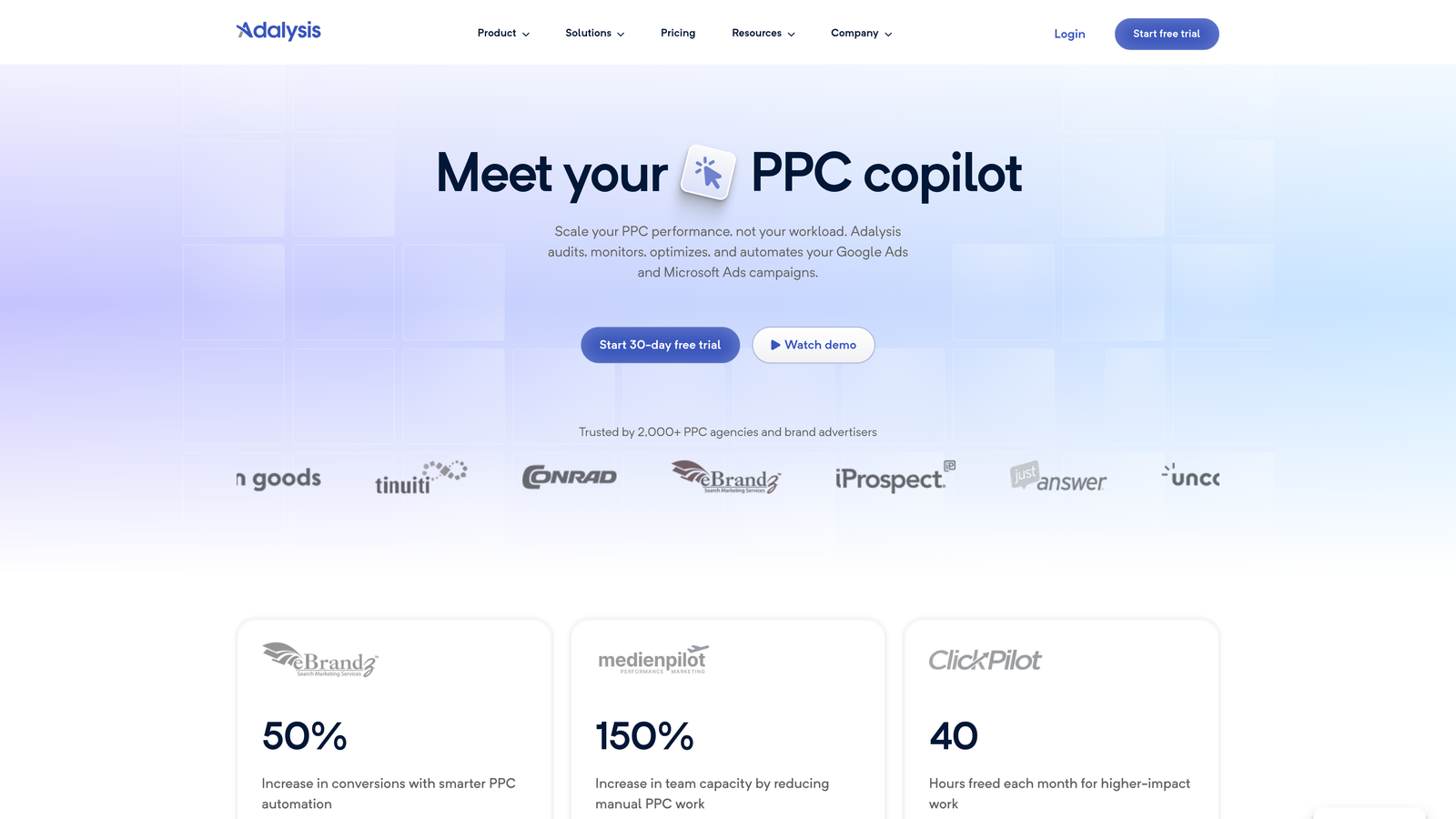
Adalysis is a Google Ads auditing and optimization platform with particularly strong capabilities around negative keyword conflict detection and bulk keyword performance management.
Where This Tool Shines
Keyword conflicts are one of the most overlooked issues in large accounts. When a negative keyword accidentally blocks a keyword you actually want to trigger, you're leaving conversions on the table. Adalysis automates the detection of these conflicts across your entire account and surfaces them for bulk resolution.
Beyond conflict detection, Adalysis is solid for Quality Score tracking and identifying underperforming keywords that need bulk pausing or bid adjustments. It's more of an auditing and monitoring tool than a hands-on editor, but the bulk action capabilities make it actionable rather than just informational.
Key Features
Automated Keyword and Negative Keyword Conflict Detection: Identify where negatives are accidentally blocking intended keywords across campaigns.
Bulk Negative Keyword Recommendations: Surface negative keyword suggestions from search term data and apply them in bulk.
Quality Score Tracking: Monitor Quality Score trends across keyword sets and get bulk optimization suggestions.
Ad Testing and Keyword Performance Analysis: Correlate keyword performance with ad copy to identify optimization opportunities.
Bulk Pause and Adjustment Actions: Apply changes to underperforming keyword groups without editing them one by one.
Best For
Agencies and in-house teams managing complex accounts with multiple campaigns and shared negative keyword lists, where conflicts and coverage gaps are common and costly.
Pricing
Starts around $149/month based on ad spend. A free trial is available. Pricing scales with monthly ad spend managed through the platform.
7. Karooya
Best for: Negative keyword management and conflict detection on a budget
Karooya is a niche tool focused specifically on negative keyword management, offering bulk conflict detection and shared negative keyword list optimization at an accessible price point.

Where This Tool Shines
Karooya does one thing and does it well: negative keywords. If your main pain point is managing negative keyword lists across multiple campaigns, identifying conflicts, and making sure your shared lists are actually doing their job, Karooya is purpose-built for that workflow.
It's not trying to be a full PPC management platform, which is actually a strength. The focused scope means the interface is straightforward, and the free tier makes it accessible for freelancers or smaller accounts that don't need enterprise-level tooling.
Key Features
Negative Keyword Conflict Finder: Automatically detect where negatives across campaigns are blocking keywords you want to serve.
Bulk Negative Keyword List Management: Build, edit, and organize negative keyword lists in bulk without manual one-by-one entry.
Search Terms Analysis: Analyze search term reports and get bulk negative keyword suggestions based on irrelevant traffic patterns.
Shared Negative Keyword List Optimization: Review and optimize shared lists to ensure they're applying correctly across campaigns.
Best For
Freelancers, small agencies, and PPC managers who need a dedicated negative keyword tool without paying for a full platform. Also a strong complement to Google Ads Editor for accounts where negative keyword hygiene is the primary concern.
Pricing
Free tier available with limited features. Paid plans start around $29/month, making it one of the most cost-effective specialized tools in this category.
8. Supermetrics + Google Sheets
Best for: Custom bulk keyword workflows for analysts comfortable with spreadsheet-based data manipulation
Supermetrics is a data connector that pulls Google Ads keyword data directly into Google Sheets, enabling fully customizable bulk editing workflows for those who prefer spreadsheet flexibility.
Where This Tool Shines
This isn't a point-and-click tool. It's a workflow for PPC managers who are comfortable with spreadsheets and want maximum flexibility in how they analyze and manipulate keyword data. Supermetrics automates the data pull so you're always working with current numbers, and you can build whatever custom logic you need using standard spreadsheet formulas.
The practical use case here is combining keyword performance data from multiple accounts into a single sheet, running custom bulk analysis, and then exporting the results back into Google Ads Editor format for upload. It's more setup work upfront, but the flexibility is unmatched for analysts who have specific reporting or editing needs that off-the-shelf tools don't cover.
Key Features
Automated Google Ads Data Pulls: Schedule regular data refreshes so your keyword data in Sheets is always current without manual exports.
Custom Bulk Keyword Manipulation: Use spreadsheet formulas and logic to build custom editing workflows tailored to your specific account structure.
Multi-Account Data Consolidation: Pull keyword data from multiple Google Ads accounts into a single sheet for cross-account analysis.
Scheduled Data Refreshes: Set automated refresh intervals for ongoing keyword monitoring without touching the connector manually.
Export to Google Ads Editor Format: Format and export bulk keyword changes back into a file compatible with Google Ads Editor for upload.
Best For
Data-savvy PPC managers, analysts, and agency teams who need custom reporting and bulk editing workflows that standard tools don't support. Requires comfort with Google Sheets and some willingness to build your own process.
Pricing
Starts at $29/month for the Google Sheets connector. Pricing increases with additional data sources and higher query volumes.
Which Bulk Keyword Editor Is Right for You?
The honest answer is that the best tool depends entirely on where you spend most of your time and what your biggest bottleneck actually is.
If you're a hands-on PPC manager or agency team who lives inside Google Ads daily, Keywordme is the standout choice. The in-interface bulk editing removes the friction of switching between tools, and at $12/month it's accessible for freelancers and agencies alike. For teams that hate context-switching, it's genuinely hard to beat.
If you need a free, powerful baseline tool for large account restructures, Google Ads Editor is non-negotiable. Every PPC manager should have it installed regardless of what else they use.
For agencies managing significant ad spend who want automation and rule-based workflows, Optmyzr earns its premium price. If negative keyword hygiene is your specific pain point on a tighter budget, Karooya handles that job well without the overhead of a full platform. And if you're doing deep competitive research before building out campaigns, SEMrush's PPC Keyword Tool adds real intelligence to your bulk keyword lists.
Most experienced PPC managers end up combining two or three of these tools depending on the task: something like Keywordme for daily in-interface optimization, Google Ads Editor for major structural changes, and SEMrush or Supermetrics for research and reporting. Start with the tool that solves your most immediate bottleneck, then layer in others as your workflow matures.
Ready to cut your keyword management time significantly? Start your free 7-day trial of Keywordme and experience what bulk keyword editing looks like when it's built directly into your Google Ads workflow. No spreadsheets, no tab-switching, just faster optimization right where you're already working.
.svg)