
9 Best Bulk Keyword Editing Tools for Google Ads in 2026
Editing keywords one at a time in the Google Ads interface eats your week, so this guide compares nine options for bulk changes to keywords, match types, bids, and negatives. Each bulk keyword editing tool for Google Ads is judged on where the work happens, multi-account support, review and undo safety, and 2026 pricing, so you can pick the right fit for your accounts.


If you manage keywords across big campaigns or a handful of client accounts, editing them one at a time in the Google Ads interface eats your week. The tools below handle keywords, match types, bids, and negatives in bulk. They were chosen on where the work happens (inside Google Ads or outside it), how well they cope with multiple accounts, how safe the review and undo steps are, and what they cost. Prices are as of 2026, so confirm them on each vendor's site before you commit.
Quick Comparison of the Bulk Keyword Editing Tools
- Keywordme: best for freelancers and agencies cleaning search terms; $12/month per user; works inside the native Search Terms Report with no separate dashboard.
- Google Ads Editor: best for large structural changes across accounts; free; offline staging with a review step before anything goes live.
- Google Ads Scripts: best for technical advertisers; free; fully custom rule-based automation.
- Google Ads bulk actions and uploads: best for small to mid-size accounts; free; zero setup in the interface you already use.
- Optmyzr: best for agencies wanting optimization plus reporting; see website for pricing; rule-driven cross-account optimization.
- Adalysis: best for teams that want problems found before editing; see website for pricing; audit-first approach that flags issues at scale.
- Search Ads 360: best for large multi-engine advertisers; quote-based; enterprise cross-engine search management.
- Microsoft Advertising Editor: best for advertisers running the same keywords on Google and Microsoft; free; bridges both platforms through Google Ads import.
- Google Sheets workflow: best for spreadsheet-comfortable analysts; free with a Google account; total control over list building with formulas and sharing.
1. Keywordme
Keywordme is a Chrome extension that adds one-click keyword, negative keyword, and match type actions directly in the Google Ads Search Terms Report. It's built for freelancers, in-house marketers, and agencies who spend most of their optimization time reading search terms (the actual queries people typed) and deciding which to promote to keywords and which to block as negatives.
Its main edge on this list is location. You work inside the native Google Ads interface, so there's no export, no spreadsheet round trip, and no separate dashboard to log into. Keywordme says it can make this work up to 10x faster; that's the company's own claim, and your results will depend on your accounts and habits.
- One-click adding of search terms as keywords or as negative keywords, so a cleanup pass takes clicks instead of copy and paste.
- Match type application, so you choose broad, phrase, or exact as you add rather than fixing it afterward.
- Keyword clustering, which groups related terms so you can build tighter keyword lists faster.
- Bulk editing for acting on many terms at once.
- Multi-account and team support, handy when several people or several client accounts are involved.
Setup is light: install the extension in Chrome and open Google Ads. The person running it day to day is usually the PPC manager or freelancer doing the weekly search terms review.
The limits are worth knowing. Keywordme is focused on search-term-driven keyword and negative work. It isn't a bid, budget, or reporting platform, and it needs Chrome. If your bulk edits are mostly restructuring existing keywords rather than mining search terms, a desktop editor fits better. Keep a human eye on every action, especially match types and the level a negative lands on (campaign, ad group, or list).
Pricing: $12/month per user, with a 7-day free trial, as stated by Keywordme as of 2026. Cost scales with the number of users. Confirm on the site.
Best for: Freelancers and agencies cleaning search terms and building keyword lists without leaving Google Ads.
2. Google Ads Editor
Google Ads Editor is Google's free desktop application for making bulk changes to campaigns offline and posting them after review. It suits advertisers doing big structural work: restructuring ad groups, rewriting hundreds of keywords, or changing match types across several accounts in one session.

What it does better than anything else here is staging. You download accounts, make changes locally, see exactly what's pending, and only then post. That review step is the safety net that bulk work needs, and it costs nothing.
- Offline bulk editing, so you can work through large changes without waiting on the web interface.
- Multi-account management, letting you move between client accounts in one app.
- Copy/paste and import from spreadsheets, which pairs well with keyword lists built elsewhere.
- Find and replace, useful for fixing a naming pattern or a mistyped term across many rows.
- Review of changes before posting, so mistakes get caught before they spend money.
Setup means installing the app and downloading each account. Expect a learning curve, because the layout is dense and differs from the web interface.
The real limitation: it has no search-term review workflow. It's built for editing what already exists, not for deciding which queries deserve to become keywords or negatives. Pair it with a search terms process if that's your main job.
Pricing: Free as of 2026.
Best for: Advertisers making large structural keyword changes across campaigns and accounts.
3. Google Ads Scripts
Google Ads Scripts lets you write JavaScript that runs inside Google Ads to automate changes by your own rules. It's for technical advertisers who'd rather define a rule once than repeat a manual edit every week.

Its distinctive strength is flexibility. Where other tools give you preset actions, a script can do whatever you can express in code: pause keywords that meet a condition, flag poor performers to a sheet, or adjust items on a schedule.
- Scheduled or on-demand runs, so recurring maintenance happens without you.
- Custom rule logic, which means your thresholds and exceptions, not someone else's defaults.
- Preview mode, letting you see what a script would do before it changes anything.
- Spreadsheet read/write, so scripts can pull inputs from, and report results to, Google Sheets.
It integrates with Google Ads and Google Sheets. Setup effort is the catch: someone has to write or adapt the script, authorize it, and maintain it when your account structure changes.
It isn't for anyone without coding skills, and it demands careful testing. A bug in a script that edits at scale does damage at scale, so always use preview first and start on a small campaign.
Pricing: Free as of 2026. The cost is the time to build and maintain scripts.
Best for: Technical advertisers who want automated, rule-driven keyword edits.
4. Google Ads bulk actions and uploads
The built-in options in Google Ads itself cover more than people expect: multi-select editing in keyword tables and bulk uploads from spreadsheets. They're aimed at anyone who needs quick edits and doesn't want to install or learn anything new.

The standout is zero setup. If you're already logged in, you can select a set of keywords and change them, or upload a prepared file, right now.
- Multi-select keyword edits, for changing status, bids, or match-related details on many rows at once.
- Bulk upload from spreadsheets, so a list prepared elsewhere can be applied in one go.
- No extra software, which keeps approvals and costs out of the picture.
- Negative keyword list management, so one shared list can cover many campaigns.
The day-to-day owner is whoever already manages the account. Integrations are simply Google Ads.
The limits show up with scale. It works one account at a time, review tooling is thin compared with an offline editor, and it gets slow when you're juggling many clients. Double-check the level you're applying negatives at, since a campaign-level negative and a list-level negative behave differently.
Pricing: Free as of 2026.
Best for: Small to mid-size accounts needing quick edits with no new software.
5. Optmyzr
Optmyzr is a PPC management platform with rule-based optimization and bulk tools that work across accounts. It's built for agencies and teams that want optimization, bulk changes, and client reporting in one place.

Its edge is the combination: rules that run across many accounts, plus reporting you can hand to clients. That's a different proposition from a tool that only edits keywords.
- Rule-based optimizations that apply your logic across accounts instead of one at a time.
- Cross-account tools, so you can find and fix patterns across a whole book of clients.
- Reporting, which saves building client updates by hand.
- Bulk change tools for pushing edits to many items together.
It connects to Google Ads and Microsoft Advertising. Setup involves linking accounts and configuring the rules you want, so plan some onboarding time. A PPC lead or account manager typically owns it.
The limitation is scope. It's broader, and likely costlier, than a dedicated keyword editor, so if all you need is faster keyword and negative work, you may be paying for features you won't use.
Pricing: See the vendor's website for current plans as of 2026; I haven't stated a figure here.
Best for: Agencies wanting optimization and reporting in one platform.
6. Adalysis
Adalysis is a PPC auditing and optimization platform that surfaces account issues and supports bulk fixes. It starts from analysis: find what's wrong first, then apply changes.
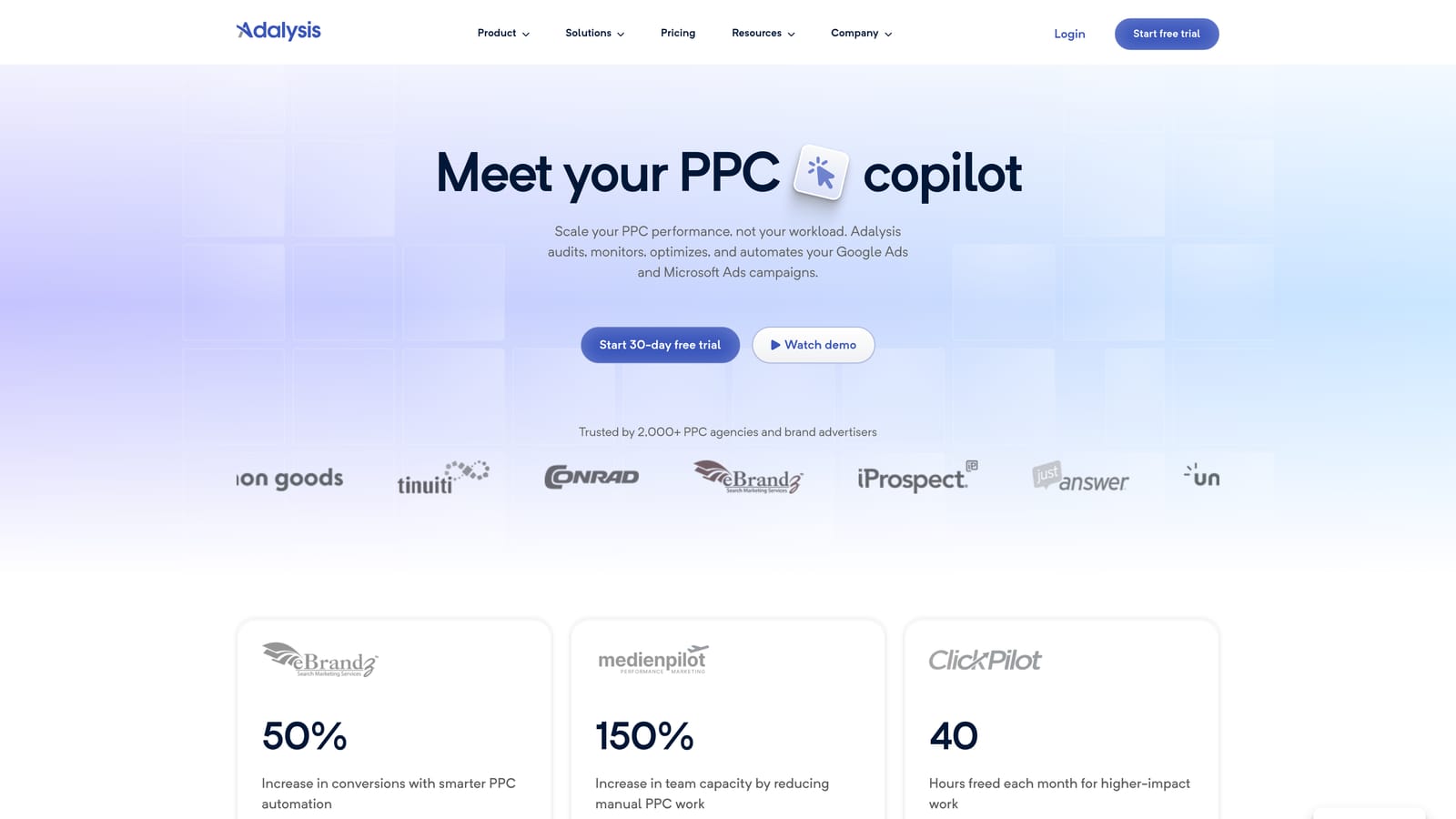
That audit-first approach is what sets it apart. Instead of asking you to hunt for problem keywords and ads, it flags issues at scale and lets you act on them.
- Account audits that point out keyword and ad issues you might not have spotted.
- Alerts, so changes in performance don't go unnoticed between reviews.
- Bulk-apply suggestions, which lets you act on many findings together.
- Testing tools for comparing ad variations and learning what works.
It integrates with Google Ads and Microsoft Advertising. Setup means connecting accounts, and the people using it are typically agency teams who review findings on a regular cycle.
The trade-off is that it leans toward analysis more than hands-on editing. If you already know which keywords to change and just want to change them fast, it's more tool than you need, and it's aimed at agencies rather than solo advertisers with one account.
Pricing: See the vendor's website as of 2026.
Best for: Teams that want problems found before they edit.
7. Search Ads 360
Search Ads 360 is Google Marketing Platform's enterprise search management tool, with bulk editing and cross-engine campaign management. It targets large advertisers running search across more than one engine.

What it does that nothing else here does is manage search at enterprise scale from a single system, spanning engines rather than a single platform.
- Bulk editing for making large changes across big campaign sets.
- Cross-engine campaign management, so Google and other engines sit in one workflow.
- Bid strategies for managing bidding across a large portfolio.
- Reporting that consolidates performance across engines.
It sits within Google Marketing Platform and connects to Google Ads and Microsoft Advertising. Setup is a project, not an afternoon, and it's normally run by a dedicated search or analytics team.
It isn't for small teams. Pricing is quote-based and the platform is overkill if you manage a few accounts. Freelancers and small agencies will get more from lighter tools.
Pricing: Quote-based as of 2026; contact Google for details.
Best for: Large advertisers managing search across multiple engines.
8. Microsoft Advertising Editor
Microsoft Advertising Editor is a free desktop editor for Microsoft Ads that can import Google Ads campaigns, which makes it useful for cross-platform keyword work.
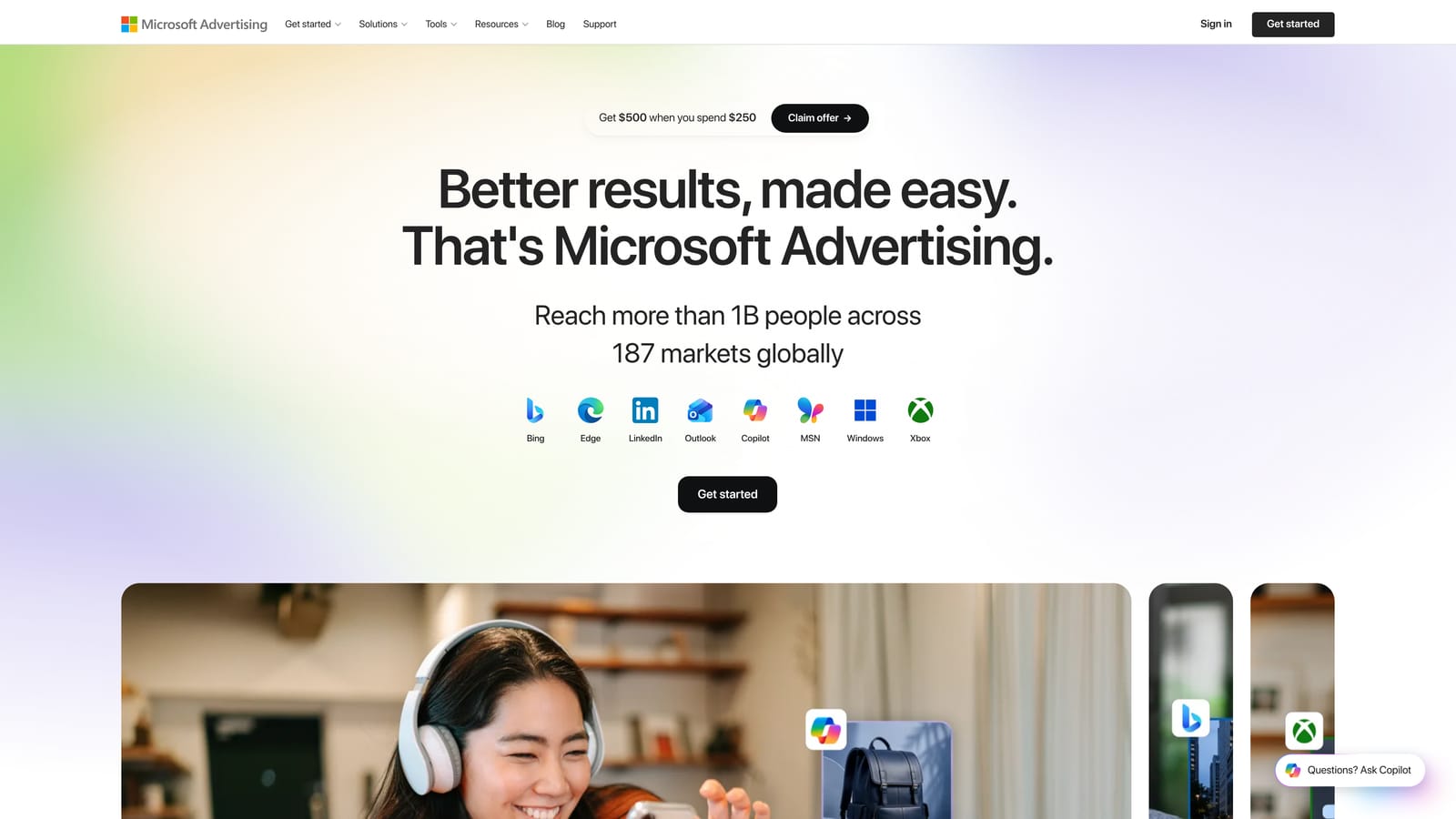
Its distinctive trait is the bridge. If you run the same keywords on both Google and Microsoft, you can bring Google campaigns in and adapt them for Microsoft in bulk instead of rebuilding them.
- Offline bulk editing, mirroring the staged workflow of Google's own editor.
- Google Ads import, so existing keyword structures carry over.
- Multi-account support for people handling several Microsoft accounts.
- Review before upload, keeping a check between your edits and the live account.
Setup is installing the app and connecting your Microsoft account. Whoever manages your Microsoft campaigns runs it.
Be clear on the limit: it's primarily for Microsoft Ads and does not edit Google Ads accounts directly. Treat it as a way to extend Google keyword work to Microsoft, not a replacement for a Google Ads editing tool.
Pricing: Free as of 2026.
Best for: Advertisers running the same keywords on Google and Microsoft.
9. Google Sheets workflow
A Google Sheets workflow isn't a product built for PPC; it's a process. You prepare keyword changes in bulk in a spreadsheet, then upload them to Google Ads. Plenty of analysts prefer it because they control every cell.
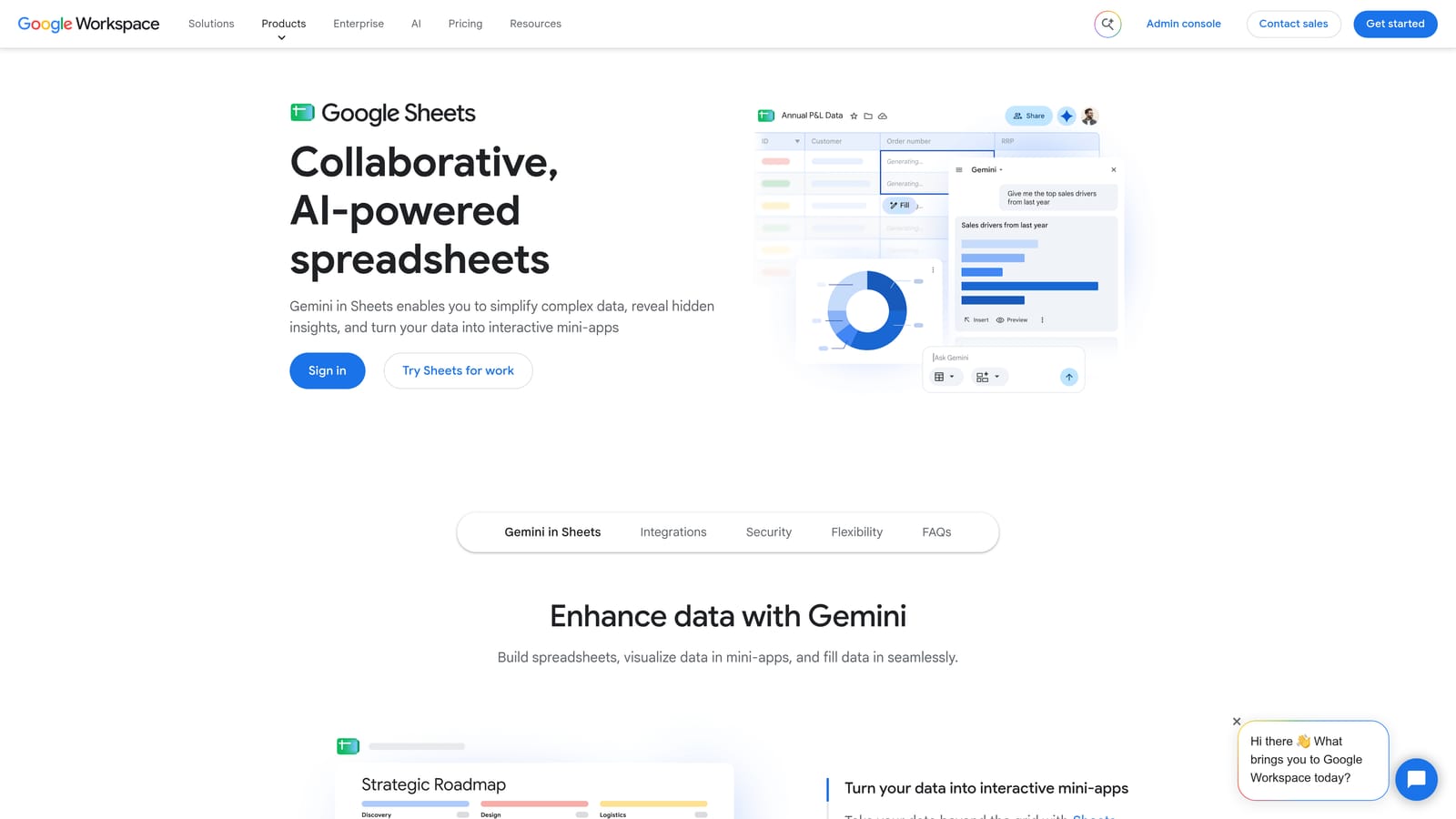
The strength is control over list building. Formulas can generate keyword variations, format match types, and clean up text, and shared editing lets a team work on the same list.
- Formulas for keyword and match type formatting, so you build thousands of rows without typing each one.
- Shared team editing, letting colleagues or clients review a list together.
- Pairing with Google Ads Editor or bulk upload, which gives you the path from sheet to account.
- A scripts connection, so Google Ads Scripts can read from or write to your sheet.
It integrates with Google Ads Editor and Google Ads Scripts. Setup is minimal if you already use Sheets, and the owner is usually an analyst comfortable with formulas.
The downside is risk. It's manual and error-prone at scale, with no built-in safeguards. A stray space, a wrong match type symbol, or a misaligned column goes straight into your upload unless you check it. Always review before importing.
Pricing: Free with a Google account as of 2026.
Best for: Spreadsheet-comfortable analysts building large keyword lists.
Which Tool Fits Which Job
For search-term cleanup inside Google Ads, Keywordme is the most direct fit: it keeps you in the Search Terms Report and handles keywords, negatives, and match types in clicks. For free desktop bulk edits with a review step, Google Ads Editor is the standard choice. If you're comfortable writing code, Google Ads Scripts gives you automation on your own rules. Agencies that want optimization and reporting should look at Optmyzr or Adalysis, depending on whether they lean toward rules or audits. Enterprises spanning several engines belong with Search Ads 360.
Whatever you pick, test changes on a small campaign first. Bulk changes to match types or negatives can cut off good traffic quickly, and a small test shows you the impact before it hits the whole account.
Optimize Google Ads Campaigns 10X Faster. Without Leaving Your Account. Keywordme lets you remove junk search terms, build high-intent keyword lists, and apply match types instantly, right inside Google Ads. No spreadsheets, no switching tabs, just quick, seamless optimization. Start your free 7-day trial (then just $12/month) and take your Google Ads game to the next level.
.svg)