
9 Best Bulk Keyword Editing Software Options for Google Ads in 2026
This guide compares nine bulk keyword editing software options for Google Ads, including free tools like Google Ads Editor and paid platforms like Keywordme and Optmyzr. Each tool is judged on where editing happens, volume handled, multi-account support, learning curve, and pricing, so freelancers, in-house marketers, and agencies can stop editing keywords one row at a time.


If you manage Google Ads keywords, you've felt the pain of changing match types, adding negatives, or pausing hundreds of keywords one row at a time. This guide is for freelancers, in-house marketers, and agency owners who want to stop doing that. The tools below were judged on where the editing happens (inside Google Ads or outside it), how much volume they handle, multi-account support, learning curve, and pricing.
Quick Comparison of Bulk Keyword Editing Tools
- Keywordme: freelancers and agencies cleaning up search terms; $12/month per user; works inside the native Search Terms Report with no export step.
- Google Ads Editor: anyone making large structural edits for free; free; offline editing with a review step before changes post.
- Google Ads Bulk Actions and Uploads: occasional bulk jobs planned in spreadsheets; free; scheduled spreadsheet uploads with nothing to install.
- Optmyzr: agencies wanting automation alongside bulk edits; see website for pricing; rule-based automation across many accounts.
- Adalysis: teams wanting ongoing account health checks; see website for pricing; continuous automated audits that point to what needs fixing in bulk.
- Microsoft Advertising Editor: advertisers running Bing campaigns alongside Google; free; the native bulk editor for Microsoft Advertising.
- Google Sheets with Google Ads Scripts: technical marketers who want custom workflows; free (add-ons vary); fully customizable rules and keyword generation.
Two Kinds of Bulk Keyword Work
"Bulk keyword editing" covers two different jobs, and most tools are better at one than the other. The first is structural editing: changing match types, bids, final URLs, or status across keywords that already exist in your account. The second is search-term-driven work: reviewing what people actually typed, then adding the good queries as keywords and blocking the bad ones as negatives.
A quick refresher on terms, since they get mixed up. A keyword is what you bid on. A search term is the real query a person typed, which may only loosely match your keyword. A positive keyword triggers ads; a negative keyword stops them. Match types (broad, phrase, exact) control how closely a search term has to resemble the keyword.
One warning applies to every tool here: bulk changes scale mistakes as fast as they scale fixes. Wherever a tool offers a review step, use it.
1. Keywordme
Keywordme is our own product, so weigh this entry with that in mind. It's a Chrome extension that adds one-click actions to the Search Terms Report in Google Ads, so you can add keywords, add negatives, and apply match types in bulk without leaving the interface.
Its distinctive trait is where it works. There's no export, no spreadsheet, and no second dashboard. You review search terms in the report you already use and act on them right there, which suits the search-term-driven job better than anything else on this list.
- One-click negative keyword and keyword additions straight from the Search Terms Report, so junk queries get blocked as you spot them.
- Match type application, so you choose broad, phrase, or exact as you add rather than fixing it later.
- Keyword clustering, which groups related terms so you can build tighter keyword lists faster.
- Bulk editing for handling many terms at once instead of row by row.
- Multi-account and team support, useful when several people manage several client accounts.
Setup is light: install the extension in Chrome and open Google Ads. The person doing day-to-day search term review runs it, so there's no admin layer to maintain. Integration is with Google Ads via Chrome only.
The limits are real. Keywordme focuses on search-term-driven keyword and negative work. It is not a full account editor, so you won't use it to restructure campaigns, rewrite ads, or push large offline changes. It also requires Chrome. You still make the decisions about which terms to add or exclude; it speeds up the clicking, not the judgment.
Pricing is $12/month per user with a 7-day free trial (as of October 2026; confirm on the site). Cost scales with the number of users, not accounts or spend.
Best for: Freelancers and agencies cleaning up search terms and building keyword lists fast.
2. Google Ads Editor
Google Ads Editor is Google's free desktop application. You download an account (or several), make changes offline, review them, and post them back to Google Ads. It's the standard answer for structural bulk work.

Its edge is handling large account structures without waiting on the web interface. You can make hundreds of edits, check the pending changes, and only then post. That review step is a real safety net when you're touching a lot of keywords at once.
- Multi-select edits let you change match types, bids, or status across many keywords in one pass.
- Find and replace fixes recurring errors, like a misspelled brand term or an outdated URL, across a whole account.
- Copy and paste across campaigns and ad groups makes duplicating or restructuring keyword sets quick.
- CSV import and export lets you plan in a spreadsheet and bring the work in.
- Change review shows exactly what will be posted before it goes live.
Setup means installing the app and downloading your accounts, and it supports multiple accounts. Expect a learning curve, especially around the sync-and-post cycle: if someone edits the live account while you're working offline, you need to refresh and resolve differences. It also isn't built around search-term review, so mining queries means pulling data from elsewhere first.
It's free, with no tiers or usage fees. Don't confuse it with the bulk actions in the web interface; they're separate tools with different capabilities.
Best for: Large structural keyword and campaign edits at no cost.
3. Google Ads Bulk Actions and Uploads
The Google Ads web interface has its own bulk tools, and they're easy to overlook. You can multi-select rows in a table to change status, bids, or match settings, and you can upload spreadsheets to make larger changes without installing anything.

What sets it apart is scheduled uploads. You can set a spreadsheet change to run on a schedule, which none of the desktop-style options here do as simply, and it needs no software beyond the account you already have.
- Multi-select edits in tables let you act on a handful of keywords directly from the view you're already in.
- Bulk uploads via spreadsheet let you apply many changes at once from a file.
- Scheduled uploads run changes at a set time, handy for planned promotions or seasonal swaps.
- No install means anyone with account access can use it right away.
It works with Google Ads plus Google Sheets or CSV files. Setup is minimal, but the upload format is unforgiving: a misplaced column or wrong header can make an upload fail or apply something you didn't intend. Check the file against Google's current template before running it.
It's also clumsy for routine search-term cleanup. Reviewing queries and turning them into negatives still means a lot of manual clicking or building a sheet first. It suits people who already plan in spreadsheets, not those who want speed on recurring tasks.
It's free.
Best for: Occasional bulk jobs by people who plan changes in spreadsheets.
4. Optmyzr
Where the first three tools are editors, Optmyzr is a PPC management platform. Bulk editing is one part of a larger system that also includes rule-based automation, optimization suggestions, and reporting, aimed at people running many accounts.

Its main strength on this list is rules across accounts. Instead of fixing the same keyword problem by hand in each client account, you can set conditions and have the platform flag or act on matches. As with any automation, review what it proposes before you trust it with live spend.
- Bulk editing tools handle keyword and bid changes at scale from inside the platform.
- Rule-based automation applies your logic repeatedly instead of you redoing the same checks.
- Optimization suggestions point to places worth attention so you spend less time hunting.
- Reporting helps agencies show clients what changed.
- Multi-account management keeps a whole portfolio in one dashboard.
It connects to Google Ads and Microsoft Advertising, and it may support other ad platforms; check the current list on its site. Setup involves connecting accounts and configuring rules, so someone on the team needs to own that, typically a senior PPC manager.
The trade-off is weight. It's broader and heavier than a pure keyword editor, and a small account with simple needs may not use most of it. Pricing is tiered; see the website for current plans, and expect cost to depend on the tier and the size of what you manage.
Best for: Agencies wanting automation alongside bulk edits.
5. Adalysis
Adalysis starts from a different place than an editor: it audits your paid search accounts and tells you what's wrong, then supports fixing it in bulk. Think of it as the tool that tells you which edits to make, rather than the one that makes them fastest.
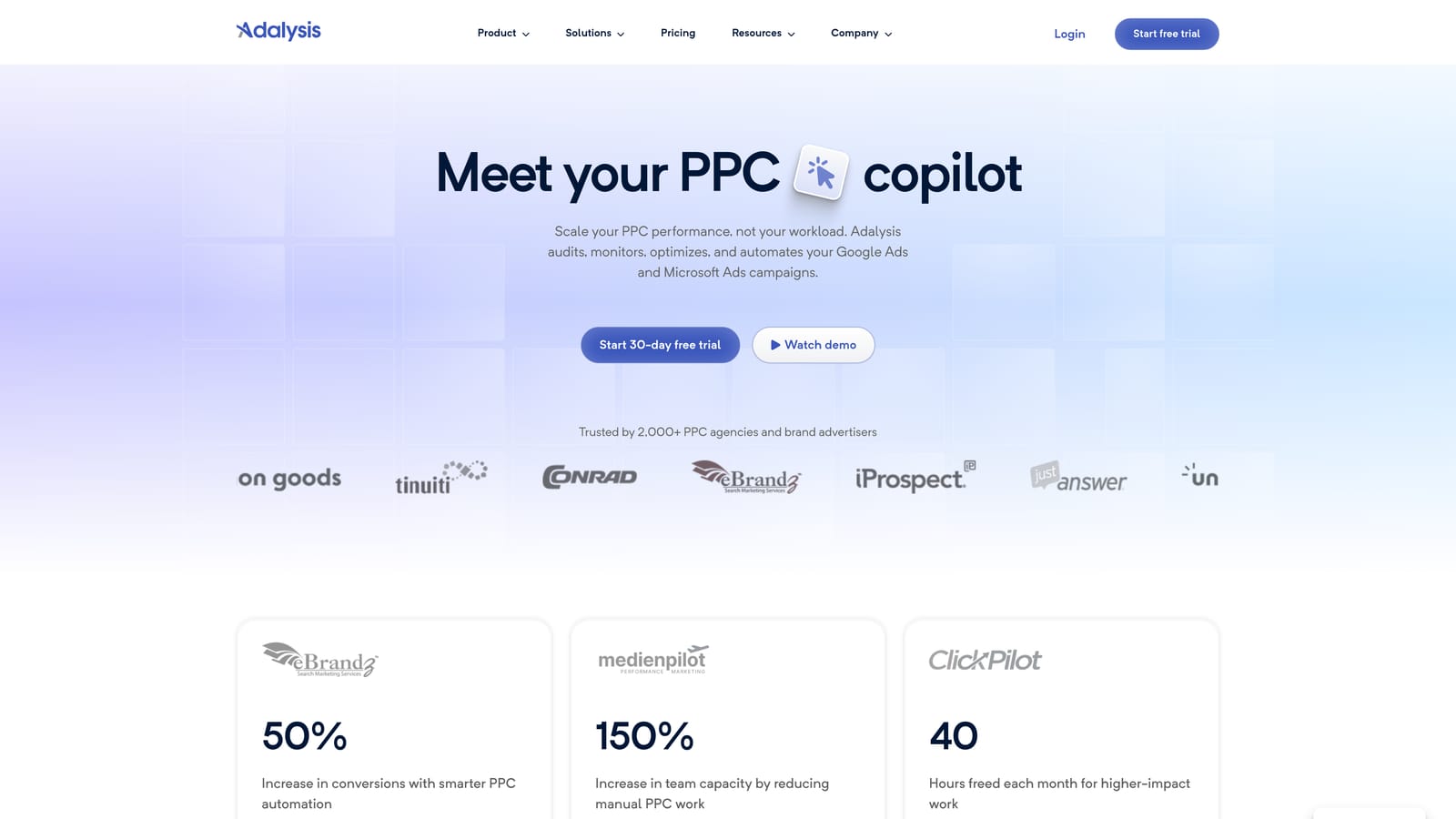
Its distinguishing feature is continuous, automated auditing. It keeps checking accounts for issues and surfaces them as they appear, so bulk changes come from a prioritized list instead of from you poking around.
- Automated account audits find problems across keywords and ads without a manual review.
- Bulk change workflows let you act on flagged items together.
- Alerts tell you when something shifts so you don't discover it at month end.
- Testing tools may be available for ad experiments; check current features on its site.
It covers Google Ads and Microsoft Advertising. Setup means connecting accounts and tuning what gets flagged, and it's usually run by an account manager or team lead who reviews alerts regularly.
It's not the tool for quickly turning a search terms list into negatives and new keywords; it's more of an audit and monitoring product than a fast keyword editor. Pricing isn't listed here, so see the website for current plans.
Best for: Teams that want ongoing account health checks feeding bulk changes.
6. Microsoft Advertising Editor
Microsoft Advertising Editor is the Bing-side counterpart to Google Ads Editor. It's a free desktop tool for downloading Microsoft Advertising accounts, editing in bulk offline, and uploading changes.
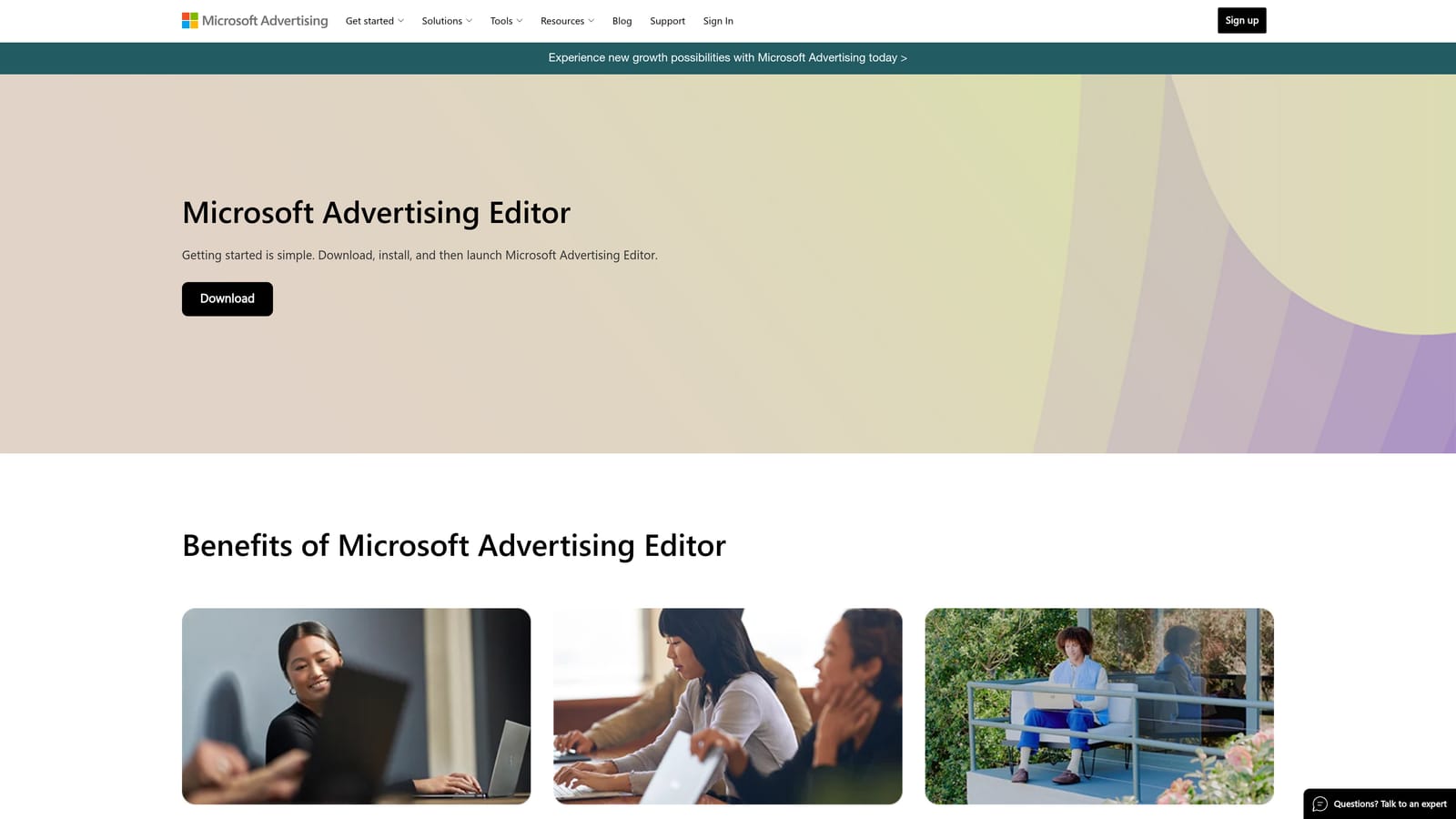
It's here for one reason: it's the native bulk editor for Microsoft Advertising campaigns. It does not edit Google Ads accounts, so it's a companion rather than an alternative for your Google work.
- Offline bulk editing lets you rework keywords and campaigns without waiting on a browser.
- Import and export via files supports spreadsheet-based planning.
- Google Ads import may be available for bringing campaigns across; verify current support in Microsoft's documentation.
- Change review before upload lets you check edits before they go live.
Setup is a download and an account sign-in. It's run by whoever manages the Bing campaigns, and the workflow will feel familiar if you've used Google Ads Editor.
The limitation is scope: if you only advertise on Google, skip it. It's free.
Best for: Advertisers running Bing search campaigns alongside Google.
7. Google Sheets with Google Ads Scripts
The DIY option uses Google Ads Scripts with Google Sheets. You keep keyword lists in a spreadsheet and use scripts (or add-ons) to read from or push changes to your account.

Nothing else here matches its flexibility. You write the rules, so you can generate keyword combinations from columns, schedule script runs, and build reports shaped exactly like your process.
- Custom logic lets you encode your own rules for pausing, labeling, or flagging keywords.
- Keyword generation from columns builds large lists by combining modifiers, locations, or products.
- Scheduled script runs automate recurring checks without you opening the account.
- Flexible reporting pulls data into Sheets in whatever layout you need.
It works with Google Ads and Sheets. Setup effort is the highest on the list: someone has to write, test, and maintain code, and scripts can break when Google changes things. Test on a small campaign or in preview mode first.
That's also the core risk. A bug in a script can apply a bad change across thousands of keywords in seconds. It doesn't suit non-technical users or anyone without time to maintain it. The tools themselves are free, though add-ons vary in price.
Best for: Technical marketers who want custom bulk workflows.
Matching the Tool to Your Workload
For search-term-driven cleanup, Keywordme is the quickest fit because the work happens inside the Search Terms Report. For large structural edits you want to review before posting, Google Ads Editor is hard to beat at the price of free. Agencies that want rules and monitoring across many accounts should look at Optmyzr or Adalysis, and pick based on whether you want automation (Optmyzr) or audits (Adalysis). If you run Bing campaigns too, add Microsoft Advertising Editor. If you have the skills and want full control, Sheets with scripts can be built to your exact process.
Many people combine two: one for search terms, one for structure. Keywordme and Google Ads Editor cover both jobs without much overlap.
Optimize Google Ads Campaigns 10X Faster. Without Leaving Your Account. Keywordme lets you remove junk search terms, build high-intent keyword lists, and apply match types instantly, right inside Google Ads. No spreadsheets, no switching tabs, just quick, seamless optimization. Start your free 7-day trial (then just $12/month) and take your Google Ads game to the next level.
.svg)