
9 Best Budget-Friendly PPC Optimization Software Tools in 2026
Discover the 9 best budget-friendly PPC optimization software tools for 2026, evaluated on price, features, and real optimization value under $50/month—helping freelancers, small businesses, and agencies reduce wasted ad spend and improve Google Ads campaign efficiency without breaking the budget.


TL;DR: Running Google Ads on a tight budget doesn't mean settling for slow, manual workflows. This list covers the best budget-friendly PPC optimization software available in 2026, from Chrome extensions that work directly inside Google Ads to standalone platforms with solid free tiers. We evaluated each tool on price, feature depth, ease of use, and how much real optimization work you can actually do without upgrading. Selection criteria: tools must offer meaningful functionality under $50/month (or have a strong free tier), work with Google Ads or major PPC platforms, and genuinely help reduce wasted spend or improve campaign efficiency.
Whether you're a solo freelancer managing a handful of accounts, a small business owner watching every dollar, or an agency juggling multiple clients, there's something on this list that fits your workflow and your wallet.
The Real Cost of PPC Inefficiency
In most accounts I audit, the biggest budget leak isn't bidding strategy or ad copy. It's wasted spend from irrelevant search terms that nobody caught in time. The second biggest issue? Time. PPC managers spending hours downloading CSVs, editing in spreadsheets, and re-uploading changes that could have been done in minutes with the right tool.
The good news: you don't need an enterprise-tier platform to fix either problem. The tools below cover the full spectrum from completely free to around $140/month, and each one addresses a specific part of the optimization workflow.
1. Keywordme
Best for: In-interface Google Ads optimization without leaving the native UI
Keywordme is a Chrome extension that plugs directly into Google Ads' Search Terms Report, letting you manage negatives, apply match types, and build keyword lists without touching a spreadsheet.

Where This Tool Shines
The thing that separates Keywordme from most PPC tools is where it lives. Instead of pulling you into a separate dashboard, it works right inside Google Ads. You're already in the Search Terms Report reviewing what triggered your ads. Keywordme lets you act on what you see immediately, with one click, without switching tabs or exporting anything.
For agencies managing multiple client accounts, this is a genuine time saver. The multi-account and team support means you're not juggling separate logins or workflows. And at $12/month per user, it's one of the most accessible in-interface optimization tools available at this price point.
Key Features
One-Click Negative Keyword Addition: Flag and add irrelevant search terms as negatives directly from the Search Terms Report without leaving Google Ads.
In-Interface Match Type Application: Apply broad, phrase, or exact match types to keywords instantly, right where you're already working.
Keyword Clustering and Bulk Editing: Group and organize keywords at scale without manual spreadsheet work.
Multi-Account and Team Support: Built for agencies managing multiple clients, with shared access and team-level workflows.
No Tab Switching Required: Everything happens inside the native Google Ads interface, eliminating the export-edit-upload loop entirely.
Best For
Freelancers and agency PPC managers who spend significant time inside the Search Terms Report and want to cut the manual workflow out of negative keyword management and match type optimization. Especially useful for anyone managing more than two or three accounts simultaneously.
Pricing
$12/month per user. A 7-day free trial is available with no credit card required. At this price, it's one of the most cost-effective in-interface PPC tools on the market.
2. Google Ads Editor
Best for: Bulk offline editing across large campaigns and accounts
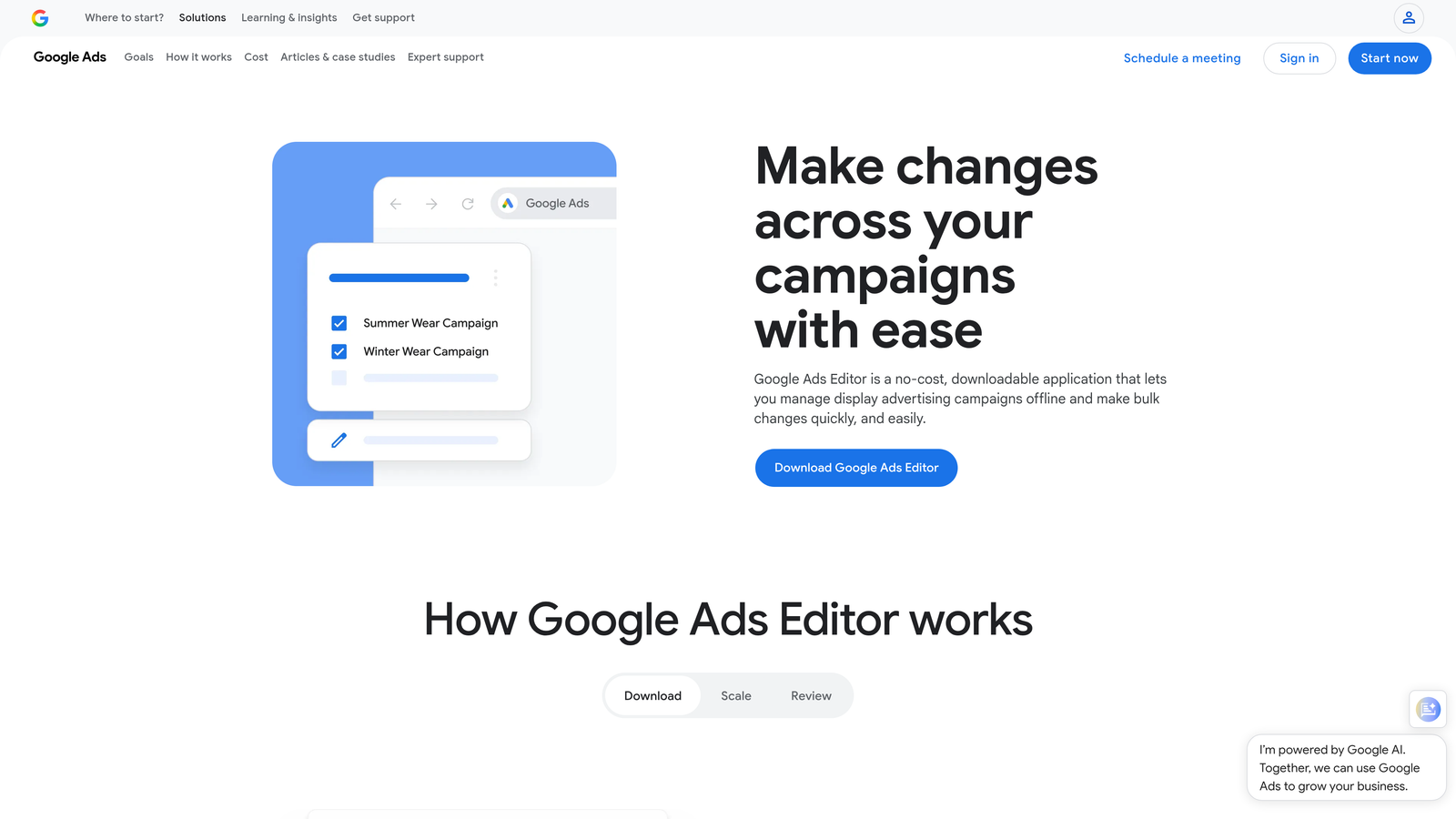
Google Ads Editor is Google's free desktop application for bulk editing and managing campaigns without needing a live internet connection.
Where This Tool Shines
If you're making sweeping changes across an account, like updating ad copy across 50 ad groups or restructuring a campaign's keyword list, Ads Editor is still the most reliable free tool for the job. The find-and-replace function alone saves hours on large accounts.
It also lets you copy and paste campaigns or ad groups between accounts, which is genuinely useful when you're setting up a new client account with a similar structure to an existing one. No automation, no AI, just raw bulk editing power that's completely free.
Key Features
Bulk Edits Across Campaigns: Make changes to hundreds of keywords, ads, or bid adjustments at once without doing them one by one in the interface.
Offline Editing: Build and edit campaigns without an internet connection, then sync when you're ready.
Find-and-Replace: Update URLs, ad copy, or keyword text across an entire account in seconds.
Copy/Paste Between Accounts: Duplicate campaign structures across multiple client accounts quickly.
Completely Free: No subscription, no usage limits, no catch.
Best For
Anyone managing large Google Ads accounts who needs to make bulk structural changes. It's a foundational tool for PPC managers, not a replacement for ongoing optimization workflows, but essential for account setup and restructuring work.
Pricing
Free. Available for Windows and Mac. No account tier required beyond having a Google Ads login.
3. Optmyzr
Best for: Rule-based PPC automation and agency-grade reporting
Optmyzr is a PPC management platform built around one-click optimization suggestions, automation recipes, and multi-account reporting dashboards.

Where This Tool Shines
Optmyzr's "optimization recipes" are its standout feature. These are pre-built automation workflows that handle things like bid adjustments, budget pacing, and keyword expansion without requiring you to write custom scripts. For agencies that want automation without hiring a developer, this fills a real gap.
The reporting layer is also strong. If you're sending weekly or monthly performance reports to clients, Optmyzr's dashboards are cleaner and faster to build than pulling everything manually from Google Ads. It's on the pricier end of this list, but the feature depth can justify the cost at agency scale.
Key Features
Pre-Built Optimization Recipes: Automation workflows for bidding, budgets, and keyword management with no coding required.
Rule-Based Bid Adjustments: Set conditions for automatic bid changes based on performance thresholds.
Shopping Campaign Optimization: Dedicated tools for managing and optimizing Google Shopping feeds and campaigns.
Multi-Account Reporting Dashboards: Consolidated reporting across client accounts with customizable views.
Free Trial Available: Test the platform before committing to a paid plan.
Best For
PPC agencies managing multiple client accounts who want automation without custom scripting. Also useful for in-house teams running complex campaigns across multiple campaign types including Shopping.
Pricing
Plans are in the mid-to-upper range for this list. Verify current pricing at optmyzr.com before purchasing, as pricing can change.
4. WordStream Advisor (LocaliQ)
Best for: Small business owners who want guided PPC optimization without deep platform knowledge
WordStream Advisor, now part of the LocaliQ platform, is a guided PPC management tool built around a simplified weekly optimization workflow.

Where This Tool Shines
The "20-minute work week" concept is genuinely clever for its target audience. Instead of presenting you with a dashboard full of data and expecting you to know what to do with it, WordStream surfaces a prioritized list of action items each week. For small business owners who aren't PPC specialists, this guided approach reduces the learning curve significantly.
It also covers both Google Ads and Microsoft Ads under one workflow, which is useful if you're running campaigns on both platforms and don't want to manage them separately. The performance grader gives a quick account health snapshot without requiring a deep manual audit.
Key Features
Weekly Action Item Workflow: Prioritized optimization tasks surfaced automatically so you know exactly what to work on each week.
Negative Keyword Recommendations: Automated suggestions for search terms to exclude based on performance data.
Performance Grader: Account health scoring that benchmarks your campaigns against industry averages.
Cross-Platform Support: Manages both Google Ads and Microsoft Ads from a single interface.
Beginner-Friendly Interface: Designed for non-specialists who need guidance rather than raw data.
Best For
Small business owners running their own Google Ads campaigns without a dedicated PPC specialist. Less suited for experienced PPC managers who prefer direct platform access and custom workflows.
Pricing
Quote-based pricing. Check localiq.com for current plans and availability, as pricing is not publicly listed.
5. SpyFu
Best for: Competitive PPC research on a budget
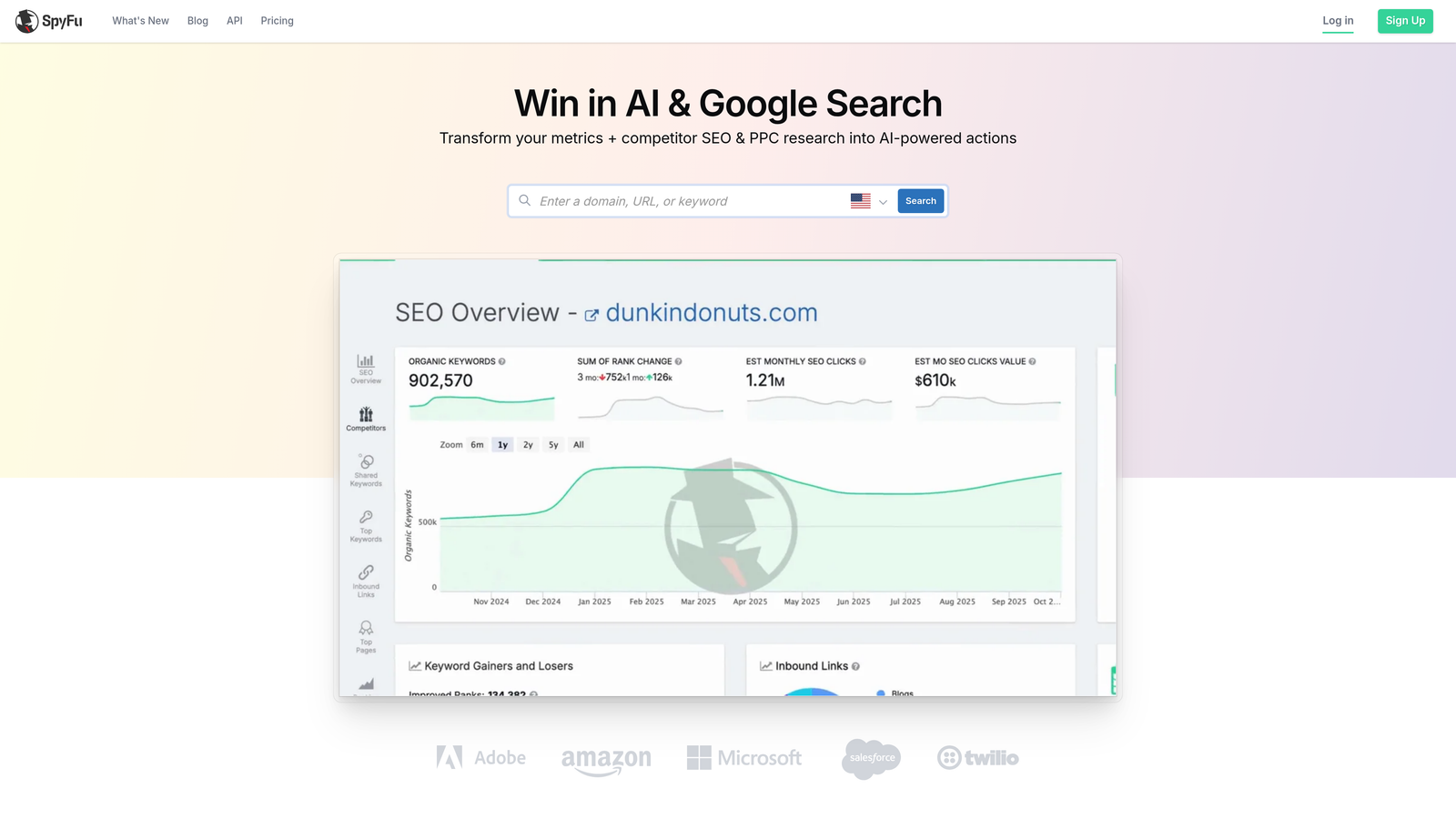
SpyFu is a competitive intelligence tool that reveals competitor keywords, years of ad copy history, and PPC spend estimates for any domain.
Where This Tool Shines
SpyFu's depth of historical data is what makes it stand out. You can look up any competitor's domain and see which keywords they've been bidding on for years, what ad copy they've tested, and roughly how much they're spending. This kind of competitive context is hard to get anywhere else at this price point.
It's worth being clear: SpyFu doesn't connect to your Google Ads account for direct optimization. It's a research and intelligence tool. But the keyword gap analysis and ad copy archive are genuinely useful for building smarter campaigns before you spend a dollar on clicks.
Key Features
Competitor Keyword and Ad History: Years of historical data on what competitors have bid on and what ad copy they've run.
PPC Keyword Research: Keyword ideas with difficulty scores, CPC estimates, and competition data.
Ad Copy Archive: Browse competitor ad variations to inform your own creative strategy.
Domain Comparison and Keyword Gap: Identify keywords competitors are buying that you're not targeting yet.
Affordable Entry-Level Plans: One of the more accessible competitive intelligence tools available.
Best For
Freelancers and agency strategists who need competitive PPC intelligence without paying for an enterprise research platform. Best used alongside a direct optimization tool rather than as a standalone solution.
Pricing
Plans start at approximately $39/month. Verify current pricing at spyfu.com.
6. SEMrush (Advertising Toolkit)
Best for: Combined SEO and PPC research under one subscription
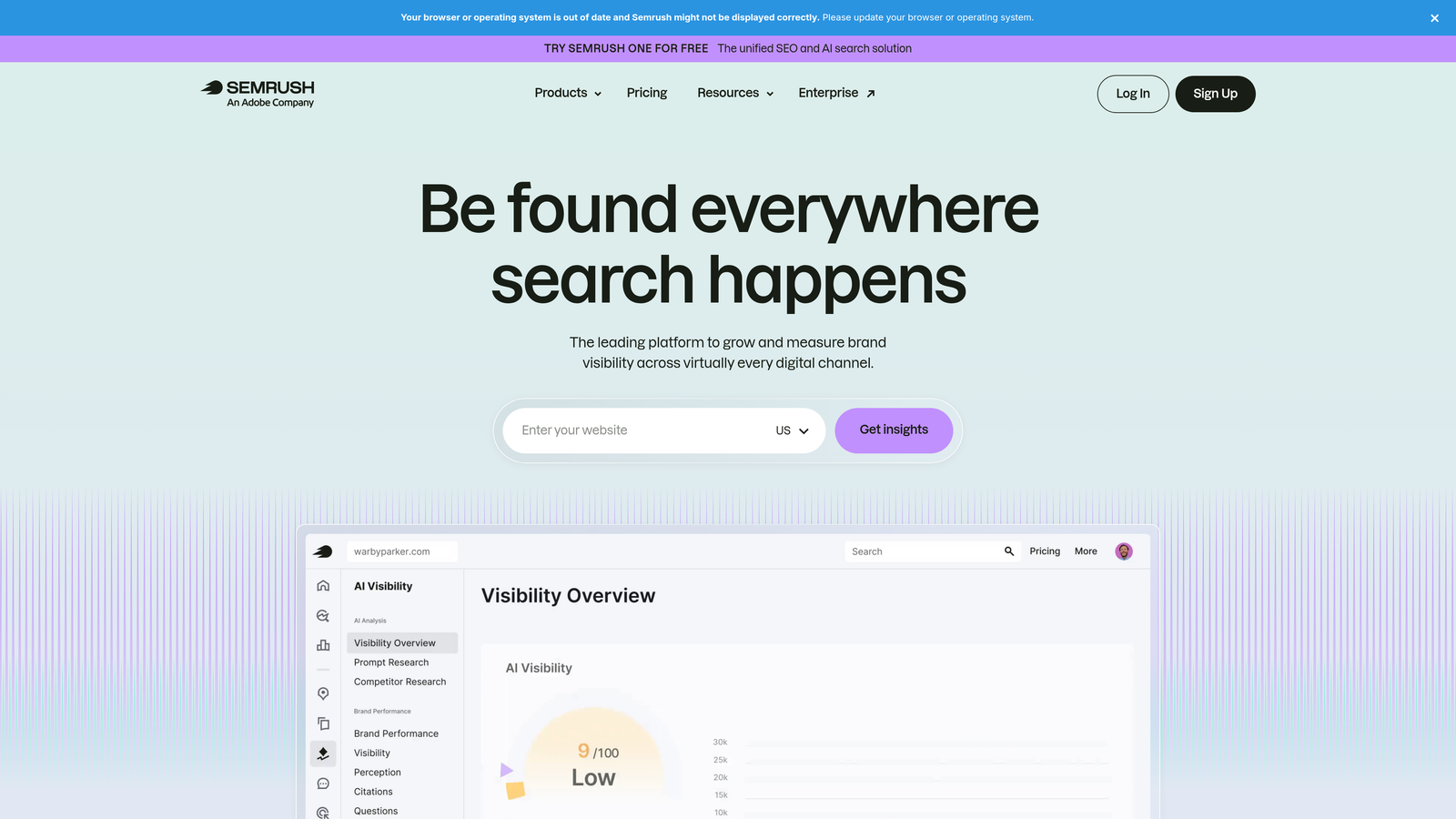
SEMrush is an all-in-one marketing platform with a dedicated Advertising Toolkit covering PPC keyword research, competitor ad analysis, and CPC data across markets.
Where This Tool Shines
The value case for SEMrush in a PPC context is strongest when you also need SEO capabilities. If you're already paying for an SEO platform and separately buying PPC research tools, consolidating under SEMrush often makes financial sense. The Advertising Toolkit adds meaningful depth: competitor ad copy analysis, CPC data by geography, and keyword gap tools that work across both paid and organic.
It's the most expensive tool on this list, so if you only need PPC research, SpyFu or Google Keyword Planner may serve you better at lower cost. But for agencies offering both SEO and PPC services, the combined value is hard to argue with.
Key Features
PPC Keyword Research: Keyword data with CPC estimates, competition levels, and trend information.
Competitor Ad Copy Analysis: View competitor ad variations and landing page strategies.
Keyword Gap Analysis: Identify paid keyword opportunities by comparing your domain against competitors.
Ad History and Spend Estimation: Historical ad data and estimated spend for competitor domains.
Combined SEO and PPC Value: One subscription covers both paid and organic research needs.
Best For
Agencies and in-house marketers who need both SEO and PPC research tools and want to consolidate under a single platform. Less cost-effective if you're only using it for PPC.
Pricing
Plans start at approximately $139.95/month. A free trial is available. Verify current pricing at semrush.com.
7. Adalysis
Best for: Structured ad testing and quality score monitoring
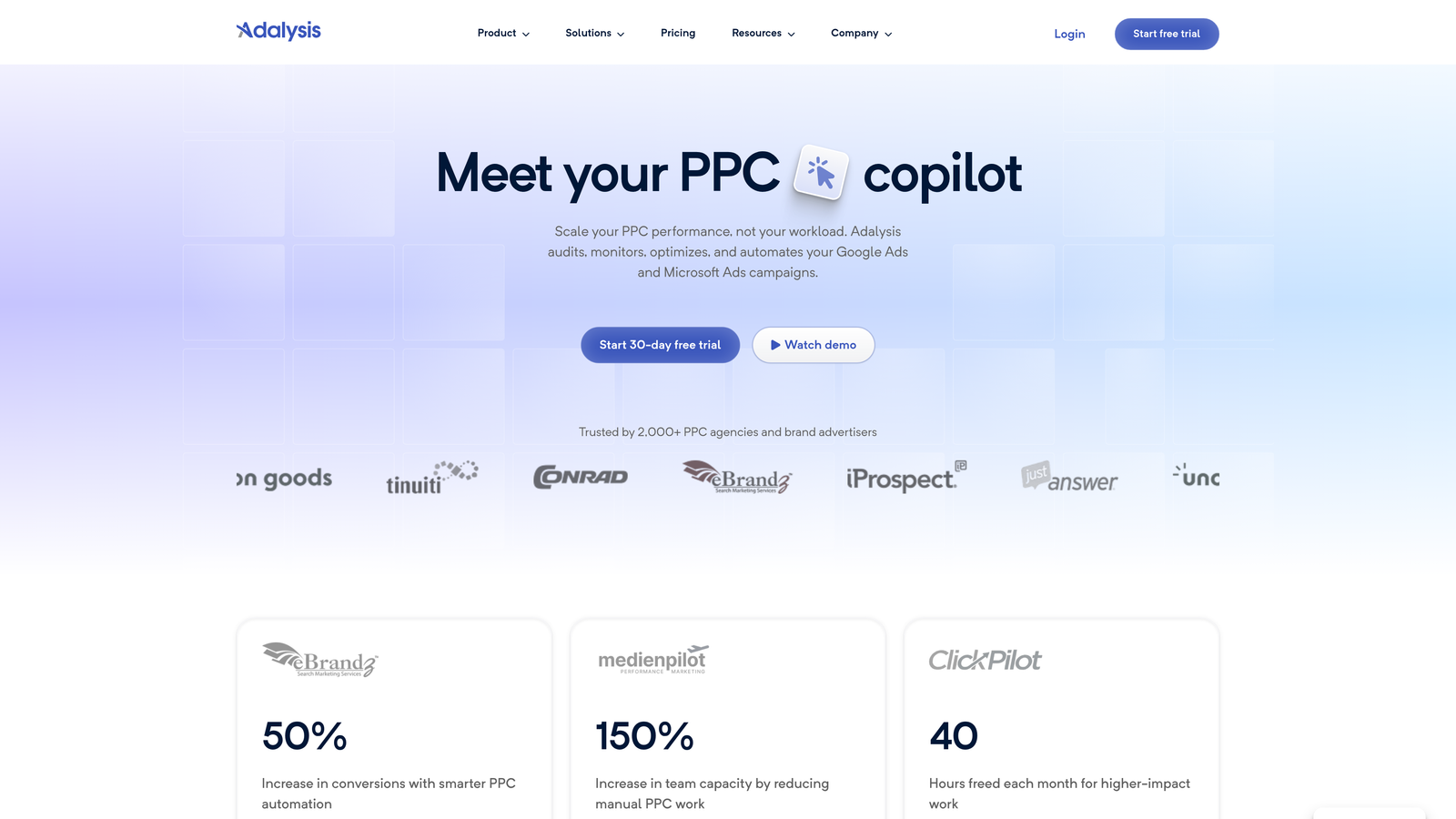
Adalysis is a PPC management tool focused on ad testing automation, quality score tracking, and proactive account health alerts.
Where This Tool Shines
Most PPC managers know they should be running structured A/B tests on ad copy. Most don't, because setting up proper statistical significance tracking manually is tedious. Adalysis automates this: it monitors your ad variations, tracks which tests have reached significance, and alerts you when it's time to act on results. That's a genuine workflow improvement for anyone running high-volume ad testing.
The quality score monitoring is also more granular than what Google Ads shows natively. Adalysis tracks quality score trends over time and alerts you to drops before they affect performance, which is the kind of proactive monitoring that's easy to miss in a busy account.
Key Features
Automated A/B Ad Testing: Tracks test performance with statistical significance monitoring so you know when results are reliable.
Quality Score Monitoring: Trend tracking and alerts for quality score changes across keywords and ad groups.
Disapproved Ad Detection: Automatic alerts when ads are disapproved so issues don't go unnoticed.
Search Term Analysis: Negative keyword suggestions based on search term performance data.
Customizable Performance Dashboards: Account health views tailored to your specific KPIs.
Best For
PPC specialists who run structured ad copy tests and want automated monitoring rather than manual tracking. Well-suited for accounts with significant ad volume where quality score fluctuations have real budget impact.
Pricing
Plans start at approximately $99/month. Verify current pricing at adalysis.com.
8. Google Keyword Planner
Best for: Free keyword research and campaign planning directly inside Google Ads
Google Keyword Planner is Google's built-in keyword research tool, available inside every Google Ads account, offering search volume data, keyword ideas, and bid forecasting.
Where This Tool Shines
The data comes straight from Google, which matters. Search volume ranges, CPC bid estimates, and competition levels reflect actual Google Ads auction data rather than third-party estimates. For initial campaign planning and keyword list building, it's hard to beat a free tool with this level of source accuracy.
That said, it's a planning tool, not an optimization tool. Once campaigns are live, Keyword Planner doesn't help you manage search terms, apply negatives, or monitor performance. Think of it as the starting point for keyword strategy, not the ongoing workflow.
Key Features
Keyword Ideas from Seed Terms or URLs: Generate keyword suggestions from a starting keyword or a competitor's landing page URL.
Search Volume Ranges and Trend Data: Monthly search volume estimates with seasonal trend charts.
CPC Bid Estimates: Suggested bid ranges by location and network for campaign planning.
Traffic Forecasting: Estimate clicks and impressions for a keyword list before launching campaigns.
Completely Free: Available to anyone with a Google Ads account, regardless of spend level.
Best For
Anyone building new campaigns from scratch or expanding into new keyword territories. Essential for initial research but not a substitute for ongoing search term management and optimization tools.
Pricing
Free. Requires a Google Ads account to access. No spend minimum needed to use the tool.
9. Karooya
Best for: Free negative keyword conflict detection and search term waste analysis
Karooya is a niche PPC tool focused specifically on negative keyword management, conflict detection, and search term analysis, with a genuinely useful free tier for smaller accounts.
Where This Tool Shines
Negative keyword conflicts are one of those account hygiene issues that quietly drain budget without anyone noticing. This happens when a negative keyword you've added accidentally blocks a keyword you actually want to show for. Karooya's conflict detection finds these issues automatically, which is the kind of diagnostic check most PPC managers only do when something looks wrong in the data.
The free tier makes it accessible for budget-conscious advertisers who don't need a full PPC platform but want a focused tool for cutting wasted spend. It supports both Google Ads and Microsoft Ads, which is a practical bonus for anyone running campaigns on both networks.
Key Features
Free Negative Keyword Conflict Detection: Automatically identifies when negatives are blocking keywords you want to serve.
Search Term Waste Analysis: Surfaces search terms generating spend without conversions or relevance.
Negative Keyword List Builder: Tools for building and organizing negative keyword lists efficiently.
Google Ads and Microsoft Ads Support: Works across both major PPC platforms.
Free Tier for Smaller Accounts: Meaningful functionality available without a paid subscription.
Best For
Budget-focused advertisers who want to audit and clean up their negative keyword strategy without paying for a full PPC management platform. Particularly useful as a diagnostic tool run periodically rather than a daily workflow tool.
Pricing
Free tier available for smaller accounts. Paid plans exist for larger account volumes. Verify current plan details at karooya.com.
Which Tool Is Right for Your Workflow?
Budget-friendly doesn't mean feature-poor. The right tool depends almost entirely on where you spend most of your optimization time and what kind of PPC work you're actually doing day to day.
Here's a quick breakdown by use case:
Best for agencies managing multiple accounts: Keywordme is the strongest choice for in-interface optimization at scale. At $12/month per user with multi-account and team support, it's purpose-built for agency workflows. Optmyzr is worth considering if you need deeper automation and reporting, though at a higher price point.
Best for solo advertisers and freelancers: Keywordme handles the daily search term workflow efficiently without requiring a separate dashboard. Pair it with Google Ads Editor for bulk structural changes and you've covered most of what a solo PPC manager needs for under $15/month.
Best free option: Google Ads Editor for bulk editing and campaign management. Google Keyword Planner for research and planning. Karooya for a free negative keyword conflict audit. Together, these three free tools cover a solid foundation of PPC hygiene without spending anything.
Best for competitive research: SpyFu at approximately $39/month gives you the most PPC-specific competitive intelligence for the price. SEMrush is worth the higher cost if you also need SEO research capabilities under the same subscription.
The mistake most agencies make is over-investing in enterprise platforms when the actual time sink is the manual, repetitive work inside the Search Terms Report. That's where tools like Keywordme pay for themselves fast.
If you're spending more than an hour a week reviewing search terms, adding negatives, and adjusting match types manually, that's the first workflow to fix. Start your free 7-day trial of Keywordme and see how much faster that work gets when it's all happening with one click, right inside Google Ads.
.svg)