
9 Best Browser Extensions for PPC Management in 2026
Managing PPC campaigns requires constant tab-switching and data cross-referencing, which kills productivity. The right browser extension for PPC management brings keyword research, competitor analysis, tracking verification, and campaign optimization tools directly into your Google Ads workflow—eliminating friction and letting you optimize faster without leaving your browser.


Managing Google Ads campaigns means jumping between tabs, exporting spreadsheets, cross-referencing data, and constantly switching contexts. Every time you leave the Google Ads interface to check keyword volumes, analyze competitor ads, or build negative keyword lists, you lose momentum—and time. Browser extensions solve this by bringing critical PPC tools directly into your workflow, whether that's inside the Google Ads interface itself, in search results, or across the web as you research.
The best browser extensions for PPC management eliminate friction. They let you optimize campaigns faster, research keywords without leaving Google, verify tracking tags in real-time, and catch ad copy errors before you hit publish. Some work entirely within Google Ads, turning manual tasks into one-click actions. Others surface competitive intelligence or keyword data exactly when you need it.
Here are the top browser extensions for PPC management right now, starting with tools built specifically for in-interface optimization and expanding to research, tracking, and productivity helpers.
1. Keywordme
Best for: In-interface Google Ads search terms optimization with one-click actions
Keywordme is a Chrome extension that integrates directly into Google Ads' Search Terms Report, letting you optimize campaigns without leaving the native interface.

Where This Tool Shines
Keywordme eliminates the spreadsheet export workflow entirely. Instead of downloading search terms data, sorting through junk queries, and manually building negative keyword lists, you handle everything with clicks inside Google Ads. The extension adds action buttons directly to the Search Terms Report, so you can remove irrelevant queries, add high-intent keywords, apply match types, and build negative lists without switching tabs.
For agencies managing multiple client accounts, the multi-account and team support features make it easy to maintain consistency across campaigns. The keyword clustering functionality groups similar search terms automatically, helping you spot patterns and build more organized keyword structures faster than manual review.
Key Features
One-Click Junk Removal: Eliminate irrelevant search terms directly in the Search Terms Report without exporting data.
Instant Match Type Application: Apply exact, phrase, or broad match modifiers to keywords with a single click.
Keyword Clustering: Automatically group similar search terms to identify themes and build better ad groups.
Bulk Editing: Select multiple search terms and apply actions simultaneously to speed up optimization.
Multi-Account Support: Switch between client accounts seamlessly with team collaboration features for agencies.
Best For
Keywordme works best for advertisers who spend significant time in the Search Terms Report—whether you're a solo consultant optimizing a handful of accounts or an agency team managing dozens of clients. If you're tired of exporting data to spreadsheets and manually building negative keyword lists, this extension cuts that process down to seconds.
Pricing
$12/month per user with a 7-day free trial. Flat-rate pricing with no hidden fees or usage limits.
2. Optmyzr Express
Best for: AI-powered optimization suggestions with one-click implementation
Optmyzr Express is a browser-based tool that surfaces AI-driven optimization recommendations directly within the Google Ads interface.

Where This Tool Shines
Optmyzr Express brings machine learning insights into your daily workflow. The tool analyzes your campaigns in real-time and suggests adjustments—bid changes, budget reallocations, keyword additions—that you can implement with a single click. It's particularly useful for advertisers managing large accounts where manual optimization would be overwhelming.
The budget pacing alerts help prevent overspending or underspending, while the bid adjustment recommendations adapt to performance trends automatically. Because it integrates with the full Optmyzr platform, you get access to deeper analytics and automation rules if you need them.
Key Features
AI-Driven Recommendations: Machine learning suggests optimizations based on campaign performance patterns.
One-Click Implementation: Apply suggested changes instantly without leaving Google Ads.
Bid Adjustment Alerts: Get notified when bids need adjusting based on performance shifts.
Budget Pacing Monitoring: Track daily spend against monthly budgets to avoid overspending.
Full Platform Integration: Access Optmyzr's complete suite of automation and reporting tools.
Best For
Optmyzr Express is ideal for mid-to-large advertisers or agencies managing complex accounts with multiple campaigns. If you're already comfortable with optimization but want AI assistance to catch opportunities faster, this tool adds a layer of intelligence without requiring manual analysis.
Pricing
Included with Optmyzr subscription, which starts around $208/month depending on account size and features.
3. Keyword Surfer
Best for: Free keyword research data displayed directly in Google search results
Keyword Surfer is a Chrome extension that shows search volume, CPC estimates, and related keywords right in Google SERPs.

Where This Tool Shines
Keyword Surfer eliminates the need to open a separate keyword research tool every time you want to check search volume. As you browse Google, the extension displays monthly search volume next to every result, along with related keyword suggestions and estimated CPC data. This makes it incredibly fast to build keyword lists for new campaigns or identify expansion opportunities.
The export functionality lets you save keyword lists directly from the extension, so you can build a campaign structure without ever leaving your browser. For quick research or validating keyword ideas before launching campaigns, it's hard to beat the speed and simplicity.
Key Features
Search Volume in SERPs: See monthly search volume for any query directly in Google search results.
Related Keyword Suggestions: Get a list of similar keywords with volume data for expansion ideas.
CPC Estimates: View estimated cost-per-click for PPC planning and budget forecasting.
Correlation Data: See metrics for top-ranking pages to understand competitive dynamics.
Export Capabilities: Save keyword lists for campaign building without switching tools.
Best For
Keyword Surfer works best for advertisers who do frequent keyword research and want instant data without paying for a full keyword tool subscription. It's especially useful for freelancers, small agencies, or in-house teams building campaigns on tight budgets.
Pricing
Completely free with no subscription required.
4. SEMrush PPC Toolkit Extension
Best for: Competitive intelligence and instant access to competitor ad data
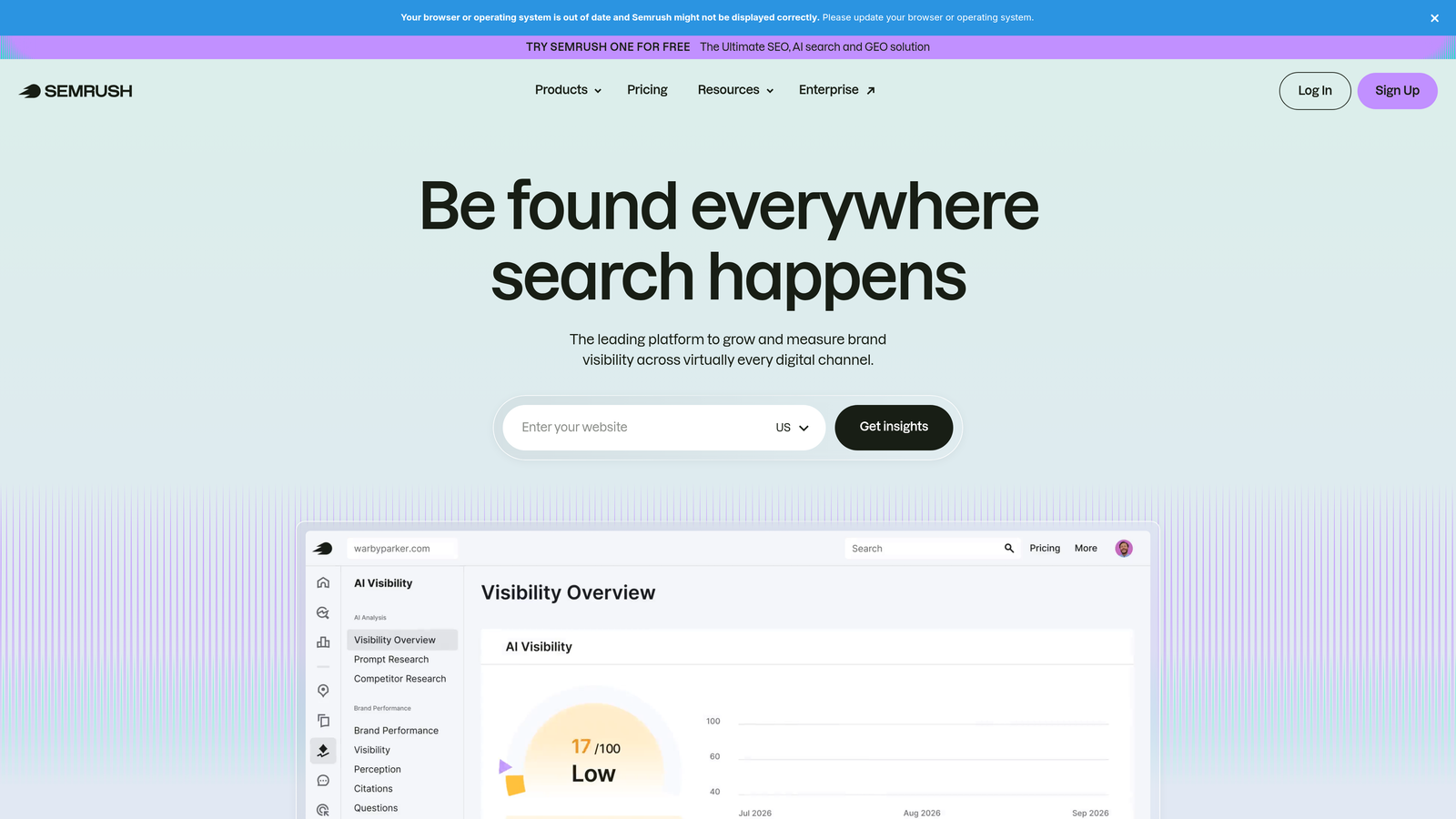
SEMrush PPC Toolkit Extension provides competitive insights directly in your browser, showing competitor ad copy, keyword strategies, and domain-level PPC metrics.
Where This Tool Shines
The SEMrush extension turns competitor research into a one-click process. When you're analyzing a competitor's website, the extension surfaces their ad history, top-performing keywords, and estimated ad spend. This helps you understand what's working in your niche without manually searching for competitor ads or guessing at their strategies.
The keyword gap analysis feature is particularly useful—it shows which keywords competitors are bidding on that you're not, helping you identify missed opportunities. Because it integrates with the full SEMrush platform, you can dive deeper into any insight without leaving your workflow.
Key Features
Competitor Ad Copy History: View historical ad variations and messaging strategies from competitors.
Keyword Gap Analysis: Identify keywords competitors are bidding on that you're missing.
Domain-Level PPC Metrics: See estimated ad spend, traffic, and keyword counts for any domain.
Ad Position Tracking: Monitor where competitors rank in paid search results over time.
Platform Integration: Access full SEMrush dashboard for deeper analysis and reporting.
Best For
SEMrush PPC Toolkit Extension is best for advertisers who prioritize competitive intelligence and want to reverse-engineer successful campaigns in their industry. If you're already using SEMrush for SEO or content, the extension extends that investment into PPC research.
Pricing
Requires a SEMrush subscription, starting at $139.95/month for the Pro plan.
5. SpyFu Kombat
Best for: Visual keyword overlap analysis and competitor keyword identification
SpyFu Kombat shows keyword overlap between your domain and competitors, helping you identify shared and unique keyword opportunities.

Where This Tool Shines
SpyFu Kombat visualizes keyword competition in a way that makes strategic decisions obvious. The tool creates diagrams showing which keywords you share with competitors, which are unique to them, and which are unique to you. This helps you decide where to compete head-on and where to find less contested opportunities.
The historical ad data access is valuable for understanding long-term competitor strategies. You can see which keywords competitors have consistently bid on over months or years, giving you insight into what's actually profitable for them versus what's just experimental.
Key Features
Visual Keyword Overlap Diagrams: See shared and unique keywords between you and competitors at a glance.
Competitor Keyword Lists: Export complete lists of keywords competitors are bidding on.
Historical Ad Data: Access years of ad copy and keyword history to understand long-term strategies.
Shared vs Unique Analysis: Identify where you're competing directly and where you have open opportunities.
Export Capabilities: Save keyword lists for campaign planning and expansion.
Best For
SpyFu Kombat is ideal for advertisers in competitive industries who need to understand the keyword landscape before launching campaigns. If you're entering a new market or trying to find gaps in your current strategy, the visual overlap analysis makes decision-making faster.
Pricing
Requires a SpyFu subscription, starting at $39/month for the Basic plan.
6. Google Ads Editor Companion Extensions
Best for: Productivity shortcuts and faster navigation within Google Ads
Google Ads Editor Companion Extensions are unofficial tools that add keyboard shortcuts, navigation helpers, and interface customizations to Google Ads.

Where This Tool Shines
These extensions don't add new functionality—they make existing workflows faster. If you spend hours every week navigating Google Ads, keyboard shortcuts and quick-access buttons save significant time. The bulk selection helpers are particularly useful when you need to enable, pause, or delete multiple campaigns or ad groups at once.
Because these are community-built extensions, functionality varies. Some focus on keyboard commands, others on visual customization or faster access to reporting. The best approach is to test a few and keep the ones that match your workflow.
Key Features
Quick Navigation Shortcuts: Jump between campaigns, ad groups, and settings with keyboard commands.
Keyboard Command Enhancements: Add custom shortcuts for frequently used actions.
Faster Settings Access: Reach campaign settings and configuration pages with fewer clicks.
Bulk Selection Helpers: Select multiple items quickly for batch actions.
Interface Customization: Adjust the Google Ads layout to match your preferences.
Best For
Google Ads Editor Companion Extensions work best for power users who manage campaigns daily and want to eliminate repetitive clicking. If you're already comfortable with Google Ads and looking for speed improvements, these extensions deliver incremental but meaningful time savings.
Pricing
Free, though specific functionality varies by extension.
7. Tag Assistant Legacy (by Google)
Best for: Verifying conversion tracking tags and troubleshooting implementation issues
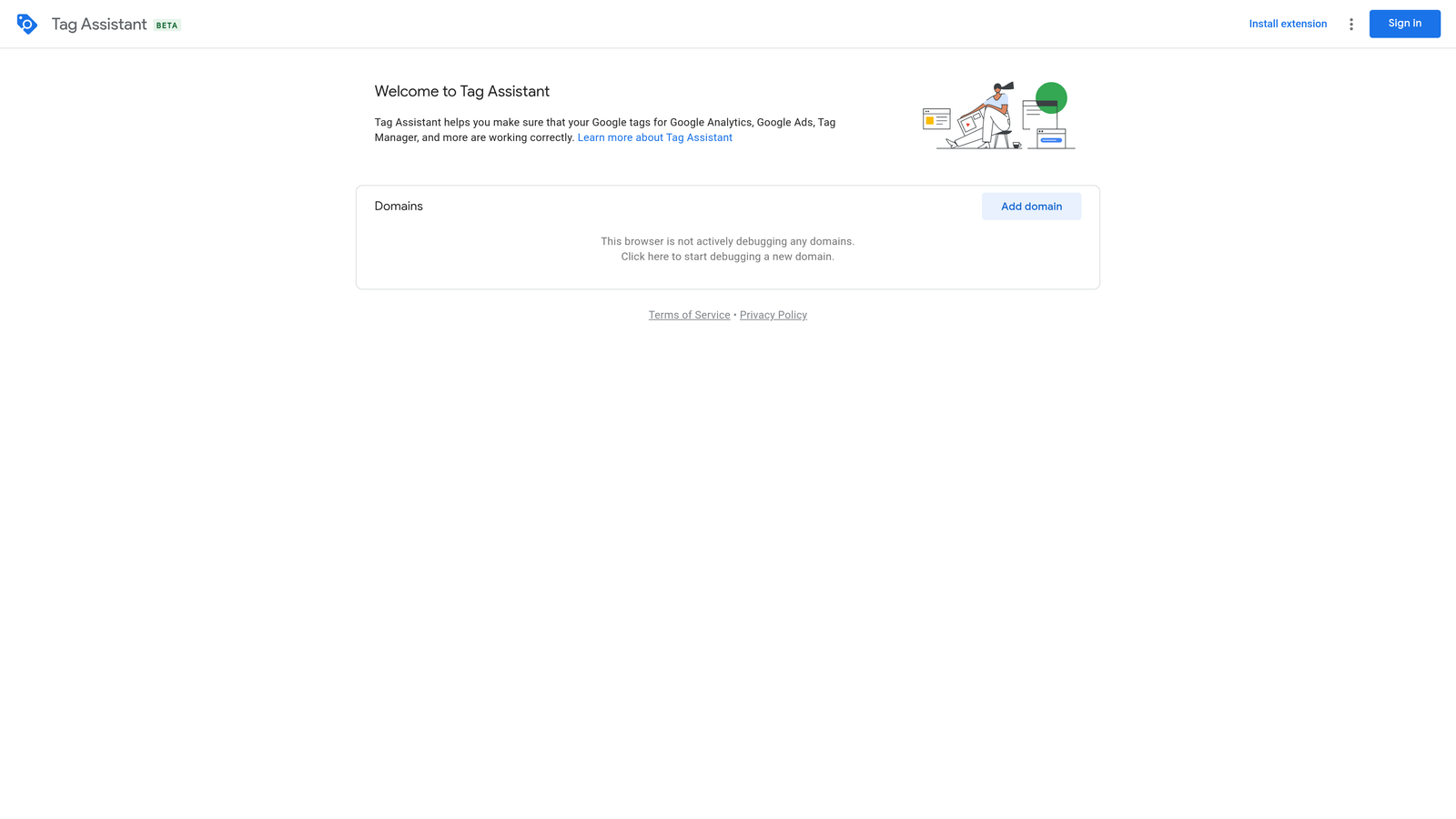
Tag Assistant Legacy is Google's official extension for checking whether tracking tags are firing correctly on your website.
Where This Tool Shines
Tag Assistant Legacy eliminates the guesswork from conversion tracking setup. When you're implementing Google Ads conversion tags or troubleshooting why conversions aren't recording, the extension shows you in real-time whether tags are firing, what data they're sending, and where errors are occurring. The recording mode is especially useful—it lets you walk through a conversion path on your site and see exactly which tags fire at each step.
This tool is critical during campaign launches or when you're diagnosing tracking discrepancies. Instead of waiting for conversions to appear (or not appear) in Google Ads, you can verify implementation immediately and fix issues before spending budget.
Key Features
Real-Time Tag Verification: See which Google tags are active on any page you visit.
Conversion Tag Diagnostics: Check whether Google Ads conversion tags are firing correctly.
Google Analytics Validation: Verify GA4 and Universal Analytics tags are working properly.
Error Identification: Get warnings and error messages explaining what's broken.
Recording Mode: Capture a full user journey to see tag behavior across multiple pages.
Best For
Tag Assistant Legacy is essential for anyone setting up or managing conversion tracking. Whether you're a solo advertiser implementing your first conversion tag or an agency troubleshooting client tracking issues, this extension saves hours of diagnostic work.
Pricing
Completely free from Google.
8. Similarweb Extension
Best for: Quick traffic analysis and competitor website insights
Similarweb Extension provides instant traffic estimates, channel breakdowns, and audience insights for any website you visit.
Where This Tool Shines
Similarweb Extension turns competitive research into a background task. When you're browsing competitor websites or evaluating potential partners, the extension automatically surfaces traffic data, showing monthly visits, traffic sources, geographic distribution, and engagement metrics. This helps you quickly assess whether a competitor's traffic comes from paid search, organic, social, or direct channels.
The industry benchmarking context is valuable for understanding whether a competitor's performance is exceptional or average for their niche. You can see how their traffic compares to similar sites, helping you set realistic expectations for your own campaigns.
Key Features
Estimated Monthly Traffic: See total visits and trends for any domain you visit.
Traffic Source Breakdown: Understand how much traffic comes from paid search, organic, social, and direct.
Geographic Audience Data: See where a site's traffic originates by country and region.
Competitor Snapshots: Compare multiple domains side-by-side for quick analysis.
Industry Benchmarks: Understand how a site performs relative to its category average.
Best For
Similarweb Extension is ideal for advertisers doing market research, competitive analysis, or partnership evaluation. If you need quick traffic insights without committing to a full competitive intelligence platform, the free version provides enough data for most decisions.
Pricing
Free basic version with limited data; premium features require a Similarweb subscription.
9. Grammarly
Best for: Catching ad copy errors and improving clarity before publishing
Grammarly is a writing assistant extension that checks spelling, grammar, tone, and clarity in real-time across all text fields.
Where This Tool Shines
Grammarly works directly in Google Ads text fields, catching typos, grammar errors, and awkward phrasing before you publish ads. This is especially useful when you're writing multiple ad variations quickly—it's easy to miss errors when you're focused on messaging strategy rather than proofreading. The tone suggestions help ensure your ad copy matches your brand voice, whether that's professional, casual, or urgent.
The consistency checking feature is valuable when you're managing multiple campaigns. Grammarly flags inconsistent terminology or phrasing across ads, helping you maintain a cohesive brand voice. The character count awareness is also helpful—it warns you when you're approaching Google Ads' character limits.
Key Features
Real-Time Error Detection: Catch spelling and grammar mistakes as you type in Google Ads.
Tone and Clarity Suggestions: Get recommendations for improving ad copy readability and impact.
Works in Text Fields: Integrates directly into Google Ads headlines and descriptions.
Character Count Awareness: Alerts you when approaching Google Ads character limits.
Consistency Checking: Flags inconsistent terminology across multiple ads.
Best For
Grammarly is essential for anyone writing ad copy frequently, especially if you're managing campaigns solo without a dedicated copywriter or editor. If you've ever published an ad with a typo and noticed it hours later, this extension prevents that embarrassment.
Pricing
Free basic version covers spelling and grammar; Grammarly Premium at $12/month adds tone, clarity, and style suggestions.
Choosing the Right Extension for Your Workflow
The best browser extension for PPC management depends on where you spend the most time and what tasks slow you down. If you're constantly optimizing search terms and building negative keyword lists, an in-interface tool like Keywordme eliminates the spreadsheet export workflow entirely. For keyword research, Keyword Surfer gives you instant volume data without paying for a full keyword tool. Competitive intelligence needs? SEMrush or SpyFu extensions surface competitor strategies in seconds.
Most advertisers benefit from combining multiple extensions rather than relying on one. A typical setup might include Keywordme for search terms optimization, Keyword Surfer for quick research, Tag Assistant for tracking verification, and Grammarly for ad copy quality. The key is choosing tools that integrate into your existing workflow rather than forcing you to adopt new processes.
For agencies managing multiple client accounts, prioritize extensions with multi-account support and team collaboration features. The time savings compound when you're switching between dozens of accounts daily. Solo advertisers or small teams should focus on extensions that automate repetitive tasks—anything that turns a five-minute process into a one-click action pays for itself quickly.
If you're just starting with browser extensions for PPC management, begin with the free options—Keyword Surfer, Tag Assistant, and Grammarly's basic version—to understand how extensions fit into your workflow. Then add paid tools like Keywordme or SEMrush based on where you're spending the most time manually.
Optimize Google Ads campaigns 10x faster without leaving your account. Keywordme lets you remove junk search terms, build high-intent keyword lists, and apply match types instantly—right inside Google Ads. No spreadsheets, no switching tabs, just quick, seamless optimization. Start your free 7-day trial (then just $12/month) and take your Google Ads game to the next level.
.svg)