
8 Best Browser Extensions for Google Ads in 2026
A practical guide to browser extension for google ads.


This list is for marketers, freelancers, and agency owners who spend their days inside Google Ads and want to know which browser extensions actually help. I judged each tool on what it does for PPC work, how well it fits a real workflow, what it costs, and where it falls short. A browser extension runs inside Chrome or another browser, unlike Google Ads Editor (a desktop app) or a full SaaS platform. Very few extensions act inside the Google Ads interface itself, so several picks here sit next to the account rather than in it.
Quick Comparison of the Extensions
- Keywordme: freelancers and agencies cleaning search terms daily; $12/month per user; the only one here that works natively inside the Google Ads Search Terms Report.
- Keywords Everywhere: marketers doing quick keyword research; credit-based paid plans, see website; shows demand data on any search page while you browse.
- Tag Assistant Companion: anyone verifying conversion tracking; free; first-party Google tag diagnostics.
- Wappalyzer: people inspecting client or competitor landing pages; free tier, paid plans on the website; instant tech stack detection on any page.
1. Keywordme
Keywordme is a Chrome extension that adds one-click actions to the Search Terms Report inside Google Ads. It's built for people who review search terms (the actual queries people typed) and turn them into keywords (what you bid on) or negative keywords (what you block) over and over. The company says it can make that optimization work up to 10x faster; that figure is Keywordme's own claim, not an independent benchmark.
What sets it apart on this list is where it works. You stay in the native Google Ads UI instead of exporting a CSV, sorting it in a spreadsheet, and re-uploading. Every other tool here is research, diagnostics, or inspection.
- Add a search term as a keyword or a negative keyword with one click, so a review pass doesn't turn into a copy-and-paste session.
- Apply match types (broad, phrase, exact) at the moment you add something, which keeps list-building consistent.
- Keyword clustering groups related terms so you can build tighter ad groups.
- Bulk editing lets you act on many terms at once during larger cleanups.
- Multi-account and team support suits agencies running several clients and several people.
Setup is an install from the Chrome Web Store, and whoever reviews search terms day to day uses it. It integrates with Google Ads through your Chrome browser, and you review and click each action yourself rather than letting anything run on its own.
The limits are real. It's Chrome-only, and it focuses on search terms and keywords. It's not an auditing, bidding, or reporting tool, so you'll still need other software for those jobs. If you rarely touch the Search Terms Report, you won't get much from it.
Pricing is $12/month per user, with a 7-day free trial, as of this writing. Cost scales with the number of seats, so check the current terms on the Keywordme site.
Best for: Freelancers and agencies that clean search terms and build keyword lists daily.
2. Keywords Everywhere
Keywords Everywhere is a browser extension that overlays keyword data, such as search volume and CPC, on search results and other pages. It's aimed at marketers who want demand numbers without opening a separate research tool, which makes it most useful before you build a campaign.
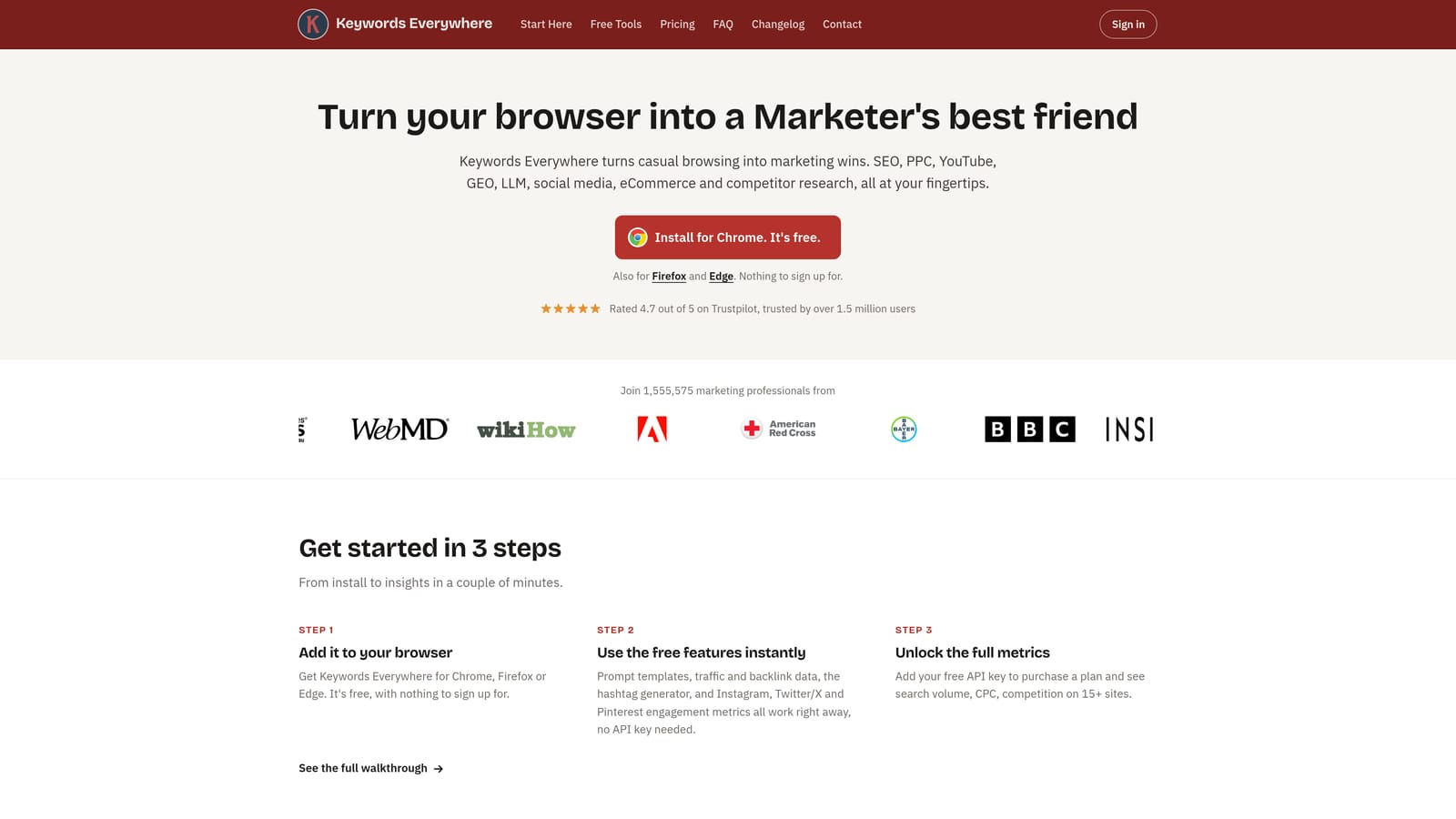
Its distinguishing trait is that the data follows you while you browse. Run a Google search and the numbers appear next to the results, with no tab-switching to a keyword planner.
- Search volume and CPC overlays show roughly how much demand and cost a term carries as you read the results page.
- Related keywords and People Also Search For suggestions surface variations you might not have listed.
- It works on Google search results, so research happens where you already look.
- Keyword list export lets you take findings into a planning doc or your campaign build.
It runs in Chrome and Firefox, installs in a couple of minutes, and one person can use it with no team setup. It doesn't connect to your Google Ads account, so it won't tell you what your own campaigns are matching.
That's the main limitation: it never touches your account, and its figures are third-party estimates. Treat them as directional and compare against your own Google Ads data before making budget decisions. It also won't help with search term cleanup, tracking, or reporting.
Pricing is credit-based on paid plans, so cost depends on how much data you pull. Plan details change, so check the website for current pricing rather than relying on a number here.
Best for: Quick keyword research before building campaigns.
3. Tag Assistant Companion
Limitations first: Tag Assistant Companion is Google's tag debugging tool, and I couldn't confirm its Chrome extension's current support status for 2026. Check the Chrome Web Store listing and the Tag Assistant site before you rely on it or roll it out to a team.
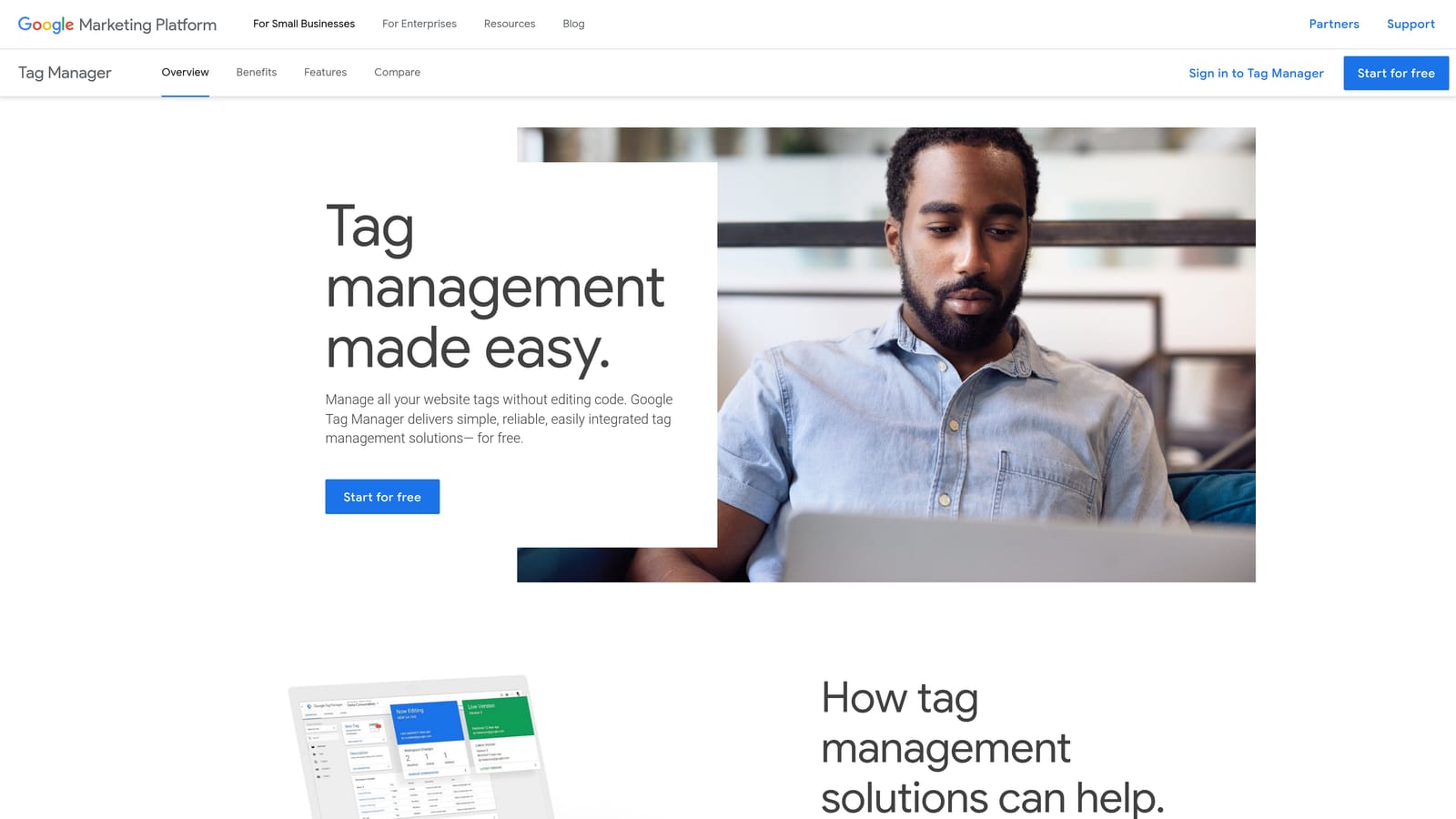
It diagnoses tracking, not campaigns. It helps you confirm that your Google tag and conversion tags are installed and firing, which matters because every bidding and optimization decision depends on conversion data being right.
- Debug Google tag and conversion tags to see whether they're present on a page.
- Check tag firing on pages, so you can confirm a conversion event happens when it should.
- It connects to the Tag Assistant web tool, which is where the debugging session runs.
It's first-party, which is its edge here: it comes from Google and covers Google's own tags, so the diagnostics match how those tags are meant to behave. It works with Google Ads, Google Tag Manager, and Google Analytics. Setup is light, but someone comfortable reading tag output should run it, often a PPC specialist working with a developer.
It's not for anyone who wants to optimize campaigns, manage keywords, or pull performance data. It tells you whether tracking is installed, not whether your account is performing well. It also covers only what's on the page you test, so it won't catch problems in offline conversion imports or account-level settings.
Pricing is free, with nothing that scales by seat or spend.
Best for: Verifying conversion tracking is installed correctly.
4. Wappalyzer
Wappalyzer is a technology profiler extension that identifies the CMS, analytics, and marketing tools running on a website. For PPC, the useful application is landing pages: open a client's page, or a competitor's, and see what it's built on.
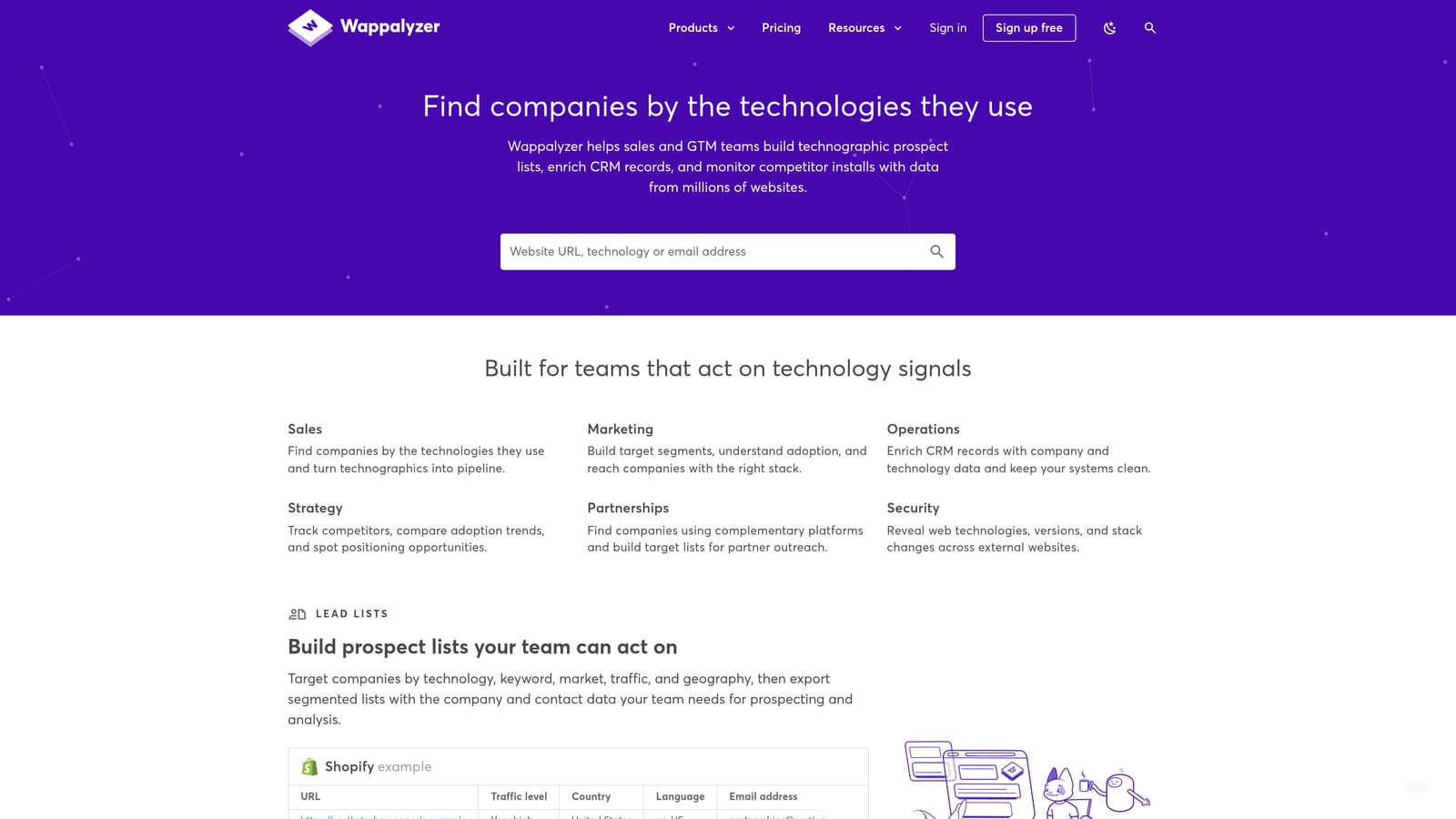
Its distinct strength is instant tech stack detection on any page. No other tool here tells you at a glance whether a landing page runs on a given ecommerce platform or has particular analytics and tag tools installed.
- It detects CMS and ecommerce platforms, so you know what a page is built on before suggesting changes.
- It identifies analytics and tag tools, which helps when you inherit an account and need to know what's installed.
- It shows the tech stack on landing pages, useful for competitor research or spotting a page-speed suspect.
It runs in Chrome, Firefox, and Edge, which is the widest browser coverage on this list. Setup is a quick install, and anyone on the team can use it, from the account manager to the developer.
It's informational only. It takes no actions in Google Ads and can't tell you how a landing page converts. It also detects what's visible from the page, so treat its results as a strong hint, not a full audit. If your problem lives in the account rather than on the page, look elsewhere.
It has a free tier and paid plans, and the limits and prices change, so check the website for what's current.
Best for: Inspecting client or competitor landing page setups.
Which Extension to Install for Which Job
Match the tool to the task:
- Search term cleanup: Keywordme, since it's the one that works inside the Search Terms Report.
- Keyword research: Keywords Everywhere, for demand and CPC estimates while you browse.
- Tag debugging: Tag Assistant Companion, once you've confirmed it's still supported.
- Landing page inspection: Wappalyzer.
I left account auditing off the list because none of these four covers it, so budget for a separate tool if you need one. Most advertisers end up pairing one in-interface optimizer with one or two free diagnostic extensions, and that setup covers the daily work without clutter.
If search term review is where your hours go, that's the best place to start. Start your free 7-day trial (then just $12/month) and remove junk search terms, build high-intent keyword lists, and apply match types right inside Google Ads, with no spreadsheets and no tab-switching.
