
9 Best Tools for Reducing Google Ads Management Time
Managing Google Ads across multiple accounts is a serious time drain, but the right tools can change that. This guide covers the best tools for reducing Google Ads management time in 2026, each selected for its ability to automate repetitive tasks, streamline optimization workflows, and free you up to focus on strategy.


Managing Google Ads manually is a genuine time sink. Reviewing search terms, adding negatives, adjusting match types, pulling reports for clients—it compounds fast, especially across multiple accounts. The good news is that the right tools can cut that time down significantly without hurting performance.
This list covers the best tools for reducing Google Ads management time in 2026. Each tool was chosen for its ability to eliminate repetitive tasks, speed up optimization workflows, and keep you focused on strategy rather than busywork. Whether you're a solo freelancer, an in-house marketer, or an agency managing dozens of clients, there's something practical here for you.
1. Keywordme
Best for: Speeding up search term review and negative keyword management inside Google Ads
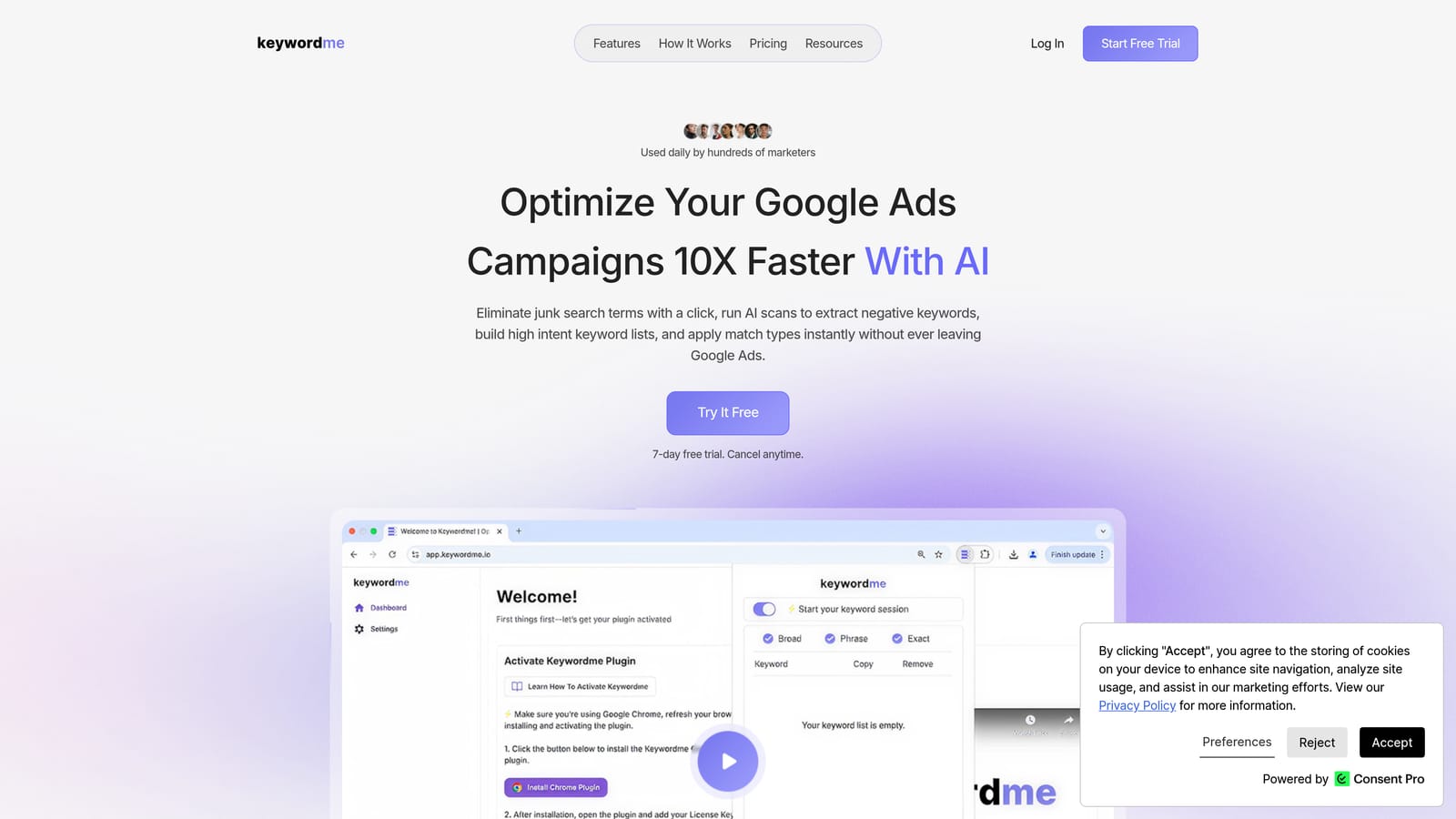
Keywordme is a Chrome extension that integrates directly into Google Ads' Search Terms Report, letting you take action on search terms without ever leaving the native interface.
Where This Tool Shines
The core problem Keywordme solves is context-switching. Normally, reviewing search terms means exporting to a spreadsheet, sorting, categorizing, then importing changes back. Keywordme collapses that into a series of clicks inside Google Ads itself. You can add negative keywords, apply match types, and cluster related terms into groups all from the same screen you're already working in.
For agencies managing multiple accounts, the multi-account and team support features mean the same streamlined workflow scales across your client roster without adding overhead.
Key Features
One-Click Negative Keyword Addition: Flag and add irrelevant search terms as negatives directly from the Search Terms Report without exporting anything.
Instant Match Type Application: Apply or change match types on keywords in a single click, skipping the spreadsheet step entirely.
Keyword Clustering: Group and organize search terms by theme quickly, making it easier to build structured keyword lists.
Bulk Editing: Handle multiple search terms in one workflow rather than processing them one by one.
Multi-Account and Team Support: Manage several accounts and collaborate with team members, which is particularly useful for agency setups.
Best For
Freelancers and agency owners who spend meaningful time each week on search term review will get the most out of Keywordme. It's also well-suited for in-house PPC managers who want to tighten up their optimization workflow without adopting a complex platform.
Pricing
$12/month per user. A 7-day free trial is available, so you can test it against your actual accounts before committing.
2. Google Ads Editor
Best for: Bulk offline edits across large or complex Google Ads accounts
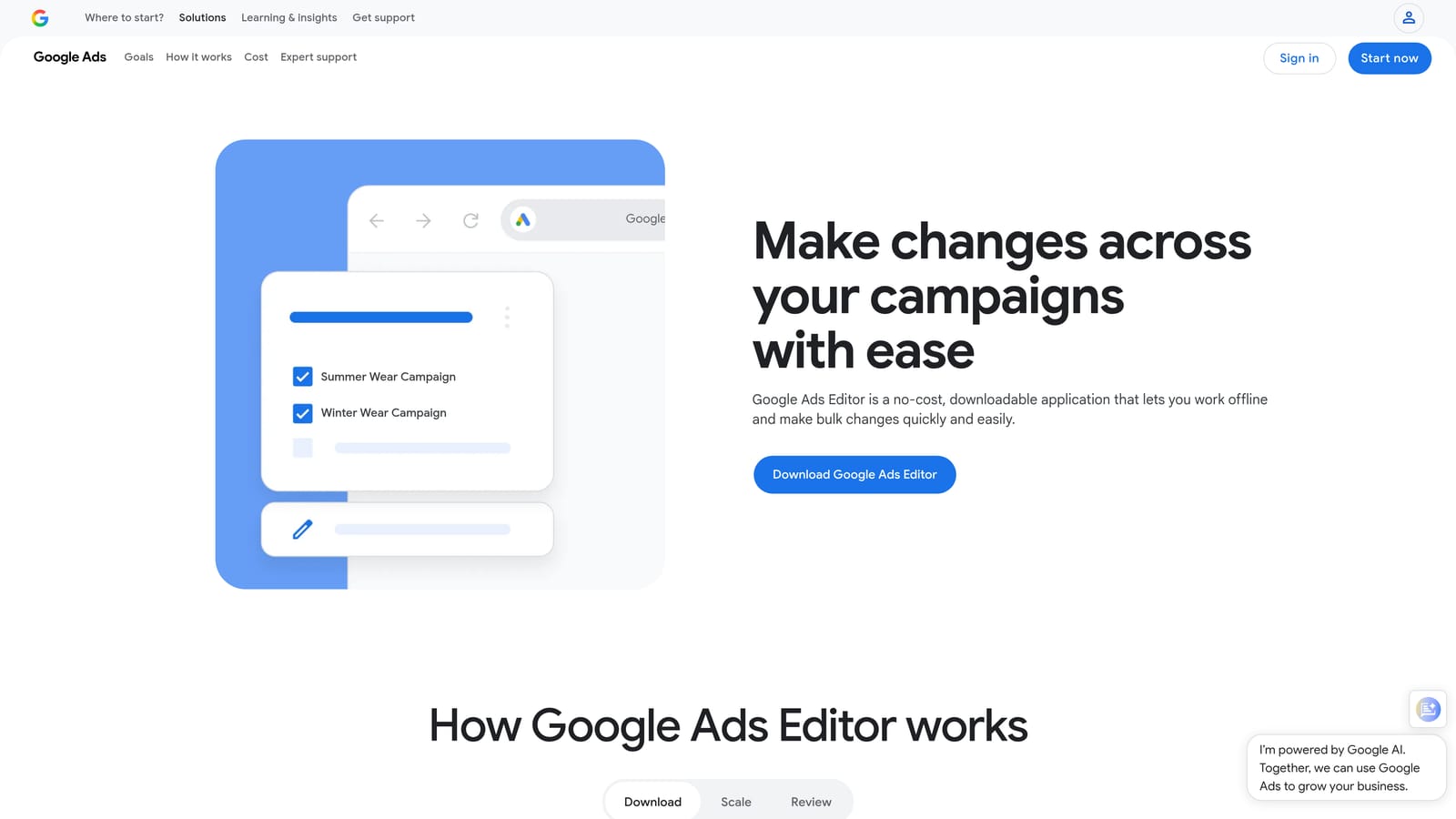
Google Ads Editor is a free desktop application from Google that lets you make bulk changes to campaigns, ad groups, keywords, and ads offline before pushing them live.
Where This Tool Shines
When you're managing large accounts, making changes one by one inside the Google Ads interface is slow. Editor lets you download an account, make sweeping edits—find-and-replace across hundreds of ads, copy entire campaign structures, reorganize ad groups—and then review everything before a single change goes live. That review step alone prevents a lot of costly mistakes.
It also handles multi-account management from a single desktop interface, which makes it a practical tool for anyone juggling more than one client or property.
Key Features
Bulk Find-and-Replace: Update ad copy, URLs, or keywords across multiple campaigns simultaneously.
Copy and Paste Between Accounts: Duplicate campaigns, ad groups, or keyword lists from one account to another without rebuilding from scratch.
Offline Draft Mode: Stage and review all changes before pushing them live, reducing the risk of accidental edits.
Multi-Account Interface: Manage several Google Ads accounts from one application window.
CSV Import and Export: Handle very large-scale changes through spreadsheet uploads when the interface isn't practical.
Best For
Anyone managing large accounts with frequent structural changes, or agencies that regularly build new campaigns from existing templates. It's especially valuable when you need to make the same change across many campaigns at once.
Pricing
Free. No subscription required.
3. Optmyzr
Best for: Prioritized optimization recommendations and rule-based automation across multiple accounts
Optmyzr is a PPC management platform that surfaces actionable optimization recommendations, automates rule-based tasks, and provides multi-account reporting in a single dashboard.

Where This Tool Shines
One of the hardest parts of managing multiple accounts is knowing where to spend your time. Optmyzr addresses this by analyzing account performance data and surfacing prioritized recommendations—so instead of auditing each account manually, you work through a focused list of actions. The one-click optimization feature lets you apply those recommendations quickly without digging through each campaign individually.
The rule-based automation layer handles recurring tasks like bid adjustments and budget pacing, which frees up time for higher-level work.
Key Features
One-Click Optimizations: Apply performance-based recommendations directly from the dashboard without navigating into individual campaigns.
Rule-Based Automation: Set conditions for bid changes, budget adjustments, and keyword actions that run automatically.
Multi-Account Reporting: View account health and performance across all clients from a single interface.
Shopping Campaign Tools: Dedicated features for managing and optimizing Google Shopping campaigns.
Agency Workflow Support: Multi-account overview and client management features designed for agency teams.
Best For
Mid-size to large agencies and in-house teams managing multiple Google Ads accounts who want a structured, automated approach to ongoing optimization.
Pricing
Tiered pricing based on ad spend managed. A free trial is available. Check optmyzr.com for current plans.
4. Google Ads Scripts
Best for: Free, flexible automation for repetitive tasks inside Google Ads
Google Ads Scripts is a built-in JavaScript automation environment that lets you automate bid adjustments, keyword pausing, reporting, and more—all at no additional cost.

Where This Tool Shines
Scripts are powerful because they run inside Google Ads itself, with direct access to your account data. You can set up a script to pause keywords that haven't converted in 30 days, email you when a campaign's spend exceeds a threshold, or generate a performance report automatically every Monday morning. Once a script is running, that task is off your plate indefinitely.
If JavaScript isn't your strong suit, a large community of PPC practitioners has published free, ready-to-use scripts that you can copy, configure with your own parameters, and deploy with minimal technical knowledge.
Key Features
Automated Bid Adjustments: Write rules that modify bids based on performance data without manual intervention.
Keyword and Ad Pausing: Automatically pause or enable keywords and ads when they cross defined performance thresholds.
Automated Reporting: Generate and email performance reports on a schedule without manual exports.
External Data Integration: Pull in outside data sources—weather feeds, inventory levels—and use them to adjust campaign logic.
Community Script Library: Access a large collection of free pre-written scripts from the Google Ads developer community.
Best For
Advertisers and agencies comfortable with basic JavaScript, or those willing to use pre-written community scripts. Best for automating specific, recurring tasks that follow clear rules.
Pricing
Free. Built into every Google Ads account.
5. Looker Studio
Best for: Automated, shareable client reporting that eliminates manual data exports
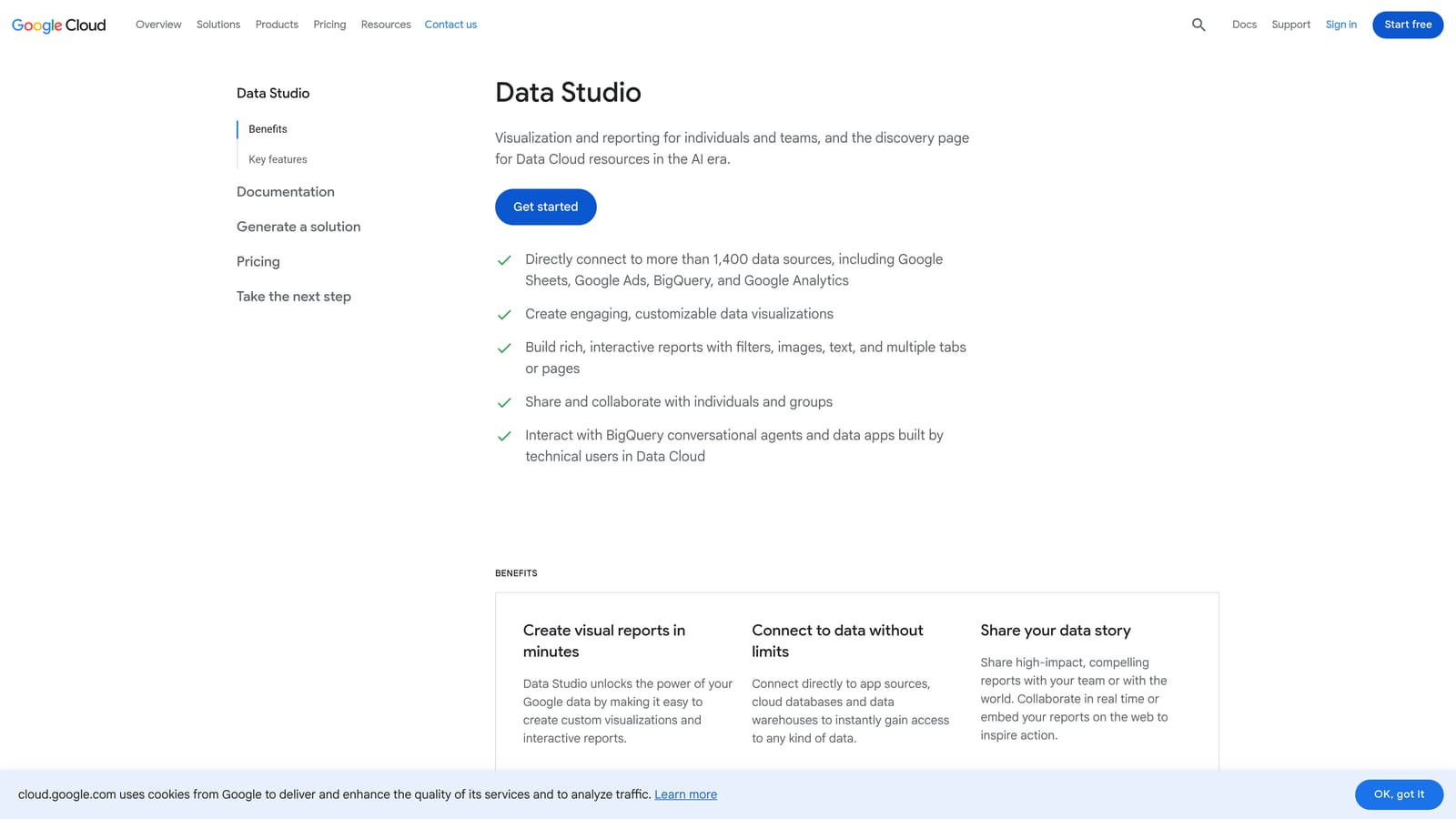
Looker Studio is Google's free data visualization tool that connects directly to Google Ads and other data sources to create live dashboards and reports that update automatically.
Where This Tool Shines
Manual reporting is one of the biggest hidden time costs in Google Ads management. If you're exporting data, formatting it in a spreadsheet, and emailing it to clients each week, Looker Studio can eliminate most of that. You build a report once, connect it to your Google Ads data, and it refreshes on its own. Clients get a shareable link they can check anytime.
The native Google Ads connector means no third-party integration is needed, and the drag-and-drop builder makes it accessible even without a data analytics background.
Key Features
Native Google Ads Connector: Pull data directly from Google Ads without any third-party setup or API configuration.
Auto-Refreshing Dashboards: Reports update automatically, removing the need for manual data pulls.
Shareable Report Links: Send clients a link rather than a static file, keeping everyone on the same live data.
Drag-and-Drop Builder: Customize report layouts and visualizations without writing code.
Multi-Source Data Blending: Combine Google Ads data with Google Analytics, Google Sheets, and other sources in a single report.
Best For
Agencies and freelancers who spend significant time on client reporting. Also useful for in-house teams that need to share performance data with stakeholders regularly.
Pricing
Free.
6. Adalysis
Best for: Automated ad testing and account-wide performance auditing
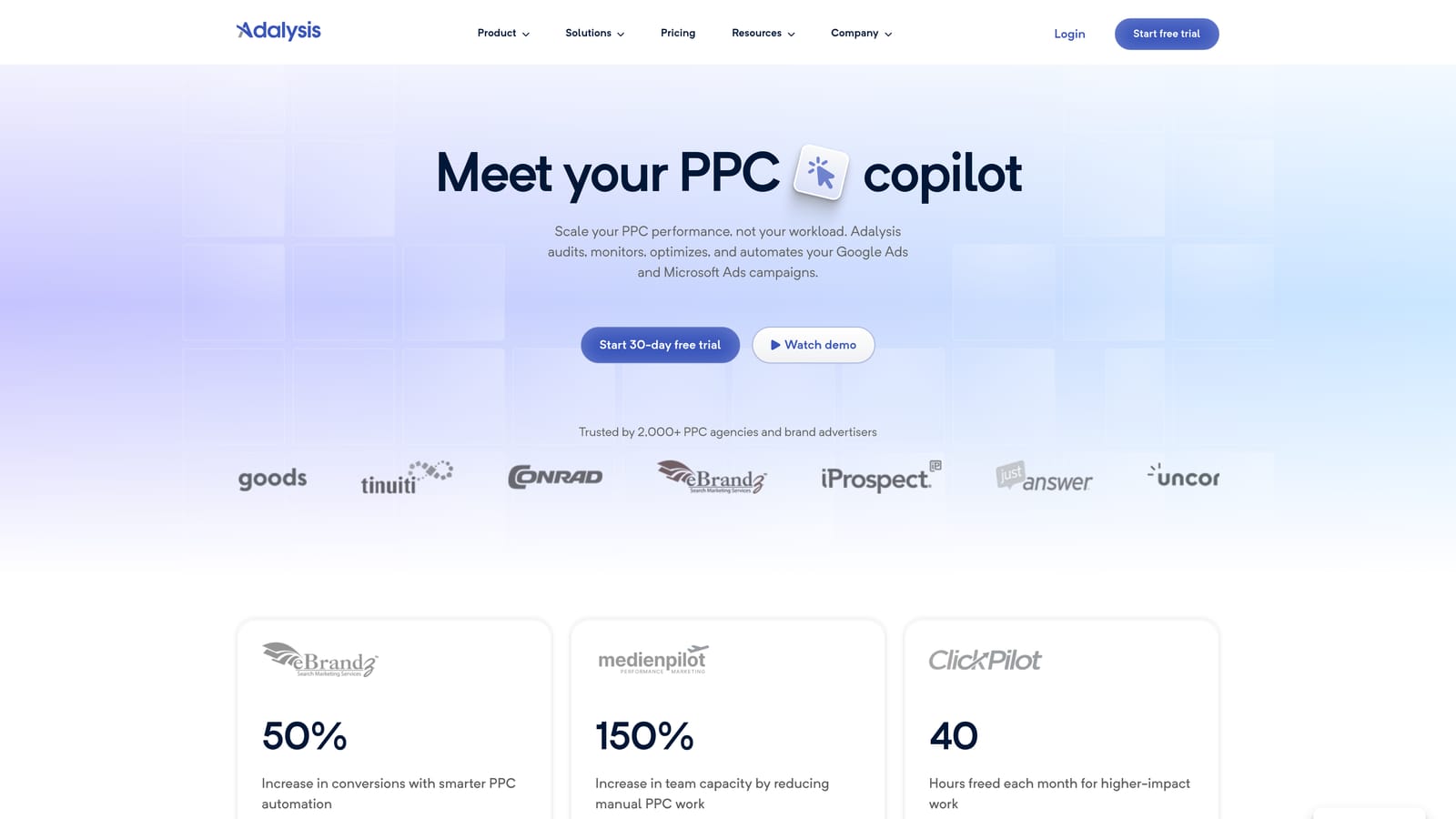
Adalysis is a PPC management platform focused on ad testing automation, account health auditing, and surfacing performance issues across Google Ads accounts.
Where This Tool Shines
Tracking ad tests manually is tedious. You have to check statistical significance, identify winners and losers, and remember which tests are still running across dozens of ad groups. Adalysis automates that entire process, tracking A/B tests and flagging results when they reach significance so you can act without constant monitoring.
The account audit feature is also a genuine time-saver. Instead of manually reviewing each campaign for structural issues, quality score drops, or disapproved ads, Adalysis surfaces those problems in a prioritized list.
Key Features
Automated A/B Ad Testing: Track test results with statistical significance monitoring so you know when to call a winner.
Account-Wide Audit: Identify underperforming ads, structural gaps, and account health issues without manual review.
Automated Alerts: Get notified about quality score drops, budget issues, and ad disapprovals without checking in manually.
Ad Rotation Management: Detect winning and losing ad variations automatically without manual tracking.
Bulk Ad Creation and Management: Build and manage ads at scale across multiple campaigns.
Best For
PPC managers and agencies who run frequent ad tests and need a systematic way to track results. Also valuable for teams managing large accounts where manual auditing isn't practical.
Pricing
Tiered pricing by number of campaigns. Check adalysis.com for current plans.
7. WordStream Advisor
Best for: Guided weekly optimization workflows for smaller accounts
WordStream Advisor is a guided PPC management platform that surfaces prioritized weekly recommendations to help advertisers work through Google Ads optimization in a structured, time-limited workflow.

Where This Tool Shines
Not every advertiser wants to build their own optimization process from scratch. WordStream Advisor provides a structured weekly workflow that tells you what to do and in what order. For advertisers who feel overwhelmed by the number of things that could be improved in an account, this guided approach removes the guesswork.
The platform is generally better suited to smaller accounts and less technical users who want recommendations surfaced for them rather than building custom automation rules.
Key Features
Weekly Optimization Workflow: A structured, prioritized action list that guides you through the most impactful improvements each week.
Keyword and Negative Keyword Recommendations: Suggestions for expanding or refining your keyword lists based on account data.
Ad Performance Grading: Evaluate ad quality and get suggestions for improvement.
Single Dashboard View: See all your Google Ads campaigns in one place without switching between accounts.
Performance Reporting: Summarize account performance for stakeholders without manual report building.
Best For
Small business owners, less technical advertisers, or those who want a guided optimization experience rather than a fully manual or scripted approach.
Pricing
Subscription-based. Check wordstream.com for current pricing.
8. Supermetrics
Best for: Automating Google Ads data pulls into reporting destinations on a schedule
Supermetrics is a data connector that automatically pulls Google Ads data into Google Sheets, Looker Studio, Excel, BigQuery, and other destinations without manual exports.
Where This Tool Shines
If your reporting workflow involves regularly exporting data from Google Ads and pasting it somewhere else, Supermetrics replaces that manual step with a scheduled, automatic pull. You set up the connection once, define what data you want, and it arrives in your chosen destination on the schedule you configure.
It's particularly useful for teams that need data in multiple formats or destinations—for example, raw data in BigQuery for analysis and a formatted version in Google Sheets for a client-facing summary.
Key Features
Scheduled Automatic Data Pulls: Set data to refresh daily, weekly, or at custom intervals without any manual action.
Multi-Destination Support: Send data to Google Sheets, Looker Studio, Excel, BigQuery, and other platforms.
Multi-Account Data Pulls: Pull data from multiple Google Ads accounts into a single destination in one query.
Custom Dimensions and Metrics: Choose exactly which fields, date ranges, and breakdowns you need.
Reduced Manual Export Work: Eliminates the copy-paste reporting cycle that eats up time each week.
Best For
Agencies and analysts who manage reporting across multiple accounts and need data flowing reliably into spreadsheets, dashboards, or data warehouses without manual intervention.
Pricing
Tiered by data destination and number of sources. Check supermetrics.com for current plans.
9. Zapier
Best for: Connecting Google Ads to other tools in your stack without writing code
Zapier is a no-code automation platform that connects Google Ads to CRMs, Slack, spreadsheets, email, and other tools to automate cross-platform workflows.
Where This Tool Shines
Google Ads Scripts handle automation within Google Ads itself, but Zapier handles what happens between Google Ads and everything else in your workflow. Think: automatically logging new conversions to a Google Sheet, notifying your team in Slack when daily spend crosses a threshold, or syncing new leads from Google Ads to your CRM without anyone touching it manually.
Because it requires no coding, it's accessible to marketers who want cross-platform automation without relying on a developer.
Key Features
Event-Based Triggers: Start automations when specific Google Ads events occur, such as new leads or conversion milestones.
CRM Integration: Connect Google Ads to HubSpot, Salesforce, or other CRMs to sync lead data automatically.
Google Sheets Logging: Automatically record conversion events, spend data, or lead information to a spreadsheet without manual entry.
Spend and Performance Alerts: Send Slack messages or emails when campaigns hit defined spend or performance thresholds.
No-Code Workflow Builder: Build and manage automations through a visual interface without writing any code.
Best For
Marketers and agencies who want to automate handoffs between Google Ads and other platforms—CRMs, project management tools, communication channels—without involving a developer.
Pricing
A free plan is available for basic automations. Paid plans are tiered by task volume. Check zapier.com for current pricing.
Which Tool Is Right for You
You don't need every tool on this list. The goal is to identify where your time is actually going and pick the tool that addresses that specific drain.
Solo advertisers and freelancers: Start with Keywordme and Google Ads Editor. Both are low-cost or free, require minimal setup, and target two of the most time-consuming recurring tasks: search term review and bulk campaign editing.
Agencies managing multiple clients: Keywordme paired with Optmyzr or Adalysis gives you speed on the search term side and account-wide automation and auditing for everything else. Looker Studio and Supermetrics together handle most of the reporting overhead.
Reporting-heavy teams: Looker Studio is the starting point—it's free and connects natively to Google Ads. If you need scheduled data pulls into spreadsheets or data warehouses, add Supermetrics on top of it.
Non-technical users: WordStream Advisor's guided workflow removes the need to build your own optimization process. It's a practical entry point if you want direction rather than a blank canvas.
Comfortable with code: Google Ads Scripts offer free, flexible automation for almost any repetitive task. The community library of pre-written scripts means you don't necessarily need to write anything from scratch.
If search term review and negative keyword management are eating up your week—which they do for most active Google Ads accounts—Keywordme is the most direct fix on this list. It works inside the interface you're already using, requires no spreadsheets, and takes minutes to set up. Start your free 7-day trial and see how much faster your workflow gets. After that, it's $12/month per user.
.svg)