
9 Best Tools for PPC Marketers in 2026
This guide ranks the best tools for PPC marketers who run Google Ads for themselves, clients, or an agency and want a short, workable stack instead of a pile of subscriptions. Each of the nine picks is judged on the specific job it handles, the time it saves, its cost, and who it suits, with a side-by-side snapshot to speed up your decision.


If you run paid search for yourself, clients, or an agency, you already know no single tool does everything. This list is for marketers, freelancers, and agency owners who want a short, workable stack rather than a pile of subscriptions. Each tool was chosen for how well it handles one specific job in a Google Ads-centric workflow, how much time it saves, what it costs, and who it actually suits. Prices and plans change, so confirm on each vendor's site (details as of October 2026).
Side-by-Side Snapshot of Each Tool
- Keywordme: freelancers and agencies who review search terms every week; $12/month per user; acts on search terms directly inside the native Google Ads interface.
- Google Ads Editor: people doing large builds and account-wide changes; free; official offline bulk editing with review before posting.
- Google Keyword Planner: anyone planning keyword lists for new campaigns; free with a Google Ads account; keyword ideas and forecasts from Google's own data.
- Semrush: marketers who need competitor and market research; subscription, see website; competitor paid-search data alongside SEO data.
- Optmyzr: agencies and teams managing many accounts; subscription, see website; a rule engine and one-click optimizations across accounts.
- Looker Studio: client reporting on a budget; free; flexible, client-ready dashboards with a native Google Ads connector.
- Google Analytics 4: anyone judging post-click performance of paid traffic; free; shows what visitors do after the click, with cross-channel context.
- Microsoft Advertising Editor: advertisers expanding search campaigns to Bing; free; imports Google Ads campaigns into Microsoft's network.
- Unbounce: improving conversion rates on paid landing pages; subscription, see website; landing page A/B testing without developer help.
1. Keywordme
Keywordme is a Chrome extension that lets you act on the Google Ads Search Terms Report without leaving it. The report shows the search terms people typed before seeing your ad, which is different from the keywords you bid on. Keywordme sits on top of that report so you can add the good terms as keywords and block the junk as negative keywords in place, with no export to a spreadsheet.
That in-interface workflow is the distinctive part. Most tools on this list either live in a separate dashboard or work on a whole account at once. Keywordme is built for the weekly habit of scanning search terms and making quick decisions, and it is aimed at freelancers and agencies who do that across many campaigns.
- One-click negative keywords from the Search Terms Report, so wasted-spend terms get blocked as you spot them.
- Add keywords with match types applied inside the Google Ads interface, so you skip the copy, paste, and reformat loop.
- Keyword clustering, which groups related terms so you can see themes and build tighter lists.
- Bulk editing for handling many terms at once rather than one by one.
- Multi-account and team support, so an agency can use it across client accounts and users.
Setup is light: you install the extension in Chrome and use it inside Google Ads. The person who runs it day to day is whoever does search term reviews, usually the account manager or freelancer themselves, and no developer or analyst is needed.
The limits are plain. It works with Google Ads and Chrome only. It does not do reporting, bidding, or cross-platform management, so it complements the other tools here rather than replacing them. You still make every decision yourself; it speeds up the clicks, not the judgment.
Pricing is $12/month per user, so cost scales with the number of seats, and there is a 7-day free trial (confirm current terms on the website).
Best for: Freelancers and agencies who review search terms every week.
2. Google Ads Editor
Google Ads Editor is Google's free desktop app for editing campaigns in bulk. You download account data, make changes offline, review them, and then post them to the live account. It is built for people who restructure accounts, not people who triage a handful of terms.

What it does better than anything else here is large, controlled change. You can draft a whole restructure, check it, and only push it live when you are happy. That safety net matters when you are touching hundreds of ad groups.
- Bulk edits across campaigns and accounts, so one change applies to many items at once.
- Offline editing with review before posting, which lets you catch mistakes before they cost money.
- Copy and paste of campaign elements, which speeds up building similar campaigns or duplicating structures.
- Bulk import and export of changes, handy when you plan edits in a spreadsheet first.
It is a desktop install that connects to Google Ads, and there is a real learning curve. Agencies and in-house specialists tend to own it, not casual advertisers.
Be honest about the downside: it is slow for day-to-day search term cleanup. Downloading, editing, reviewing, and posting is overkill when you just want to block a few irrelevant queries. It also takes time to learn, so a newcomer should expect a few sessions before it feels natural.
It is free.
Best for: Large builds and account-wide structural changes.
3. Google Keyword Planner
Google Keyword Planner is the free research tool inside Google Ads. You use it before a campaign launches, to find keyword ideas, see how much search interest exists, and estimate what a budget might deliver.

Its edge is the source: ideas and forecasts come from Google's own data, which no third-party tool can claim. For planning a new campaign's keyword list, that is a solid starting point.
What you get
- Keyword idea discovery from a seed term or a website, so you start with more than your own guesses.
- Search volume ranges, which show relative demand so you can prioritize.
- Forecasts for bids and budgets, useful for setting expectations before you spend.
- Keyword grouping ideas that suggest how to organize terms into ad groups.
Where it falls short
Volume often appears as ranges rather than exact numbers, so treat it as directional, not precise. It is also not designed for cleaning up live campaigns; it will not tell you which search terms triggered your ads or help you block them. Pair it with a search term workflow once the campaign runs.
Setup is nothing more than having a Google Ads account, and whoever builds campaigns uses it. It is free with a Google Ads account.
Best for: Planning keyword lists for new campaigns.
4. Semrush
Semrush is a broad marketing research suite, and for PPC marketers the useful parts are its competitor and keyword research modules. It answers questions the Google tools cannot, such as what your rivals are bidding on and what their ads say.
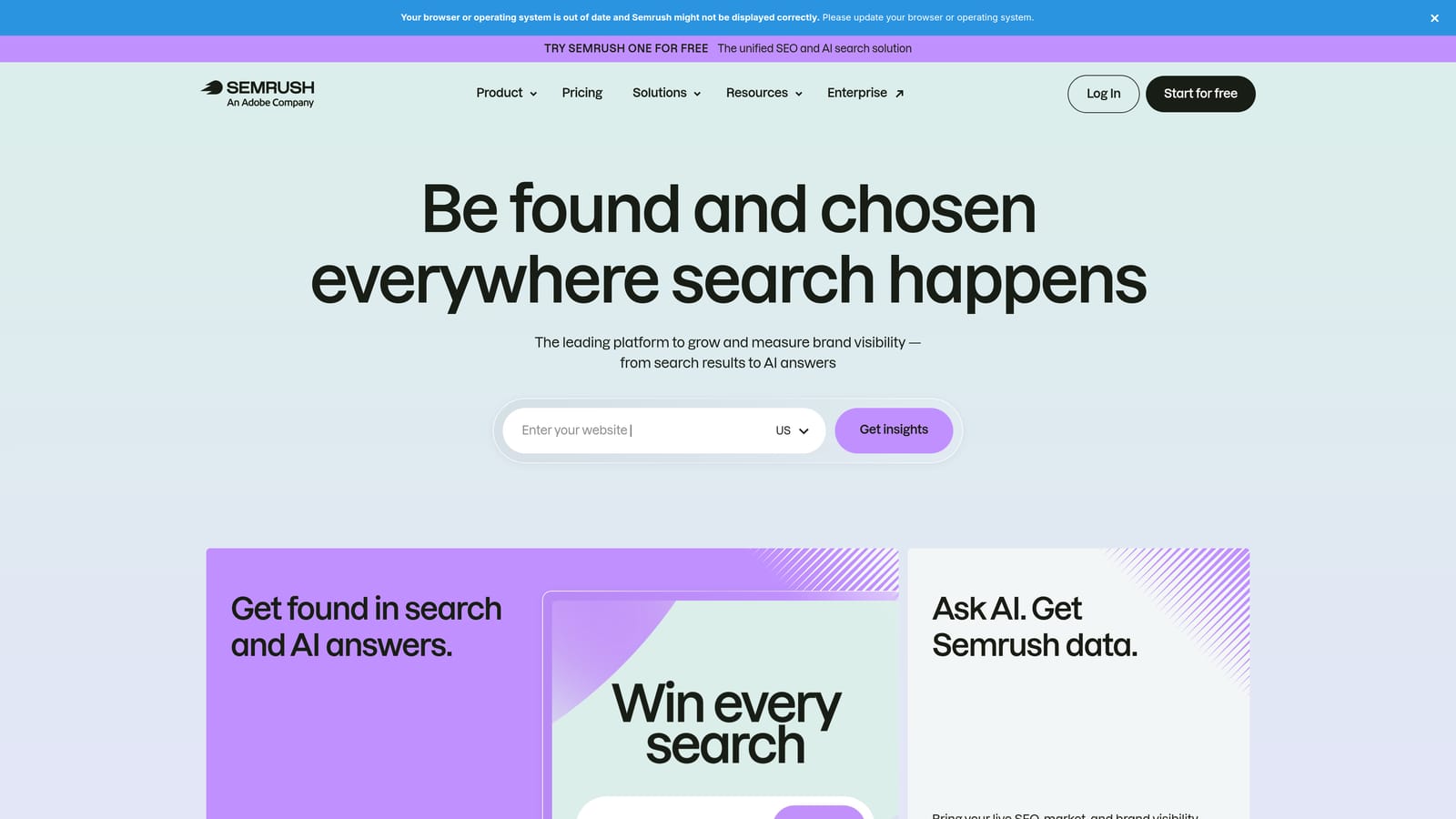
Its distinctive angle is competitor paid-search intelligence sitting next to SEO data. If you want to see where a competitor wins in organic and paid search in one place, that combination is the draw.
- Competitor ad copy and keyword research, so you can see how others position themselves.
- Keyword gap analysis, which highlights terms competitors target that you do not.
- PPC keyword data to inform which terms to test.
- SEO tools in the same suite, so one subscription serves both channels.
It connects with Google Analytics and Google Looker Studio. Setup is mostly adding your domain and competitors, and it suits marketers or strategists doing planning and pitch work more than hands-on campaign editing.
The caveats: competitor figures are modeled estimates, not actual spend or click data, so do not treat them as fact. It can also be expensive for a solo practitioner who only needs a slice of it, and it does not change anything in your ad account.
Pricing is subscription-based; check the website for current plans, as tiers and limits vary.
Best for: Marketers who need competitor and market research.
5. Optmyzr
Optmyzr is a PPC management platform built around optimization suggestions, automation rules, and reporting. It is aimed at teams that have outgrown manual checks across a pile of accounts.

What sets it apart is the rule engine and one-click optimizations across many accounts. You can define the logic once and apply it widely, rather than repeating the same audit in each account.
- Optimization suggestions you review, so you stay in control of what gets applied.
- Rule-based automation for recurring checks and routine changes you set up yourself.
- Client reporting to turn account data into something you can send.
- Multi-account management, so agency teams work from one place.
It supports Google Ads, Microsoft Advertising, and Meta Ads. Expect real setup effort: connecting accounts, configuring rules, and tuning what you want flagged. A PPC lead or account manager usually owns it.
It asks for more setup and money than lightweight tools, and it is overkill for a small account or a single-site advertiser. If your bottleneck is a weekly search term review, a simpler tool fixes that faster.
Pricing is subscription-based; see the website for current plans, which typically depend on the scale of what you manage.
Best for: Agencies and teams managing many accounts.
6. Looker Studio
Looker Studio is Google's free dashboard and reporting tool, with a native Google Ads connector. It is the budget route to client-ready reports that look like you built them on purpose.

Its strength is flexibility at no cost. You decide exactly which metrics appear and how they are laid out, then reuse the template for every client.
- Native Google Ads connector, so account data flows in without exports.
- Custom dashboards that show the metrics each client cares about.
- Reusable report templates, which cut reporting time after the first build.
- Data blending across sources, so ads data can sit beside analytics or sheet data.
It also works with Google Analytics 4, Google Sheets, and BigQuery. Setup is the catch: you build and maintain the reports yourself, and someone has to own that. Freelancers and analysts typically do.
It is not a fit if you want a finished report with no design work, or if you want built-in recommendations; it shows data and nothing more. Looker Studio itself is free, but paid connectors for other platforms may cost extra.
Best for: Client reporting on a budget.
7. Google Analytics 4
Google Analytics 4 (GA4) is Google's free analytics platform. Google Ads tells you about the click; GA4 tells you what the visitor did afterward, which pages they saw, and whether they converted.
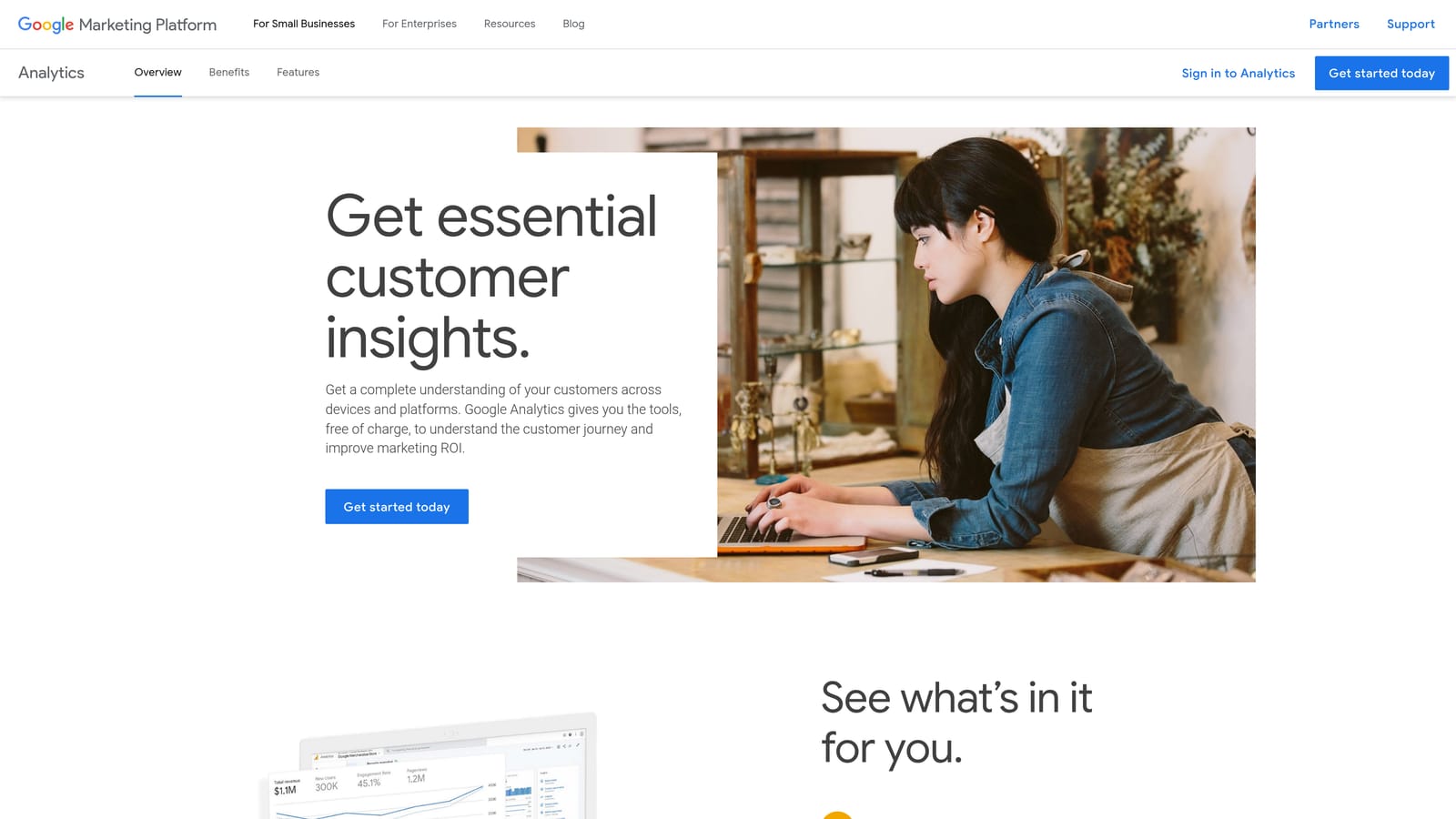
That post-click view, with context from other channels, is what none of the ad-focused tools here provide. It helps you judge whether traffic is good, not just cheap.
- Engagement and conversion tracking, so you see which visits lead to outcomes.
- An event-based data model that lets you track the actions that matter to your business.
- Google Ads linking, which brings ad data and site behavior together.
- Audience building for segments you can analyze or use in campaigns.
It integrates with Google Ads, Looker Studio, and BigQuery. Setup takes care: events and conversions must be configured correctly, and the interface differs from older analytics versions, so budget time to learn it. Marketers or analysts usually run it.
Know its quirks. Numbers often differ from what Google Ads reports because the two systems count and attribute things differently, which confuses clients if you do not explain it. It is free, with a paid tier for enterprise needs.
Best for: Understanding post-click performance of paid traffic.
8. Microsoft Advertising Editor
Microsoft Advertising Editor is a free desktop app for managing Microsoft Advertising campaigns in bulk. Its most useful trick for Google Ads people is importing existing campaigns so you can run them on Bing without rebuilding from scratch.
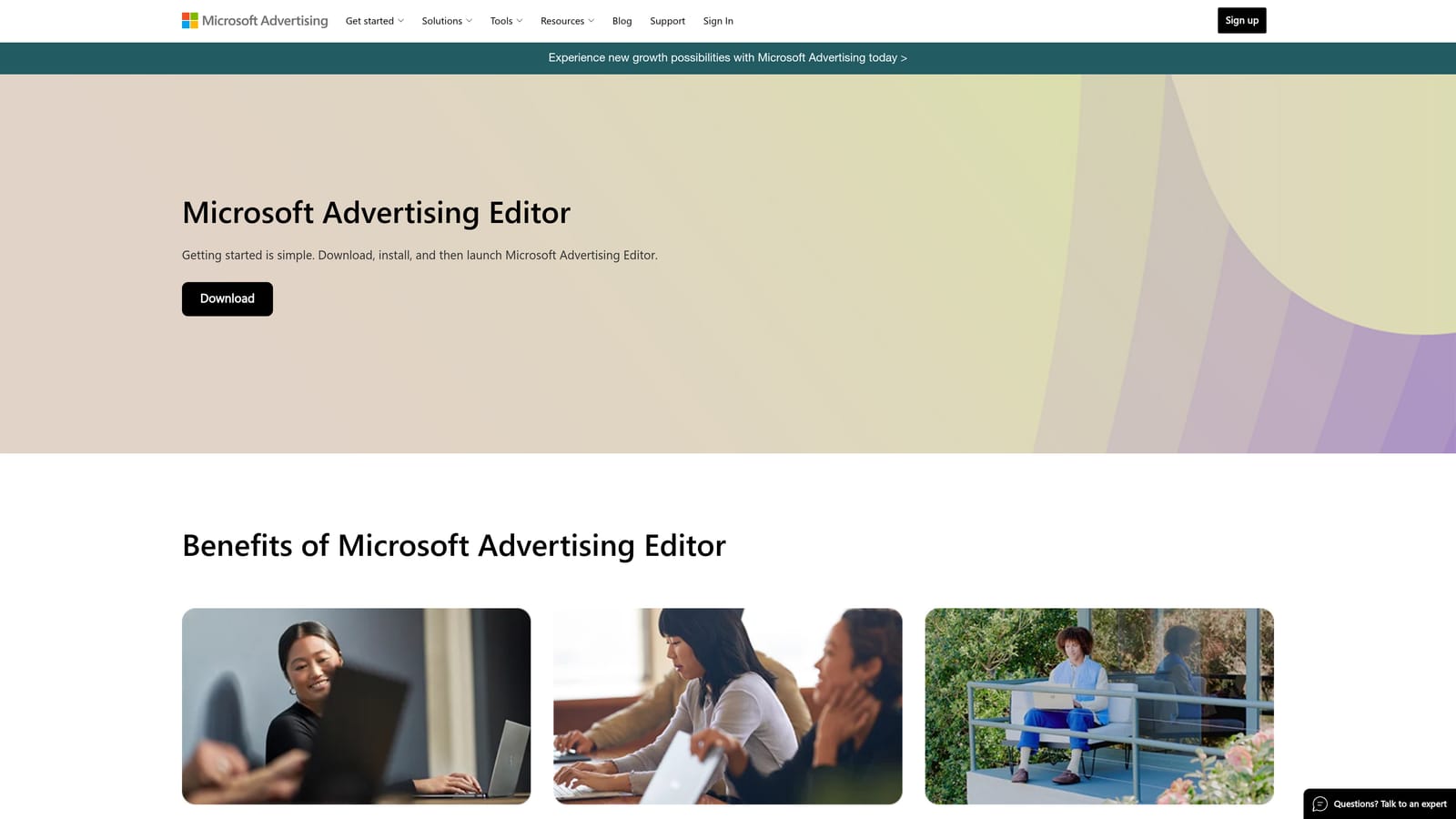
That makes it the fastest route on this list for extending a working search setup to a second network.
- Bulk campaign editing, so large changes take minutes instead of hours.
- Google Ads campaign import, which carries your structure over to Microsoft's network.
- Offline editing, so you can prepare changes and post them when ready.
- Multi-account support for managing several clients or properties.
It integrates with Microsoft Advertising and imports from Google Ads. Setup means installing the app and connecting accounts, and the person who runs it is whoever manages the Microsoft side.
It only matters if you run, or plan to run, Microsoft Advertising. If your budget lives entirely in Google, skip it. Imported campaigns also deserve a review, since settings and performance on a different network may not match what you had in Google. It is free.
Best for: Expanding existing search campaigns to Bing.
9. Unbounce
Unbounce is a landing page builder designed for paid traffic. It handles the step after the ad, where a weak page can waste a good click.
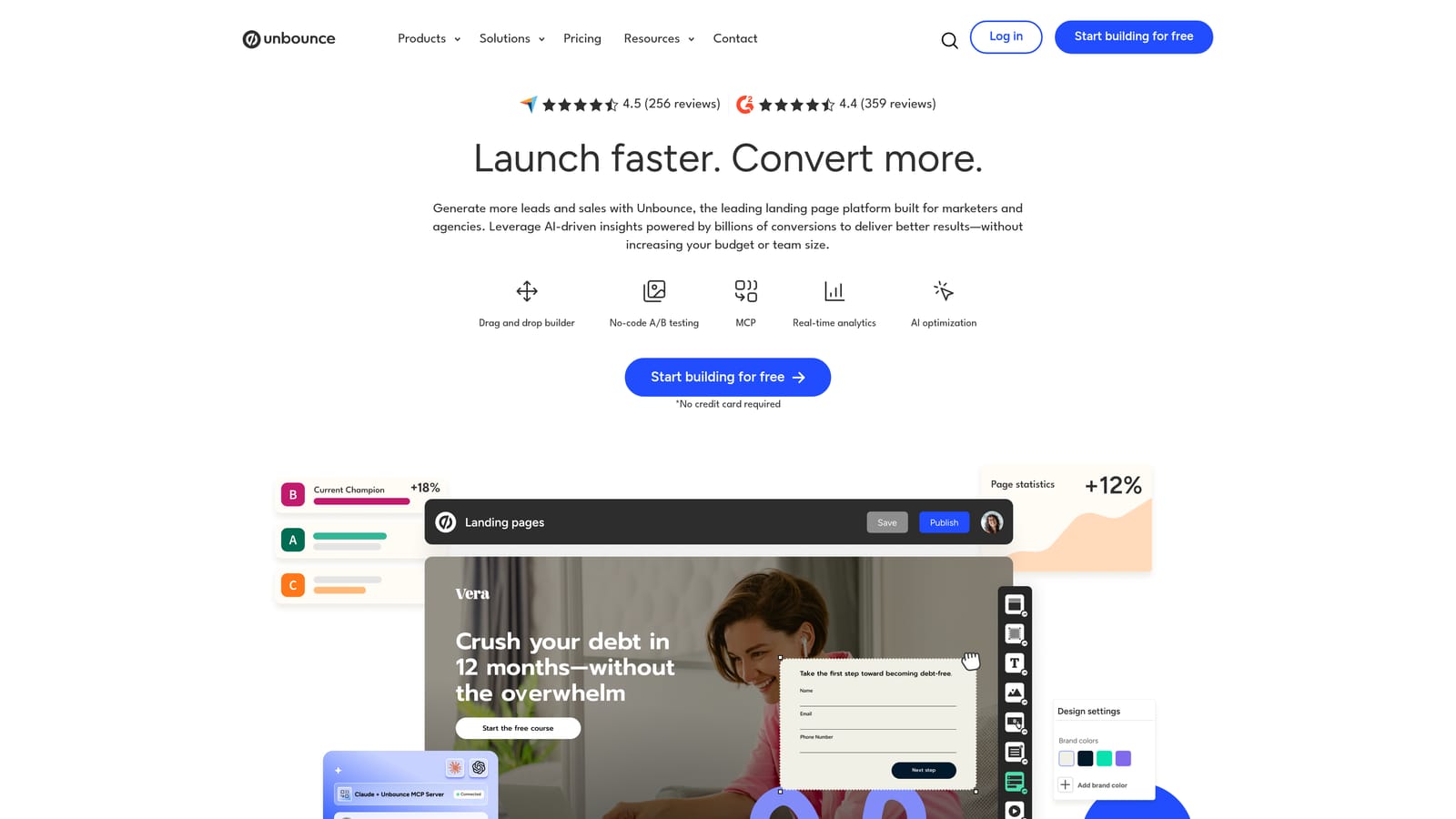
The standout is testing pages without developer help. You can build variants, split traffic, and see which converts better, all through a visual editor.
- Drag-and-drop landing page builder, so marketers can launch pages without code.
- A/B testing to compare versions and learn what lifts conversions.
- Templates that give you a starting layout instead of a blank canvas.
- Popups and sticky bars for extra on-page calls to action.
It integrates with HubSpot, Mailchimp, Zapier, and Google Analytics, so leads can flow into your CRM or email tool. Setup is quick for a basic page; a marketer or designer typically runs it. Testing needs enough traffic to produce a trustworthy result, so low-volume accounts may wait a while for answers.
It does not manage ads, and it adds cost if your CMS already handles landing pages well. Pricing is subscription-based; see the website for current plans, which vary by traffic and features.
Best for: Improving conversion rates on paid landing pages.
Matching the Tool to the Time Sink You Actually Have
Three picks cover most situations. A solo freelancer who spends hours each week on search term reviews gets the quickest win from Keywordme, with Google Ads Editor for the occasional big build and Looker Studio for free client reports. An agency juggling many accounts should look at Optmyzr for rules and cross-account work, with Keywordme handling the human review of search terms and Semrush when a pitch needs competitor research. A multi-channel advertiser has the most to gain from Microsoft Advertising Editor for expansion, GA4 for the post-click picture, and Unbounce if landing pages are the weak link.
Whatever you choose, fix the biggest time sink first. Do not buy an all-in-one suite to solve one bottleneck, and do not treat modeled competitor numbers or Keyword Planner ranges as exact. If search term cleanup is eating your week, that is the place to start.
Optimize Google Ads Campaigns 10X Faster. Without Leaving Your Account. Keywordme lets you remove junk search terms, build high-intent keyword lists, and apply match types instantly, right inside Google Ads. No spreadsheets, no switching tabs, just quick, seamless optimization. Start your free 7-day trial (then just $12/month) and take your Google Ads game to the next level.
.svg)