
9 Best Tools for PPC Freelancers in 2026
This guide rounds up the best tools for PPC freelancers in 2026, highlighting nine budget-friendly picks that each solve one specific piece of the solo PPC workflow, from search term cleanup to bulk edits and cross-platform automation.


Running PPC accounts solo means you're the strategist, the analyst, the report builder, and the invoice chaser, usually with none of the software budget an agency team splits five ways. The tools below were picked with that reality in mind: each one earns its keep for a single freelancer, saves real hours on repetitive work, and doesn't require an agency-sized client roster to justify the monthly cost. Some are free, some scale with usage, but all of them solve a specific piece of the freelance PPC workflow instead of trying to be everything at once.
Quick Comparison
- Keywordme: best for freelancers cleaning up Google Ads search terms daily; starting at $12/month per user; the only tool here that works inside the native Search Terms Report with no export step.
- Google Ads Editor: best for freelancers making bulk account changes across clients; free; the only tool that lets you stage and review large edits offline before pushing them live.
- Optmyzr: best for freelancers managing Google, Microsoft, and Meta together; quote-based, scales with spend; the only tool with cross-platform automation rules in one dashboard.
- SpyFu: best for freelancers building competitor research into pitches; paid monthly plans; the only tool with years of historical competitor ad copy on tap.
- SEMrush: best for freelancers offering combined SEO and PPC services; paid monthly plans; the only tool bundling paid research with full SEO tooling.
- Looker Studio: best for freelancers who need live client dashboards; free; the only free tool here for automated, shareable reporting.
- Supermetrics: best for freelancers reporting across many ad platforms; quote-based subscription; the only tool that fully automates cross-platform data pulls into one destination.
- Canva: best for freelancers producing their own ad creative; free with a paid tier; the only tool with a one-click resize across every ad format.
- Bonsai: best for freelancers who need contracts and billing handled; paid monthly plans; the only tool here that isn't PPC-related at all, covering the business side instead.
1. Keywordme
Keywordme is a Chrome extension that installs one-click optimization actions directly into the Google Ads Search Terms Report. If you've ever exported that report to a spreadsheet just to sort through junk search terms and figure out which ones deserve to become negative keywords, this tool is built to remove that step entirely.
The distinction between a keyword and a search term matters here: a keyword is what you bid on, a search term is what a real person actually typed before your ad showed up. Freelancers spend a lot of time scanning search terms for waste, then manually adding the bad ones as negative keywords to stop wasting spend. Keywordme turns that multi-step process into a single click, right where the data already lives.
- Removes junk search terms from the report without leaving the page
- Builds negative keyword lists fast, so wasted spend gets cut sooner
- Applies match types instantly instead of editing them one at a time
- Clusters keywords and supports bulk editing for larger accounts
- Supports multi-account and team access for freelancers who bring on subcontractors
Setup is just installing the Chrome extension and connecting it to your Google Ads account, no separate login or dashboard to learn. It's built for the person actually sitting in the account day to day, which for most freelancers is just you.
The tradeoff is scope: Keywordme is focused squarely on Google Ads search term and keyword workflows. It won't build you a client report, manage a Meta campaign, or handle invoicing. If your work is mostly Google Ads optimization, that focus is the point. If you need broader campaign automation or cross-platform management, you'll pair it with something else on this list.
Pricing is a flat $12 per month per user, as of 2026, with a 7-day free trial. There's no spend-based pricing to worry about, which is rare in this category and makes budgeting simple for a solo operator. Check the current listing on the Keywordme site or Chrome Web Store before signing up, since terms can shift.
Best for: Freelancers who want to speed up daily Google Ads search term cleanup without adopting a full PPC management suite.
2. Google Ads Editor
Google Ads Editor is Google's free desktop application for making bulk changes to campaigns offline, then reviewing and uploading them when you're ready. It's been a staple in PPC workflows for years, and it's still one of the few tools that lets you stage major account restructuring without touching a live account until you're confident in the changes.

What sets it apart on this list is the offline-review workflow. You can pause ad groups, rewrite ad copy across dozens of campaigns, or restructure account naming conventions entirely offline, then post everything at once after checking for errors. That review step catches mistakes before they cost a client money, which matters more when you're the only person checking your own work.
- Bulk edits campaigns, ad groups, keywords, and ads in one pass
- Lets you review changes offline before they go live, catching errors early
- Manages multiple client accounts under a single login
- Copy/paste and find-and-replace speed up repetitive restructuring work
It connects only to Google Ads, and setup is just downloading the application and signing in with your Google Ads credentials. There's no team or collaboration layer built in, so it's really a single-operator tool, which fits the freelance use case fine.
The limitation is that it does one job: editing. There's no search term analysis, no automation rules, no reporting. You'll still need something else for competitor research or client dashboards. It also has a bit of a dated interface compared to newer web-based tools, though the core bulk-edit functionality still works well.
It's completely free, with no tiers or usage limits tied to it as of 2026.
Best for: Freelancers managing multiple accounts who need fast, error-checked bulk edits at no cost.
3. Optmyzr
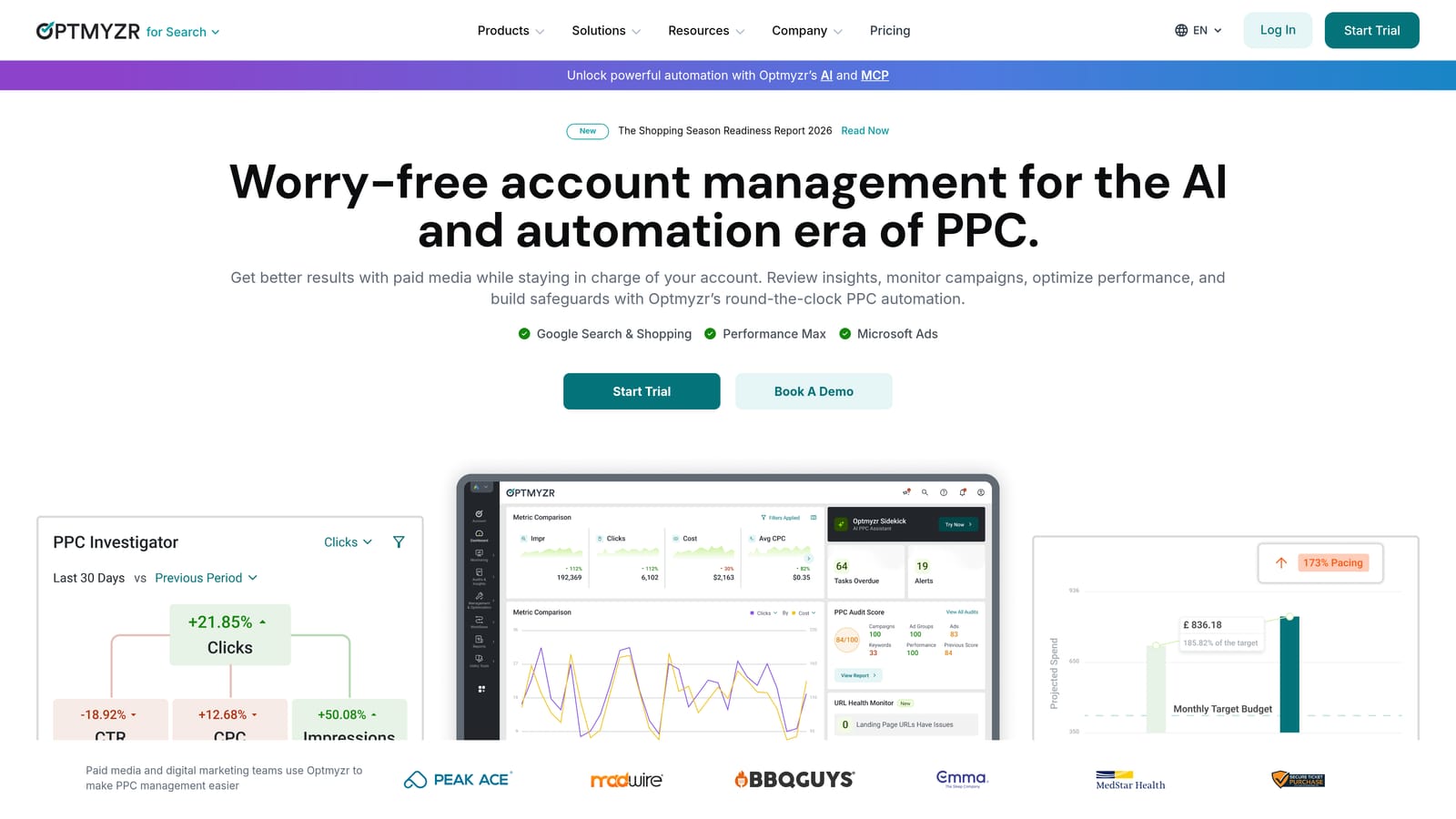
Optmyzr is a PPC management and automation platform that runs rules, scripts, and account audits across Google, Microsoft, and Meta Ads. For freelancers who've picked up clients on more than one platform, it's one of the few tools built to manage that spread from a single dashboard instead of juggling separate logins and separate logic for each one.
What it handles well
The automation rules engine is the core draw: you can set bid and budget rules that run automatically based on performance thresholds you define, rather than checking accounts manually every day. The PPC Investigator audit tool scans an account and flags issues, which is useful both for your own clients and for auditing prospective ones during a pitch.
- Automation rules adjust bids and budgets based on performance triggers you set
- PPC Investigator audits accounts and surfaces issues worth fixing
- Cross-platform support means one tool for Google, Microsoft, and Meta accounts
- Custom reporting dashboards built around the metrics you and your clients care about
Where it gets tight for freelancers
Pricing scales with the ad spend Optmyzr manages, not with number of accounts or a flat seat fee. That model works fine for a freelancer managing a handful of mid-size budgets, but it can feel steep if your client roster is several small accounts with modest spend each. It's worth running the numbers against your actual client budgets before committing.
It connects to Google Ads, Microsoft Advertising, and Meta Ads, and setup involves connecting each ad account you manage. You're the one running it day to day, and the learning curve is moderate since there's more configuration involved than a simple extension or spreadsheet tool.
Pricing is quote-based and tied to managed spend; check the current plans on their site since this shifts with account volume.
Best for: Freelancers managing multiple platforms who want automated bid and budget rules beyond Google Ads alone.
4. SpyFu
Winning new clients often comes down to showing up prepared, and SpyFu is built for exactly that moment. It's a competitive research tool that pulls historical PPC keywords, ad copy, and estimated spend for any domain, letting you walk into a pitch already knowing what a prospect's competitors have been running and for how long.
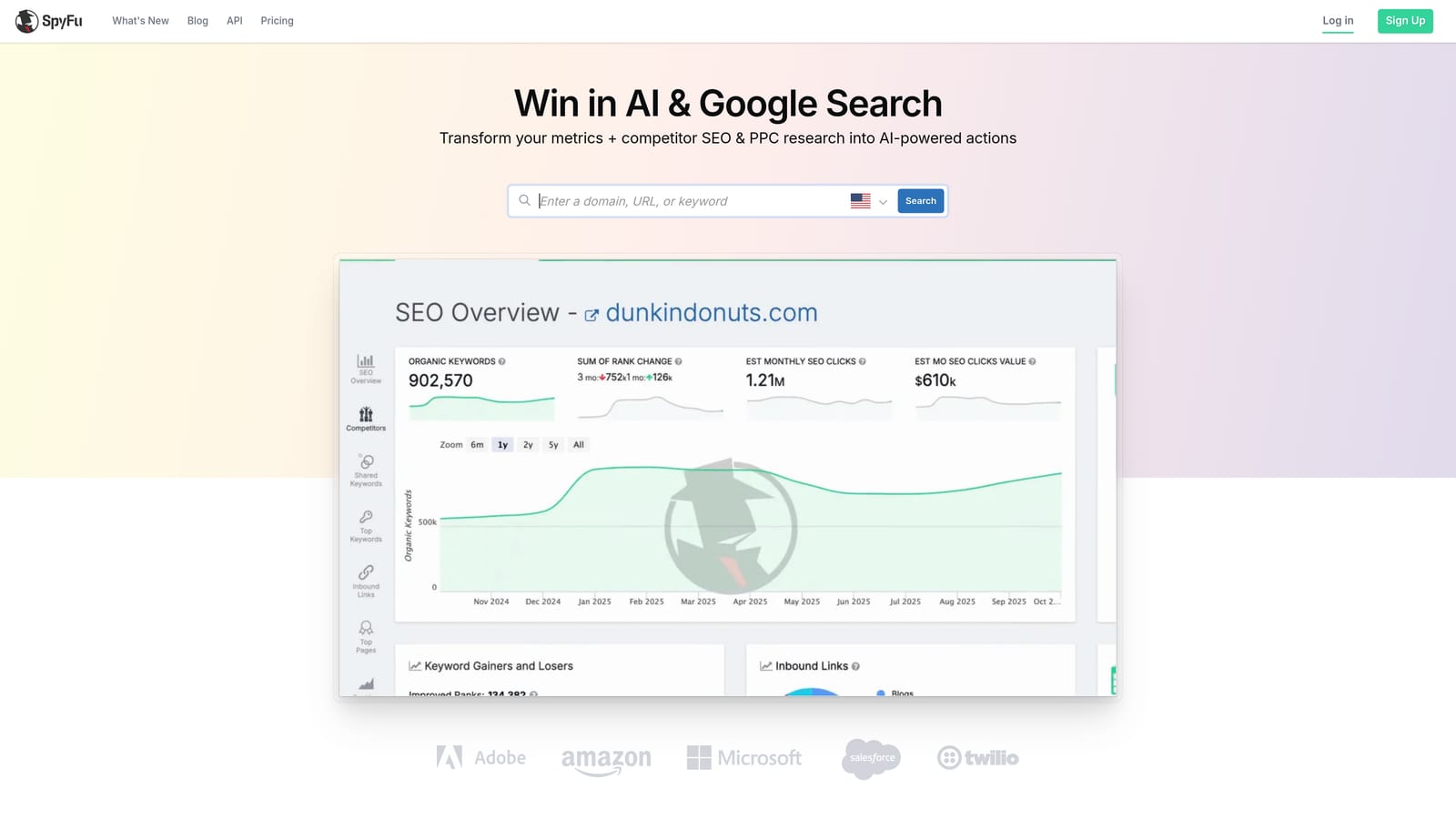
Its main strength on this list is depth of history. Where most tools show current activity, SpyFu's archive of past keywords and ad copy lets you spot patterns, like which competitors have tested and abandoned certain keyword themes, which is hard to fake credibility on without this kind of data.
- Shows historical PPC keyword and ad copy activity by domain
- Estimates competitor ad spend and impression volume
- Kombat tool compares up to three domains side by side for pitch decks
- Suggests keyword groupings based on competitor data
It's a standalone web app with CSV export, so there's nothing to integrate into your Google Ads account directly. Setup is just signing up and running searches, no technical lift required, and it's designed for a single user to operate without help.
The limitation is that it stops at research. There's no way to manage a live campaign, apply changes, or optimize an account from inside SpyFu. It's a discovery and pitch tool, not an execution tool, so you'll pair it with something else for actual account work.
Pricing runs on paid monthly plans; check the current tiers on their site since they update from time to time.
Best for: Freelancers who need competitor intel for client pitches or account audits before onboarding.
5. SEMrush
SEMrush bundles SEO and PPC research into one platform, covering keyword research, competitor ad tracking, and site audits. For freelancers who pitch both organic and paid services to the same clients, it's a way to run both sides of the engagement from one subscription instead of stitching together separate tools.
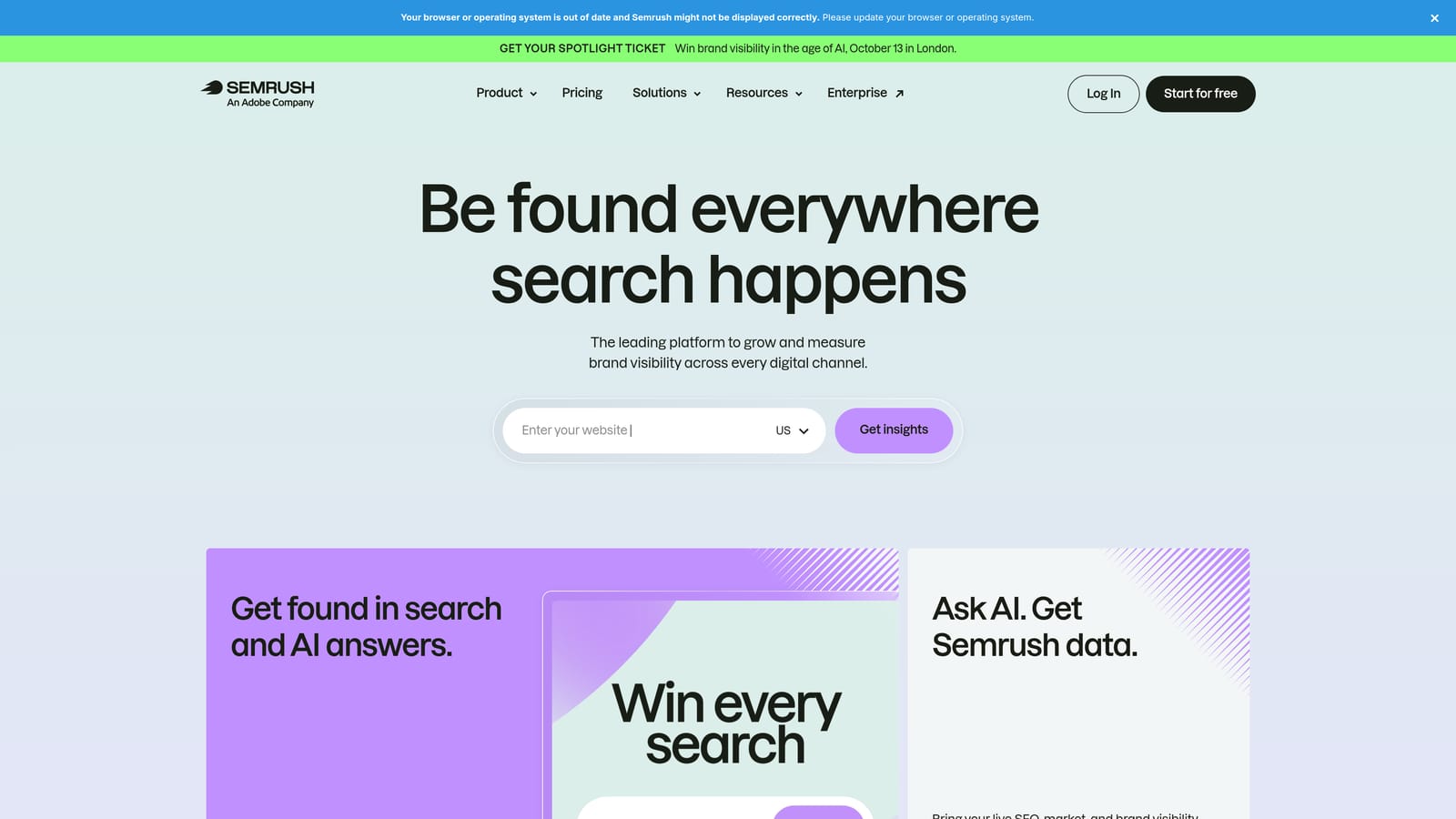
The Advertising Research module shows which paid keywords and ad copy competitors are running, similar in spirit to SpyFu but wrapped into a much broader toolkit. The Keyword Magic Tool is useful for building out keyword lists before a campaign launches, and the position tracking and site audit features cover the organic side if that's part of your service offering.
- Keyword Magic Tool builds out keyword lists for new campaigns
- Advertising Research shows competitors' paid keywords and ad copy
- Position tracking monitors organic ranking changes over time
- Site audit and backlink analysis cover SEO deliverables in the same platform
It integrates with Google Ads for data import, plus Google Analytics and Google Business Profile, and setup is a straightforward signup with connections added as needed. It's meant to be run by one person managing the account relationship, which fits a freelance setup.
The catch is breadth versus need. If your work is purely PPC, you'll be paying for a lot of SEO tooling you never touch, and the cost reflects that broader scope. It's a better fit for freelancers who genuinely offer both services than for PPC specialists looking to trim their stack.
Pricing runs on paid monthly plans; check current pricing on their site as it's adjusted periodically.
Best for: Freelancers who offer combined SEO and PPC services and want one platform for both.
6. Looker Studio
Looker Studio is Google's free tool for building dashboards that pull live data from Google Ads, Google Analytics, and Google Sheets. Instead of manually rebuilding a client report every month, you set up the connections once and the dashboard updates itself.

What makes it worth the setup time is the combination of being free and fully customizable. You're not locked into a template someone else designed for a generic use case; you build the report around what each specific client cares about, whether that's cost per lead, conversion trends, or spend pacing.
- Free dashboard builder with live connectors to your ad and analytics data
- Pre-built templates give you a starting point for common PPC report layouts
- Sharing and scheduling send reports to clients automatically
- Blends data from multiple sources into a single unified report
Setup takes some upfront effort: connecting data sources, building the layout, and testing that the numbers reconcile with what you see in Google Ads directly. There's a real learning curve if you haven't built dashboards before, but once it's built for one client, cloning it for the next is fast.
The limitation isn't cost, since it's free, but time. If you have a dozen clients and each needs a custom setup, that initial build time adds up. It's also purely a reporting tool, so it doesn't touch campaign management or optimization at all.
It's free with no paid tier tied to core functionality as of 2026.
Best for: Freelancers who want professional, automated client reports without paying for a reporting subscription.
7. Supermetrics
Supermetrics automates pulling PPC and marketing data from multiple platforms into a spreadsheet or dashboard destination. If you're managing accounts across Google Ads and Meta Ads for different clients, it removes the manual export-then-import cycle that eats into billable time.
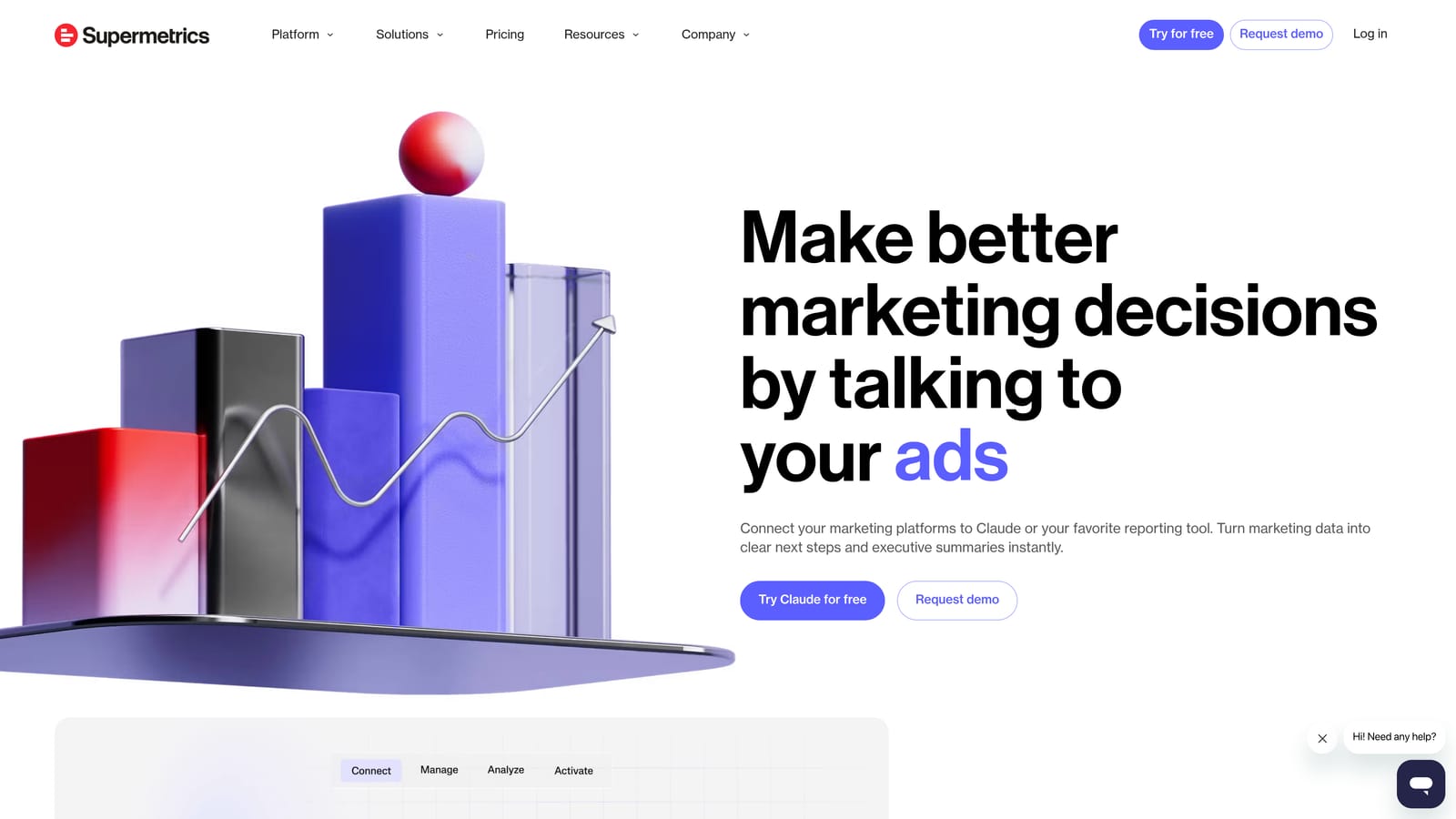
The distinct value here is destination flexibility combined with automation. Data can land in Google Sheets, flow into Looker Studio, or feed a data warehouse, and refreshes happen on a schedule you set rather than a task you remember to do manually each week.
- Automated data pulls from Google Ads, Meta Ads, and other platforms
- Sends data to Sheets, Looker Studio, or data warehouses depending on your setup
- Scheduled refreshes keep reports current without manual exports
- Pre-built templates cover common report structures so you're not starting from scratch
Setup involves connecting each data source and configuring the destination, which takes some initial time but pays off once it's running. You operate it yourself, and it pairs naturally with Looker Studio if you're already using that for the report layer.
The real limitation for freelancers is cost relative to need. If you only manage one or two ad platforms for a small handful of clients, the subscription cost may outweigh the time it saves compared to just building connectors in Looker Studio directly. It earns its keep once you're juggling several platforms across several clients, not before.
Pricing is a quote-based subscription; check current pricing on their site as it varies by data source volume.
Best for: Freelancers reporting across several ad platforms for multiple clients who want reporting fully automated.
8. Canva
Canva is a drag-and-drop design tool that lets you build display, social, and search ad creative without hiring a designer. For freelancers who handle the full campaign, including the assets, it fills a gap that pure PPC tools don't touch.
The resize feature is the standout here. Google Display campaigns alone can require a dozen different ad sizes, and manually rebuilding each one in a design tool is tedious. Canva's resize function adapts one design across every required dimension in a few clicks, which turns a task that used to take an hour into a few minutes.
- Templates built specifically for display and social ad formats
- Brand kit keeps fonts, colors, and logos consistent across a client's assets
- Resize tool adapts one design to multiple ad sizes automatically
- Stock photo and icon library covers gaps when a client doesn't supply imagery
It exports to image or video files that upload directly into whatever ad platform you're using, so there's no direct integration, just a manual upload step. Setup is minimal, sign up and start designing, and it's meant for a solo user to run without design training.
It has nothing to do with PPC data, targeting, or campaign management, so it only replaces the creative piece of your workflow, not the strategic or optimization side. If a client needs highly custom or brand-guideline-heavy creative, a professional designer may still be worth bringing in for those accounts.
The free plan covers a lot of what a freelancer needs; Canva Pro adds more templates and brand features for a monthly fee. Check current pricing on their site as it's updated periodically.
Best for: Freelancers who handle ad creative for clients without hiring a separate designer.
9. Bonsai
Bonsai steps outside PPC entirely to handle the business side of freelancing: contracts, proposals, invoicing, and time tracking. None of the other tools on this list touch client-facing paperwork, which makes this the odd one out but also the one that keeps the lights on financially.
Its strength is automating the recurring admin that eats into time you'd rather spend on campaigns. Retainer clients get automated recurring invoices instead of you remembering to bill manually each month, and time tracking ties directly into those invoices so hourly work gets billed accurately without a separate spreadsheet.
- Contract and proposal templates speed up onboarding new clients
- Automated recurring invoicing handles retainer billing without manual follow-up
- Time tracking feeds directly into invoices for hourly engagements
- Client CRM keeps details organized across multiple accounts
It connects to Stripe, PayPal, and Google Calendar, and setup is mostly filling in your business details and building out templates once. You run it yourself, and there's no learning curve to speak of since it's built for non-technical freelancers managing their own business operations.
It has zero PPC functionality, obviously, so it's not a replacement for anything else on this list, purely an addition. If you already have a contract and invoicing system that works, like a plain template plus a separate invoicing app, the value of consolidating into Bonsai depends on how much friction your current setup actually causes.
Pricing runs on paid monthly plans; check current pricing on their site since tiers and features shift.
Best for: Freelancers who need to professionalize contracts and recurring billing alongside their PPC work.
Building a Stack That Fits a One-Person Budget
You don't need all nine of these running at once. Most freelance PPC workflows come down to a few real jobs: daily account optimization, occasional bulk edits, competitor research before a pitch, client reporting, creative production, and the business paperwork that keeps clients paying on time. Pick one tool per job and you'll cover the same ground an agency's tech stack covers, at a fraction of the cost.
If you're narrowing the list, start with the daily work. Keywordme handles the search term cleanup and negative keyword management that otherwise eats an hour every week, and Google Ads Editor or Optmyzr cover bulk campaign changes depending on whether you're single-platform or juggling Google, Microsoft, and Meta. For research, SpyFu or SEMrush give you the competitor data to win and audit accounts. Looker Studio and Supermetrics solve reporting once the setup time is behind you, and Canva plus Bonsai round out creative and the business side.
Optimize Google Ads campaigns 10x faster, without leaving your account. Keywordme lets you remove junk search terms, build high-intent keyword lists, and apply match types instantly, right inside Google Ads. No spreadsheets, no switching tabs, just quick, seamless optimization. Start your free 7-day trial (then just $12/month) and take your Google Ads game to the next level.
.svg)