
10 Best Tools for Google Ads Specialists
This guide covers the 10 best tools for Google Ads specialists in 2026, selected for practical utility, ease of use, and genuine value across keyword research, bid management, and reporting. Whether you manage one account or fifty, these tools are built to streamline your workflow and help you make smarter decisions faster.


Google Ads specialists juggle a lot: keyword research, search term audits, bid management, reporting, and more. The right tools can cut hours off your weekly workflow and help you make smarter decisions faster. This list covers the best tools for Google Ads specialists in 2026, from in-interface optimizers to research platforms and reporting suites. Each tool was chosen based on practical utility, ease of use, and genuine value for solo advertisers, freelancers, and agency teams. Whether you're managing one account or fifty, there's something here that will sharpen your process.
1. Keywordme
Best for: In-interface search term management and negative keyword workflow inside Google Ads
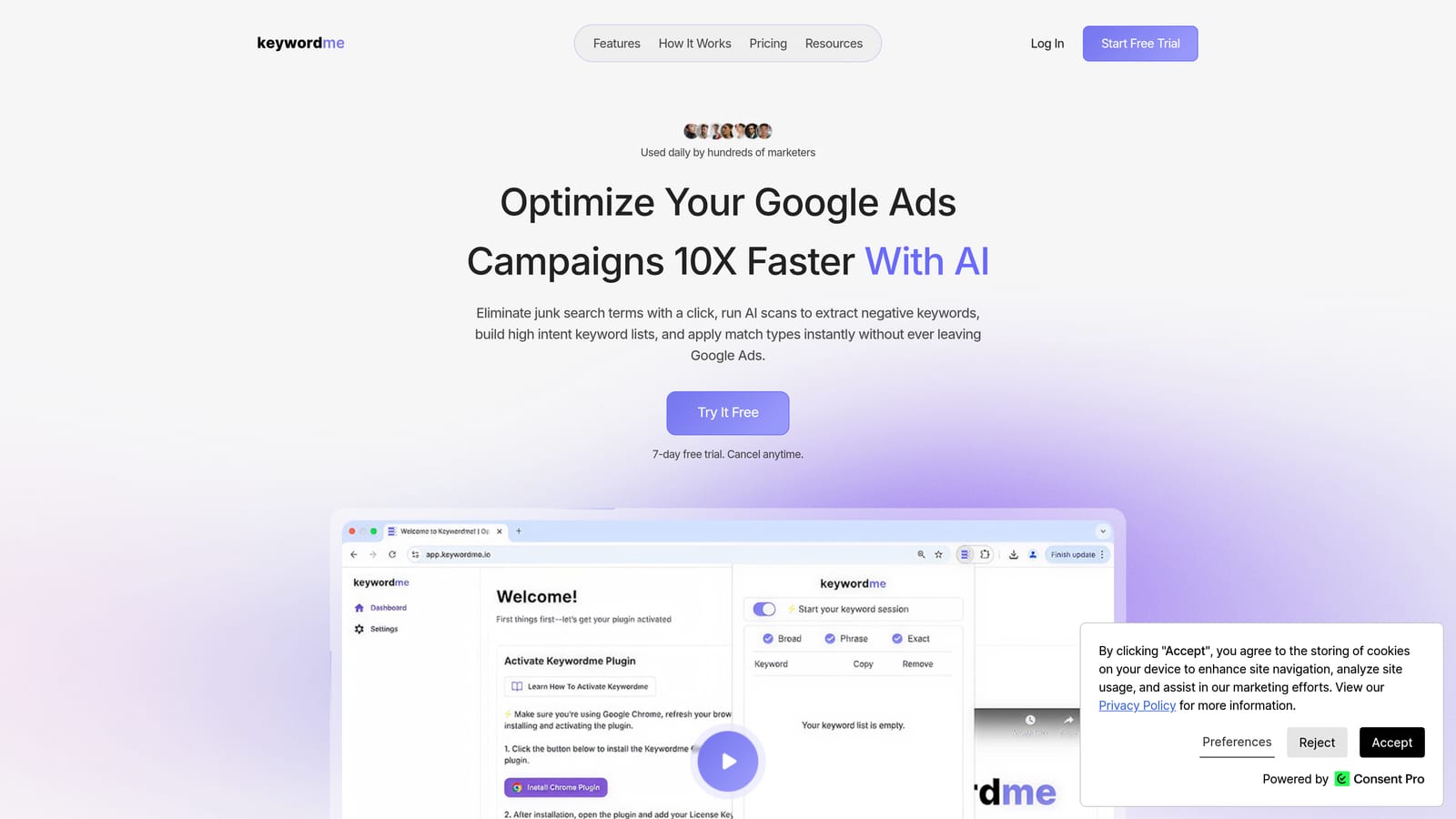
Keywordme is a Chrome extension that works directly inside Google Ads' Search Terms Report, letting you optimize campaigns without switching tabs or exporting data.
Where This Tool Shines
Most PPC tools require you to export data, work in a separate dashboard, then push changes back to Google Ads. Keywordme skips all of that. It lives inside the Google Ads interface, so every action you take happens where the data already is. You click to remove a junk search term, add a negative keyword, or apply a match type, and it's done.
This matters most when you're reviewing the Search Terms Report, which is where a lot of wasted spend hides. The distinction between search terms (what users actually typed) and keywords (what you bid on) is central to how Keywordme works. It's built specifically around that workflow, not bolted onto a broader platform as an afterthought.
Key Features
One-click negative keyword addition: Flag and exclude irrelevant search terms directly from the Search Terms Report without leaving Google Ads.
Match type application: Apply exact, phrase, or broad match types to keywords without exporting to a spreadsheet first.
Keyword clustering: Group related search terms into clusters to build more organized, high-intent keyword lists faster.
Bulk editing: Handle multiple search terms in one pass instead of processing them one at a time.
Multi-account and team support: Agencies can use Keywordme across multiple client accounts, with per-user licensing that scales cleanly.
Best For
Freelancers and agency account managers who spend meaningful time in the Search Terms Report each week. Also well-suited for in-house specialists who want to tighten up negative keyword lists and reduce wasted spend without adding another external dashboard to their workflow.
Pricing
$12/month per user, flat rate. A 7-day free trial is available with no commitment required.
2. Google Keyword Planner
Best for: Free keyword research using Google's own search data
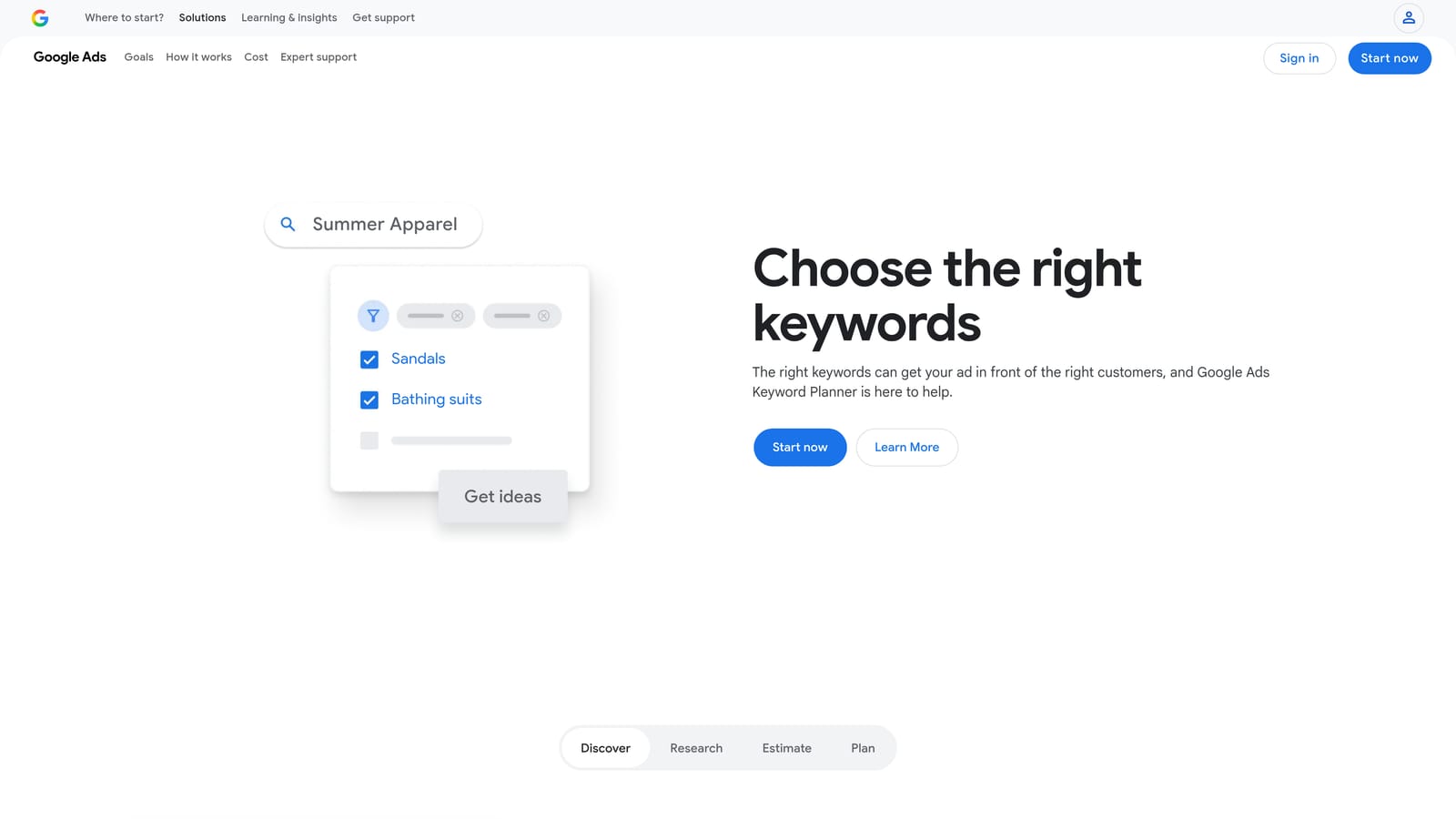
Google Keyword Planner is Google's native keyword research tool, built into every Google Ads account and sourced directly from Google's search index.
Where This Tool Shines
The data here comes straight from Google, which makes it the most authoritative starting point for keyword research. No third-party estimates or approximations. If you want to know what people are searching for and roughly how often, this is the primary source everyone else is pulling from anyway.
One limitation worth knowing: search volume is shown as ranges unless your account has sufficient spend history. That can make it harder to compare keywords precisely. But for initial research, building out new campaigns, or validating bid estimates, it's hard to argue with free and first-party.
Key Features
Keyword ideas from a seed keyword or URL: Enter a topic or competitor URL and get a broad list of related keyword suggestions.
Search volume ranges and historical trends: See how search interest has shifted over time, useful for spotting seasonal patterns.
Bid estimate ranges: Get low and high CPC estimates to inform budget planning before launching a campaign.
Competition level indicators: Understand whether a keyword is in high, medium, or low advertiser demand.
Free with any Google Ads account: No additional cost or subscription required.
Best For
Any Google Ads specialist building a new campaign from scratch, validating keyword choices, or checking bid estimates before committing budget. It's the baseline tool that should be in every specialist's workflow regardless of what else they use.
Pricing
Free. Accessible through your Google Ads account under Tools and Settings.
3. SEMrush
Best for: Competitive PPC research and cross-channel keyword intelligence
SEMrush is a comprehensive digital marketing platform with strong PPC capabilities, particularly for understanding what competitors are bidding on and how their ad copy evolves over time.
Where This Tool Shines
SEMrush's Advertising Research feature lets you look up any domain and see the keywords they've been bidding on, the ad copy they're running, and how their paid strategy has changed. For competitive research, this is genuinely useful intelligence, especially when entering a new vertical or auditing a client's competitive landscape.
The Keyword Magic Tool is also worth mentioning. It surfaces keyword variations and groups them by intent, which helps when building out ad groups. The platform covers both SEO and PPC in one place, which is useful for specialists who manage both channels or work alongside SEO teams.
Key Features
Advertising Research: View competitor keywords, ad copy history, and estimated traffic for any domain.
Keyword Magic Tool: Discover keyword variations with filters for intent, volume, and difficulty.
PLA Research: Analyze Product Listing Ads for ecommerce campaigns to understand competitor shopping strategies.
Traffic analytics: Estimate market share and traffic patterns across domains in your competitive set.
Integrated SEO and PPC workflow: Manage keyword research across both channels without switching platforms.
Best For
Agency specialists and consultants who need competitive intelligence as part of their onboarding or ongoing account strategy. Also useful for specialists managing both SEO and PPC who want a single research platform.
Pricing
Starts at approximately $139.95/month for the Pro plan. A limited free tier is available. Verify current pricing at semrush.com before purchasing.
4. SpyFu
Best for: Competitor PPC keyword history and ad copy intelligence on a tighter budget
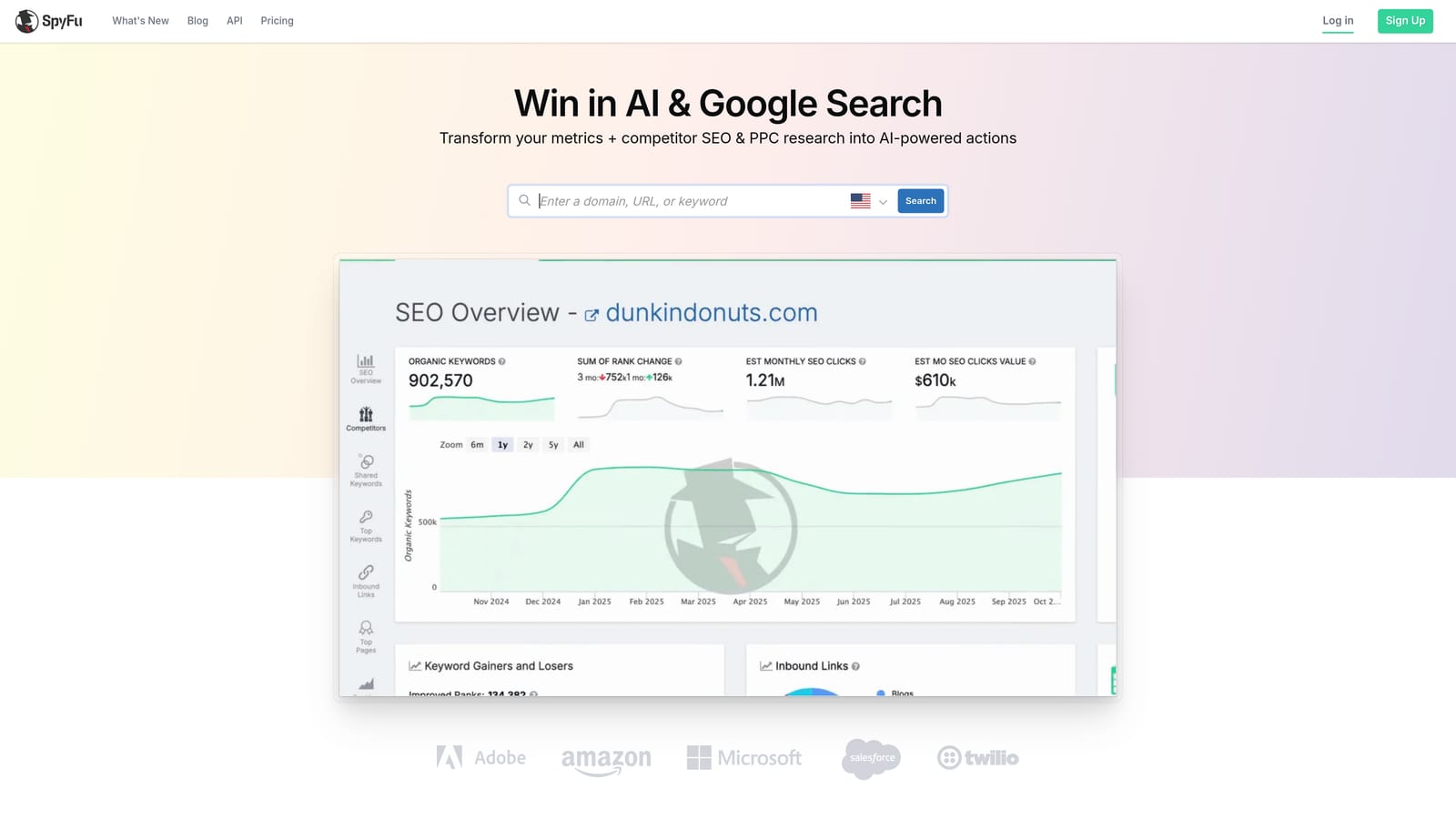
SpyFu is a competitor intelligence tool built specifically around paid search, showing which keywords competitors have bid on historically and what ad copy they've tested.
Where This Tool Shines
SpyFu's focus is narrower than SEMrush, and that's often an advantage. If your primary need is understanding competitor PPC strategy rather than running a full SEO platform, SpyFu gives you the relevant data at a lower price point. The historical ad copy archive is particularly useful for seeing how a competitor's messaging has evolved, which can inform your own copy testing.
The keyword overlap analysis is another practical feature. It shows where your keyword strategy intersects with competitors and where gaps exist, which helps prioritize where to expand or defend.
Key Features
Competitor PPC keyword history: See which keywords a domain has bid on over time, not just what they're running today.
Ad copy archive: Review historical ad copy variations to understand competitor messaging strategy.
Keyword overlap analysis: Identify shared keywords and gaps between your account and competitors.
SERP snapshot history: See what paid results looked like for a query at different points in time.
Keyword grouping and list export: Organize and export keyword data for use in campaign builds.
Best For
Specialists who need solid competitor PPC intelligence without paying for a full-suite platform. A good fit for freelancers and smaller agencies where budget efficiency matters.
Pricing
Starts at approximately $39/month. Verify current pricing at spyfu.com before purchasing.
5. Optmyzr
Best for: Multi-account PPC automation and optimization for agencies and teams
Optmyzr is a PPC management and automation platform designed for agencies and teams managing multiple accounts at scale, with rule-based automations and one-click optimizations that keep the user in control.

Where This Tool Shines
Optmyzr sits in a specific category: it automates the repetitive parts of PPC management without removing human judgment from the process. Optimizations are surfaced as recommendations, and users review and apply them manually. That distinction matters if you're cautious about fully automated changes running without oversight.
For agencies managing dozens of accounts, the multi-account dashboard and reporting features reduce the time spent on account hygiene tasks. Rule-based automations for bids and budgets can be set up to match each client's specific goals rather than applying a one-size approach.
Key Features
Rule-based automation: Set conditions for bid adjustments, budget pacing, and keyword actions based on performance thresholds.
One-click optimizations with review: Recommendations are surfaced for human approval before any changes are applied.
Multi-account dashboard: Monitor and manage multiple Google Ads accounts from a single view.
Campaign experiments and A/B test management: Set up and track experiments across accounts more efficiently.
Cross-platform support: Works with Google Ads, Microsoft Ads, and Amazon Ads.
Best For
Agencies and PPC teams managing multiple client accounts who want to automate routine tasks while keeping a human review step before changes go live. Less suited for solo advertisers managing a single account given the price point.
Pricing
Starts at approximately $208/month. A 14-day free trial is typically available. Verify current pricing at optmyzr.com before purchasing.
6. Google Ads Editor
Best for: Bulk offline editing of campaigns, ad groups, keywords, and ads
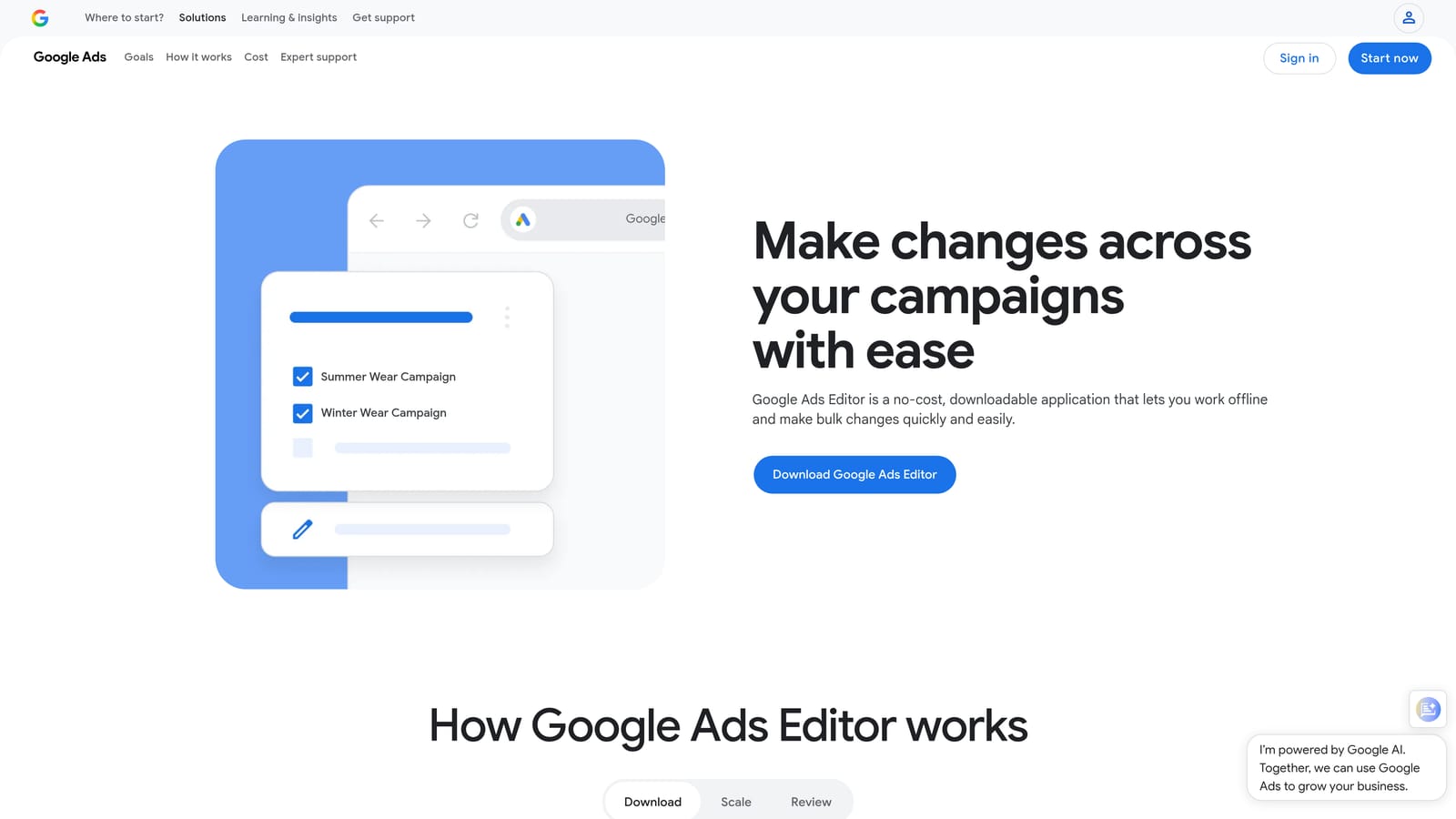
Google Ads Editor is Google's free desktop application for making large-scale edits to your account offline, with changes staged locally before uploading to Google Ads.
Where This Tool Shines
When you need to make sweeping changes across an account, doing it one campaign at a time inside the Google Ads browser interface is slow. Ads Editor lets you work offline, use find-and-replace across the entire account, copy and paste ad groups between campaigns, and upload everything in one batch when you're ready.
It's particularly useful during account restructures, large campaign builds, or when applying consistent changes across many ad groups. The fact that it's free and built by Google means it's always compatible with the latest account structure and campaign types.
Key Features
Bulk offline editing: Edit campaigns, keywords, ads, and ad groups without an active internet connection.
Find-and-replace: Update text, URLs, or settings across the entire account in seconds.
Copy and paste between campaigns: Duplicate ad groups, keywords, or ads across campaigns without rebuilding from scratch.
Multi-account support: Manage multiple accounts from within the same application.
Free for Windows and macOS: No cost, no subscription, no catch.
Best For
Any Google Ads specialist who regularly restructures accounts, builds large campaigns, or needs to make consistent changes across many ad groups at once. An essential tool that should already be in every specialist's setup.
Pricing
Free. Available for download at ads.google.com/home/tools/ads-editor/
7. Looker Studio
Best for: Free, shareable client reporting dashboards connected to Google Ads data
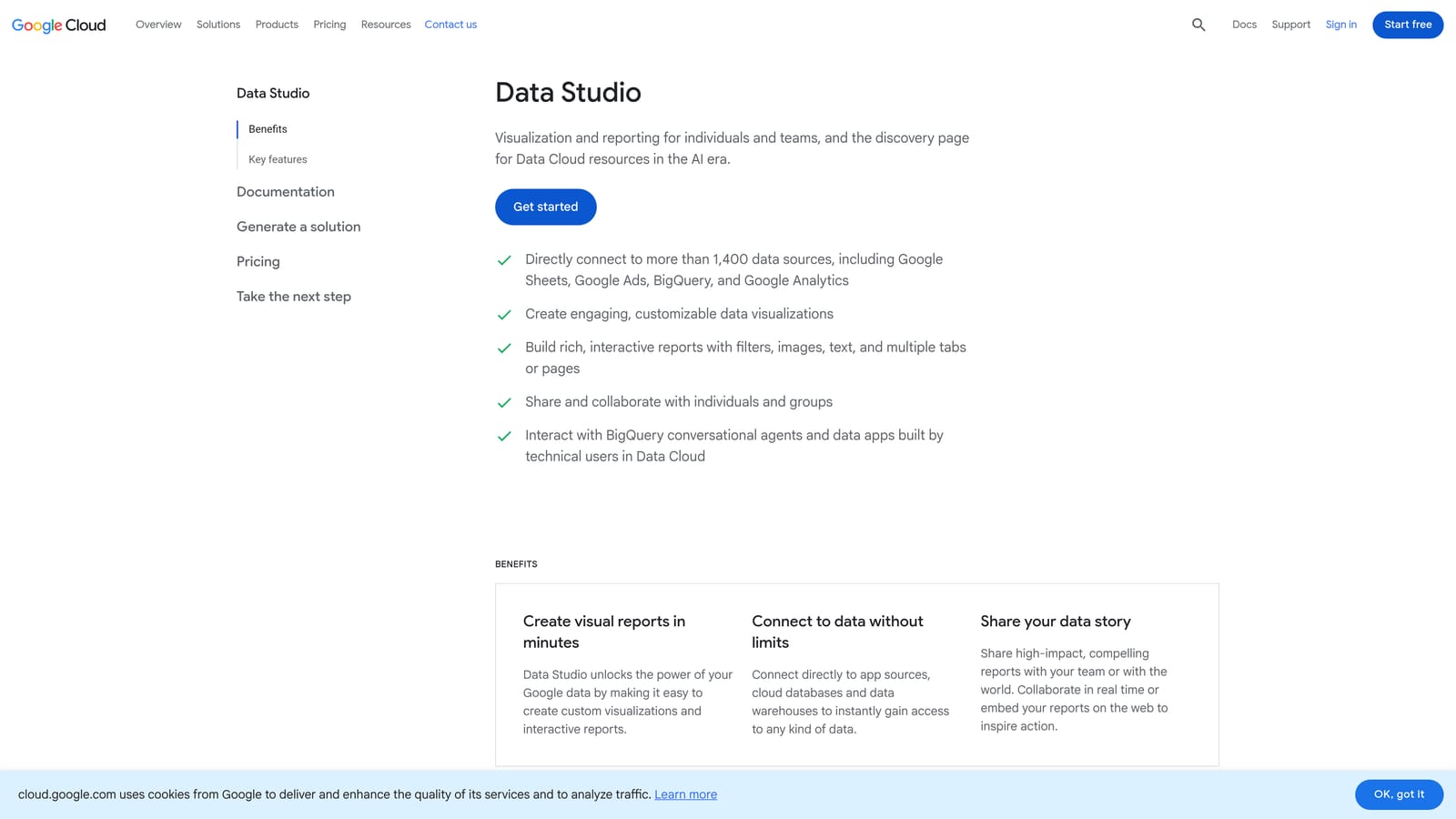
Looker Studio is Google's free data visualization tool that connects natively to Google Ads and Google Analytics to produce interactive, shareable dashboards.
Where This Tool Shines
Client reporting is one of the more time-consuming recurring tasks for agency specialists. Looker Studio lets you build a dashboard once, connect it to live Google Ads data, and share a view-only link with clients who can check performance whenever they want. No more exporting screenshots or rebuilding reports each month.
The native Google Ads connector is straightforward to set up, and the drag-and-drop builder doesn't require any technical background. For agencies that need to communicate performance clearly without spending hours on reporting, this is the most accessible starting point available at no cost.
Key Features
Native Google Ads and Google Analytics connectors: Pull live data directly without third-party integrations or API setup.
Drag-and-drop dashboard builder: Create charts, tables, and scorecards without writing code.
Shareable view-only links: Give clients access to live dashboards without granting them Google Ads account access.
Scheduled email delivery: Send automated report snapshots to clients or stakeholders on a set schedule.
Free with a Google account: No cost beyond what you're already paying for Google Ads.
Best For
Freelancers and agencies who need professional-looking client reports without paying for a dedicated reporting platform. Also useful for in-house specialists who want to share performance data with stakeholders who don't have Google Ads access.
Pricing
Free. Access at lookerstudio.google.com with any Google account.
8. Supermetrics
Best for: Automated data pipelines from Google Ads into spreadsheets and BI tools
Supermetrics is a data integration tool that pulls Google Ads data and data from many other ad platforms into Google Sheets, Excel, Looker Studio, BigQuery, and other destinations automatically.
Where This Tool Shines
Looker Studio handles visual dashboards well, but some reporting workflows require raw data in a spreadsheet or a BI tool for deeper analysis. Supermetrics handles the data movement automatically, pulling fresh numbers on a schedule so you're not manually exporting CSVs and pasting them into reports.
For agencies running campaigns across Google Ads, Meta Ads, and Microsoft Ads simultaneously, Supermetrics is particularly useful because it consolidates data from all those platforms into a single destination. That makes cross-channel performance analysis much more practical.
Key Features
Automated data pipelines: Schedule regular data pulls from Google Ads into your chosen destination without manual exports.
Multi-platform support: Connect Google Ads, Meta Ads, Microsoft Ads, and many other platforms in one tool.
Flexible destinations: Send data to Google Sheets, Excel, Looker Studio, BigQuery, and other BI tools.
Scheduled data refresh: Keep reports current automatically without touching them each reporting cycle.
Pre-built report templates: Start with existing templates rather than building data structures from scratch.
Best For
Agencies and analysts who need automated, multi-platform reporting in spreadsheets or BI tools. Less necessary for specialists managing a single Google Ads account who are happy with Looker Studio's native connector.
Pricing
Pricing varies by connector and destination. Verify current pricing at supermetrics.com before purchasing.
9. WordStream Advisor (LocaliQ)
Best for: Quick account audits using the free Google Ads Performance Grader
WordStream Advisor, now part of LocaliQ, includes the well-known free Google Ads Performance Grader, an account audit tool that scores campaigns across key dimensions and surfaces optimization opportunities.
Where This Tool Shines
The free Performance Grader is the main reason most PPC specialists know WordStream. You connect it to a Google Ads account, it runs an audit, and it produces a scored report covering areas like Quality Score, impression share, negative keyword usage, and landing page relevance. It's a fast way to get a structured overview of an unfamiliar account or to give a client a clear picture of where their account stands.
Note that WordStream was acquired by LocaliQ, and the product landscape has shifted since then. The free Performance Grader remains publicly available, but verify the current state of the paid advisor platform at wordstream.com before committing to a subscription. You can also read more about how it compares to other options in this comparison of WordStream alternatives.
Key Features
Free Google Ads Performance Grader: Audit and score an account across multiple performance dimensions in minutes.
Optimization suggestions: Workflow-based recommendations for improving account health.
Negative keyword recommendations: Surface potential negative keywords based on account data.
Performance alerts and budget tracking: Monitor spend pacing and flag performance drops.
Keyword research tools: Basic keyword discovery integrated into the platform workflow.
Best For
Specialists who want a fast, structured account audit when inheriting a new client account or presenting an initial assessment. The free Performance Grader alone makes it worth knowing about, regardless of whether you use the paid platform.
Pricing
The Performance Grader is free. Paid advisor plans are available; verify current pricing and product availability at wordstream.com.
10. Ahrefs
Best for: Keyword research and search intent analysis before building paid campaigns
Ahrefs is primarily an SEO platform, but it's widely used by PPC specialists for keyword research and understanding what users are actually looking for before committing budget to a keyword list.
Where This Tool Shines
Ahrefs' Keywords Explorer includes CPC data, traffic potential, and search intent classification alongside the organic metrics the platform is known for. For PPC specialists, this is useful when building keyword lists from scratch. Understanding whether a keyword has informational or transactional intent helps you decide whether it belongs in a campaign and what kind of landing page it needs.
The Content Gap analysis is another feature PPC specialists find practical. It shows keywords that competitors rank for organically, which can surface paid keyword opportunities you haven't considered. If you manage both SEO and PPC, Ahrefs becomes a natural hub for keyword strategy across both channels.
Key Features
Keywords Explorer with PPC data: View CPC estimates, traffic potential, and search volume alongside organic difficulty scores.
Search intent classification: Understand whether a keyword is informational, navigational, or transactional before bidding on it.
Content Gap analysis: Find keywords competitors rank for organically that you haven't targeted in paid campaigns.
SERP overview: See what Google actually shows for a query, including whether paid ads appear and what they look like.
Cross-channel keyword strategy: Useful for specialists managing both SEO and PPC who want consistent keyword intelligence in one place.
Best For
PPC specialists who want to understand search intent before building campaigns, and those who manage both SEO and PPC and want a single keyword research platform. Less essential for specialists who only need PPC-specific data and already use SEMrush or SpyFu.
Pricing
Starts at approximately $129/month. Verify current pricing at ahrefs.com before purchasing.
Which Tool Is Right for Your Workflow?
No single tool covers every part of a Google Ads specialist's workflow, and that's fine. The best stack is a small set of complementary tools that each do their job well without overlap.
Here's a quick way to think about it by use case:
Search term management and negative keywords: Start with Keywordme. If you spend regular time in the Search Terms Report, working directly inside the Google Ads interface rather than exporting to spreadsheets is a meaningful time saver. Understanding why negative keywords matter is the first step; having a tool that makes managing them fast is the next.
Competitive research: SEMrush for a full-suite platform, SpyFu if you want focused PPC competitor intelligence at a lower price.
Bulk account edits: Google Ads Editor. It's free, it's built by Google, and there's no good reason not to have it installed.
Client reporting: Looker Studio for visual dashboards at no cost, Supermetrics if you need automated data pipelines into spreadsheets or BI tools.
Keyword research: Google Keyword Planner as a baseline, SEMrush or Ahrefs for deeper intent analysis and competitive context.
Account audits: WordStream's free Performance Grader is a fast starting point when you inherit an unfamiliar account.
Multi-account automation: Optmyzr for agencies managing scale, where rule-based automations with human review can reduce repetitive workload significantly.
If you're looking for the fastest way to reduce wasted spend and tighten up your keyword strategy, Start your free 7-day trial of Keywordme and see how much time you save working directly inside Google Ads rather than around it.
.svg)