
9 Best Tools for Google Ads Optimization
This guide rounds up the best tools for Google Ads optimization, organized by the actual tasks advertisers face daily, from search term cleanup and bulk editing to keyword research and cross-channel bid management. Each of the 9 picks is evaluated on how directly it speeds up a specific job rather than its feature list.


Google Ads optimization means different things depending on what you're stuck doing that day. Some days it's wading through a search terms report trying to spot which queries are burning budget. Other days it's keyword research, bid strategy, or trying to figure out what a competitor is bidding on. No single tool does all of that well, so this list is organized around the actual tasks: search term cleanup, bulk editing, automated auditing, keyword research, competitive intel, and cross-channel bid management. Tools were picked for how directly they speed up one or more of those jobs, not for how many features they claim to have.
Quick Comparison
- Keywordme: best for advertisers who want fast search term cleanup without leaving Google Ads; $12/month per user; the only tool here that works one-click, natively inside the Search Terms Report.
- Google Ads Editor: best for large accounts needing bulk structural changes; free; lets you stage and review every edit offline before publishing.
- Optmyzr: best for agencies wanting scheduled cross-channel automation; quote-based; runs rule-based optimization on autopilot instead of just flagging issues.
- Adalysis: best for always-on account health monitoring; quote-based; scans your account daily so you don't have to run manual audits.
- WordStream: best for small business owners managing their own ads part-time; quote-based; free Performance Grader gives an instant account score.
- Semrush PPC Toolkit: best for competitor keyword and ad copy research; tiered subscription; combines paid and organic overlap in one view.
- SpyFu: best for pre-launch competitive research; tiered subscription; multi-year historical archive of competitor keywords and spend.
- Google Keyword Planner: best for building an initial keyword list; free; the only tool pulling estimates straight from Google's own auction data.
- Search Ads 360: best for enterprise agencies running multiple search engines; quote-based; the only console built for cross-engine bid management at scale.
1. Keywordme
Keywordme is a Chrome extension that installs directly into your Google Ads account and adds one-click controls to the Search Terms Report. It's built for anyone who spends real time sifting through search terms, deciding which ones are wasted spend and which ones deserve to become keywords, whether you're a freelancer running a handful of accounts or an agency managing dozens.
What sets it apart on this list is that it never pulls you out of Google Ads. There's no exporting a report to a spreadsheet, cleaning it up, and re-uploading changes. You see a search term, click to remove it as junk or click to add it as a new keyword with a chosen match type, and it's done in the native interface.
- Removes junk search terms as negative keywords with a single click instead of manual add-and-confirm steps
- Turns high-intent search terms into new keywords instantly, skipping the copy-paste-import routine
- Applies match types (broad, phrase, exact) right from the report view
- Groups related search terms into clusters so you can act on themes instead of one line at a time
- Supports bulk editing and multi-account or team access, which matters once you're managing more than one client
Setup is just installing the Chrome extension and logging into Google Ads as usual; there's no separate dashboard to learn. Because it's Chrome-extension based, it only helps with what happens inside Google Ads. It won't do competitor research, cross-channel bid management, or anything outside the Search Terms Report, so you'll still want other tools for those jobs. Pricing is a flat $12/month per user as of 2026, with a 7-day free trial, and no spend-based tiers to worry about as your account grows.
Best for: Advertisers who want faster search term cleanup without ever leaving Google Ads.
2. Google Ads Editor
Google Ads Editor is Google's own free desktop application for making bulk changes to campaigns offline before pushing them live. It's the tool most PPC managers already have installed, even if they don't use it every day, because it's the fastest way to restructure a large account without touching the web interface hundreds of times.

The advantage here is that every change you make happens offline first. You can copy campaigns, paste ad groups across accounts, upload a giant list of negative keywords, and review a full change log before anything actually publishes. That review step is the safety net a lot of other tools don't offer.
- Bulk edits campaigns, ad groups, and keywords without waiting on the web UI to load each page
- Copies and duplicates structures across campaigns or accounts to save rebuild time
- Uploads large negative keyword lists in one pass instead of one at a time
- Tracks change history so you can undo before anything goes live
It's free, runs on any Google Ads account you have access to, and setup is just downloading and signing in. The tradeoff is that it's a manual tool. There's no automation, no AI-generated suggestions, no reporting dashboard telling you what to fix. You still have to know what changes to make; Editor just makes executing them faster once you do.
Best for: Large accounts needing bulk structural changes without paying for a subscription.
3. Optmyzr
Optmyzr is a PPC management platform aimed at agencies and in-house teams that want optimization to happen on a schedule rather than every time someone remembers to log in. It layers rule-based automation and one-click suggestions on top of your existing campaigns across several ad platforms.

Where it stands out compared to the rest of this list is the automation engine itself. Instead of surfacing a list of things to fix, Optmyzr can execute recurring tasks, like pausing underperforming keywords or adjusting bids, based on rules you set, and it explains why each suggestion was made.
- Runs bid and budget rules automatically so routine adjustments don't need a human every time
- Surfaces one-click optimization suggestions with the reasoning behind each one
- Pulls cross-channel reporting together across Google Ads, Microsoft Ads, and Meta
- Sends budget pacing alerts before you overspend or underspend the month
- Generates audit reports with a prioritized action list instead of a raw data dump
Setup involves connecting your ad accounts and configuring rules, which takes more onboarding time than a plug-and-play extension. It's typically run by a PPC manager or agency lead who owns the automation logic. Pricing is quote-based and, per Optmyzr's own model, scales with the ad spend under management, which is worth watching if you're managing several small accounts rather than one large one.
Best for: Agencies that want automated, scheduled optimization across multiple ad platforms.
4. Adalysis
Adalysis takes a different angle: instead of helping you make changes faster, it watches your account continuously and tells you when something's wrong. It's built for teams that don't want to rely on catching problems during a manual login.
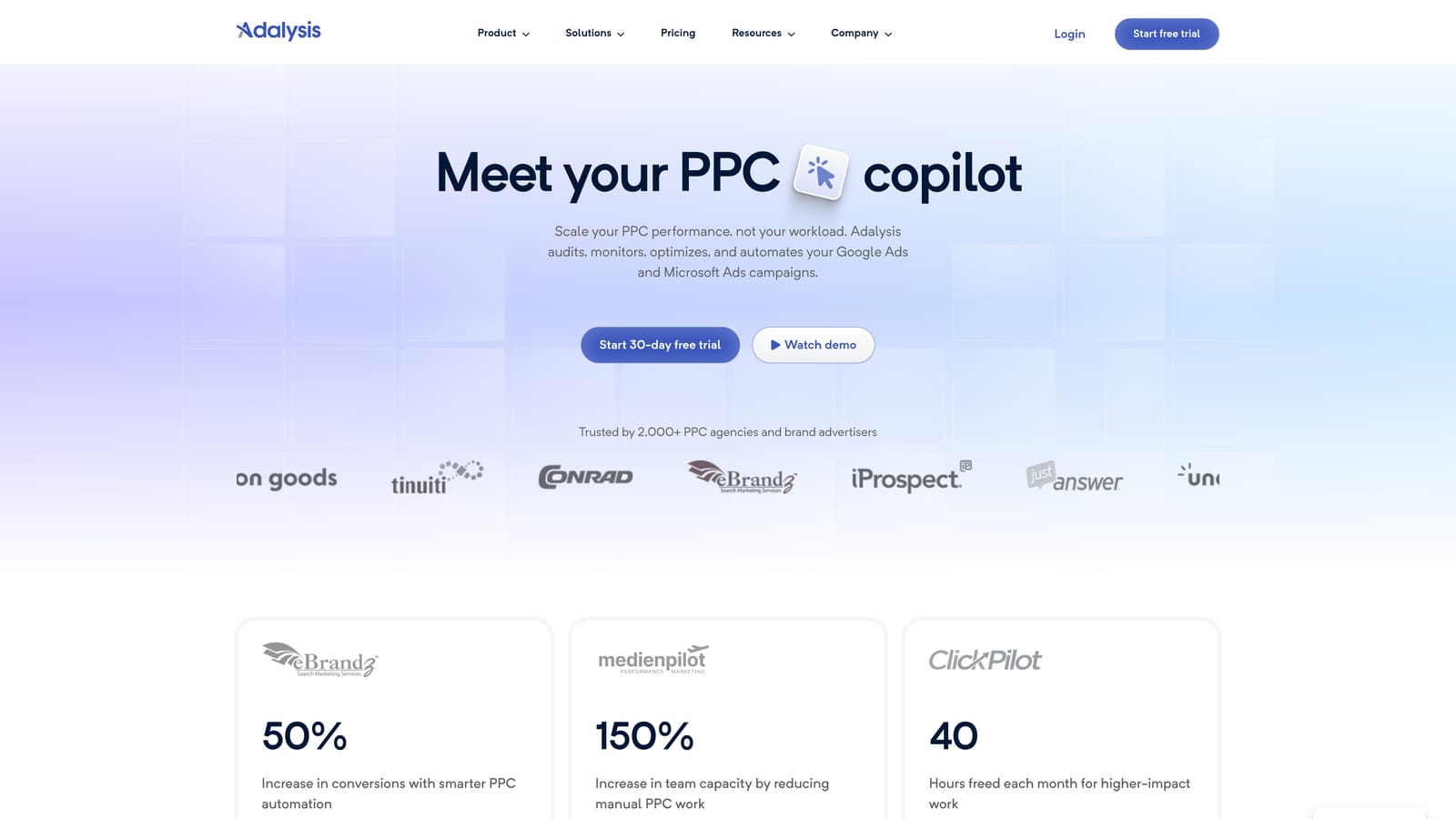
Its standout feature is the background monitoring. Daily automated audits flag issues between sessions, so a disapproved ad or a broken landing page URL gets caught the same day it happens instead of a week later when you finally run a check.
- Runs daily automated audits that catch structural and compliance issues without manual review
- Tracks A/B ad copy tests with statistical significance so you know when a result is real
- Alerts on disapproved ads, broken URLs, and duplicate keywords as they happen
- Tracks Quality Score changes over time so you can connect score drops to specific account changes
It connects to Google Ads and Microsoft Advertising, and it's generally run by whoever owns account health, often a PPC manager checking a dashboard a few times a week rather than daily. It's not built for search term or keyword list building, so you'd pair it with a research or cleanup tool rather than use it alone. Pricing is quote-based and has historically scaled with ad spend tier, so it's worth confirming current tiers directly on the site before committing.
Best for: Teams that want always-on account health monitoring without manual audits.
5. WordStream by LocaliQ
WordStream is built around a "20-minute work week" idea: a guided workflow that tells a busy small business owner exactly what to check and fix in a short session, rather than expecting them to know PPC best practices cold.

What makes it different
The free Google Ads Performance Grader is the entry point most people know it for. It scores your account's health without requiring a signup, which makes it useful even if you never become a paying customer. The paid product extends that grading into a guided optimization workflow.
- Walks you through a structured 20-minute optimization session instead of an open-ended dashboard
- Grades your account instantly and for free, flagging obvious problems fast
- Suggests keywords and negative keywords to add without deep manual research
- Simplifies reporting into dashboards built for owners, not analysts
Who it fits and who it doesn't
It's aimed squarely at small business owners managing their own ads alongside everything else they do, not agencies juggling complex, high-volume accounts. If you need granular control or advanced rule-building, the simplified workflow will start to feel restrictive. Pricing is quote-based, so you'd get an exact number by requesting a demo.
Best for: Small business owners who manage their own ads part-time and want guided, low-complexity workflows.
6. Semrush PPC Toolkit
Semrush's PPC toolkit sits inside its broader marketing suite and is built for research, not execution. If you want to know what a competitor is bidding on, what their ad copy says, or where your keyword coverage has gaps, this is where you'd look.
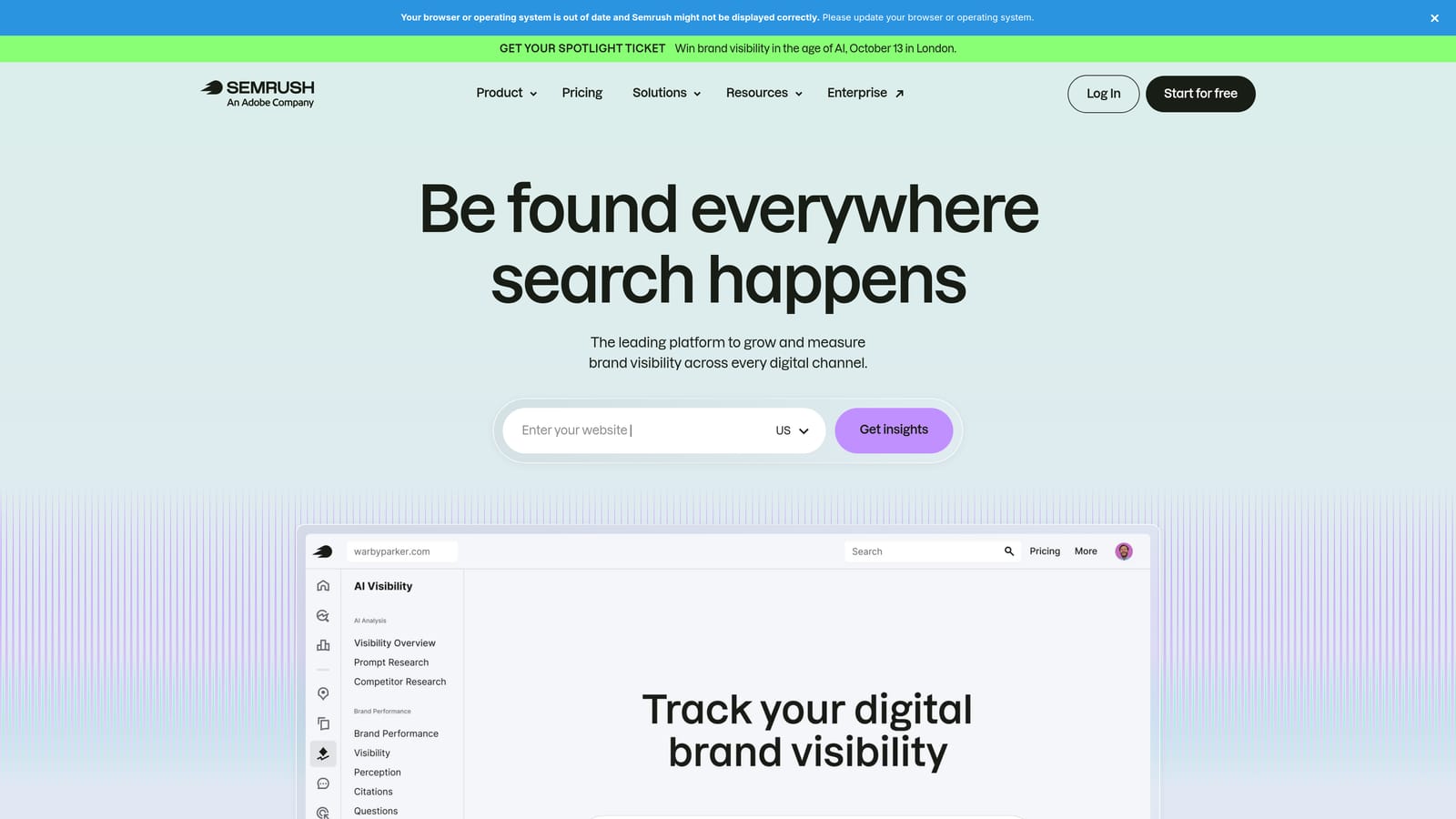
Its strength is breadth. Semrush combines paid and organic keyword data in the same view, so you can see where a competitor is winning both an ad auction and an organic ranking for the same term, something narrower PPC-only tools don't show.
- Pulls competitor ad copy and landing pages so you can study what's working for others in your space
- Runs a Keyword Gap analysis comparing your keyword coverage against named competitors
- Tracks paid and organic position overlap over time
- Generates initial keyword lists through its PPC Keyword Tool as a starting point for campaign building
It's a research tool, full stop. Nothing you find inside Semrush pushes changes into Google Ads automatically; you take what you learn and build it manually. Access to the PPC toolkit depends on your Semrush plan tier, so check current plan details on their pricing page before assuming a feature is included.
Best for: Advertisers who want deep competitor keyword and ad copy research alongside their PPC work.
7. SpyFu
SpyFu is built around one thing: a long historical archive of what competitors have bid on, what their ads said, and roughly what they've spent, going back years in many cases.
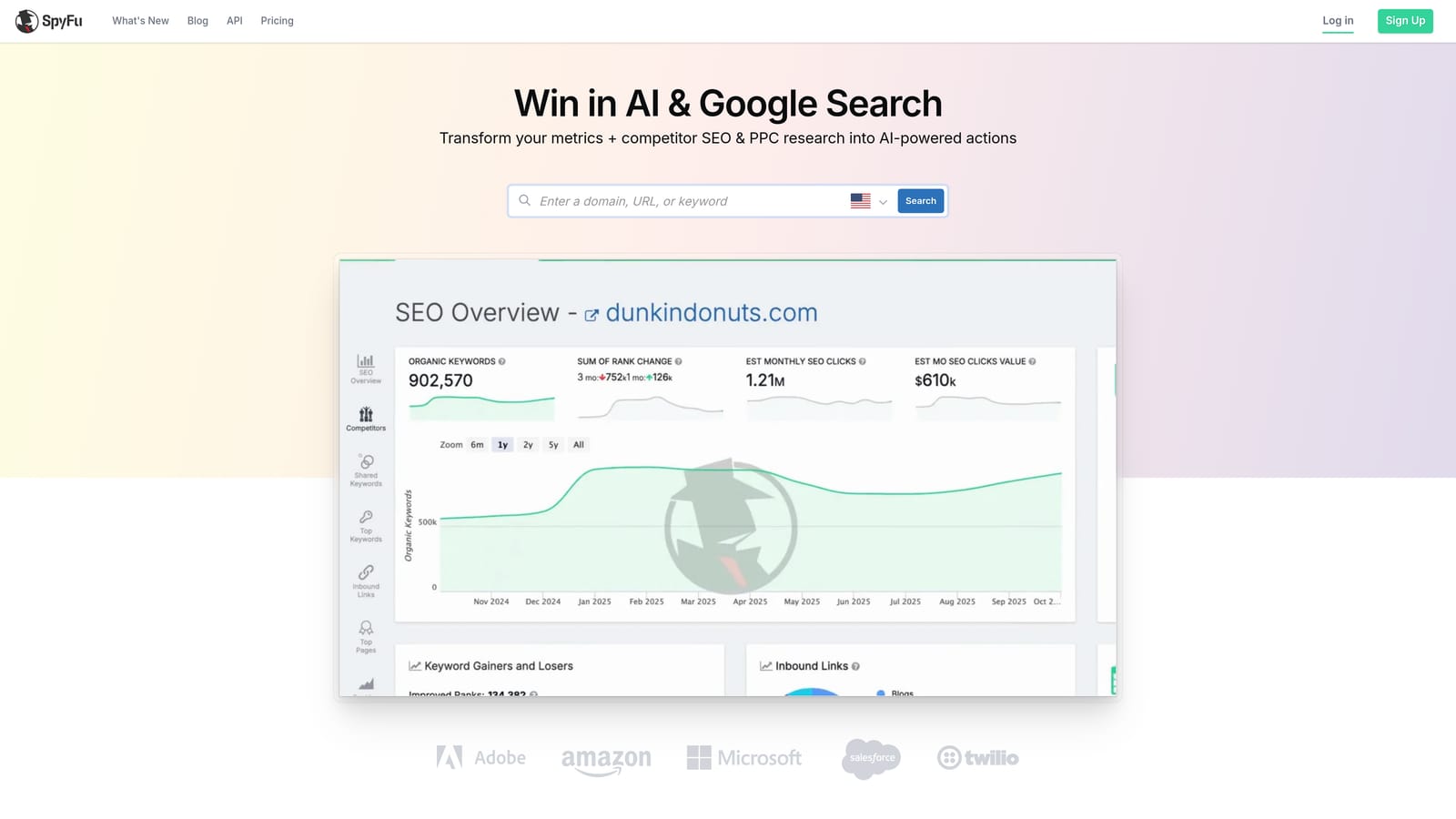
That history is the differentiator. Where most competitive tools show you a current snapshot, SpyFu lets you look at how a competitor's keyword and bidding strategy has shifted over time, which is genuinely useful when you're building a case for a new PPC strategy or a client pitch.
- Stores a multi-year competitor keyword and ad copy database for pattern spotting
- Runs "PPC Kombat" comparisons across up to three domains at once
- Estimates competitor ad spend and highlights their top-performing keywords
- Exports keyword lists as CSVs you can bring straight into Google Ads or Ads Editor
It's better suited to research phases and pitch decks than to the day-to-day grind of optimizing a live account. There's no ongoing monitoring or execution layer here. Pricing runs on tiered monthly subscriptions; check spyfu.com/pricing for current numbers since these shift.
Best for: Competitive research before launching or pitching a new PPC strategy.
8. Google Keyword Planner
Google Keyword Planner is the free, built-in research tool inside Google Ads for figuring out what to bid on before you build a campaign. It's usually the first stop for anyone starting keyword research from scratch.
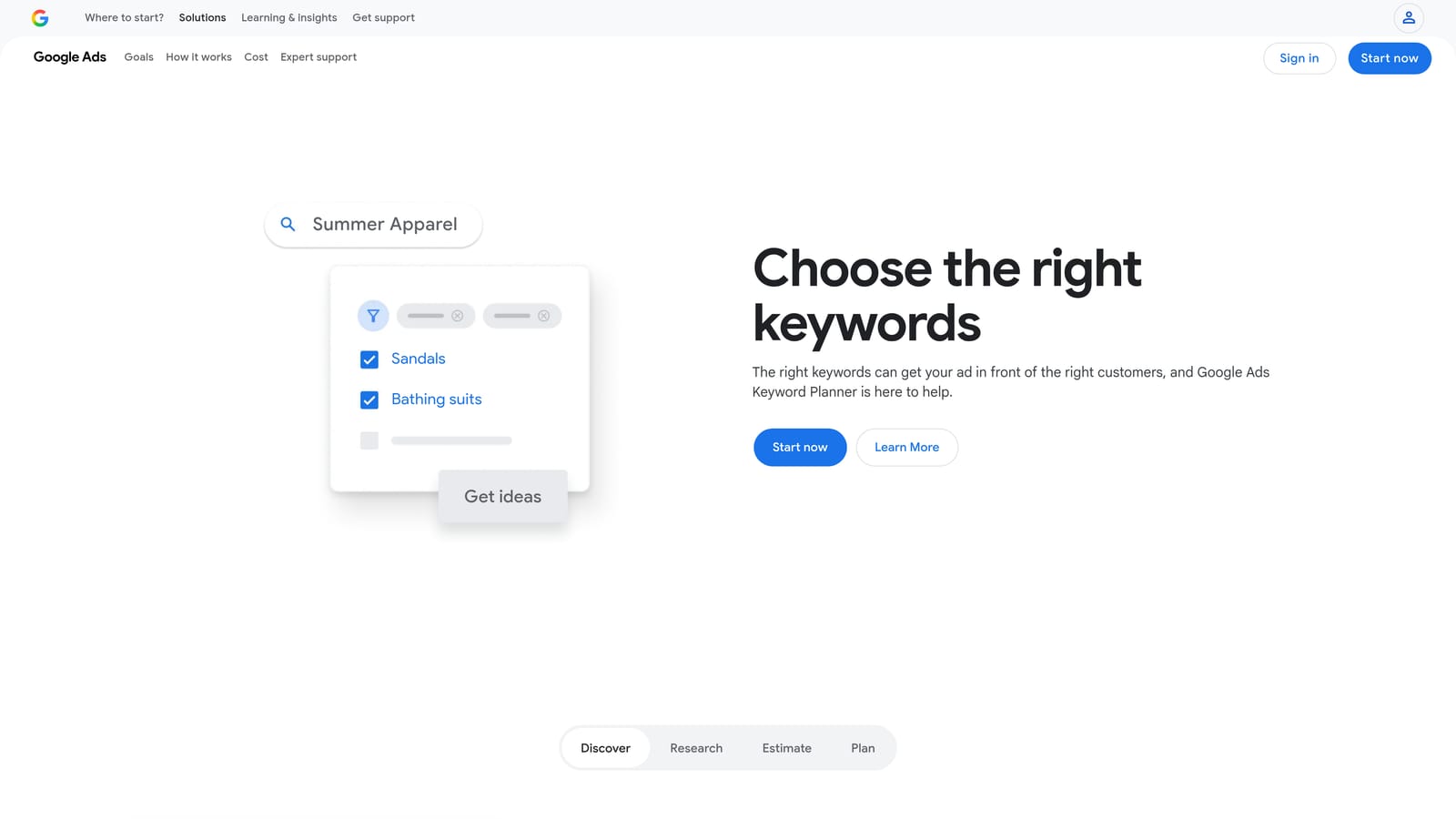
Its edge is the data source itself. Every other keyword research tool models its volume estimates from various signals; Keyword Planner pulls directly from Google's own search and auction data, which makes it the closest thing to a ground-truth number, even when that number shows up as a range.
- Generates search volume estimates straight from Google's first-party data
- Produces keyword ideas from a seed term, a URL, or a product category
- Shows estimated bid ranges for keywords you haven't used yet
- Surfaces historical metrics and rough forecasts for planning purposes
The catch is that volume often shows up as a wide range instead of a precise figure unless your account already has active spend history. It's free and lives inside your existing Google Ads account, so there's no setup beyond having an account already.
Best for: Building an initial keyword list with Google's own first-party search data.
9. Search Ads 360
Search Ads 360 is Google's enterprise bid management platform, built for agencies and large advertisers running campaigns across Google Ads, Microsoft Advertising, and other search engines from a single console.

Nothing else on this list is designed for cross-engine management at this scale. Where most tools bolt on Microsoft Ads as a secondary integration, Search Ads 360 treats multiple engines as equal citizens within one bidding and reporting system, which matters once you're managing dozens or hundreds of accounts.
- Manages campaigns across Google, Microsoft, and other engines from one console
- Runs rule-based and algorithmic bidding strategies at scale
- Delivers enterprise-level reporting across large numbers of accounts at once
- Connects into the broader Google Marketing Platform stack, including Google Analytics 4
This is not built for freelancers or small agencies. The scale and cost make it overkill if you're managing a handful of accounts, and pricing is enterprise, quote-based, and generally requires a sales conversation rather than a self-serve signup.
Best for: Large agencies and enterprise advertisers running Google Ads alongside other search engines at scale.
Matching the Tool to the Job in Front of You
If your daily grind is search term cleanup, start with Keywordme for the one-click, in-interface workflow, or Google Ads Editor if you need free, offline bulk edits without a subscription. If you're managing enough accounts that manual audits eat your week, Optmyzr and Adalysis both automate that, with Optmyzr leaning toward scheduled execution and Adalysis toward continuous monitoring. For competitive research before a pitch or a new campaign build, Semrush and SpyFu cover different angles: Semrush for paid-organic overlap, SpyFu for historical bidding patterns. And if you're running Google Ads alongside Microsoft Ads or other engines at enterprise scale, Search Ads 360 is really the only option built for that.
None of these tools do everything, which is exactly the point of choosing based on task rather than reputation. If search term cleanup is where you're losing the most time right now, that's the easiest place to start. Start your free 7-day trial of Keywordme and see how much faster the Search Terms Report feels when junk terms and new keywords are a click away instead of a spreadsheet export. After the trial, it's $12/month per user, no spend-based pricing tiers to track.
.svg)