
9 Best Tools for Google Ads Managers in 2026
Managing Google Ads campaigns in 2026 requires more than manual effort—it demands the right technology stack. This guide evaluates the best tools for Google Ads managers, from search term optimization and negative keyword management to bid automation and client reporting, helping freelancers and agency professionals work faster and deliver measurable performance improvements across their accounts.


Managing Google Ads campaigns in 2026 means juggling search terms, negatives, bid adjustments, conversion tracking, and client reporting—all while trying to actually improve performance. The right tools don't just save time; they fundamentally change how you work. Whether you're a solo freelancer optimizing a handful of accounts or an agency manager coordinating across dozens of clients, your toolkit determines how much you can accomplish in a day.
This guide covers nine tools that Google Ads managers actually use to get work done faster. We're focusing on practical utility: tools that integrate into your existing workflow, reduce manual tasks, and deliver measurable improvements. No fluff, no tools that sound good in theory but collect dust in practice.
Here are the top tools worth your attention right now.
1. Keywordme
Best for: Fast in-platform search term optimization without leaving Google Ads
Keywordme is a Chrome extension that transforms how you handle search term optimization by letting you work directly inside the Google Ads interface.

Where This Tool Shines
Most search term management involves exporting reports, opening spreadsheets, sorting through junk, building negative lists, and then uploading everything back. Keywordme eliminates that entire workflow. You click directly in the Search Terms Report to remove waste, add negatives, apply match types, or create new keyword groups.
For agencies managing multiple client accounts, the time savings compound quickly. What used to take 30 minutes per account now takes three. The multi-account support means you can maintain consistent optimization standards across your entire client roster without the usual context-switching headaches.
Key Features
One-Click Junk Removal: Identify and exclude irrelevant search terms directly in the Search Terms Report without exporting data.
Instant Match Type Application: Apply exact, phrase, or broad match modifiers to keywords without leaving the interface.
Bulk Negative List Building: Create and manage negative keyword lists across campaigns with a few clicks instead of spreadsheet gymnastics.
Keyword Clustering: Automatically group related keywords to speed up campaign organization and theme development.
Team Collaboration: Multi-user support with account-level permissions makes agency workflows significantly smoother.
Best For
Solo Google Ads managers who spend hours each week cleaning up search terms. Agency teams that need consistent optimization processes across client accounts. Anyone who wants to optimize campaigns faster without adding another dashboard to their workflow.
Pricing
Flat rate of $12 per month per user. Seven-day free trial available with no credit card required upfront.
2. Google Ads Editor
Best for: Bulk offline campaign editing and cross-account management
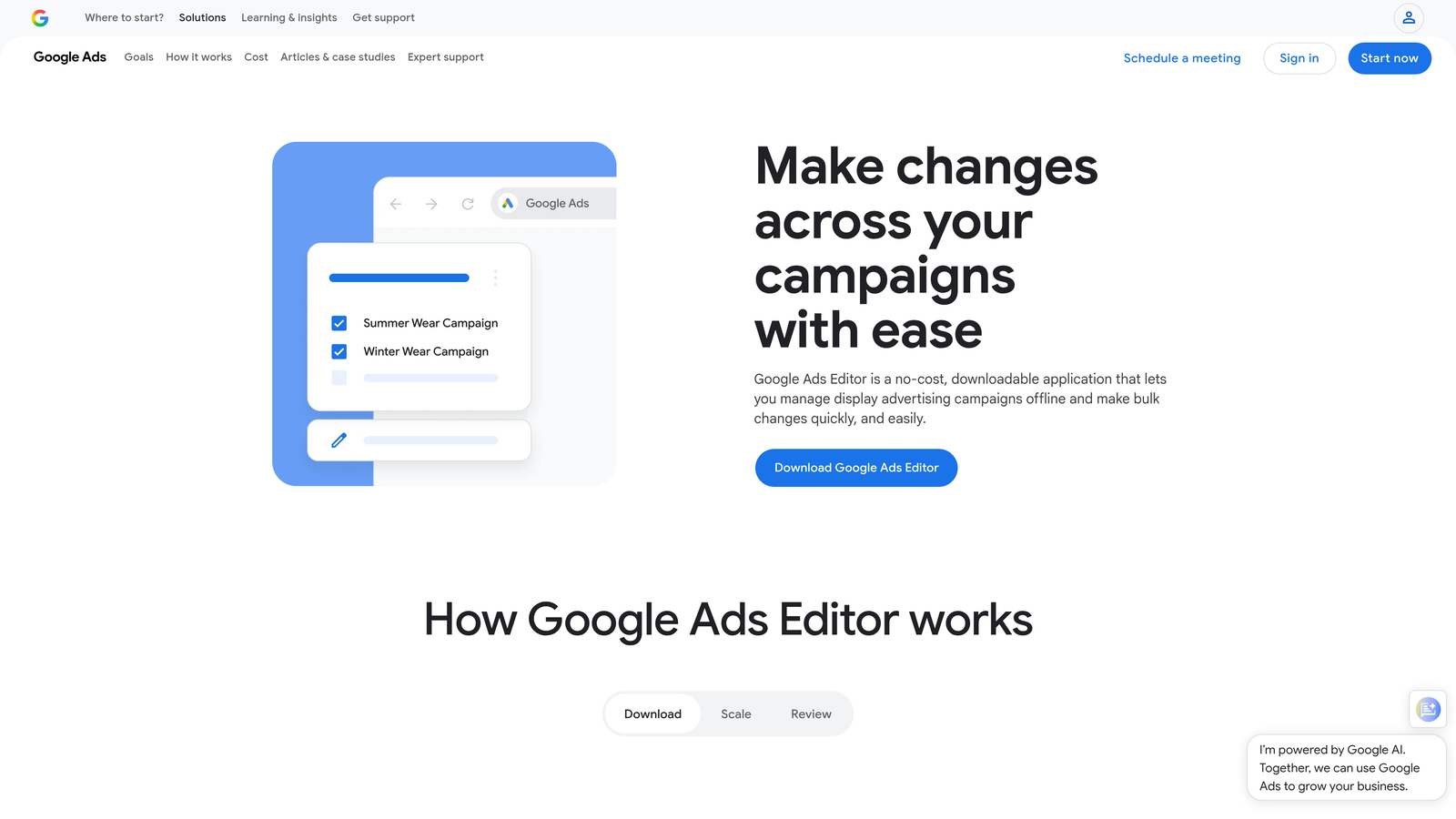
Google Ads Editor is Google's free desktop application for making large-scale changes to campaigns offline before uploading them in batches.
Where This Tool Shines
When you need to restructure campaigns, duplicate ad groups across accounts, or make systematic changes to hundreds of keywords, the web interface becomes painfully slow. Editor lets you download entire accounts, work offline, and push changes when you're ready. The search and replace functionality alone saves hours when you need to update URLs, phone numbers, or promotional copy across multiple campaigns.
The copy-paste functionality between accounts is particularly valuable for agencies running similar campaign structures for multiple clients. Build your template once, customize the details, and deploy across accounts in minutes instead of hours.
Key Features
Offline Bulk Editing: Download accounts, make changes without internet connectivity, and upload when complete.
Advanced Search and Replace: Find and update text strings across ads, keywords, and extensions simultaneously.
Cross-Account Copy-Paste: Duplicate campaigns, ad groups, or individual elements between different accounts seamlessly.
Undo and Revision History: Roll back changes before uploading or review what you modified in previous sessions.
Export and Import: Work with campaign data in spreadsheet format for external analysis or bulk modifications.
Best For
Anyone managing multiple Google Ads accounts or making frequent bulk updates. Essential for agencies duplicating campaign structures or advertisers running seasonal promotions that require coordinated changes across many campaigns.
Pricing
Completely free. Download directly from Google with no subscription or usage limits.
3. Optmyzr
Best for: Rule-based automation and one-click optimization for agencies
Optmyzr is a comprehensive PPC management platform built around automated optimization rules and guided workflows for agencies managing significant ad spend.

Where This Tool Shines
Optmyzr excels at automating repetitive optimization tasks that eat up hours each week. The rule engine lets you set conditions for bid adjustments, budget pacing, ad scheduling, and more—then executes them automatically. The one-click optimization suggestions surface opportunities you might miss manually, particularly useful when managing dozens of campaigns.
The platform's reporting capabilities go beyond standard dashboards. You can build custom reports that combine Google Ads data with other metrics, schedule automated delivery to clients, and white-label everything under your agency brand. For teams managing $100,000+ in monthly ad spend, the time savings justify the subscription cost within the first billing cycle.
Key Features
Rule-Based Automation: Create conditional triggers for bid changes, budget adjustments, and campaign modifications that run automatically.
One-Click Optimizations: Receive algorithmic recommendations for bid adjustments, keyword additions, and budget reallocation with single-click implementation.
Custom Reporting Engine: Build branded reports combining multiple data sources with scheduled automated delivery to clients.
Budget Management Tools: Track pacing across campaigns with alerts when spending deviates from targets.
Shopping Campaign Optimizer: Specialized tools for managing product feeds and shopping campaign structures at scale.
Best For
Mid-to-large agencies managing multiple client accounts with substantial monthly budgets. Teams that need sophisticated automation without building custom scripts. Advertisers running complex shopping campaigns that require granular product-level optimization.
Pricing
Plans start at $249 per month. Pricing scales based on monthly ad spend managed and number of accounts connected.
4. SEMrush PPC Toolkit
Best for: Competitive keyword research and comprehensive marketing intelligence
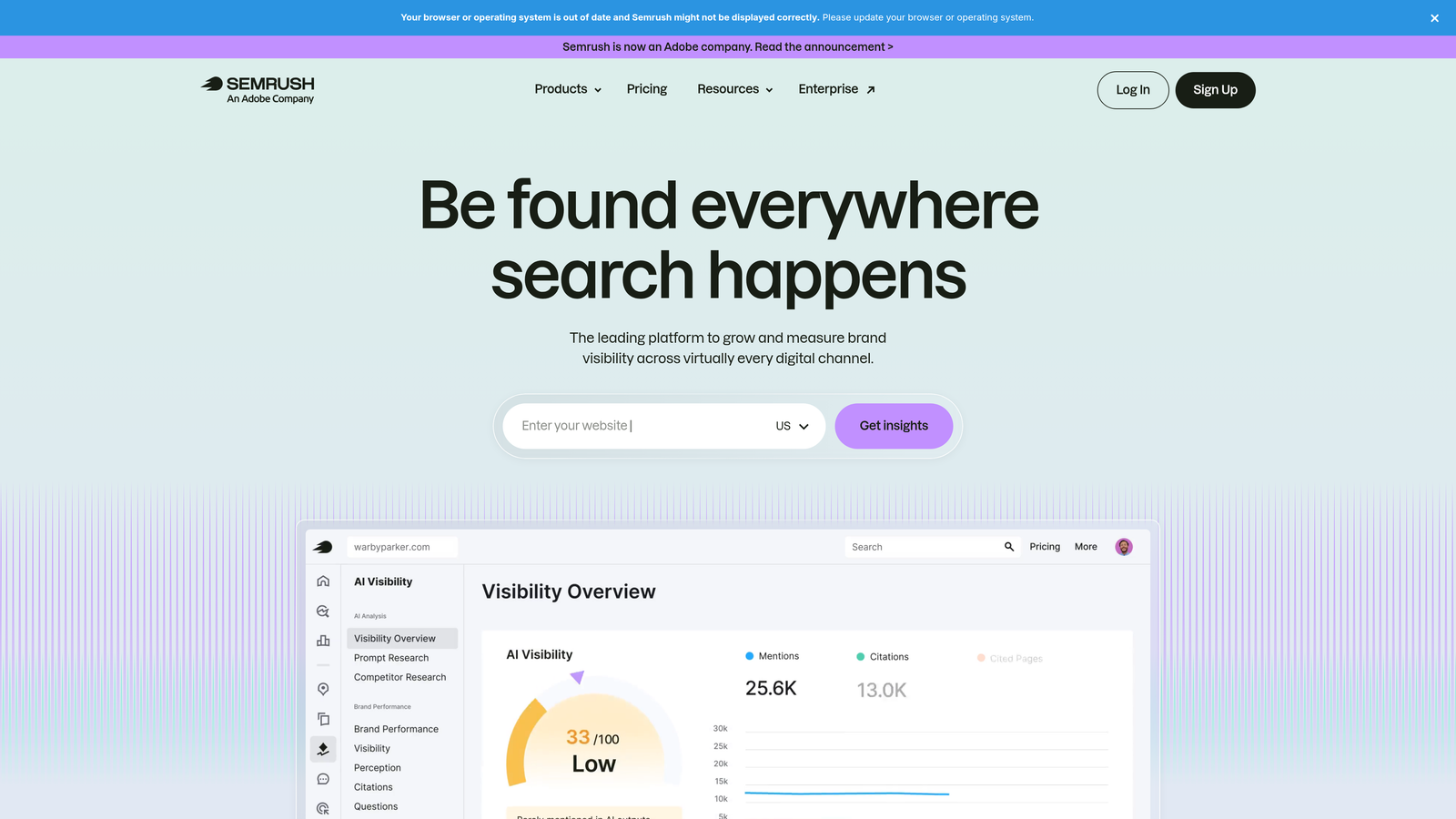
SEMrush is an all-in-one marketing platform with robust PPC features including competitor analysis, keyword research, and ad copy intelligence.
Where This Tool Shines
The competitive intelligence capabilities separate SEMrush from pure campaign management tools. You can see which keywords competitors bid on, view their actual ad copy variations, and analyze their landing page strategies. This matters most during account buildouts or when entering new markets—you gain months of competitive insight in hours.
The keyword research tools go beyond basic search volume data. You can identify keyword gaps between your campaigns and competitors, discover long-tail variations you're missing, and estimate CPC by geographic location before committing budget. The ad builder templates speed up ad creation, though most experienced managers still prefer writing custom copy.
Key Features
Competitor Ad Analysis: View competitors' active and historical ad copy with estimated spend and position data.
PPC Keyword Research: Discover keyword opportunities with CPC estimates, competition levels, and search volume trends.
Ad Copy Builder: Pre-built templates and suggestions for creating responsive search ads and display creatives.
Position Tracking: Monitor your paid search rankings for target keywords across different locations and devices.
Geographic CPC Mapping: Estimate cost-per-click variations across different markets before launching campaigns.
Best For
Advertisers launching campaigns in competitive markets who need detailed competitor intelligence. Agencies pitching new clients and need to demonstrate market opportunity. Marketing teams that want a single platform for both SEO and PPC research.
Pricing
Starts at $139.95 per month for the Pro plan, which includes full access to SEO, content, and PPC tools. Higher tiers available for agencies and enterprises.
5. SpyFu
Best for: Historical competitor PPC data and long-term strategy analysis
SpyFu specializes in competitive intelligence with a focus on historical PPC performance data spanning over 15 years.

Where This Tool Shines
What makes SpyFu uniquely valuable is the historical depth. You can see how competitors' keyword strategies evolved over years, which ad variations they tested and abandoned, and when they entered or exited specific markets. This longitudinal view reveals patterns that current-state analysis misses—like seasonal keyword strategies or testing cycles.
The negative keyword recommendations based on competitor data are particularly useful. SpyFu identifies terms that competitors initially bid on but later excluded, helping you avoid wasting budget on keywords that experienced advertisers have already tested and rejected. The domain comparison tools let you benchmark your keyword coverage against multiple competitors simultaneously.
Key Features
15+ Years of Ad History: Access historical PPC data showing how competitor strategies changed over time.
Competitor Keyword Downloads: Export complete lists of keywords competitors currently bid on or have targeted historically.
Ad Variation Tracking: See every ad variation competitors tested with approximate run dates and performance indicators.
Negative Keyword Suggestions: Identify terms competitors stopped bidding on, likely because they didn't convert.
Multi-Domain Comparison: Compare keyword overlap and gaps across multiple competitor domains simultaneously.
Best For
Advertisers in established markets with mature competitors who have years of campaign data. Strategic planners developing long-term PPC roadmaps. Agencies conducting competitive audits as part of client onboarding.
Pricing
Basic plan starts at $39 per month with limited searches and exports. Professional plan at $79 per month removes most restrictions.
6. Supermetrics
Best for: Automated data extraction and custom reporting workflows
Supermetrics functions as a data pipeline that automatically pulls Google Ads metrics into spreadsheets, Looker Studio, and business intelligence platforms.
Where This Tool Shines
Manual reporting kills productivity. Supermetrics eliminates the export-format-share cycle by automatically refreshing data on schedules you define. Connect Google Ads to Google Sheets, set a daily refresh at 8 AM, and your performance dashboard updates itself every morning before you check it.
The real power comes from combining multiple data sources in one report. Blend Google Ads performance with Google Analytics conversion data, CRM revenue information, and Facebook campaign metrics in a single spreadsheet or dashboard. For agencies managing cross-channel campaigns, this unified view saves hours of manual data consolidation weekly.
Key Features
Scheduled Data Refresh: Set automated update schedules so reports always show current data without manual exports.
100+ Marketing Connectors: Pull data from Google Ads, Analytics, Facebook, LinkedIn, and dozens of other platforms into one destination.
Google Sheets Integration: Native connector for building custom reports and dashboards directly in familiar spreadsheet environments.
Looker Studio Support: Direct integration with Google's visualization platform for interactive client dashboards.
Data Warehouse Destinations: Send marketing data to BigQuery, Snowflake, or other data warehouses for advanced analysis.
Best For
Agencies that create regular client reports combining multiple data sources. Marketing teams running cross-channel campaigns who need unified performance views. Analysts who prefer working in spreadsheets over platform-specific interfaces.
Pricing
Starts at $39 per month per data source connector. Pricing increases based on number of connectors and data refresh frequency.
7. Adalysis
Best for: Automated ad testing and quality score monitoring
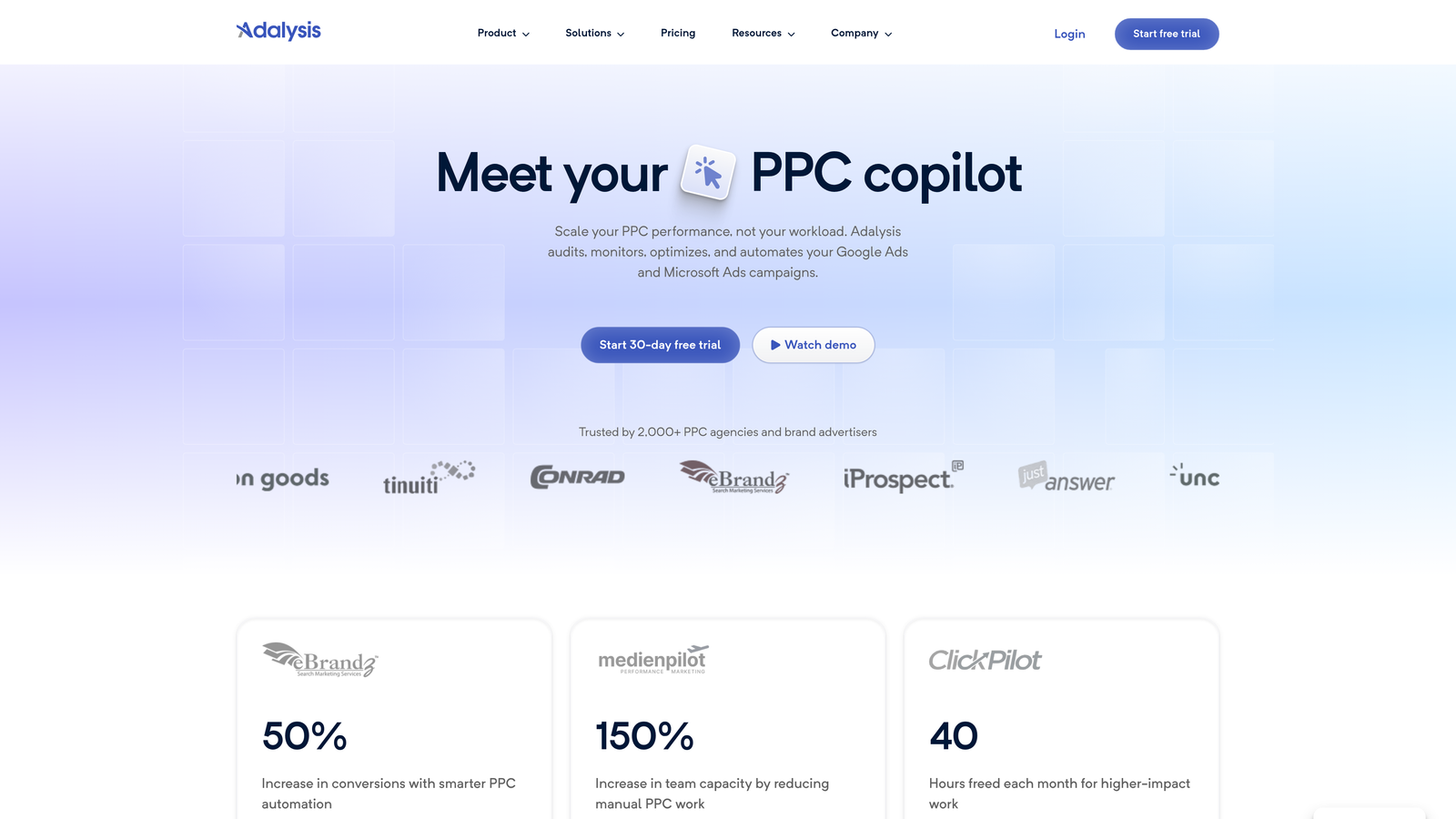
Adalysis focuses on systematic ad testing, quality score tracking, and automated optimization recommendations based on statistical analysis.
Where This Tool Shines
Ad testing often gets neglected because manually tracking statistical significance across dozens of ad groups is tedious. Adalysis automates the entire process—it monitors your ad variations, calculates when you have statistically significant results, and recommends pausing underperformers. This systematic approach to testing improves CTR and conversion rates over time without constant manual analysis.
The quality score tracking deserves special mention. Adalysis monitors quality score changes at the keyword level and alerts you when scores drop, often before you notice performance degradation. The n-gram analysis helps identify which search term patterns drive conversions versus which ones waste budget, making search term optimization more strategic.
Key Features
Automated Ad Testing: Statistical significance calculations for ad variations with automated pause recommendations for losers.
Quality Score Alerts: Keyword-level quality score monitoring with notifications when scores change significantly.
N-gram Search Term Analysis: Identify patterns in search terms to find high-intent phrases and wasteful patterns.
Optimization Recommendations: Algorithm-generated suggestions for bid adjustments, keyword additions, and structural improvements.
Custom Alert Configuration: Set thresholds for performance changes, budget pacing, and quality score drops.
Best For
Performance-focused advertisers who systematically test ad copy and want data-driven decisions. Accounts with large keyword portfolios where manual quality score monitoring isn't feasible. Teams that value statistical rigor in optimization decisions.
Pricing
Plans start at $149 per month for individual accounts. Pricing scales based on monthly ad spend and number of accounts managed.
8. Looker Studio
Best for: Free custom dashboards and client reporting
Looker Studio is Google's free data visualization platform with native connectors for Google Ads, Analytics, and other marketing data sources.
Where This Tool Shines
The price point—free—makes Looker Studio accessible for any budget level. The drag-and-drop interface lets you build professional-looking dashboards without coding skills. Connect your Google Ads account, select the metrics you want to visualize, and customize the layout to match your reporting needs.
The shareable dashboard functionality works particularly well for client reporting. Build the dashboard once, share a link with view-only access, and it updates automatically as new data comes in. Clients can check performance whenever they want without requesting updated reports. The template gallery provides starting points for common report types, though customization usually improves relevance significantly.
Key Features
Drag-and-Drop Builder: Visual interface for creating charts, tables, and scorecards without technical expertise.
Native Google Ads Connector: Direct integration pulls campaign data automatically without third-party tools.
Interactive Dashboards: Share live reports that update automatically and allow viewers to filter data dynamically.
Blended Data Sources: Combine data from multiple platforms in single visualizations for cross-channel analysis.
Template Gallery: Pre-built report templates for common use cases provide quick starting points.
Best For
Freelancers and small agencies that need professional client reporting without subscription costs. Advertisers who want self-service dashboards for stakeholders. Teams already using Google's ecosystem who want seamless integration.
Pricing
Completely free with no usage limits or premium tiers. Requires a Google account.
9. WordStream Advisor
Best for: Simplified PPC management for small businesses and solo advertisers
WordStream Advisor is a streamlined PPC management platform designed around guided optimization workflows and simplified reporting for advertisers without extensive PPC experience.
Where This Tool Shines
The "20-Minute Work Week" concept structures optimization into a focused weekly workflow. The platform surfaces the highest-impact opportunities first—wasted spend, underperforming ads, budget pacing issues—so you address what matters most before getting lost in minutiae. For solo advertisers managing Google Ads alongside other business responsibilities, this guided approach prevents optimization paralysis.
The cross-platform management capability lets you handle Google Ads, Microsoft Ads, and Facebook campaigns from one interface. The performance grading system benchmarks your account against industry standards, helping less experienced advertisers understand where they stand. The simplified reporting removes technical jargon, making it easier to explain results to non-marketing stakeholders.
Key Features
20-Minute Work Week: Structured optimization workflow that prioritizes high-impact tasks for time-constrained advertisers.
Cross-Platform Management: Manage Google Ads, Microsoft Ads, and Meta campaigns from a single dashboard.
Performance Grading: Automated account scoring with industry benchmark comparisons and improvement recommendations.
Guided Optimization: Step-by-step recommendations with explanations for advertisers learning PPC management.
Simplified Reporting: Client-friendly reports that explain performance without overwhelming technical detail.
Best For
Small business owners managing their own PPC without dedicated marketing teams. Solo advertisers handling multiple platforms who need workflow efficiency. Newer PPC managers who want guidance while learning optimization best practices.
Pricing
Custom pricing based on monthly ad spend across platforms. Contact WordStream directly for quotes tailored to your account size.
Building Your Ideal Stack
The right combination depends on your specific situation. If you're optimizing search terms daily and tired of spreadsheet exports, Keywordme eliminates that friction entirely. For bulk campaign restructuring or cross-account work, Google Ads Editor remains essential despite being basic—it's free and handles offline editing better than any alternative.
Agencies managing significant client rosters typically combine several tools. Optmyzr or Adalysis for automation and systematic optimization, Supermetrics for reporting workflows, and SpyFu or SEMrush for competitive research during onboarding. Solo advertisers usually start with free tools like Google Ads Editor and Looker Studio, then add paid tools as specific pain points emerge.
The common mistake is subscribing to too many platforms simultaneously. Start with one tool that addresses your biggest time sink—usually search term management or reporting—and add others as you master the first. Most platforms offer free trials, so test the workflow integration before committing to annual subscriptions.
Optimize Google Ads Campaigns 10X Faster. Without Leaving Your Account. Keywordme lets you remove junk search terms, build high-intent keyword lists, and apply match types instantly—right inside Google Ads. No spreadsheets, no switching tabs, just quick, seamless optimization. Start your free 7-day trial (then just $12/month) and take your Google Ads game to the next level.
.svg)