
9 Best Tools for Google Ads Management in 2026
Discover the best tools for Google Ads management in 2026 that actually save time and improve campaign performance. This comprehensive guide evaluates nine top platforms based on their core strengths, ideal use cases, and pricing transparency—helping solo marketers and agencies choose the right solution to optimize ad spend and scale their Google Ads campaigns efficiently.


Managing Google Ads campaigns without the right tools is like trying to build a house with just a hammer—technically possible, but painfully inefficient. Whether you're a solo marketer juggling multiple accounts or an agency scaling dozens of clients, the right Google Ads management tools can mean the difference between wasted ad spend and profitable campaigns.
This guide breaks down the top tools for Google Ads management across different needs and budgets. We've focused on tools that actually save time, improve performance, and integrate smoothly into real workflows—not just feature-bloated platforms that look good in demos.
Each tool is evaluated based on its core strengths, ideal use cases, and pricing transparency. Let's dive in.
1. Keywordme
Best for: Advertisers who want to optimize campaigns directly inside the Google Ads interface
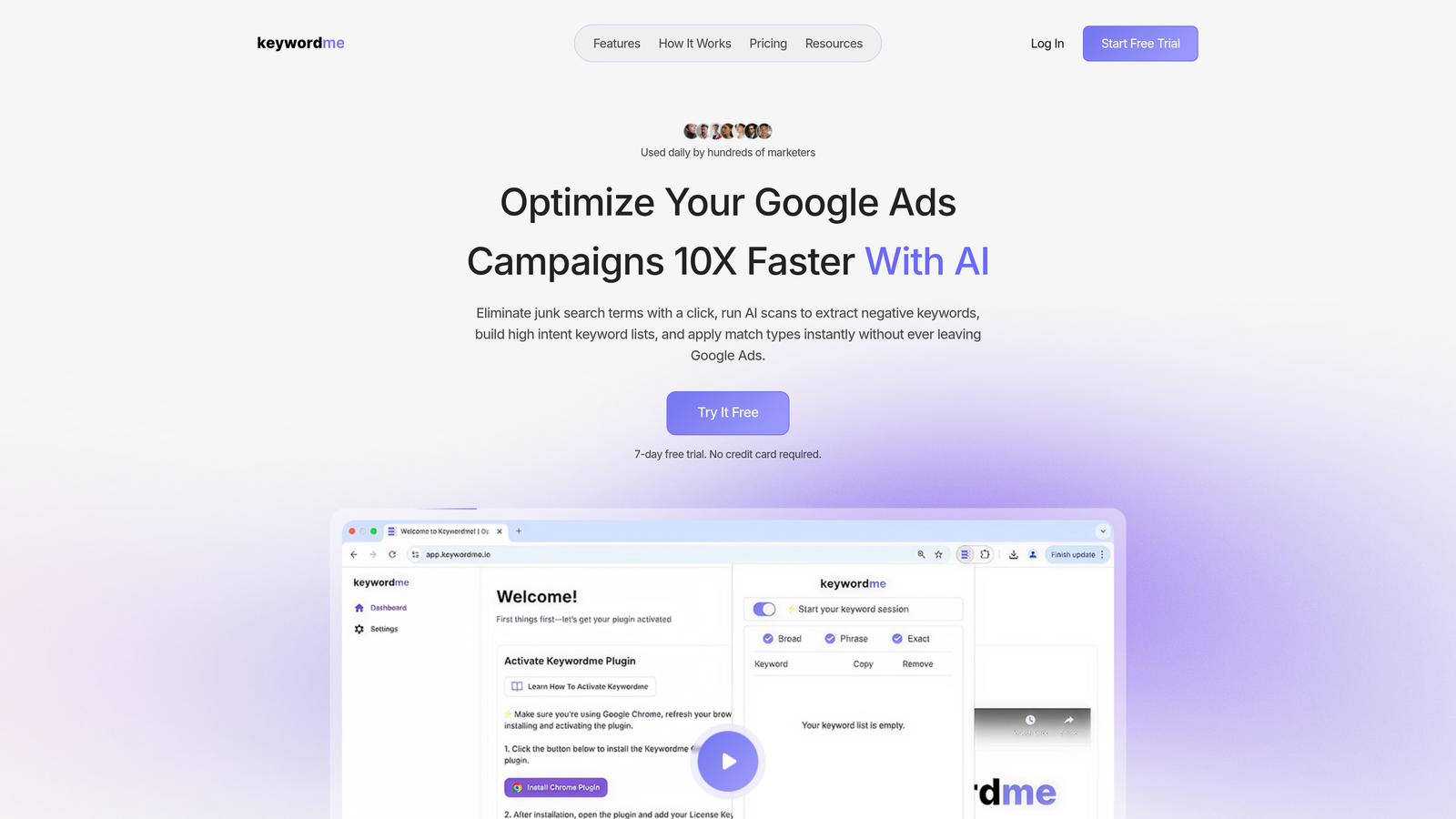
Keywordme is a Chrome extension that eliminates the spreadsheet shuffle by letting you optimize search terms, add negatives, and build keyword lists without ever leaving Google Ads.
Where This Tool Shines
Most Google Ads optimization workflows involve exporting search term reports, manipulating them in spreadsheets, then uploading changes back into the platform. Keywordme cuts this process down to single clicks.
The real power shows up when you're managing multiple campaigns or working under tight deadlines. Instead of context-switching between tabs and tools, you stay in the native Google Ads interface where all your campaign data already lives. This reduces friction and speeds up decision-making significantly.
Key Features
One-Click Search Term Cleanup: Remove junk search terms instantly from the search terms report without exporting anything.
In-Interface Match Type Application: Apply exact, phrase, or broad match modifiers directly to keywords as you review them—no spreadsheet formulas needed.
Keyword Clustering: Automatically group related search terms to identify patterns and build targeted ad groups faster.
Bulk Editing Capabilities: Make mass changes across multiple keywords or campaigns while staying in the Google Ads UI.
Multi-Account Team Support: Agencies can manage client accounts with user permissions and shared workflows across team members.
Best For
This tool is ideal for PPC managers, freelancers, and agency teams who spend significant time in the search terms report. If you're constantly exporting data to clean up search queries or add negatives, Keywordme will cut your optimization time dramatically. It's especially valuable for advertisers managing multiple accounts who need consistent, repeatable workflows.
Pricing
Flat rate of $12 per month per user with a 7-day free trial. No pricing tiers based on ad spend, which makes it predictable for agencies scaling client rosters.
2. Optmyzr
Best for: Agencies and enterprise advertisers who need deep automation and custom optimization workflows
Optmyzr is a comprehensive PPC management platform that combines rule-based automation, reporting, and AI-powered optimization recommendations across Google Ads and Microsoft Ads.

Where This Tool Shines
Optmyzr's Rule Engine lets you build custom automation workflows that go far beyond Google's native rules. You can create complex if-this-then-that logic that monitors performance and makes adjustments automatically—or queues them for approval.
The platform also excels at white-label reporting for agencies. You can generate branded client reports with customizable templates and automated delivery schedules, which saves hours of manual reporting work each month.
Key Features
Advanced Rule Engine: Build custom automation rules with complex conditions and actions that execute automatically or require approval.
One-Click Optimizations: Pre-built optimization suggestions with approval workflows so you can review changes before they go live.
Cross-Platform Management: Manage Google Ads and Microsoft Ads campaigns from a single dashboard with unified reporting.
White-Label Reporting: Create branded reports for clients with automated scheduling and custom data visualizations.
Shopping Campaign Tools: Dedicated features for product feed optimization and Shopping campaign management.
Best For
Optmyzr works best for agencies managing multiple clients or in-house teams with substantial ad budgets. The learning curve is steeper than simpler tools, but the automation depth pays off when you're scaling operations. If you're spending significant time on repetitive optimization tasks or client reporting, this platform can reclaim those hours.
Pricing
Starts at $249 per month for accounts managing up to $50,000 in monthly ad spend. Pricing scales with ad spend volume, so larger accounts pay more.
3. Google Ads Editor
Best for: Bulk editing campaigns and managing accounts offline
Google Ads Editor is Google's free desktop application that lets you download entire accounts, make bulk changes offline, and sync them back to your live campaigns.

Where This Tool Shines
When you need to restructure campaigns, duplicate ad groups, or make mass edits across hundreds of keywords, the web interface becomes painfully slow. Google Ads Editor handles these tasks exponentially faster.
The offline editing capability is underrated. You can download account snapshots, work on changes without an internet connection, then push updates when you're ready. This also means you can review and refine bulk changes before they go live.
Key Features
Bulk Campaign Editing: Make changes across thousands of keywords, ads, or campaigns simultaneously with spreadsheet-like controls.
Offline Editing Mode: Download accounts and work on changes without an active internet connection, then sync when ready.
Find and Replace: Search and replace text across all campaign elements—useful for updating URLs or fixing typos at scale.
Copy Between Accounts: Duplicate entire campaigns or ad groups from one account to another, which is invaluable for agencies building similar structures for multiple clients.
Change History Review: See a detailed log of all edits before pushing them live, reducing the risk of costly mistakes.
Best For
Every Google Ads advertiser should have this installed. It's particularly essential for anyone managing large accounts with complex campaign structures, or agencies that need to replicate setups across client accounts. The learning curve is minimal if you're already comfortable with Google Ads.
Pricing
Completely free. Google provides this as a native tool for all Google Ads users.
4. Adalysis
Best for: Advertisers focused on ad testing and quality score optimization
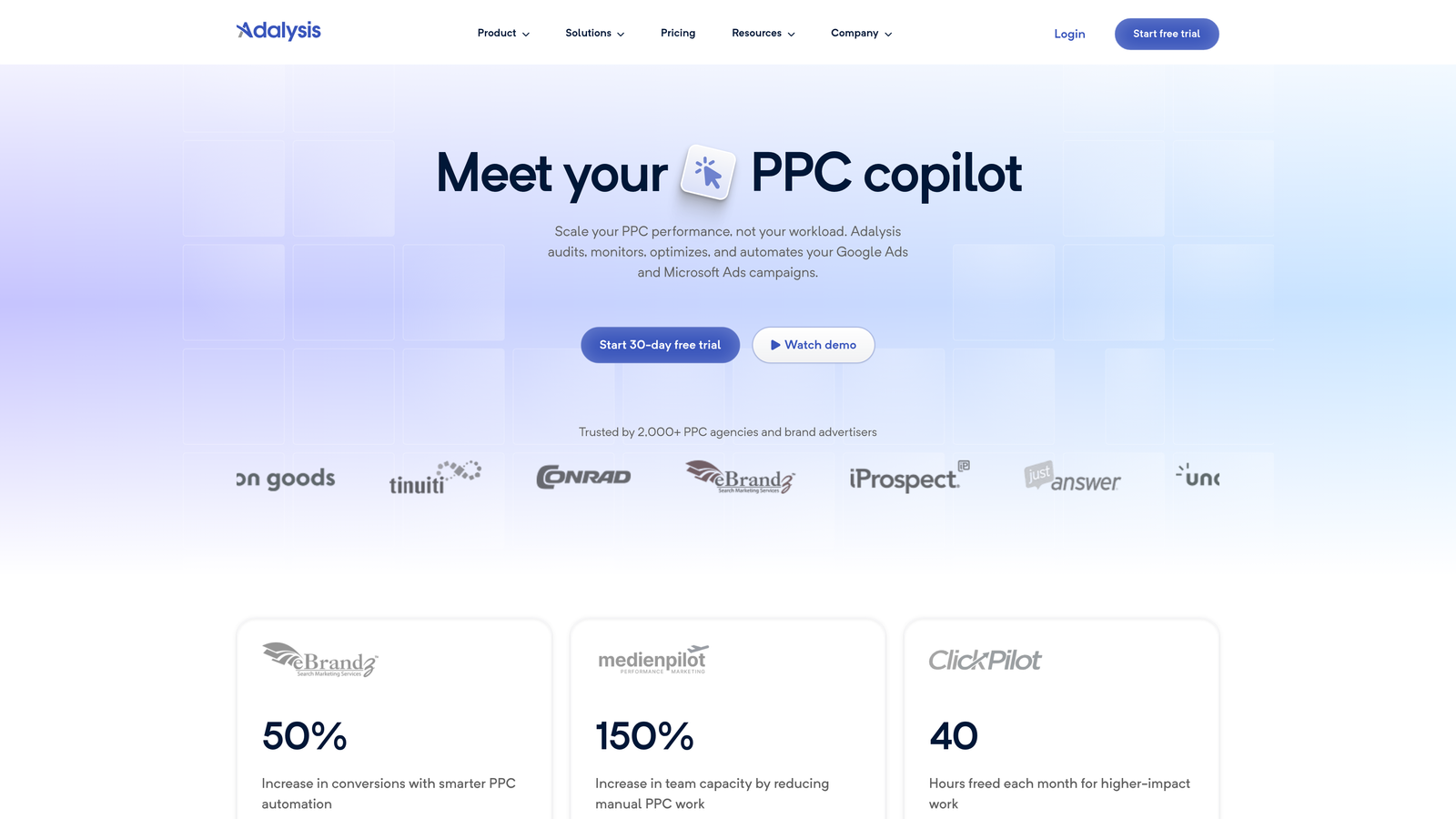
Adalysis is a PPC analysis platform that specializes in automated ad testing, quality score tracking, and data-driven optimization recommendations.
Where This Tool Shines
Most advertisers run ad tests but never reach statistical significance or don't know when to pause underperformers. Adalysis automates this entire process by tracking ad performance and alerting you when tests reach significance.
The quality score tracking is particularly valuable. Adalysis monitors quality scores at the keyword level and identifies specific factors dragging them down—whether it's landing page experience, ad relevance, or expected CTR.
Key Features
Automated Ad Testing: Track A/B tests and receive alerts when results reach statistical significance, so you know exactly when to make decisions.
Quality Score Diagnostics: Monitor quality scores over time and get specific recommendations for improvement at the keyword level.
Daily Optimization Recommendations: Receive automated suggestions for bid adjustments, keyword additions, and campaign improvements based on performance data.
N-Gram Search Term Analysis: Automatically identify common word patterns in search queries to find new keyword opportunities or negative keyword themes.
Automated Reporting: Schedule performance reports with customizable metrics and email delivery to clients or stakeholders.
Best For
This tool is ideal for performance-focused advertisers who want to take ad testing seriously and improve quality scores systematically. If you're running multiple ad variations but struggle to determine winners, or if quality scores are consistently low, Adalysis provides the structure and automation to fix these issues.
Pricing
Plans start at $149 per month. Pricing increases based on the number of accounts and monthly ad spend managed.
5. WordStream
Best for: Small businesses and advertisers who want simplified PPC management
WordStream is a PPC management platform designed around the "20-minute work week" philosophy—focusing on the highest-impact optimizations without overwhelming users.

Where This Tool Shines
WordStream strips away complexity and presents only the most critical optimization opportunities each week. This makes it accessible for small business owners or marketers who don't have hours to spend analyzing campaigns.
The cross-platform management is another strength. You can manage Google Ads, Meta Ads, and Microsoft Ads from a single dashboard, which simplifies workflows for businesses advertising across multiple channels.
Key Features
20-Minute Work Week Workflow: A guided optimization process that surfaces the most impactful changes you can make in minimal time.
Cross-Platform Campaign Management: Manage Google, Meta, and Microsoft advertising campaigns from one unified interface.
Performance Grader: Free account audit tool that benchmarks your performance against industry averages and identifies improvement areas.
Simplified Reporting Dashboards: Visual performance reports that focus on core metrics without overwhelming detail.
Keyword Research Tools: Built-in keyword discovery and competitive analysis features to identify new opportunities.
Best For
WordStream works best for small to medium-sized businesses that want professional PPC management without hiring a full-time specialist. It's also valuable for agencies managing clients who prefer simplified reporting and don't need granular control over every campaign setting.
Pricing
Custom pricing based on monthly ad spend. WordStream typically requires a consultation to provide a quote, which starts around several hundred dollars per month.
6. SEMrush PPC Toolkit
Best for: Competitive research and keyword planning before launching campaigns
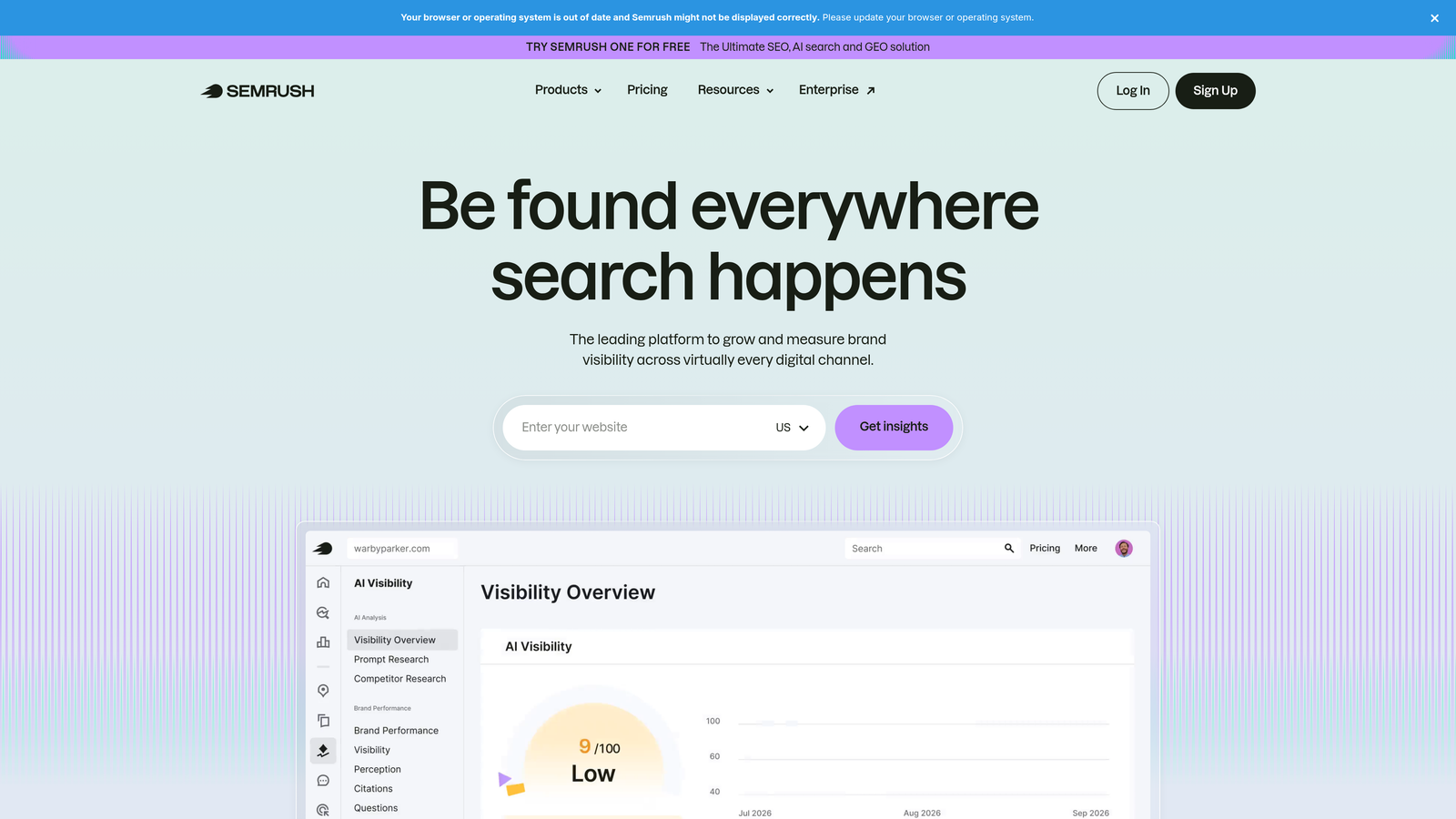
SEMrush PPC Toolkit is part of the broader SEMrush platform, offering competitive intelligence and keyword research specifically for paid search campaigns.
Where This Tool Shines
SEMrush excels at showing you what your competitors are doing in paid search. You can see their ad copy, landing pages, keyword targets, and historical ad positioning—all of which inform your own strategy.
The keyword research tools provide CPC estimates and competition data that help you identify profitable keywords before committing budget. This is particularly valuable during campaign planning phases or when expanding into new markets.
Key Features
Competitor Ad Copy Analysis: View competitors' active and historical ad copy to identify messaging strategies and positioning.
PPC Keyword Research: Discover keyword opportunities with CPC estimates, search volume data, and competition metrics.
Ad History Tracking: See when competitors started or stopped running specific ads and track their positioning over time.
Cross-Reference with Organic Data: Compare paid and organic keyword performance to identify gaps and opportunities across channels.
Ad Builder Templates: Use pre-built templates to quickly create ad copy variations based on competitive analysis.
Best For
This toolkit is ideal for advertisers who want deep competitive intelligence before launching campaigns or expanding into new keyword territories. It's particularly valuable for agencies pitching new clients—showing competitive gaps and opportunities backed by data. If you're already using SEMrush for SEO, the PPC features add significant value without additional cost.
Pricing
PPC Toolkit features are included in SEMrush subscriptions starting at $139.95 per month. Higher-tier plans unlock more competitive data and additional projects.
7. Channable
Best for: Ecommerce advertisers running Google Shopping and dynamic campaigns
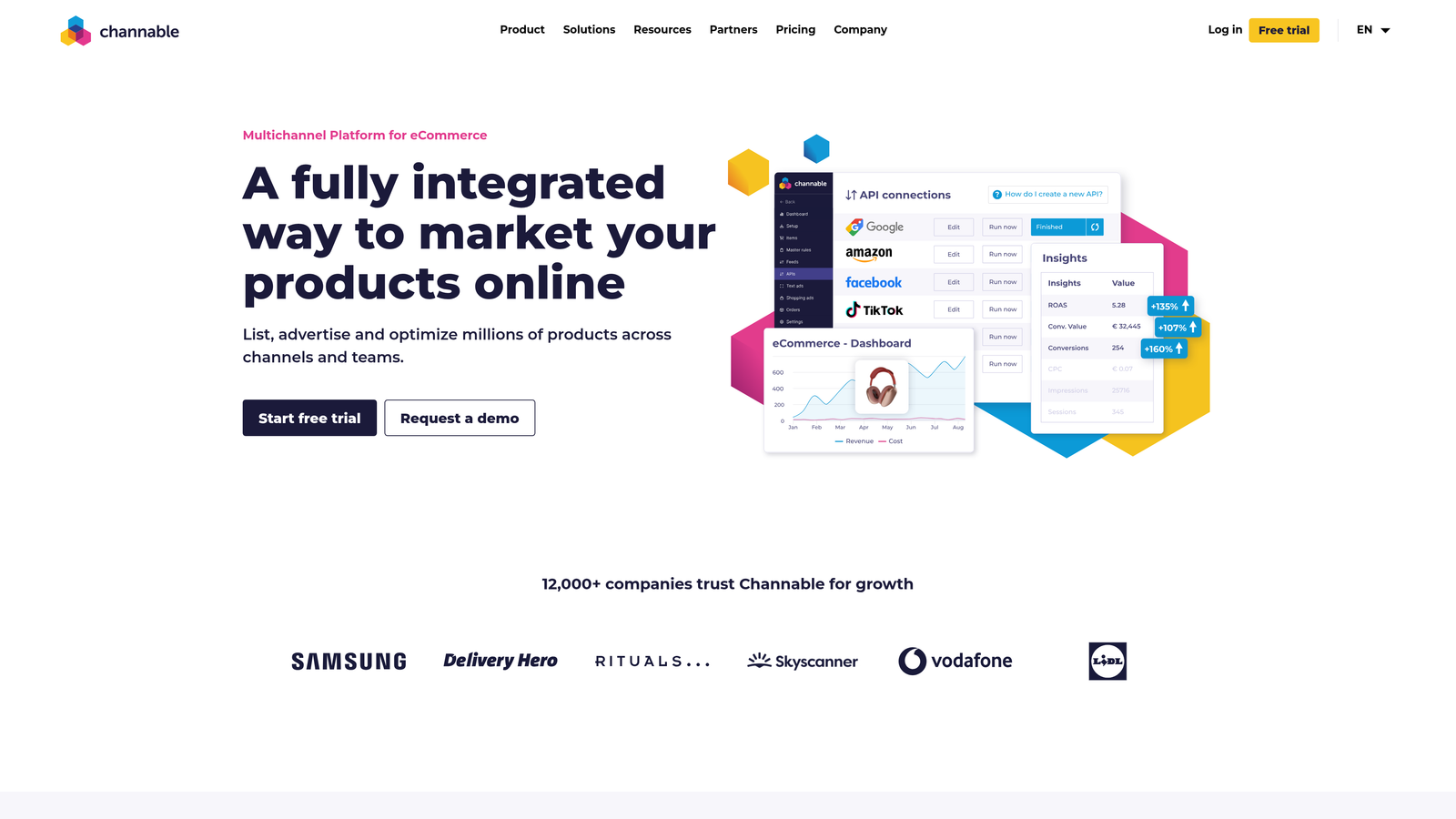
Channable is a feed management and PPC automation platform designed specifically for ecommerce brands managing product-based advertising campaigns.
Where This Tool Shines
Product feed optimization is tedious and error-prone when done manually. Channable automates this entire process with rules-based feed manipulation that ensures your product data meets platform requirements and maximizes performance.
The platform also generates dynamic text ads automatically from product feeds, which is invaluable for retailers with large catalogs. You can create thousands of ads that automatically update when product data changes—no manual editing required.
Key Features
Product Feed Optimization: Use rules and filters to clean, enhance, and optimize product feeds for Google Shopping and other channels.
Dynamic Text Ad Generation: Automatically create text ads from product feed data with customizable templates and rules.
Rules-Based Feed Manipulation: Apply if-then logic to modify titles, descriptions, categories, and other attributes at scale.
Multi-Channel Marketplace Integration: Sync product feeds to Google Shopping, Meta, Amazon, and other advertising platforms from one source.
Performance Monitoring: Track feed errors and product-level performance metrics to identify optimization opportunities.
Best For
Channable is essential for ecommerce brands with large product catalogs running Shopping campaigns across multiple platforms. If you're manually editing product feeds or struggling to keep data synchronized across channels, this tool will save significant time and reduce errors. It's particularly valuable for retailers expanding internationally or managing seasonal inventory changes.
Pricing
Pricing starts at €59 per month and scales based on SKU count and number of connected channels. Larger catalogs and enterprise features require higher-tier plans.
8. TrueClicks
Best for: Continuous account monitoring and automated health checks
TrueClicks is an automated PPC auditing platform that continuously monitors account health and flags issues before they impact performance.
Where This Tool Shines
Most account audits happen manually and infrequently—maybe once per quarter. TrueClicks runs audits continuously, checking for hundreds of potential issues and alerting you immediately when something breaks or drifts from best practices.
The real value shows up when managing multiple accounts. Instead of manually checking each account for common issues like broken tracking, disapproved ads, or budget pacing problems, TrueClicks surfaces these issues automatically across your entire portfolio.
Key Features
Continuous Automated Audits: Monitor accounts 24/7 for performance issues, policy violations, and optimization opportunities.
Real-Time Performance Alerts: Receive notifications when campaigns experience sudden drops, tracking breaks, or budgets run out.
Best Practice Compliance Checking: Automatically verify that accounts follow Google Ads best practices and flag deviations.
Agency Dashboard: Manage multiple client accounts from a centralized view that prioritizes issues by severity.
Customizable Alert Thresholds: Set custom rules for when you want to be notified based on your specific KPIs and account goals.
Best For
TrueClicks is ideal for agencies managing numerous client accounts or in-house teams overseeing multiple brands. If you've ever had a campaign run out of budget unexpectedly or discovered tracking was broken weeks after it happened, this tool prevents those scenarios. It's particularly valuable for account managers who need to stay on top of many accounts without constant manual checking.
Pricing
Plans start at $49 per month per account. Volume discounts are available for agencies managing multiple accounts.
9. Supermetrics
Best for: Custom reporting and data integration with spreadsheets or data warehouses
Supermetrics is a data integration platform that pulls Google Ads data into Google Sheets, Excel, Looker Studio, and data warehouses for custom reporting and analysis.
Where This Tool Shines
Native Google Ads reporting works well for standard metrics, but falls short when you need custom calculations, cross-channel analysis, or data combined with non-advertising sources. Supermetrics solves this by piping raw data wherever you need it.
The platform excels at automating data pulls on schedules, so your reports and dashboards stay current without manual exports. This is particularly valuable for agencies building client dashboards or internal teams that need daily performance snapshots.
Key Features
Google Sheets and Excel Integration: Pull Google Ads data directly into spreadsheets for custom analysis and reporting templates.
Looker Studio Connector: Create automated dashboards that refresh automatically with the latest campaign data.
Data Warehouse Destinations: Send Google Ads data to BigQuery, Snowflake, or other data warehouses for advanced analytics.
Scheduled Data Pulls: Automate data refreshes on custom schedules—daily, weekly, or hourly depending on your needs.
Cross-Platform Data Blending: Combine Google Ads data with other marketing platforms, CRM data, or sales information for holistic reporting.
Best For
Supermetrics is ideal for data-driven marketers who need custom reporting beyond what native platforms provide. If you're building complex performance dashboards, combining advertising data with sales or CRM data, or need raw data for statistical analysis, this tool makes it seamless. It's particularly valuable for agencies with standardized reporting templates across multiple clients.
Pricing
Plans start at $39 per month per data source. Pricing increases based on the number of data sources, destinations, and features required. Enterprise plans with data warehouse support cost significantly more.
Making the Right Choice
The best Google Ads management tool depends entirely on where you're losing time or money right now.
Solo advertisers drowning in search term reports should start with Keywordme for instant in-interface optimization. Agencies juggling multiple clients need the automation depth of Optmyzr or the continuous monitoring of TrueClicks. Ecommerce brands running Shopping campaigns will get the most value from Channable's feed management.
And everyone should be using Google Ads Editor for bulk edits—it's free and surprisingly powerful.
Start with one tool that solves your biggest pain point, master it, then expand your stack as needed. Most offer free trials, so test before committing. The right combination will depend on your account complexity, team size, and whether you're managing your own campaigns or multiple clients.
If you're spending hours exporting search terms to spreadsheets or constantly switching between tabs to add negatives, start your free 7-day trial of Keywordme and see how much faster optimization becomes when you stay in the Google Ads interface. At $12 per month, it's one of the most affordable ways to dramatically improve your workflow efficiency.
.svg)