
9 Best Tools for Google Ads Agencies
The best tools for Google Ads agencies in 2026 cover five essential needs—search term optimization, reporting, bid management, keyword research, and client communication—helping multi-account managers cut optimization time and reduce wasted spend. This curated list focuses on tools that integrate into real agency workflows and scale efficiently across multiple client accounts.


TL;DR: The best tools for Google Ads agencies in 2026 cover five core needs: search term optimization, reporting, bid management, keyword research, and client communication. If you're managing multiple accounts, the right stack can cut your optimization time significantly and reduce wasted spend across every client. This list focuses on tools that are genuinely useful in a real agency workflow. We've prioritized tools that save time, work inside or alongside Google Ads, and scale across accounts. Quick note: Keywordme (our own tool) is listed first because it directly addresses one of the biggest time drains in agency PPC work. The rest covers complementary tools across reporting, automation, and research.
Managing Google Ads for multiple clients is a different beast than running a single account. You're context-switching constantly, every client wants a clean report, and the search term report alone can eat hours every week if you're still doing it the old-fashioned way. The right tools don't just save time—they change what's actually possible at scale.
Here are the top tools worth having in your agency stack right now.
1. Keywordme
Best for: In-platform search term cleanup and keyword management inside Google Ads
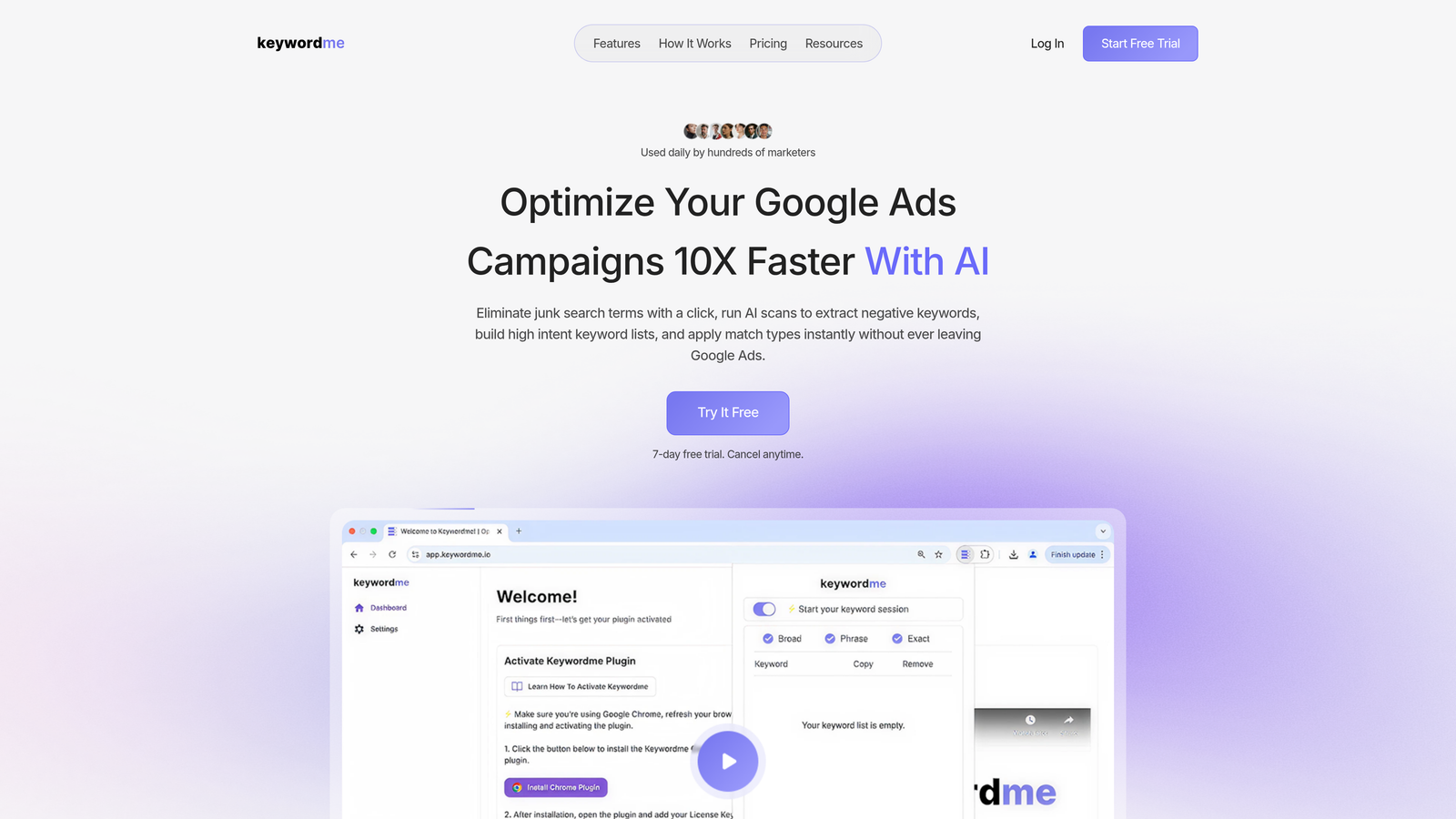
Keywordme is a Chrome extension that plugs directly into Google Ads' Search Terms Report, letting you remove junk search terms, add negatives, apply match types, and build keyword lists without ever leaving the native UI.
Where This Tool Shines
Most agencies are still exporting search terms into spreadsheets, filtering, making decisions, then re-importing changes. It works, but it's slow and error-prone. Keywordme collapses that entire loop into single clicks inside the interface you're already in.
In most accounts I audit, search term bloat is one of the top contributors to wasted spend. Keywordme makes it fast enough to actually stay on top of it weekly across every client, not just the big-spend ones.
Key Features
One-Click Search Term Removal: Flag and remove irrelevant search terms directly inside Google Ads without exporting anything.
Instant Negative Keyword Lists: Build and apply negative keyword lists on the fly, no spreadsheet required.
Bulk Match Type Application: Apply or change match types across multiple keywords from within the Search Terms Report.
Keyword Clustering: Group and organize keywords faster for cleaner campaign structures.
Multi-Account and Team Support: Built for agency workflows with shared access and account switching built in.
Best For
Agencies and freelancers who manage multiple Google Ads accounts and want to speed up their search term review process. Especially useful for teams where multiple people need to work on the same accounts without stepping on each other.
Pricing
$12/month per user. 7-day free trial available. Flat-rate pricing makes it easy to budget across a team.
2. Google Ads Editor
Best for: Bulk structural edits and offline campaign management across accounts
Google Ads Editor is Google's free desktop application for managing and editing campaigns in bulk, with full offline capability.

Where This Tool Shines
When you need to restructure a campaign, copy an ad group across five campaigns, or run find-and-replace on 300 headlines, Editor is the only tool that makes it genuinely fast. It's been around long enough that most PPC managers take it for granted, but it's still irreplaceable for bulk structural work.
The copy-paste functionality across accounts is particularly useful when you're launching a new client and want to replicate a proven campaign structure from another account in the same niche.
Key Features
Bulk Editing: Edit campaigns, ad groups, keywords, and ads in bulk without waiting for the UI to load each change.
Offline Capability: Make changes offline and push them when you're ready—useful when working in low-connectivity environments.
Copy/Paste Across Accounts: Duplicate entire campaign structures from one account to another in seconds.
Find-and-Replace: Run text changes across large account structures without manually editing each item.
Multi-Account Management: Switch between and manage multiple accounts from a single interface.
Best For
Any Google Ads manager or agency. This is a baseline tool, not a nice-to-have. If you're not using Editor for bulk edits, you're spending unnecessary time in the web UI.
Pricing
Free. No usage limits, no tiers. Available for Mac and Windows.
3. Optmyzr
Best for: Rule-based automation and bid management for agencies with significant monthly ad spend
Optmyzr is a PPC management platform with rule-based automation, bid management, and agency-focused reporting built for teams managing substantial ad spend across multiple accounts.

Where This Tool Shines
The Rule Engine is where Optmyzr earns its place in a serious agency stack. You can build custom optimization rules that run automatically—adjusting bids, pausing underperformers, flagging anomalies—without writing Google Ads scripts from scratch. What usually happens here is that agencies set up rules once and let them run across a whole client roster.
The PPC Investigator is genuinely useful for diagnosing performance changes. When a client's CPA spikes and they want answers, it helps you isolate the cause quickly rather than digging through the interface manually.
Key Features
Rule Engine: Build custom automated optimization actions without coding, triggered by performance conditions you define.
PPC Investigator: Diagnose performance changes across accounts with structured analysis tools.
Shopping Bid Management: Dedicated tools for managing bids on Shopping campaigns at scale.
One-Click Optimizations with Audit Trail: Apply recommended changes with full logging so you can review what was done and when.
Agency-Level Account Views: Manage client accounts with agency-specific dashboards and views.
Best For
Mid-to-large agencies managing significant monthly ad spend who want automation without relying entirely on Google's Smart Bidding. Best suited for teams that have outgrown manual optimization but want more control than fully automated systems provide.
Pricing
Starts at $208/month billed annually. Pricing scales with ad spend under management. Not the right fit for solo freelancers or small accounts.
4. Looker Studio
Best for: Custom client dashboards and free reporting with native Google Ads data
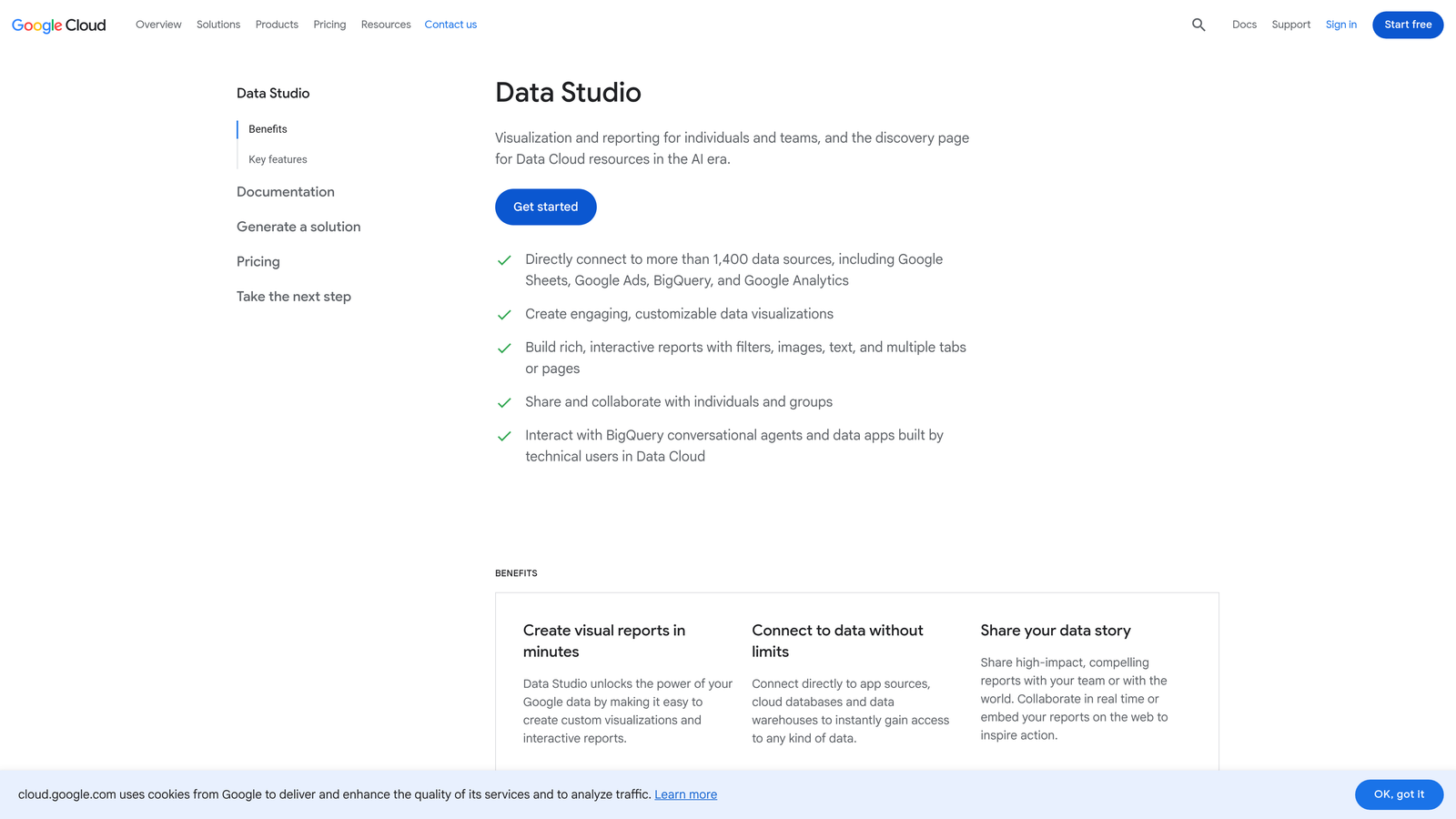
Looker Studio is Google's free data visualization tool that connects natively to Google Ads, Google Analytics, and dozens of other data sources for fully customizable reporting.
Where This Tool Shines
For agencies that want to build clean, client-facing dashboards without paying for a dedicated reporting platform, Looker Studio is the obvious starting point. The native Google Ads connector means you're not paying for a data pipeline, and the drag-and-drop builder is flexible enough to match most client reporting requirements.
The mistake most agencies make is underestimating the setup time. Building a solid template takes a few hours, but once it's done, cloning it for new clients is fast. The shareable live dashboard link is also a clean way to give clients self-serve access without a formal portal.
Key Features
Native Google Ads Connector: Pull Google Ads data directly without needing a third-party connector or paid middleware.
Drag-and-Drop Dashboard Builder: Fully customizable layout with charts, tables, scorecards, and filters.
Shareable Live Dashboards: Send clients a link to a live dashboard that updates automatically.
Scheduled Email Reports: Set up automated report delivery on a schedule that works for your clients.
Blended Data Sources: Combine Google Ads with Analytics, Search Console, or other sources in a single view.
Best For
Agencies of any size that want professional client reporting without the cost of a dedicated tool. Works well for teams comfortable with some initial setup investment in exchange for zero ongoing cost.
Pricing
Free. No paid tiers. Some advanced connectors from third parties may carry their own costs.
5. SEMrush
Best for: Competitive PPC research, keyword analysis, and cross-channel marketing intelligence
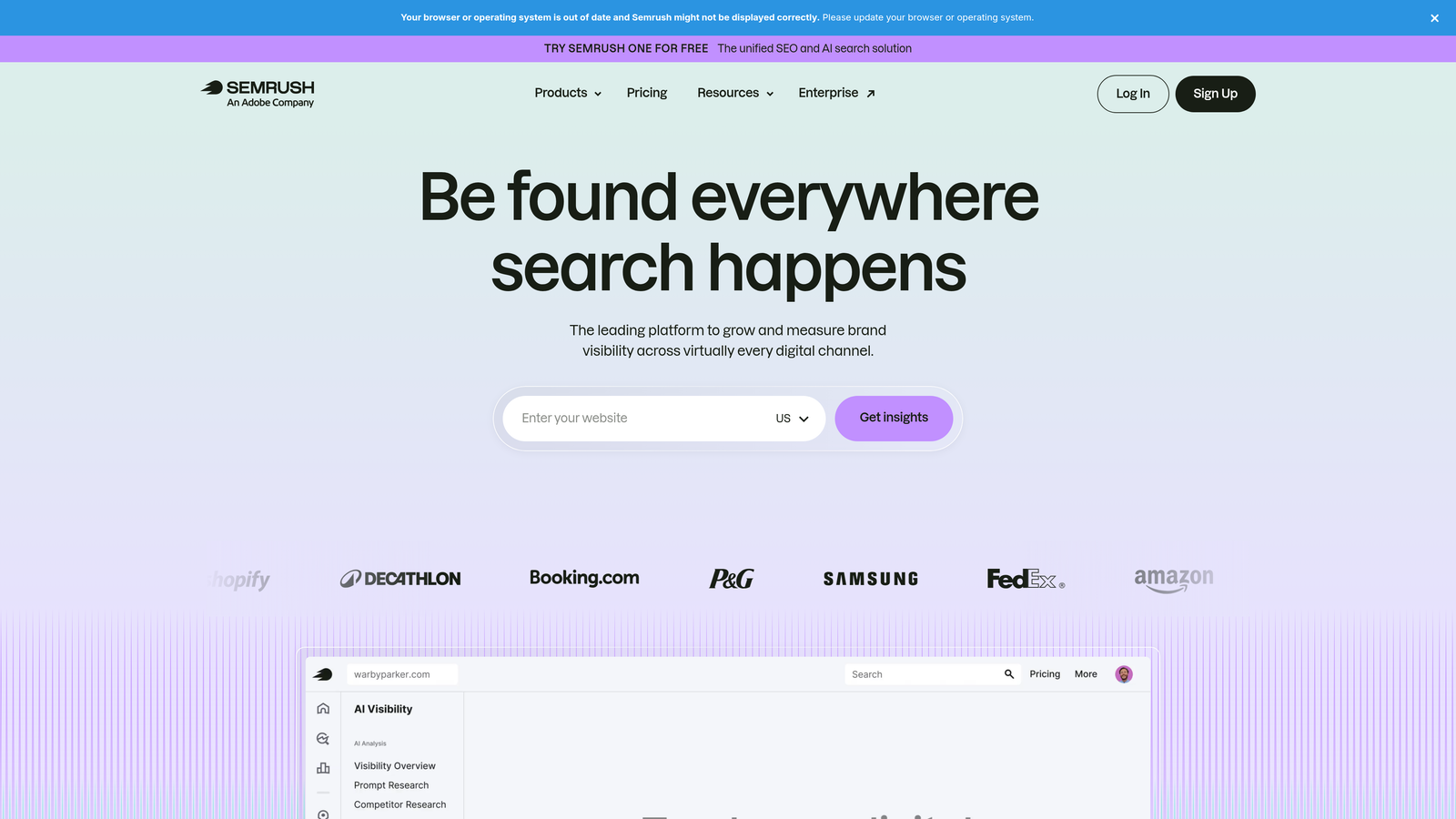
SEMrush is an all-in-one marketing intelligence platform with strong PPC features including competitor ad research, keyword analysis, and CPC data alongside its well-known SEO toolset.
Where This Tool Shines
When a client asks "why is our competitor showing up everywhere and we're not?" SEMrush is where you start. The Advertising Research tool lets you see competitor keywords, estimated spend trends, and actual ad copy history. It's not perfectly accurate, but it's directionally useful and fast.
For new client onboarding, the Keyword Gap tool is particularly valuable. You can quickly identify which high-intent terms competitors are bidding on that your client isn't, which makes for a compelling early deliverable.
Key Features
Competitor Ad Copy and Keyword History: View the ads and keywords competitors have been running over time.
CPC Estimates and Keyword Volume: Research keyword costs and search volumes before building campaigns.
Advertising Research Tool: Analyze competitor spend trends and ad positioning.
Keyword Gap Analysis: Identify missed keyword opportunities by comparing your client's coverage against competitors.
PPC Keyword Tool: Build and refine keyword lists with match type and negative keyword suggestions built in.
Best For
Agencies that handle both SEO and PPC, or any team that needs competitive intelligence as part of client onboarding and strategy. Less essential if you only need PPC-specific data and want something cheaper.
Pricing
Starts at $139.95/month for the Pro plan. Agency and team plans available at higher tiers.
6. Supermetrics
Best for: Automated data pipelines from Google Ads into Sheets, Looker Studio, or BI tools
Supermetrics is a data connector that pulls Google Ads and other platform data into Google Sheets, Looker Studio, BigQuery, and other destinations for custom analysis and reporting.
Where This Tool Shines
Supermetrics isn't a reporting tool itself—it's the plumbing that makes your reporting tools work reliably. If you've ever had a Looker Studio dashboard break because the native connector had an outage, or needed to blend Google Ads data with Meta and LinkedIn in a single spreadsheet, Supermetrics solves that cleanly.
Data-heavy agencies that build custom reporting pipelines for clients tend to rely on it heavily. The scheduled refresh means your dashboards and sheets always have current data without anyone manually running queries.
Key Features
Reliable Automated Data Pulls: Scheduled data refreshes keep your reports current without manual intervention.
100+ Data Source Connectors: Connect Google Ads alongside Meta, LinkedIn, TikTok, and many more in one place.
Cross-Platform Data Blending: Combine data from multiple ad platforms into unified reports.
Multiple Destinations: Push data to Sheets, Looker Studio, BigQuery, or other BI tools depending on your workflow.
Flexible Query Builder: Customize exactly which fields, dimensions, and date ranges you pull for each report.
Best For
Agencies running multi-platform campaigns who need reliable, automated data pipelines. Most useful when Looker Studio's native connectors aren't enough, or when you need data in a spreadsheet for custom analysis.
Pricing
Starts at approximately $29/month for the Google Sheets connector. Pricing varies based on destination and number of data sources connected.
7. AgencyAnalytics
Best for: White-label client reporting portals with automated delivery
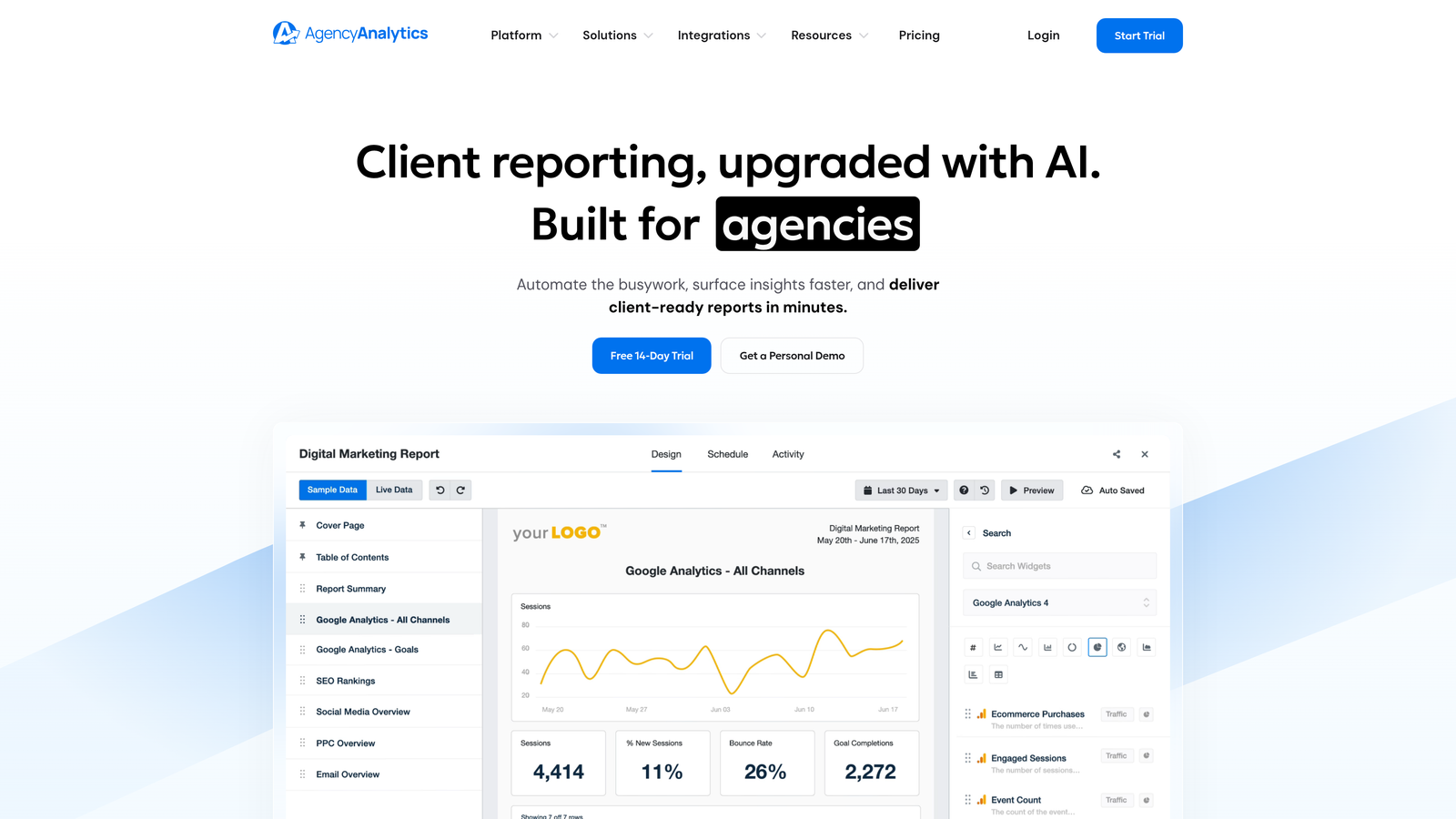
AgencyAnalytics is a reporting platform built specifically for digital agencies, offering white-label dashboards, client portals, and automated performance reports across channels.
Where This Tool Shines
Where Looker Studio gives you flexibility, AgencyAnalytics gives you speed. The pre-built templates and client portal setup are designed so you can onboard a new client's reporting in under an hour. The white-label branding means everything looks like it came from your agency, not a third-party tool.
For agencies where client communication and reporting is a significant part of the service offering, having a dedicated portal where clients can log in and check their own dashboards reduces the "can you send me a quick update?" messages that eat up account manager time.
Key Features
White-Label Dashboards: Custom branding on all client-facing reports and portals.
Client Portal: Self-serve access for clients to view their own performance data on demand.
Automated Report Scheduling: Set up recurring reports that go out weekly or monthly without manual effort.
Google Ads Native Integration: Direct connection to Google Ads with cross-channel data support.
Pre-Built Report Templates: Drag-and-drop builder with templates that cut setup time significantly.
Best For
Agencies that want polished, branded client reporting with minimal setup time. Particularly valuable when client-facing communication is a core part of your service model and you need a professional portal rather than a shared link.
Pricing
Starts at $12/month per client campaign. Volume discounts available on agency plans. Costs scale with the number of clients you're reporting on.
8. SpyFu
Best for: Deep historical competitor ad data and PPC competitive audits
SpyFu is a competitive intelligence tool focused on PPC and SEO, known for its depth of historical data on competitor ad spend, keywords, and ad copy going back several years.
Where This Tool Shines
SpyFu's edge over SEMrush in the PPC context is historical depth. You can pull up a competitor's domain and see years of keyword and ad spend history, which tells you a lot about what's actually been working for them over time rather than just a current snapshot. That kind of data is genuinely useful for competitive audits and new client pitches.
The "Most Profitable Keywords" report for any domain is a standout feature. It surfaces the keywords a competitor has been bidding on consistently, which is a strong signal of what's generating ROI for them.
Key Features
Historical Competitor Data: Access years of competitor keyword and ad spend history, not just current activity.
Competitor Ad Copy Library: Browse actual ad copy with performance indicators showing longevity and consistency.
Keyword Overlap Analysis: Identify where your client's keyword coverage overlaps or gaps against competitors.
Most Profitable Keywords Report: Surface the keywords any domain has consistently bid on over time.
PPC Research Templates: Structured competitive audit workflows built into the tool.
Best For
Agencies doing competitive research for new client onboarding or quarterly strategy reviews. Works well alongside SEMrush—SpyFu goes deeper on ad history, SEMrush covers a broader range of use cases.
Pricing
Starts at $39/month for the Basic plan. More accessible price point than SEMrush for agencies that only need competitive PPC intelligence.
9. Slack (with Google Ads Integrations)
Best for: Real-time performance alerts and team communication across client accounts
Slack is a team communication platform that, when connected to Google Ads via Zapier or custom scripts, enables real-time alerts for budget pacing, performance drops, and campaign anomalies.
Where This Tool Shines
Slack itself isn't a PPC tool, but the way agencies use it is. Setting up a dedicated channel per client where Google Ads scripts or Zapier automations push alerts—budget running out, CPA spiking, impression share dropping—means your team catches issues without someone having to manually check dashboards every morning.
In most well-run agency setups I've seen, Slack is the glue between the tools. It doesn't replace monitoring, but it dramatically reduces the lag between a problem happening and someone acting on it.
Key Features
Real-Time Budget and Spend Alerts: Get notified when a client's budget is pacing ahead or behind without manually checking.
Google Ads Script or Zapier Integration: Connect performance triggers from Google Ads to fire Slack notifications automatically.
Channel-Based Organization: Keep client communications and alerts separated by channel for clean team visibility.
Shared Team Visibility: Everyone on the account sees the same alerts, reducing communication gaps.
Reduces Manual Dashboard Monitoring: Catch anomalies passively instead of relying on scheduled check-ins.
Best For
Any agency team managing multiple accounts where real-time awareness matters. Most useful once you have more accounts than one person can realistically monitor daily. Pairs well with Google Ads scripts for teams comfortable with basic scripting.
Pricing
Free tier available with message history limits. Pro plan starts at $7.25/user/month for unlimited history and integrations.
Which Tools Actually Belong in Your Stack
You don't need all nine. Most agencies run well with three to five tools: one for in-platform optimization, one for reporting, and one for research. The goal is to solve your actual bottlenecks, not collect software subscriptions.
Here's how to think about it by use case:
Search term cleanup is eating your time: Start with Keywordme. It's the fastest way to clean up wasted spend directly inside Google Ads, and at $12/month it's an easy call for any agency billing more than a few hundred dollars a month in management fees.
Client reporting takes too long: Looker Studio is free and powerful enough for most agencies. If you need white-label client portals and faster setup, AgencyAnalytics is worth the cost.
You need competitive intelligence: SEMrush and SpyFu cover different angles. SEMrush is broader and covers SEO alongside PPC. SpyFu goes deeper on historical ad data and is more affordable if PPC research is all you need.
Bulk structural edits are slowing you down: Google Ads Editor is non-negotiable and free. There's no reason not to use it.
You want automation without writing scripts: Optmyzr fills that gap for teams managing significant spend who want rules-based optimization at scale without going fully hands-off.
Your data lives in too many places: Supermetrics solves the pipeline problem. Slack with integrations solves the monitoring problem.
Start with what solves your biggest bottleneck today. For most agencies, that's either the search term workflow or client reporting. Get those two right before adding anything else to the stack.
If search term management is where you're losing the most time, Start your free 7-day trial of Keywordme and see how much faster your weekly optimization routine gets when you're working directly inside Google Ads instead of bouncing between spreadsheets and the UI.
For more on building an efficient PPC workflow, check out what is the best PPC tool, why automate keyword management, and what is PPC workflow optimization.
.svg)