
9 Best PPC Tools for Small Teams in 2026
Discover the best PPC tools for small teams in 2026, covering nine solutions for Google Ads optimization, keyword research, reporting, and automation that save time and reduce wasted spend without requiring dedicated ops support—ideal for solo freelancers, lean in-house teams, and boutique agencies managing real budgets.


TL;DR: The best PPC tools for small teams are ones that save time, reduce wasted spend, and don't require a dedicated ops person to set up. This list covers nine tools across Google Ads optimization, keyword research, reporting, and automation—ranked by how well they work for lean teams (1–5 people) managing real budgets.
Running PPC with a small team means every hour counts. You don't have time to export CSVs, pivot-table your way through search term reports, or babysit campaigns across six dashboards. The tools below were chosen based on ease of use, value for smaller budgets, and how well they actually fit into a lean workflow—not just feature count. Whether you're a solo freelancer, a two-person in-house team, or a boutique agency, there's something here worth bookmarking.
1. Keywordme
Best for: Google Ads optimization without leaving the native interface
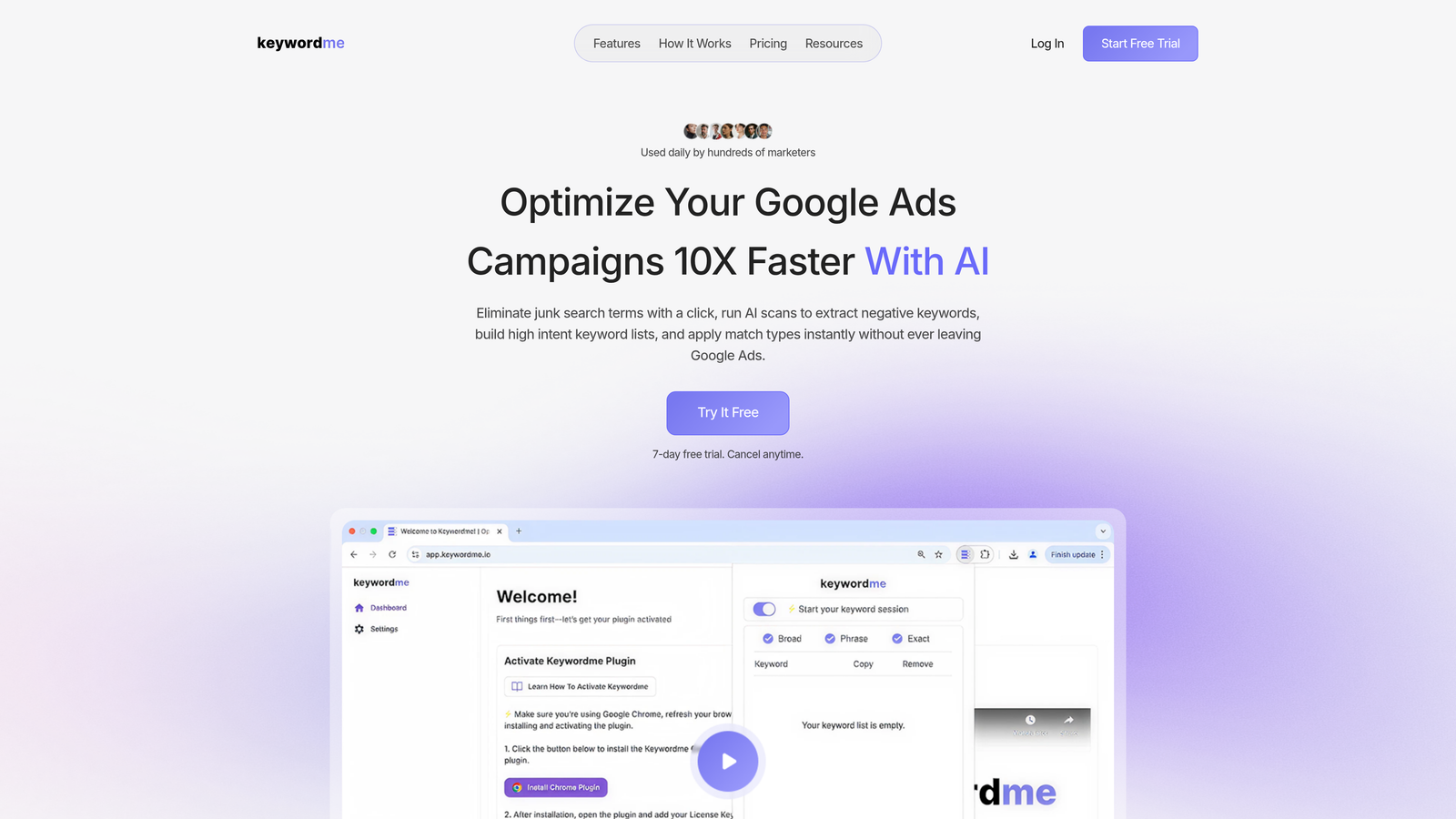
Keywordme is a Chrome extension that plugs directly into Google Ads' Search Terms Report, letting you remove junk keywords, add negatives, apply match types, and build keyword lists without ever leaving the native interface.
Where This Tool Shines
In most accounts I audit, the Search Terms Report is where the most time gets wasted. You're exporting to a spreadsheet, filtering, tagging, then manually adding negatives back into the platform. Keywordme eliminates all of that. Every action happens inside Google Ads itself, which means zero context switching and no spreadsheet gymnastics.
For small teams especially, that friction reduction is significant. The flat-rate pricing ($12/month per user) is unusually affordable compared to what other optimization platforms charge, and the multi-account support means it scales cleanly for agencies managing several clients at once.
Key Features
One-Click Negative Keyword Addition: Add negatives directly from the Search Terms Report without exporting or switching tabs.
Bulk Match Type Application: Apply exact, phrase, or broad match types across keywords in bulk, without touching a spreadsheet.
Keyword Clustering and List Building: Group high-intent search terms and build new keyword lists on the fly, right inside the interface.
Multi-Account and Team Support: Works across multiple Google Ads accounts, making it practical for agencies with several clients.
In-Interface Workflow: Everything happens inside Google Ads UI—no external dashboards, no tab switching, no re-importing data.
Best For
Solo Google Ads managers, freelancers, and small agencies who spend meaningful time each week in the Search Terms Report. If you're managing more than a few campaigns and still doing negative keyword work manually, this is the most direct fix available at this price point.
Pricing
$12/month per user. A 7-day free trial is available—no complex onboarding required. Install the extension and you're running within a minute.
2. Google Ads Editor
Best for: Free bulk editing and offline campaign management
Google Ads Editor is Google's free desktop application for managing and editing campaigns in bulk, entirely offline before pushing changes live.

Where This Tool Shines
If you've ever needed to rename 40 ad groups, restructure a campaign, or copy a whole campaign structure to a new account, you know how painful doing that inside the native UI can be. Google Ads Editor is built specifically for that kind of bulk work. It's not glamorous, but it's indispensable.
The offline editing capability is genuinely useful when you're making large structural changes and want to review everything before it goes live. For small teams with limited room for error, that review step matters.
Key Features
Bulk Edits Across Campaigns: Change bids, ad copy, keywords, and settings across hundreds of items at once.
Offline Editing with Batch Upload: Make all your changes locally, review them, then push to the live account in one go.
Copy/Paste Across Accounts: Duplicate campaign structures, ad groups, or keyword lists between accounts cleanly.
Multi-Campaign Type Support: Works with Search, Display, Shopping, and Video campaigns.
Best For
Any Google Ads manager doing structural work, bulk updates, or account migrations. There's no scenario where a PPC professional shouldn't have this installed. It's free, it's from Google, and it handles tasks the native UI handles poorly.
Pricing
Free. No subscription, no tiers. Download directly from Google.
3. Optmyzr
Best for: Reducing repetitive optimization tasks across multiple ad platforms
Optmyzr is a PPC management platform with optimization recipes, one-click recommendations, and rule-based automation for Google Ads, Microsoft Ads, and Amazon Ads.

Where This Tool Shines
What usually happens here is that a small team gets to a certain account volume and realizes they're spending most of their week on the same repetitive tasks: bid adjustments, keyword pruning, quality score reviews. Optmyzr's optimization recipes are pre-built workflows that surface those tasks and let you act on them quickly.
The rule-based automation layer is also worth noting. For teams that want automation without writing scripts or relying on Google's Smart Bidding entirely, Optmyzr sits in a useful middle ground.
Key Features
Optimization Recipes: Pre-built workflows for common PPC tasks like bid management, keyword expansion, and negative keyword mining.
One-Click Bulk Optimizations: Apply recommendations across accounts without manual account-by-account work.
Rule-Based Automation: Set conditions and triggers for automated bid and budget adjustments.
Cross-Platform Support: Works across Google Ads, Microsoft Ads, and Amazon Ads from one interface.
Built-In Reporting: Reporting layer included so you're not managing a separate dashboard tool.
Best For
Small agencies or in-house teams managing multiple accounts who want structured automation without the complexity of building custom scripts. Best suited for teams already comfortable with PPC fundamentals who want to move faster.
Pricing
Paid plans at the mid-market level. Verify current pricing at optmyzr.com before committing—plans vary based on ad spend and account count.
4. WordStream Advisor
Best for: SMBs and non-specialist marketers managing their own PPC campaigns
WordStream Advisor is a guided PPC management platform known for its 20-Minute Work Week feature, which surfaces the highest-priority actions for your campaigns each week.

Where This Tool Shines
The 20-Minute Work Week concept is genuinely useful for teams where PPC isn't anyone's full-time job. Instead of logging in and figuring out where to start, the platform tells you exactly what to do and in what order. That kind of guided workflow reduces decision fatigue significantly.
WordStream has historically served SMBs well—businesses where the owner or a generalist marketer is running ads alongside ten other responsibilities. It's less suited for experienced PPC practitioners who want granular control, but for the right user, it removes a lot of guesswork.
Key Features
20-Minute Work Week: A weekly prioritized action list that tells you exactly what to optimize first.
Keyword Research and Negative Keyword Tools: Built-in tools for expanding and pruning your keyword lists.
Ad Performance Grader: Scores your account against benchmarks and surfaces quick-win opportunities.
Google Ads and Microsoft Ads Support: Manage both platforms from one interface.
Best For
Small businesses or generalist marketers who manage PPC as part of a broader role and need structure and guidance rather than advanced controls. Less ideal for agencies or power users who want full manual control.
Pricing
Paid plans available. Verify current pricing and plan options at wordstream.com.
5. SEMrush (Advertising Toolkit)
Best for: Competitive PPC research and pre-campaign keyword strategy
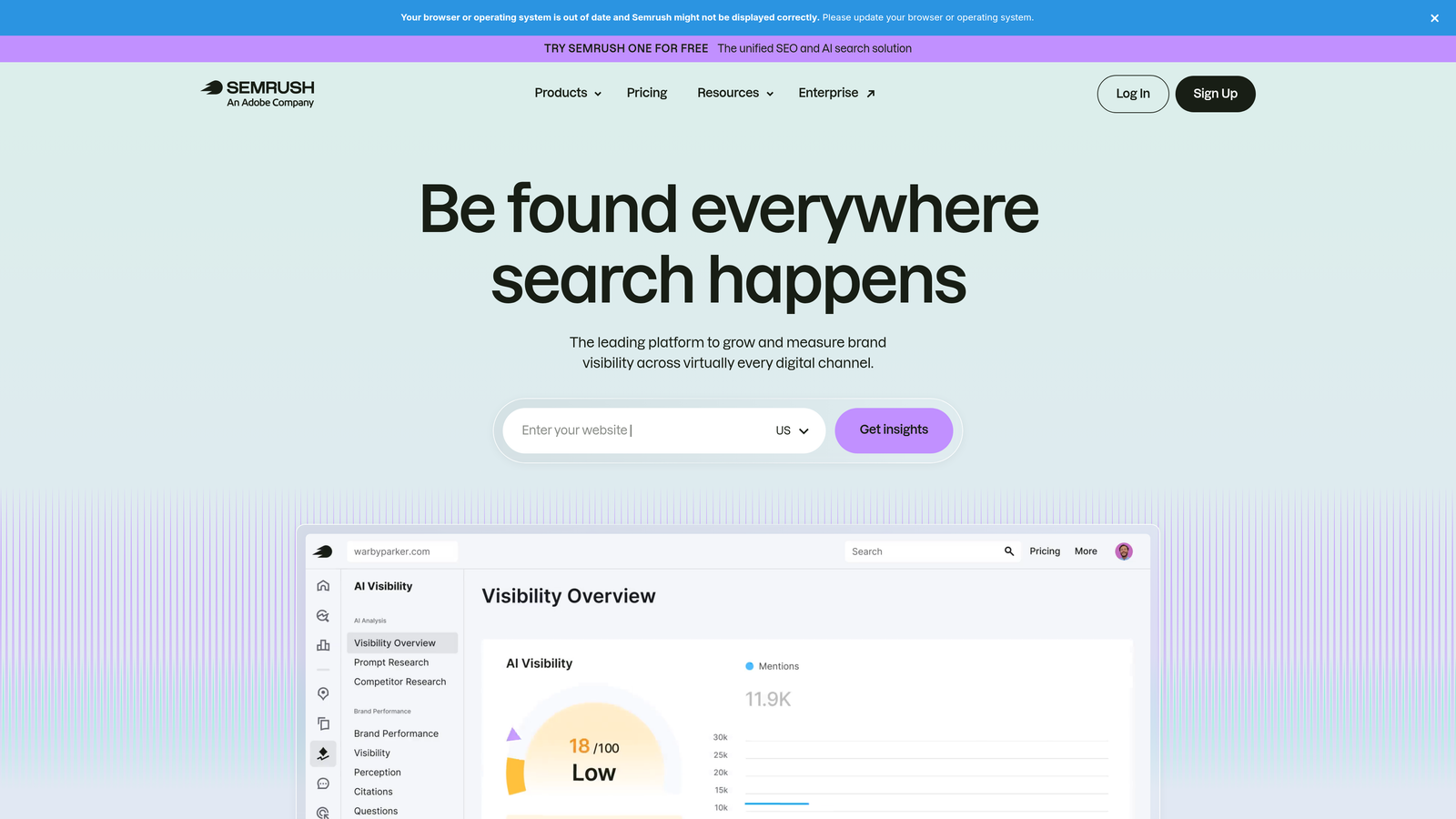
SEMrush is an all-in-one SEO and digital marketing platform with a dedicated advertising toolkit for PPC research, competitor analysis, and keyword discovery.
Where This Tool Shines
SEMrush isn't an optimization tool—it's a research tool. The distinction matters. When you're onboarding a new client, building out a campaign from scratch, or trying to understand why a competitor is outperforming you, SEMrush's advertising data is genuinely strong. The keyword gap analysis and competitor ad copy research are particularly useful at the strategy stage.
The mistake most agencies make is buying SEMrush expecting it to help with day-to-day account management. It won't. But for pre-launch research and quarterly competitive reviews, it earns its place in the stack.
Key Features
Competitor Ad Copy and Keyword Research: See what keywords competitors are bidding on and what ad copy they're running.
Keyword Gap Analysis: Identify paid search opportunities your competitors are capturing that you're missing.
CPC Historical Data: Track cost-per-click trends over time for budget planning.
Ad Builder: Draft ad copy with suggestions based on competitive data.
PLA Research: Competitive intelligence for Google Shopping campaigns.
Best For
Freelancers and agencies doing client onboarding, campaign audits, or competitive benchmarking. Also useful for in-house teams that want to keep tabs on competitor activity without manual SERP monitoring.
Pricing
Multiple subscription tiers. Verify current pricing at semrush.com—the advertising toolkit is included in most paid plans.
6. SpyFu
Best for: Affordable competitive intelligence focused specifically on PPC
SpyFu is a competitive intelligence tool focused on PPC and SEO, offering deep historical data on competitor keywords, ad copy, and estimated spend.

Where This Tool Shines
SpyFu's historical data depth is its real differentiator. You can look at what a competitor was bidding on three years ago, see how their ad copy has evolved, and identify patterns in their strategy over time. That kind of longitudinal view is hard to get anywhere else at this price point.
For freelancers doing client audits or agencies pitching new business, SpyFu is a fast way to pull together competitive context without spending hours on manual research. It's more narrowly focused than SEMrush but often more affordable for teams that primarily need PPC intelligence.
Key Features
Competitor Keyword and Ad History: Years of historical data on competitor keyword strategies and ad copy variations.
SERP Overlap and Keyword Gap Tools: Identify where you and competitors share or diverge in paid search coverage.
Ad Copy Analysis: Review competitor ad copy trends to inform your own creative strategy.
Affordable Pricing: Generally priced lower than broader platforms for PPC-specific use cases.
Best For
Freelancers and small agencies doing competitive research during client onboarding or campaign audits. Also solid for teams that want competitive intelligence without paying for a full-suite platform.
Pricing
Paid plans available, generally positioned as a more budget-friendly option. Verify current pricing at spyfu.com.
7. Looker Studio
Best for: Free, customizable PPC dashboards and client reporting
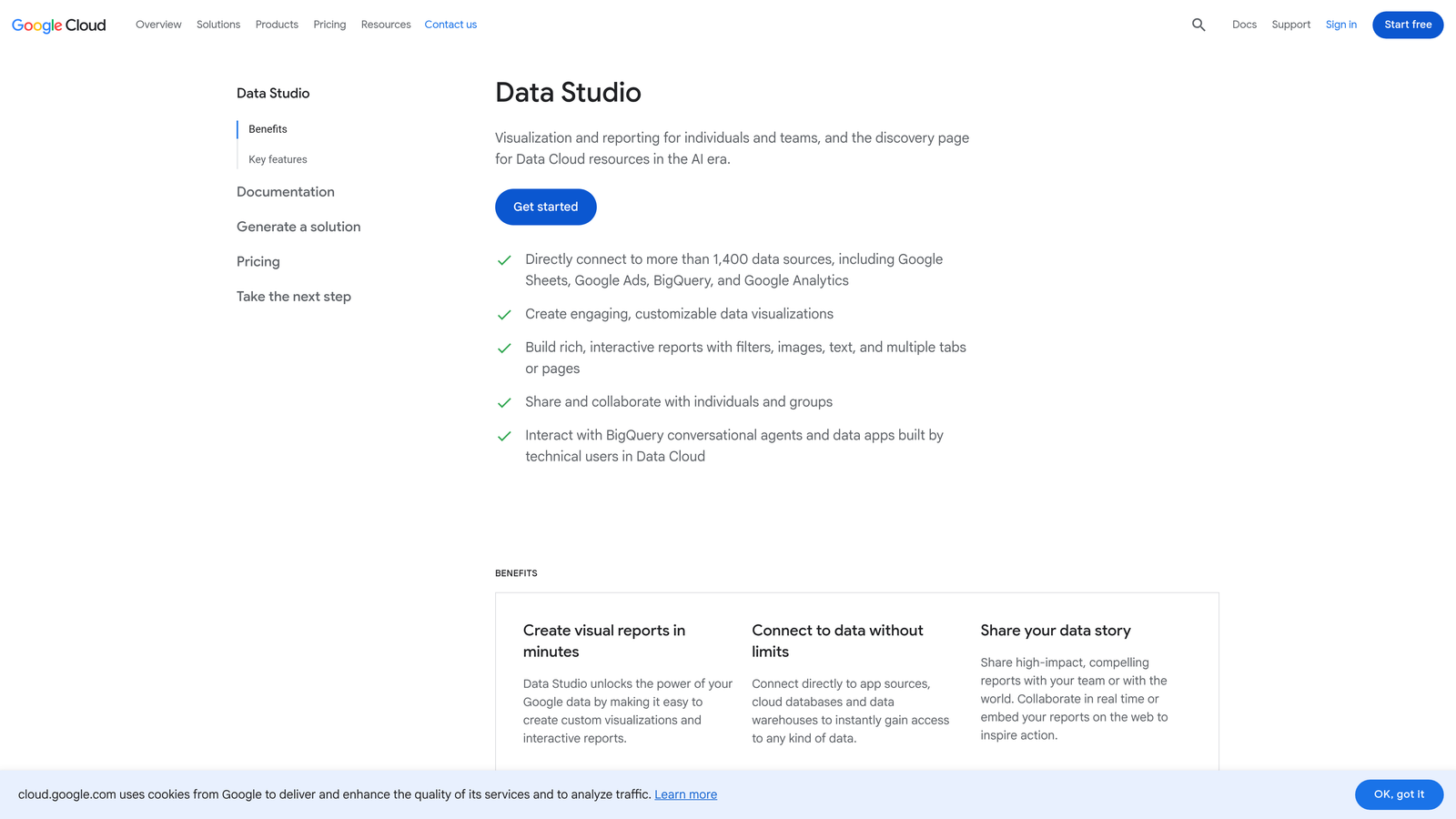
Looker Studio is Google's free data visualization and reporting tool, widely used for building PPC dashboards and client reports with native Google Ads and GA4 connectors.
Where This Tool Shines
For small teams that need to produce client-facing reports without paying for a dedicated reporting platform, Looker Studio is the obvious starting point. It's free, it connects natively to Google Ads and GA4, and the templates are good enough to get you to a professional-looking dashboard in an afternoon.
The limitation worth knowing: out of the box, it only connects to Google's ecosystem. If you need cross-channel reporting that pulls in Meta, LinkedIn, or other platforms, you'll need a connector like Supermetrics. But for Google Ads-focused teams, it covers a lot of ground at zero cost.
Key Features
Free with a Google Account: No subscription required—just log in and start building.
Native Google Ecosystem Connectors: Direct connections to Google Ads, GA4, and Google Sheets without additional setup.
Fully Customizable Dashboards: Drag-and-drop interface with flexible layout options and chart types.
Shareable and Embeddable Reports: Send clients a live link or embed reports directly in a portal.
Best For
Any small team or freelancer that needs professional client reporting without a monthly tool cost. Works especially well for Google Ads-focused accounts where cross-channel data isn't a requirement.
Pricing
Free. No paid tiers—it's part of Google's free product suite.
8. Supermetrics
Best for: Pulling cross-channel PPC data into Looker Studio or Google Sheets
Supermetrics is a data connector that pulls marketing data from 100+ platforms into Looker Studio, Google Sheets, Excel, or BigQuery—without needing a BI team to set it up.
Where This Tool Shines
Supermetrics is the tool you reach for when Looker Studio's native connectors aren't enough. If you're managing Google Ads and Meta Ads for the same client and need both in one dashboard, Supermetrics is the most practical way to get there. It handles the data pipeline so your reporting tool can do what it's good at: visualization.
It's worth being clear that Supermetrics is not a standalone reporting tool. It's the data layer. You still need Looker Studio, Google Sheets, or another destination to actually build the report. But for teams already using those tools, it fills a real gap.
Key Features
100+ Platform Connectors: Pull data from Google Ads, Meta, LinkedIn, TikTok, and dozens more into one place.
Automated Data Refresh: Reports stay current automatically without manual exports or updates.
Multi-Destination Support: Works with Looker Studio, Google Sheets, Excel, and BigQuery.
Cross-Channel Reporting Without a BI Team: Designed for marketers, not data engineers.
Best For
Small teams running campaigns across multiple ad platforms who need consolidated reporting. Pairs naturally with Looker Studio for a complete, low-cost reporting stack.
Pricing
Paid plans that scale with the number of data source connectors. Verify current pricing at supermetrics.com.
9. Adalysis
Best for: Systematic ad testing and quality score monitoring in Google Ads
Adalysis is a Google Ads-focused platform built specifically for ad testing, quality score monitoring, and systematic creative performance analysis.
Where This Tool Shines
Adalysis fills a gap that most PPC tools ignore: structured ad testing. In most accounts I audit, ad testing is either completely absent or done informally with no real statistical tracking. Adalysis automates the analysis side—it tracks test significance, flags when a winner has emerged, and recommends pausing underperformers. That's a workflow most small teams simply don't have bandwidth to run manually.
The quality score monitoring is also genuinely useful. Quality score issues are easy to miss until they've already driven up your CPCs, and having automated alerts means you catch problems earlier.
Key Features
Automated A/B Ad Testing: Tracks statistical significance across ad variations and surfaces clear winners without manual analysis.
Ad Rotation Management: Monitors ad rotation and recommends pausing underperforming creatives.
Quality Score Monitoring: Tracks quality score trends at the keyword level and sends alerts when scores decline.
Account Health Diagnostics: Surfaces structural issues and performance anomalies across the account.
Best For
Performance-focused teams that run multiple ad variations and want systematic test tracking rather than gut-feel creative decisions. Particularly useful for agencies managing accounts where creative testing is part of the ongoing workflow.
Pricing
Paid plans available. Verify current pricing at adalysis.com.
Which Tool Is Right for Your Team?
The best PPC stack for a small team isn't the most expensive one. It's the one that removes friction from your actual workflow. Here's a quick way to think about it by use case:
Wasting time in the Search Terms Report? Start with Keywordme. It's the most direct fix for that specific problem, and at $12/month it's the lowest-cost entry point on this list.
Need bulk edits fast and free? Google Ads Editor is non-negotiable. It should already be installed on your machine.
Managing multiple client accounts? Optmyzr or Adalysis will save you hours each week—Optmyzr for optimization workflows, Adalysis if creative testing is a priority.
Doing competitive research before launch? SEMrush for broad coverage, SpyFu if you want deeper historical data at a lower price point.
Need client reporting without paying for a dedicated platform? Looker Studio is free and surprisingly capable. Add Supermetrics when you need cross-channel data beyond Google's ecosystem.
Start with the tool that solves your biggest time sink, then layer in others as your process matures. Most of these offer free trials, so there's no reason not to test before you commit.
If Google Ads optimization is where you're losing the most time, Keywordme is worth a look. It installs in under a minute and works directly inside your existing interface. Start your free 7-day trial (then just $12/month) and see how much faster your Search Terms workflow can actually be.
.svg)