
9 Best PPC Tools for Small Agencies in 2026
This guide ranks the best PPC tools for small agencies managing multiple Google Ads accounts with teams of 2 to 15 people. Each pick is judged on workflow fit, multi-client support, readable pricing, and a distinct PPC job, so you can choose tools that save more time than they cost.


Small agencies live and die by billable hours, so a tool earns its seat only if it saves more time than it costs to set up and pay for. This list is written for owners and leads running multiple Google Ads accounts with teams of roughly 2 to 15 people. Each tool was picked for workflow fit at that size, multi-client support, pricing you can read without a sales call (where available), and a distinct PPC job that another tool on the list does not already cover.
Quick Comparison of the Tools
- Keywordme: agencies that spend hours each week cleaning search terms; $12/month per user; works inside the native Google Ads Search Terms Report, so no spreadsheet exports.
- Google Ads Editor: agencies building or restructuring campaigns in bulk; free; offline drafting and review of large structural edits.
- Optmyzr: agencies wanting a full management suite; tiered pricing, see website; the broadest automation and optimization toolkit on the list.
- Semrush: agencies pitching prospects and researching competitors; subscription tiers, see website; paid and organic competitive data in one place.
- SpyFu: budget-conscious agencies needing competitor keyword ideas; subscription tiers, see website; a historical view of competitors' paid keywords and ads.
- Looker Studio: agencies wanting low-cost, customizable reporting; free; native Google Ads data with flexible dashboards.
- Swydo: agencies wanting polished recurring client reports; plan-based, see website; white-label reporting with KPI and goal tracking built for agencies.
- Google Ads Scripts: technically minded agencies wanting custom alerts and checks; free; fully custom automation written in JavaScript.
- Adalysis: agencies focused on ad testing and audits; tiered or quote-based, see website; scheduled audits and ad-copy test analysis.
1. Keywordme
Keywordme is a Chrome extension that adds one-click actions to the Search Terms Report inside Google Ads. It is built for people who review search terms (the actual queries users typed that triggered your ads) and turn them into decisions: add a good query as a positive keyword, or block a bad one as a negative keyword.
The distinctive part is where it works. Most tools on this list send you to a dashboard or a spreadsheet. Keywordme sits in the native report, so you click on the row you are already looking at. You review each term yourself and choose the action; nothing is changed automatically.
- Add keywords and negative keywords straight from the Search Terms Report, which cuts out the export, filter, and re-upload loop.
- Apply match types (broad, phrase, exact) instantly, so you do not retype brackets and quotes.
- Cluster keywords to group related terms into tighter lists.
- Bulk edit to act on many terms at once instead of one at a time.
- Multi-account and team support, so several people can work across client accounts.
Setup is a browser extension install, and the day-to-day user is whoever does search term reviews, usually an account manager or specialist. The company says it helps users optimize up to 10x faster; treat that as a vendor claim, since your results depend on how much manual work you do now.
The limits are clear. It works with Google Ads only, and it is not a reporting, bidding, or cross-channel tool. If your pain is dashboards or budget pacing, look further down the list. Pricing is $12/month per user with a 7-day free trial (as of October 2026; confirm on the site). Cost scales with the number of users, so only buy seats for people who actually review search terms.
Best for: Agencies that spend hours each week cleaning search terms across client accounts.
2. Google Ads Editor
Google Ads Editor is Google's free desktop app for building and editing campaigns offline. You download account data, make changes in bulk, review them as drafts, and then post them back. It is the tool for structural work: new account builds, restructures, and mass updates to ads or keywords.

Where it beats everything else here is scale at zero cost. Changing 300 ad headlines or duplicating a campaign structure across several accounts is far quicker here than in the web interface.
- Offline bulk editing lets you make large changes without waiting on page loads.
- Copy and paste across campaigns and accounts speeds up replicating a proven structure for a new client.
- Draft changes are reviewed before posting, so you can catch mistakes before they go live.
- Multi-account management lets you move between client accounts in one app.
- Spreadsheet import and export suits teams that plan builds in Sheets or Excel.
It connects only to Google Ads, and setup is a download and a sign-in. Expect a learning curve if your team has only used the web interface. Importantly, it does not report or automate anything. It will not tell you which search terms to block or alert you when spend spikes. It is a build tool, not a monitoring tool.
It is free, so the only cost is training time. Most small agencies end up with it installed on every specialist's machine.
Best for: Agencies building or restructuring many campaigns in bulk.
3. Optmyzr
Optmyzr is a PPC management platform that bundles optimization suggestions, rule-based automation, scripts, and client reporting. It is aimed at agencies that want one suite to monitor accounts, spot issues, and act on them across a portfolio.

Its edge is breadth. Few other tools here combine budget and bid management, rules, and reporting in one place, so a team can standardize routines across every client.
What you get
- Rule-based automation to run recurring checks and adjustments without doing them by hand.
- Optimization suggestions that point your team to likely improvements instead of leaving them to hunt.
- A scripts library, which gives you prebuilt automation without writing code.
- Client reporting, so analysis and reports live in the same product.
- Budget and bid management tools for keeping spend on track across accounts.
Where it gets tricky
It supports Google Ads and Microsoft Ads, and other ad platforms too; check the current list on the site before committing. Setup means connecting each client account and configuring rules, and someone senior should own that, since automation set loosely can cause trouble. The honest drawback is cost and scope: for a small portfolio, you may pay for far more than you use. Pricing is tiered and based on managed ad spend, so it grows as your clients' budgets do. See the website for current tiers (as of October 2026).
Best for: Agencies wanting a full management suite with automation.
4. Semrush
Semrush is a broad marketing platform where PPC research sits alongside SEO tools. For paid search, you use it to see what competitors advertise, which keywords they target, and how their ad copy reads.
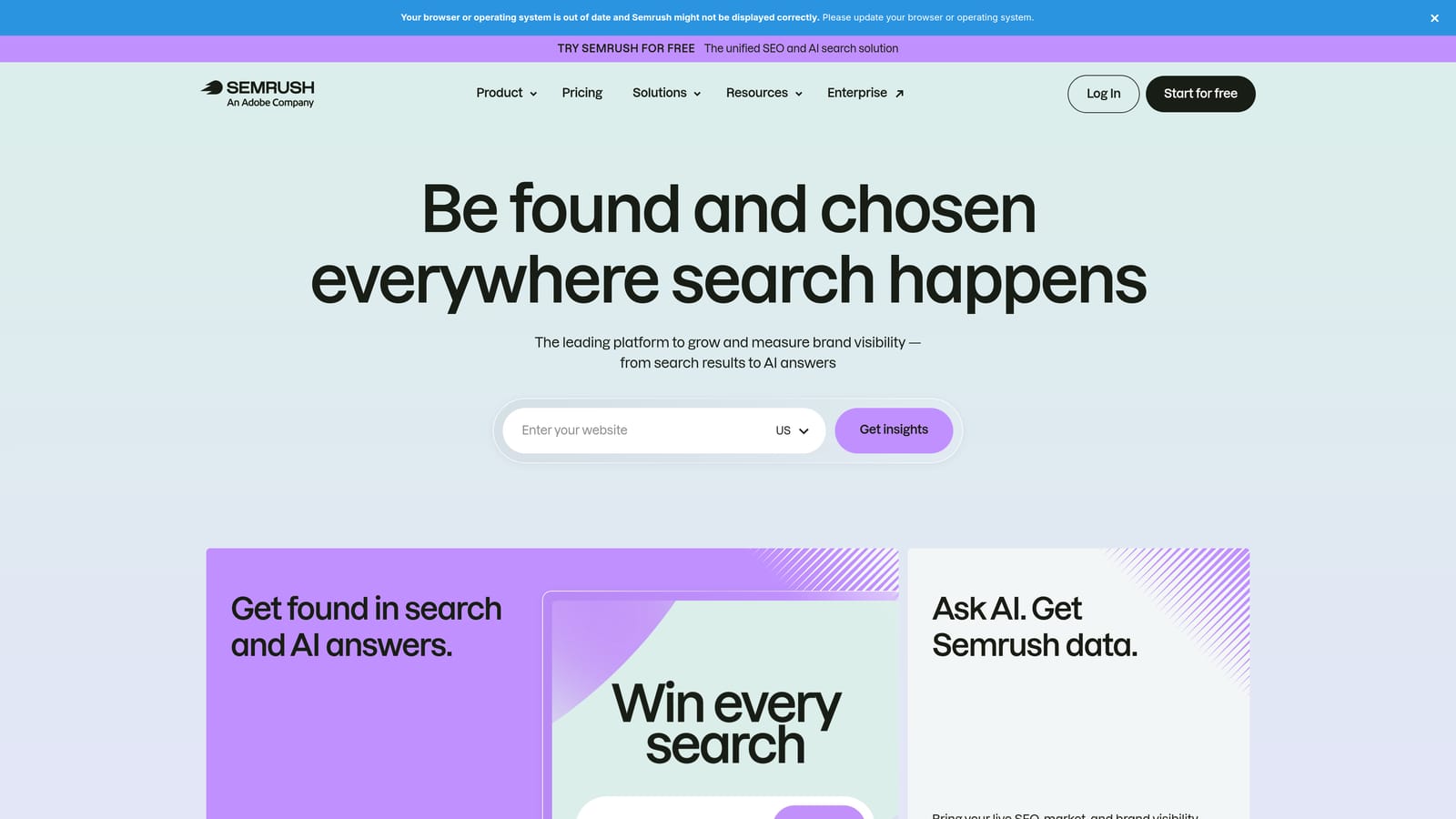
Its standout is the combined view. You can compare a prospect's paid and organic footprint in one place, which makes for strong pitch material and for deciding whether a client's budget is better spent on ads, content, or both.
- Advertising research shows which domains bid on which terms, useful for scoping a new account.
- Keyword research helps build seed lists before a campaign exists.
- Competitor ad copy analysis gives your copywriters a reference for what the market is saying.
- Domain comparison puts your client next to rivals in a single view.
- Reporting tools help package findings for clients or prospects.
It connects with tools such as Google Looker Studio and Google Analytics, and may support Google Ads connections too (verify on the site). Setup is light, since research requires no account access, and it is typically used by whoever handles strategy and new business.
The limitation is that it is a research tool. It does not manage campaigns, edit keywords, or make changes in Google Ads. Competitor figures are modeled estimates, not exact spend. Pricing is by monthly subscription tier, and the plan level, user count, and usage limits affect cost (see the website, as of October 2026). It is also an SEO suite, so if you only need paid research, you may pay for features you never open.
Best for: Agencies pitching prospects and doing competitor research.
5. SpyFu
SpyFu is a competitor research tool that shows keywords and ads that competitors have used in paid and organic search. It is a lighter, more focused option than a full marketing suite.
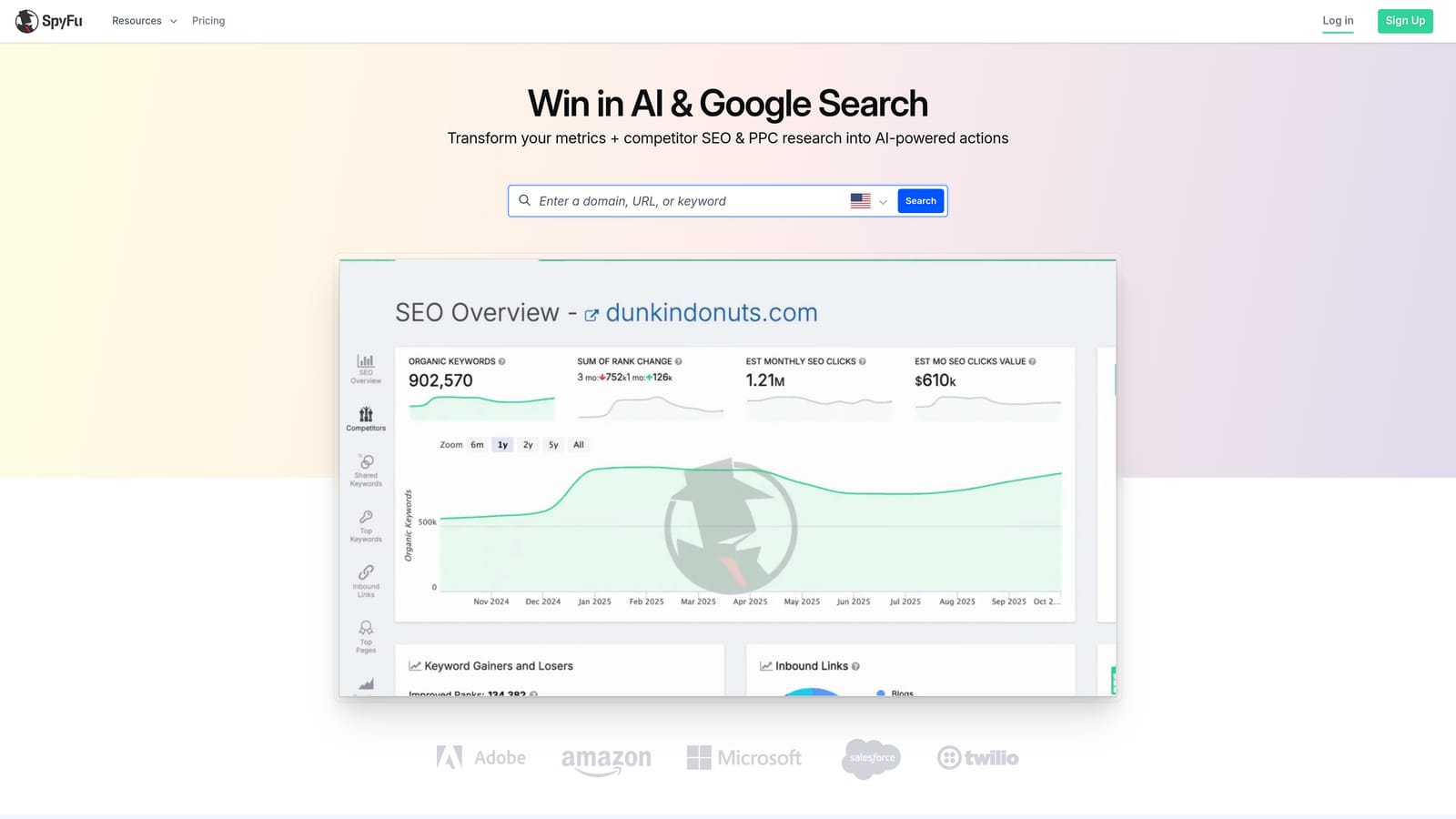
What sets it apart is history. You can look back at the keywords a competitor has bought and the ads they have run over time, which tells you what they kept running (likely working) versus what they dropped.
- Competitor PPC keyword history shows which terms a rival keeps bidding on.
- Ad copy history lets you study messaging that has survived testing.
- Keyword research generates ideas to feed new campaigns.
- Domain comparison reveals keyword overlap and gaps between you and a competitor.
- Rank tracking adds an organic view for clients who care about both channels.
Setup is minimal because you research by domain. Check which exports and integrations the current plans include. Usually one strategist or account lead uses it, so a single seat often suffices.
Know its limits. The data is estimated, so use it for direction, not as exact competitor spend or traffic. It is also mainly Google-focused, so it is less useful if your clients lean on other ad platforms. Pricing is by subscription tier (see the website, as of October 2026), and plan level drives the cost.
Best for: Small agencies on a budget who need competitor keyword ideas.
6. Looker Studio
Looker Studio is Google's free dashboarding tool. You connect data sources, build charts and tables, and share them with clients as live links or scheduled emails.

Its main strength is flexibility at no cost. The native Google Ads connector means you can pull in campaign data without paying a reporting vendor, and you decide exactly what each dashboard shows.
- A native Google Ads connector pulls campaign metrics in without a paid add-on.
- Custom dashboards let you show the numbers each client actually cares about.
- Reusable templates mean one well-built report can be copied for each new client.
- Scheduled email delivery sends reports on a set cadence without manual exports.
- Shareable links give clients live access instead of a static PDF.
It also connects to Google Analytics and to third-party connectors. That last part is the catch: non-Google sources often need paid connectors, so the "free" label can erode if clients run Meta or other channels. Dashboards also need maintenance. Fields break, connectors change, and someone has to own templates, usually a reporting-minded analyst.
Setup takes real time upfront, since you are building from scratch or from templates, and it offers no optimization actions. The core product is free, with a Pro tier available (see the website for current details).
Best for: Agencies wanting low-cost, customizable client reporting.
7. Swydo
Swydo is a reporting and monitoring platform built specifically for marketing agencies. Where Looker Studio hands you a blank canvas, Swydo gives you agency-ready reports that go out on a schedule.
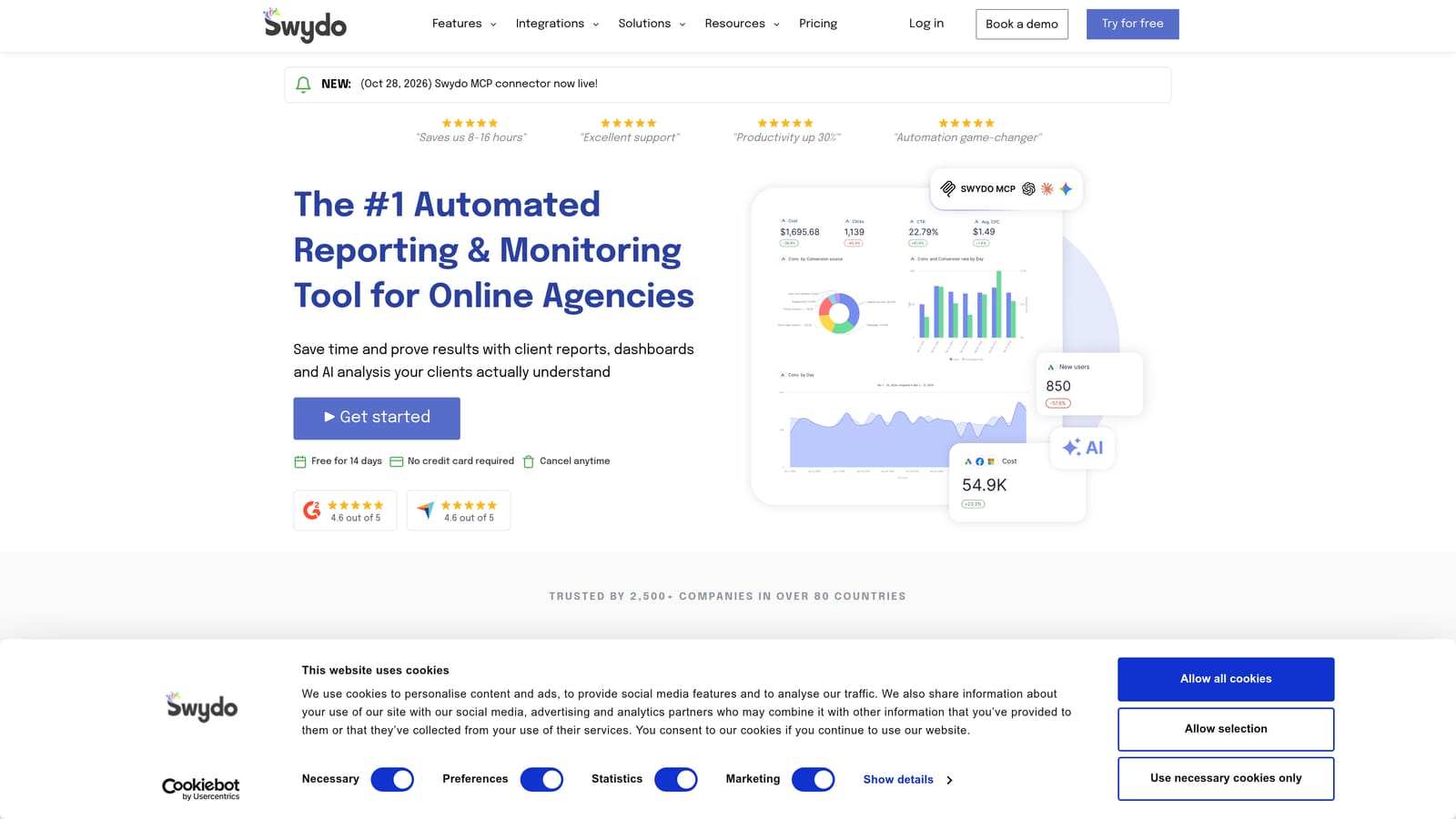
The standout is the agency focus: white-label reports with your branding, plus KPI and goal tracking so clients can see progress against targets, not just raw numbers.
- White-label reports carry your agency's branding, which keeps the client relationship yours.
- Scheduled reports go out automatically, which frees up the end-of-month scramble.
- KPI and goal tracking shows whether a client is on pace, not just what happened.
- Multi-platform data sources let you combine Google Ads, Meta Ads, and more in one report.
- Dashboards give a live view for monitoring between report dates.
It lists integrations including Google Ads, Meta Ads, Microsoft Ads, and Google Analytics; verify the current set for any platform you rely on. Setup means connecting client accounts and building or adapting templates. An account manager or reporting lead typically runs it.
It reports only. It does not touch campaigns, so it will not help you clean search terms or restructure an account. Pricing is plan-based (see the website, as of October 2026), and the number of clients or data sources typically drives it. If your reporting needs are modest, Looker Studio may do the job for less.
Best for: Agencies that want polished, branded recurring client reports.
8. Google Ads Scripts
Google Ads Scripts lets you write JavaScript that runs inside Google Ads on a schedule. It is the do-it-yourself route to automation, and it is free.

The distinguishing factor is total control. Where other tools give you preset rules, a script can do whatever you can code: flag a campaign that stopped spending, check landing pages for broken links, or write results into a spreadsheet.
- Custom automation lets you build exactly the check or task your agency repeats.
- Anomaly alerts warn you when spend, clicks, or conversions move outside normal range.
- Budget pacing checks help catch accounts that are overspending or underspending early.
- Link checking finds broken final URLs before they waste clicks.
- Account-level and MCC-level scripts let you run one script across many client accounts from a manager account.
It integrates with Google Ads and Google Sheets. Setup is where it costs you: someone needs to read and write code, test carefully, and maintain scripts as things change. Scripts can modify live accounts, so a mistake can be expensive. Start with read-only scripts that log or alert before you let any script change anything.
It is not for teams without a technical person. There is no cost to use it, but the time to build and maintain the scripts is the real price.
Best for: Technically minded agencies wanting custom alerts and checks.
9. Adalysis
Adalysis is a PPC audit and testing platform for Google and Microsoft Ads. It scans accounts on a schedule and surfaces problems and opportunities, with particular depth on ad testing.
Its standout is ad-copy test analysis. It evaluates which ad variations are winning, which helps teams avoid calling tests too early or leaving losing ads running for months.
- Automated ad testing analysis shows which ads are outperforming, so you can pause losers with evidence.
- Account audits flag structural and settings issues across a portfolio.
- Alerts notify you when something in an account needs attention.
- Quality Score monitoring tracks one of the main diagnostic signals over time.
- Reporting packages findings for internal review or clients.
It integrates with Google Ads and Microsoft Ads, with setup centered on connecting accounts. A specialist or account lead usually reviews the audit findings and decides what to act on.
The drawbacks: it overlaps with broader suites such as Optmyzr, so buying both rarely makes sense, and it does not cover other channels. Pricing is tiered or quote-based, so confirm current numbers on the website (as of October 2026) before budgeting. Costs generally depend on the scale of what you manage.
Best for: Agencies focused on ad testing and ongoing account audits.
Building a Lean Stack Without Overbuying
Match tools to the job you do most, rather than to the longest feature list.
- Search term cleanup: Keywordme, since it acts directly in the Search Terms Report. Pair it with Google Ads Scripts only if you want alerts on top.
- Bulk builds and restructures: Google Ads Editor. It is free, so there is no reason to skip it.
- Automation: Optmyzr if you want a managed suite, Google Ads Scripts if you have a coder, Adalysis if ad testing and audits are the priority.
- Research and pitching: Semrush for combined paid and organic views, SpyFu if budget is tight. Treat competitor spend figures as estimates.
- Client reporting: Looker Studio for low cost and flexibility, Swydo for branded, scheduled agency reports.
Start with one or two tools, not all nine. Fix your basic workflow first, and avoid paying for seats that only one person uses. For most small agencies, the fastest first win is search term hygiene, because it repeats weekly across every account.
Optimize Google Ads Campaigns 10X Faster. Without Leaving Your Account. Keywordme lets you remove junk search terms, build high-intent keyword lists, and apply match types instantly, right inside Google Ads. No spreadsheets, no switching tabs, just quick, seamless optimization. Start your free 7-day trial (then just $12/month) and take your Google Ads game to the next level.
.svg)