
9 Best PPC Tools for Freelancers in 2026
A curated breakdown of the 9 best PPC tools for freelancers in 2026, selected for solo practitioners based on freelancer-friendly pricing, ease of use, and time-saving impact across real Google Ads workflows. Whether you're managing a handful of client accounts or scaling to dozens, this list helps you build a lean, effective tool stack without unnecessary complexity.


TL;DR: The best PPC tools for freelancers in 2026 are the ones that save you real time, cut wasted spend, and don't require a bloated tech stack to operate. This list covers nine tools chosen specifically for solo practitioners and small teams: from in-interface Google Ads optimizers to keyword research platforms and reporting dashboards. Selection criteria were simple: freelancer-friendly pricing, ease of use, time-saving impact, and genuine usefulness inside real Google Ads workflows.
If you're managing three client accounts or thirty, the right tool stack is the difference between burning out on manual tasks and actually scaling your freelance business. Here are the top PPC tools worth your money and attention in 2026.
1. Keywordme
Best for: Freelancers who want to optimize Google Ads campaigns without leaving the native interface.
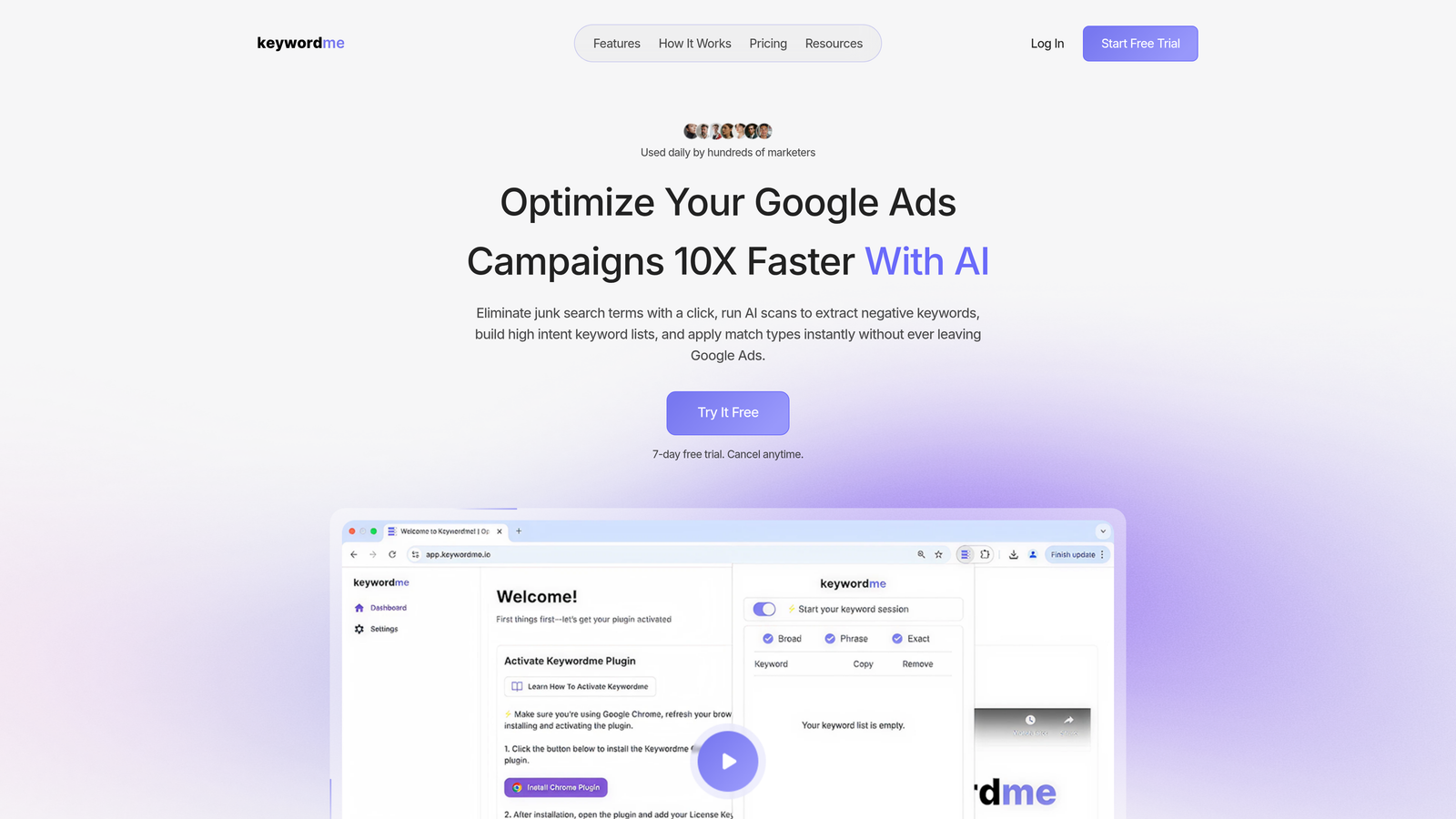
Keywordme is a Chrome extension that lives directly inside Google Ads' Search Terms Report, letting you act on keyword data instantly without opening a spreadsheet or a separate dashboard.
Where This Tool Shines
In most accounts I audit, the biggest time drain isn't strategy. It's the mechanical work: downloading search term reports, sorting through junk, copying negatives into a spreadsheet, then re-uploading. Keywordme eliminates that entire loop. You're working inside Google Ads already, and the extension surfaces actions right where you need them.
For freelancers managing multiple client accounts, this matters a lot. Context-switching between Google Ads and external tools adds up over a week. Keywordme keeps you in one place, which means faster optimization cycles and more time for actual account strategy.
Key Features
One-Click Negative Keyword Addition: Remove junk search terms directly from the Search Terms Report without exporting anything.
Bulk Match Type Application: Apply or change match types across keywords instantly, no spreadsheet required.
Keyword Clustering: Group related search terms into clusters for faster campaign structuring during account builds.
Multi-Account Support: Manage several client accounts without friction, which is a genuine differentiator for growing freelancers.
7-Day Free Trial: No credit card required to get started, so you can test it inside a real account before committing.
Best For
Solo PPC freelancers and small agency teams who are tired of the spreadsheet-heavy workflow that standard Google Ads optimization requires. Especially useful if you're managing five or more accounts and keyword management is eating your billable hours.
Pricing
$12/month per user, flat rate. At that price point, it's one of the easiest tool costs to justify if it saves you even thirty minutes a week per account.
2. Google Ads Editor
Best for: Making fast bulk changes across large campaigns without touching the web interface.
Google Ads Editor is Google's free desktop application for offline bulk editing, and it's been an industry standard for good reason.

Where This Tool Shines
The web interface is fine for small tweaks. But when you need to restructure an entire campaign, rename hundreds of ad groups, or copy a campaign structure from one account to another, the Editor is the only sensible way to do it. You work offline, review changes, and push them live when you're ready. That review step alone prevents a lot of costly mistakes.
What usually happens here is that freelancers underuse the find-and-replace feature. If a client changes their brand name or a product line, you can update every headline, description, and URL across the account in minutes rather than hours.
Key Features
Offline Bulk Editing: Make changes across campaigns and ad groups without an internet connection, then review before pushing live.
Find-and-Replace: Update text across hundreds of ads or keywords in seconds.
Copy/Paste Between Accounts: Duplicate campaign structures from one account to another, which is a huge time saver when onboarding similar clients.
Free Access: Available to anyone with a Google Ads account at no additional cost.
Best For
Every Google Ads freelancer, full stop. There's no scenario where you shouldn't have this installed. It's especially critical when managing accounts with large campaign structures or doing major account reorganizations.
Pricing
Free. No subscription, no tiers, no catch.
3. SEMrush
Best for: Competitive PPC research, keyword gap analysis, and client strategy decks.
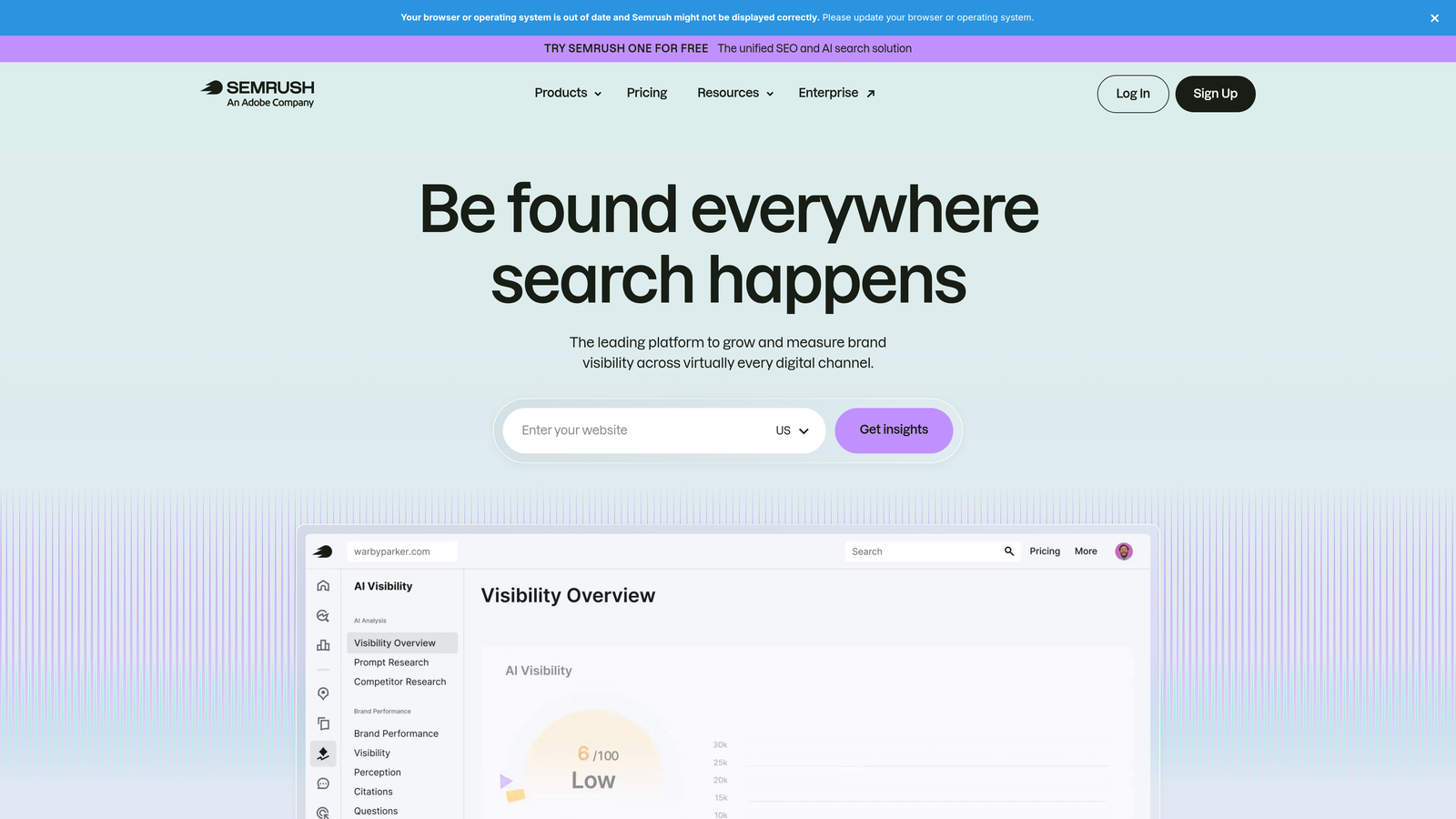
SEMrush is an all-in-one digital marketing platform with some of the strongest PPC intelligence features available to freelancers who need to back up their recommendations with data.
Where This Tool Shines
The mistake most freelancers make is using SEMrush only for SEO. The PPC keyword gap tool is genuinely useful during client onboarding: you can show a prospect exactly which keywords their competitors are bidding on that they aren't, and frame your pitch around closing that gap. That kind of insight justifies your retainer in the first conversation.
The ad copy history feature is also underrated. Being able to see how a competitor's messaging has evolved over time tells you a lot about what's working in a market before you write a single headline.
Key Features
PPC Keyword Gap Analysis: Compare your client's keyword coverage against competitors and identify bidding opportunities they're missing.
Ad Copy History: View competitor ad variations and estimated spend over time.
CPC Data by Geography and Device: Useful for setting realistic budget expectations with clients in different markets.
Keyword Magic Tool: Build comprehensive campaign keyword lists with search volume, CPC, and competition data.
Best For
Freelancers who regularly pitch new clients, run competitive audits, or manage accounts in competitive verticals where understanding the landscape is part of the service. Also valuable if you handle both SEO and PPC for the same clients.
Pricing
Starts at $139.95/month. Check semrush.com for current pricing and available tiers.
4. SpyFu
Best for: Affordable competitor keyword intelligence for PPC research and pitches.
SpyFu is a competitive intelligence tool focused specifically on paid search, giving you years of competitor keyword history at a price point that makes sense for freelancers.

Where This Tool Shines
SpyFu's real value is the historical data. You can see what keywords a competitor was bidding on three years ago, which ones they dropped, and which ones they've consistently maintained. That pattern tells you a lot about what's actually converting in a space versus what someone tested and abandoned.
For freelancers doing competitive landscape research during pitches or audits, SpyFu often delivers more than enough intelligence at a significantly lower cost than enterprise alternatives. It's not trying to do everything; it does competitive PPC research well.
Key Features
Competitor Keyword History: Access years of paid keyword data to identify what's working long-term in a market.
Ad Copy Variation Tracking: See how competitor messaging has changed over time.
Estimated Monthly Ad Spend: Get rough budget estimates for competitors to frame client conversations around realistic investment levels.
Accessible Entry Pricing: More affordable than most full-suite platforms for freelancers who need competitive data without the broader feature set.
Best For
Budget-conscious freelancers who need solid competitive PPC intelligence but don't need the full breadth of a platform like SEMrush. Great for pitch prep and initial account audits.
Pricing
Starts at $39/month. Check spyfu.com for current plans.
5. Optmyzr
Best for: Freelancers managing ten or more accounts who need automation and structured optimization workflows.
Optmyzr is a PPC management platform built specifically for managers running multiple accounts, with rule-based automation, one-click optimization suggestions, and client reporting built in.

Where This Tool Shines
Once you're managing a significant number of accounts, the math on manual optimization stops working. Optmyzr's rule-based automation lets you set bid and budget rules that run in the background, freeing you up for the strategic work that actually differentiates your service. The audit trail on every optimization is also important: you can show clients exactly what changed and why.
The Quality Score tracking workflows are something most freelancers ignore until it becomes a problem. Optmyzr surfaces Quality Score issues proactively, which helps you catch and fix landing page or ad relevance problems before they erode campaign performance.
Key Features
Rule-Based Bid and Budget Automation: Set conditions for automatic adjustments across accounts without writing scripts.
One-Click Optimization Suggestions: Act on algorithmically surfaced recommendations with a full audit trail for accountability.
Quality Score Tracking: Monitor and improve Quality Scores across campaigns with structured workflows.
Client Report Builder: Generate professional, client-facing reports without building them manually each month.
Best For
Freelancers who are scaling toward agency volume: typically those managing ten or more accounts and finding that manual optimization is becoming the bottleneck in their business.
Pricing
Starts at $208/month. Check optmyzr.com for current pricing tiers.
6. Looker Studio
Best for: Building branded, live client dashboards without paying for a dedicated reporting platform.
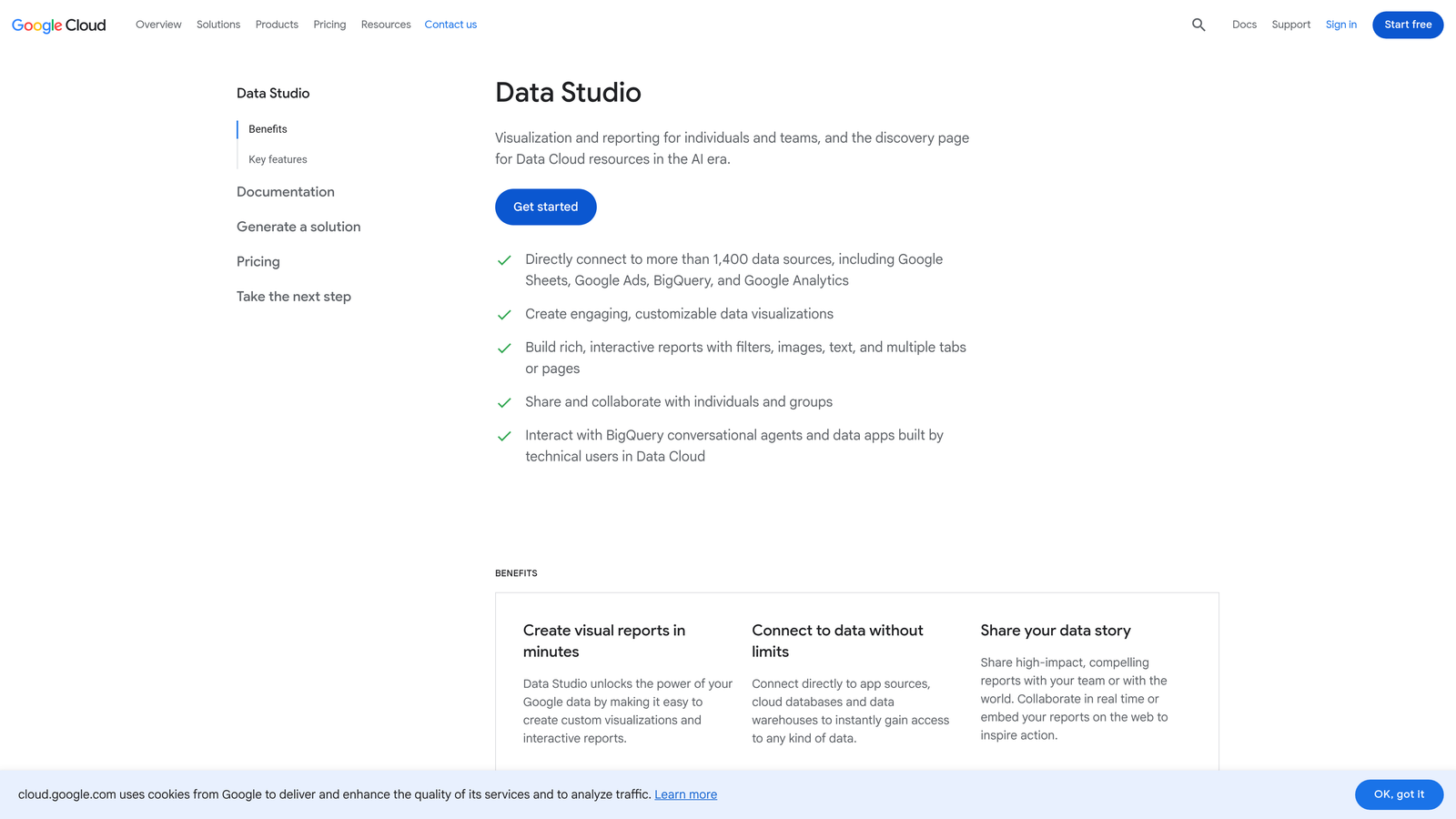
Looker Studio is Google's free data visualization tool that connects natively to Google Ads, Google Analytics, and dozens of other data sources for building shareable client dashboards.
Where This Tool Shines
Reporting is one of the most underinvested areas for new freelancers, and it's often the thing that determines whether a client renews. A well-built Looker Studio dashboard that updates automatically and looks professional signals that you're running a serious operation. Clients who can log in and see their numbers any time they want tend to ask fewer anxious questions.
The native Google Ads connector means there's no manual data export involved. You build the dashboard once, and it stays current. That's a meaningful time saving across a full client roster.
Key Features
Native Google Ads and Analytics Connectors: Pull live data directly without manual exports or third-party middleware.
Shareable Live Dashboards: Give clients a link to a dashboard that updates automatically, reducing reporting emails.
Customizable Templates: Start from a PPC reporting template and adapt it to your client's specific KPIs.
Completely Free: No subscription, no usage limits for standard connectors.
Best For
Every freelancer managing Google Ads clients. There's no good reason not to use it at this price point. Especially valuable for freelancers who want to look more polished without investing in a paid reporting platform.
Pricing
Free with a Google account.
7. Microsoft Advertising
Best for: Expanding client reach beyond Google with minimal setup time using existing campaign structures.
Microsoft Advertising is Microsoft's paid search platform, formerly known as Bing Ads, with a one-click Google Ads import feature and often lower competition in specific verticals.
Where This Tool Shines
The Google Ads import feature is the main reason freelancers should have this in their workflow. You can take a well-performing Google campaign and push it into Microsoft Advertising in minutes. For clients in B2B, financial services, or industries skewing toward older demographics, the Microsoft Search audience is genuinely worth reaching.
Lower competition often means lower CPCs, which makes it an easy win to present to clients who are already hitting efficiency ceilings on Google. It's one of the simplest ways to expand reach without building a new campaign from scratch.
Key Features
One-Click Google Ads Campaign Import: Replicate existing Google campaigns into Microsoft Advertising without rebuilding from scratch.
LinkedIn Audience Targeting: Layer LinkedIn profile data onto Microsoft Search campaigns for B2B targeting precision.
Lower CPC Potential: Reduced competition in many verticals can deliver more efficient spend for certain client types.
Free Platform Access: No subscription cost; you only pay for actual ad spend.
Best For
Freelancers managing clients in B2B, professional services, or any niche where the Microsoft Search audience has meaningful overlap with the target customer. Also a strong upsell opportunity for freelancers looking to expand scope without dramatically increasing workload.
Pricing
Free to use. Costs are limited to client ad spend.
8. Ahrefs
Best for: Keyword research and search intent analysis to inform PPC campaign structure before launch.
Ahrefs is primarily known as an SEO platform, but its keyword research capabilities are widely used by PPC freelancers who want deeper insight into search volume, click behavior, and keyword difficulty before building out campaigns.
Where This Tool Shines
The Keyword Explorer gives you click-through data alongside search volume, which is something most PPC tools don't surface clearly. Understanding how many searches actually result in clicks helps you prioritize which keywords are worth bidding on versus which ones generate impressions but little actual traffic.
For freelancers who manage both SEO and PPC for the same clients, Ahrefs becomes especially efficient. You're already paying for it on the SEO side, and the keyword data translates directly into smarter campaign structures and better negative keyword lists from the start.
Key Features
Keyword Explorer with Click Data: See search volume alongside actual click-through estimates to prioritize high-value terms.
Keyword Difficulty Scores: Useful for identifying lower-competition terms where PPC spend can work harder.
Content Gap Analysis: Find keyword opportunities competitors are ranking for that your client isn't targeting yet.
Cross-Channel Utility: Valuable for freelancers managing both organic and paid search for the same clients.
Best For
Freelancers who handle both SEO and PPC, or those who want more nuanced keyword research data than Google's Keyword Planner provides during the campaign planning phase.
Pricing
Starts at $129/month. Check ahrefs.com for current pricing and plan details.
9. Supermetrics
Best for: Freelancers managing multi-channel paid campaigns who need consolidated reporting without custom API work.
Supermetrics is a data connector platform that pulls PPC metrics from Google Ads, Meta Ads, LinkedIn, and over a hundred other sources into Google Sheets, Looker Studio, or Excel automatically.
Where This Tool Shines
If you're managing a client who runs Google Ads, Meta Ads, and LinkedIn simultaneously, pulling all of that into one clean report manually is a significant time investment every month. Supermetrics automates the data pull so your Sheets or Looker Studio dashboards refresh on their own. You set it up once and stop thinking about it.
The mistake most agencies make is building elaborate manual reporting processes when a $29/month connector would eliminate the entire workflow. For freelancers billing by the hour, that time reclaimed goes straight back into billable work or client strategy.
Key Features
100+ Marketing Data Source Connectors: Pull data from Google Ads, Meta, LinkedIn, TikTok, and many more into one place.
Automated Data Refresh: Schedule automatic updates to Sheets or Looker Studio dashboards without manual exports.
Eliminates Manual Reporting Work: Removes the copy-paste reporting cycle that eats time across multi-channel accounts.
Flexible Destination Options: Works with Google Sheets, Looker Studio, Excel, and various BI tools depending on your workflow.
Best For
Freelancers managing multi-channel paid campaigns who want automated, consolidated reporting without building custom integrations. Most valuable once you're managing three or more channels for a single client.
Pricing
Starts at $29/month per connector. Check supermetrics.com for current bundle pricing.
Building the Right Stack for Your Freelance Business
Not every tool on this list makes sense at every stage of your freelance PPC career. The smart move is to build your stack in layers based on where you actually are right now.
If you're just getting started or keeping costs tight, the lean stack is hard to beat: Keywordme handles in-account optimization efficiently, Google Ads Editor handles bulk editing, and Looker Studio handles client reporting. That combination covers the three biggest time drains in a freelance PPC workflow for a combined cost of $12/month.
If you're actively pitching new clients or working in competitive verticals, layer in SpyFu for affordable competitive intelligence. If your clients are in industries where SEMrush's broader feature set justifies the cost, that's the next step up. Both tools give you the data you need to walk into a pitch with something concrete to say.
If you're managing ten or more accounts and manual optimization is becoming the bottleneck, Optmyzr's automation layer starts making financial sense. And if you're handling multi-channel clients who run across Google, Meta, and LinkedIn simultaneously, Supermetrics eliminates the reporting grind that would otherwise consume hours every month.
The tools that deliver the clearest ROI for most freelancers are the ones that reduce time on mechanical tasks: keyword management, match type application, negative keyword building, and reporting. That's where Keywordme stands out from everything else on this list. It's the only tool here that operates natively inside the Google Ads interface itself, which means no tab-switching, no spreadsheets, and no friction between spotting a problem and fixing it.
If you haven't tried it yet, Start your free 7-day trial and run it inside a real account. At $12/month after that, it's one of the easiest calls you'll make in your freelance tool stack.
.svg)