
9 Best PPC Tools for Freelance Marketers in 2026
This guide compares nine of the best PPC tools for freelance marketers running Google Ads for clients on their own. Each pick is judged on price per seat, setup time, multi-account handling, and the distinct job it covers, so a solo marketer can build a lean stack that pays for itself across a handful of accounts.


If you run Google Ads for clients on your own, every tool on your stack has to earn its seat. It needs to save more hours than it costs, and it needs to pay for itself across a handful of accounts rather than a big agency roster. These tools were chosen for one-person workflows: price per seat, setup time, how well they handle several client accounts, and whether each one covers a distinct job. Pricing and plan details change often, so check each vendor's site before you buy.
Quick Comparison of the Tools
- Keywordme: freelancers who review search terms every week; $12/month per user; runs inside the Google Ads Search Terms Report, so cleanup needs no spreadsheet exports.
- Google Ads Editor: freelancers building or restructuring large accounts; free; bulk building and cross-account copying offline.
- Looker Studio: freelancers who need branded client reporting; free; reusable templates with live shareable links.
- Semrush: freelancers who plan around both organic and paid search; see website for pricing; the broadest combined SEO and PPC keyword and competitor dataset.
- Optmyzr: freelancers with a growing roster of accounts; see website for pricing; cross-account issue detection and rule-based automation.
- Google Ads Scripts and Automated Rules: technical freelancers who want free alerts; free; fully custom monitoring with no vendor fee.
- Supermetrics: freelancers reporting across Google, Meta, and LinkedIn; see website for pricing; pulls many ad platforms into one report.
- Unbounce: freelancers who need better conversion rates without a developer; see website for pricing; landing pages with built-in A/B testing.
- SpyFu: freelancers doing competitor research at onboarding; see website for pricing; historical view of competitors' paid keywords and ads.
1. Keywordme
Keywordme is a Chrome extension that adds one-click actions to the Search Terms Report inside Google Ads. It is built for advertisers who do the same review every week: scan the search terms that triggered ads, decide which are junk, and decide which deserve to become keywords.
A quick definition, because the two get mixed up. A search term is what a person actually typed. A keyword is what you bid on. Positive keywords tell Google what to match; negative keywords tell it what to exclude. The Search Terms Report is where you turn the first into the second, and that is exactly where Keywordme works.
What sets it apart on this list is where it lives. There is no export to a spreadsheet, no separate dashboard, and no second tab to reconcile. You stay in the native Google Ads interface and act on rows as you read them.
- One-click negative keywords straight from the Search Terms Report, so junk queries stop costing you money faster.
- Adding search terms as keywords with the match type applied instantly, which removes the manual typing of brackets and quotes.
- Keyword clustering, which groups related terms so you can spot themes instead of reading a flat list.
- Bulk editing, for handling many terms in one pass.
- Multi-account and team support, useful when you cover several clients or bring in a subcontractor.
Setup is light: you install a browser extension and keep working in Google Ads. The person running it day to day is you, as part of your normal review routine.
The limitation is scope. Keywordme works with Google Ads only, and it is a workflow accelerator rather than a full platform. It does not do reporting, bid management, or other ad platforms, and it runs in Chrome. You still make every decision about what to add or exclude. If your pain is not search term review, this is not your first purchase.
Pricing is a flat $12 per user per month, with a 7-day free trial as of September 2026. The price scales with users, not ad spend or account count, though you should confirm current terms on the site.
Best for: Freelancers who spend hours on weekly search term reviews.
2. Google Ads Editor
Google Ads Editor is Google's free desktop application for building and editing campaigns in bulk. You download your account data, make changes offline, review them, and post them back when you are ready.

Its distinctive strength is scale at zero cost. Building a 40-ad-group account or rolling out the same structure for a second client is far quicker here than clicking through the web interface. Copying campaigns between accounts is the feature freelancers with repeatable service packages tend to lean on.
- Bulk edits across campaigns and accounts, so a change to hundreds of ads takes minutes.
- Offline drafting and review, which lets you check work before anything goes live.
- Copy and paste of campaigns between accounts, handy for reusing a proven structure.
- Multi-account management, so you can move between client accounts in one app.
Setup means installing the app and downloading each account. There is a learning curve, since the interface is dense and differs from the web version. It integrates only with Google Ads, and you run it yourself.
It is not built for search term analysis, which is the recurring weekly task. It shines at building and restructuring, not at the ongoing review of what queries are triggering your ads. Many freelancers pair it with a cleanup tool rather than treat it as one.
Pricing: free.
Best for: Freelancers building or restructuring large accounts.
3. Looker Studio
Looker Studio is Google's free dashboard and reporting tool, with a native Google Ads connector. Clients get a live link instead of a monthly PDF you assembled by hand.

What it does best here is templating. Build one report for a client, duplicate it, and point it at the next client's account. For a freelancer, that turns reporting from a recurring chore into a one-time build plus a quick swap of data sources.
- A native Google Ads connector, so campaign data flows in without exports.
- Reusable report templates, which cut setup time for each new client.
- Shareable live links, so clients see current numbers without asking you.
- Blended data sources, useful for combining ad data with analytics or sheets.
It connects to Google Ads, Google Analytics, Google Sheets, and BigQuery, plus third-party connectors. Setup takes real time the first time, mostly in designing layouts and fixing metric definitions. You own it day to day, though once templates exist, upkeep is small.
The catch is data outside Google. Pulling in Meta, LinkedIn, or other platforms usually requires paid connectors, which is where a tool like Supermetrics comes in. Pretty dashboards also do not tell you what to change in the account.
Pricing: free. A paid Looker Studio Pro tier exists; check Google's current details if you need team-level features.
Best for: Freelancers who need free, branded client reporting.
4. Semrush
Semrush is an SEO and PPC research suite. For paid search, you use it for keyword research and to see what competitors are advertising on.
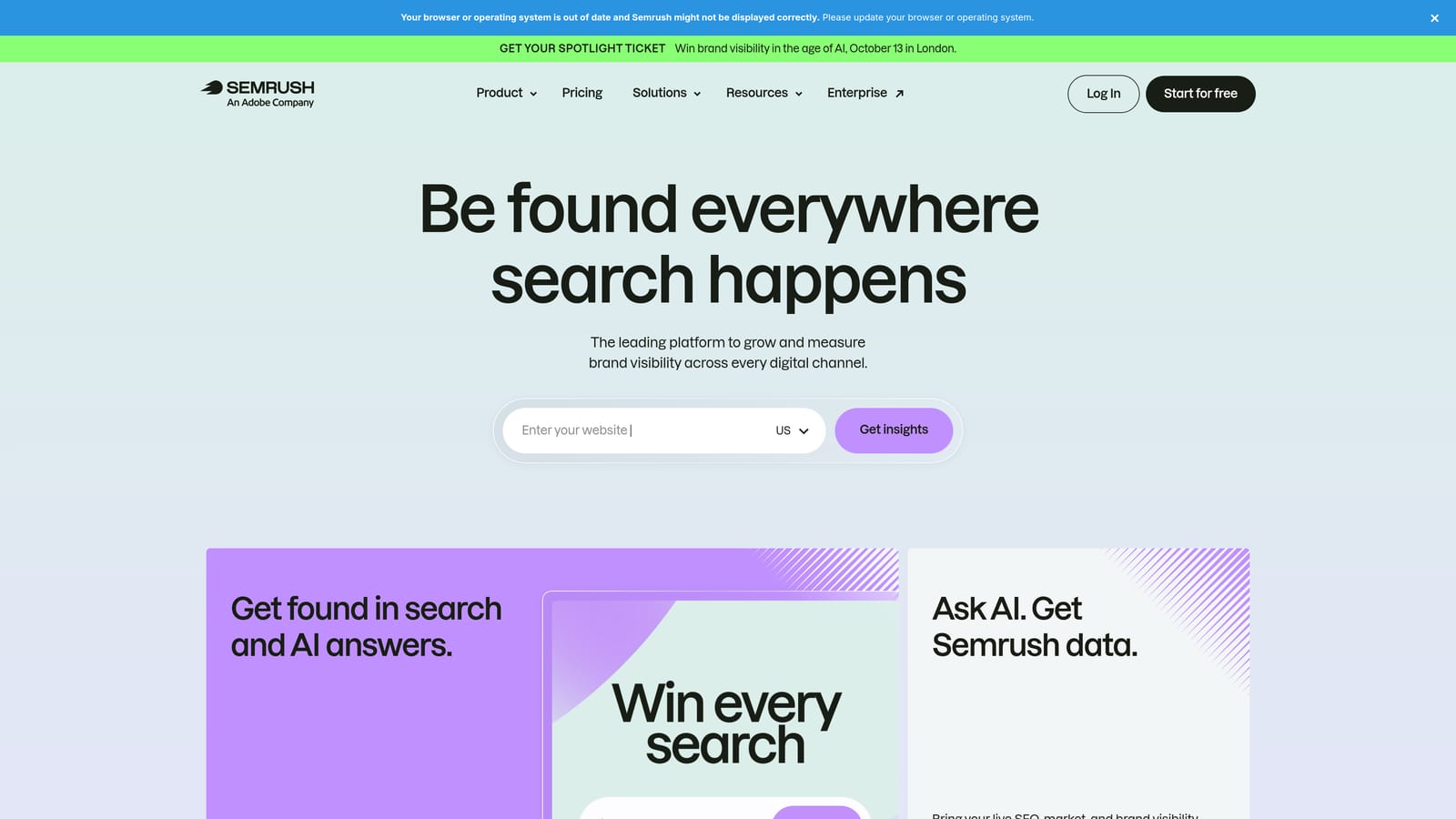
Its standout is breadth. Few tools here combine organic and paid data in one place, which matters if you pitch prospects on both or need to decide whether a term is worth paying for when a competitor already ranks organically.
- Keyword research with volume and CPC estimates, to size a market before you build.
- Competitor advertising research, showing which terms rivals bid on.
- Keyword gap analysis, which points to terms competitors cover and you do not.
- Domain comparison, handy for proposals and onboarding audits.
It integrates with Google Analytics, Google Search Console, and Looker Studio. Setup is quick, since much of it is a search box, but the interface has a lot in it and takes time to learn. You run it yourself.
Two honest limits. First, it can be expensive for a solo practitioner, especially if you only need occasional research. Second, its numbers are estimates, not your actual account data, so treat volumes and CPCs as directional. It does nothing to manage or clean your campaigns.
Pricing: tiered subscriptions; see the website for current plans. Cost moves with the plan tier and usage limits.
Best for: Freelancers who also pitch and plan around organic and paid search.
5. Optmyzr
Optmyzr is a PPC management platform that layers optimization suggestions, rules, audits, and reporting across your accounts. It is closer to an agency-style operating system than a single-task tool.
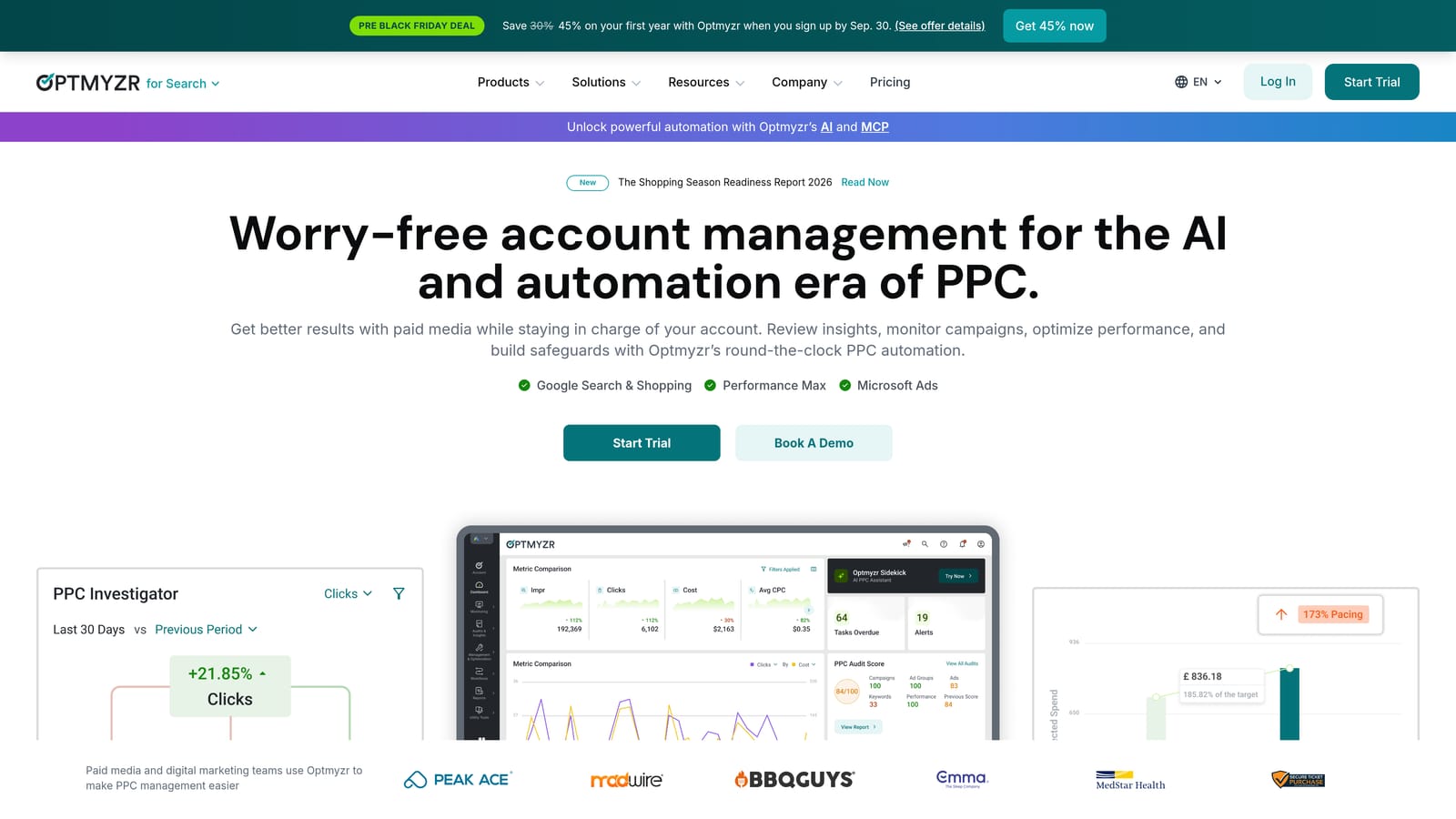
What it does distinctively is detect issues across accounts and automate at scale. If you manage many accounts, having one place that flags problems beats opening each account in turn.
- Rule-based automation, so recurring adjustments run without you doing them by hand.
- Optimization suggestions, which give you a prioritized list to review.
- Account audits, useful for onboarding a new client quickly.
- Multi-account reporting, to summarize a roster in one view.
It connects to Google Ads and Microsoft Advertising, and Meta Ads support has been listed; confirm current platform coverage on the site. Expect a setup period to connect accounts and configure rules, and you will spend time learning what to trust and what to ignore.
The limitation is fit. For a freelancer with three or four small accounts, it can be heavy and hard to justify on cost. Suggestions still need your judgment.
Pricing: tiered, typically based on the ad spend you manage; see the website. More spend under management generally means a higher tier.
Best for: Freelancers managing a growing roster of accounts.
6. Google Ads Scripts and Automated Rules
Google Ads Scripts and automated rules are native automation options inside Google Ads. Automated rules handle simple jobs such as pausing or changing budgets on a schedule. Scripts are JavaScript programs that can do custom monitoring and send alerts.
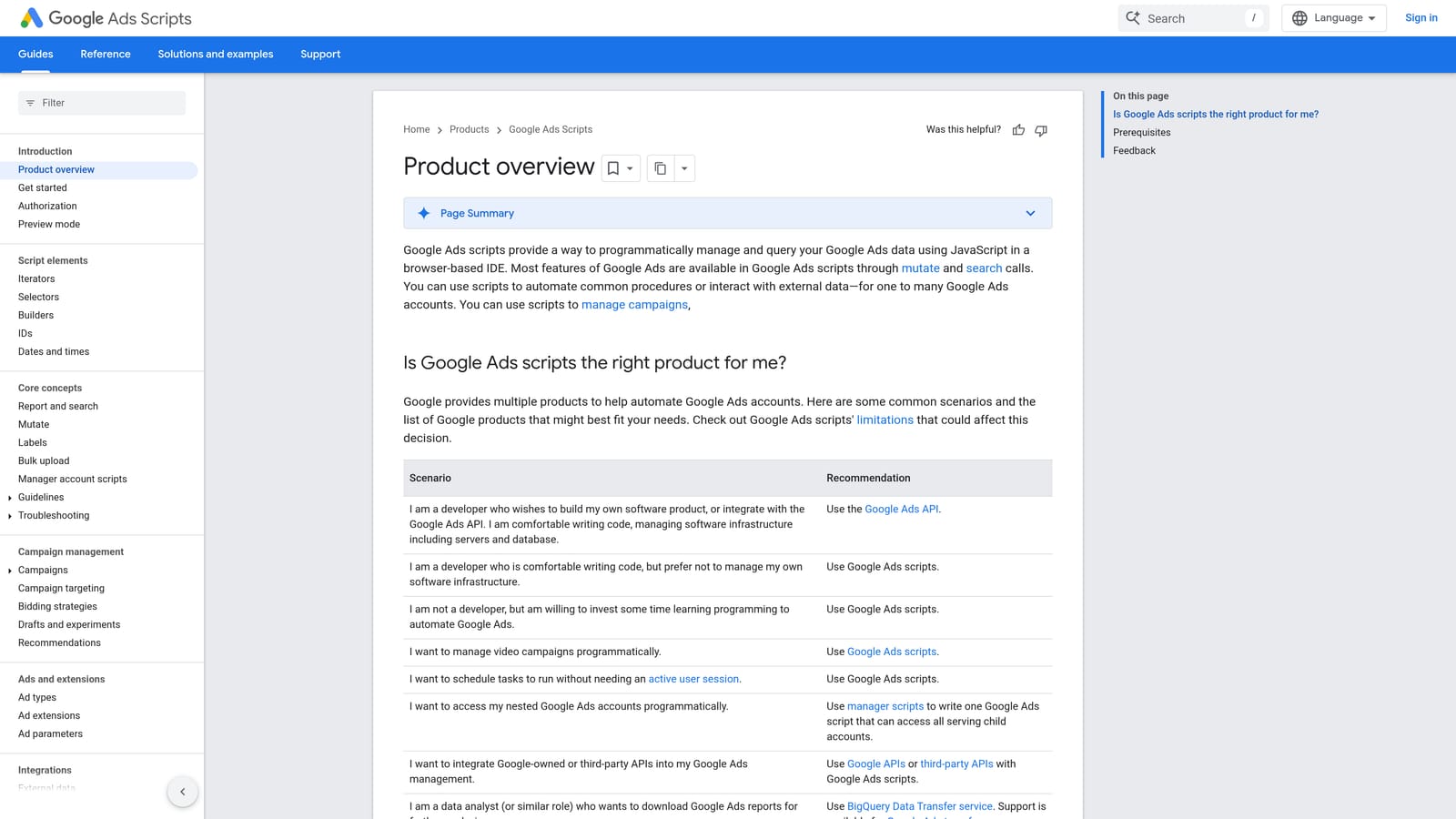
The distinctive value is custom monitoring at no cost. A script can email you when spend spikes, a campaign stops serving, or a URL breaks, which protects clients while you are busy elsewhere.
- Automated rules, for no-code actions like pausing on a condition.
- JavaScript scripts, for monitoring logic that off-the-shelf tools do not cover.
- Scheduled runs, so checks happen without you remembering.
- Email alerts, which put problems in your inbox.
- Preview mode, letting you test a script before it changes anything.
It works with Google Ads and Google Sheets. Setup ranges from minutes for a rule to hours for a script, and you maintain it yourself.
The limit is skill and risk. Scripts require coding comfort and careful testing, and a badly written one can change things you did not intend. Non-coders should stick to rules and alerts.
Pricing: free.
Best for: Technical freelancers who want free budget and error alerts.
7. Supermetrics
Supermetrics is a data connector that moves ad platform data into spreadsheets and dashboards. It does not analyze anything itself; it gets numbers to where you report.
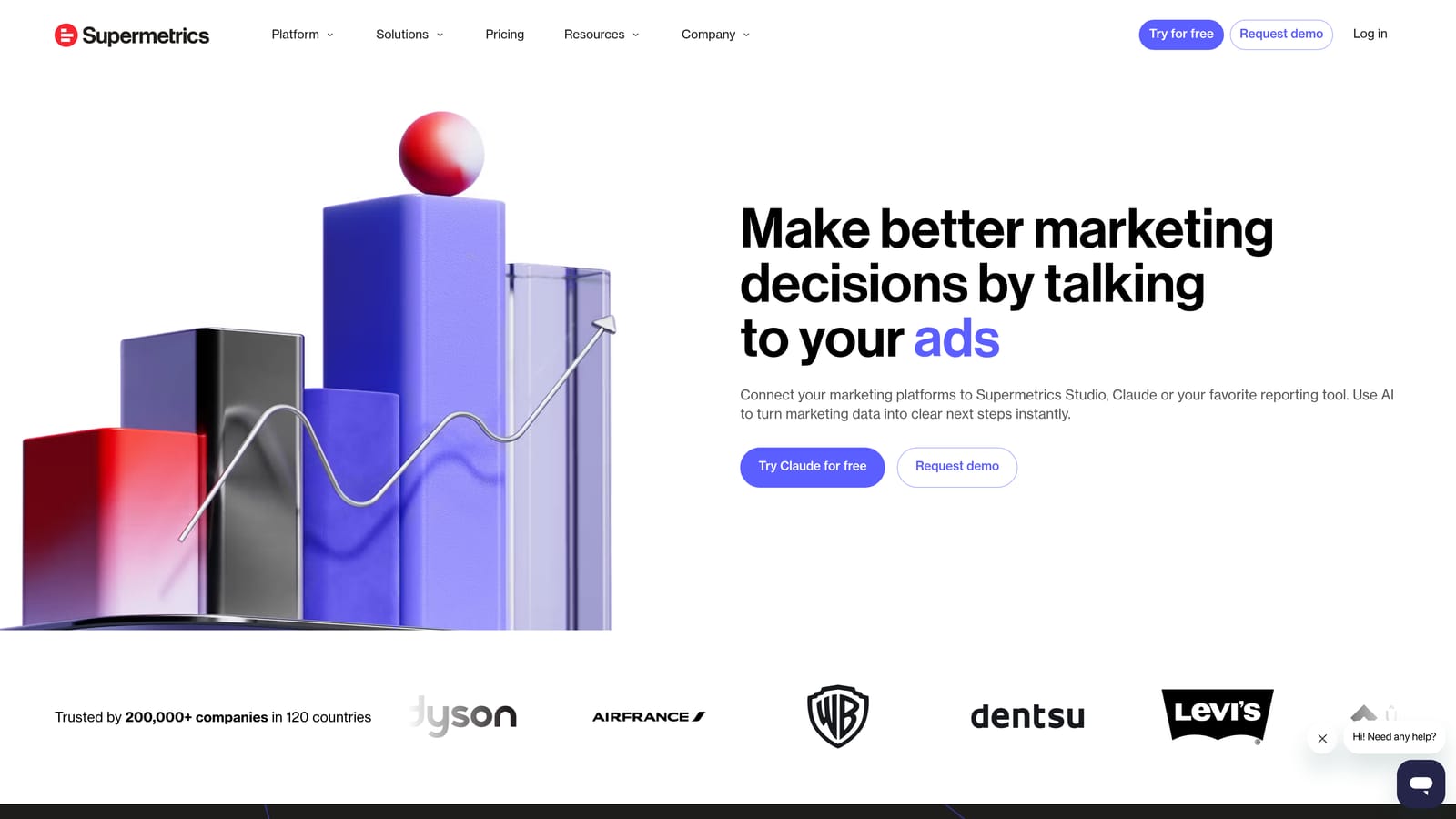
Its strength is unifying platforms. If a client runs Google, Meta, and LinkedIn, one report can show all three side by side without copying numbers between tabs.
- Connectors for many ad platforms, so you are not stuck with Google-only data.
- Sheets and Looker Studio destinations, fitting the reporting setup you likely already use.
- Scheduled refreshes, keeping reports current automatically.
- Multi-account pulls, which speeds up reporting across clients.
It integrates with Google Ads, Meta Ads, LinkedIn Ads, Google Sheets, and Looker Studio. Setup involves authorizing each account and building queries, and you own the reports.
It is not for freelancers who only run Google Ads, where Looker Studio's free connector covers the need. Cost can add up as you add connectors and data sources, so it only makes sense when multi-platform clients justify it.
Pricing: quote-based or tiered depending on the product; see the website. Cost moves with the number of data sources and destinations.
Best for: Freelancers reporting across Google, Meta, and LinkedIn.
8. Unbounce
Unbounce is a landing page builder with A/B testing, aimed at people sending paid traffic to pages they need to change quickly.
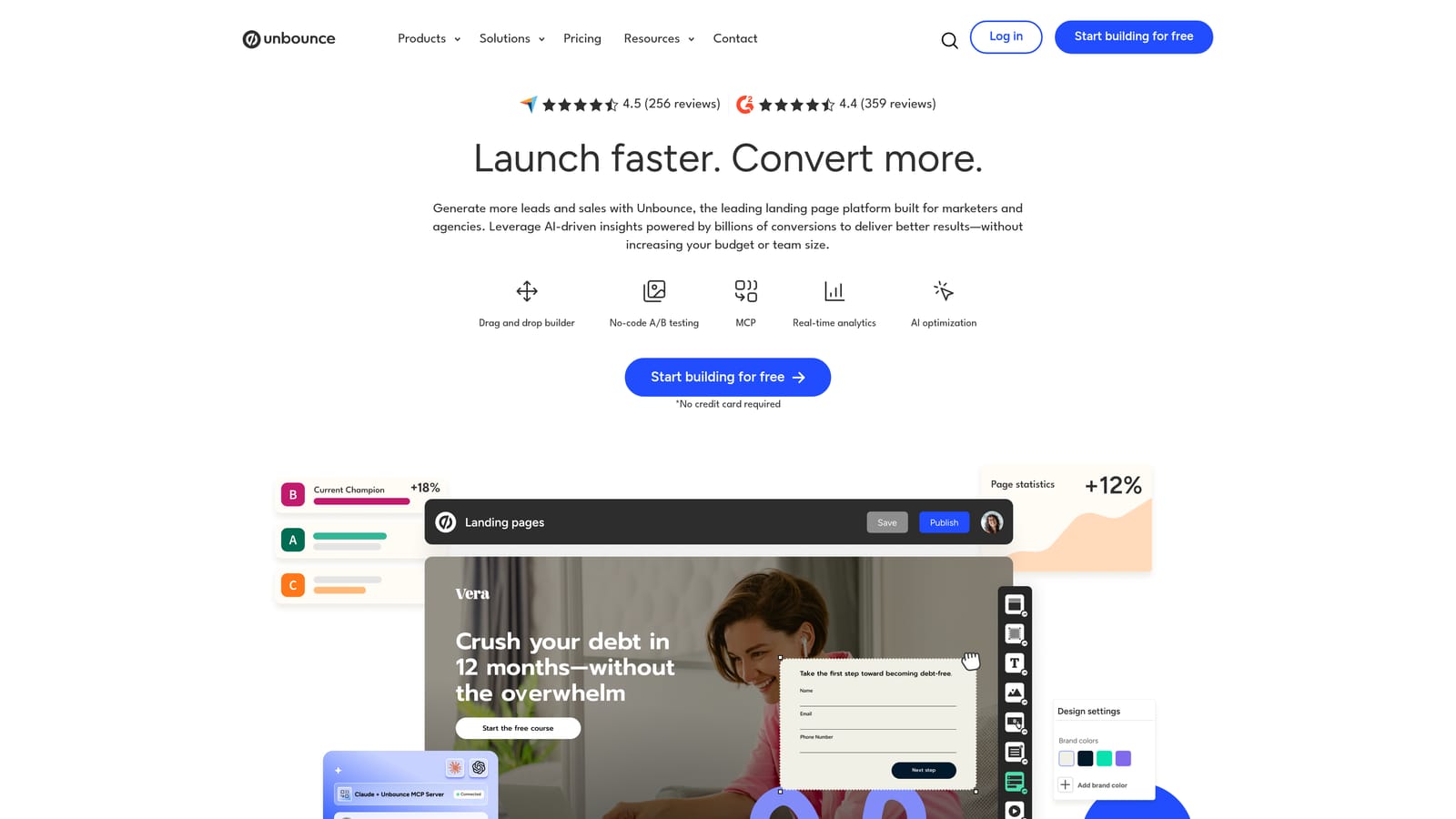
Its edge is speed. You can launch a dedicated page for an ad group without waiting on a client's developer, then test variants against each other. That matters because better bids cannot fix a page that does not convert.
- A drag-and-drop page builder, so you can publish without code.
- A/B testing, to compare versions with real traffic.
- Templates, which shorten the first draft.
- Dynamic text replacement, letting page copy echo the searcher's query.
Listed integrations include HubSpot, Zapier, and Mailchimp, with Google Ads connections to verify. Setup is easy for a single page, but you may need to connect client domains and forms, and you handle that day to day.
It adds a monthly cost that someone has to cover, and it does nothing for account management or search term work. A/B tests also need enough traffic to be meaningful, which small accounts may lack.
Pricing: tiered monthly plans; see the website. Price typically moves with traffic and the number of pages or domains.
Best for: Freelancers who need to raise conversion rates without developer help.
9. SpyFu
SpyFu is a competitor keyword and ad research tool. Enter a domain and see which terms it has bought and what its ads have said.
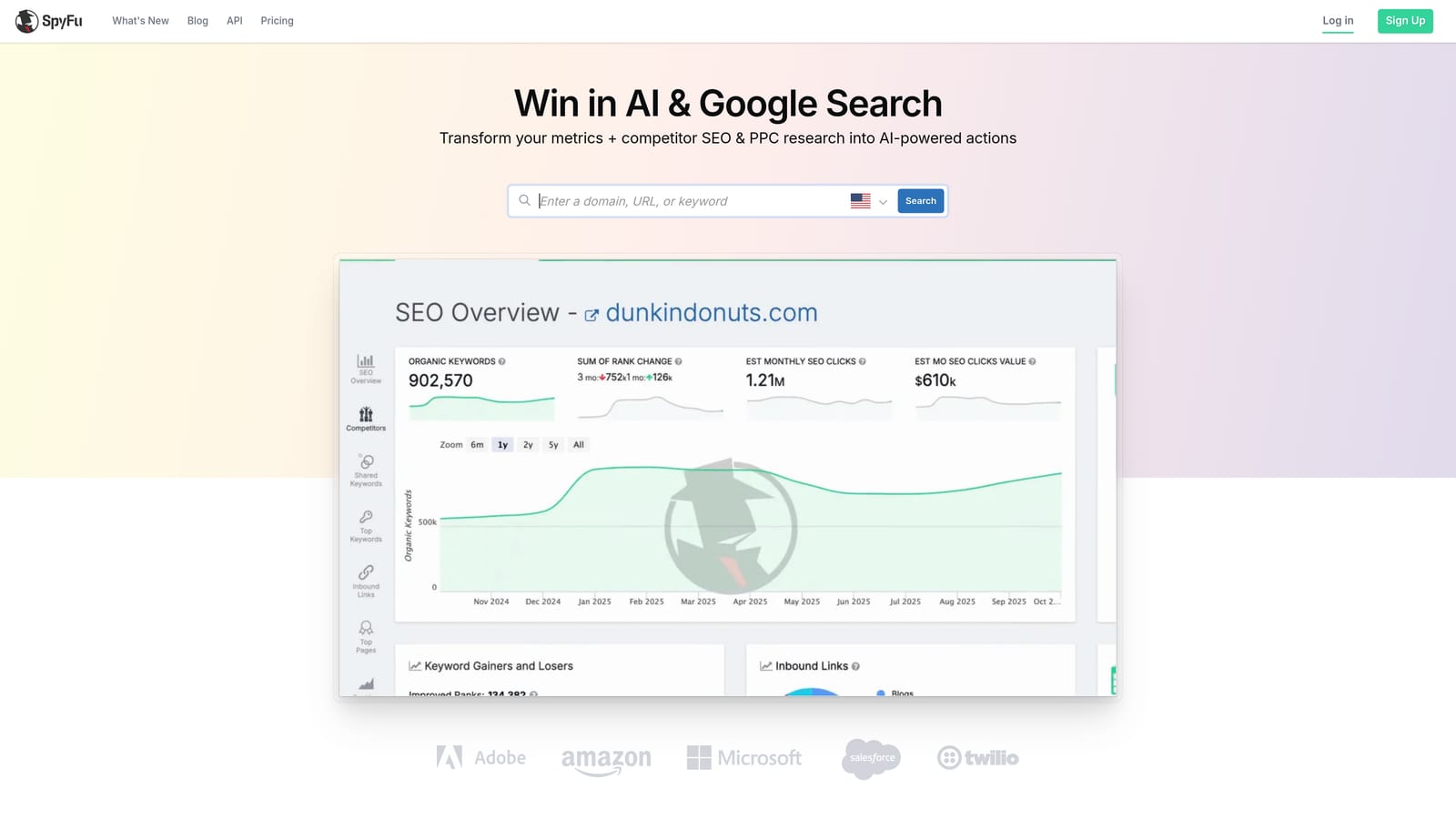
The distinctive piece is history. Seeing how a competitor's paid keywords and ad copy have changed over time gives you a read on what has held up, which is useful when you are new to a client's market.
- Competitor PPC keyword lists, to seed your own keyword research.
- Ad history, showing which messages competitors kept running.
- Keyword research, to size and prioritize terms.
- Domain comparison, for a quick view of overlap with rivals.
Exports go to CSV, and native integrations are limited, so confirm what you need. Setup is minimal, and you use it mostly during onboarding or proposals.
Its data is modeled, so treat it as directional, and its coverage is strongest in the US. It is research only, with no account management features.
Pricing: tiered subscriptions; see the website. Plan level affects usage limits and data access.
Best for: Freelancers doing competitor research during onboarding.
Matching the Tools to Your Client Work
More tools do not mean better results. Most freelancers need a cleanup tool, a reporting tool, and one research source. Start with one or two and add others only when a specific job is eating your time.
- Search term cleanup: Keywordme, if Google Ads is your main channel and weekly reviews are a time sink.
- Bulk builds: Google Ads Editor, free and strong for large structures and cross-account copying.
- Reporting: Looker Studio for Google-only clients; add Supermetrics when Meta or LinkedIn enter the picture.
- Keyword and competitor research: Semrush if you also plan organic, SpyFu if onboarding research is the main need.
- Automation and monitoring: Scripts and automated rules if you are comfortable testing code; Optmyzr once your roster outgrows manual checks.
- Landing pages: Unbounce when the page, not the ads, is holding conversions back.
A sensible first stack costs almost nothing: Keywordme for cleanup, Looker Studio for reporting, and Google Ads Editor for builds.
Optimize Google Ads Campaigns 10X Faster. Without Leaving Your Account. Keywordme lets you remove junk search terms, build high-intent keyword lists, and apply match types instantly, right inside Google Ads. No spreadsheets, no switching tabs, just quick, seamless optimization. Start your free 7-day trial (then just $12/month) and take your Google Ads game to the next level.
.svg)