
9 Best PPC Tools for Beginners in 2026
A practical guide to best ppc tools for beginners.


If you're running Google Ads for the first time, or you've inherited an account someone else built, you don't need an enterprise suite. You need a short stack that covers the jobs beginners actually struggle with: cleaning up wasted spend, finding keywords, tracking conversions, sizing up competitors, and reporting. We chose these tools for how fast you can learn them, whether they fix a real beginner problem, what they cost, and how honest their free or trial options are. Free options come first wherever they're good enough.
Quick Comparison of the Tools
- Keywordme: beginners cleaning up search terms and building negative lists; $12/month per user with a 7-day free trial; works inside the native Search Terms Report, so no exports.
- Google Keyword Planner: anyone building a first keyword list; free with a Google Ads account; keyword ideas and forecasts from Google's own data.
- Google Analytics 4: beginners who need to see what happens after the click; free; ties on-site behavior back to ad traffic.
- Google Tag Manager: beginners setting up conversion tracking on a site they control; free; lets non-developers deploy and test tags with Preview mode.
- Semrush: marketers who also handle SEO; paid plans (check the site for current pricing); competitor paid-keyword and ad copy research alongside SEO data.
- SpyFu: beginners wanting a competitor-informed keyword list on a tighter budget; paid plans (check the site); historical view of competitors' paid keywords and ads.
- Google Ads Editor: beginners ready for larger edits; free; edit offline and post one reviewed batch.
- Unbounce: beginners sending paid traffic to a dedicated landing page; paid monthly plans (check the site); A/B testing built for paid traffic.
- Looker Studio: freelancers and new agency owners who need client reports; free; custom reports blending Google Ads and GA4 data.
1. Keywordme
Keywordme is a Chrome extension that adds one-click actions to the Google Ads Search Terms Report. It's built for people who open that report, see a pile of irrelevant queries, and don't want to export it to a spreadsheet just to act on it. It's our own product, so weigh it with that in mind.
A quick definition helps here. A search term is what a person actually typed into Google. A keyword is what you bid on. A negative keyword blocks searches that match it. The Search Terms Report is where you find out the gap between the first two, and Keywordme lets you act on that gap without leaving the page.
What it does distinctively: it works inside the native Google Ads interface. You review a search term, then add it as a keyword or a negative with the match type you want, right there. There's no export, no re-import, and no second dashboard to learn.
- One-click adding of keywords and negative keywords from the Search Terms Report, so cleanup takes clicks instead of copy and paste.
- Instant match type application (broad, phrase, exact), so you don't type brackets and quotation marks by hand.
- Keyword clustering, which groups related terms so you can see themes in what people search.
- Bulk editing for handling many terms at once.
- Multi-account and team support, handy if you're a freelancer juggling a few clients.
Setup is installing the extension in Chrome and opening Google Ads. Whoever manages the account runs it day to day, and each user needs a seat.
The limits are real. It only works for Google Ads, and only in Chrome. It doesn't do keyword research, bidding, or reporting, so it's a cleanup and expansion tool, not a full toolkit. You still need to decide which terms are junk and which are worth keeping; it speeds up the action, not the judgment.
Pricing is $12/month per user with a 7-day free trial. Cost scales with the number of users. Confirm current pricing on the website before you buy.
Best for: Beginners who want to clean up search terms and build negative lists faster.
2. Google Keyword Planner
Google Keyword Planner is the free keyword research and forecasting tool inside Google Ads. It's aimed at anyone who needs to build a first keyword list before spending money.

Its advantage over third-party tools is the source: the ideas, volume trends, and forecasts come from Google's own data. That makes it the obvious first stop for a new campaign.
- Keyword ideas from a seed word or a website URL, so you can start with a product page and see what Google suggests.
- Search volume ranges and trends, which show seasonality before you commit budget.
- Forecasts for planned campaigns, giving a rough sense of clicks and cost at a given budget.
- Bid range estimates, so you know whether a keyword is likely to be expensive.
It lives inside your Google Ads account, so there's nothing to install. You can run it yourself in an afternoon.
Know what it won't do. Accounts with little or no ad spend can see volume as broad ranges rather than precise numbers, so treat any single figure as approximate, not exact. It also tells you nothing about how a live campaign is performing; once ads are running, your search terms data matters more than planner suggestions. It's built around ad planning, not deep competitor analysis.
Pricing: free with a Google Ads account.
Best for: Building a first keyword list before launch.
3. Google Analytics 4
Google Analytics 4 (GA4) is Google's free analytics platform. Google Ads tells you what happened up to the click; GA4 shows what people did on your site afterward and ties that back to ad traffic.
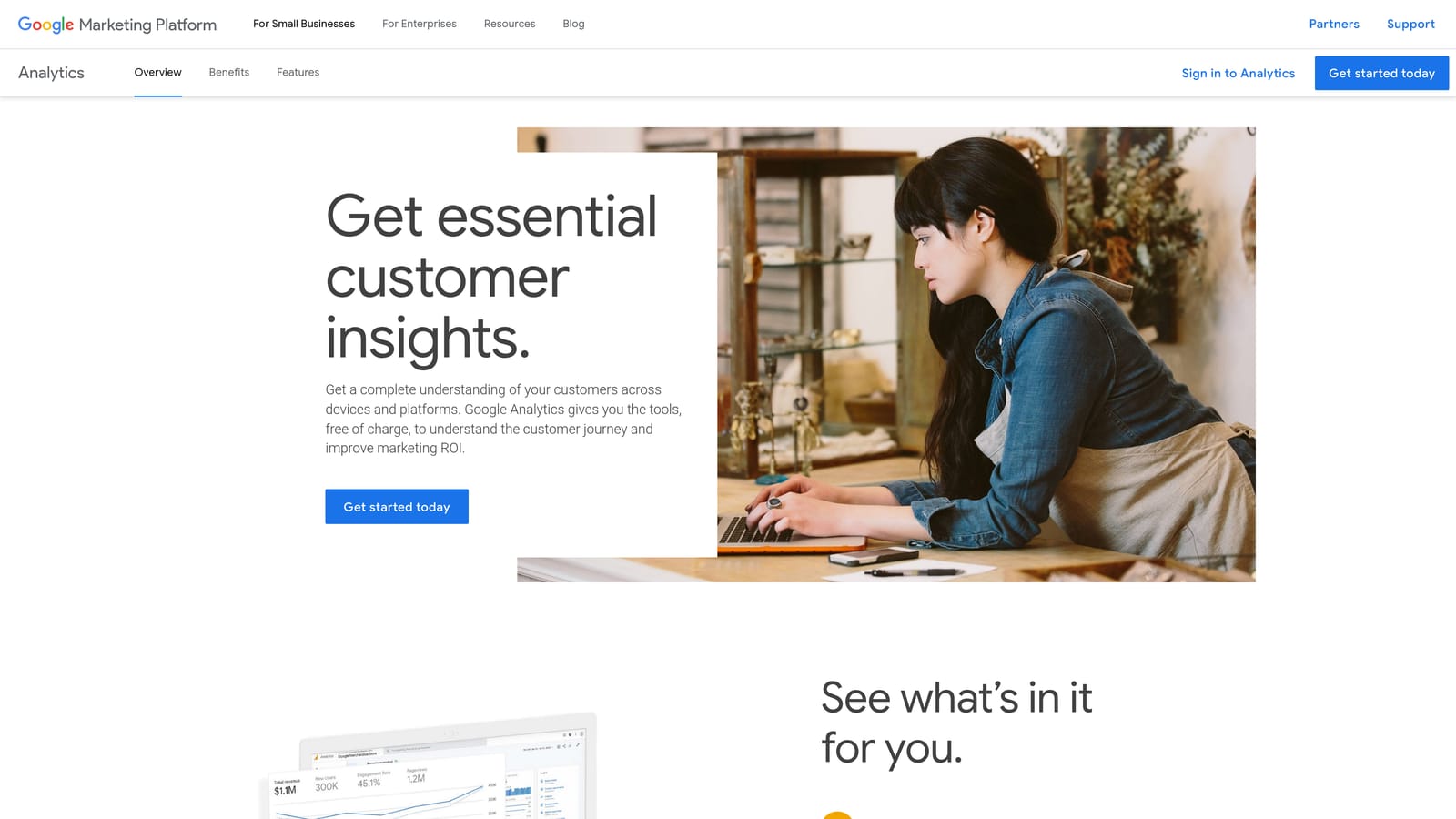
Start with the downside: it has a steep learning curve, and the interface confuses many newcomers. Budget real time to learn it, and don't expect to master every report. For most beginners, a few views are enough: where visitors came from, which pages they hit, and which key events (GA4's term for conversions) they completed.
- Event-based tracking, so page views, clicks, and form submissions are all recorded as events.
- Key event setup, which lets you mark the actions that matter, such as a lead form submission or purchase.
- Audience building, so you can group visitors by behavior for later targeting.
- Google Ads linking, which puts ad data and on-site behavior side by side.
It connects with Google Ads, Looker Studio, Google Tag Manager, and BigQuery. Installation usually happens through Tag Manager or a site tag, so someone with access to your website needs to be involved at the start. Check Google's current help pages for the exact linking steps, since the interface changes.
It's free, with a paid 360 tier for large enterprises that most beginners will never need.
Best for: Beginners who need to see what happens after the click.
4. Google Tag Manager
Google Tag Manager is a free system for deploying tracking tags without editing your site's code. If you want conversion tracking on a site you control but don't have a developer on call, this is the usual route.
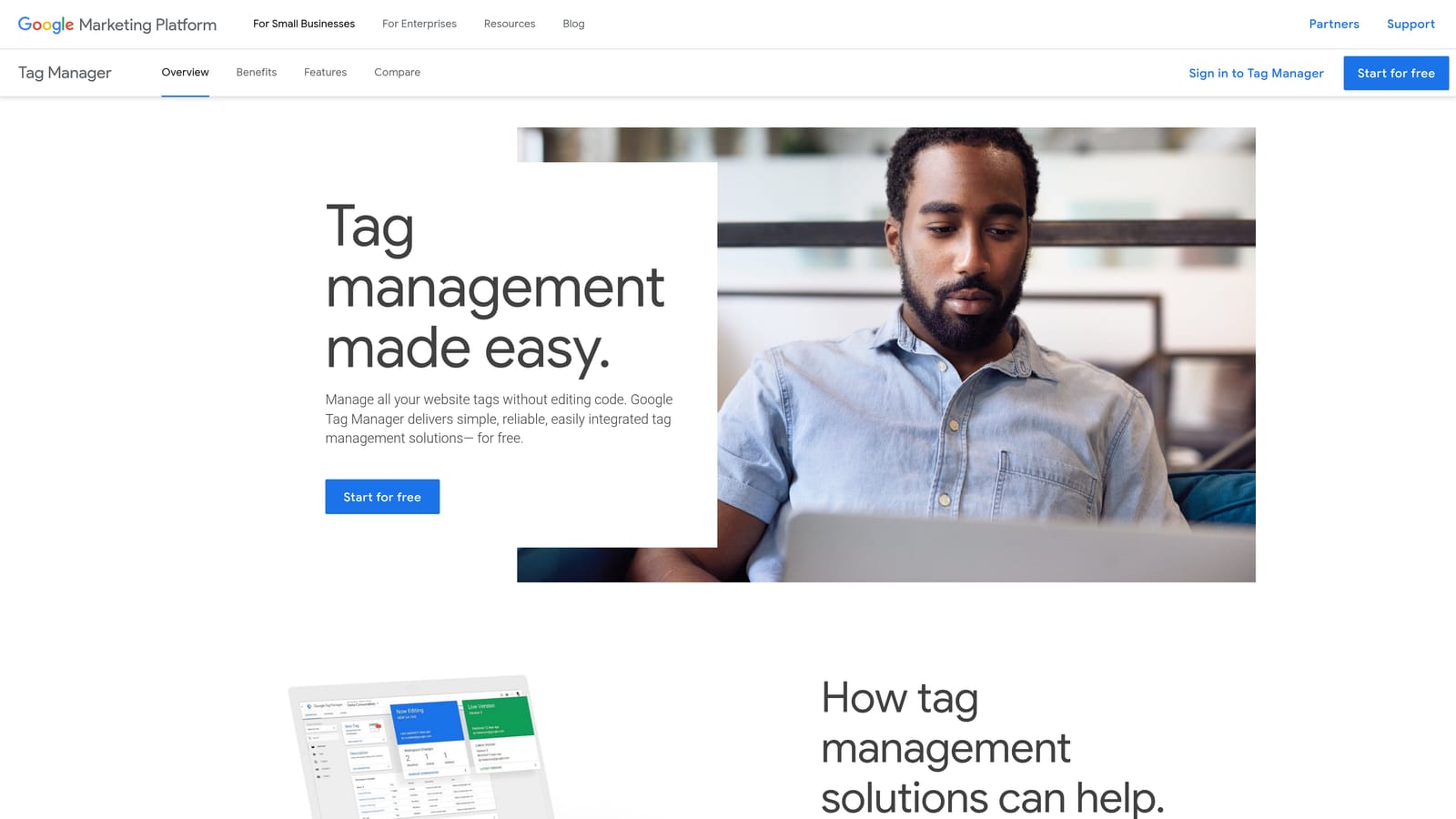
Its best feature is Preview mode. You can test whether a tag fires when it should before publishing, which catches many mistakes early.
What you get
- Tag, trigger, and variable management: a tag is the code, a trigger says when it runs, and variables hold values it needs.
- Preview and debug mode, so you can watch tags fire in real time.
- Version control, which lets you roll back a bad change.
- Conversion tag templates, including ones for Google Ads, which cut down on copy and paste of snippets.
What to watch
It's a setup tool, not an analysis tool. And a wrong configuration can silently break tracking: your campaign keeps running while conversions go unrecorded, and smart bidding or your own decisions end up based on bad data. Test every tag, and recheck after site changes.
It works with Google Ads, GA4, and many third-party tags. Expect an afternoon of learning for your first tag, and someone with site access to install the container once. It's free, with a paid 360 tier for larger organizations.
Best for: Beginners setting up conversion tracking on a site they control.
5. Semrush
Semrush is an all-in-one SEO and PPC research suite. It earns a place here for competitor and keyword analysis, and it's the one on this list that makes most sense if you also do SEO work.
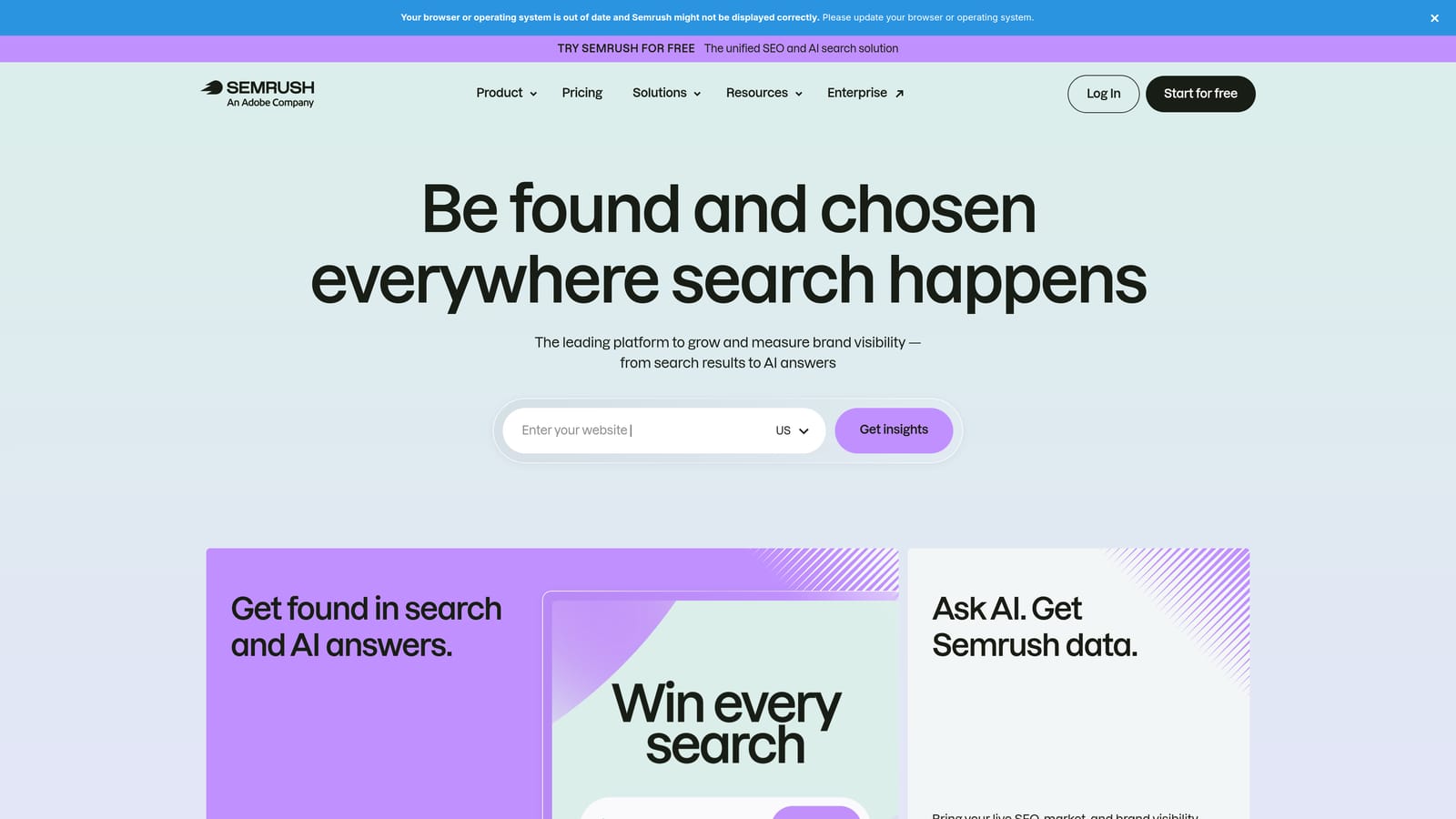
What sets it apart is breadth: competitor paid keywords and ad copy research sit next to organic search data, so you can see how a rival approaches both channels from one login.
- Keyword research, with difficulty and intent context beyond what Keyword Planner shows.
- Competitor advertising research, so you can see which terms and ad messages rivals use.
- Domain analysis, for a quick view of a competitor's overall search footprint.
- Position tracking, to monitor how rankings change over time.
It integrates with Google Analytics, Google Search Console, and Looker Studio. Setup is mostly adding your domain and competitors, but the interface is dense and there's a lot to learn.
That density is the main drawback. For a beginner with a small ad budget, the cost and feature overload can outweigh the benefit, especially if you only run paid search. As with any third-party tool, treat its data as estimates.
Pricing is by paid subscription tier, with plan names and prices that change, so check the website for current numbers.
Best for: Marketers who also handle SEO and want one research suite.
6. SpyFu
SpyFu is a competitor research tool that shows paid and organic keyword history for domains. Type in a competitor and you can see which keywords they've bought and how their ads have changed.
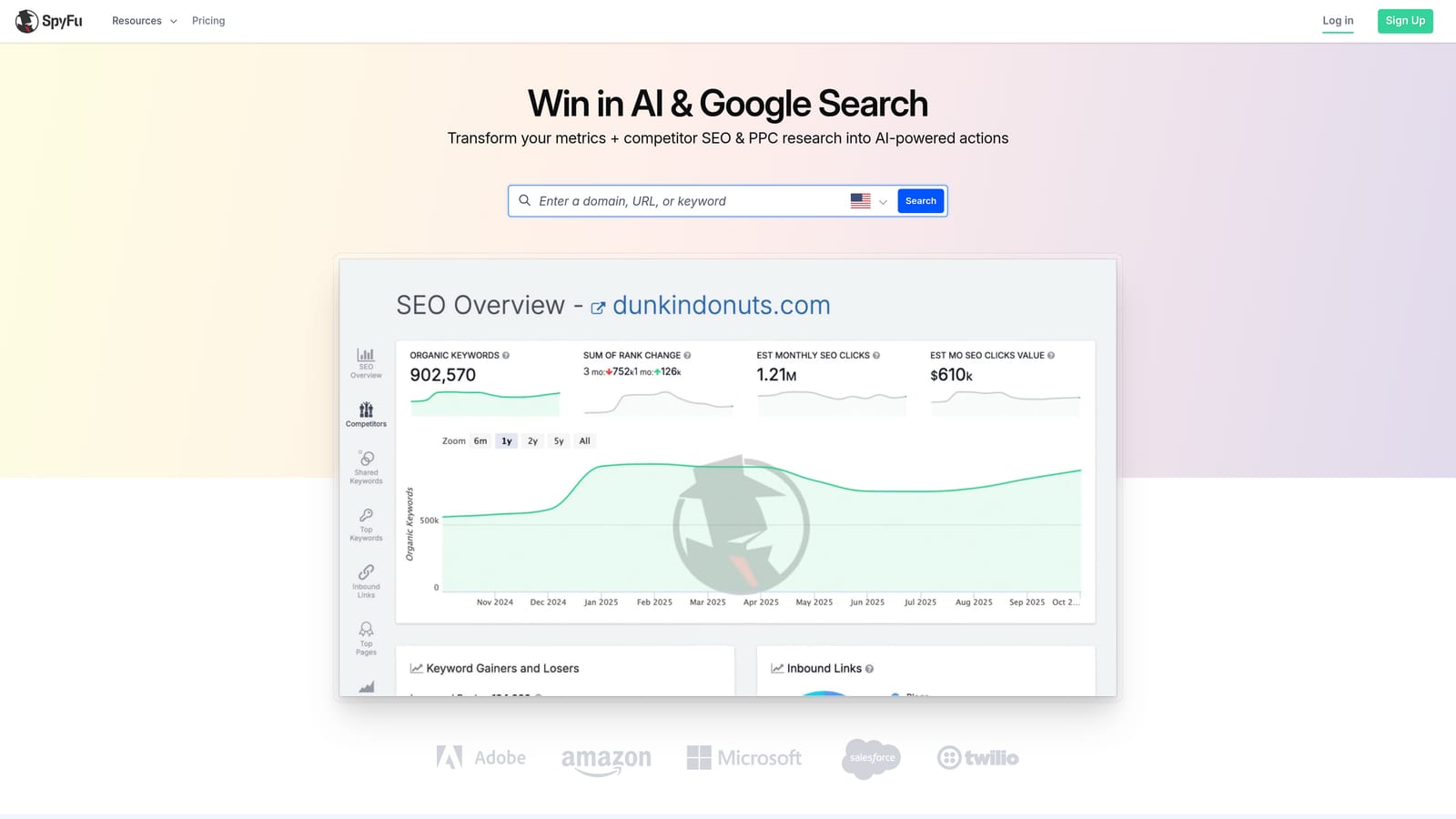
The history is what makes it distinctive. Seeing which ad variations a competitor kept running over time hints at what's working for them, which is a useful shortcut when you're starting from nothing.
- Competitor paid keyword lists, giving you candidate keywords to test.
- Ad history, so you can read past ad copy and spot patterns.
- Keyword research for building and expanding your list.
- Domain comparison, to see where you and a rival overlap or differ.
Check the website for its current integrations. It's mainly a research tool you log into, so day-to-day use is a few lookups before you build or revise campaigns.
The key caveat: the data is estimated. Don't assume a competitor's keyword list is exact or that they're profitable on every term. Use it as a source of ideas to test, not a blueprint to copy.
It's a paid product, so check the website for current plans and pricing.
Best for: Beginners who want a competitor-informed starting keyword list on a tighter budget.
7. Google Ads Editor
Google Ads Editor is a free desktop app for managing campaigns in bulk and offline. You download your account, make changes at your own pace, then post them together.

The standout is the reviewed batch. Instead of changing items one by one in the browser, you stage many edits, check them, and push them live in one go.
- Bulk editing, for changing many ads, keywords, or bids at once.
- Offline drafting, so you can build a campaign structure without being logged in.
- Copy and paste across campaigns and accounts, which speeds up building similar campaigns.
- Change review before posting, so you can see exactly what will change.
It connects to your Google Ads account and runs on your computer, so install and sign-in are quick. The learning curve is moderate, because the layout differs from the web interface.
Be careful: bulk mistakes scale fast. A wrong find-and-replace across hundreds of ads is easy to make, so review every change before posting. It also offers no performance analysis, so it won't tell you what to change, only help you do it. It overlaps a little with Keywordme's bulk editing, but Keywordme works from live search terms while Editor works on account structure.
Pricing: free.
Best for: Beginners ready to make large-scale edits more efficiently.
8. Unbounce
Unbounce is a landing page builder with A/B testing, aimed at marketers who don't have developers. If your ads send people to a generic homepage, a dedicated page matched to the ad often helps.
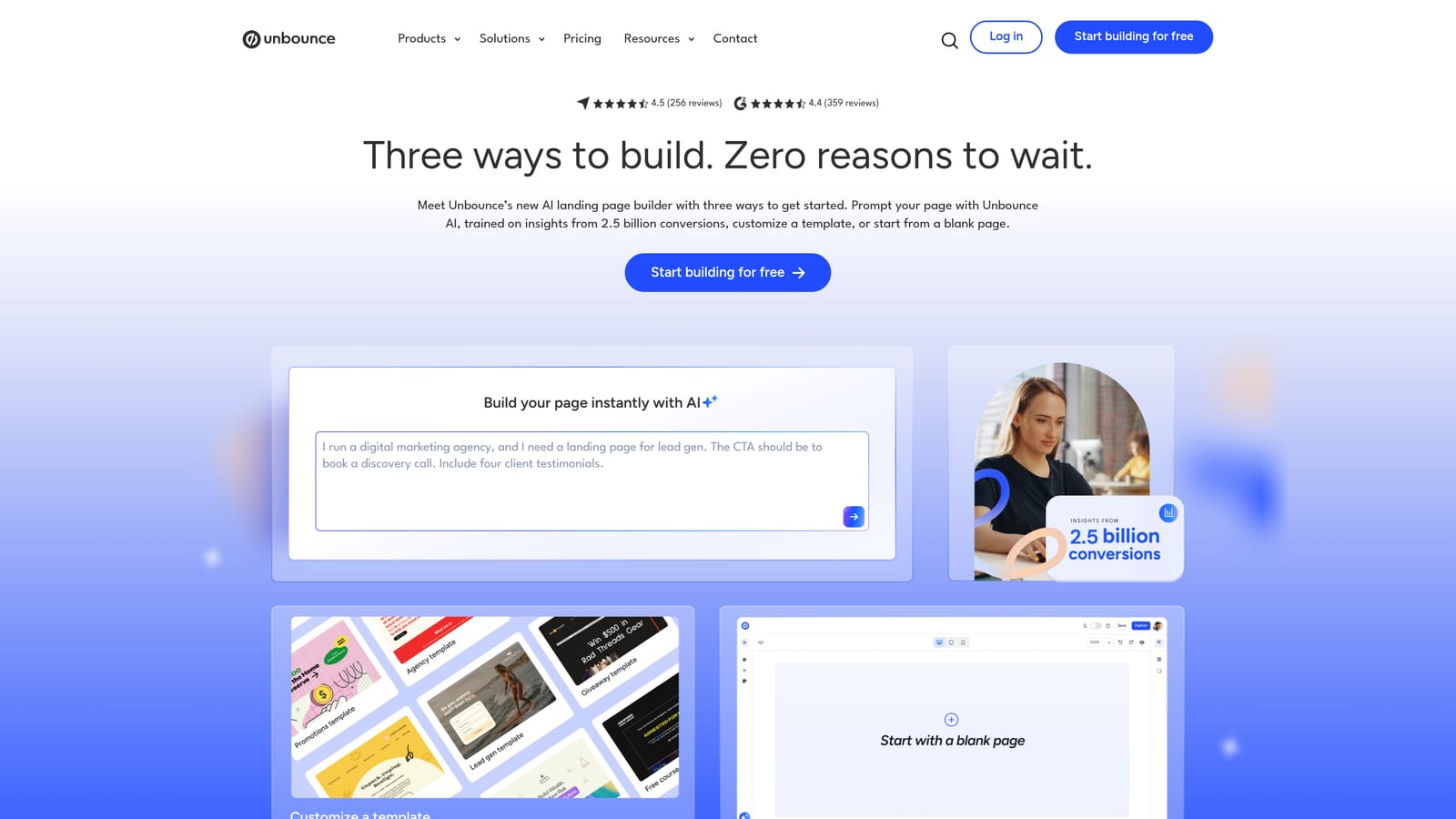
Its edge over generic site builders is that testing is built around paid traffic. You can run variants of a page against each other and see which converts better, without touching code.
- Drag-and-drop page builder, so you can publish pages without a developer.
- A/B testing, to compare headlines, layouts, and offers.
- Templates, giving you a starting layout instead of a blank page.
- Form and popup tools, for capturing leads.
Check the website for its current integrations. Setup means building a page, connecting a domain or publishing path, and pointing your ad's final URL at it. Whoever runs your marketing can handle it.
The limitation is cost. It's a monthly subscription, which can be steep when your total ad budget is small. And testing needs enough traffic to reach meaningful results; with a few clicks a day, tests take a long time. A well-made page on your own site may serve you fine at first.
Pricing: paid monthly plans; check the website for current plan names and prices.
Best for: Beginners sending paid traffic to a dedicated landing page without a developer.
9. Looker Studio
Looker Studio is Google's free dashboard and reporting tool, with a native Google Ads connector. It turns campaign data into reports you can share.
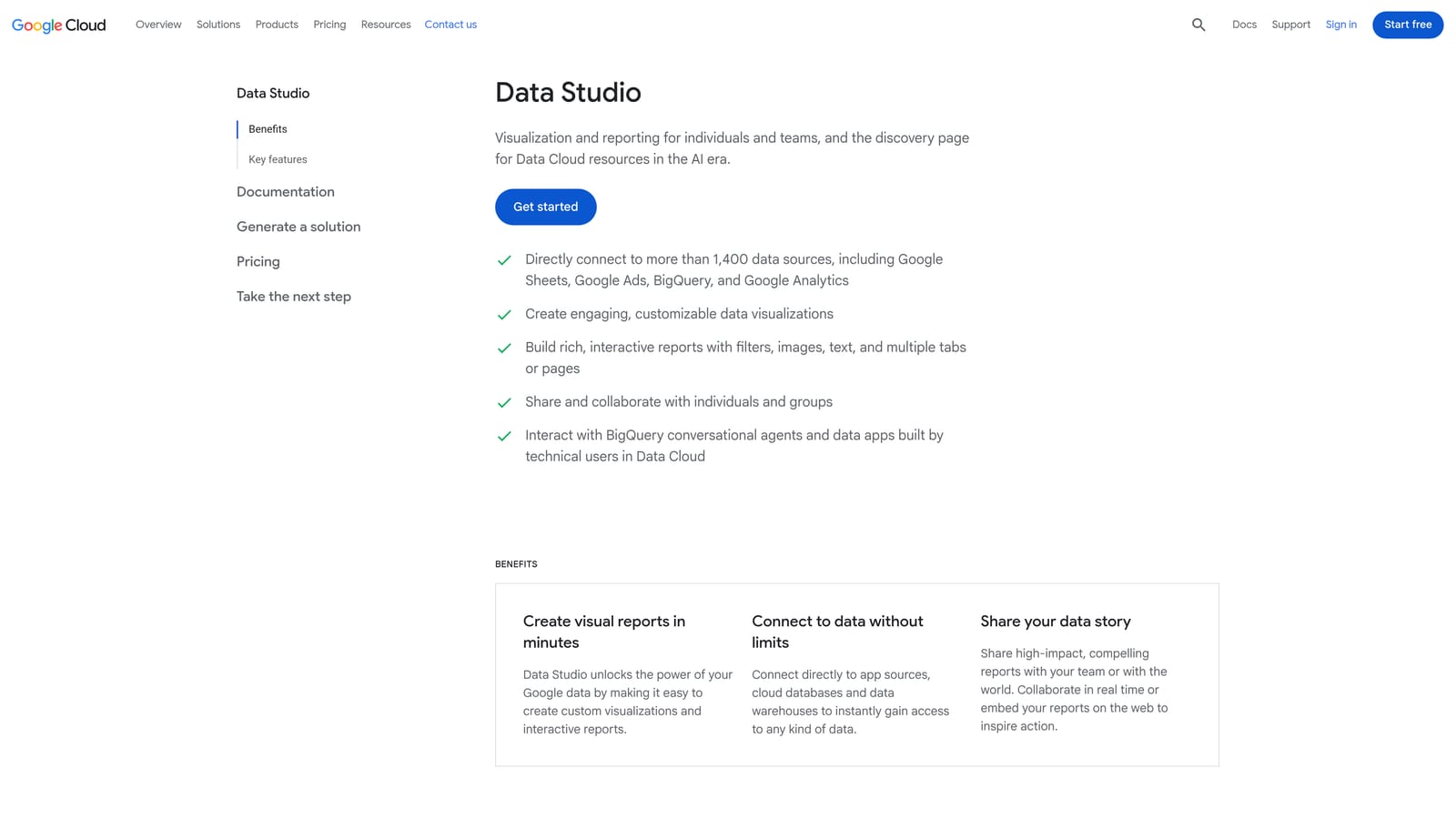
Its strength is combining sources. You can build one report that blends Google Ads and GA4 data, which makes it a good fit for freelancers and new agency owners who owe clients regular updates.
- Google Ads connector, which pulls campaign data in without exports.
- Custom dashboards, so you show the metrics a client cares about rather than a default view.
- Shareable reports, sent by link instead of as screenshots.
- Blended data sources, for putting ad and analytics data side by side.
It also connects to Google Sheets and BigQuery. Plan on some setup time: building a clean template takes a few hours, though you can reuse it across clients afterward.
One thing to be clear on: reporting doesn't improve campaigns by itself. It shows you what's happening; you still have to act on it. If you're running a single small account, the built-in Google Ads reports may be all you need for now.
Pricing: free, with a paid Pro tier available.
Best for: Freelancers and new agency owners who need clear client reports.
Which Tools to Start With, Based on the Job
You don't need all nine. More tools don't mean better results; most beginners get further with two or three free ones used well. Match the tool to the job in front of you:
- Cleaning up search terms: Keywordme.
- Finding keywords: Google Keyword Planner, with the caveat that volumes can be rough ranges.
- Tracking conversions: Google Tag Manager plus Google Analytics 4.
- Researching competitors: SpyFu on a tight budget, Semrush if you also do SEO. Treat both as directional estimates.
- Building landing pages: Unbounce, once your budget justifies the monthly cost.
- Reporting: Looker Studio.
If you're launching a new campaign, begin with Keyword Planner and conversion tracking. Without tracking, you can't judge anything else. Once ads are live and the Search Terms Report fills up, the best use of your time is reviewing those queries, adding the good ones as keywords and blocking the bad ones as negatives. That's where Keywordme fits.
Optimize Google Ads Campaigns 10X Faster. Without Leaving Your Account. Keywordme lets you remove junk search terms, build high-intent keyword lists, and apply match types instantly, right inside Google Ads. No spreadsheets, no switching tabs, just quick, seamless optimization. Start your free 7-day trial (then just $12/month) and take your Google Ads game to the next level.
