
7 Best PPC Optimization Chrome Extensions in 2026
This guide rounds up the best PPC optimization Chrome extensions for 2026, grouping them by what they actually do—editing live campaigns, verifying tracking, or surfacing keyword research—so advertisers can pick the right tool for the task at hand instead of guessing.


If you manage Google Ads accounts for a living, you already know the drill: pull the Search Terms Report, dump it into a spreadsheet, sort by wasted spend, copy negative keywords back into the interface, repeat next week. Chrome extensions can cut a lot of that busywork out of the loop, but not all of them do the same job. Some edit your account directly. Others just verify your tracking is accurate before you trust any of your data. And some are research tools that feed ideas into your campaigns without ever touching them. This list groups extensions by what they actually do, so you can pick based on the task in front of you rather than which one has the flashiest icon in your toolbar.
Quick Comparison
- Keywordme: best for solo advertisers and agencies cleaning up search terms in Google Ads; starting at $12/month per user; the only tool here that edits your live Search Terms Report with one click.
- Google Tag Assistant (Legacy): best for confirming conversion tracking works; free; the only one that checks tag health rather than keywords or spend.
- Keywords Everywhere: best for early keyword research; credit-based pricing; overlays volume and CPC data on search results as you browse.
- Similarweb: best for sizing up competitor traffic sources; free extension, quote-based platform; shows how much of a site's traffic looks paid versus organic.
- Ubersuggest Chrome Extension: best for freelancers wanting free keyword sanity checks; free with daily limits; zero-cost CPC and volume glances on search pages.
- Wappalyzer: best for spotting what ad tech a competitor runs; free with quote-based data plans; detects Google Ads, Meta Ads, and tag managers on any site.
- SEOquake: best for a quick organic-competition gut check; free; overlays SEO metrics on search results with no signup.
1. Keywordme
Keywordme is a Chrome extension that works inside the live Google Ads Search Terms Report, not next to it. That distinction matters: a keyword is the term you bid on, while a search term is the actual phrase a user typed before Google matched it to your keyword. Cleaning up the gap between the two, removing the search terms that waste spend and promoting the ones that convert, is usually where PPC managers lose the most time to spreadsheets. Keywordme is built to close that gap without ever leaving the Google Ads interface.
What sets it apart on this list is that every other tool here either checks your account from the outside or feeds you research you still have to apply manually. Keywordme edits the report you're already looking at, which means fewer tabs, no exports, and no re-uploading a CSV of negative keywords you already found.
- Removes junk search terms directly from the native report with a single click instead of a multi-step export and filter process
- Applies match types (broad, phrase, exact) instantly to selected terms without opening the keyword editor separately
- Builds negative keyword lists and high-intent keyword lists on the fly as you review search term data
- Groups related terms through keyword clustering, so you can spot patterns instead of scanning rows one by one
- Supports bulk editing across large search term reports rather than one row at a time
- Handles multi-account and team access, which matters if you're managing several client accounts under one login
Setup is light: it's a Chrome extension, so you install it, connect it to your Google Ads account, and it appears inside the Search Terms Report you already use. Anyone who currently manages the account day-to-day, whether that's a solo advertiser or an account manager on an agency team, can run it without extra training. It integrates natively with Google Ads and doesn't require Google Tag Manager, Analytics, or any third-party dashboard.
The trade-off is scope. Keywordme is built specifically for search term and keyword workflows inside Google Ads. It won't check whether your conversion tracking is firing correctly, and it won't tell you what ad platforms a competitor is running. If you need tag verification or competitive intelligence, you'll want a separate tool for that (see below).
Pricing is a flat $12/month per user, with a 7-day free trial as of this writing. Confirm current terms on the Keywordme site before signing up, since SaaS pricing and trial terms can shift.
Best for: Solo advertisers and agency teams who want to clean up search terms and build keyword lists without leaving Google Ads.
2. Google Tag Assistant (Legacy)
Google Tag Assistant (Legacy), available through the Chrome Web Store, is a free extension from Google that scans a live webpage and reports whether your Google Ads conversion tags, Google Analytics tags, and Tag Manager containers are firing the way they should.
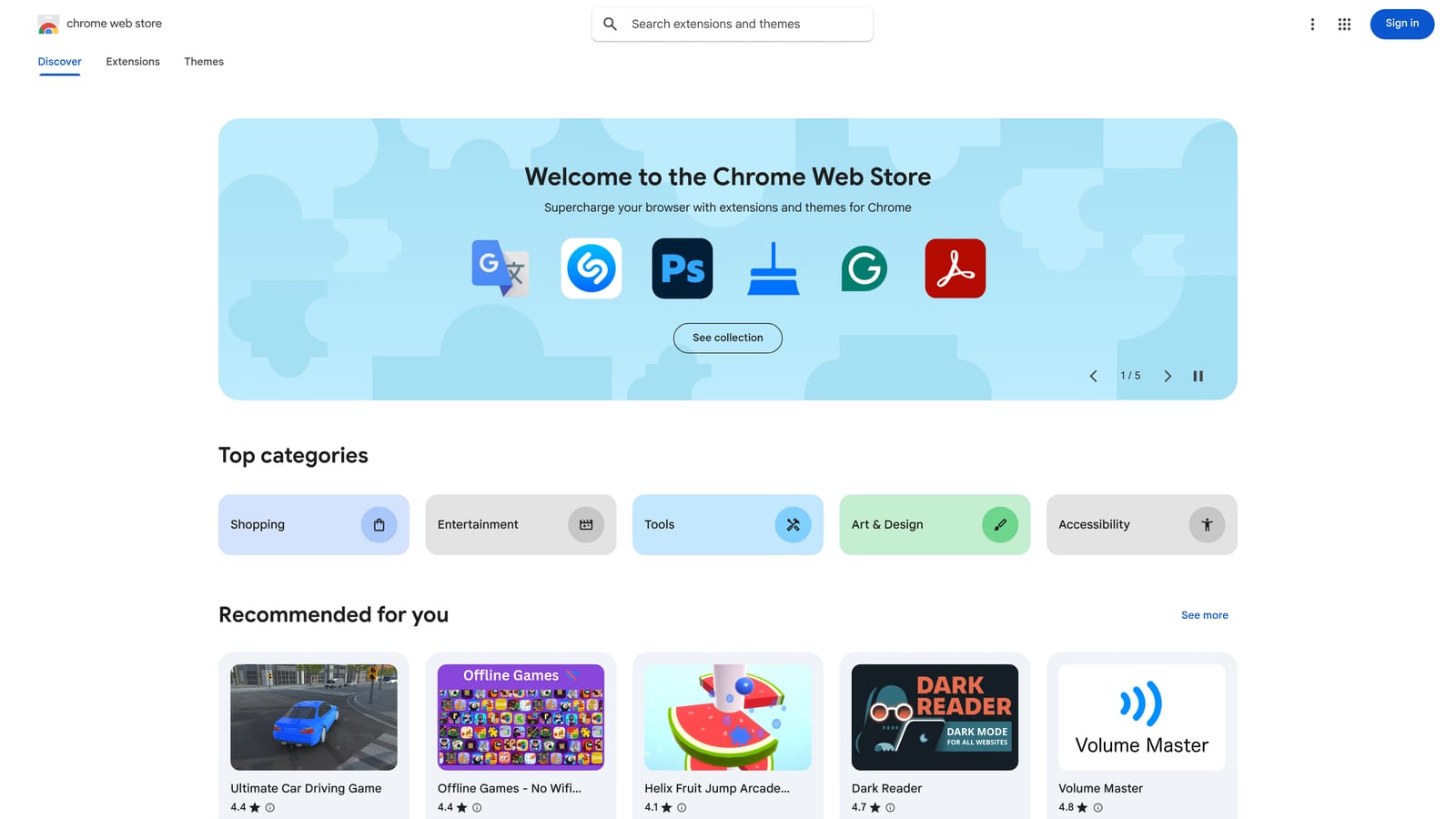
Before you spend an hour reallocating budget based on conversion data, it's worth confirming that data is actually accurate. That's the entire job of this extension, and it's the only tool on this list that does it. Every keyword decision, every negative keyword removal, every bid adjustment you make is only as good as the tracking underneath it. If a conversion tag is duplicated or missing, your "top performing" search term might just be an artifact of broken measurement.
- Scans any live page and flags tag errors or warnings in plain language
- Identifies duplicate or missing conversion tags before they skew your reporting
- Works with no account or login required, so you can check a page in seconds
- Complements existing Google Tag Manager setups rather than replacing them
Setup takes about as long as installing any Chrome extension: add it, visit the page you want to check, and read the report it generates. It's meant for whoever owns tracking on the account, which on smaller teams is often the same person running the campaigns.
The obvious limitation is that it does nothing for optimization itself. It won't touch your keyword lists, search terms, or bids. It's purely diagnostic, which means you still need a separate workflow (like the one above) once you've confirmed your data is clean.
It's free, with no paid tier.
Best for: Confirming conversion tracking is accurate before making optimization changes based on that data.
3. Keywords Everywhere
Keywords Everywhere overlays search volume, estimated CPC, and a competition score directly on Google search result pages, plus a handful of other supported sites. It's aimed at the research phase, before a term ever becomes a keyword in your account.
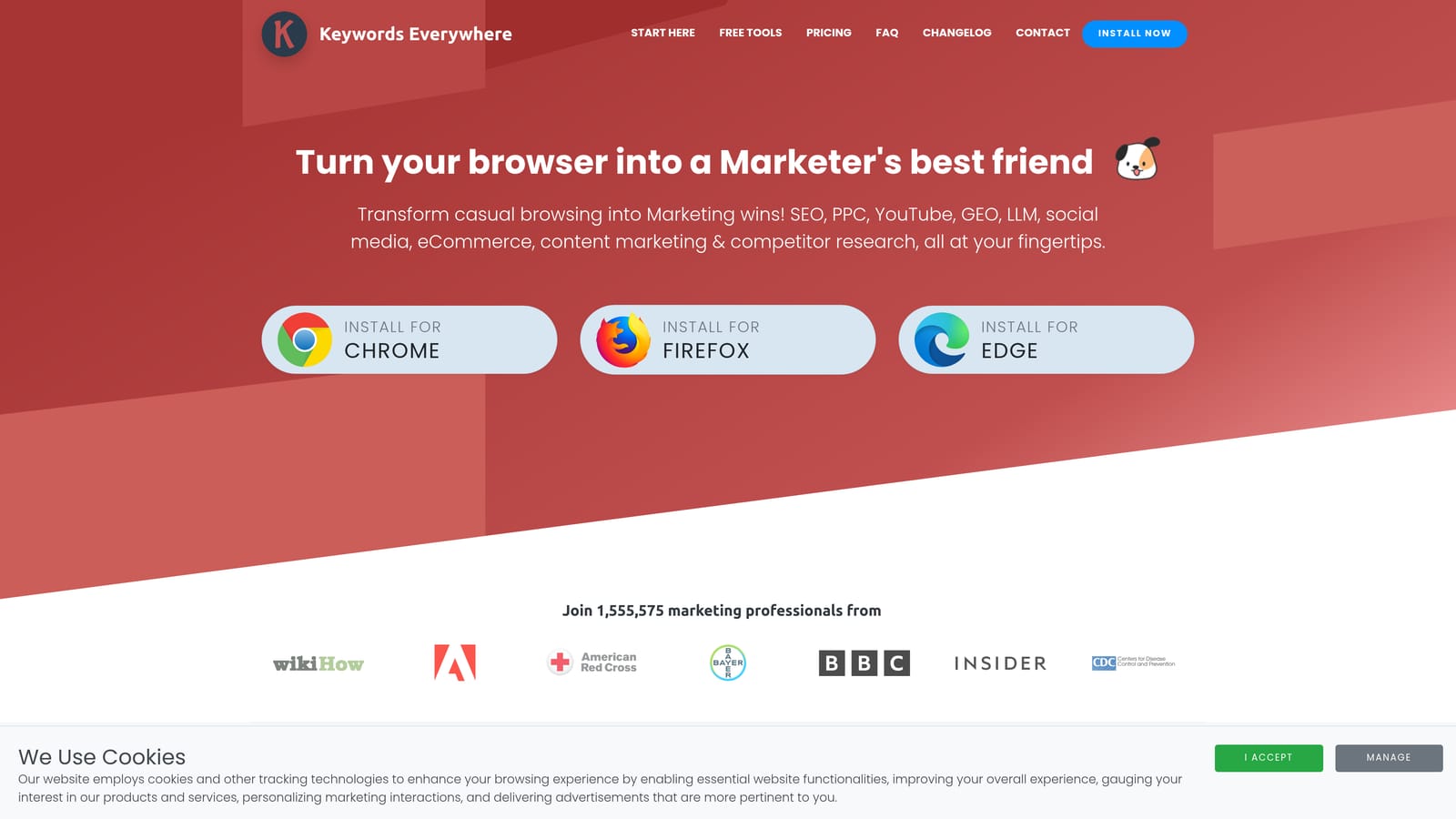
Compared to the other research tools on this list, it's the most search-results-native: the data appears right where you're already typing queries, which speeds up brainstorming sessions considerably.
- Shows search volume and CPC estimates without leaving the search results page
- Assigns a competition score to help you gauge how contested a term might be
- Surfaces related and long-tail keyword suggestions as you browse
- Extends beyond Google to YouTube and other supported sites for broader keyword ideas
It runs on a credit system rather than a flat subscription, and credit pricing has changed over the years, so check the current packs on the site rather than assuming a fixed rate. Setup is just installing the extension and connecting an account for credits; day-to-day use fits naturally into however you already do keyword brainstorming.
The estimates are directional. They're built from third-party data sources and won't match Google Ads Keyword Planner numbers exactly, so treat them as a starting point, not a number you report to a client as gospel. It also has no ability to touch your live campaigns, search terms, or match types; it's purely an idea generator that feeds into a separate optimization step.
Best for: Early-stage keyword research before building out a Google Ads keyword list.
4. Similarweb
Similarweb's browser extension shows an estimated traffic overview for any domain you visit, including referral sources, social traffic, and a rough sense of where visitors are coming from.
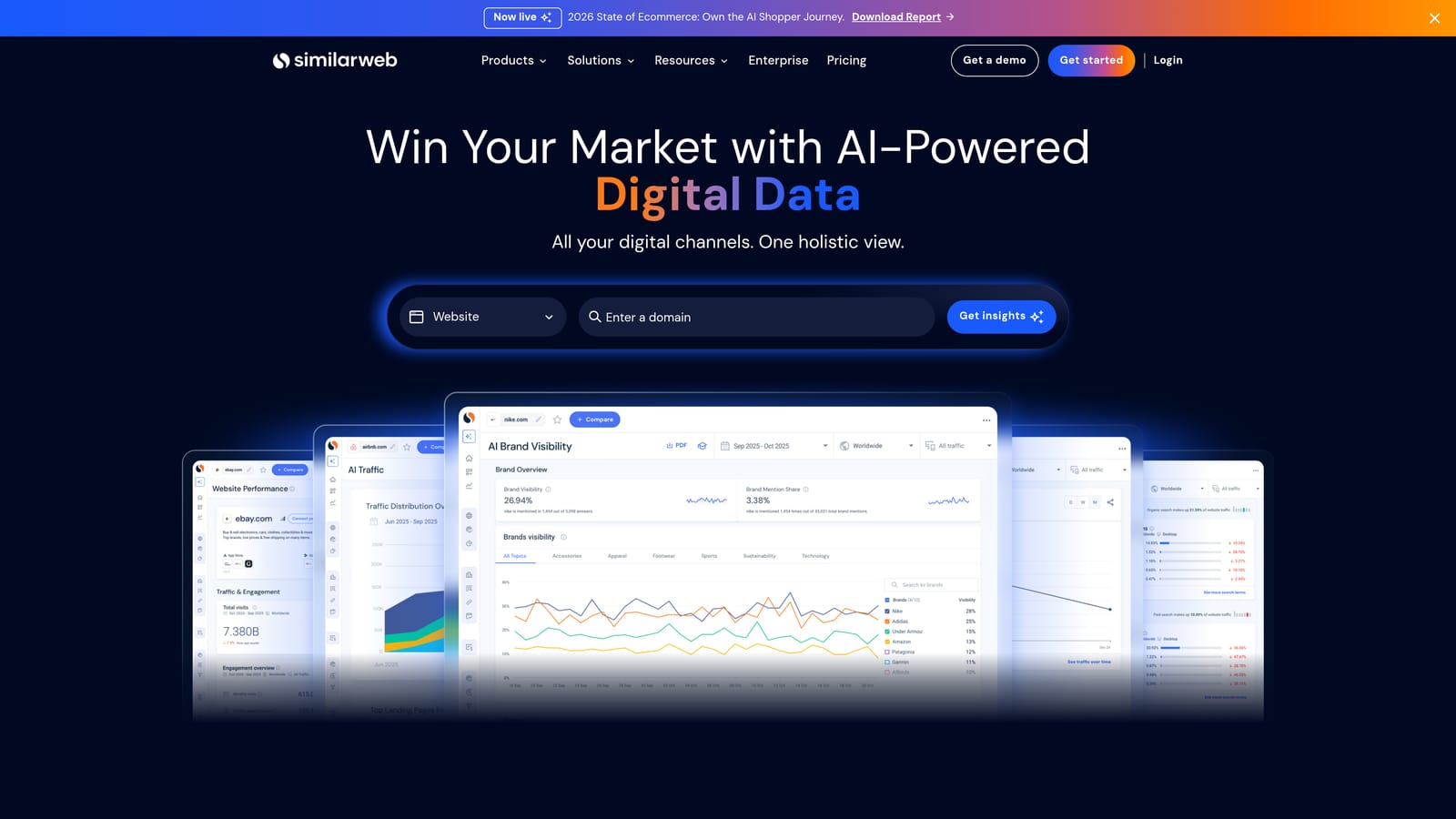
Where this differs from a keyword-focused tool is scope: instead of telling you what a competitor might be bidding on, it gives you a picture of how much of their traffic looks like it's coming from paid channels versus organic search or social, letting you gut-check whether a competitor is actually investing in PPC before you spend time reverse-engineering their keyword strategy.
- Breaks down a domain's estimated traffic by source category
- Flags referral and social traffic patterns worth investigating further
- Works on any site you land on, not just search result pages
- Offers a free tier alongside a deeper paid platform for account-level research
Installation is standalone, no Google Ads connection required, which means anyone doing competitive research can use it independently of the ad account itself. That also means it never touches your own campaigns.
Traffic estimates from any third-party tool, Similarweb included, are approximations built from panel and modeled data, not exact numbers. Treat directional signals (is paid traffic meaningfully present or not) as more reliable than precise percentages. The free extension covers basic lookups; the fuller platform with historical data and deeper competitive breakdowns is quote-based.
Best for: Competitive research when sizing up how much of a competitor's traffic might be paid versus organic.
5. Ubersuggest Chrome Extension
The Ubersuggest extension adds keyword volume and estimated CPC data straight onto Google search result pages, similar in concept to Keywords Everywhere but positioned as a free entry point rather than a credit-metered tool.
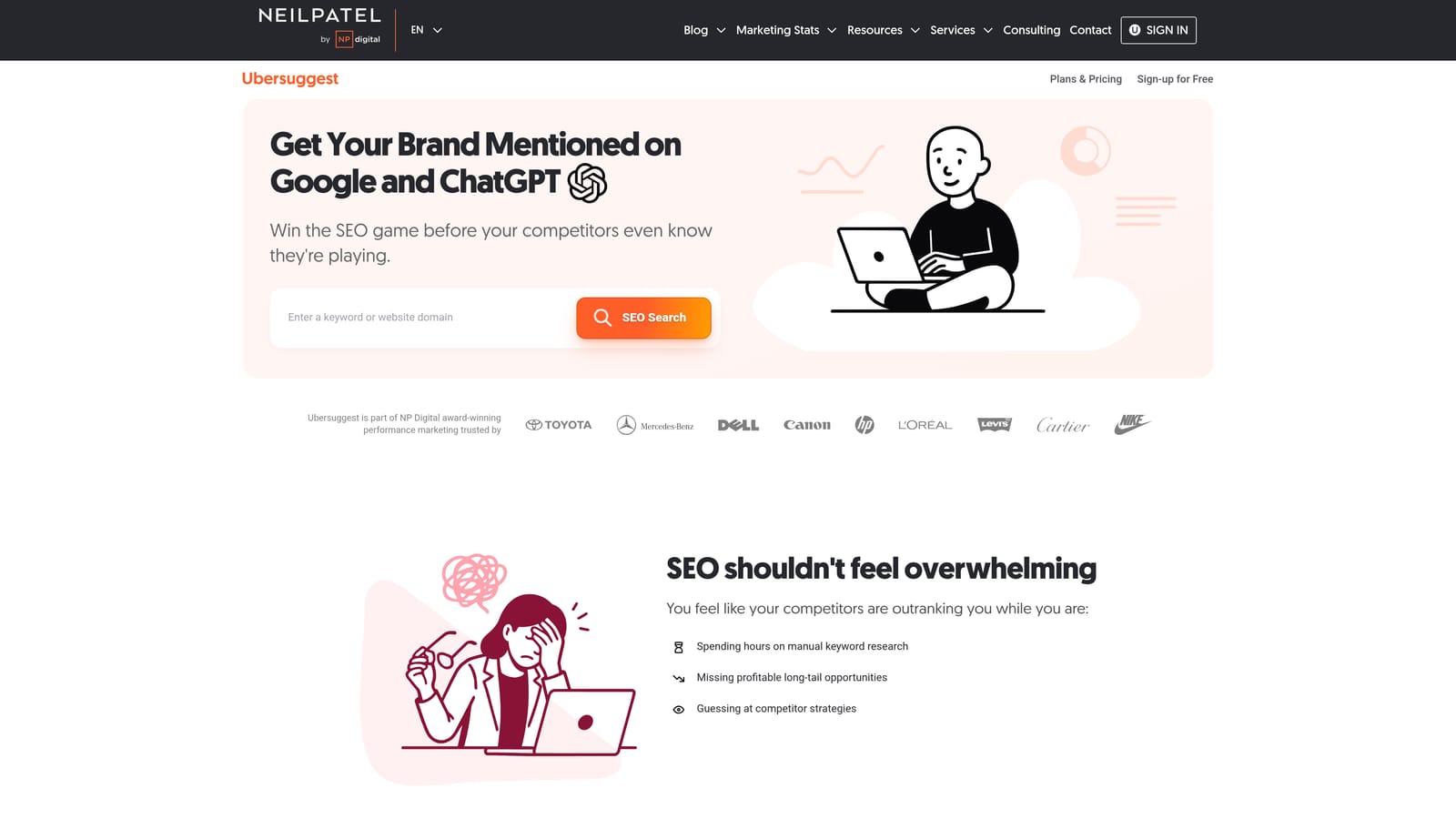
If your budget for research tools is zero, this is the most accessible option here. There's no credit purchase required to get started, just daily lookup limits once you install it.
- Displays keyword volume and CPC estimates on search result pages as you browse
- Generates a basic list of related keyword suggestions
- Offers unlimited use only through the paid Ubersuggest platform, with the extension itself capped daily
- Links into the broader Ubersuggest platform for deeper content and keyword research when you need it
Setup is a straightforward install with no account needed for basic lookups. It suits anyone doing quick, informal research rather than running structured keyword audits across dozens of ad groups.
The daily lookup cap on the free tier is the main constraint, and like any third-party estimate, the CPC and volume figures are directional rather than a stand-in for Google Ads Keyword Planner data. Once you outgrow the free extension, the paid platform pricing (monthly or lifetime, depending on current offers) is worth checking directly on the site since it changes.
Best for: Freelancers who want a no-cost way to sanity-check keyword ideas before adding them to a campaign.
6. Wappalyzer
Wappalyzer identifies the technology stack running on any website you visit, including ad platforms, tracking pixels, analytics tools, and tag managers.
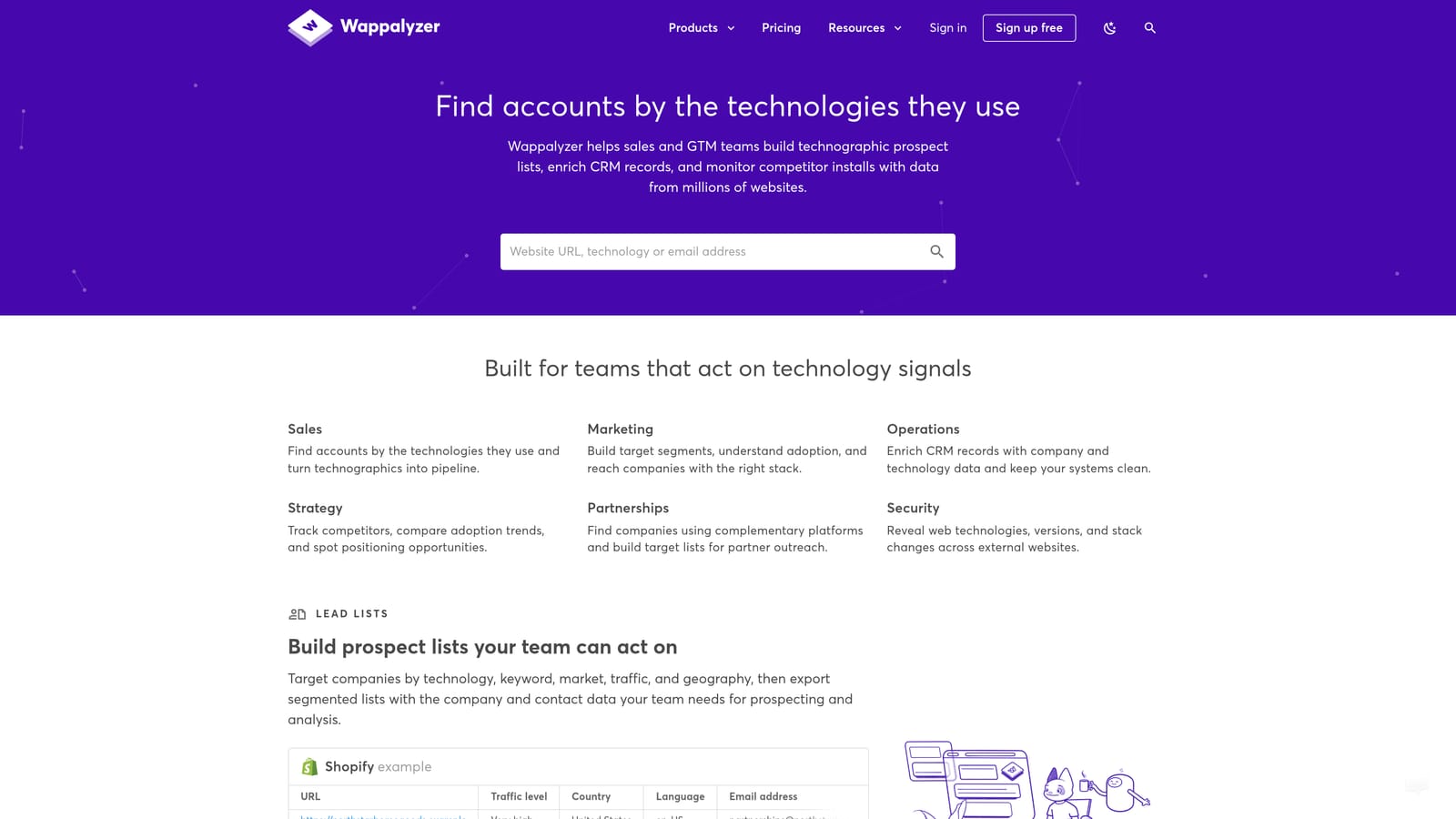
None of the keyword-research tools on this list will tell you whether a competitor is actually running Google Ads or Meta Ads at all. Wappalyzer answers that question directly by scanning the site's code for recognizable scripts, which is useful before you invest time building out a competitive keyword strategy against a business that might not be advertising in paid search in the first place.
- Detects ad tech, analytics platforms, and tag manager scripts running on any page
- Returns results with a single click, no account needed for basic lookups
- Offers company and contact lookup features on certain paid plans
- Provides a free browser extension alongside separate paid API and data access
It runs standalone in the browser with no connection to your own Google Ads account, so setup is just an install and you're scanning pages immediately. Anyone doing competitive or prospecting research can run it without touching campaign settings.
It tells you nothing about keyword performance, search term data, or how well a competitor's campaigns are actually converting. It's a research add-on that answers "are they advertising here" rather than "how well is it working," so pair it with actual research on messaging and offers if you want the full picture.
The extension is free; paid API and bulk data access plans are quote-based.
Best for: Spotting which ad platforms and tracking tools competitors are actually using.
7. SEOquake
SEOquake was originally built for SEO audits, but its overlay of domain metrics, backlinks, indexed pages, and keyword density, on search result pages doubles as a quick way to gauge organic competition strength before deciding how aggressively to bid on a term.
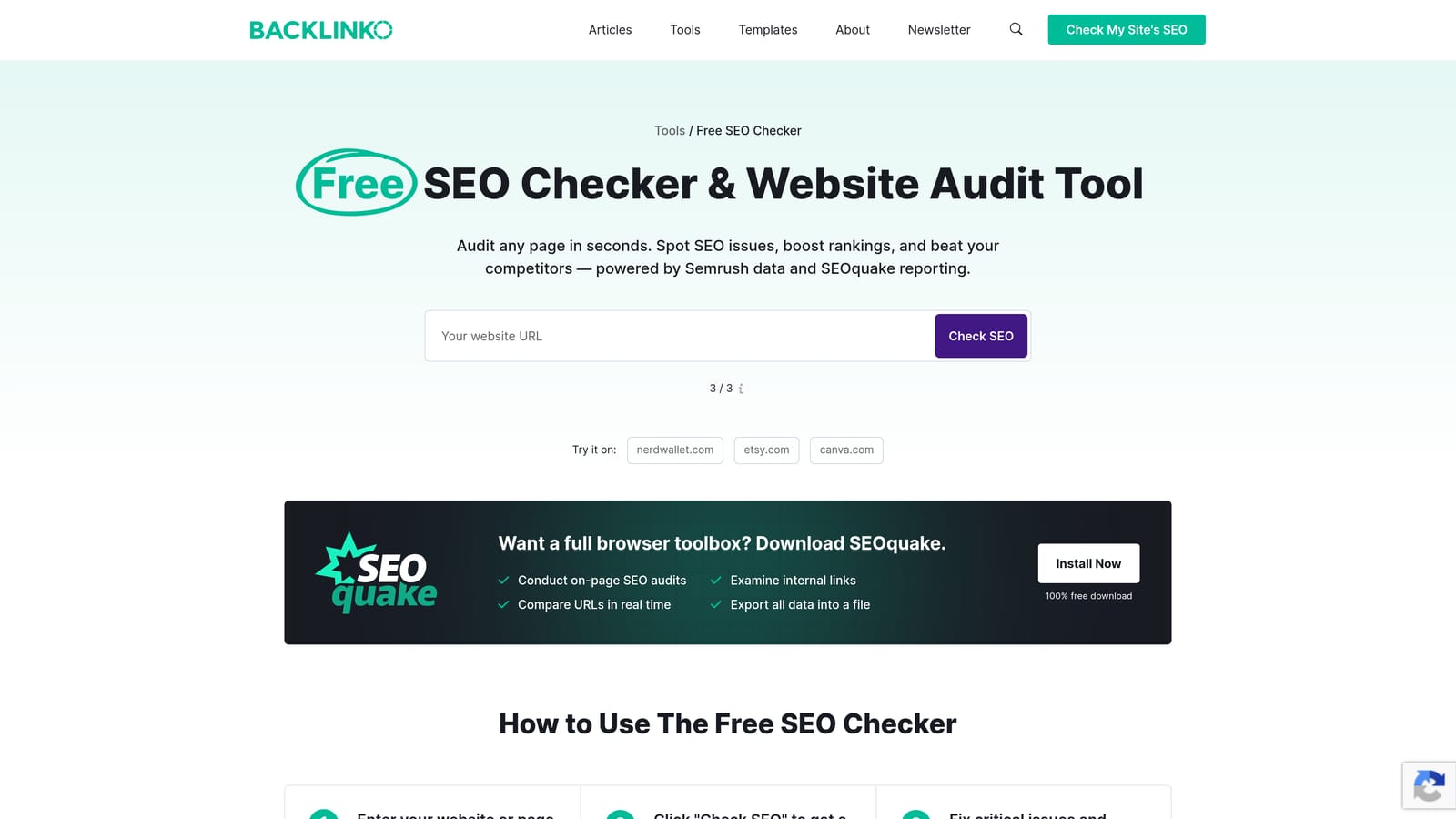
If a term is dominated by strong organic results, paid competition for that same term is often fierce too, and SEOquake gives you that organic-strength signal for free without leaving your search results page.
- Displays domain and page-level SEO metrics directly on search result pages
- Checks keyword density and basic on-page factors for any listed result
- Exports competitor page data into reports you can reference later
- Runs across Google, Bing, and Yahoo results, not just Google
It's completely free and requires no signup, just an install. It suits anyone doing quick competitive scans, whether that's a freelancer sizing up a new niche or an agency analyst prepping for a client pitch.
The metrics are SEO-first: they say nothing about search term cleanup, match types, or bid strategy, and they won't touch your Google Ads account in any way. Use it as a supplementary signal alongside your actual keyword and CPC research, not a replacement for it.
Best for: Marketers who want a quick organic-competition gut check alongside their paid keyword research.
Matching the Extension to the Job
If your main pain point is hours lost cleaning up the Search Terms Report, exporting to spreadsheets, and re-uploading negative keywords, Keywordme is built for exactly that, and it's the only tool here that edits your live account rather than just informing it. If you manage multiple client accounts, the multi-account support makes it worth a look before you scale up manual review across every account on your roster.
Before you trust any of that search term data, though, run Google Tag Assistant (Legacy) at least once to confirm your conversion tracking is firing correctly. It's free and takes a few minutes, and it protects you from optimizing toward numbers that were never accurate to begin with.
The remaining five, Keywords Everywhere, Similarweb, Ubersuggest, Wappalyzer, and SEOquake, are research inputs. They're useful for generating keyword ideas and sizing up competitors, but none of them touch your actual campaign. Treat their output as a starting point you still have to apply, not a finished decision.
If you're ready to stop toggling between the Search Terms Report and a spreadsheet every week, Keywordme lets you remove junk search terms, build high-intent keyword lists, and apply match types instantly, right inside Google Ads, with no spreadsheets and no switching tabs. Start your free 7-day trial (then just $12/month) and see how much faster your account reviews go.
.svg)