
8 Best PPC Management Tools for Freelancers in 2026
This guide compares eight of the best PPC management tools for freelancers running Google Ads for several clients. Each pick is judged on cost at small scale, how much repetitive work it removes, multi-account support, and how quickly one person can learn it without training or onboarding.


Running Google Ads for a handful of clients means your time is the real budget. These tools were picked for a freelancer's situation: what they cost at small scale, how much repetitive work they actually remove, whether they handle several client accounts, and how fast one person can learn them without a training budget or an onboarding call.
Quick Comparison of the Tools
- Keywordme: freelancers who lose hours to search term review; $12/month per user; works inside the native Search Terms Report with no exports.
- Google Ads Editor: freelancers building or restructuring many campaigns on no budget; free; official offline drafting and review before posting.
- Optmyzr: freelancers with several mid-sized accounts; tiered by ad spend, see website; customizable rule-based automation across accounts.
- Adalysis: freelancers inheriting existing accounts; see website; audit and ad-test alerts that rank what to fix first.
- Google Ads Scripts + Looker Studio: technically inclined freelancers on tight budgets; free; fully customizable automation and dashboards with no licence fee.
- SEMrush: freelancers who also sell SEO or pitch with competitor data; subscription, see website; PPC, SEO, and content research in one platform.
- SpyFu: freelancers building first keyword lists from competitors; see website; competitor ad-copy and keyword history focus.
- AgencyAnalytics: freelancers who burn hours on monthly reports; per-client tiers, see website; white-label, client-ready reporting across channels.
1. Keywordme
Keywordme is our own product, so weigh this entry with that in mind. It's a Chrome extension that adds one-click actions to the Search Terms Report inside Google Ads. A search term is what someone actually typed; a keyword is what you bid on. The report shows the first, and most of the cleanup happens by turning bad search terms into negative keywords and good ones into new keywords.
The distinctive part is where it works. You stay in the native Google Ads interface, so there's no export, no spreadsheet, and no pasting lists back in. For a freelancer who reviews search terms across several accounts every week, that removes a lot of tab-switching.
- Add negative keywords straight from the Search Terms Report, so junk queries stop costing you money without a manual upload.
- Add search terms as keywords with the match type you choose, right where you found them.
- Cluster keywords and edit in bulk, which helps when you're grouping queries into tighter ad groups.
- Use multi-account and team support, so you can work across clients and bring in a helper later.
Setup is a browser extension, and you're the day-to-day user. There's no separate dashboard to learn, which keeps the learning curve short.
The limits are real. It's Google Ads only and focused on keyword and search term work. It doesn't do bidding, reporting, audits, or cross-channel management, so it solves one bottleneck and leaves the rest to other tools. It also doesn't make decisions for you: you review each search term and choose the action.
Pricing is $12/month per user, with a 7-day free trial (as of November 2026; confirm on the site). Price moves with the number of users, not accounts or ad spend.
Best for: Freelancers whose biggest time sink is search term review and negative keyword cleanup.
2. Google Ads Editor
Google Ads Editor is Google's free desktop app for managing campaigns in bulk. You download account data, make changes offline, review them, and then post them back. It's built for people who handle lots of campaign structure at once.

What it does best on this list is large structural work at zero cost. Launching 30 ad groups, rewriting ad copy across campaigns, or fixing a naming scheme is far faster here than in the web interface.
- Edit across multiple campaigns and accounts in one pass, which saves hours on repetitive changes.
- Draft changes offline and review them before posting, so mistakes get caught before they go live.
- Copy and paste campaign elements between accounts, handy when you reuse a proven structure for a new client.
- Check change history and undo before posting, which gives you a safety net while you work.
It connects only to Google Ads. You install it, sign in to your accounts, and run it yourself. There's no team workflow beyond what Google Ads access already gives you.
The downsides: it has no automation, audits, or insights, so it won't tell you what to fix. It also has a steeper learning curve than the web interface, especially for beginners, and it isn't built for search term review.
It's free, with nothing that scales the price.
Best for: Freelancers building or restructuring many campaigns at once on a zero budget.
3. Optmyzr
Optmyzr is a PPC management platform that combines optimization suggestions, rule-based automation, and reporting. Rule-based automation means you define a condition (say, "pause keywords above a cost threshold with no conversions") and the platform checks for it on a schedule and flags or acts on it.

Its standout is that customizable rule engine across accounts. If you run the same checks for every client each week, you can set them once and stop doing them by hand.
- Get one-click optimization suggestions that point to likely improvements without you digging for them.
- Use the Rule Engine for recurring checks and actions, so routine monitoring runs without you.
- Build reporting and dashboards for client updates inside the same platform.
- Use bid and budget management tools for day-to-day pacing and adjustments.
It covers Google Ads and Microsoft Advertising (verify current coverage on the site). Expect a real setup period: the value comes from configuring rules well, and that falls on you.
The main drawback for freelancers is cost. Pricing is tiered by ad spend, which can feel heavy against small client budgets. If your accounts are modest, the platform may do more than you need.
Pricing is tiered by managed ad spend; see the website for current plans as of November 2026.
Best for: Freelancers with several mid-sized accounts who want to automate recurring optimization checks.
4. Adalysis
Adalysis is an audit and ad-testing platform. It scans accounts and surfaces problems automatically, so you start with a list instead of a blank page.
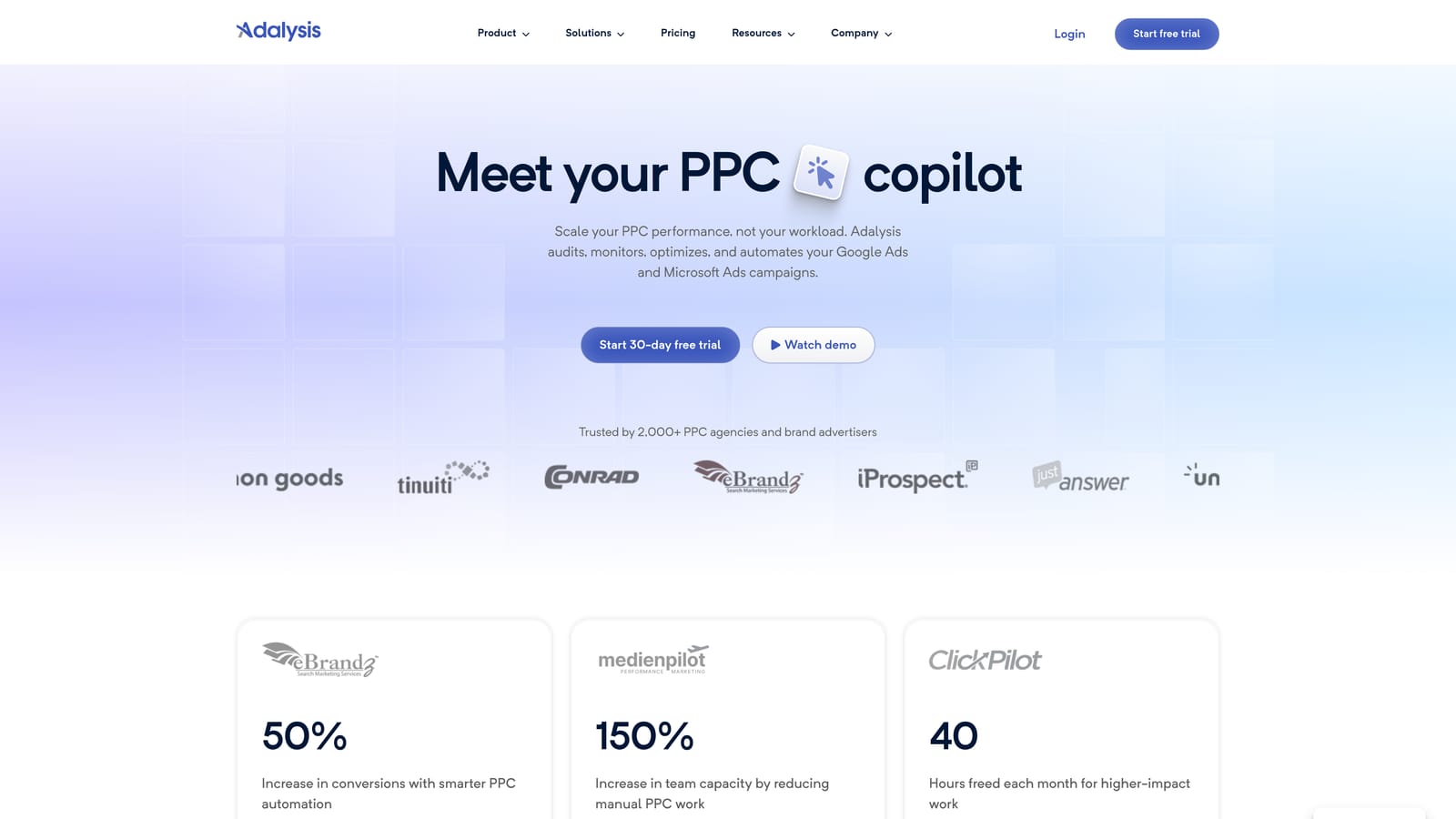
Where it stands apart is prioritization. Its audits and ad-test alerts are designed to show what deserves attention first, which matters most in the first week of a new client.
- Run automated account audits that find issues you'd otherwise hunt for manually.
- Analyze ad copy tests so you know which variations are winning and which to retire.
- Receive alerts on account changes, useful for catching problems between check-ins.
- Use reporting features to share findings with clients.
It supports Google Ads and Microsoft Advertising (verify current coverage). Setup means connecting accounts, and you'd typically check it as part of a weekly routine.
It's diagnostic. It tells you what's wrong, but you make the fixes elsewhere, such as in the Google Ads interface, Editor, or Keywordme. If you only manage a couple of stable accounts you built yourself, audits may tell you little you don't already know.
Pricing isn't something to guess at; check the website for current plans as of November 2026.
Best for: Freelancers taking over existing accounts who need quick audits.
5. Google Ads Scripts + Looker Studio
Google Ads Scripts let you write JavaScript that runs inside your account to check for problems, send alerts, or automate tasks. Paired with Looker Studio, Google's free dashboard tool, you get automation and reporting without a licence fee.
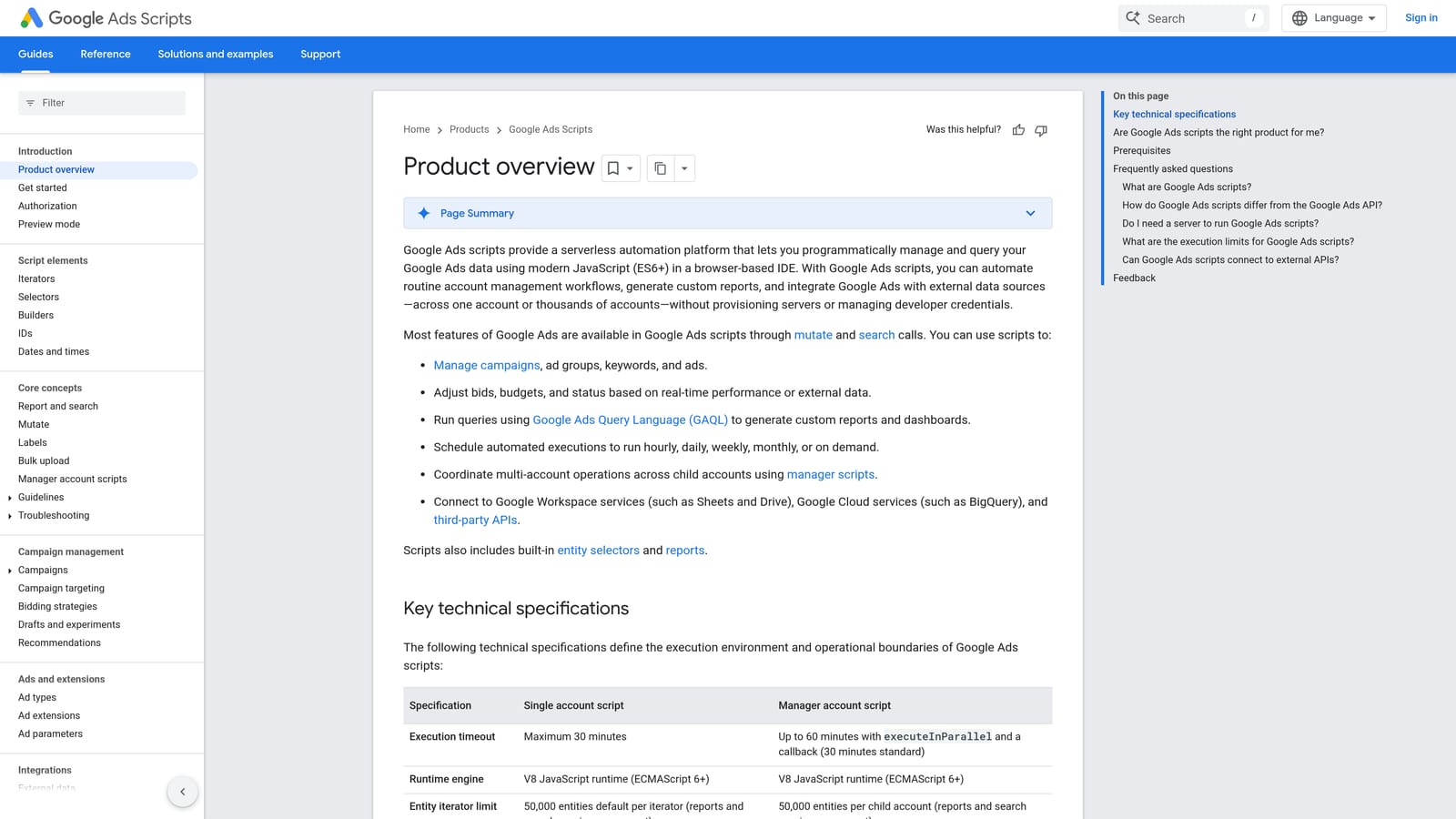
The value here is flexibility. You can build exactly the alert or dashboard you want, such as an email when spend spikes or a client report fed from Google Sheets.
- Write scripts for alerts and automated checks that fit your own clients' quirks.
- Build Looker Studio dashboards that you can tailor to each client.
- Pay nothing, which suits a lean freelance budget.
- Customize deeply, since you control the logic and layout.
It works with Google Ads, Looker Studio, and Google Sheets. You are the developer, the maintainer, and the support desk.
That's the catch. You need to be comfortable with code, and scripts need upkeep when something breaks or requirements change. It's also centered on Google Ads, so cross-channel needs get awkward. If you'd rather click than code, skip it.
It's free.
Best for: Technically inclined freelancers on tight budgets.
6. SEMrush
SEMrush is a broad marketing platform, and its PPC features sit alongside SEO and content tools. For paid work, you'd use it mainly for keyword research and for looking at what competitors advertise.
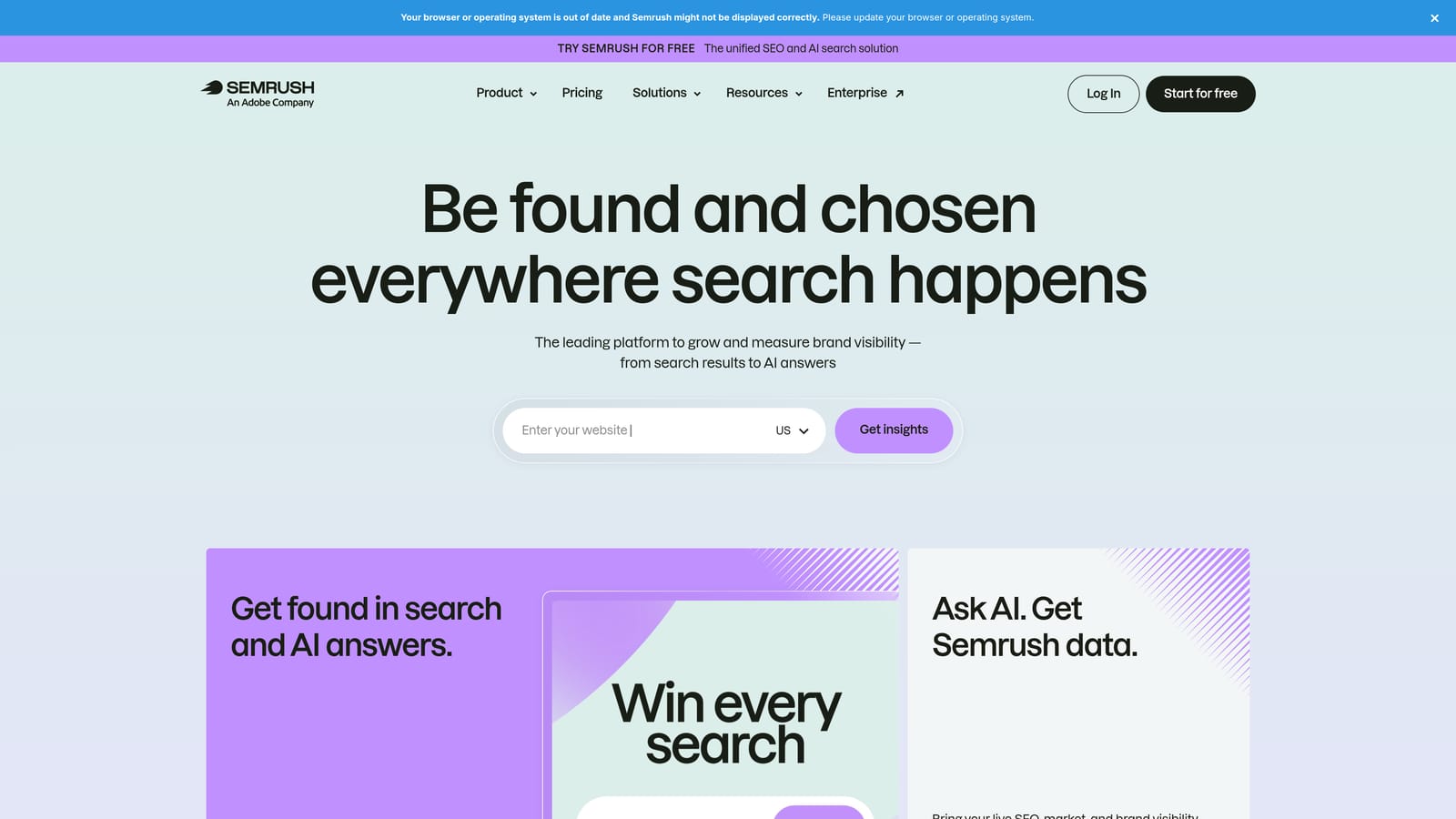
The breadth is the point. If you sell SEO too, or need to show a prospect how their competitors advertise, one subscription covers a lot.
- Research PPC keywords to find terms worth bidding on before you spend.
- Study competitor ad copy and keywords for angles to test in your own ads.
- View ad history to see how competitors' messaging has changed.
- Use the wider SEO and marketing toolkit for work outside paid search.
It lists integrations with Google Looker Studio and Google Analytics (verify the current list). It's easy to start with, though the large feature set takes time to explore.
It's a research tool, not a campaign management tool. You won't edit campaigns or clean up search terms here. Competitor data is also modeled estimation, not actual spend or traffic, so treat it as direction. Costs can add up if you move to higher plans.
It's subscription-based; see the website for current plans as of November 2026.
Best for: Freelancers who also offer SEO or need competitor research for pitches.
7. SpyFu
SpyFu is a competitor research tool. Enter a domain and see keywords it has bought and ads it has run over time.
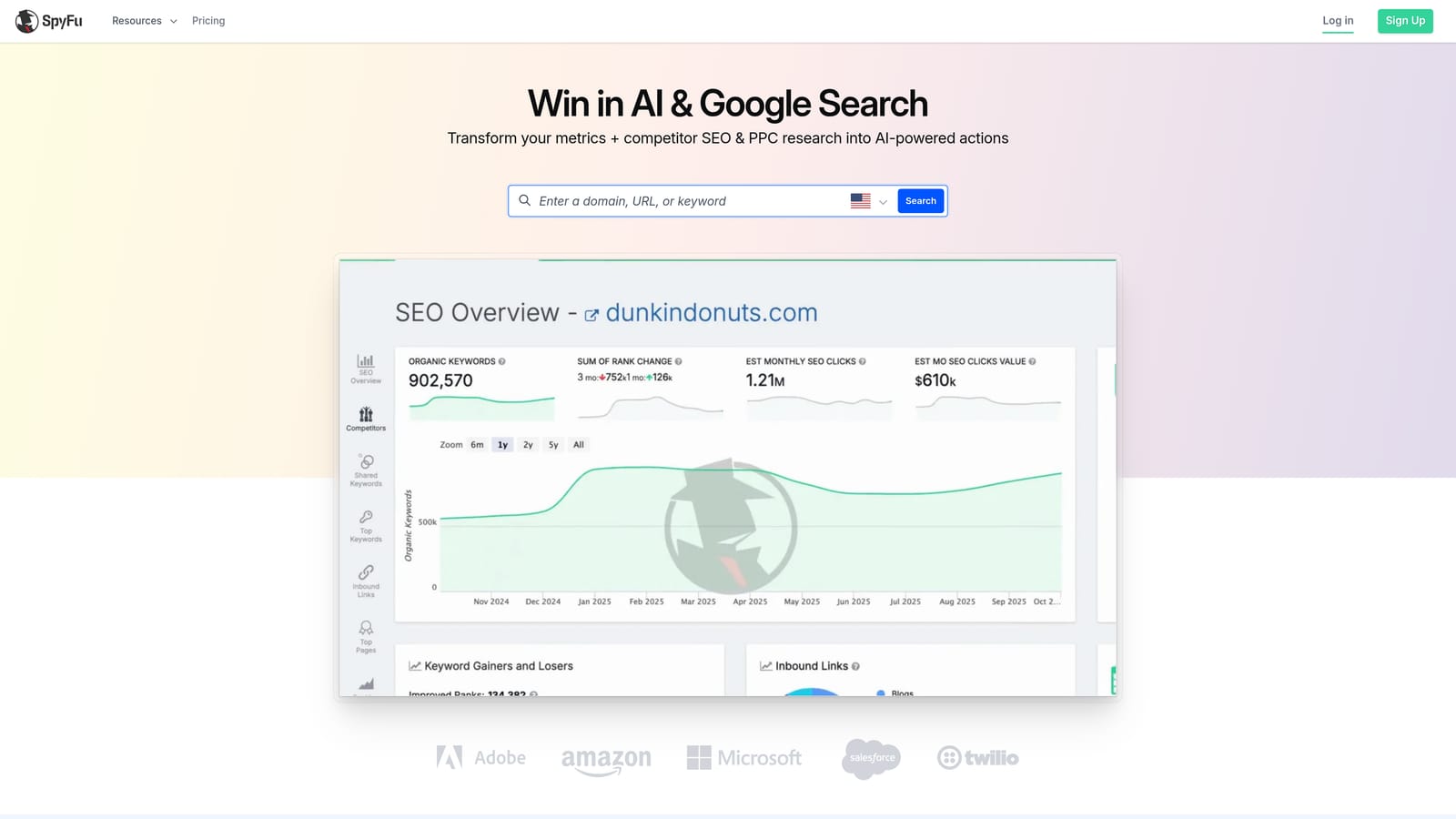
Its focus is narrower than SEMrush: competitor ad copy and keyword history, aimed at people doing paid search. That makes it a lighter option when you just want to see what others are bidding on.
- Look up a competitor's PPC keywords to seed a new client's list.
- Review ad history to spot messaging that has stuck around, a hint that it works.
- Run keyword research for ideas beyond competitor terms.
- Compare domains side by side for a quick view of the competitive field.
Integrations aren't clearly listed in our notes, so check the website. Setup is minimal since it's a lookup tool you use yourself.
The data comes from third-party estimates, so don't present it to a client as exact figures. It also has no campaign management, so you'll still do the work elsewhere.
Check the website for current pricing as of November 2026.
Best for: Freelancers building initial keyword lists and testing ad angles from competitors.
8. AgencyAnalytics
AgencyAnalytics is a client reporting platform. It pulls data from many marketing sources into dashboards you can brand as your own.
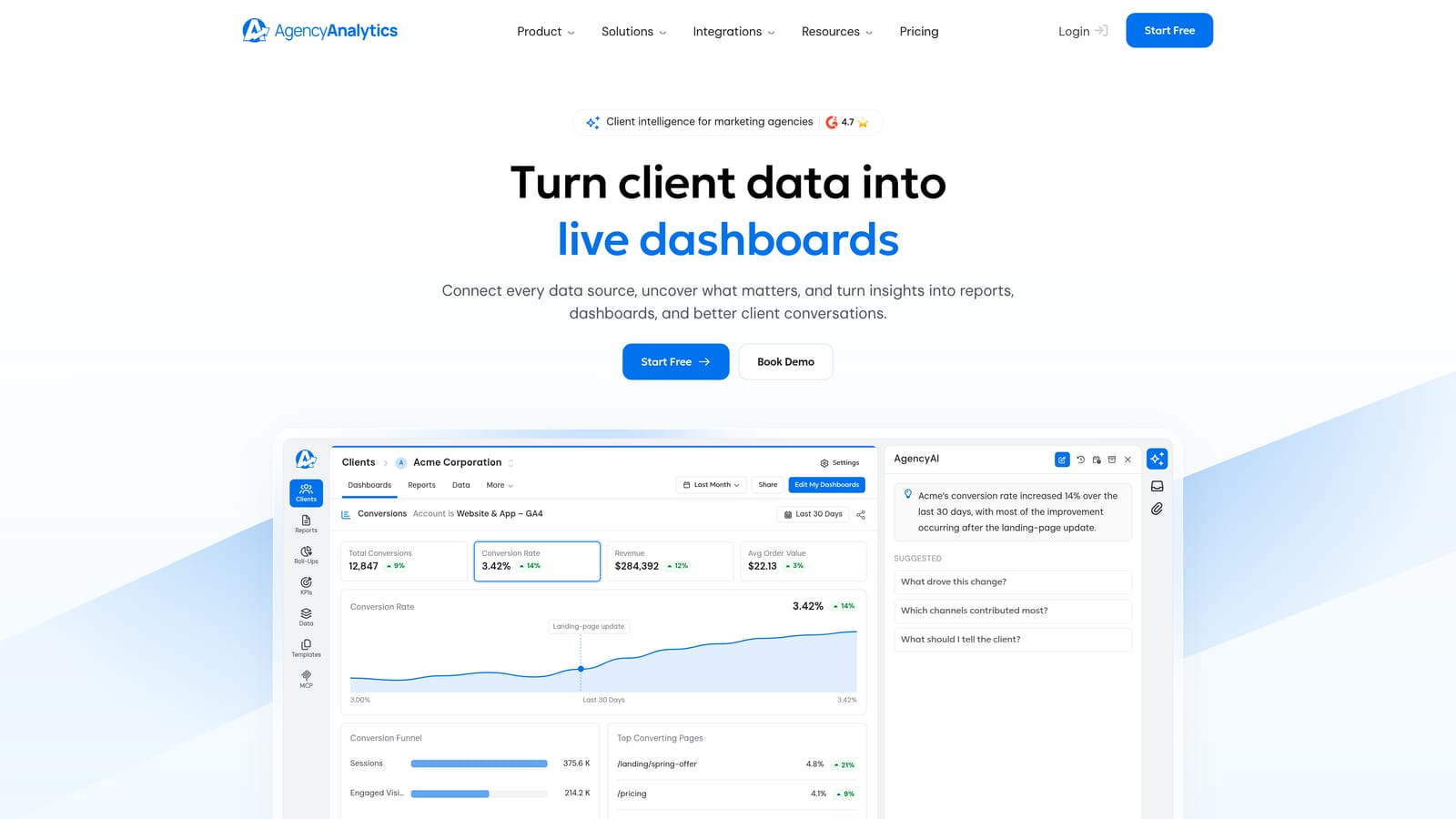
What it does best here is client-ready reporting across channels. If you spend a chunk of every month assembling slides or spreadsheets, this is the category that gives that time back.
- Build white-label dashboards so clients see your branding, not the tool's.
- Schedule automated reports so monthly updates go out without manual assembly.
- Give clients logins so they can check numbers themselves and ask you fewer status questions.
- Connect many data sources, including Google Ads, Meta Ads, and Google Analytics.
Setup means connecting each client's accounts and building a template you can reuse. You run it, though clients can view their own dashboards.
It's reporting only, with no optimization. Cost also grows with client count, which matters if you take on many small accounts.
Pricing uses per-client tiers; see the website for current plans as of November 2026.
Best for: Freelancers who spend too many hours building monthly client reports.
Building a Lean Stack Around Your Bottlenecks
Most freelancers don't need all eight. Find the task that eats the most hours, fix that, and stop. A free tool plus one paid tool per bottleneck is usually enough.
- Search term cleanup: Keywordme, with Google Ads Editor for bulk structural work.
- Audits: Adalysis if you inherit accounts often; Google Ads Scripts if you'd rather build your own alerts.
- Competitor research: SpyFu for lean keyword and ad lookups, or SEMrush if you also sell SEO.
- Reporting: Looker Studio for free, or AgencyAnalytics once reports eat too much time.
Optmyzr makes sense once you have several mid-sized accounts and recurring checks worth automating. Keep in mind that competitor spend and traffic figures are estimates, and verify current pricing and trial terms on each vendor's site before you commit.
If search term review is where your week disappears, start there. Optimize Google Ads Campaigns 10X Faster. Without Leaving Your Account. Keywordme lets you remove junk search terms, build high-intent keyword lists, and apply match types instantly, right inside Google Ads. No spreadsheets, no switching tabs, just quick, seamless optimization. Start your free 7-day trial (then just $12/month) and take your Google Ads game to the next level.
