
9 Best PPC Keyword Tools for Google Ads
This guide reviews nine of the best PPC keyword tools for Google Ads in 2026, organized by core function so advertisers, freelancers, and agency teams can quickly match each tool to their actual workflow — from building keyword lists to cleaning up wasteful search terms.


Managing Google Ads campaigns means spending a lot of time on two things: figuring out which keywords to bid on and cleaning up the search terms that are quietly draining your budget. The right PPC keyword tool can turn hours of spreadsheet work into a few focused minutes, whether you're building new keyword lists, hunting for negative keywords, or auditing what's actually triggering your ads.
One distinction worth keeping in mind as you read: keywords are the terms you add to your campaigns, while search terms are the actual queries users type that trigger your ads. Some tools help you find keywords to add. Others help you manage what's triggering your campaigns right now. The best setup often involves both types, and this list covers both.
The nine tools below are organized by what they do best, so you can match each one to your actual workflow rather than just picking the most well-known name. Selection is based on functionality, Google Ads compatibility, pricing transparency, and practical usefulness for solo advertisers, freelancers, and agency teams.
1. Keywordme
Best for: In-interface search term management and keyword optimization inside Google Ads
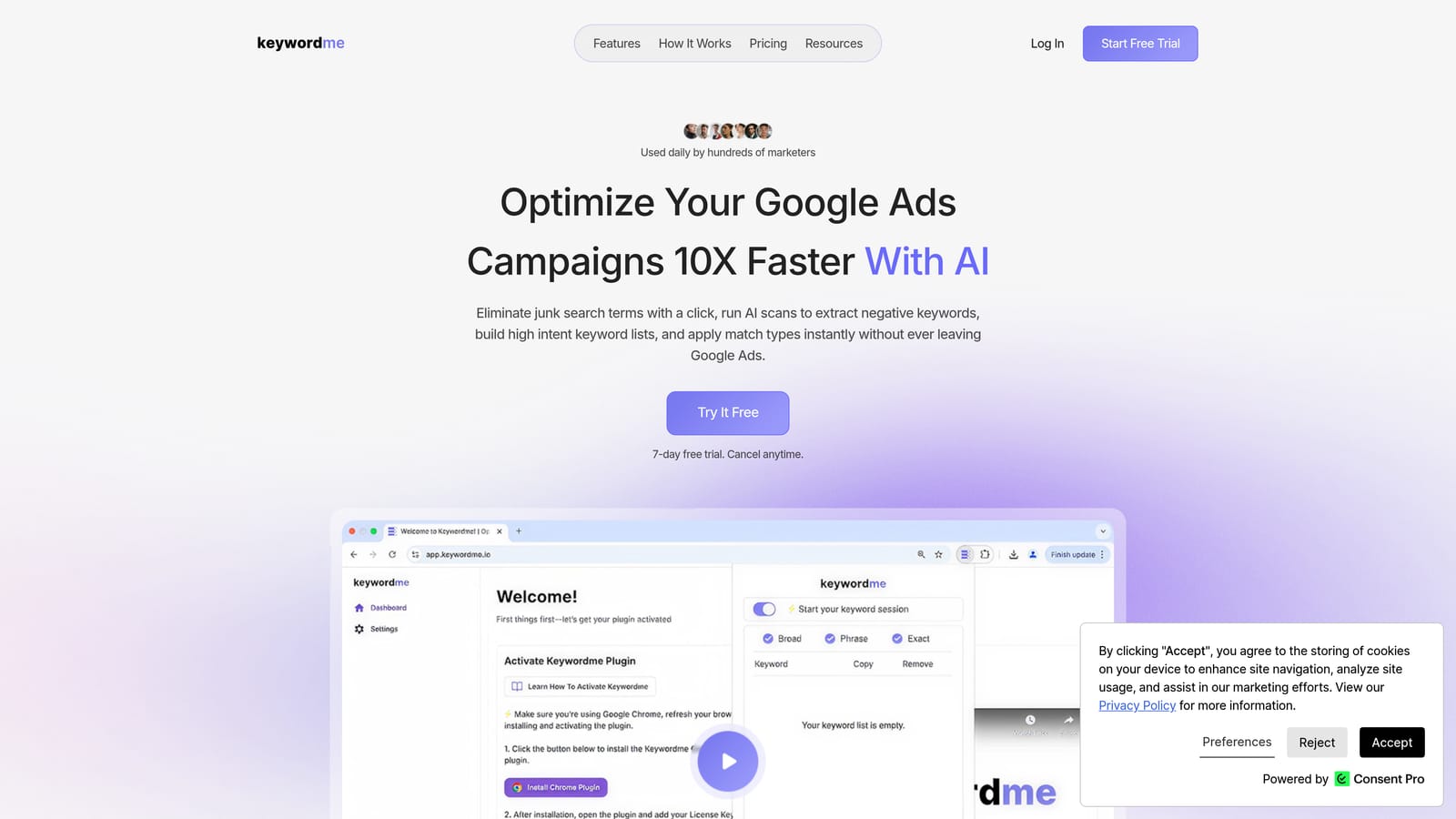
Keywordme is a Chrome extension that integrates directly into the Google Ads Search Terms Report, letting you manage keywords and clean up irrelevant search terms without leaving the native Google Ads interface.
Where This Tool Shines
Most keyword tools require you to export data, work in a spreadsheet or external dashboard, then reimport changes. Keywordme removes that round-trip entirely. You stay inside Google Ads, work directly in the Search Terms Report, and apply changes with a click. For anyone doing regular search term audits, that workflow difference adds up quickly.
It's particularly strong for negative keyword management. You can identify junk search terms, add them as negatives, apply match types, and build keyword groups all from the same interface where you're already reviewing performance data. The multi-account and team support also makes it a practical fit for agencies running several client accounts simultaneously.
Key Features
One-click search term removal: Flag and remove irrelevant search terms directly from the Search Terms Report without exporting to a spreadsheet.
In-interface negative keyword management: Add negative keywords and positive keywords to your campaigns straight from the Search Terms Report.
Match type application: Apply broad, phrase, or exact match types instantly without leaving the Google Ads interface.
Keyword clustering and bulk editing: Organize keywords into groups and make bulk changes faster, useful for restructuring ad groups or building out new campaigns.
Multi-account and team support: Manage multiple Google Ads accounts and collaborate with team members, making it practical for agency workflows.
Best For
Keywordme suits Google Ads practitioners who already know their way around the platform and want to move faster inside it. It's a strong fit for freelancers and agency teams doing regular search term audits, negative keyword work, and keyword list management across multiple accounts. It's not a keyword discovery tool, so pair it with a research platform if you're also building new keyword lists from scratch.
Pricing
$12/month per user, with a 7-day free trial available. Flat-rate pricing makes it easy to budget for, especially for agencies adding multiple users.
2. Google Keyword Planner
Best for: Free keyword discovery using first-party Google search data
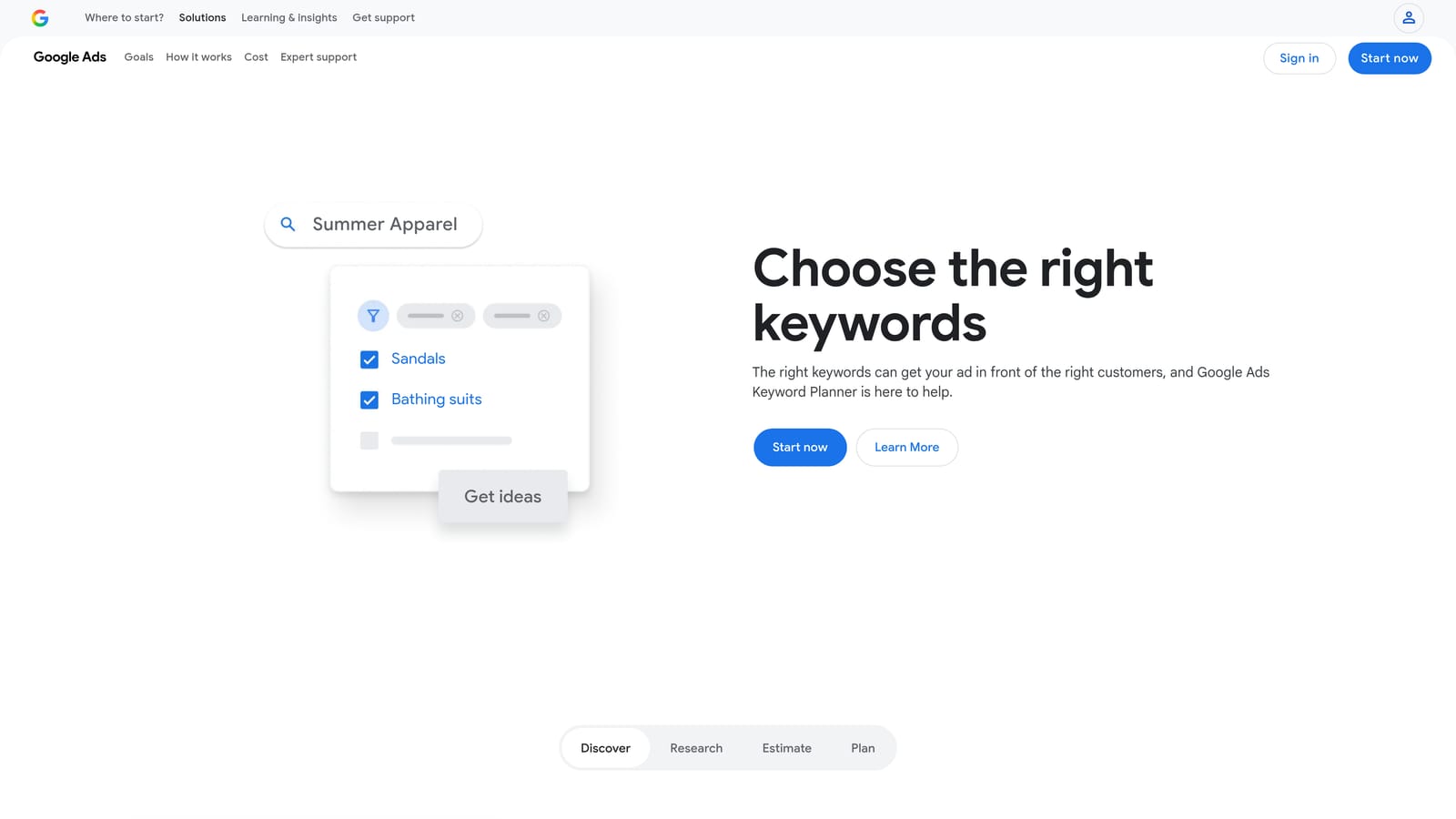
Google Keyword Planner is Google's native keyword research tool, built directly into the Google Ads platform and sourced from Google's own search index.
Where This Tool Shines
The data here comes straight from Google, which means it's as close to the source as you can get for search volume, competition levels, and CPC estimates. For advertisers who need reliable baseline data before launching a campaign, Keyword Planner is the logical starting point.
One practical limitation: volume data is displayed as ranges rather than exact numbers unless your account has a history of active ad spend. That's worth knowing upfront, particularly if you're managing a new account or doing research before launching your first campaign.
Key Features
Keyword discovery from seed keywords or URLs: Generate keyword ideas by entering a topic, product, or landing page URL.
Search volume ranges and seasonal trends: See historical volume data and how search interest shifts across months.
CPC bid estimates: Get estimated cost-per-click data segmented by location and network.
Keyword grouping suggestions: Keyword Planner can suggest how to organize keywords into ad groups, which is useful when building out campaign structure.
Free access: Available to anyone with a Google Ads account at no additional cost.
Best For
Advertisers who want a free, reliable starting point for keyword research, especially when launching new campaigns or entering new markets. Also useful for verifying search volume estimates before committing budget to a keyword strategy.
Pricing
Free with any Google Ads account. No paid tier required.
3. SEMrush
Best for: Combined PPC and SEO research with deep competitive keyword analysis
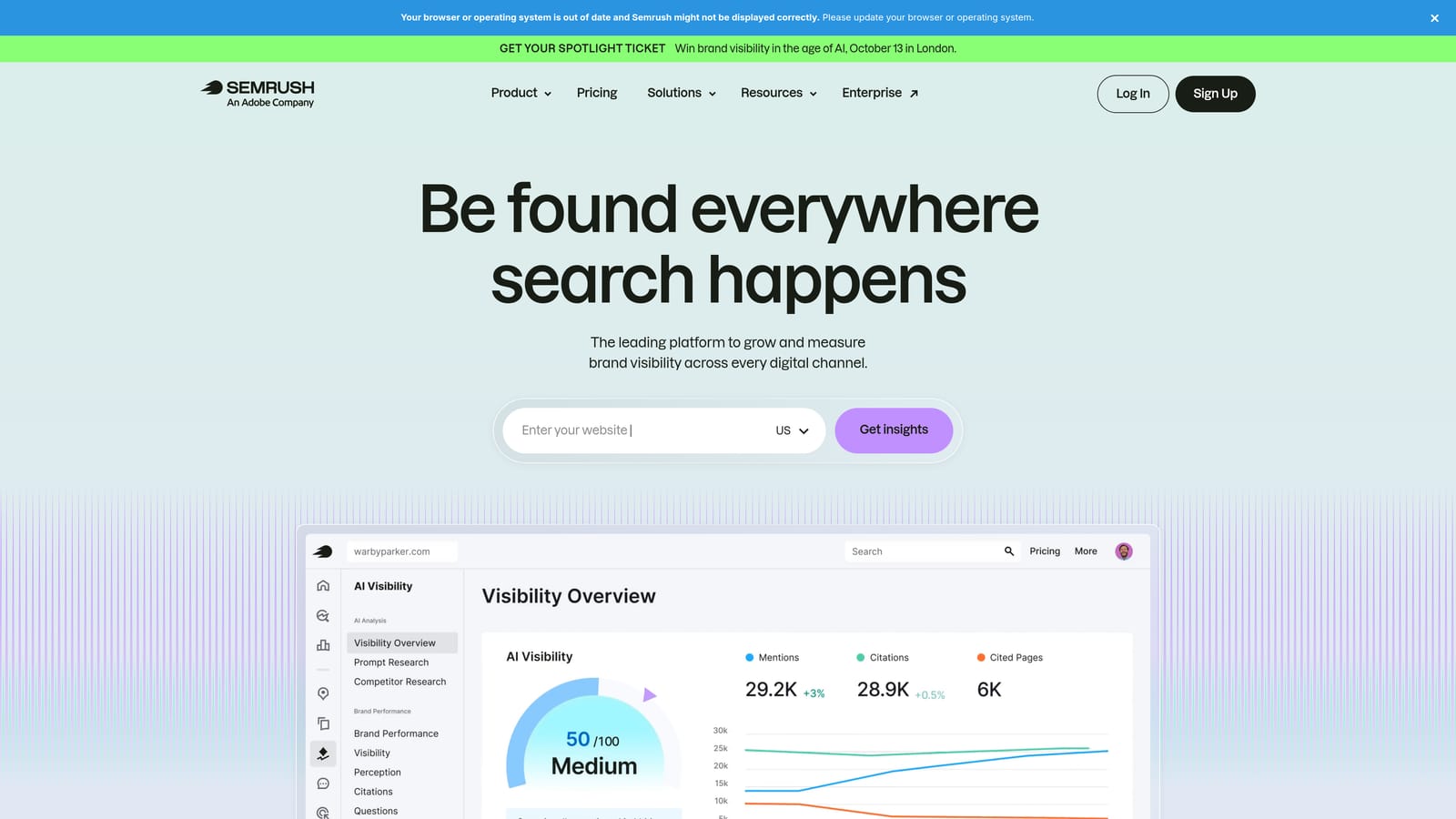
SEMrush is a comprehensive digital marketing platform with dedicated PPC research features, including the Keyword Magic Tool and Advertising Research for competitive analysis.
Where This Tool Shines
SEMrush is one of the most complete research platforms available for PPC practitioners who also need SEO data in the same workspace. The Advertising Research feature lets you see which keywords competitors are bidding on and pull their actual ad copy, which is useful when entering a competitive market or looking for keyword gaps your campaigns aren't covering.
The Keyword Magic Tool generates a large volume of keyword suggestions with CPC data, search volume, and keyword difficulty scores. It's a strong choice when you need to build out a comprehensive keyword list and want competitive context alongside the volume data.
Key Features
Keyword Magic Tool: Generates keyword suggestions with search volume, CPC estimates, and keyword difficulty scores.
Advertising Research: Shows the keywords competitors are bidding on and surfaces their ad copy for any domain.
PPC keyword gap analysis: Identifies keywords your competitors bid on that your campaigns are missing.
Negative keyword recommendations: Surfaces potentially irrelevant terms to exclude from campaigns.
Combined SEO and PPC data: Useful for teams managing both organic and paid search in one platform.
Best For
Marketers and agencies who need both PPC and SEO data in one platform, and who want detailed competitor keyword intelligence alongside their own keyword research. Less suited to advertisers who only need basic keyword discovery and don't require the full feature set.
Pricing
Paid plans starting around $139.95/month. Verify current pricing at semrush.com before making a decision, as pricing changes periodically.
4. Ahrefs
Best for: Keyword research with click data and parent topic grouping for ad group planning
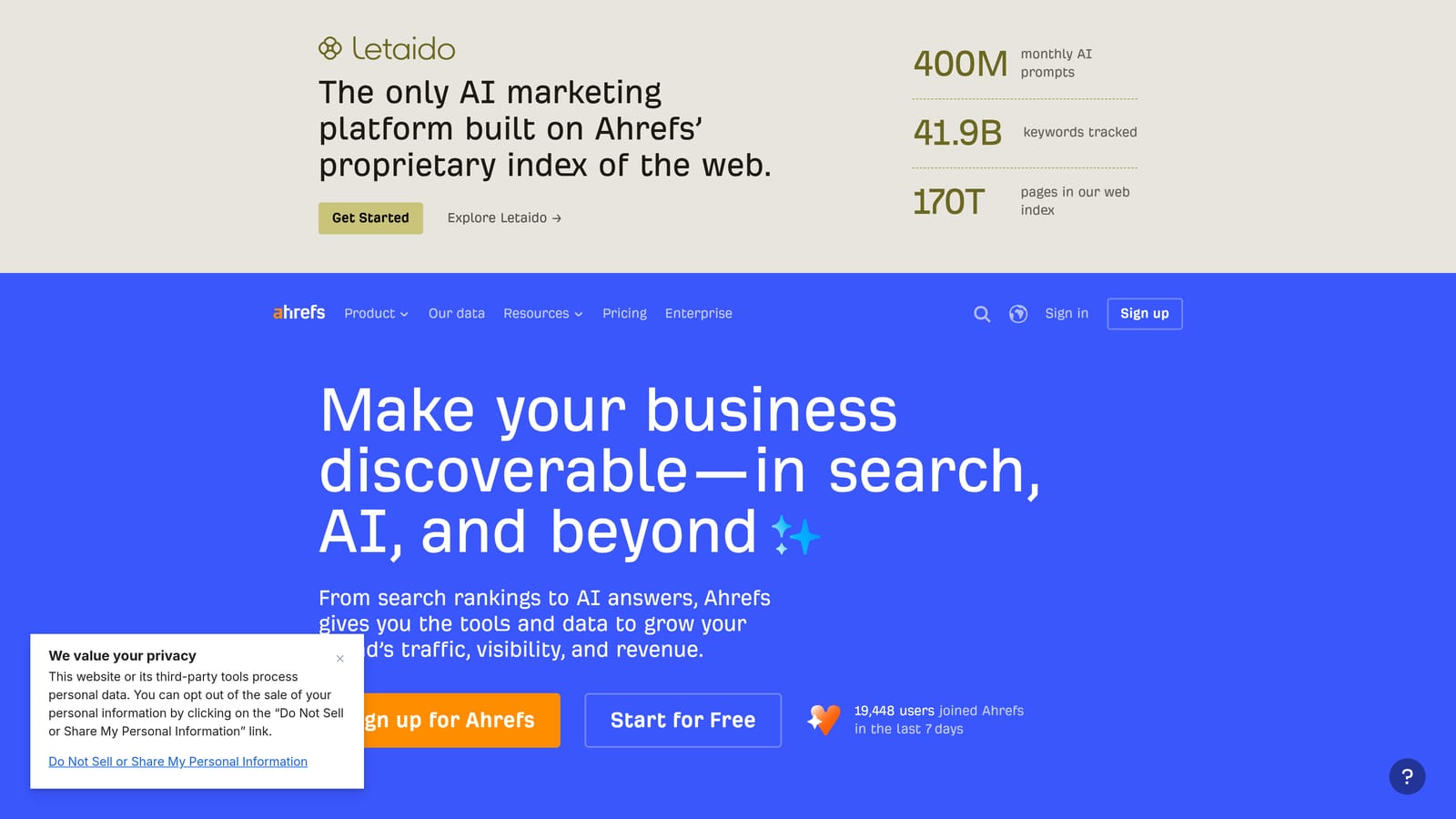
Ahrefs is a keyword research and SEO platform whose Keywords Explorer provides CPC estimates, click-through data, and topic clustering that helps advertisers identify high-value PPC targets.
Where This Tool Shines
Ahrefs is primarily known as an SEO tool, but its Keywords Explorer is genuinely useful for PPC research. The click data is a standout feature: rather than just showing search volume, it estimates how many of those searches actually result in a click, which helps you prioritize keywords where paid ads are more likely to capture traffic.
The parent topic grouping is also practical for campaign planning. It helps you understand how individual keywords cluster around broader themes, which can inform how you structure ad groups before you start building campaigns.
Key Features
Keywords Explorer with click data: Shows search volume, CPC estimates, and click-through rates to help prioritize biddable keywords.
Parent topic grouping: Clusters related keywords around core topics, useful for structuring ad groups.
Keyword difficulty scores: Helps identify where competition is lower and paid visibility is more accessible.
Competitor keyword analysis: See which keywords are driving traffic to competitor domains.
Large keyword database: Covers multiple search engines, not just Google.
Best For
Advertisers and agencies who are already using Ahrefs for SEO and want to extend the same research workflow to PPC. Also a strong choice for anyone who wants click-level data to prioritize keyword selection beyond raw search volume.
Pricing
Paid plans starting around $129/month. Verify current pricing at ahrefs.com/pricing before subscribing.
5. SpyFu
Best for: Competitor PPC intelligence at a lower entry price than SEMrush or Ahrefs
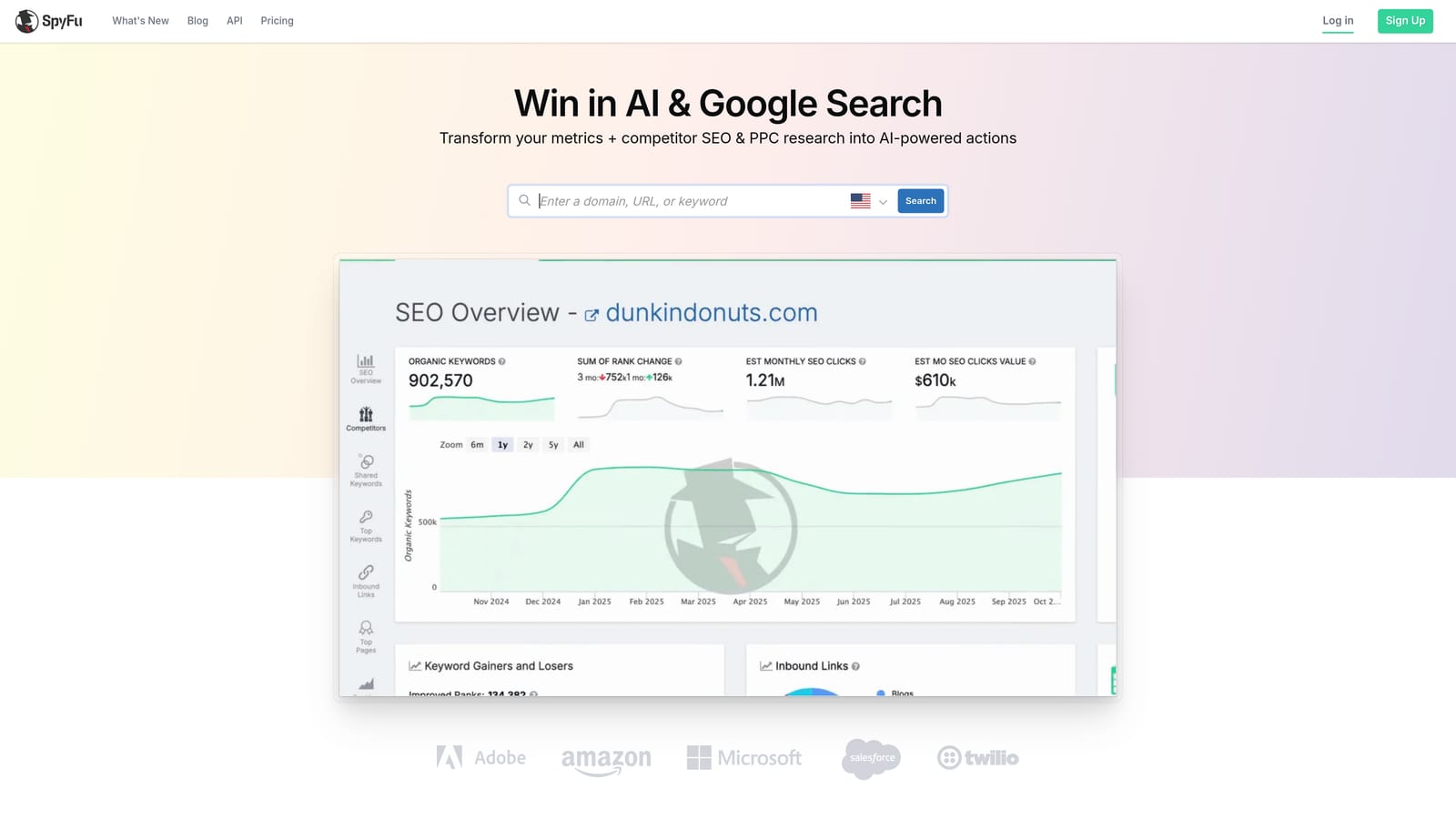
SpyFu is a competitor intelligence tool focused on PPC, showing the keywords competitors bid on, estimated ad spend, and years of historical ad copy data.
Where This Tool Shines
SpyFu's core strength is competitive intelligence. If you want to know what keywords a competitor is bidding on, how much they're estimated to be spending, and what their ads have looked like over time, SpyFu surfaces that data in a straightforward interface. The historical ad copy feature is particularly useful for understanding how competitors have refined their messaging.
For advertisers entering a competitive market or trying to find keyword gaps without starting from scratch, SpyFu offers a more affordable entry point than SEMrush or Ahrefs while keeping the focus tightly on PPC research.
Key Features
Competitor keyword tracking: See which keywords any domain is bidding on, including historical data.
Estimated ad spend and click volumes: Get a rough picture of competitor investment in paid search.
Ad copy history: Review years of ad copy for any domain to understand messaging evolution.
PPC keyword gap analysis: Identify keywords competitors are running that your campaigns aren't targeting.
Lower entry price: Generally more affordable than comparable platforms for competitor-focused research.
Best For
Advertisers and agencies who prioritize competitive keyword intelligence over broad keyword discovery. A good fit when entering a new market or competitive niche and you want to understand the competitive landscape before building your keyword strategy.
Pricing
Paid plans available. Verify current pricing at spyfu.com, as pricing tiers change periodically.
6. WordStream Advisor
Best for: Structured weekly PPC optimization workflows for small-to-medium advertisers
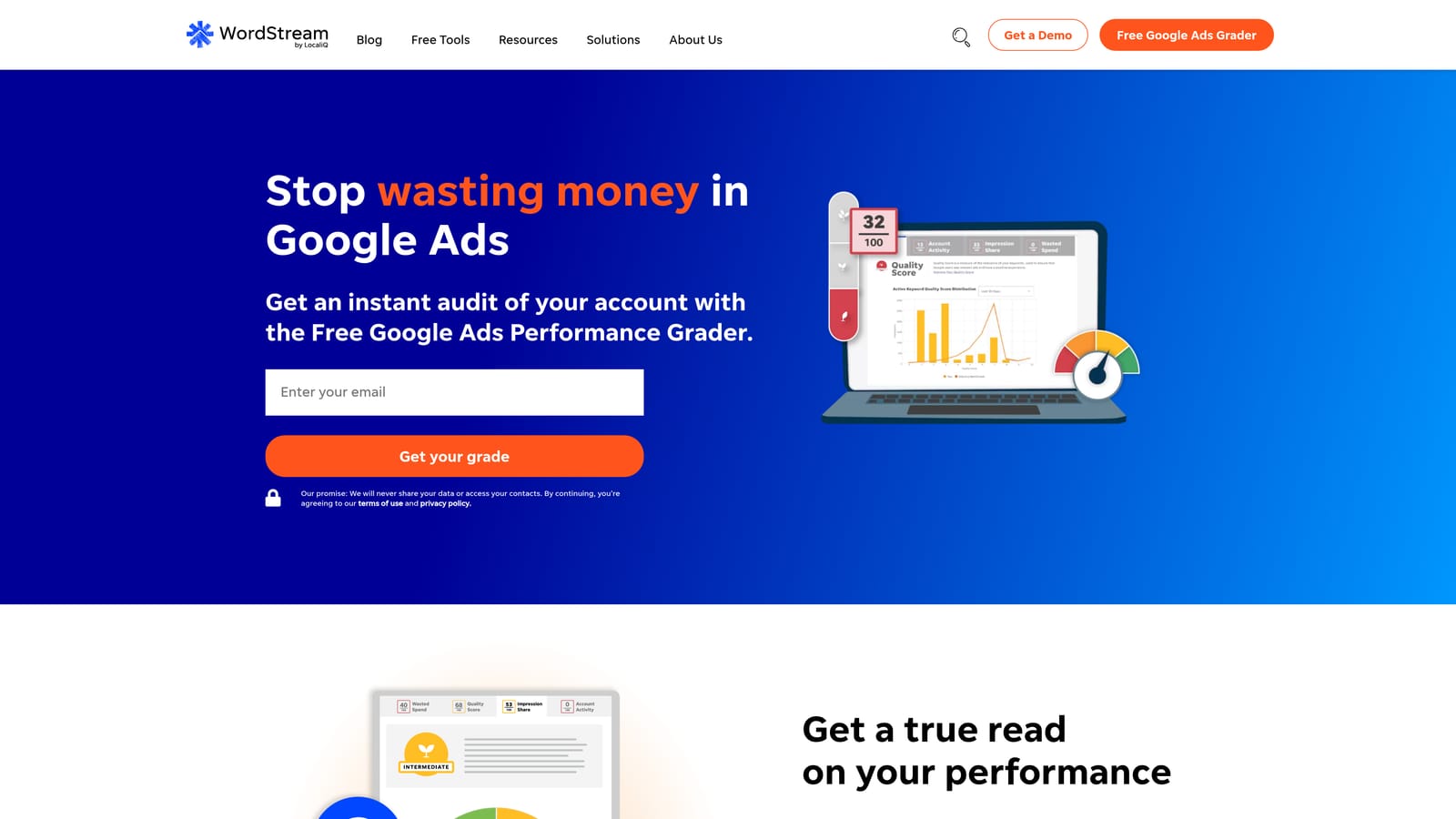
WordStream Advisor is a PPC management platform that combines keyword research, negative keyword suggestions, and a guided weekly optimization workflow designed for advertisers who want a structured process.
Where This Tool Shines
WordStream's defining feature is its "Work Week" workflow, which surfaces optimization tasks each week and guides you through them in a structured sequence. For advertisers who find it difficult to know where to focus, this guided approach can help prioritize actions across keyword management, bid adjustments, and negative keyword additions.
It covers keyword research and negative keyword suggestions alongside performance reporting, making it a reasonably self-contained platform for smaller teams. That said, advertisers who prefer to work directly inside Google Ads rather than through a third-party interface may find the workflow less natural than in-interface tools.
Key Features
Keyword research and grouping: Discover and organize keywords for campaign and ad group structure.
Negative keyword suggestions: Surfaces potentially wasteful search terms based on account data.
Weekly Work Week workflow: A structured task list that guides optimization priorities each week.
Performance alerts and grade reporting: Account health scoring and alerts to flag underperforming areas.
Multi-account management: Agency-level support for managing multiple client accounts.
Best For
Small-to-medium advertisers and agencies who want a guided optimization process rather than a fully manual workflow. Particularly useful for teams that benefit from structured prompts to stay consistent with weekly account management. If you're looking at WordStream alternatives that work directly inside Google Ads, it's worth comparing against tools like Keywordme for the search term management side of the workflow.
Pricing
Paid platform; pricing varies based on ad spend. Verify current pricing at wordstream.com.
7. Optmyzr
Best for: Rule-based keyword automation and optimization at scale for agencies and enterprise accounts
Optmyzr is an advanced PPC automation platform built for agencies and high-volume advertisers, offering rule-based keyword management, bid adjustments, and one-click optimizations across large account structures.

Where This Tool Shines
Optmyzr is built for accounts where manual keyword management at scale becomes impractical. Its rule-based automation lets you define conditions for keyword additions, pauses, and bid changes, then apply them across campaigns without reviewing each term individually. For agencies managing dozens of accounts or advertisers running large, complex campaigns, that automation layer saves meaningful time.
Keyword harvesting from search term reports is a core feature: Optmyzr can identify high-performing search terms and suggest promoting them to positive keywords, or flag low-quality terms for negative keyword addition, across multiple campaigns simultaneously.
Key Features
Rule-based automation: Define conditions for keyword additions, pausing, and bid changes that run automatically.
One-click optimization suggestions: Review and apply recommended changes across campaigns from a single interface.
Keyword harvesting: Identify search terms worth promoting to positive keywords or flagging as negatives at scale.
Multi-platform support: Works across Google Ads, Microsoft Ads, and Amazon Ads.
Agency reporting and dashboards: Client-facing reporting tools for agency account management.
Best For
Agencies and enterprise advertisers managing high-volume accounts where manual keyword management isn't scalable. Less suited to solo advertisers or small accounts where the automation layer adds complexity without proportional benefit.
Pricing
Paid platform designed for agencies and high-volume accounts. Verify current pricing at optmyzr.com.
8. Keyword Tool (keywordtool.io)
Best for: Building initial keyword lists without needing an active Google Ads account
Keyword Tool is a freemium keyword suggestion tool that pulls ideas from Google Autocomplete and other platforms, making it accessible for early-stage keyword research.
Where This Tool Shines
The main practical advantage here is that you don't need a Google Ads account to generate keyword ideas. For freelancers doing pre-pitch research, new advertisers who haven't set up an account yet, or anyone who wants a quick list of keyword variations without logging into a paid platform, Keyword Tool fills that gap cleanly.
It pulls from Google Autocomplete as well as YouTube, Bing, and a few other platforms, which can surface keyword variations that a Google-only tool might miss. The free version generates keyword ideas, while volume and CPC data require a paid plan.
Key Features
Google Autocomplete-based suggestions: Generates keyword ideas from real search behavior without requiring a Google Ads account.
Multi-platform coverage: Pulls suggestions from YouTube, Bing, and other search engines alongside Google.
Long-tail keyword discovery: Surfaces specific, lower-competition keyword variations useful for niche targeting.
Volume and CPC data on paid plans: The free tier gives keyword ideas; paid plans add the data needed for prioritization.
Simple, fast interface: Straightforward to use for quick list-building without a learning curve.
Best For
Advertisers in the early stages of keyword research who want a quick, accessible way to generate keyword ideas before importing into Google Ads. Also useful for freelancers doing client research before campaign setup begins.
Pricing
Freemium; paid plans required for full volume and CPC data. Verify current pricing at keywordtool.io.
9. Answer the Public
Best for: Uncovering question-based and intent-driven long-tail keyword variations
Answer the Public is a search listening tool that visualizes how people phrase questions and searches around a topic, helping advertisers find long-tail and intent-driven keyword variations that standard keyword tools often miss.
Where This Tool Shines
Answer the Public is less about volume data and more about understanding how people actually phrase their searches. It organizes keyword variations into questions, prepositions, and comparisons, which is useful for identifying the specific language your audience uses when they're in research or consideration mode. For B2B advertisers and service businesses, that intent-level visibility can inform both keyword targeting and ad copy.
It's not a replacement for a traditional keyword research tool, but it works well as a complement. Use it to discover keyword angles you might not think to search for directly, then validate volume in Google Keyword Planner or SEMrush before adding them to campaigns.
Key Features
Question and preposition visualizations: Surfaces how users phrase searches using who, what, why, how, and related prepositions.
Comparison keyword discovery: Identifies "versus" and "or" style queries that signal high purchase intent.
Long-tail keyword variations: Generates specific keyword combinations from real search behavior rather than seed keyword expansion.
Multi-language and location support: Useful for advertisers targeting specific regions or non-English markets.
Freemium access: Limited daily searches available without a paid plan.
Best For
Advertisers targeting informational or consideration-stage queries, particularly in B2B, services, or any category where buyers research extensively before converting. Most useful as a supplementary research tool rather than a primary PPC keyword platform.
Pricing
Freemium; paid plans available for higher search volumes. Verify current pricing at answerthepublic.com.
Which Tool Is Right for Your Workflow?
The honest answer is that most Google Ads practitioners need more than one tool, because keyword research and search term management are two different jobs. Research tools help you find keywords to add. Optimization tools help you control what's actually triggering your ads. The best setup pairs both.
Here's a quick breakdown by use case:
For cleaning up search terms and managing keywords inside Google Ads: Keywordme is the most direct solution. It works inside the Google Ads interface you're already using, so there's no context-switching or data exporting involved. It's especially practical for regular search term audits and negative keyword management at scale.
For keyword discovery from scratch: Google Keyword Planner is free, reliable, and sourced directly from Google. It's the logical starting point for any new campaign.
For competitive intelligence: SEMrush gives you the most comprehensive view if budget isn't a constraint. SpyFu is the better choice if you want competitor keyword data at a lower entry price.
For agencies managing scale: Optmyzr's rule-based automation handles high-volume keyword management across large account structures. Keywordme's multi-account support is a strong complement for teams who want faster in-interface optimization across client accounts.
For early-stage or intent-based research: Keyword Tool and Answer the Public both fill gaps that traditional platforms miss, particularly for long-tail and question-format keyword discovery.
If you're looking to cut down on the manual work of reviewing search terms and managing keywords inside Google Ads, Keywordme is worth testing. It's built specifically for that workflow, integrates directly into the Search Terms Report, and keeps everything in one place. Start your free 7-day trial and see how much faster your search term reviews can move. After the trial, it's $12/month per user, which makes it one of the more straightforward tools to justify in any PPC budget.
.svg)