
9 Best Keyword Management Tools for Google Ads in 2026
This guide compares nine of the best keyword management tools for Google Ads by the job each one does, from search term cleanup and negative keyword management to keyword building and multi-account automation. It covers pricing and team fit so freelancers, in-house marketers, and agency owners can pick the right tool and cut wasted spend.


Keyword management in Google Ads never really ends: search terms drift, negatives pile up, and match types need regular tuning. This list is for freelancers, in-house marketers, and agency owners who work in live accounts and want to cut wasted spend. The tools were chosen for how well they handle search term cleanup, keyword building, negative keyword management, and multi-account work, along with pricing transparency and fit for different team sizes. They do different jobs, so compare them by job, not feature count.
Quick Comparison: What Each Tool Does Best
- Keywordme: freelancers and agencies who triage search terms daily; $12/month per user; works directly inside the Google Ads Search Terms Report with no exports.
- Google Ads Editor: anyone making large structural keyword changes; free; offline editing with a review step before changes go live.
- Google Ads Keyword Planner: advertisers building a keyword list before launch; free with a Google Ads account; first-party Google keyword and forecast data.
- Optmyzr: agencies managing many accounts that want automation; pricing on its website; one suite covering keywords, bids, budgets, and reporting.
- WordStream Advisor (LocaliQ): small business owners who want guided prompts; quote-based; weekly recommendations written for non-specialists.
- Adalysis: agencies that want ongoing account health monitoring; pricing on its website; scheduled audits that flag issues across many accounts.
- Semrush: marketers expanding keyword lists with competitor insights; pricing on its website; competitor PPC keyword data inside a large keyword database.
- SpyFu: budget-minded competitive keyword research; pricing on its website; a historical view of keywords competitors have bid on.
- Google Sheets with Google Ads Scripts: technically skilled advertisers with custom needs; free; unlimited customization at no software cost.
1. Keywordme
Keywordme is a Chrome extension that adds keyword and negative keyword actions directly inside the Google Ads Search Terms Report. That report lists the actual queries people typed before seeing your ads. Those are search terms, which are different from the keywords you bid on. Keywordme is built for the person who reviews that report regularly and is tired of exporting it to a spreadsheet.
What sets it apart on this list is where it lives. There is no separate dashboard and no export step: you work in the native Google Ads interface and click. Keywordme says this makes optimization up to 10x faster, which is the company's own claim, so treat it as a vendor estimate. The speed benefit is most obvious in accounts where you review search terms weekly or daily.
- Add a search term as a positive keyword with the match type you choose (broad, phrase, or exact) in one click.
- Add junk search terms as negative keywords in one click, so irrelevant queries stop triggering your ads.
- Keyword clustering groups related terms so you can build tighter keyword lists faster.
- Bulk editing lets you act on many terms at once instead of one row at a time.
- Multi-account and team support helps agencies run the same workflow across clients.
Setup is light: install the extension in Chrome and open your Google Ads account. Whoever reviews search terms day to day, usually a freelancer, account manager, or the owner, runs it. Each person who uses it needs a seat.
The limits are clear. Keywordme is focused on search term and keyword workflows. It does not do bid automation or reporting, and it requires Chrome. If you want a tool that makes decisions for you or builds client reports, look elsewhere on this list. You still decide which terms to add or exclude, which is the point for people who want control.
Pricing is $12 per month per user, with a 7-day free trial (as of this writing; confirm on the website). Cost scales with the number of users, not ad spend or accounts.
Best for: Freelancers and agencies who triage search terms daily.
2. Google Ads Editor
Google Ads Editor is Google's free desktop application for bulk editing accounts. You download your account data, make changes offline, and post them back when you are ready. It is designed for people who need to change lots of keywords, negatives, or match types in one pass.

Its distinctive strength is the review step. You can see every pending change before anything goes live, which is valuable when you are restructuring a large account or building campaigns from scratch. No other tool on this list is both official and built around offline staging.
- Bulk edit keywords, negative keywords, and match types across many campaigns at once.
- Work offline, then review all changes before posting, so mistakes get caught early.
- Copy and paste across campaigns and accounts to reuse structures instead of rebuilding them.
- Import and export through CSV, so spreadsheet-based planning feeds straight into the account.
It connects to your Google Ads accounts and works with CSV and spreadsheet files. Setup is a download and sign-in, but expect a learning curve, especially around syncing and the way changes are staged. Whoever owns account structure, often a specialist or agency lead, tends to run it.
The main limitation is that it is not designed for search term triage. Looking through queries and deciding what to exclude is slower here than in an interface built for that. It also lacks automation, recommendations, and reporting.
It is free.
Best for: Large structural keyword changes and account builds.
3. Google Ads Keyword Planner
Before launch you need to know what people search for, and Google Ads Keyword Planner is the free first-party place to start. It is a discovery and forecasting tool inside Google Ads, aimed at advertisers building a keyword list for a new campaign or a new product line.
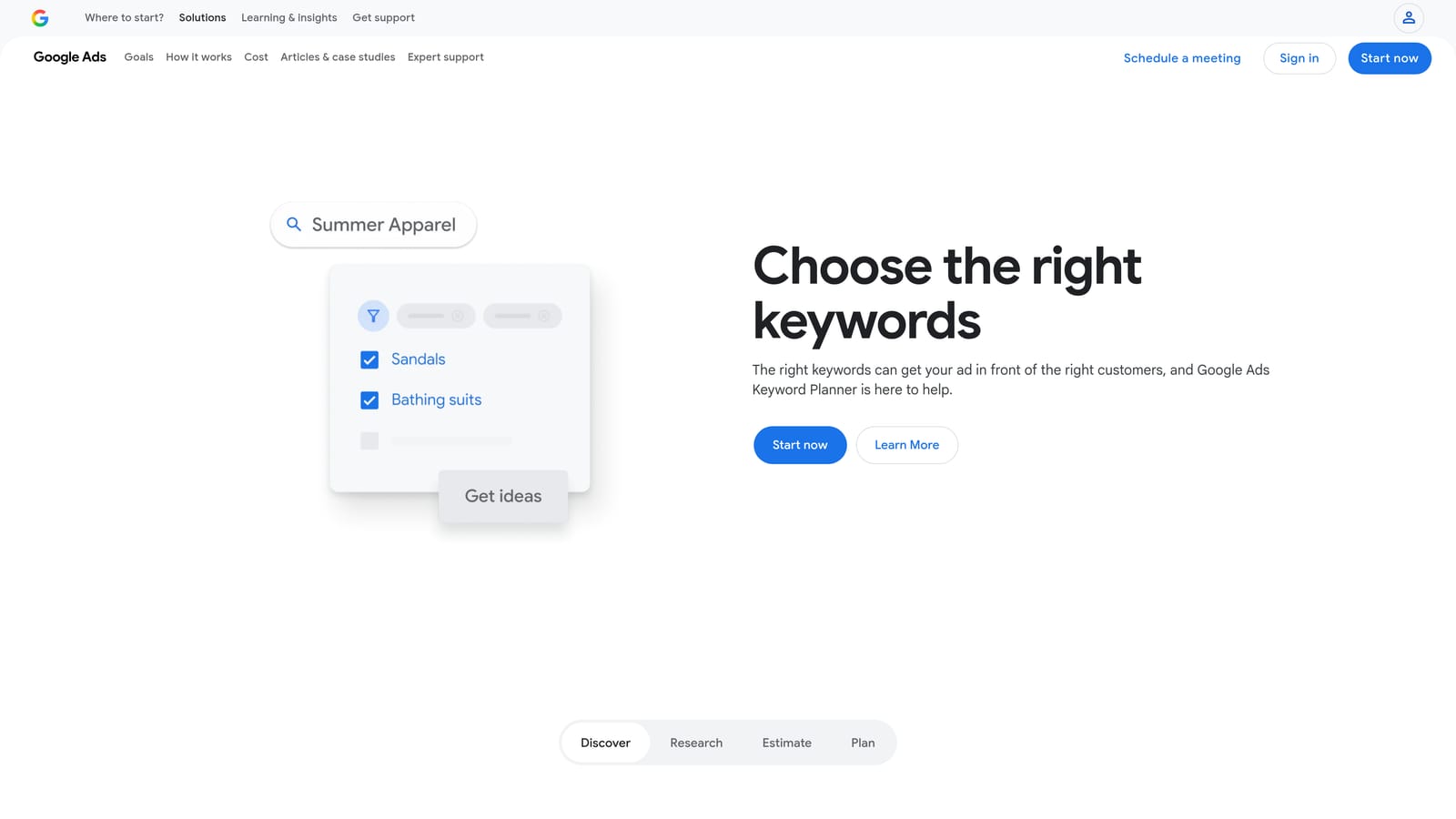
Its edge over third-party research tools is that the data comes from Google itself. That matters when you are estimating search demand and likely costs for the platform where you will actually spend.
A common misconception is that it manages live campaigns. It does not. It plans.
- Keyword idea discovery turns a seed term or a website into a long list of related ideas.
- Search volume data shows how much demand exists, so you can prioritize.
- Bid and forecast estimates help you set a realistic budget before spending.
- Keyword grouping ideas suggest how to organize themes into ad groups.
It works inside Google Ads and needs an account to access. Setup is minimal, and one person, usually whoever plans the campaign, runs it. Note that volume figures can appear as ranges depending on your account activity, so check how your account displays them before relying on precise numbers.
Limitations: it will not show you the search terms triggering your live ads, and it does not help manage negatives. It also will not clean up an existing account. Treat it as a planning step, not an ongoing management tool.
It is free with a Google Ads account.
Best for: Building the initial keyword list before launch.
4. Optmyzr
Optmyzr is a PPC management platform built around optimization and automation across many accounts. It is aimed at agencies and larger teams that want software to surface issues and, where you set it up that way, apply rule-based fixes.

Its distinguishing trait on this list is breadth. Keywords are one piece of a suite that also covers bids, budgets, and reporting, so it replaces several separate tools rather than one workflow.
- Rule-based optimizations let you define conditions and have the platform flag or act on them across accounts.
- Search term and negative keyword analysis points you to wasteful queries without manual digging.
- Account audits and reporting help agencies show clients what changed and why.
- Bid and budget management tools extend the same approach beyond keywords.
It integrates with Google Ads and Microsoft Advertising. Setup takes real effort, because the value comes from configuring rules and templates that fit your accounts. Expect a PPC specialist or account manager to own it rather than a casual user.
The trade-off is weight. For a solo advertiser who only needs keyword cleanup, it can be heavy and costly for the job. Automation also needs oversight, so plan time to review what rules do.
Pricing: see the Optmyzr website for current plans. Cost typically depends on the scale of what you manage, so confirm directly.
Best for: Agencies managing many accounts that want automation.
5. WordStream Advisor (LocaliQ)
WordStream Advisor is guided PPC management software aimed at small businesses. The brand now sits under LocaliQ, and product names and packaging have changed over time, so verify what is currently offered before you commit.
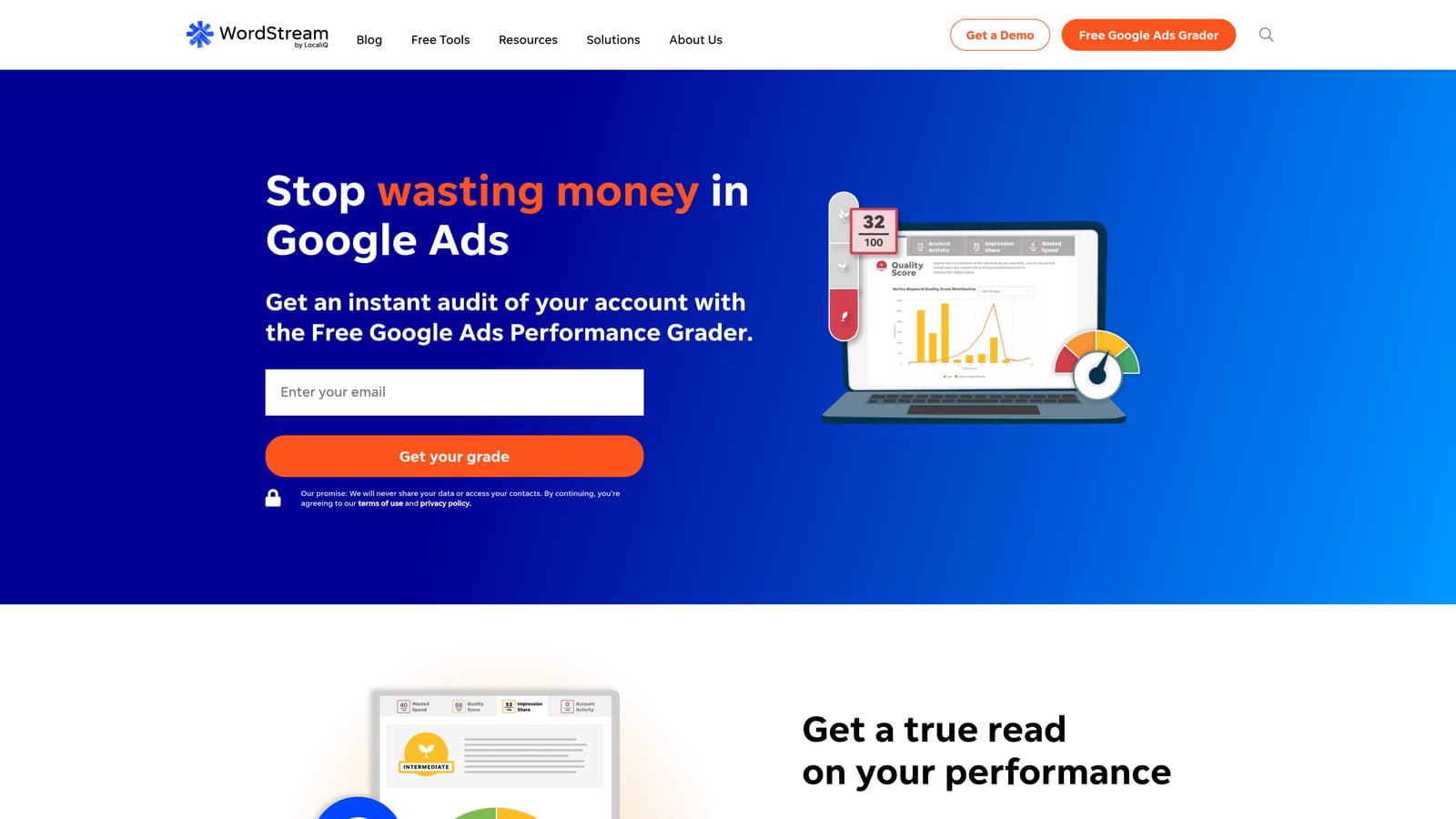
The standout is hand-holding. It delivers guided recommendations meant for people who are not PPC specialists, which suits an owner who runs ads alongside everything else.
- Guided optimization recommendations tell you what to look at next, so you do not need to know where to start.
- A performance grader gives a quick read on how an account stacks up.
- An account management workflow turns routine checks into a repeatable process.
- Reporting summarizes performance without building it by hand.
It connects to Google Ads, Microsoft Advertising, and Facebook Ads, which helps small businesses running more than one channel. Setup is simple compared with agency platforms, and the business owner or a generalist marketer usually runs it.
The limitations: you get less granular control than in tools built for specialists, and pricing is quote-based. If you want to review individual search terms and decide match types yourself, a hands-on tool will feel faster. Because the offering has shifted, ask what is included before buying.
Pricing is quote-based.
Best for: Small business owners who want guided prompts.
6. Adalysis
Adalysis is an automated PPC auditing and testing platform. Rather than giving you an interface to click through search terms, it watches accounts on a schedule and tells you what needs attention.
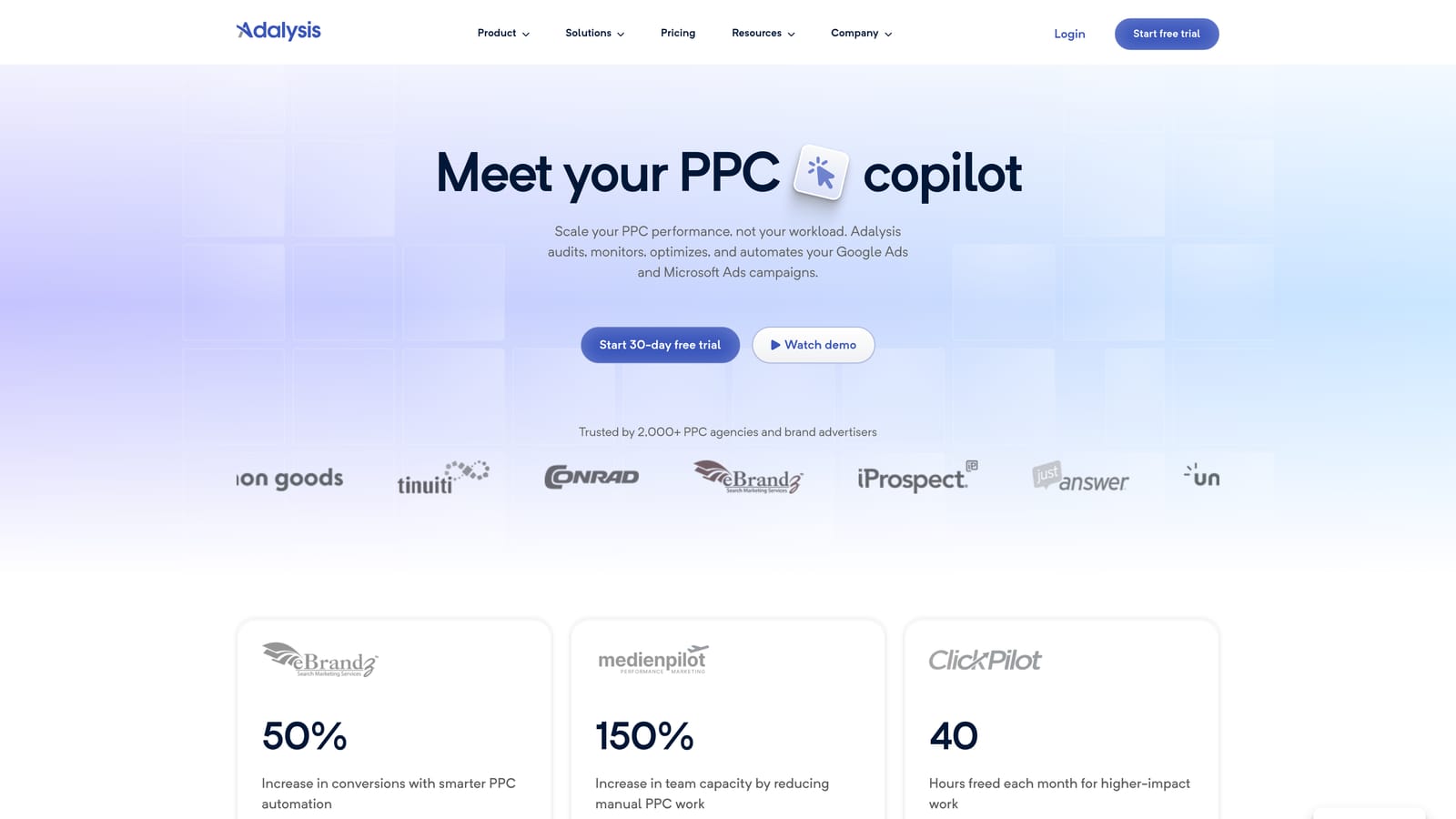
That makes it different from most tools here. Its strength is scheduled audits across many accounts, so an agency can spot problems in a client account it has not opened in weeks.
- Automated account audits check for common problems without a manual review.
- Alerts for keyword and ad issues flag trouble so you can respond quickly.
- Ad testing insights show which ad variations are performing better.
- Reporting packages findings for clients or internal reviews.
It integrates with Google Ads and Microsoft Advertising. Setup means connecting accounts and tuning what gets flagged; after that, an account manager or team lead reviews alerts and acts on them in the ad platform itself.
The limitation is that it is audit-first. It tells you where to look, but it is not a hands-on keyword triage interface, so you will still need somewhere to make the actual changes. Solo advertisers with one or two accounts may not need this layer.
Pricing: see the Adalysis website. Plans commonly depend on the size of what you manage, so confirm current terms.
Best for: Agencies that want ongoing account health monitoring.
7. Semrush
Semrush is a broad marketing suite, and its keyword research and PPC competitor tools are the reason it appears here. It is a research product, not an account management one.
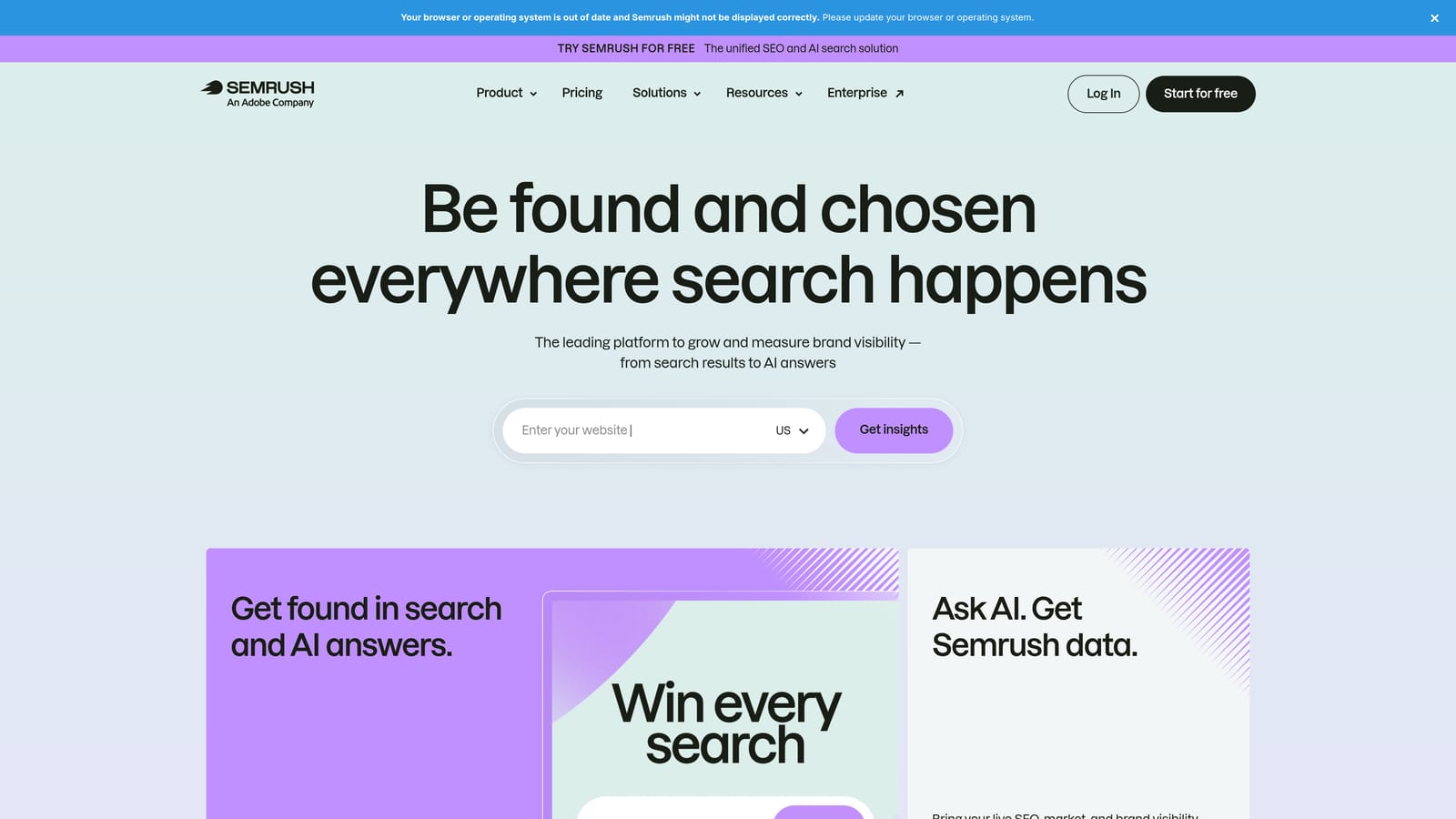
What it does better than most on this list is competitor intelligence. You can see which keywords rivals are bidding on within a large keyword database, which helps when your own list has run dry.
- Keyword Magic Tool generates large sets of related keywords from a seed term.
- PPC keyword research shows the terms advertisers target and the data around them.
- Keyword grouping organizes big lists into themes you can turn into ad groups.
- Competitor ad keyword data reveals gaps between your account and the market.
It connects with Google Analytics and Google Search Console, and may connect with Google Ads (verify the current integration). Setup is quick for research, but the platform is large, so learning where the PPC features sit takes time. Marketers and SEO or PPC strategists typically use it.
The limitations matter. Volume and cost figures are third-party estimates, not Google's own numbers, and it does not edit your Google Ads account. You will export ideas and load them elsewhere. If you only need keyword cleanup, the suite is more than you need.
Pricing: see the Semrush website for current plans, which vary by tier and add-ons.
Best for: Expanding keyword lists using competitor insights.
8. SpyFu
SpyFu is a competitor research tool that shows the keywords and ads rivals have used. It is aimed at marketers who want to learn from what competitors have tried without running tests themselves.
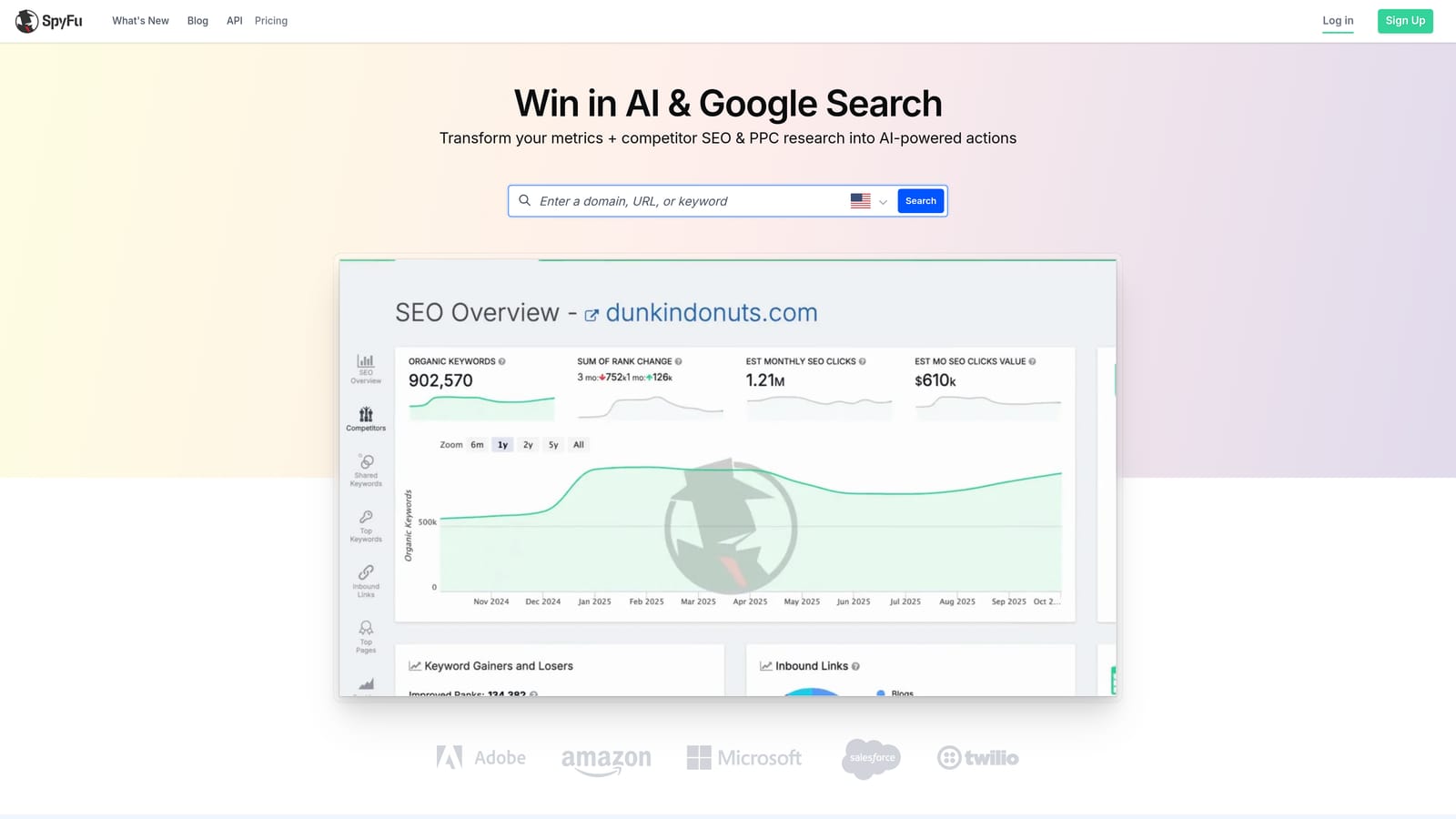
Its signature is history. You can look back at the keywords a competitor has bid on over time, which gives context a snapshot cannot, such as which terms they kept and which they dropped.
- Competitor PPC keyword lists give you candidate terms to test in your own account.
- Ad history shows how rivals' messaging has changed.
- Keyword research helps you size up terms before adding them.
- Domain comparisons show where your keyword coverage overlaps with or differs from competitors.
Its main integration is CSV export, so you take the findings and import them into your ad account manually. Setup is minimal, and one marketer usually handles the research.
The limitations: the data is estimated, and it does not edit accounts or help triage your live search terms. Treat competitor lists as ideas to test, since a rival's keyword may not suit your offer or margins.
Pricing: see the SpyFu website for current plans.
Best for: Competitive keyword research on a budget.
9. Google Sheets with Google Ads Scripts
The do-it-yourself route uses spreadsheets plus optional Google Ads Scripts, which are small JavaScript programs that run inside Google Ads. It suits people who want exactly the workflow they design, and it costs no software fees.
Nothing else here matches its flexibility. If you want a custom classification for search terms, a specific pivot, or a script that writes data to a sheet on a schedule, you can build it.
What you can build
- Search term export and filtering lets you sort and slice queries however you like.
- Custom classification and pivot analysis groups terms by intent, cost, or any rule you define.
- Scripts handle custom automation, such as scheduled reports or alerts.
- Fully customizable workflows mean the process fits your account, not the other way around.
What it costs you in time
Setup depends on your skill. Spreadsheet work is easy to start, while scripts require JavaScript knowledge. Whoever builds it usually has to maintain it too.
The weakness is scale. Manual exports are slow and error-prone across many accounts, and a broken script can quietly stop doing its job. For most teams, the hours spent maintaining this approach outweigh the savings.
It is free.
Best for: Advertisers with technical skills and custom needs.
Which Tool Fits Which Job
For in-interface search term cleanup, Keywordme is the pick: you review the Search Terms Report and act on it without leaving Google Ads. For free bulk editing and big structural changes, use Google Ads Editor. For pre-launch research, Keyword Planner gives you first-party Google data at no cost.
At agency scale, Optmyzr covers automation and Adalysis covers scheduled audits and health monitoring. For competitor research, Semrush and SpyFu fill gaps in your keyword list, with Semrush as the bigger suite and SpyFu as the lighter option. If you have the skills and specific needs, Sheets with Scripts is the DIY path.
Most advertisers end up pairing one research tool with one management tool: something to find keywords, and something to keep a live account clean.
Optimize Google Ads Campaigns 10X Faster. Without Leaving Your Account. Keywordme lets you remove junk search terms, build high-intent keyword lists, and apply match types instantly, right inside Google Ads. No spreadsheets, no switching tabs, just quick, seamless optimization. Start your free 7-day trial (then just $12/month) and take your Google Ads game to the next level.
.svg)