
9 Best Google Ads Tools for Marketers, Freelancers & Agencies
Discover the best Google Ads tools for marketers in 2026, covering keyword research, competitor intelligence, campaign optimization, and reporting to reduce wasted spend and save time. This curated list evaluates nine tools across usefulness, ease of use, and value—with options suited for solo advertisers, freelancers, and agencies managing multiple client accounts.


TL;DR: The best Google Ads tools for marketers in 2026 cover everything from in-interface campaign optimization to keyword research, competitor intelligence, and reporting. This list focuses on tools that actually save time and reduce wasted spend, whether you're managing one account or fifty.
Running Google Ads without the right tools is like doing surgery with a butter knife. You can technically do it, but it's slow, messy, and painful. The problem is there are hundreds of PPC tools out there, and most either duplicate what Google Ads already does or force you to leave the platform entirely to get anything done.
This list cuts through the noise. We've covered search term optimization, keyword research, competitive analysis, landing page testing, and reporting, with options for solo advertisers, freelancers, and agency teams managing multiple clients. Each tool is evaluated on usefulness, ease of use, and value for money.
1. Keywordme
Best for: In-interface Google Ads optimization without spreadsheets or external dashboards.
Keywordme is a Chrome extension that lets you optimize Google Ads campaigns directly inside the Search Terms Report, no tab-switching required.

Where This Tool Shines
In most accounts I audit, the Search Terms Report is a goldmine of wasted spend. Irrelevant queries are burning budget, match types are inconsistent, and nobody has touched the negative keyword list in months. Keywordme fixes this by letting you take action right where the data lives.
Instead of exporting to a spreadsheet, cross-referencing a separate tool, and then manually uploading changes, you click once and it's done. For freelancers managing multiple accounts or agencies with tight turnaround times, that reduction in context-switching adds up fast.
Key Features
One-Click Negative Keyword Addition: Remove irrelevant search terms and add them as negatives instantly without leaving the Google Ads interface.
Match Type Application: Apply exact, phrase, or broad match types to keywords directly from the Search Terms Report.
Keyword Clustering: Group related search terms into structured keyword clusters for faster campaign organization.
Bulk Editing: Handle multiple search terms at once rather than working through them one by one.
Multi-Account and Team Support: Manage multiple client accounts and collaborate with team members, making it practical for agency workflows.
Best For
Freelancers and agency PPC managers who spend meaningful time each week inside the Search Terms Report. Also a strong fit for in-house marketers who want to move faster without adding another dashboard to their stack. If you're still exporting CSVs to manage negatives, this tool pays for itself quickly.
Pricing
$12/month per user. A 7-day free trial is available with no credit card friction. One of the more accessible price points in the PPC tool space.
2. Google Keyword Planner
Best for: Initial keyword research and budget forecasting directly within Google Ads.
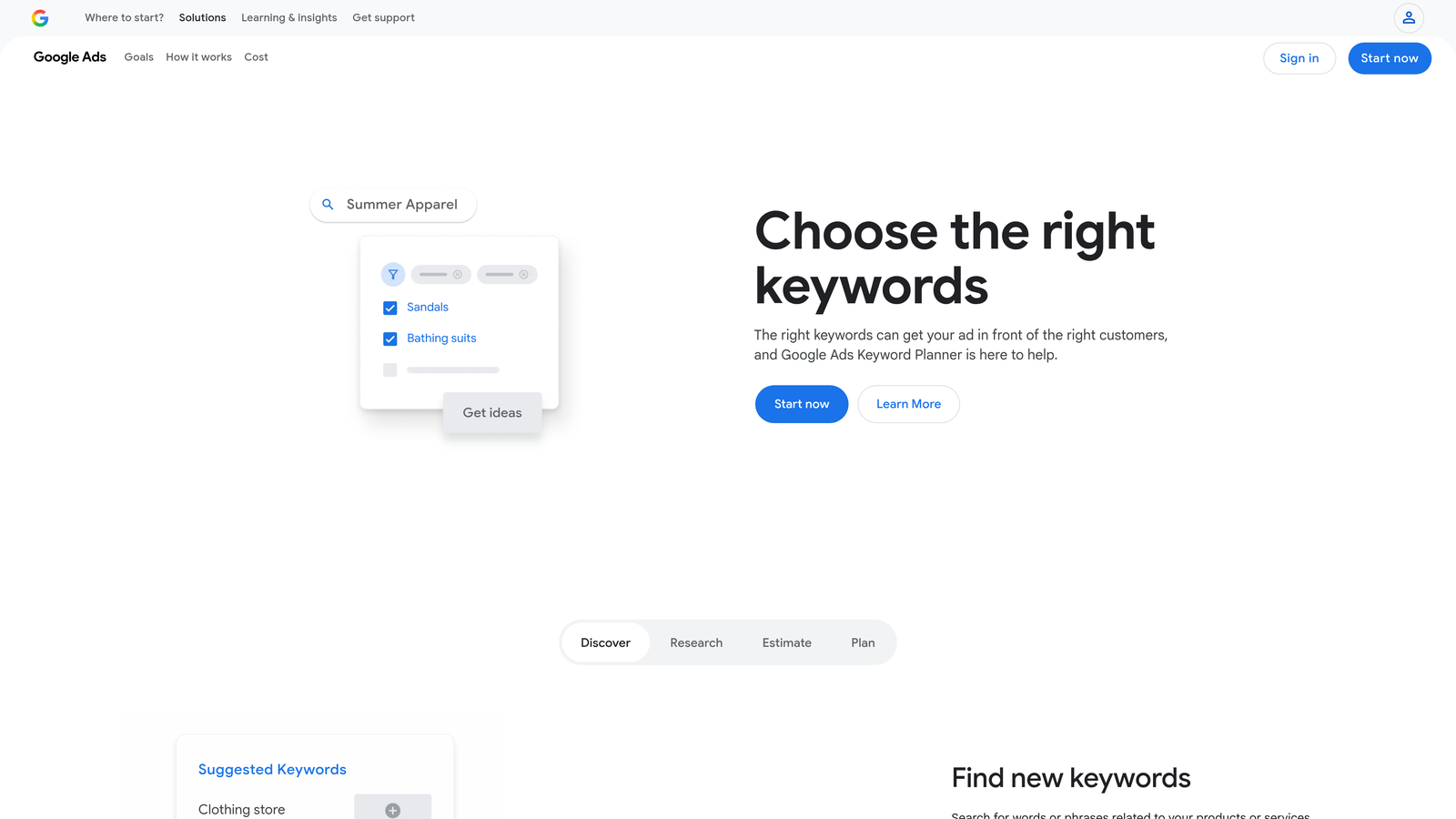
Google Keyword Planner is Google's own free keyword research tool, built natively into the Google Ads platform.
Where This Tool Shines
The data comes straight from Google, which means you're not working with third-party estimates or scraped approximations. Search volume ranges, competition levels, and CPC estimates are as close to the source as you can get for planning purposes.
It's especially useful at the start of a campaign build or when entering a new vertical. You can drop in a competitor's URL and get keyword ideas based on their landing page content, which is a quick way to shortcut research on unfamiliar industries.
Key Features
Search Volume and Trend Data: Volume ranges and seasonality trends pulled directly from Google's own query data.
Keyword Ideas from URLs: Generate keyword suggestions based on any website or landing page URL.
CPC and Competition Estimates: Bid range estimates and competition level indicators to inform budget planning.
Forecasting Tool: Project clicks, impressions, and spend based on selected keywords and bids.
Best For
Anyone building a new Google Ads campaign from scratch. Also useful for account reviews when you want to validate whether current bids are in a reasonable range compared to market averages. The free access makes it a no-brainer starting point.
Pricing
Free with any Google Ads account. No additional subscription required.
3. Semrush
Best for: Competitive PPC intelligence and keyword gap analysis at scale.
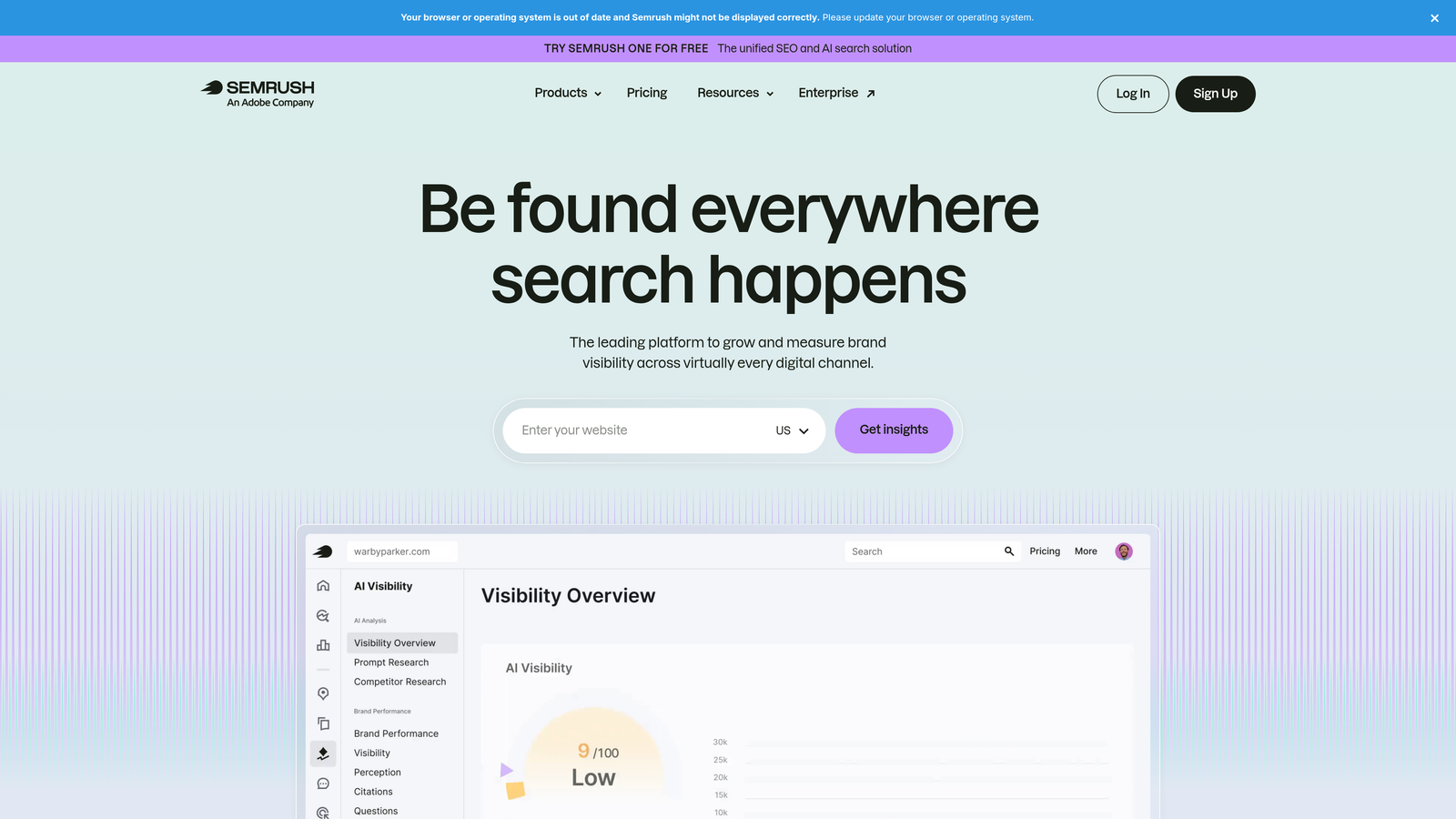
Semrush is a comprehensive SEO and PPC platform with deep competitive research capabilities used by agencies and in-house teams worldwide.
Where This Tool Shines
What usually happens when you inherit a new account is you have no idea what the competitive landscape looks like. Semrush fixes that fast. You can pull a competitor's domain and see exactly which keywords they're bidding on, what their ad copy looks like, and how long they've been running specific campaigns.
The keyword gap tool is particularly useful. It surfaces terms your competitors are bidding on that aren't in your account yet, which is a faster way to find expansion opportunities than brainstorming from scratch.
Key Features
Competitor Ad Copy Research: View live and historical ad copy for any domain, including headlines, descriptions, and landing page URLs.
Keyword Gap Analysis: Identify keywords competitors bid on that your campaigns are missing.
CPC Data by Market and Device: Cost-per-click estimates across different geographic markets and device types.
PPC Keyword List Management: Organize, group, and clean keyword lists before importing them into Google Ads.
Ad History Tracking: See how long competitors have been running specific ads, which is a useful proxy for profitability.
Best For
Agencies doing competitive research for new client onboarding, and in-house marketers in competitive verticals where knowing what rivals are bidding on matters. The price point makes more sense at agency scale than for solo freelancers managing a handful of accounts.
Pricing
Starts at $139.95/month. A limited free plan is available for basic research.
4. SpyFu
Best for: Deep competitor PPC keyword history at a lower price point than enterprise tools.
SpyFu is a competitive research tool focused specifically on uncovering the keyword and ad strategies competitors have used over time.

Where This Tool Shines
SpyFu's strength is historical depth. You can look up a competitor's domain and see years of PPC keyword data, which tells you a lot about which terms have been consistently profitable for them. If a competitor has been bidding on the same keyword for three years, that's a strong signal it's converting.
The interface is more approachable than some enterprise tools, and the price point makes it accessible for freelancers who need competitive intelligence without paying Semrush-level monthly fees.
Key Features
Competitor PPC Keyword History: Years of historical data showing which keywords competitors have bid on and for how long.
Ad Copy and Spend Estimates: View competitor ad creative alongside estimated monthly spend.
Most Profitable Keywords by Competitor: Surface the terms driving the most value for competing advertisers.
SERP Analysis: Combined paid and organic results view for any keyword.
Keyword Ranking Tracking: Monitor keyword positions over time for both paid and organic.
Best For
Freelancers and smaller agencies who need solid competitive PPC research without a large monthly tool budget. Also useful for businesses in established niches where long-running competitor campaigns signal high-value keyword opportunities.
Pricing
Starts at $39/month, making it one of the more affordable options for competitive PPC intelligence.
5. Optmyzr
Best for: PPC automation and rule-based optimization for agencies managing multiple accounts.
Optmyzr is a PPC management and automation platform built for experienced advertisers who want to automate repetitive tasks and surface smarter optimization recommendations.

Where This Tool Shines
The mistake most agencies make is spending too much time on tasks that should be automated. Optmyzr is built around fixing that. Its rule-based automation lets you set conditions for bid changes, budget pacing, and keyword management so you're not manually reviewing the same data points every week.
The one-click optimization suggestions are genuinely useful because they're based on your actual account data rather than generic recommendations. It's the kind of tool that gets more valuable as your account history grows.
Key Features
Rule-Based Automation: Create custom rules for bids, budgets, and keywords based on performance thresholds.
One-Click Optimization Suggestions: Account-specific recommendations you can apply or dismiss in a single click.
Quality Score Monitoring: Track Quality Score trends and get workflows for improving underperforming keywords.
Multi-Account Dashboard: Manage and monitor multiple client accounts from a single interface.
Automated PPC Reporting: Build and schedule reports for client delivery without manual compilation.
Best For
Agencies managing five or more accounts who need automation to stay efficient at scale. The price point makes less sense for solo freelancers managing one or two accounts, but for teams handling significant monthly ad spend, the time savings justify the cost.
Pricing
Starts at $208/month. A 14-day free trial is available.
6. Unbounce
Best for: Building and testing high-converting landing pages for PPC campaigns.
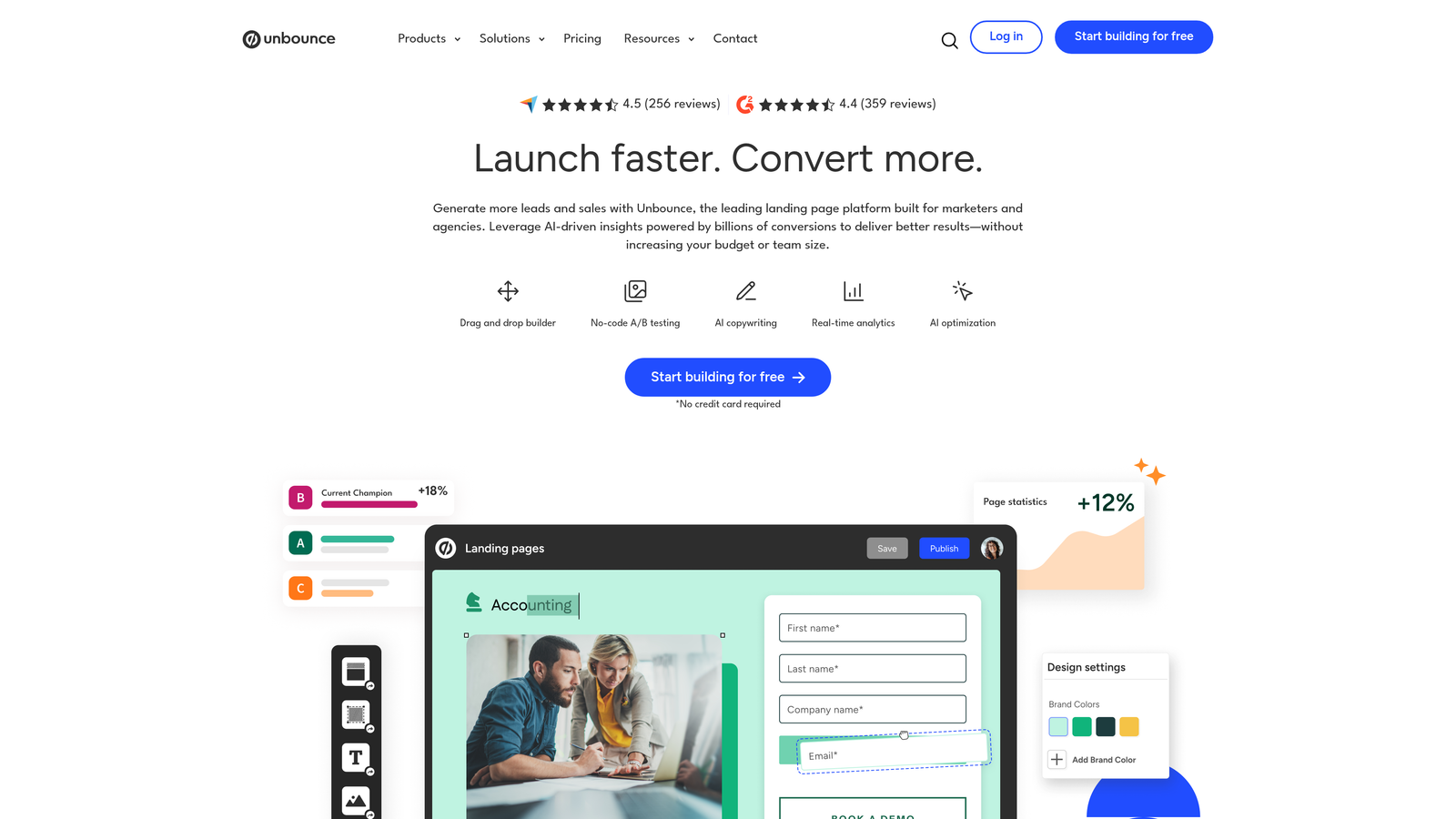
Unbounce is a landing page builder and optimization platform designed specifically to improve post-click conversion rates for paid traffic.
Where This Tool Shines
Here's where it gets interesting: most Google Ads problems aren't actually Google Ads problems. They're landing page problems. Clicks are coming in, but conversions aren't happening because the post-click experience doesn't match the ad message or isn't optimized for conversion.
Unbounce solves this with a drag-and-drop builder that doesn't require developer involvement, plus A/B testing and an AI-powered Smart Traffic feature that routes visitors to the variant most likely to convert based on their attributes. The dynamic text replacement feature is particularly useful for maintaining message match between ad copy and landing page headlines.
Key Features
Drag-and-Drop Landing Page Builder: PPC-optimized templates you can customize without writing code.
A/B and Multivariate Testing: Test multiple page variants to find the highest-converting version.
Smart Traffic AI: Automatically routes visitors to the variant most likely to convert based on behavioral signals.
Dynamic Text Replacement: Automatically swap headline text to match the keyword that triggered the ad click.
Google Ads UTM Integration: Native support for UTM parameter tracking to connect landing page performance to specific campaigns.
Best For
PPC managers who have solid click-through rates but struggling conversion rates. Also ideal for agencies building dedicated landing pages for each client campaign rather than sending traffic to generic website pages.
Pricing
Starts at $99/month. A 14-day free trial is available.
7. Google Analytics 4
Best for: Full-funnel conversion tracking and audience building for Google Ads campaigns.
Google Analytics 4 is Google's free analytics platform and an essential layer for understanding what actually happens after someone clicks your ad.
Where This Tool Shines
GA4 is where surface-level Google Ads metrics turn into real business insights. Click-through rate and cost-per-click tell you how your ads are performing. GA4 tells you whether those clicks are turning into revenue, leads, or any other outcome that actually matters to the business.
The native integration with Google Ads means you can import conversion events directly and use GA4 audiences for remarketing campaigns. Multi-channel attribution modeling helps you understand how Google Ads interacts with other traffic sources in the path to conversion, which is critical for accurate budget allocation.
Key Features
Native Google Ads Integration: Import conversion events and sync audiences directly between GA4 and Google Ads.
Conversion Event Tracking: Set up and track any user action as a conversion goal without relying on developer support for basic events.
Audience Building for Remarketing: Create and publish custom audiences to Google Ads based on on-site behavior.
Multi-Channel Attribution: Understand how Google Ads contributes to conversions alongside other traffic sources.
Best For
Every Google Ads advertiser, full stop. If you're running paid campaigns without GA4 connected, you're flying blind on anything beyond last-click metrics. Free and essential.
Pricing
Free for most advertisers. GA4 360 (enterprise tier) is available at custom pricing for high-volume data needs.
8. Looker Studio
Best for: Building shareable, client-ready Google Ads reports without paying for a reporting tool.
Looker Studio is Google's free dashboard and reporting platform, formerly known as Google Data Studio, widely used by agencies for client-facing reporting.
Where This Tool Shines
Client reporting is one of the most time-consuming parts of agency work if you're doing it manually. Looker Studio eliminates most of that by connecting directly to Google Ads, GA4, and Google Sheets, then letting you build live dashboards that update automatically.
Once you've built a solid template, you can duplicate it for each new client and swap the data source in minutes. The shareable link means clients can check performance whenever they want without you generating a new report each time.
Key Features
Native Google Ads and GA4 Connectors: Pull live data directly from your ad accounts and analytics without manual exports.
Drag-and-Drop Dashboard Builder: Fully customizable layout with charts, tables, scorecards, and filters.
Shareable Live Reports: Send clients a link to a live dashboard that always shows current data.
Scheduled Email Delivery: Automate report delivery to clients or stakeholders on a set schedule.
Best For
Agencies and freelancers who want professional client reporting without paying for a dedicated reporting platform. Also useful for in-house teams building internal performance dashboards for stakeholders.
Pricing
Free with no limits on reports or data sources.
9. WordStream Advisor
Best for: Guided PPC management with weekly recommendations for advertisers newer to Google Ads.
WordStream Advisor is a guided PPC management platform offering structured weekly optimization recommendations and a simplified campaign workflow interface.
Where This Tool Shines
WordStream's 20-Minute Work Week concept is well-known in PPC circles. The idea is that the platform surfaces the most impactful optimization actions each week so you can work through them efficiently without needing to audit everything manually. For advertisers who are still building their PPC instincts, that structure is genuinely helpful.
The free Google Ads Grader tool is worth mentioning separately. It's a quick diagnostic that benchmarks your account against industry averages and flags obvious issues, useful for a fast account health check or as a conversation starter with a prospective client. It's worth noting that if in-interface optimization is your priority, tools like Keywordme operate directly inside Google Ads rather than through a separate platform, which suits different workflow preferences.
Key Features
Weekly Optimization Alerts: Prioritized action items based on account performance data, delivered on a regular cadence.
Free Google Ads Grader: A standalone account benchmarking tool available without a paid subscription.
Simplified Campaign Interface: Streamlined keyword and ad management designed to reduce complexity for less experienced advertisers.
Cross-Platform Support: Covers Google Ads, Microsoft Ads, and Facebook Ads from a single interface.
Reporting and Benchmarking: Performance reports with industry benchmark comparisons.
Best For
Smaller advertisers or those newer to PPC who benefit from guided recommendations rather than a fully manual workflow. The free Grader tool is useful for anyone doing a quick account audit regardless of whether you use the paid platform.
Pricing
Custom pricing based on ad spend. The Google Ads Grader tool is free to use.
Which Tool Is Right for Your Workflow?
Most experienced Google Ads managers end up using a combination of two or three tools depending on their workflow. The key is avoiding tool overload. Pick what solves your most pressing problem first, then layer from there.
Here's a quick breakdown by use case:
Wasted spend from irrelevant search terms: Start with Keywordme. It's the fastest way to clean up your Search Terms Report without leaving Google Ads, and at $12/month it's the lowest-friction starting point on this list.
Competitive intelligence: Semrush for deeper research at agency scale, SpyFu if you want solid competitor data at a lower price point.
Low conversion rates despite good click volume: Unbounce. The problem is almost always post-click, and dynamic text replacement plus Smart Traffic can meaningfully improve results.
Client reporting: Looker Studio. It's free, connects natively to Google Ads and GA4, and produces professional dashboards clients can access anytime.
Multi-account automation: Optmyzr for agencies managing significant spend across multiple accounts who need rule-based automation to stay efficient.
If you're still exporting search terms into spreadsheets each week, that's the first thing to fix. Start your free 7-day trial of Keywordme and see how much time you recover in the first session alone. From there, add a keyword research layer with Semrush or Google Keyword Planner, connect GA4 for proper conversion tracking, and build your client reporting in Looker Studio.
.svg)