
9 Best Google Ads Tools for Agencies in 2026
Managing Google Ads across multiple client accounts demands tools that scale efficiently and eliminate time-consuming manual work. This guide reviews the best Google Ads tools for agencies in 2026, focusing on platforms that genuinely streamline workflows—from search term cleanup and negative keyword management to cross-account reporting and automated bid optimization—helping agencies cut optimization time from hours to minutes while managing anywhere from five to 50+ client accounts.


Managing Google Ads for multiple clients is a different beast than running a single account. You need tools that scale, save time on repetitive tasks, and give you visibility across dozens (or hundreds) of campaigns without drowning in tabs. The right stack can turn a 4-hour optimization session into a 30-minute workflow—and that difference compounds fast when you're juggling client accounts.
This list covers the best Google Ads tools for agencies in 2026. We've prioritized platforms that actually speed up workflows, not just add more dashboards to check. Whether you're a boutique shop handling five clients or an enterprise agency with 50+, there's something here that'll make your life easier.
1. Keywordme
Best for: Fast search term cleanup and negative keyword management without leaving Google Ads
Keywordme is a Chrome extension that turns the Google Ads search terms report into an optimization powerhouse.

Where This Tool Shines
Most agencies waste hours each week exporting search term reports to spreadsheets, manually tagging junk queries, and building negative keyword lists. Keywordme eliminates that entire workflow by letting you optimize directly inside the Google Ads interface.
The real value shows up when you're managing multiple accounts. Instead of switching between tabs and spreadsheets for each client, you can clean up search terms with single clicks. What used to take 30-40 minutes per account now takes 5-10 minutes.
Key Features
One-Click Junk Removal: Flag and remove irrelevant search terms instantly without manual spreadsheet work.
Bulk Negative Keyword Lists: Build and apply negative keyword lists across campaigns in seconds.
In-Interface Match Types: Apply broad, phrase, or exact match modifiers without leaving the search terms report.
Team Collaboration: Multi-account support with team access for agency workflows.
Keyword Clustering: Automatically group related search terms for faster campaign structuring.
Best For
Agencies that spend significant time on search term optimization and negative keyword management. If you're regularly auditing client accounts or onboarding new clients, this cuts down repetitive manual work dramatically.
Pricing
$12/month per user with a 7-day free trial. Flat-rate pricing makes it predictable for agencies of any size.
2. Optmyzr
Best for: Rule-based automations and comprehensive PPC management across multiple accounts
Optmyzr is a full-scale PPC platform built around custom automations and optimization workflows.

Where This Tool Shines
Optmyzr excels when you need to standardize optimizations across client accounts. Instead of manually checking every campaign for budget pacing issues or bid adjustments, you can set up rule-based automations that run on a schedule. The approval workflow feature is particularly useful for agencies—automations suggest changes but don't apply them until you review.
The account audit tool is another standout. It scans for common issues like duplicate keywords, ad groups with no ads, or campaigns missing conversion tracking. In most accounts I audit, this catches at least 3-5 fixable issues within the first scan.
Key Features
Custom Rule Automations: Build if-then rules for bid adjustments, budget changes, and campaign optimizations.
One-Click Optimizations: Pre-built optimization suggestions with approval workflows before changes go live.
Account Health Scores: Automated audits that flag structural issues and missed opportunities.
Budget Management: Track spend pacing across accounts and get alerts before budgets run out.
Shopping Campaign Tools: Feed optimization and product group management for ecommerce clients.
Best For
Agencies managing 10+ accounts that need consistent optimization processes. If you're manually checking the same metrics across clients every week, Optmyzr automates most of that.
Pricing
Starts at $249/month for up to $50K in managed ad spend. Pricing scales with total spend under management.
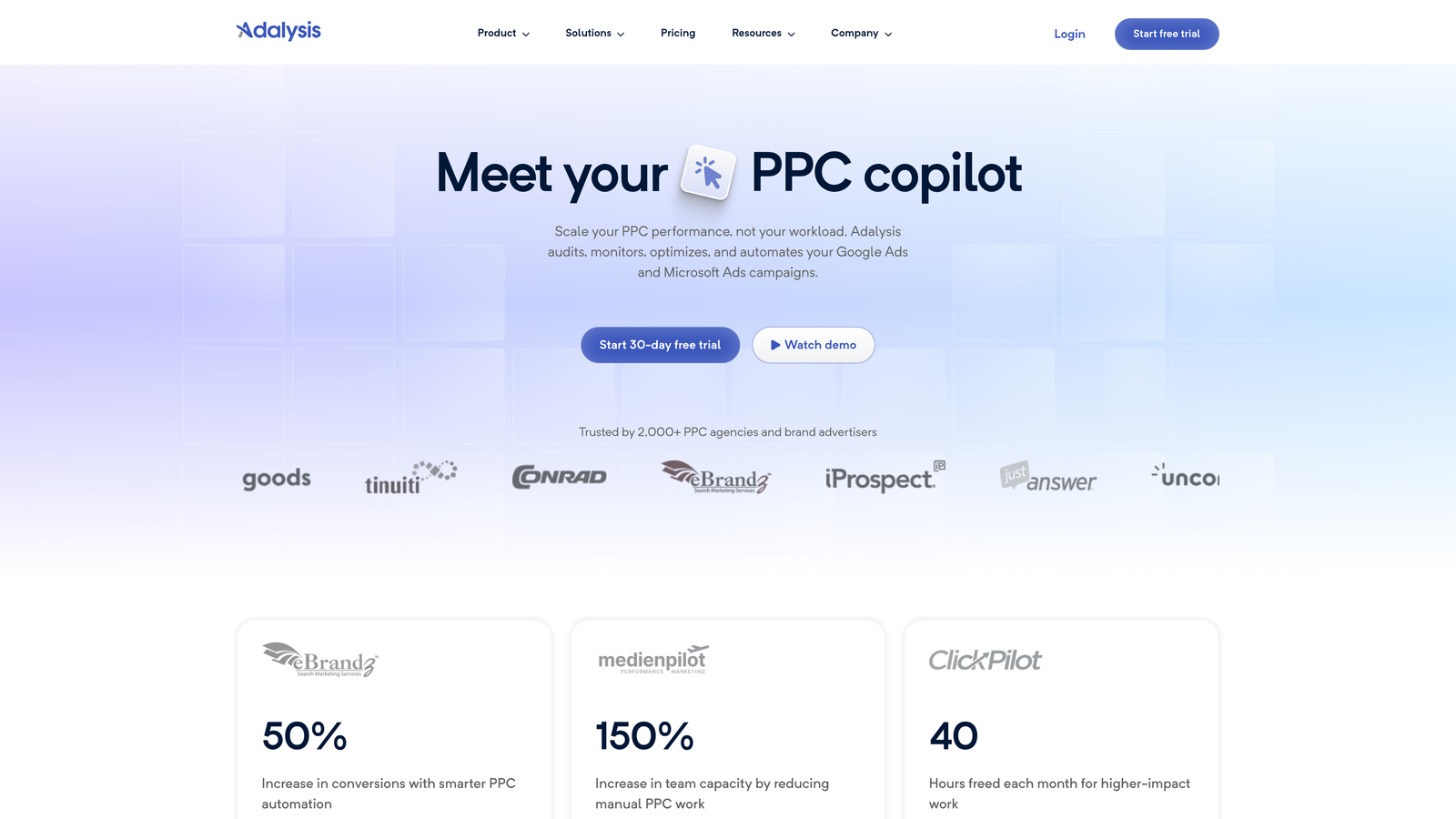
3. Adalysis
Best for: Ad testing frameworks and quality score monitoring
Adalysis focuses on ad performance testing and proactive alerts for campaign issues.
Where This Tool Shines
Adalysis automates ad testing in a way that most agencies skip because it's tedious to do manually. You can set up A/B tests across ad groups and get statistical significance alerts when a winner emerges. The quality score tracking is also valuable—it monitors changes at the keyword level and alerts you when scores drop, which usually signals relevance issues before they tank performance.
The anomaly detection catches things you'd miss in a manual review. If a campaign suddenly spends 40% more than usual or CTR drops by 20%, you get an alert the same day instead of discovering it a week later during your next client check-in.
Key Features
Automated Ad Testing: Set up systematic A/B tests with statistical significance tracking.
Quality Score Monitoring: Daily alerts when keyword quality scores change.
Search Query Analysis: Identify negative keyword opportunities and new keyword ideas.
Anomaly Detection: Automatic alerts for unusual spending, CTR, or conversion changes.
Performance Recommendations: AI-driven suggestions for bid adjustments and budget reallocation.
Best For
Agencies that prioritize ad testing and need proactive monitoring across accounts. If you manage accounts where small performance drops create big client concerns, the alert system is worth it.
Pricing
Starts at $99/month for managing up to $50K in ad spend. Pricing increases with managed spend tiers.
4. WordStream
Best for: Quick weekly optimizations with the 20-minute work week methodology
WordStream is designed around fast optimization sessions using pre-built alerts and recommendations.

Where This Tool Shines
WordStream's "20-minute work week" approach surfaces the highest-impact optimizations first. Instead of digging through reports, you log in and see a prioritized list of what to fix. It's particularly useful for smaller agencies or freelancers managing 5-15 accounts where you don't have time for deep-dive audits every week.
The performance grading feature benchmarks your accounts against industry averages, which is helpful for client conversations. You can show them where they stand compared to competitors in their vertical without needing to manually compile that data.
Key Features
20-Minute Work Week Alerts: Prioritized optimization suggestions based on impact potential.
Cross-Platform Management: Manage Google Ads, Microsoft Ads, and Facebook campaigns in one interface.
Performance Grading: Industry benchmark comparisons for CTR, CPC, and conversion rates.
Keyword Research Tools: Built-in keyword discovery and negative keyword suggestions.
Client Reporting: Automated reports with customizable branding and metrics.
Best For
Small to mid-sized agencies that need efficient weekly optimization workflows. If you're managing accounts solo or with a small team, this keeps you from getting buried in data.
Pricing
Custom pricing based on total ad spend under management. Typically starts around $300-500/month for smaller agencies.
5. Skai (formerly Kenshoo)
Best for: Enterprise agencies managing large budgets with advanced forecasting needs
Skai is an enterprise-grade marketing platform with AI-driven bidding and cross-channel campaign management.

Where This Tool Shines
Skai is built for agencies managing seven-figure monthly budgets across multiple channels. The AI bidding engine goes beyond Google's Smart Bidding by incorporating your own business rules and constraints. You can set custom goals like "maximize conversions but keep CPA under $50 during weekdays and $60 on weekends"—nuances that standard Smart Bidding can't handle.
The forecasting tools are where this platform justifies its cost for enterprise agencies. You can model budget scenarios, predict performance changes, and allocate spend across channels before committing actual budget. This level of planning matters when a single client is spending $200K+ per month.
Key Features
AI-Powered Bidding: Custom bidding algorithms that incorporate business rules beyond platform defaults.
Cross-Channel Budget Allocation: Optimize spend distribution across Google, Meta, Amazon, and other platforms.
Advanced Forecasting: Model performance scenarios and budget impacts before making changes.
Retail Media Management: Unified management for Amazon Ads, Walmart Connect, and other retail channels.
Custom Attribution Modeling: Build attribution models that match your client's actual customer journey.
Best For
Enterprise agencies managing large multi-channel budgets. If you're working with major brands or managing $500K+ monthly across clients, Skai's capabilities match that scale.
Pricing
Enterprise pricing starting around $2,000+/month. Exact costs depend on managed spend and feature requirements.
6. Channable
Best for: Ecommerce agencies managing product feeds and Shopping campaigns
Channable specializes in feed management and PPC automation for ecommerce-focused agencies.

Where This Tool Shines
If you manage Shopping campaigns for ecommerce clients, Channable solves the feed optimization headache. You can create rule-based transformations that automatically fix common feed issues—like adding missing GTINs, cleaning up product titles, or categorizing products correctly. What usually happens here is that clients hand you a messy product feed with inconsistent data, and Channable lets you clean it up without going back to the client for manual fixes.
The dynamic text ad generation is particularly useful when you're working with large product catalogs. Instead of writing hundreds of ads manually, you can template them based on product attributes and let Channable populate the variations.
Key Features
Product Feed Optimization: Rule-based feed transformations and data cleanup.
Dynamic Text Ad Generation: Automatically create ad variations based on product data.
Shopping Campaign Automation: Automated bid adjustments and product group structuring.
Multi-Marketplace Distribution: Push optimized feeds to Google, Facebook, Amazon, and other platforms.
Rule-Based Categorization: Automatically assign products to correct categories based on custom rules.
Best For
Agencies managing ecommerce clients with large product catalogs. If Shopping campaigns are a significant part of your client mix, this handles the feed complexity.
Pricing
Starts at €29/month for basic feed management. Pricing scales with number of products and connected channels.
7. AgencyAnalytics
Best for: White-label client reporting and automated dashboards
AgencyAnalytics is an all-in-one reporting platform designed specifically for agency client communication.

Where This Tool Shines
AgencyAnalytics removes the monthly scramble to build client reports. You set up dashboards once, connect data sources, and reports generate automatically on your schedule. The white-label features let you brand everything with your agency logo and colors, so clients see a professional presentation without knowing you're using a third-party tool.
The client login portals are a standout feature. Instead of emailing PDF reports, you can give clients dashboard access where they can check their metrics anytime. This cuts down on "how are we doing?" emails and keeps clients engaged with their data between meetings.
Key Features
White-Label Dashboards: Fully branded client dashboards with custom logos and colors.
Automated Report Scheduling: Set reports to generate and send automatically on your preferred schedule.
70+ Marketing Integrations: Connect Google Ads, Analytics, Facebook, SEO tools, and more.
Custom Metrics and Widgets: Build custom calculations and visualizations for client-specific KPIs.
Client Login Portals: Give clients direct dashboard access without sharing credentials.
Best For
Agencies that spend significant time on client reporting and want to automate the process. If you're manually building reports in Google Slides or Excel every month, this pays for itself in saved time.
Pricing
Starts at $79/month for 5 client campaigns. Additional campaigns cost $12-15 each depending on plan tier.
8. Supermetrics
Best for: Data pipeline automation and custom reporting in Google Sheets or Looker Studio
Supermetrics pulls marketing data from 100+ platforms into spreadsheets, data visualization tools, and warehouses.

Where This Tool Shines
Supermetrics is the go-to tool when you need custom reporting that standard platforms don't support. Instead of exporting CSVs from multiple platforms and manually combining them, Supermetrics automates the data pipeline. You can pull Google Ads data into a Google Sheet alongside Facebook Ads, Analytics, and CRM data—all refreshing automatically on a schedule.
The mistake most agencies make is trying to build these pipelines manually. You end up with brittle spreadsheets that break when APIs change. Supermetrics handles API updates and maintains connections, so your reports keep working without constant maintenance.
Key Features
100+ Data Source Connectors: Pull data from Google Ads, Facebook, Analytics, LinkedIn, and dozens of other platforms.
Automated Data Refresh: Schedule data updates hourly, daily, or weekly without manual intervention.
Custom Query Builder: Select specific metrics, dimensions, and date ranges for each data pull.
Data Warehouse Destinations: Send data to BigQuery, Snowflake, or other warehouses for advanced analysis.
Cross-Platform Data Blending: Combine data from multiple sources in a single report or dashboard.
Best For
Agencies that need custom reporting beyond what native platforms offer. If you're building complex attribution models or blending data from multiple channels, Supermetrics handles the data pipeline.
Pricing
Starts at $39/month for a single connector. Multi-connector plans range from $99-$1,000+/month depending on data sources and destinations.
9. Google Ads Editor
Best for: Bulk campaign editing and offline management
Google Ads Editor is Google's free desktop application for managing campaigns offline and making bulk changes.
Where This Tool Shines
Google Ads Editor is the unsung hero of agency workflows. When you need to make sweeping changes across campaigns—like updating 500 ad headlines or restructuring campaign settings—doing it in the web interface is painfully slow. Editor lets you download campaigns, make bulk edits offline, review everything before publishing, and push changes all at once.
The copy/paste functionality across accounts is particularly valuable. If you've built a campaign structure that works well for one client, you can copy it in Editor and paste it into another client's account with minimal adjustments. This standardization saves hours when onboarding new clients.
Key Features
Bulk Campaign Editing: Make changes to hundreds or thousands of items simultaneously.
Offline Management: Download campaigns and work without an internet connection.
Copy/Paste Across Accounts: Duplicate campaign structures between client accounts quickly.
Find and Replace: Search for specific text across campaigns and replace it in bulk.
Draft and Review: Preview all changes before publishing to live accounts.
Best For
Every agency managing Google Ads. This is a baseline tool that complements whatever other platforms you're using. The fact that it's free makes it a no-brainer addition to your stack.
Pricing
Free from Google.
Making the Right Choice
Most agencies benefit from combining 2-3 tools rather than relying on a single platform. The typical effective stack includes an in-interface optimization tool like Keywordme for daily search term cleanup, an automation platform like Optmyzr or WordStream for systematic optimizations, and a reporting tool like AgencyAnalytics for client communication.
If you're just starting to build your tool stack, prioritize based on where you're losing the most time. In most accounts I audit, agencies spend the most hours on search term management and client reporting—so those are the first two areas to automate.
For ecommerce-heavy agencies, add Channable to handle feed complexity. For enterprise agencies managing large budgets, Skai's forecasting and cross-channel capabilities justify the investment. And regardless of your agency size, Google Ads Editor should be part of your workflow for bulk editing efficiency.
Start with free trials where available. Most of these platforms offer 7-14 day trials, which gives you enough time to test them on 2-3 client accounts and measure actual time savings. The right tools should feel like they're removing friction from your workflow, not adding another dashboard to check.
Optimize Google Ads Campaigns 10X Faster. Without Leaving Your Account. Keywordme lets you remove junk search terms, build high-intent keyword lists, and apply match types instantly—right inside Google Ads. No spreadsheets, no switching tabs, just quick, seamless optimization. Start your free 7-day trial (then just $12/month) and take your Google Ads game to the next level.
.svg)