
9 Best Google Ads Plugins for Chrome in 2026
This guide rounds up the best Google Ads plugins for Chrome, covering tools for cleaning up search terms, managing negative keywords, and verifying conversion tags directly in the browser. Each pick is evaluated for its specific relevance to PPC workflows rather than generic SEO use.


If you manage Google Ads accounts, you know the tab-switching drill: search terms report open in one window, a spreadsheet for negative keyword tracking in another, maybe a keyword research tool in a third. Chrome extensions can cut a lot of that busywork, but not every "SEO extension" actually helps with paid search. This list sticks to tools with direct relevance to Google Ads work, from cleaning up search terms to checking whether your conversion tags fire correctly, rather than generic organic-traffic add-ons that only sound useful for PPC.
Quick Comparison
- Keywordme: best for advertisers and agencies managing search terms and keywords daily; starts at $12/month per user; the only tool here that lets you remove junk search terms and apply match types without leaving the Google Ads interface.
- Google Tag Assistant Companion: best for confirming conversion tags fire correctly; free; it's Google's own first-party tag debugger, which no third-party tool can replicate with the same authority.
- Keywords Everywhere: best for marketers who want CPC and volume data while browsing; credit-based pricing (check current rates); overlays that data directly onto Google search results as you browse.
- Keyword Surfer: best for freelancers brainstorming keywords early; free; gives volume data with no credit system to manage.
- Similarweb Chrome Extension: best for scouting competitor traffic sources; free tier available; breaks down how much of a competitor's traffic is paid versus organic.
- Ahrefs SEO Toolbar: best for checking organic keyword overlap before building Ads lists; free; combines backlink data with on-page checks in one view.
- SEOquake: best for comparing landing page candidates; free; exports side-by-side CSV comparisons across multiple pages.
- MozBar: best for a quick read on competitor site strength; free; shows Domain Authority and Page Authority at a glance on any SERP.
- Detailed SEO Extension: best for fast landing page QA before launch; free; shows meta tags and headers instantly with no account needed.
1. Keywordme
Keywordme is built specifically for the part of Google Ads that eats the most time: the Search Terms Report. Instead of exporting search terms to a spreadsheet to sort junk from winners, you work directly inside the native report and take action with a click.
The distinctive part is that nothing leaves the Google Ads interface. Most tools that touch keywords or search terms require you to pull data out into a dashboard or spreadsheet, make decisions there, then push changes back in. Keywordme skips that round trip entirely.
- Removes junk search terms and adds them as negative keywords in one click, right from the report
- Applies match types instantly instead of manually editing each keyword
- Groups related keywords through clustering so you can spot patterns faster
- Handles bulk edits across ad groups instead of one-by-one changes
- Supports multi-account and team access, which matters for agencies juggling several client accounts
Setup is just installing the Chrome extension and logging into Google Ads as usual; there's no separate dashboard to learn. It's built for whoever already owns the search terms report, whether that's a solo advertiser or an account manager on an agency team.
It's not a do-everything extension. Keywordme stays focused on search term and keyword management, so it won't verify conversion tags, pull competitor traffic estimates, or audit a landing page. For those tasks you'll want other tools on this list.
Pricing is a flat $12/month per user, with a 7-day free trial to test the workflow before committing.
Best for: Advertisers and agencies who want to clean up search terms and manage keywords faster without leaving Google Ads.
2. Google Tag Assistant Companion
Google Tag Assistant Companion checks whether the tags on a live page, including Google Ads conversion tags, are actually firing. It replaced the legacy Tag Assistant extension, and as the official Google tool, it carries a kind of authority no third-party extension can match when you need to confirm tracking is accurate.
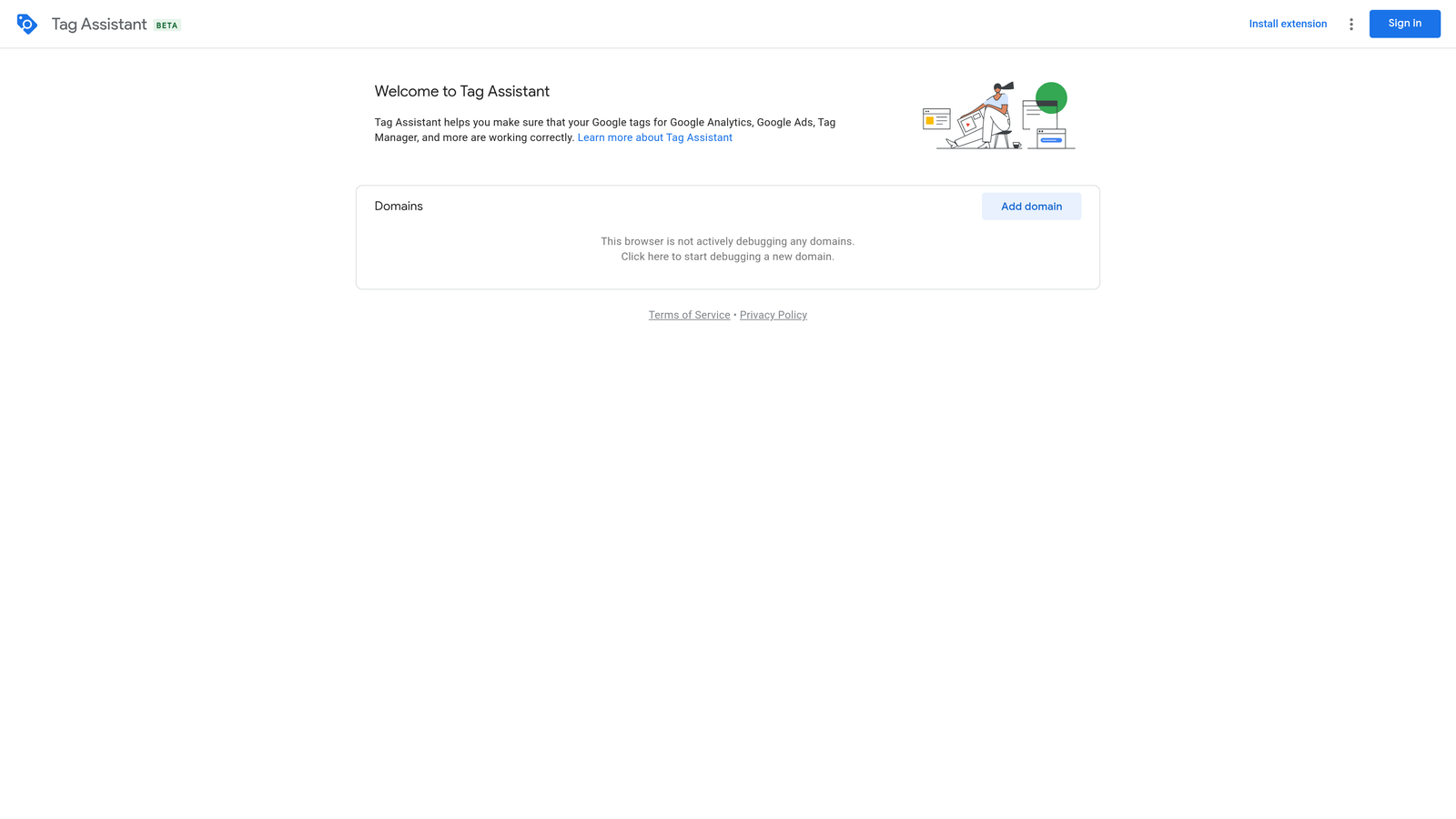
This matters more than it might seem. If your conversion tag isn't firing correctly, every optimization decision you make in Google Ads, including anything you do with search terms or keywords, is based on incomplete data. Tag Assistant Companion is the sanity check that comes before all of that.
- Verifies live tag firing on the page you're currently viewing
- Debugs Google Ads conversion tags specifically, not just generic page scripts
- Works alongside Google Tag Manager for a fuller picture of what's deployed
- Stays free and maintained directly by Google, so it keeps pace with platform changes
Setup involves installing the extension and opening it on the page you want to check; there's no account configuration beyond that. Whoever manages tracking, often the same person running the Ads account, can use it without needing a developer.
Its limitation is scope: it only checks the page in front of you. It won't touch your keyword lists, search terms, or campaign structure, so it's a diagnostic companion to your Ads work rather than a workflow tool.
Best for: Advertisers who need to confirm conversion tracking is working before trusting their Google Ads reporting.
3. Keywords Everywhere
Keywords Everywhere overlays search volume, CPC, and competition data directly onto Google search results pages and several other supported sites. It's less a Google Ads tool and more a research companion you keep running in the background while browsing.
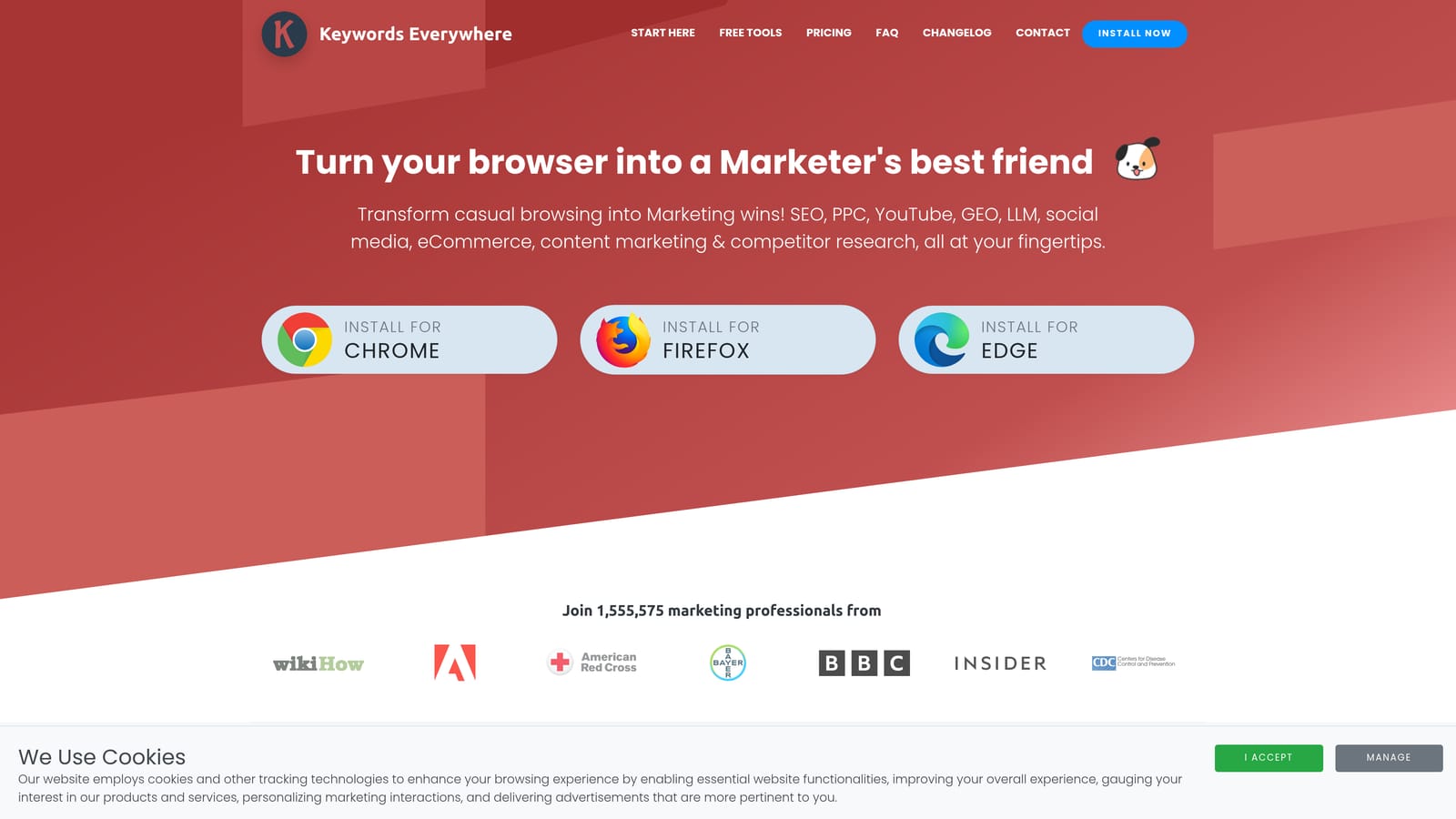
What sets it apart here is that the data shows up passively, on pages you're already looking at, rather than requiring you to open a separate research tool and run a query.
- Displays search volume and CPC estimates right on Google's results page
- Shows a competition score so you can gauge how contested a term is
- Suggests related and long-tail keywords as you browse
- Extends beyond Google to other supported sites like YouTube and Amazon
It integrates with your browser only; there's no Google Ads connection, so anything useful you find still needs to be manually added to your account or, if you're a Keywordme user, built into a keyword list there. Setup is a simple install and account signup.
The catch is pricing: it runs on prepaid credits rather than a flat subscription, and credit consumption has shifted over time, so heavy users should check current terms before relying on it daily. As of 2026, confirm exact credit costs on the official site, since Keywords Everywhere has adjusted its pricing structure before.
Best for: Marketers who want quick CPC and volume checks while browsing Google outside the Ads interface.
4. Keyword Surfer
Keyword Surfer, from Surfer SEO, shows search volume and related keyword ideas directly on the Google search results page, similar in spirit to Keywords Everywhere but without a credit system attached to its core data.
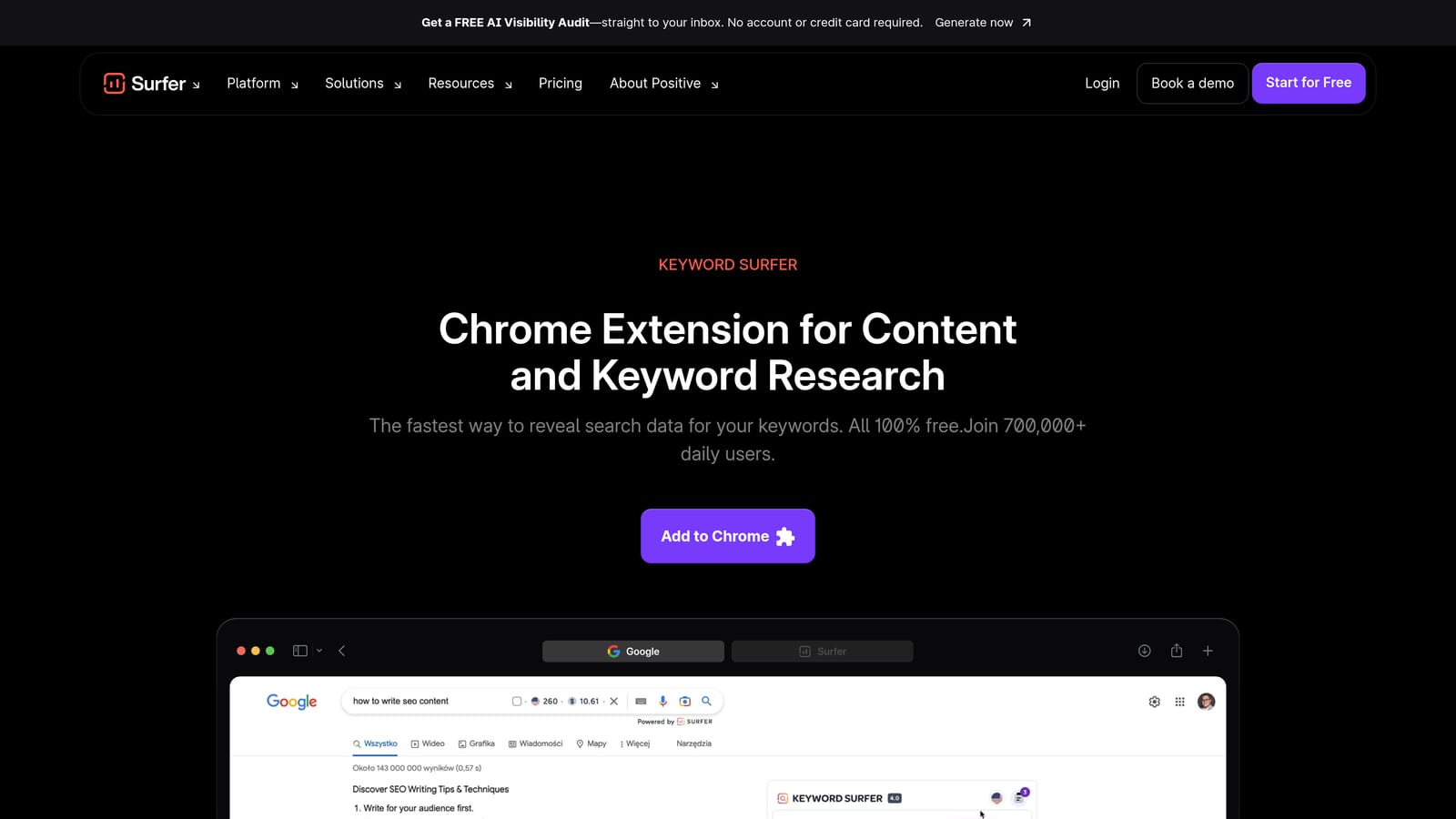
That's the real differentiator: you get volume estimates and related terms for free, indefinitely, rather than burning through a prepaid balance every time you check a term.
- Shows search volume estimates as an overlay on Google SERPs
- Suggests related keywords to expand your initial idea
- Estimates word count and traffic for pages already ranking on the SERP
- Requires no credit purchases for its main features
It runs entirely in the browser with no login required for basic use, which makes it an easy add for a freelancer who doesn't want another subscription to manage. There's nothing to configure beyond installing the extension.
The trade-off is depth: there's no CPC data and no competition score, so it's better suited to the early idea-generation stage than to building a full negative keyword or bidding strategy. Once you have a rough list, you'd still bring those terms into Google Ads, or a tool like Keywordme, to refine and act on them.
Best for: Freelancers doing early keyword brainstorming before moving ideas into Google Ads.
5. Similarweb Chrome Extension
The Similarweb Chrome Extension estimates traffic volume and shows the traffic source mix for whatever website you're currently viewing, which makes it a useful scouting tool before you build a campaign targeting a competitor's audience.
Its standout feature for PPC work is the channel breakdown: it separates paid search from organic, direct, and social traffic, so you can see roughly how much of a competitor's visibility comes from ads versus other sources. Most SEO-focused extensions don't split that out.
- Estimates total traffic for any site you visit
- Breaks down traffic sources by search, direct, social, and paid
- Shows audience interest and geography data
- Works with a single click from the toolbar on any competitor's page
Setup is a straightforward install, and anyone doing competitive research, from a PPC manager to a strategist, can use it without training. It works standalone and doesn't need to connect to your Ads account.
The numbers are estimates, not verified analytics, so treat them as directional signals rather than figures to plug into a budget forecast. As of 2026, the free tier covers basic estimates; deeper data sits behind a paid, quote-based plan, so confirm current tier limits on the official site.
Best for: Advertisers researching competitor landing pages and channel mix before building a campaign.
6. Ahrefs SEO Toolbar
The Ahrefs SEO Toolbar is a free extension that shows on-page SEO data, backlink counts, and keyword difficulty for whatever page you're viewing. It's built for organic research, but it earns a spot here because of how it can inform paid strategy.
Where it fits into Ads work
If a keyword is already easy to rank for organically, you might not need to bid on it as aggressively. The toolbar helps you spot that kind of overlap between organic and paid opportunity before you build out a keyword list, which keeps you from duplicating effort in Google Ads that your SEO work is already covering.
- Checks on-page SEO elements like title tags and headers
- Shows backlink and referring domain counts for the current page
- Displays a keyword difficulty score for organic ranking potential
- Overlays SERP position data for organic results
It runs without an account for basic checks, though deeper reports require an Ahrefs subscription. Whoever handles both SEO and PPC for an account, common at smaller agencies, gets the most use out of it.
It has no Google Ads-specific metrics: no CPC, no Quality Score, no search term data. It's a complement to your Ads workflow, not a substitute for a tool built around the Ads interface itself.
Best for: Advertisers who also manage SEO and want to check organic keyword overlap before building Ads keyword lists.
7. SEOquake
SEOquake, built by Semrush, runs a quick on-page audit on any page you visit and lets you export the results. Landing page quality directly affects Quality Score and conversion rate, which is why it makes this list despite being an SEO-first tool.
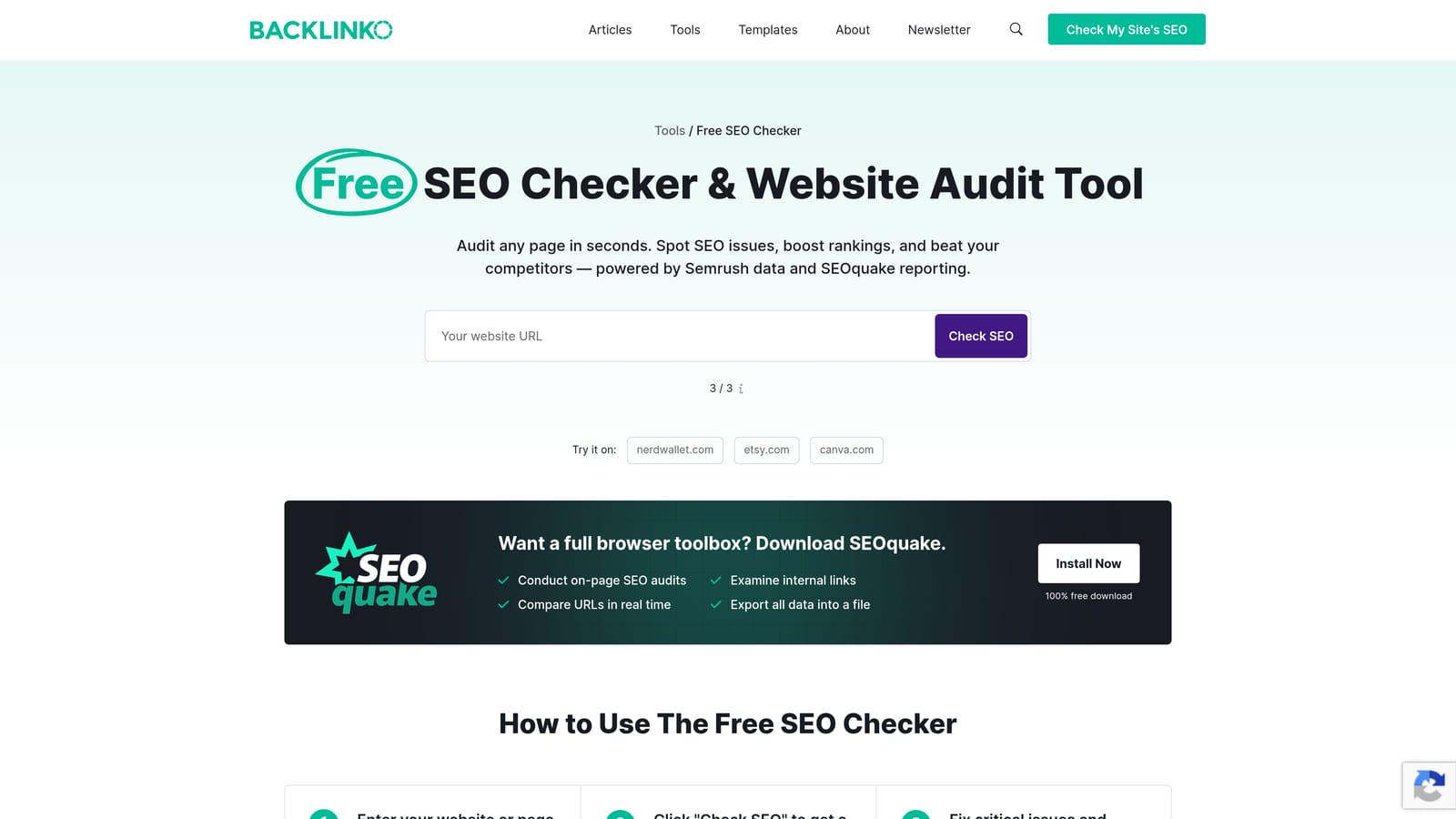
The feature that separates it from similar extensions is exportable CSV comparisons. You can audit several landing page candidates and compare them side by side in a spreadsheet, which is a genuinely useful step when you're deciding which page to send paid traffic to.
- Runs an instant audit covering keyword density, meta tags, and indexing status
- Exports comparison reports as CSV files for side-by-side review
- Overlays key metrics for ranked pages directly on the SERP
- Includes a keyword density checker for on-page content review
It works without a Semrush account for basic use, with expanded data available if you connect one. It's typically run by whoever builds or QAs landing pages, which at an agency might be a different person than the one managing bids.
Like the other SEO-toolbar entries here, it has no CPC or Quality Score data. It's diagnosing the page, not the campaign around it.
Best for: Agencies comparing multiple landing page candidates before choosing where to send ad traffic.
8. MozBar
MozBar shows Domain Authority and Page Authority scores for any site you visit, which gives you a fast, at-a-glance sense of how strong a competitor's site is before you decide to compete for the same search traffic.
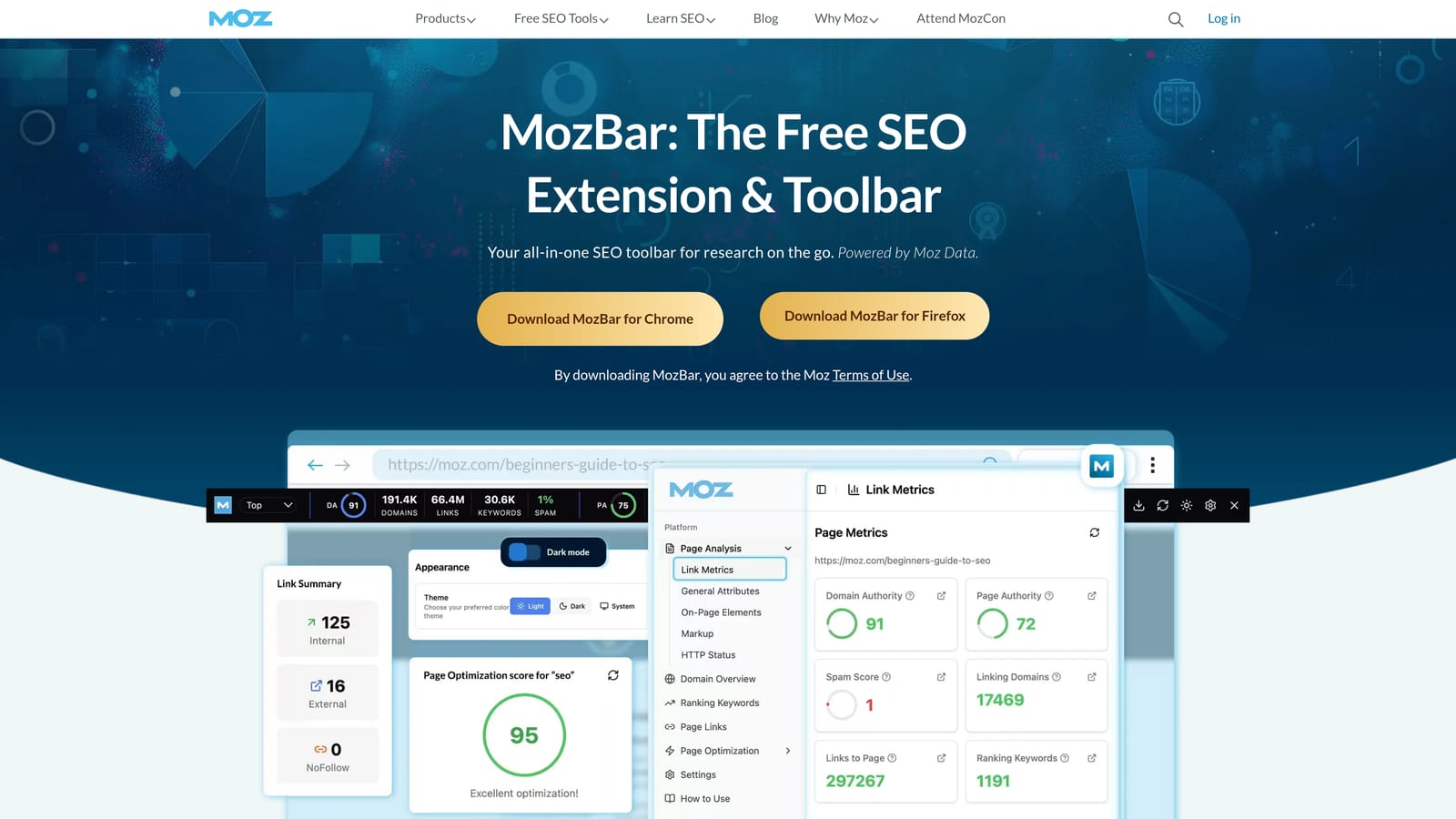
That authority scoring is the main draw. It's not a metric Google Ads uses directly, but it's a quick proxy for how established a competitor's domain is, useful context when you're sizing up a market before launching campaigns.
- Scores Domain Authority and Page Authority for any site
- Highlights on-page elements as you browse
- Overlays authority scores next to each SERP result
- Shows link metrics for the page you're currently on
MozBar works with a free Moz account for basic scores; deeper keyword and SERP data requires Moz Pro. It's an easy add for anyone doing competitive research, no special skill required.
It has zero connection to Ads data: no CPC, no search term insight, nothing tied to your account. Think of it purely as a benchmarking tool you'd use alongside, not instead of, your Ads-specific extensions.
Best for: Advertisers benchmarking a landing page or competitor site's authority before running traffic to it.
9. Detailed SEO Extension
The Detailed SEO Extension is a lightweight, free tool that shows a page's meta title, description, headers, and canonical tag with one click and no login.
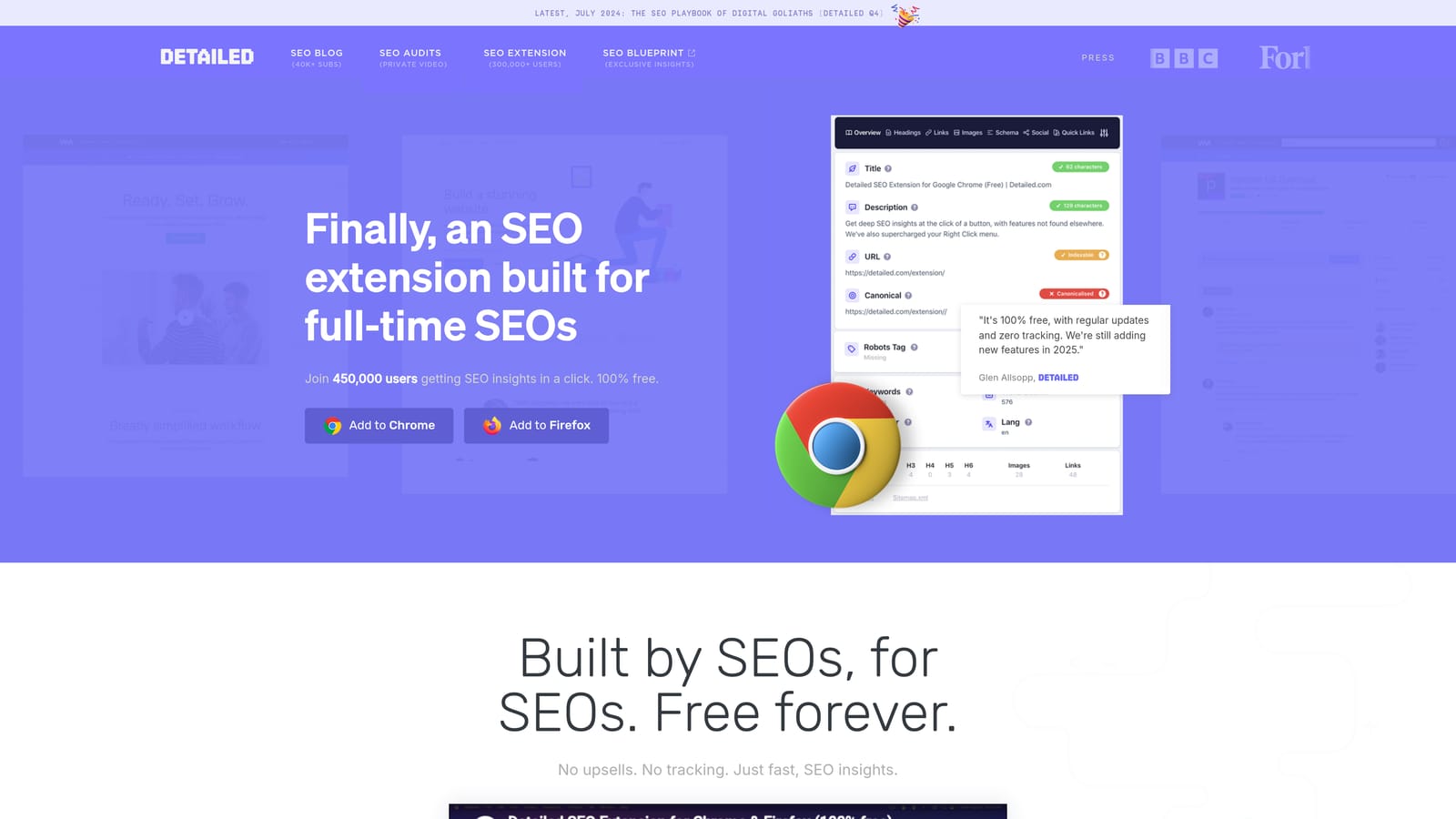
Its advantage is speed. When you're about to launch a new ad group and want a fast sanity check on the landing page, this extension gets you the answer in seconds, with none of the account setup or dashboard navigation the other diagnostic tools on this list require.
- Displays the page's meta title and description instantly
- Breaks down header tags from H1 through H6
- Flags the canonical tag and basic indexability status
- Inspects any page without needing an account or login
There's nothing to configure beyond installing it, and anyone doing a pre-launch check, not just an SEO specialist, can read the results without training. It works standalone with no integrations needed.
It's purely a page-inspection tool: no keyword data, no CPC, no traffic estimates. It won't help you decide which keywords to target or how a page ranks, only what's structurally on the page right now.
Best for: Quick landing page QA before launching a new ad group, without needing an account or dashboard.
Matching the Right Extension to the Task in Front of You
For the work you do inside Google Ads every day, cleaning up search terms, building negative keyword lists, applying match types, Keywordme is the one built for that specific job, and it's the only tool on this list that keeps you inside the native Ads interface the whole time. Pair it with Google Tag Assistant Companion so you're confident your conversion data is accurate before you act on it, and lean on Keywords Everywhere or Keyword Surfer when you need fresh keyword ideas outside the Ads dashboard.
For everything landing-page and competitor-related, Similarweb, Ahrefs Toolbar, SEOquake, MozBar, and Detailed SEO Extension each cover a different angle, from traffic source breakdowns to quick meta tag checks, and are worth keeping installed even though none of them touch Ads data directly.
If daily search term cleanup is your biggest time sink, that's the easiest place to start. Start your free 7-day trial of Keywordme, then $12/month per user after, and see how much faster your Google Ads optimization gets when you're not leaving the account to do it.
.svg)