
8 Best Google Ads Optimization Extensions for Faster Account Management in 2026
Choosing the best Google Ads optimization extension comes down to how much time it saves in search term reviews, bulk edits, and reporting. This guide compares eight tools, including Keywordme, Google Ads Editor, Optmyzr, and Adalysis, by workflow speed, spreadsheet work removed, price clarity, and fit for solo marketers, in-house teams, and agencies.


"Extension" gets used loosely in PPC. This list is for marketers, freelancers, and agency owners who want to spend less time in the Search Terms Report and spreadsheets. We picked tools for workflow speed, how much spreadsheet work they remove, price clarity, and fit for solo, in-house, and agency setups. The real extension field is small, so we mixed in adjacent tools that work alongside Google Ads, and we say plainly which is which.
Quick Comparison of the Tools
- Keywordme: freelancers and agencies running frequent search term reviews; $12/month per user; one-click actions inside the native Search Terms Report.
- Google Ads Editor: account builds and large structural edits; free; offline drafting and review before posting changes.
- Optmyzr: agencies wanting audits and reporting alongside optimization; pricing on its website; rule-based automation and audits across many accounts.
- Adalysis: teams needing continuous monitoring and ad testing; pricing on its website; automated ad copy test analysis with ongoing alerts.
- Google Ads Scripts: technical advertisers who want custom automation; free; fully customizable automation with no software fee.
- Google Ads Ads Preview and Diagnosis: troubleshooting ads that aren't showing; free; checks ad appearance without adding impressions.
1. Keywordme
Keywordme is our own product, so weigh this section with that in mind. It's a Chrome extension that adds one-click actions inside the Google Ads Search Terms Report. The report shows search terms, the queries people actually typed, as opposed to keywords, which are what you bid on. Keywordme lets you act on those terms right where you read them.
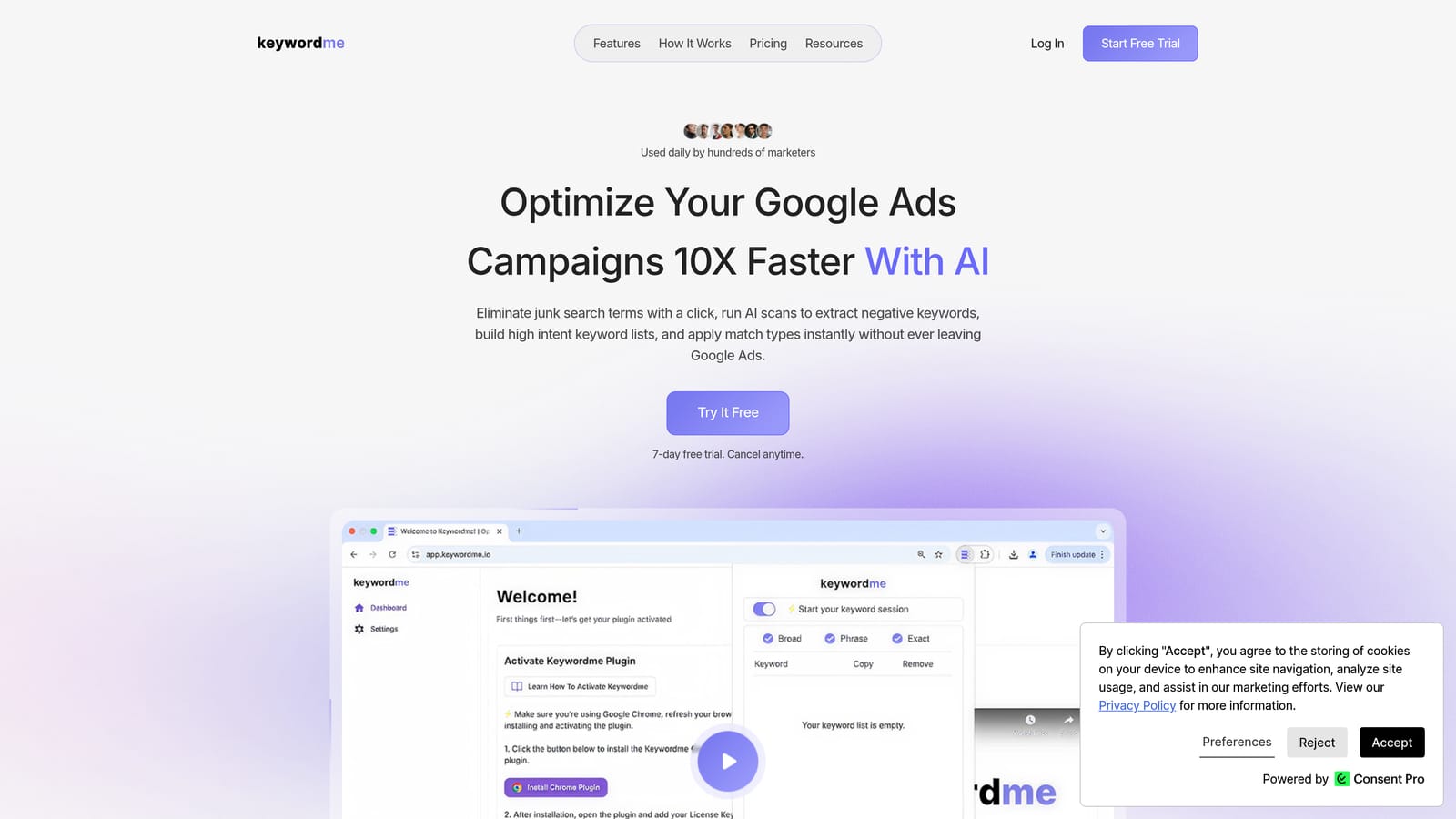
Its main strength is that nothing leaves the interface. You don't export a CSV, sort it in a spreadsheet, and re-upload. Keywordme describes the result as optimizing up to 10x faster, which is the company's own claim, not an independent benchmark.
- Add a junk search term as a negative keyword in one click, so you stop paying for irrelevant queries.
- Add high-intent search terms as keywords with the match type applied instantly.
- Cluster keywords into groups, which helps when building tighter ad groups.
- Edit in bulk instead of one row at a time.
- Use multi-account and team support to run the same workflow across client accounts.
It works with Google Ads through Chrome, so setup is installing the extension and opening your account. The person doing search term reviews, whether freelancer, in-house marketer, or account manager, runs it day to day.
Match types deserve attention here. A common mistake is adding a search term as a negative with the wrong match type, which can block good traffic. A tool that makes this a single click makes it faster to do right and faster to do wrong, so check the match type before you commit.
The limits are real. Keywordme is focused on search term and keyword workflows. It isn't a bidding, reporting, or creative tool, and it requires Chrome. If you need audits or ad testing, pair it with something else.
Pricing is a flat $12/month per user, with a 7-day free trial. Cost scales with the number of users, not ad spend or account count.
Best for: Freelancers and agencies running frequent search term reviews.
2. Google Ads Editor
Google Ads Editor is Google's free desktop application for managing campaigns in bulk. It isn't an extension. You download it, pull in your accounts, make changes offline, and post them back when you're ready.

What it does better than anything else here is large structural change. Restructuring ad groups, duplicating a campaign build, or rewriting hundreds of ads is far easier here than in the web interface.
- Make bulk edits across campaigns and accounts in one pass.
- Draft changes offline and review them before anything goes live.
- Copy and paste campaigns, ad groups, and keywords between accounts to reuse builds.
- Import and export via spreadsheet when a bulk job is easier in rows and columns.
It connects to Google Ads only. Setup means installing the app and downloading account data, and the person using it is usually whoever owns account structure, such as a PPC manager or agency specialist.
The trade-offs: it's a separate app with no in-flow search term triage, so it won't speed up the daily review of what people searched. There's also a learning curve, especially around reviewing and posting changes safely.
It's free.
Best for: Account builds and large structural edits.
3. Optmyzr
Optmyzr is a PPC management platform built around automated audits, rule-based optimizations, and cross-account tools. It's a full platform, not a lightweight add-on, so it belongs here as an adjacent option. We couldn't verify its browser extension capabilities for this article, so check its site if an in-browser tool matters to you.

Its distinguishing strength is breadth. It combines audits, automation, and reporting for people managing many accounts, which none of the lighter tools above attempt.
- Run account audits that flag issues without you hunting through reports.
- Set rules so routine optimizations follow your logic.
- Manage multiple accounts from one place.
- Build reports for clients or stakeholders.
- Review optimization suggestions before acting on them.
It supports Google Ads, Microsoft Advertising, and Meta Ads, which helps agencies running multiple channels. Expect more setup than an extension: connecting accounts, configuring rules, and deciding who owns the workflow.
It's heavier and costlier than a lightweight extension. If your pain is mostly search term review, you may be paying for much more than you use. Rules also need monitoring, because automation applied carelessly can cause problems.
Pricing isn't stated here, so see the Optmyzr website for current plans and what drives cost.
Best for: Agencies wanting audits and reporting alongside optimization.
4. Adalysis
Adalysis is an account auditing and testing platform for Google Ads and other ad platforms. It's a dashboard product, not an in-interface extension, so it sits next to your Google Ads workflow rather than inside it.
Its standout is automated ad copy test analysis. Instead of manually comparing ad variations, you get ongoing analysis and alerts, which suits accounts where creative testing is constant.
- Run automated ad copy tests and see which variations are performing.
- Receive account alerts when something changes or breaks.
- Run quality audits to find structural and performance issues.
- Produce reports for internal review or clients.
It integrates with Google Ads and Microsoft Advertising. Setup means connecting accounts and tuning alerts so they flag what matters. The person who monitors the account usually owns it, often an analyst or account lead.
It doesn't help with search term triage inside the Google Ads UI, and as a separate dashboard it adds another tab to your day. Small accounts with little creative testing may not get enough from it.
Pricing isn't stated here, so check the Adalysis website for current plans and what moves the price.
Best for: Teams needing continuous monitoring and ad testing.
5. Google Ads Scripts
Google Ads Scripts is free JavaScript-based automation built into Google Ads. It's not an extension or a product you buy. It's code you write or adapt to do exactly what you want.
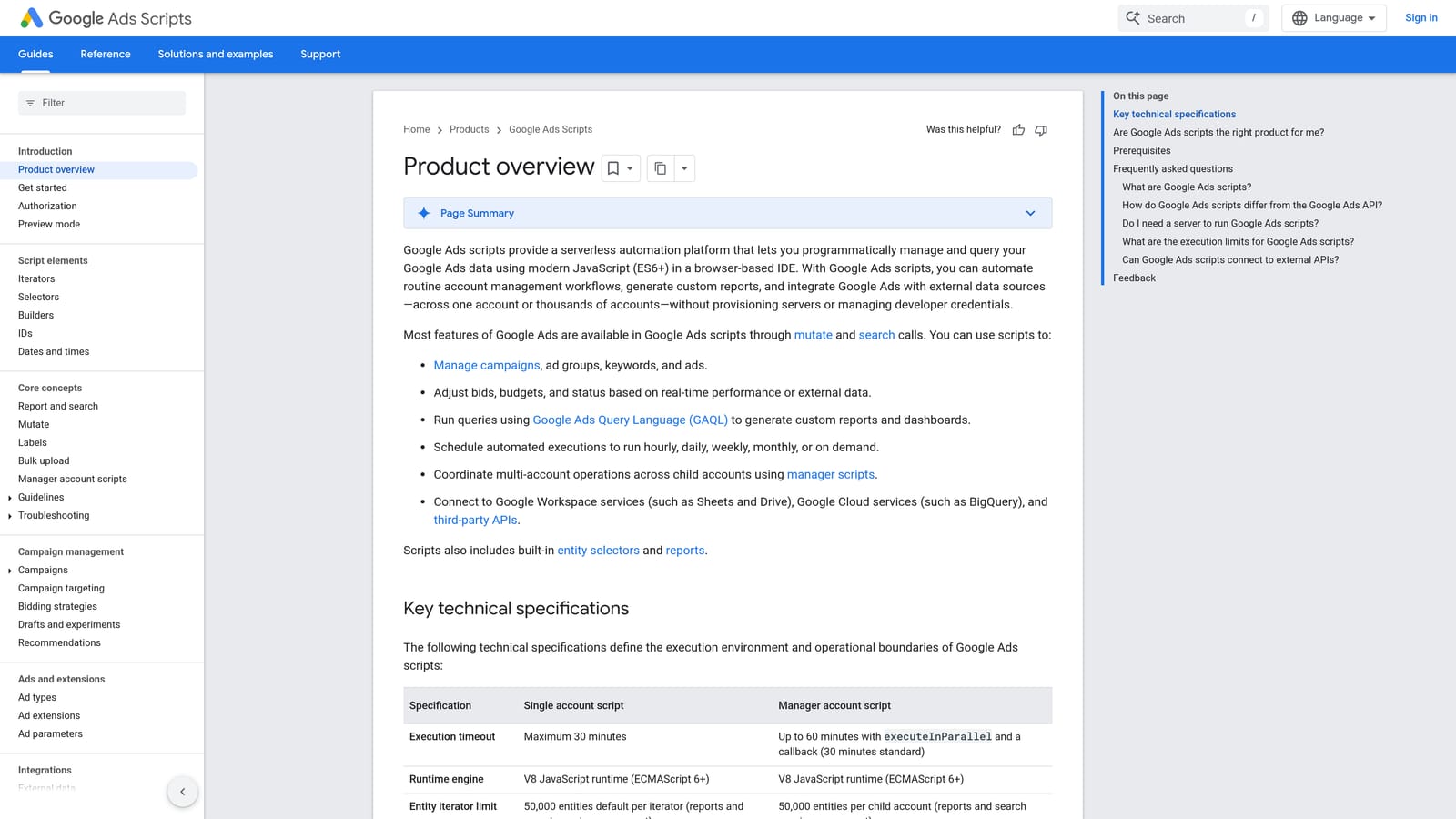
The advantage is flexibility. If you can describe a task, such as sending an alert when spend spikes or pulling data into a sheet, a script can probably do it, with no software fee.
- Build custom automation for tasks no off-the-shelf tool covers.
- Schedule runs so checks happen without you.
- Send alerts and generate reports on your own terms.
- Deploy at account level or manager level, depending on how you work.
It works with Google Ads and Google Sheets. Setup effort depends entirely on your skill: someone has to write, test, and maintain the code, and that person is usually a technical advertiser or a developer on the team.
That's the catch. It requires coding skill and ongoing maintenance, and a broken script can quietly stop doing its job. If nobody on your team writes JavaScript, this isn't a shortcut.
It's free.
Best for: Technical advertisers who want custom automations.
6. Google Ads Ads Preview and Diagnosis
Ads Preview and Diagnosis is Google's built-in tool for checking how your ads appear and why they may not be showing. It lives inside Google Ads, and it's the odd one out on this list because it doesn't optimize anything.
What it does well is let you check ads without inflating impressions. Searching your own ad on Google can add impressions without clicks, which skews your data. This tool avoids that.
- Preview ads without generating impressions, so your reporting stays clean.
- Diagnose eligibility to see why an ad isn't serving.
- Simulate location and device to see what different users might see.
It needs no setup beyond access to the account, and anyone with access can use it. There's no installation or integration to manage.
It's diagnostic only. It won't add negatives, edit keywords, or change anything, so it complements the other tools instead of replacing them.
It's free.
Best for: Troubleshooting ads that aren't showing.
Which Tool Fits Which Job
For search term cleanup and negatives, Keywordme is the one built for that exact task, inside the report you already use. For bulk structural edits, Google Ads Editor is the free, official choice. For agency-scale audits, look at Optmyzr or Adalysis: Optmyzr leans toward broad automation and reporting, Adalysis toward ad testing and monitoring. For custom automation, Scripts is unbeatable on price if you have the coding skills.
Whatever you shortlist, trial one tool against a real account before committing. Use a live campaign with enough search term data to judge honestly, and check that match types and negatives behave the way you expect before you roll anything out to clients.
Optimize Google Ads Campaigns 10X Faster. Without Leaving Your Account. Keywordme lets you remove junk search terms, build high-intent keyword lists, and apply match types instantly, right inside Google Ads. No spreadsheets, no switching tabs, just quick, seamless optimization. Start your free 7-day trial (then just $12/month) and take your Google Ads game to the next level.
