
8 Best Google Ads Extensions for Faster Campaign Management in 2026
This guide ranks the best Google Ads extensions and adjacent tools for marketers, freelancers, and agency owners who want to speed up repetitive PPC work like search term reviews, tag checks, and bulk edits. Each of the 8 picks is compared on workflow fit, time savings, cost, and documentation quality, so you can choose the right tool for your accounts.


Most Google Ads work is repetitive: reviewing search terms, checking tags, spying on the auction, pushing bulk edits. This list is for marketers, freelancers, and agency owners who want that work to go faster. We chose tools for how well they fit real PPC workflows, how much time they can save, what they cost, and how clearly they are documented. Some are true browser extensions that act inside the interface, and some are adjacent free or paid tools worth knowing about.
Quick Comparison of the Tools
- Keywordme: freelancers and agencies that review search terms often; $12/month per user; adds one-click search term actions inside the native Search Terms Report.
- Google Ads Editor: anyone making large structural or offline edits; free; multi-account bulk editing with changes reviewed before posting.
- Optmyzr: agencies wanting a full optimization platform; pricing on its website; cross-account rule-based audits and optimizations.
- Google Ads Ad Preview and Diagnosis: advertisers troubleshooting ads that do not appear; free; checks ad visibility without inflating impressions.
- Google Tag Assistant: anyone validating conversion tracking; free; confirms conversion tags fire correctly.
- Semrush: marketers researching competitors before launch; pricing on its website; competitor ad and keyword intelligence.
- Keywords Everywhere: quick keyword research while browsing; credit-based pricing on its website; keyword metrics shown right on search results pages.
1. Keywordme
Keywordme is a Chrome extension that adds one-click actions to the Search Terms Report inside Google Ads. It is built for people who go through search terms constantly: freelancers, in-house marketers, and agency teams managing several accounts. The company claims it can make optimization up to 10x faster, which is its own figure, not an independent benchmark.
A quick definition helps here. A search term is what someone actually typed into Google. A keyword is what you bid on. Keywordme sits where those two meet, so you can turn a search term into a positive keyword or a negative keyword without leaving the report.
What it does distinctively well on this list is search term review and negative keyword building directly inside the native Google Ads interface. No export, no spreadsheet, no second tab.
- One-click add of a search term as a keyword or a negative, so cleanup stops being a copy-paste chore.
- Instant match type application, so you choose exact, phrase, or broad as you add instead of editing afterward.
- Keyword clustering, which groups related terms so you can build tighter keyword lists faster.
- Bulk editing for handling many terms at once.
- Multi-account and team support, useful when several people work across client accounts.
Setup is installing the extension in Chrome and opening your Search Terms Report. Whoever does the weekly search term review runs it day to day. It works with Google Ads in Chrome.
The limits are plain. It is Chrome only, and it focuses on keywords and search terms. It does not do reporting, bidding, or account audits, so you will still need other tools for those. It also speeds up decisions rather than making them: you still judge which terms are junk, and adding a search term as broad match without thinking is still a mistake you can make quickly.
Pricing is $12/month per user with a 7-day free trial, as of October 2026. Cost scales with the number of users, so check the website for current terms.
Best for: Freelancers and agencies that review search terms often.
2. Google Ads Editor
Google Ads Editor is Google's free desktop application for managing campaigns in bulk and offline. It is not a browser extension, so it is a different kind of install, but it solves the same speed problem for large jobs. It is designed for advertisers and agencies who make sweeping changes across many campaigns or accounts.

Its distinctive strength is that it is free, handles multiple accounts, and lets you review changes as drafts before posting them. Nothing else here gives you that safety net for big structural edits.
- Offline editing, so you can build and revise campaigns without being logged into the web interface.
- Bulk changes across campaigns, which turns hours of clicking into one operation.
- Multi-account management from a single app.
- Draft review before posting, so you can catch mistakes before they go live.
It connects to your Google Ads accounts, and setup is a download, sign-in, and account sync. Whoever owns account structure usually runs it, often a PPC specialist rather than a casual user.
It is a separate app with a real learning curve, and it is not suited to quick in-the-moment actions like trimming a few search terms mid-review. Check Google Ads Help for the current feature list, since capabilities change.
Pricing: free.
Best for: Large structural changes and bulk edits.
3. Optmyzr
Optmyzr is a paid PPC optimization suite. It is a platform rather than a single-purpose extension, so treat it as a web-based suite. I have not confirmed a current browser extension, so verify that on its website if an extension is what you need. It is designed for agencies and in-house teams that want audits and optimizations running across many accounts.

Its standout is cross-account, rule-based optimization and auditing. Where the tools above help you act faster by hand, Optmyzr is about setting up rules and checks that scale across a book of clients.
- Account audits that surface issues you would otherwise hunt for manually.
- Rule-based optimizations, so repeatable decisions follow criteria you define.
- Reporting, handy for client-facing updates.
- Bulk management tools for changes across accounts.
It integrates with Google Ads and Microsoft Advertising. Expect more setup than an extension: connecting accounts, learning the rules, and tuning them. Usually a PPC manager or account lead owns it. Review any automated recommendation before relying on it.
The trade-off is weight and cost. It is heavier and costlier than single-purpose extensions, which is overkill for a solo advertiser who only needs faster search term cleanup.
Pricing: see the Optmyzr website for current plans, as of October 2026. Cost typically depends on the scale of accounts and spend managed.
Best for: Agencies wanting a full optimization platform.
4. Google Ads Ad Preview and Diagnosis
Google Ads Ad Preview and Diagnosis is a tool built into Google Ads that shows how your ads may appear and helps work out why they are not showing. It is not an extension, and it needs no install. It suits anyone who has asked, "Why can't I see my own ad?"

The reason to use it over a manual Google search is simple: checking your ad by searching repeatedly can inflate impressions without a click, and this tool avoids that. That is its distinctive advantage here.
- Preview ads by location, device, and language, so you can see what different audiences might get.
- Diagnose ad visibility, which points you toward why an ad is not appearing.
- Avoid inflating impressions, keeping your data cleaner than repeated manual searches would.
There is no setup beyond having Google Ads access. Anyone on the account can use it, and it is a regular part of a troubleshooting routine rather than a daily tool.
It is diagnosis only. It will not fix the problem, edit campaigns, or speed up optimization work, and because it is built in, it will not appeal to anyone looking for an add-on.
Pricing: free.
Best for: Troubleshooting ads that do not appear.
5. Google Tag Assistant
Google Tag Assistant is Google's tool for verifying tags and debugging conversion tracking. Its current form has changed over time, so confirm on the site whether you need a browser extension or the web-based version before installing anything. It is for marketers and agencies who need to know whether conversions are actually being recorded.
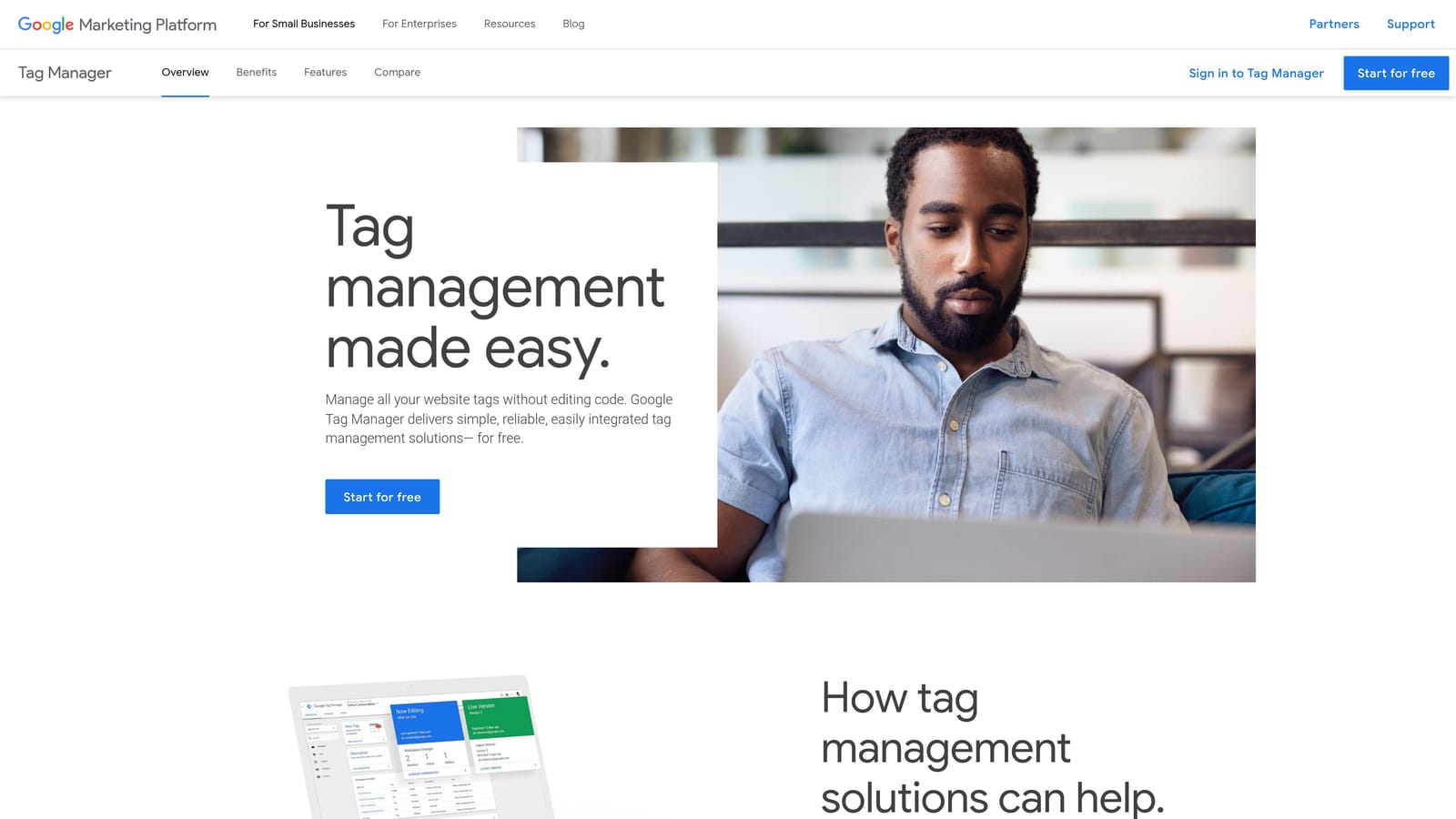
Its unique value on this list is confirming that conversion tags fire correctly. Everything else here helps you optimize, but optimization built on broken tracking is guesswork.
- Tag verification, so you can see which tags load on a page.
- Conversion tracking debugging, to catch tags that fail to fire.
- Tag Manager support, useful if your tags are deployed through Google Tag Manager.
It works with Google Tag Manager, Google Analytics, and Google Ads. Setup is light, but interpreting results takes some technical comfort, and sometimes a developer or analyst gets pulled in.
It is a debugging tool only. It does not change your campaigns, and a clean result does not prove your conversion settings or values are configured sensibly.
Pricing: free.
Best for: Validating conversion tracking.
6. Semrush
Semrush is an SEO and PPC research platform, and it offers a browser extension for competitor insights. Confirm the extension's current feature set before you install it, as I have not verified it. It is aimed at marketers who research competitors and keywords before launching or restructuring campaigns.
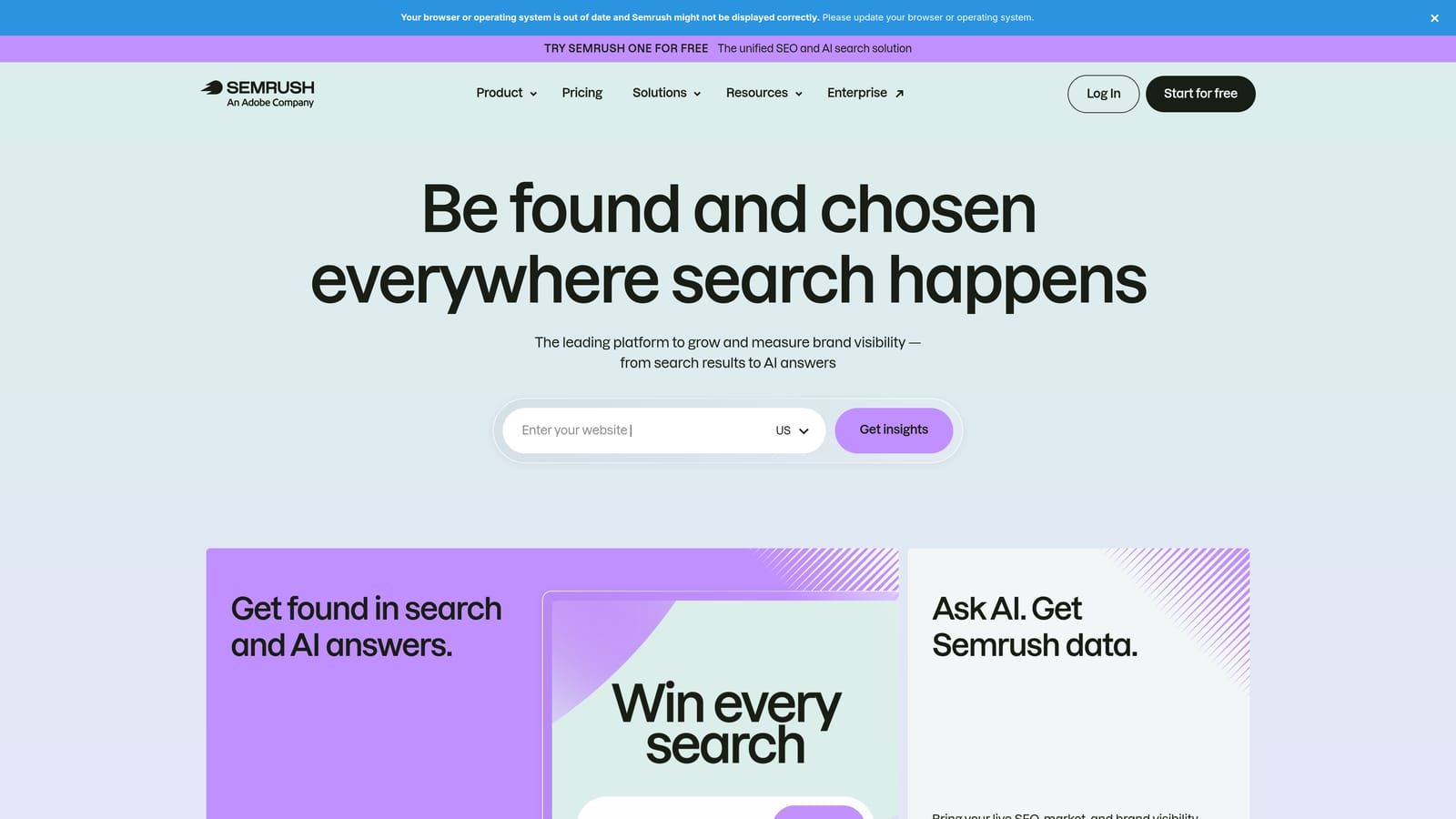
Its distinctive strength is competitor ad and keyword intelligence, something none of the tools above provide.
- Competitor keyword data, so you can see which terms rivals appear to target.
- Ad copy research, which gives you angles to test in your own ads.
- On-page SERP insights, shown while you browse results.
It runs in Chrome and sits alongside the wider Semrush platform. Setup is quick for the extension, but getting value from the full platform takes time. Typically a strategist or SEO and PPC researcher uses it.
The numbers are estimates, not Google data, so treat them as directional. Paid plans are required for most of the depth, and it cannot edit campaigns.
Pricing: see the Semrush website, as of October 2026. Plan tiers and usage limits move the price.
Best for: Competitor research before launching campaigns.
7. Keywords Everywhere
Keywords Everywhere is a browser extension that shows keyword volume and cost-per-click (CPC) data directly in search results. Confirm its current pricing on the site. It is aimed at marketers who want quick keyword research without opening a separate research platform.
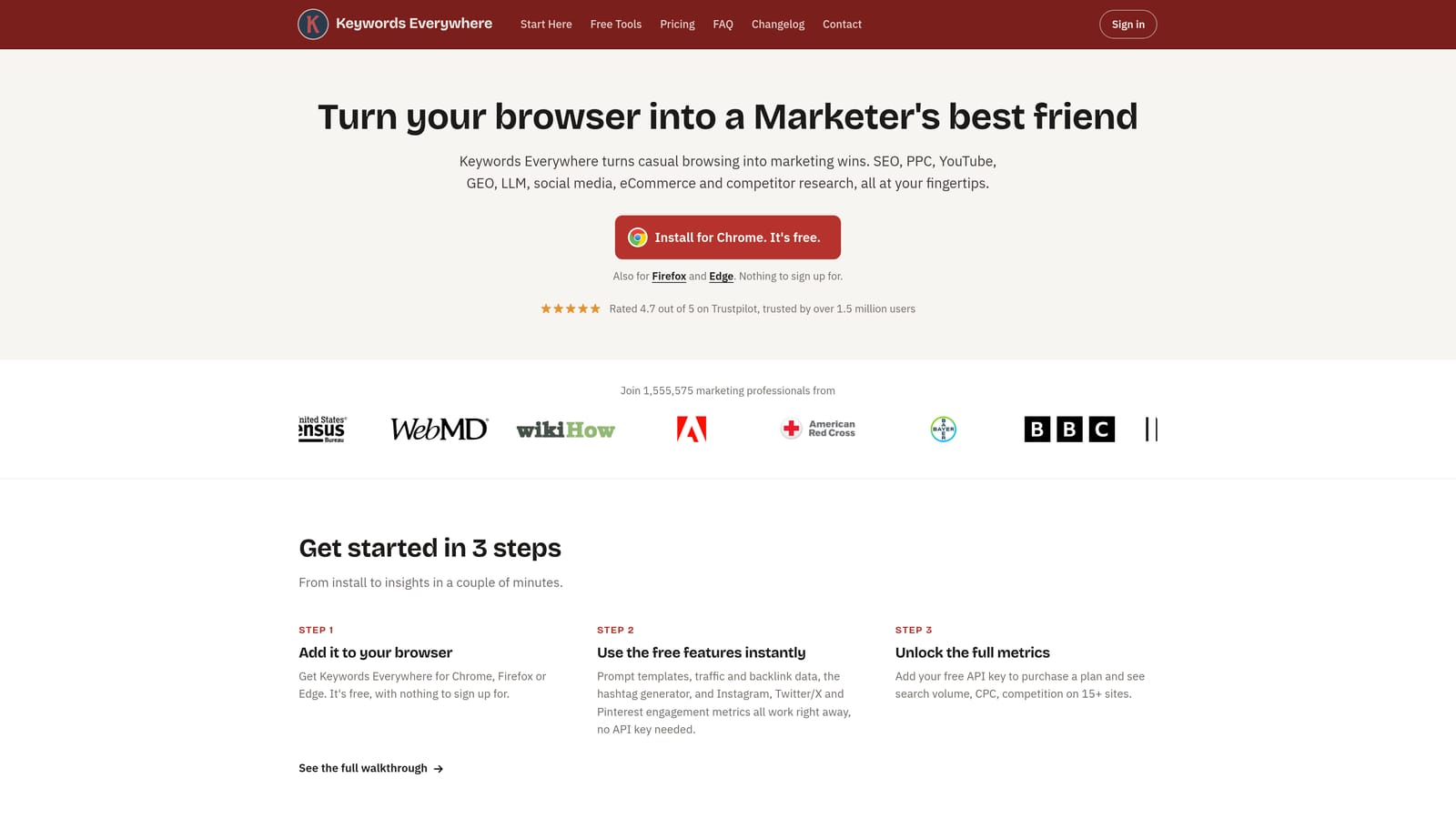
What sets it apart here is that metrics appear on the search results pages themselves, so research happens as you browse.
- Search volume, to gauge demand while you look at results.
- CPC data, a rough guide to what a term might cost.
- Related keywords, which feed new ideas into your lists.
- Trend data, to spot seasonal patterns.
It runs in Chrome and Firefox, and setup is a quick install. One person can handle it, whether a solo marketer or a researcher on a team.
The numbers are third-party estimates, not Google Ads data, so check against Keyword Planner or your own account before making budget decisions. It is for research only and does not touch your campaigns.
Pricing: credit-based, see the Keywords Everywhere website, as of October 2026. Cost moves with how many credits you use.
Best for: Quick keyword research while browsing.
Matching the Tool to the Job, and Checking Permissions First
You do not need all seven. Pick by the job in front of you:
- Search term cleanup: Keywordme, for reviewing search terms and adding keywords or negatives inside the report.
- Bulk and offline edits: Google Ads Editor, for big structural changes with drafts reviewed before posting.
- Tracking checks: Tag Assistant, to confirm conversion tags fire before you trust any optimization data.
- Competitor and keyword research: Semrush for competitor depth, Keywords Everywhere for fast metrics while browsing.
One caution before you install anything: extensions can request broad permissions, sometimes including access to the pages you view. Check what each one asks for, and install only what you need, especially on a browser logged into client accounts. Treat third-party volume numbers as estimates, not Google data.
Optimize Google Ads Campaigns 10X Faster. Without Leaving Your Account. Keywordme lets you remove junk search terms, build high-intent keyword lists, and apply match types instantly, right inside Google Ads. No spreadsheets, no switching tabs, just quick, seamless optimization. Start your free 7-day trial (then just $12/month) and take your Google Ads game to the next level.
.svg)