
9 Best Google Ads Extensions for Marketers
This guide reviews the 9 best Google Ads extensions for marketers in 2026, evaluating each tool on workflow impact, ease of use, and value for money. Whether you manage a single account or dozens of client campaigns, these Chrome extensions help you work faster directly inside the Google Ads interface.


If you manage Google Ads campaigns, you already know how much time gets eaten up by repetitive tasks. Reviewing search terms, adding negative keywords, adjusting match types, exporting data to spreadsheets—it adds up fast. Google Ads Chrome extensions exist to cut that friction. Instead of toggling between tabs or wrestling with clunky dashboards, the right extension lets you work faster, directly inside the Google Ads interface.
This list covers the top Google Ads extensions for marketers, freelancers, and agency owners in 2026. Each tool was evaluated on workflow impact, ease of use, and value for money. A few important notes before we dive in: not every tool on this list works inside Google Ads itself—some work alongside it. We've made that distinction clear for each entry. Whether you're optimizing a single account or managing dozens of clients, there's something here worth installing.
1. Keywordme
Best for: Marketers who want to optimize Google Ads search terms faster without leaving the interface.
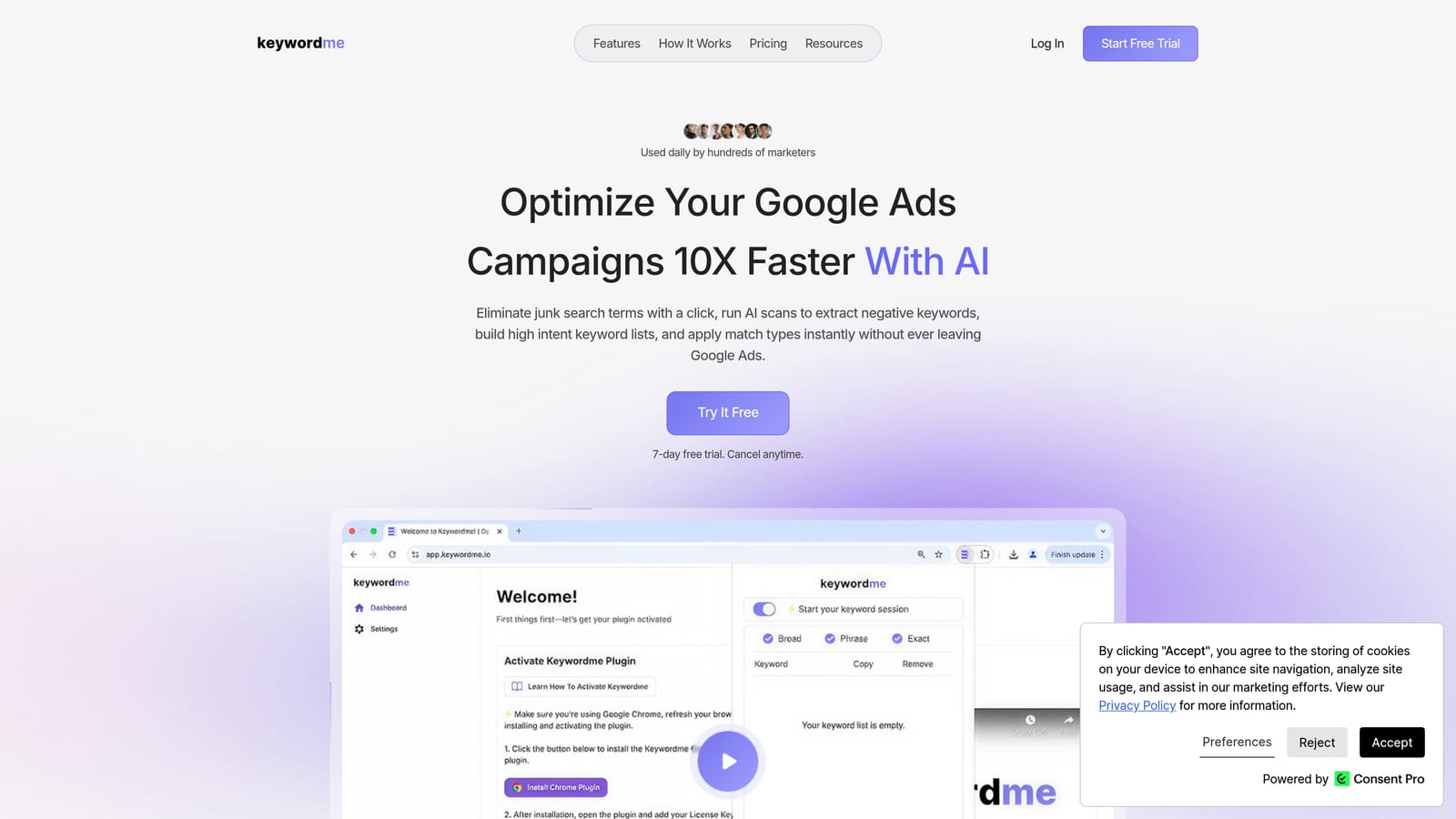
Keywordme is a Chrome extension that integrates directly into Google Ads' Search Terms Report, letting you take action on search terms in a single click—no spreadsheets, no external dashboards required.
Where This Tool Shines
Most PPC workflows involve a frustrating loop: export search terms to a spreadsheet, identify junk queries, format negative keywords, then upload them back into Google Ads. Keywordme eliminates that loop entirely. You stay inside Google Ads, work directly in the Search Terms Report, and apply changes as you review.
It's especially useful for agencies managing multiple accounts. The multi-account and team support means your whole team can work from the same workflow without anyone bouncing between tools. The company describes it as making campaign optimization up to 10x faster—and for repetitive search term review tasks, that's a believable claim.
Key Features
One-Click Search Term Removal: Flag and remove irrelevant search terms directly from the Search Terms Report without exporting anything.
Negative Keyword List Building: Build negative keyword lists instantly from the terms you're reviewing, without touching a spreadsheet.
Match Type Application: Apply broad, phrase, or exact match types to keywords in a single click—useful when you're promoting high-performing search terms to positive keywords.
Keyword Clustering and Bulk Editing: Group related keywords and make bulk edits to speed up restructuring work.
Multi-Account and Team Support: Manage multiple client accounts and collaborate with team members from one extension.
Best For
Solo advertisers who want to cut down on manual PPC admin, and agency teams who need a consistent, fast workflow across multiple client accounts. If your Search Terms Review currently involves a spreadsheet, Keywordme is built to replace that step. For more on why negative keywords matter in that workflow, see why negative keywords are important.
Pricing
Flat rate at $12/month per user. A 7-day free trial is available with no commitment required.
2. Keywords Everywhere
Best for: Quick keyword research and competitive data overlaid on Google Search results.
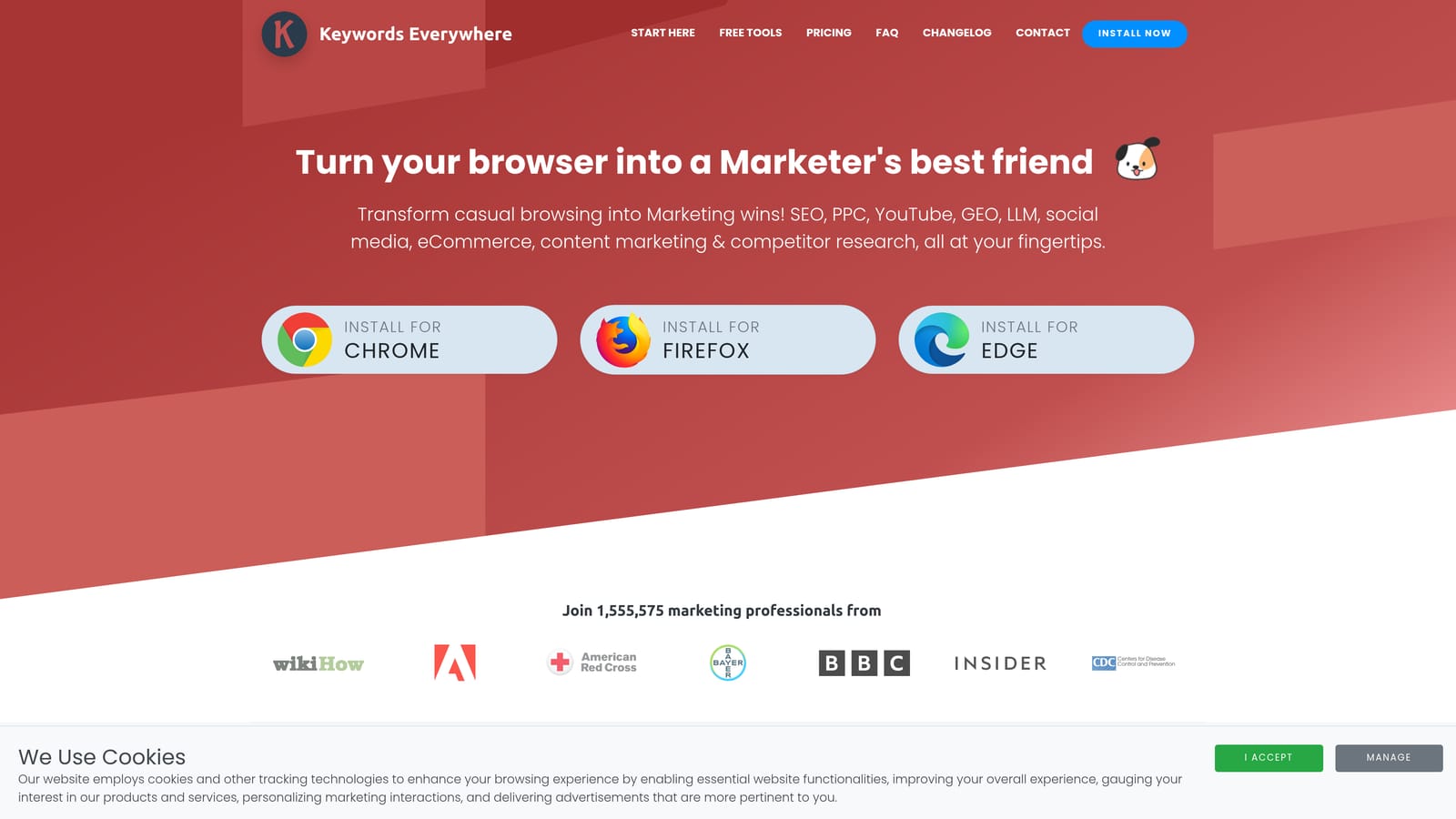
Keywords Everywhere is a browser extension for Chrome and Firefox that displays search volume, cost-per-click, and competition data directly on Google Search results pages and other platforms.
Where This Tool Shines
Keywords Everywhere is useful when you're doing initial keyword research or validating search demand without opening a separate tool. It surfaces data where you're already working—on the Google SERP—so you can make faster decisions about which terms are worth bidding on.
It also works across platforms beyond Google Search, including YouTube, Amazon, and Etsy. That cross-platform coverage makes it handy for marketers who run campaigns across multiple channels and want consistent keyword intelligence in one place.
Key Features
SERP Data Overlay: Search volume, CPC, and competition data appear directly on Google Search results pages as you browse.
Multi-Platform Coverage: Works on YouTube, Amazon, Etsy, and other platforms in addition to Google Search.
Related Keywords and People Also Search For: Surfaces related terms and SERP-adjacent keyword ideas while you're actively searching.
Credit-Based Model: You pay only for the data you use, rather than a fixed monthly subscription.
Chrome and Firefox Support: Available on both major browsers.
Best For
Marketers and freelancers who want lightweight keyword intelligence without opening a full research platform. It works alongside Google Ads rather than inside it, so it's best used during the planning and research phase rather than active campaign management.
Pricing
Credit-based. Free credits are available on sign-up; paid credit packs are available at low cost. Check keywordseverywhere.com for current credit pack pricing.
3. Optmyzr
Best for: Agencies and advanced advertisers who need rule-based automation and portfolio-level PPC management.
Optmyzr is a full PPC management platform with browser-based components that bring automation, one-click optimizations, and reporting into a centralized workflow.

Where This Tool Shines
Optmyzr is less a Chrome extension and more a full platform that complements the Google Ads interface. Its strength is in automation: rule-based bid adjustments, budget pacing, and pre-built optimization recipes that let you apply common changes across accounts quickly. For agencies managing large portfolios, that kind of systematic automation is hard to replicate manually.
The reporting features are also worth noting. Client-facing dashboards and automated report generation reduce the time agencies spend on account summaries each month, which adds up to meaningful time savings across a large client roster.
Key Features
Rule-Based Automation: Set rules for bids, budgets, and keywords that run automatically based on performance conditions.
One-Click Optimization Recipes: Pre-built action sets for common optimization tasks, applied across one or multiple accounts.
Multi-Account Dashboard: Manage and monitor an entire agency portfolio from a single view.
Automated Reporting: Generate client-facing reports and dashboards without manual data assembly.
Shopping Campaign Tools: Dedicated features for managing and optimizing Google Shopping campaigns.
Best For
Agencies managing multiple client accounts who need systematic automation and reporting. Optmyzr is overkill for a solo advertiser running a single campaign, but it earns its place in an agency tech stack where scale justifies the investment.
Pricing
Multiple tiers based on ad spend and features. Pricing is positioned at agency and enterprise levels. Verify current pricing at optmyzr.com before making a decision.
4. Google Tag Assistant
Best for: Verifying that Google Ads conversion tags, Google Analytics, and Tag Manager are firing correctly.
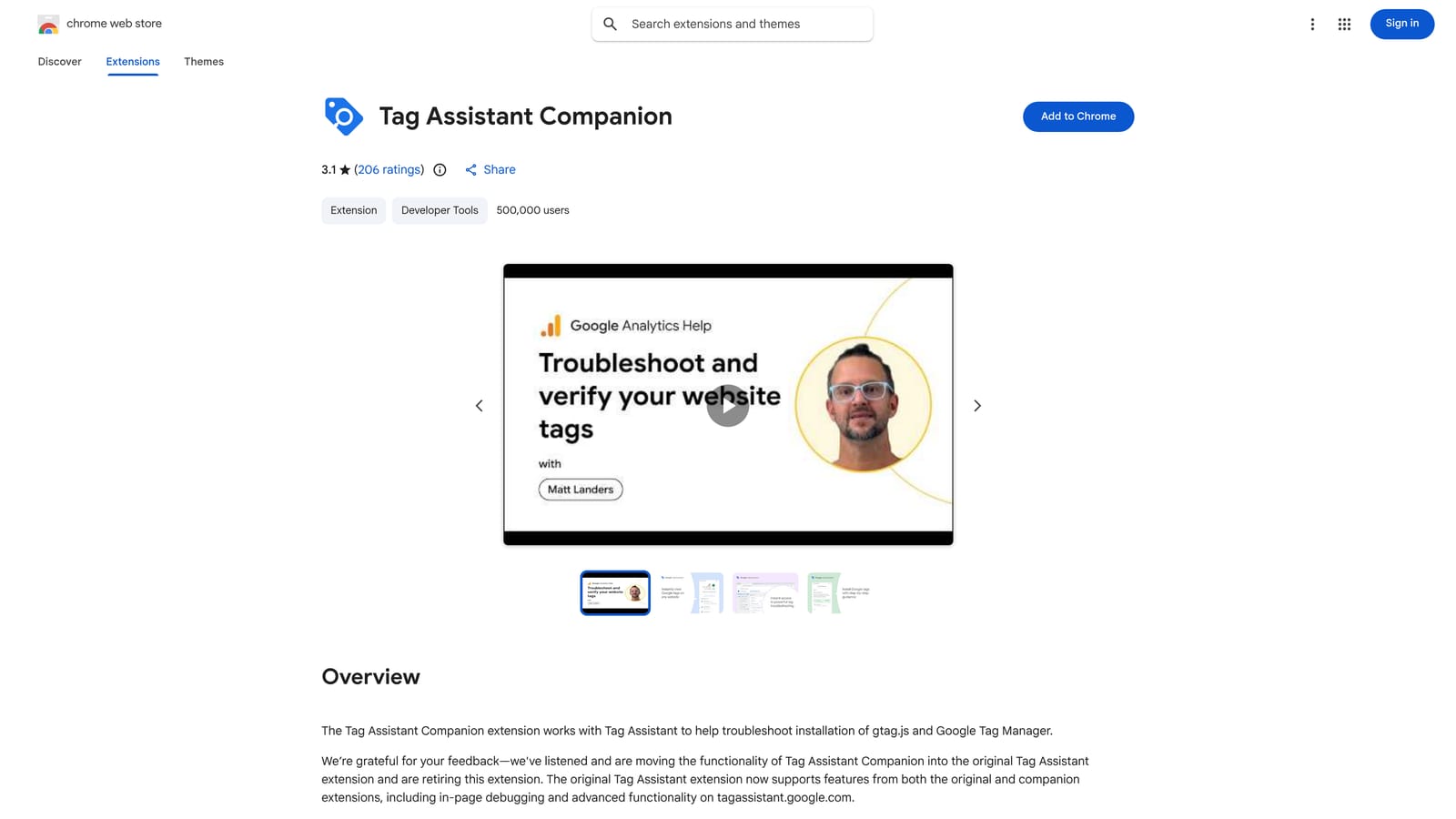
Google Tag Assistant is Google's official Chrome extension for validating tag implementations on any webpage you visit.
Where This Tool Shines
Conversion tracking is the foundation of any Google Ads account. If your tags aren't firing correctly, you're making bidding and budget decisions based on incomplete or inaccurate data. Tag Assistant removes the guesswork by showing you exactly which tags are active on a page, whether they're working, and where errors exist.
It's particularly useful before scaling spend on a campaign. A quick Tag Assistant check confirms your conversion actions are recording properly, so you're not wasting budget optimizing toward phantom conversions or missing real ones.
Key Features
Real-Time Tag Validation: Checks Google Ads, Google Analytics, and Google Tag Manager tags on any page as you browse.
Visual Status Indicators: Clear color-coded indicators show whether each tag is working, has warnings, or has errors.
Debug Mode: Detailed tag firing information for diagnosing implementation issues.
Works on Any Webpage: Not limited to your own site—useful for auditing client implementations during onboarding.
Free and Official: Built and maintained by Google, so it stays current with Google's tag ecosystem.
Best For
Any Google Ads practitioner who manages conversion tracking. Freelancers and agencies will find it especially useful during client onboarding, when verifying that existing tags are set up correctly before taking over account management.
Pricing
Free. No account or subscription required.
5. Similarweb
Best for: Competitive research—understanding where rivals are driving paid traffic and how much they're investing.
Similarweb is a competitive intelligence extension that overlays estimated traffic data, traffic source breakdowns, and paid search insights on any website you visit in Chrome.

Where This Tool Shines
When you're building a paid search strategy, knowing what your competitors are doing with their ad budgets is genuinely useful context. Similarweb's extension surfaces that data quickly: estimated traffic volume, which channels are driving it, and some visibility into their paid search activity—all without leaving the browser tab you're already on.
One important caveat: Similarweb's traffic figures are modeled estimates, not exact measurements. Treat them as directional signals rather than precise data points. That said, for competitive benchmarking and identifying where rivals are investing, the estimates are useful enough to inform strategy.
Key Features
Traffic Estimates: Estimated monthly visit volume and traffic source breakdown for any website.
Paid Search Intelligence: Estimated ad spend and keyword data for competitor domains.
Referral and Destination Data: Top referring sites and where visitors go after leaving the site.
Audience Demographics: Geography and device split for any domain's audience.
Freemium Access: Basic competitive data is available without a paid plan.
Best For
Marketers and agency owners doing competitive research during campaign planning. It works alongside Google Ads rather than inside it, making it a research and intelligence tool rather than an optimization tool.
Pricing
Freemium. Basic extension data is available at no cost; advanced competitive intelligence requires a paid Similarweb subscription. Check similarweb.com for current plan pricing.
6. AdWords Keyword Wrapper
Best for: Quickly formatting keyword lists with correct match type syntax before uploading to Google Ads.
AdWords Keyword Wrapper is a lightweight utility that applies match type formatting to keyword lists—brackets for exact match, quotes for phrase match—in a single step.
Where This Tool Shines
When you're building or restructuring a keyword list, manually adding brackets and quotes around hundreds of terms is tedious and error-prone. A keyword wrapper handles that formatting instantly. Paste your list, select your match type, and get a correctly formatted output ready to upload.
It's worth acknowledging that Google's match type behavior has evolved significantly in recent years. Broad match now captures more intent than it historically did, and the distinctions between match types have narrowed in some respects. That said, advertisers who want precise control over match type application still find keyword wrappers useful, particularly when building tightly structured ad groups or negative keyword lists that require exact syntax.
Key Features
One-Step Match Type Formatting: Paste a keyword list and apply exact, phrase, or broad match formatting instantly.
Supports All Match Types: Generates [exact match], "phrase match", and broad match output from the same list.
Handles Large Lists: Processes bulk keyword lists quickly without manual formatting.
No Login Required: Most versions are accessible without creating an account.
Free to Use: Available at no cost for basic formatting tasks.
Best For
Advertisers who build keyword lists outside of Google Ads and need to format them correctly before uploading. Useful for both initial campaign builds and ongoing keyword list restructuring. For more context on when to apply different match types, see when to apply match types in Google Ads.
Pricing
Typically free for basic use. Verify the most current version and URL before relying on a specific tool, as multiple keyword wrapper utilities exist.
7. SEOquake
Best for: Marketers who want to align paid and organic strategy using SERP-level SEO and ad data.
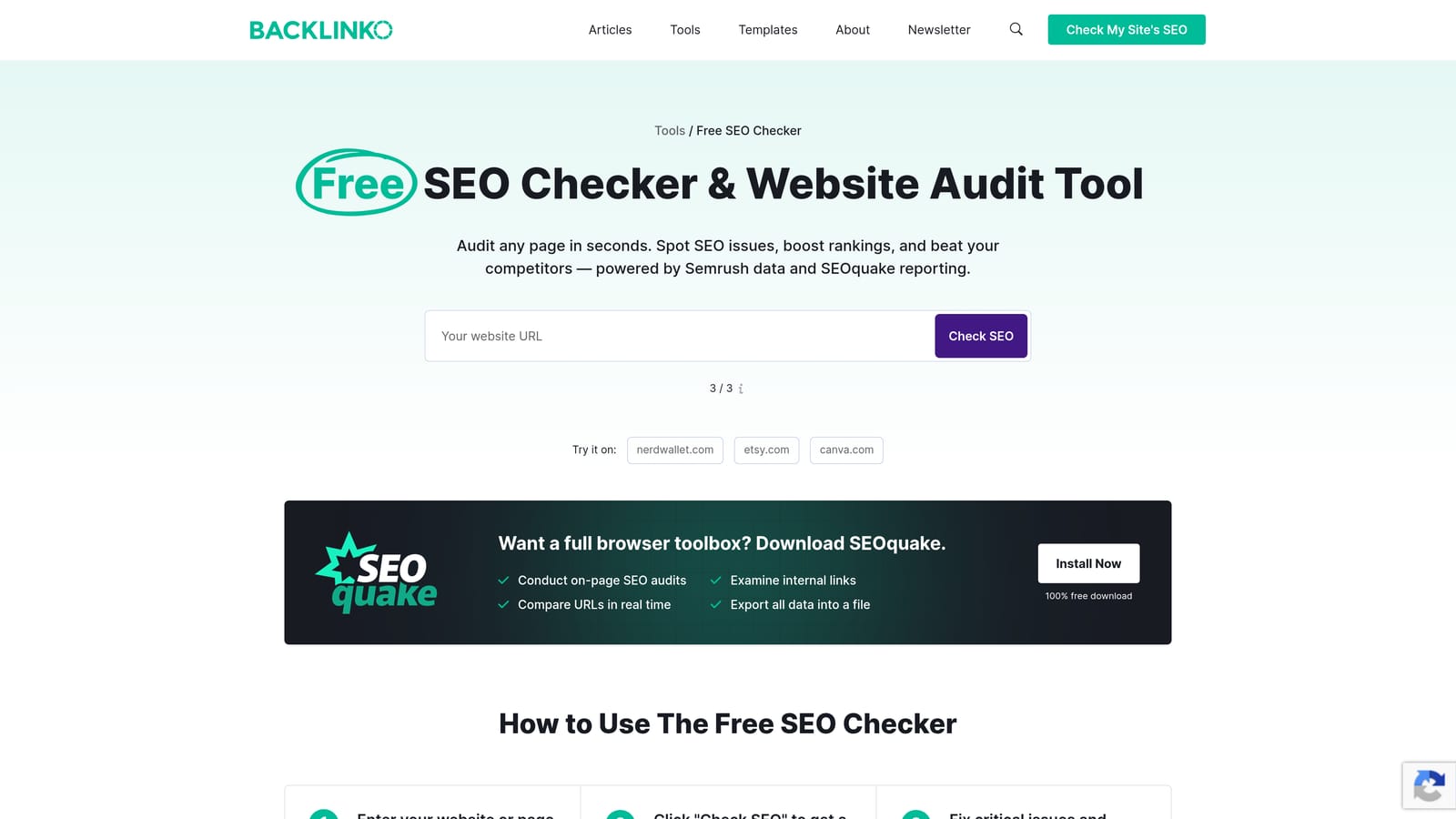
SEOquake is a free Chrome extension by Semrush that overlays SEO metrics and paid ad data on Google Search results pages.
Where This Tool Shines
For marketers managing both paid and organic channels, SEOquake provides useful visibility into the competitive SERP landscape. You can see domain-level metrics, ad copy from paid results, and organic ranking data all in one view—without switching between tools.
The on-page SEO audit feature is also handy during site audits or when evaluating landing page quality for a client. It's not a replacement for a full SEO platform, but as a quick diagnostic overlay, it earns its place in the browser.
Key Features
SERP Metrics Overlay: Domain authority, backlink counts, and indexed page data displayed directly on Google Search results.
Paid Ad Visibility: Ad copy and paid result positions visible in the SERP overlay.
On-Page SEO Audit: Quick audit of any webpage's SEO elements from the extension.
Keyword Density Analysis: Analyzes keyword usage on any page you visit.
Free Access: Core functionality is free with a Semrush account.
Best For
Marketers who run both paid and organic campaigns and want a single overlay to inform both. Also useful for freelancers and agencies doing competitive SERP analysis during campaign planning.
Pricing
Free. Full functionality requires a Semrush account, which has its own pricing tiers.
8. Hunter.io
Best for: Agency owners and freelancers doing business development and client prospecting alongside their PPC work.
Hunter.io is a Chrome extension that finds and verifies professional email addresses on company websites—useful when you're prospecting for new PPC clients.
Where This Tool Shines
To be clear: Hunter.io is not a Google Ads optimization tool. It belongs on this list because agency owners and freelancers don't just manage campaigns—they also need to win new clients. Hunter.io makes that prospecting step faster by surfacing verified email addresses and email patterns directly on any company website you visit.
If you're doing outreach to potential clients, the confidence scores Hunter.io assigns to each email address help you prioritize contacts and reduce the bounce rates that can hurt your sender reputation over time.
Key Features
Email Discovery: Surfaces verified email addresses and email patterns on any company website.
Confidence Scores: Each email address comes with a confidence rating to help you prioritize outreach.
Bulk Email Finder: Find email addresses at scale for larger prospecting lists.
Email Verification: Verify email addresses before sending to reduce bounce rates.
Freemium Model: Limited free searches per month available without a paid plan.
Best For
Freelancers and agency owners who handle their own business development. If someone else manages your sales pipeline, Hunter.io is less relevant to your daily workflow.
Pricing
Freemium. Free plan includes a limited number of monthly searches. Paid plans add higher search limits and additional features. Check hunter.io for current plan pricing.
9. Loom
Best for: Agencies and freelancers who need a fast way to share Google Ads report walkthroughs with clients.
Loom is a screen and camera recording Chrome extension that generates an instant shareable link the moment you finish recording—no file uploads, no editing required.
Where This Tool Shines
Like Hunter.io, Loom is not a Google Ads optimization tool. It earns its place here because client communication is a real part of agency and freelancer work, and Loom makes that communication significantly faster. Instead of writing a long email explaining why you made certain campaign changes, you record a two-minute walkthrough of the Search Terms Report or performance dashboard and send a link.
Clients who might not understand a data table often respond well to a short video explanation. The viewer engagement data—views, watch time—also tells you whether your client actually watched the update, which is useful context for follow-up conversations.
Key Features
One-Click Recording: Start a screen and camera recording from Chrome in a single click.
Instant Shareable Link: A shareable link is generated immediately after recording—no uploading or post-production.
Viewer Engagement Data: See who watched your video, how long they watched, and where they dropped off.
Async Client Feedback: Clients can leave comments and reactions directly on the video.
Generous Free Tier: The free plan covers most basic recording needs for freelancers and small teams.
Best For
Agency owners and freelancers who communicate campaign performance to clients regularly. If you're a solo advertiser managing your own campaigns with no external reporting obligations, Loom is less relevant to your workflow.
Pricing
Freemium. Free plan available with recording limits. Paid team plans are available for agencies needing more storage and collaboration features. Check loom.com for current pricing.
Which Tools Are Right for You
The right combination of extensions depends on your role and what's eating up the most time in your workflow.
Solo advertiser: Start with Keywordme and Keywords Everywhere. Keywordme handles the in-account optimization work—search term review, negative keywords, match types—while Keywords Everywhere gives you quick keyword intelligence during research without opening a separate platform.
Agency team: Keywordme, Optmyzr, and Loom cover the core bases. Keywordme speeds up the hands-on search term work at the account level, Optmyzr handles automation and portfolio-level reporting, and Loom keeps client communication efficient without long email chains.
Freelancer: Keywordme, Keywords Everywhere, and Hunter.io make a practical stack. The first two cover campaign research and optimization; Hunter.io supports the business development side that most freelancers handle themselves.
A few tools on this list—Google Tag Assistant and SEOquake—are useful for almost everyone regardless of role. Tag Assistant should be part of every practitioner's toolkit for verifying conversion tracking. SEOquake is worth having if you ever need to align paid and organic strategy or do quick competitive SERP analysis.
No extension replaces sound campaign strategy. But the right tools remove the manual grind—the spreadsheet exports, the formatting work, the tab-switching—so you can focus on decisions that actually move performance. If your Search Terms Review is still a spreadsheet exercise, that's a good place to start.
Start your free 7-day trial of Keywordme and see how much faster your search term review gets. After the trial, it's $12/month per user—a straightforward investment if it's saving you meaningful time every week. For more on building a smarter keyword management process, see why automate keyword management.
.svg)