
10 Best Google Ads Chrome Extensions for PPC in 2026
10 Best Google Ads Chrome Extensions for PPC in 2026


Meta title: Best Google Ads Chrome Extensions for PPC
Meta description: Best Google Ads Chrome extensions for PPC to speed keyword work, QA tracking, research competitors, and build a smarter workflow daily.
Tired of your Google Ads workflow feeling like a hack? You know the drill. One tab for search terms, one spreadsheet for negatives, another browser window for keyword research, then a slow crawl back into the Google Ads interface to apply changes manually. It works, technically. But it also eats time, invites mistakes, and turns basic optimization into admin work.
That's why the best Google Ads Chrome extensions for PPC matter so much. A good extension doesn't just add a widget to your browser. It removes friction at the exact moments where PPC managers usually get bogged down, like mining search terms, checking tracking, validating landing pages, or sizing up competitor pages without opening ten extra tools. The win isn't novelty. The win is fewer manual steps between insight and action.
I also think most roundups miss the bigger point. Extensions work best as a stack, not as isolated tools. You want one tool that handles keyword optimization inside Google Ads, a few that help with research, and a couple that catch technical issues before they distort your data or waste spend. That combination is what turns a messy account routine into something sharp and repeatable.
If you're also evaluating outside help, this guide on vetting Amazon PPC agencies has a useful way to think about process and accountability.
1. Keywordme
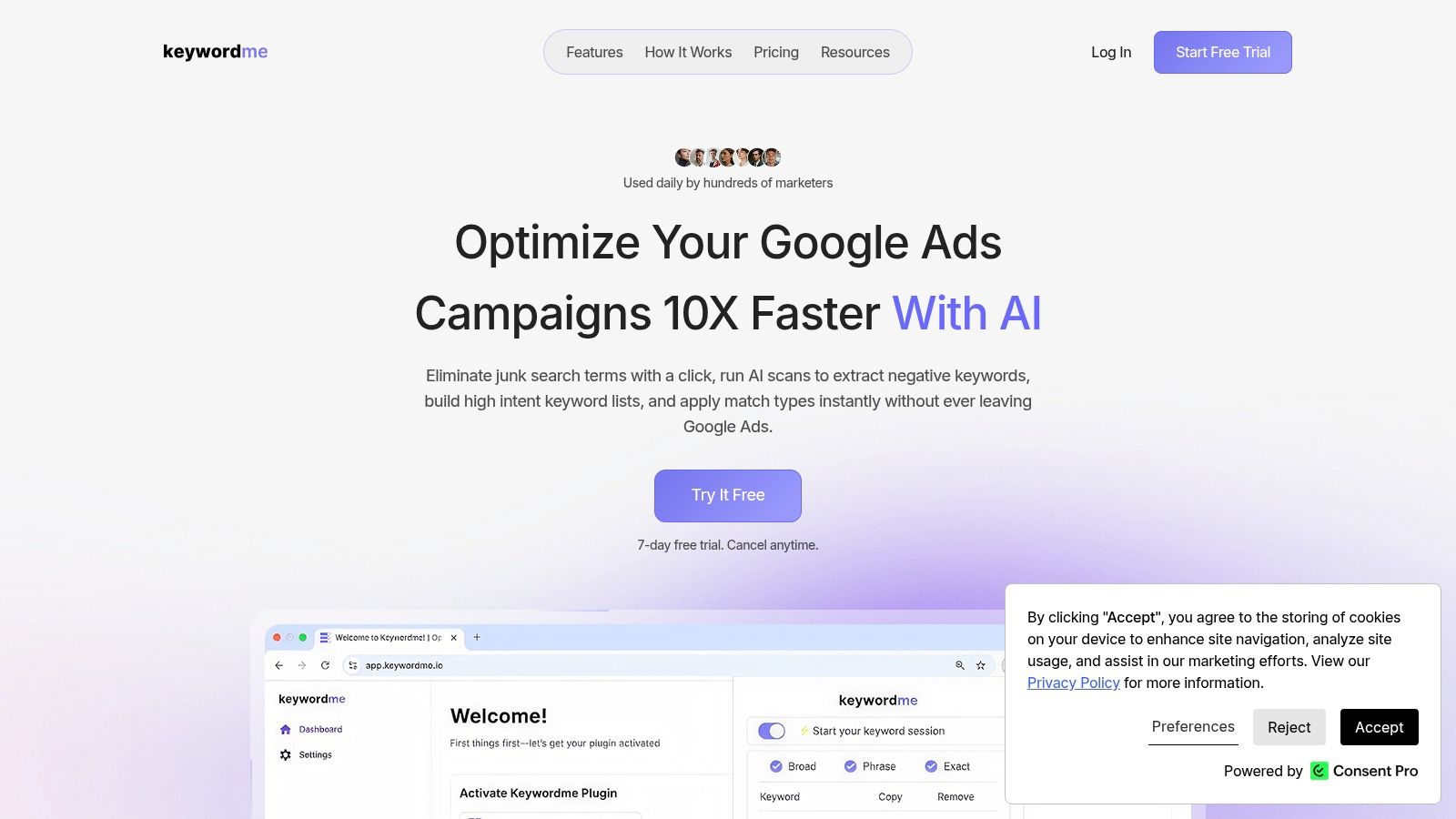
A lot of PPC workflows break at the same point. You find useful search term data inside Google Ads, then the work of exports, filters, notes, and reformatting starts before anything gets applied. Keywordme cuts out that middle layer.
It earns the top spot because it is built for action, not just inspection. Inside Google Ads, you can review search terms, pull out negatives and expansion ideas, assign match types, and format lists for bulk uploads without bouncing into spreadsheets for every pass. If your account work lives in Search, that saves time and cuts avoidable errors.
That role matters in the bigger stack this guide is building. Keywordme is the optimization engine. The other extensions on this list support it from the sides. Some help you validate tracking, some help you research competitors, and some catch technical issues on landing pages. Keywordme is the one I'd center the workflow around if the job is ongoing account optimization.
Where it fits in a real PPC stack
Keywordme is strongest after traffic is already flowing and you need to turn raw query data into account changes.
- Search-term cleanup: Spot irrelevant queries and turn them into negatives fast.
- Keyword expansion: Pull converting or high-intent queries into new ad groups and keyword lists.
- Match-type formatting: Apply exact, phrase, or broad cleanly without hand-editing syntax.
- Bulk output: Prep upload-ready lists when you need to work across multiple campaigns or client accounts.
The practical benefit is context. You stay in the Google Ads interface while making decisions, which usually means fewer copy-paste mistakes and less second-guessing.
Practical rule: If a task forces repeated exports just to make routine optimizations, it probably deserves a dedicated tool.
Trade-offs and who should use it
Keywordme is focused. That is a strength, but it also defines the limits. It will not replace cross-channel reporting, a bid platform, or broader analytics tooling. If you manage Microsoft Ads heavily or need dashboarding across paid media channels, you still need other systems in the stack.
For agencies, freelancers, and in-house teams that spend a lot of time inside search terms, that trade-off usually makes sense. The setup is light, pricing is straightforward at $12 per seat per month after a 7-day trial, and the use case is clear. If you also need to tighten measurement before acting on search data, this guide to Google Ads conversion tracking setup and troubleshooting is a useful companion read. For a closer look at the browser-first model behind tools like this, the article on why Chrome extensions help PPC teams move faster adds helpful context.
2. Google Tag Assistant
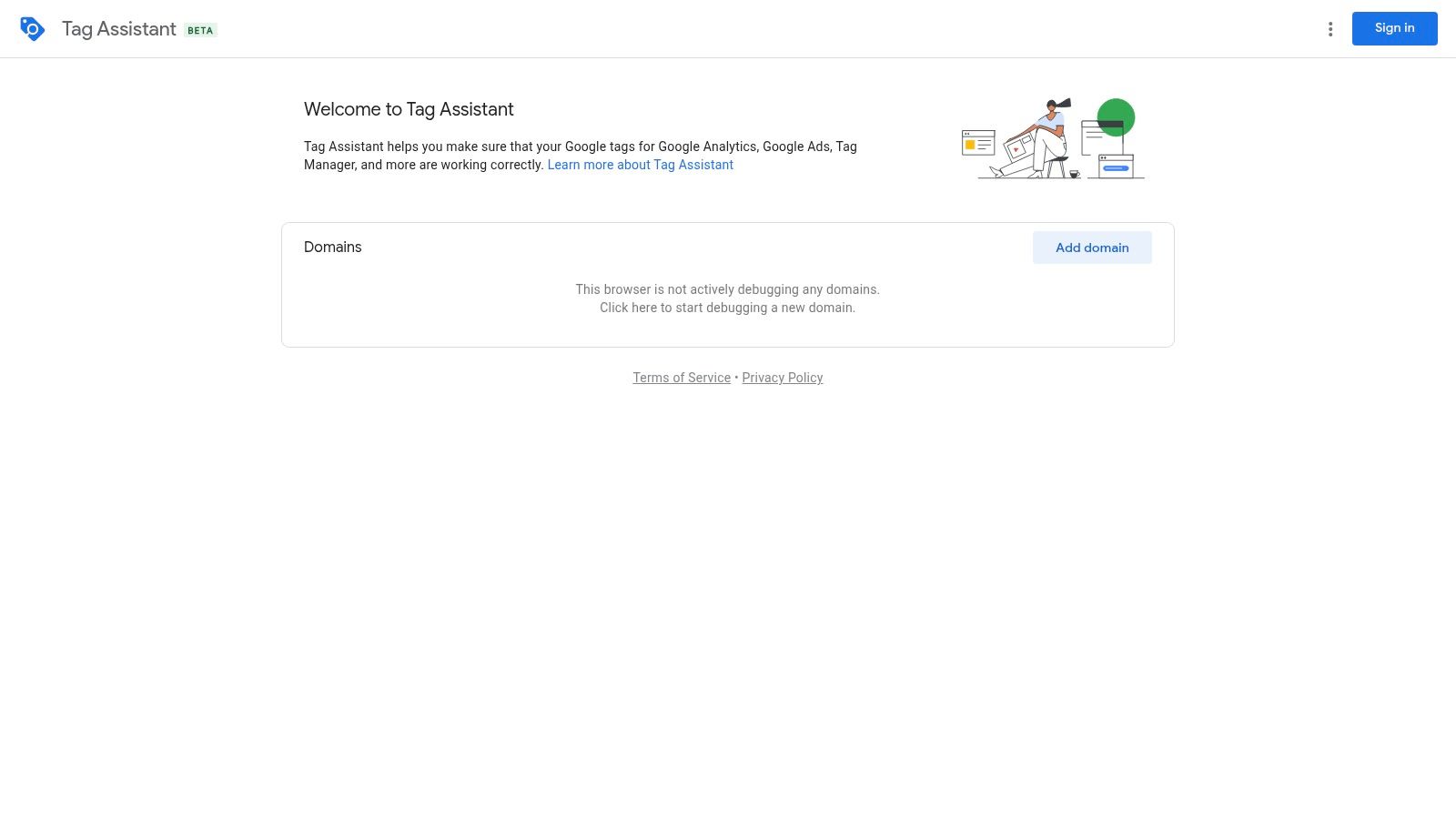
A familiar PPC problem: leads look fine on Monday, the site gets updated on Tuesday, and by Wednesday your conversion volume is cut in half. Before you touch bids or rewrite ads, check the tags.
Google Tag Assistant is the browser extension I use for that first pass. It gives you a quick read on whether the Google tag, Google Ads conversion tags, and Tag Manager setup are present and firing on the page. In a workflow sense, this is the QA layer. Keywordme helps you act on search term data, but Tag Assistant helps confirm the conversion signals behind those decisions are still trustworthy.
Why it earns a permanent spot
Tag Assistant is fast, which matters. You can click through a form, thank-you page, or checkout step and confirm whether the expected Google tags are showing up without opening a heavier debugging setup right away.
It is also the cleanest fit for Google-first accounts. Direct Online Marketing notes in its PPC Chrome extension overview that tools like Google Tag Assistant and Pixel Helper help marketers verify tracking in real time. I agree with that in practice. If your day-to-day work lives mostly in Google Ads and GTM, Tag Assistant usually gets you to the first answer faster.
One rule has saved me a lot of wasted optimization time: if conversions suddenly drop after a website release, your first assumption should be that tracking broke.
That does not mean Tag Assistant solves every measurement problem. It tells you whether tags are present and firing, but it will not explain every event-order issue, dataLayer problem, or parameter mismatch. That is why it works best as part of a stack, not as the whole stack.
Trade-offs
Its strength is speed and simplicity. Its limit is depth.
For a landing page check, form test, or post-release QA pass, that trade-off is usually worth it. For enhanced conversions, custom events, or messy GTM containers, you will often need a second tool to inspect what fired, in what order, and with which values.
If your account measurement is shaky, fix that before scaling budget. This Google Ads conversion tracking guide is a good place to tighten the basics.
Visit Google Tag Assistant.
3. dataslayer
dataslayer is what I use when Tag Assistant tells me something is wrong, but not enough about why. It opens up the event stream and dataLayer in a way that makes debugging much less guessy. You can inspect payloads, track the order of pushes, and export sessions when you need a record for dev handoff or client documentation.
That makes it a good fit for accounts running enhanced conversions, custom events, or more layered GTM implementations. If your setup is basic, it may feel like overkill. If your setup is messy, it's a lifesaver.
Best use case
dataslayer shines when the problem isn't just “tag exists” but “what exactly fired, in what sequence, and with which parameters?” That's where browser-level debugging saves hours.
- Real-time monitoring: Watch the dataLayer change as you click through a flow.
- Pixel visibility: Inspect Google Ads and GTM-related network activity.
- Audit support: Export sessions when you need proof, notes, or reproducible steps.
I like it most during launch week, form-tracking validation, and checkout debugging. It gives PPC managers enough visibility to speak clearly with analysts and developers instead of sending vague screenshots.
Trade-offs
You do need to work from its DevTools panel, so it's not as beginner-friendly as simpler QA plugins. For a small lead form with standard tags, that can feel like too much tool for the job. But for deeper conversion troubleshooting, it's one of the better technical companions you can keep in Chrome.
Visit dataslayer.
4. Adswerve DataLayer Inspector+
Adswerve DataLayer Inspector+ sits in a similar lane to dataslayer, but the feel is a bit different. It's more console-heavy and better suited to people who want hit-level detail on GA and GTM behavior. If you care about event names, parameters, request structure, and consent-related behavior, this extension helps you see what the browser is sending.
That level of clarity matters when PPC reporting goes sideways. You can't fix bidding logic, lead quality analysis, or imported conversion strategy if the underlying events are mislabeled or incomplete.
What it does well
I tend to use Adswerve DataLayer Inspector+ when I need fine-grained visibility, not just confirmation that something fired.
- Live dataLayer view: Good for confirming push order and variable values.
- Request inspection: Helpful when you need to see the details of Google Analytics requests.
- Ongoing reliability: It's actively maintained, which matters for technical browser extensions.
This is also one of the better tools for consent-mode-adjacent troubleshooting because you can inspect what's being passed rather than relying on assumptions from the UI.
Advanced tracking issues rarely announce themselves. They usually show up as “weird” campaign performance first.
Trade-offs
There's a learning curve. The console output can feel noisy if you don't already know what you're looking for, and some older utility behaviors changed because of Chrome policy updates. But if your PPC work overlaps with analytics QA, this extension earns its keep quickly.
Visit Adswerve DataLayer Inspector+.
5. Keywords Everywhere
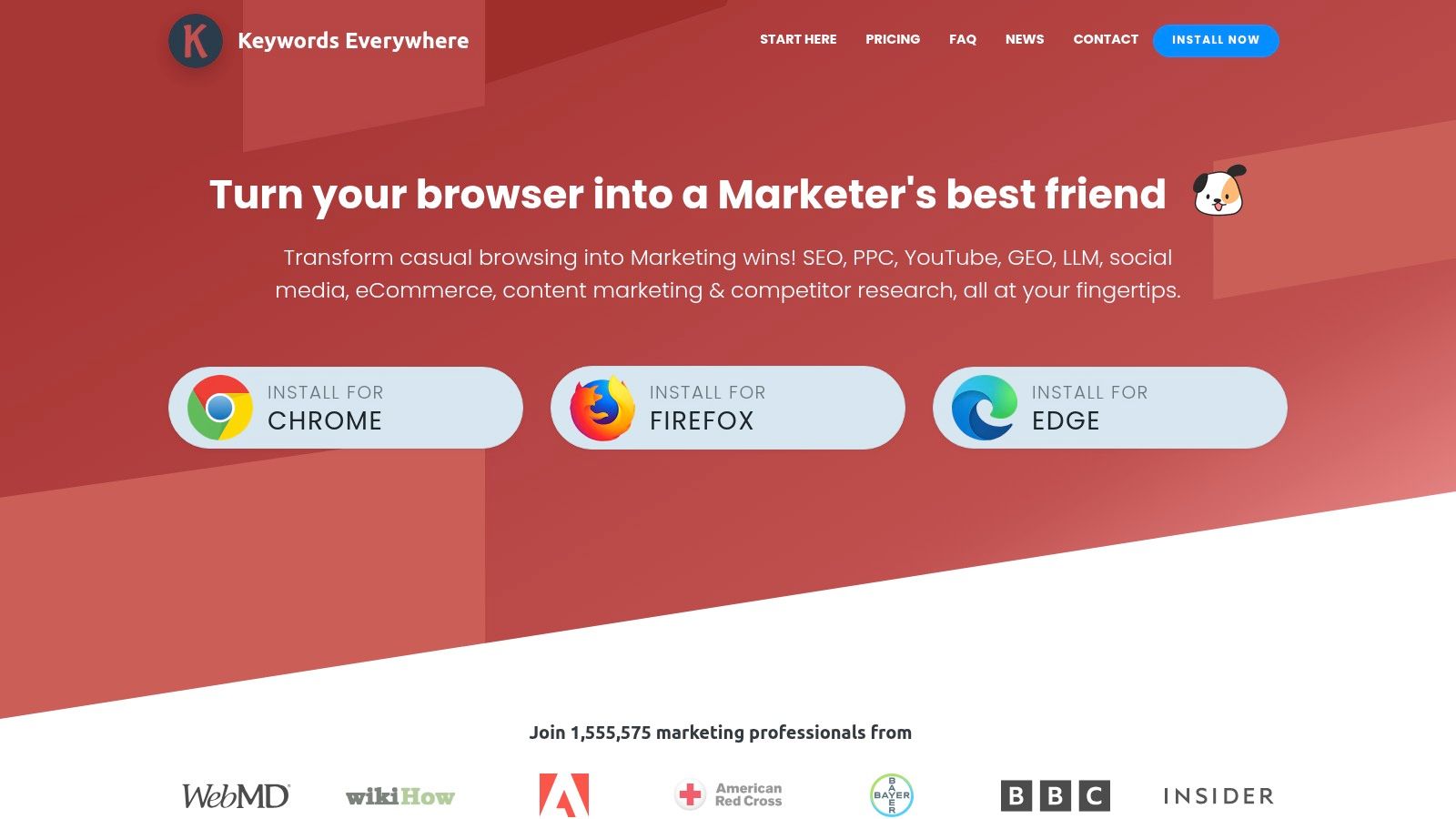
You are reviewing search results, a new angle pops up, and you need a fast read before you open Google Ads or touch the account structure. That is the lane where Keywords Everywhere earns its place. It puts volume, CPC, competition, and related queries directly into the browser, which makes early-stage PPC research much faster.
I use it near the top of the workflow. It is not the tool I trust for final budgeting, match type decisions, or account-level prioritization. It is the tool I use to decide whether an idea deserves the next 15 minutes.
Where it fits in a PPC workflow
Keywords Everywhere is strongest as a research layer around your main optimization setup. If Keywordme is handling the heavier optimization and decision-making work, this extension helps you collect candidate terms, pressure-test themes on live SERPs, and spot adjacent intent before you build anything. That makes it useful for account audits, expansion work, and quick competitor reviews.
The practical value is speed. You can move from a seed term to a rough cluster without opening three tabs and exporting a spreadsheet too early.
What it's best for
- SERP-side keyword discovery: Find related terms and modifiers while you review actual search results.
- Intent checks: Compare phrasing on the page before splitting ad groups or writing new ads.
- Long-tail expansion: Catch lower-volume variants that may still have strong commercial intent.
- Lightweight validation: Sanity-check whether a new idea looks promising before bringing it into a fuller pay-per-click keyword research process.
One reason PPC managers keep it installed is coverage. It gives you directional keyword data across search surfaces quickly, which is useful when the brief is still forming and you need to narrow options fast.
Trade-offs
The numbers are best treated as directional, not definitive. I would not use this extension alone to set bids, forecast spend, or choose winners between close keyword variants. The credit model can also get annoying if you run it heavily across lots of searches in a day.
Still, for browser-based research, it does the job well. It shortens the distance between spotting an idea and deciding whether it belongs in your workflow.
Visit Keywords Everywhere.
6. Ubersuggest Chrome Extension
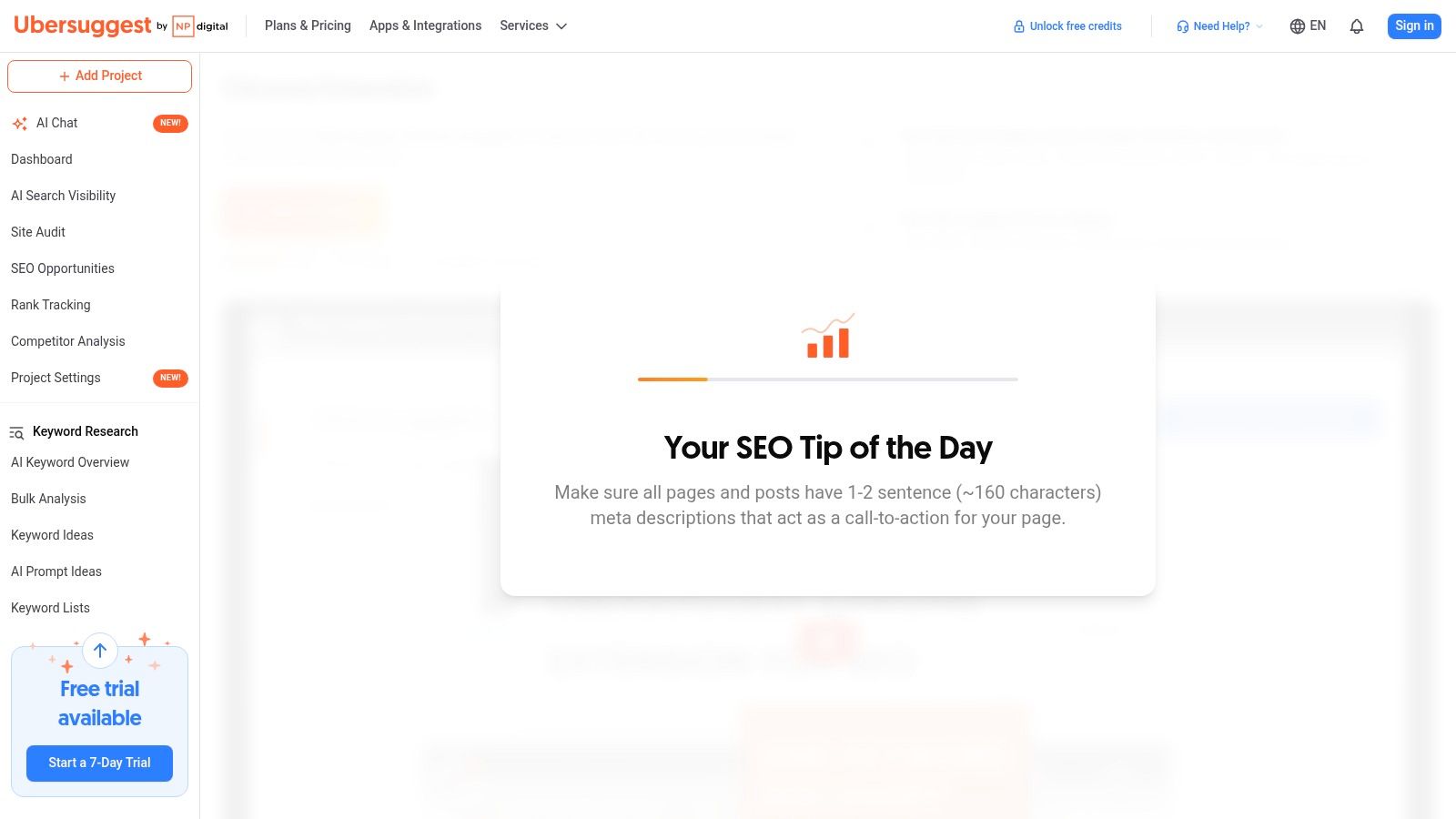
Ubersuggest's Chrome extension is a good middle-ground tool for marketers who want search-volume and CPC context without needing a more technical interface. It layers keyword and domain data onto Google results pages, and it works well for quick PPC ideation, competitor scanning, and rough budget feasibility checks.
I especially like it for early-stage campaign research when the brief is still loose. It helps answer simple but important questions fast. Is there search interest here? Does the CPC look commercially serious? Are the current winners established domains or weaker players?
Where it helps most
Ubersuggest works well when speed matters more than precision. It's also easier for non-specialists to use, which makes it useful when founders, marketing generalists, or junior account managers need a quick read on a market.
- SERP overlays: Get volume, CPC, and difficulty cues on-page.
- Cross-surface checks: Useful for Google, YouTube, and Amazon research paths.
- Domain context: See basic site and URL information while reviewing competitors.
That said, I treat its numbers as directional. For campaign architecture and bidding decisions, I still want Google Ads-native context and actual account data.
Trade-offs
The interface is friendly, but deeper use usually pushes you toward the full Ubersuggest platform. Also, its data methodology isn't Google Ads itself, so it's better for shaping ideas than making final budget calls.
Visit the Ubersuggest Chrome Extension.
7. Keyword Surfer
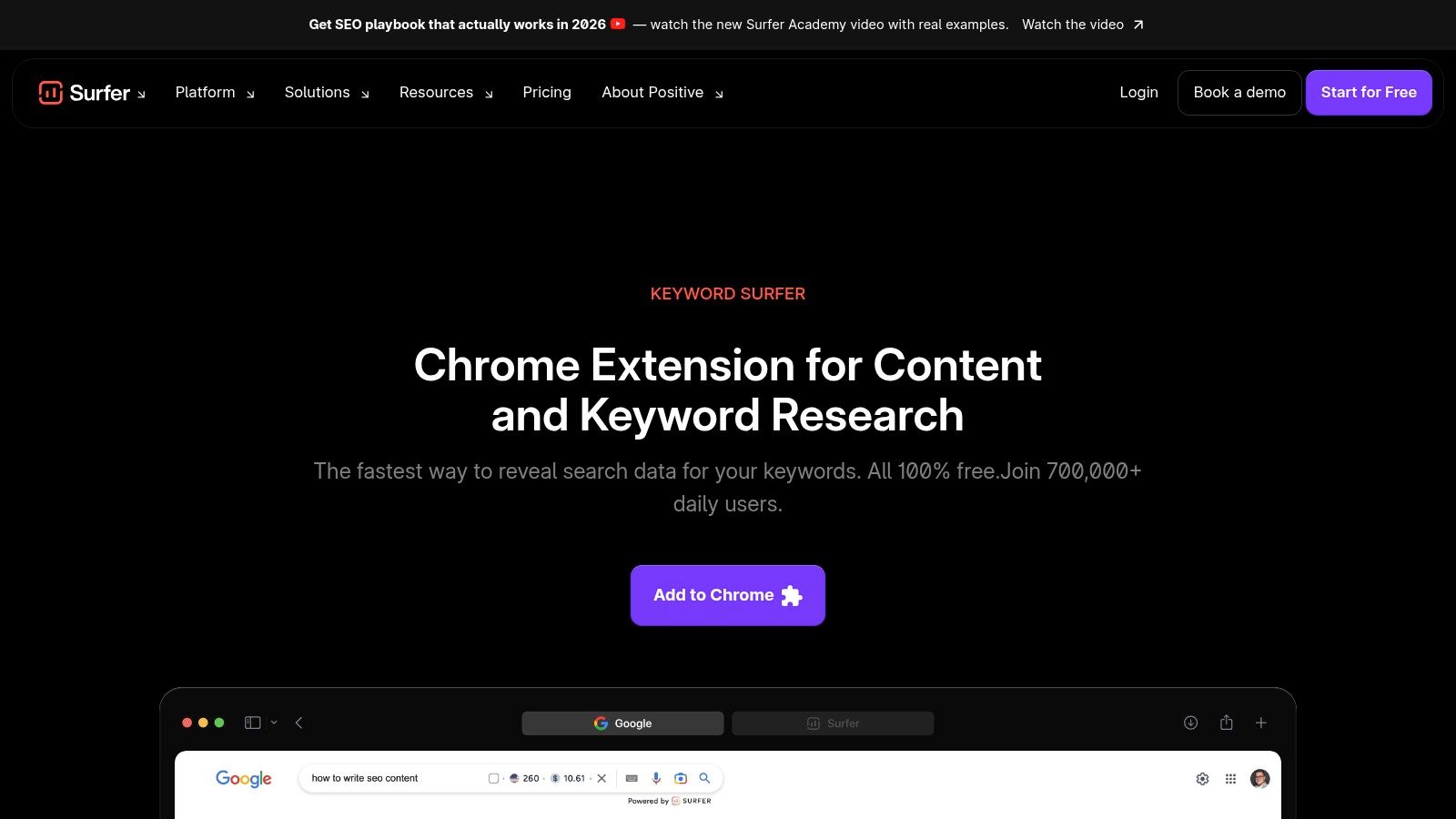
Keyword Surfer is the lightweight option I'd recommend to anyone who wants fast keyword inspiration without fiddling with settings or credits. It lives in the SERP, shows monthly search volumes, and makes it easy to scan adjacent terms when you're building out themes.
It's not a replacement for deep keyword work, but that's not really the point. Keyword Surfer is good at reducing friction during brainstorming.
Why it belongs in some stacks
For freelancers and small teams, free tools that reduce tab switching are often enough. Keyword Surfer handles that well. You search, you get immediate context, and you can keep moving.
I also like it for negative keyword brainstorming. When a query reveals nearby terms with clearly different intent, you can start separating what belongs in the account from what should stay out.
Free tools are fine for discovery. Paid search gets expensive when you mistake discovery for validation.
Trade-offs
The data is less precise than what you'd use for final PPC planning, and some advanced Surfer features sit behind a subscription. Still, for quick country-based idea generation, it's one of the easiest extensions to keep installed.
Visit Keyword Surfer.
8. Ahrefs SEO Toolbar
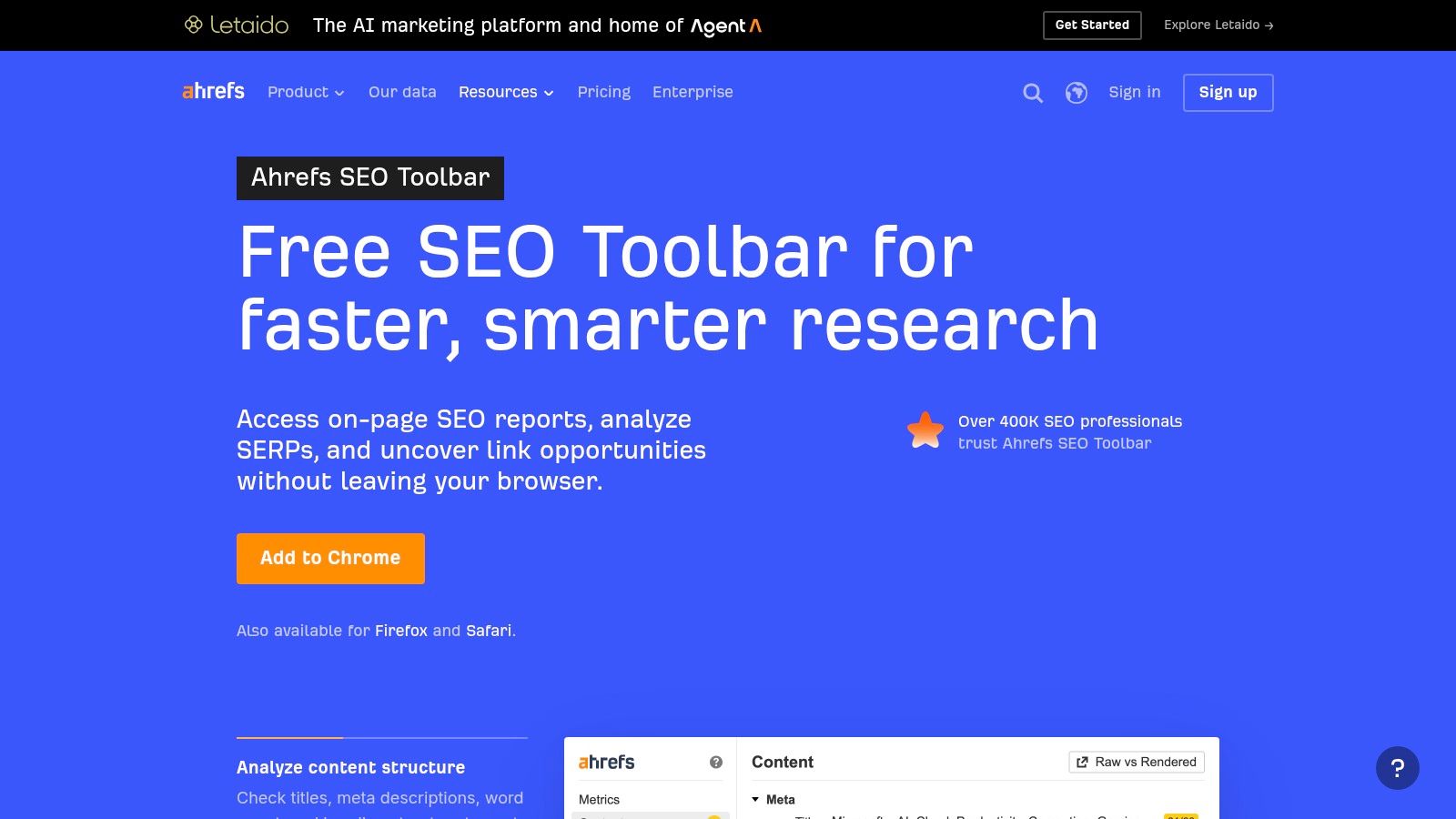
Ahrefs SEO Toolbar isn't built specifically for Google Ads, but good PPC managers can still get a lot out of it. The value is in competitive context. You can look at the SERP and quickly gauge whether a query is dominated by strong domains, how pages are structured, and whether the landing page you're sending traffic to is technically behaving the way you expect.
The redirect chain viewer is the sleeper feature here. Broken routing, messy redirects, or bloated final URLs can subtly create landing-page headaches that show up later as poor user experience and murky attribution.
Best use cases for PPC teams
I use Ahrefs SEO Toolbar most during audits and expansion work.
- Commerciality checks: CPC and volume context can help qualify intent.
- Landing-page review: DR, UR, and backlink context show how strong competing pages are.
- Redirect inspection: Helpful when final URLs or templates look suspicious.
This is also a nice extension when you're trying to understand whether a weak-performing landing page problem is messaging, offer, or getting outclassed by stronger competitor experiences.
Trade-offs
You'll get the best value if you already have an Ahrefs account, and plan limits matter. It's also still an SEO-first tool, so I wouldn't call it core PPC infrastructure. I'd call it high-value supporting gear for serious account audits.
Visit Ahrefs SEO Toolbar.
9. SEOquake
SEOquake has been around forever, and that's part of its appeal. It's fast, free, and useful for rough competitive recon when you don't need polished dashboards. I've used it to size up SERPs, pull basic page metrics, and collect notes on competitor landing pages before writing ads or reviewing page strategy.
For PPC managers, it's less about keyword data and more about page-level awareness. You can quickly inspect what kind of page is ranking, how it's structured, and whether the search results are packed with informational content, product pages, or lead-gen landers.
Where it earns a spot
SEOquake works best as a utility knife. Not glamorous, but handy.
- SERP overlays: Good for quick competitor snapshots.
- On-page diagnostics: Useful when reviewing page makeup or content emphasis.
- CSV export: Nice for assembling rough competitive notes without much setup.
If you're auditing a new account and need a quick lay of the land, SEOquake helps you move faster without committing to a larger platform session.
Trade-offs
There's no native Google Ads data, no bid insights, and no automation. It's also more SEO-oriented than PPC-specific. But because it's lightweight and free, I still think it earns a place in some workflows, especially for agencies that audit lots of pages.
Visit SEOquake.
10. Ayima Redirect Path
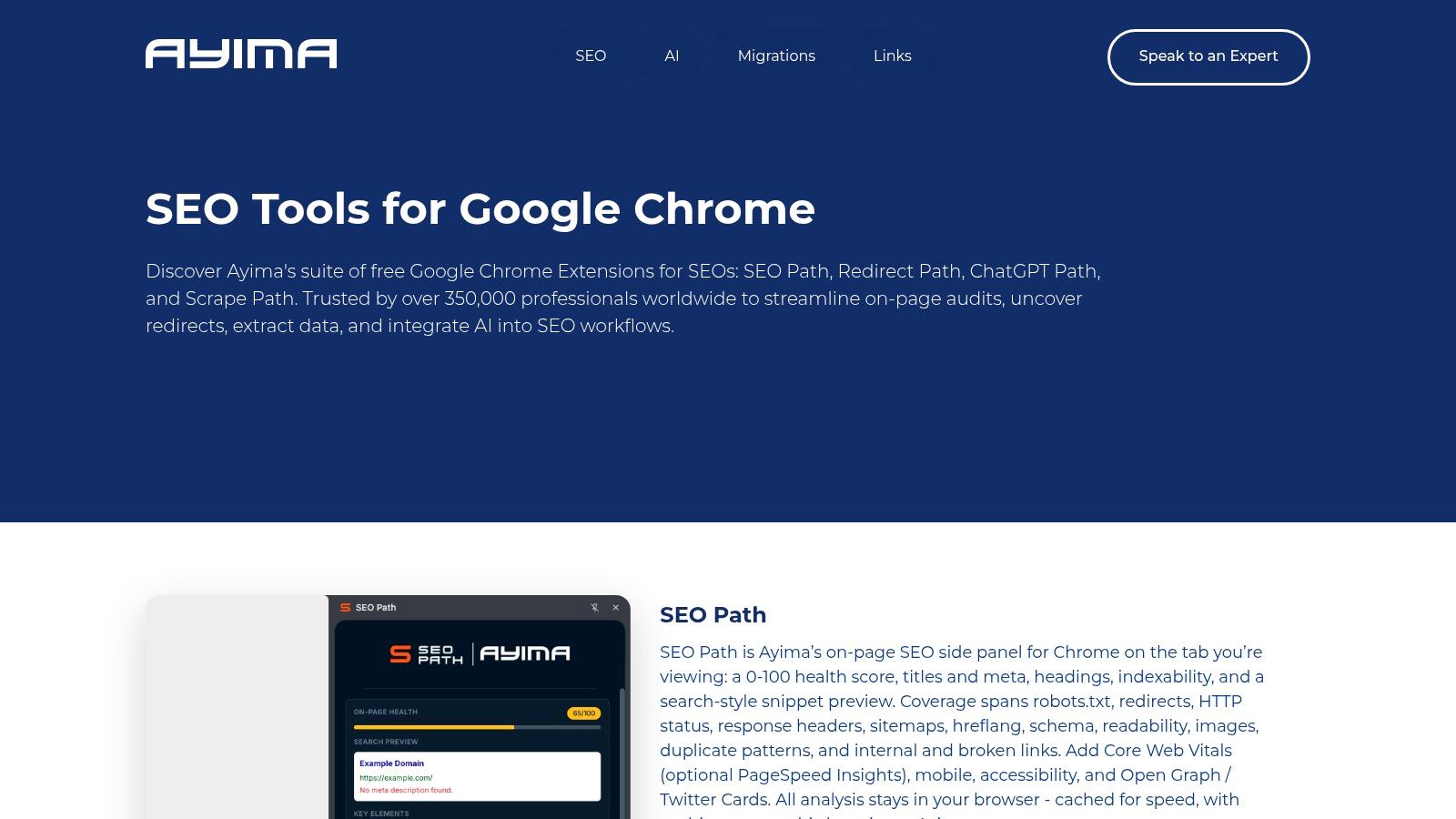
Ayima Redirect Path solves a very unsexy but very expensive problem. Final URLs break. Tracking templates create weird chains. UTMs collide with redirects. Pages load through unnecessary hops. And Google Ads keeps spending unless you catch it.
This extension lets you inspect status codes and redirect chains instantly. That's a lot faster than manually digging through DevTools when all you need is a clear answer about what happens after the click.
Why PPC managers should care
Landing-page and URL problems don't always show up as policy disapprovals. Sometimes they show up as weak performance, broken measurement, or user drop-off that looks like a messaging issue. Redirect Path helps separate technical friction from actual campaign problems.
- HTTP status checks: Spot 301, 302, 4xx, and 5xx responses immediately.
- Redirect visualization: See the full chain instead of guessing.
- Header visibility: Useful when tracking parameters behave strangely.
I like using this right after launch, after website migrations, and anytime a client says “we only changed a few pages.”
Trade-offs
It won't tell you anything about ad policy, query intent, or bidding. It's purely a technical QA extension. But that's the point. It does one job well, and it can save you from wasting spend on broken click paths.
Visit Ayima Redirect Path.
Top 10 Google Ads Chrome Extensions for PPC, Feature Comparison
| Tool | Core features | Unique selling points ✨ | Target audience 👥 | Quality ★ | Price/value 💰 |
|---|---|---|---|---|---|
| 🏆 Keywordme | In‑Google Ads Chrome plugin: one‑click negative extraction, match‑type assignment, bulk lists | ✨ One‑click cleanup, live search‑term expansion, automates negative lists | 👥 PPC freelancers, agencies, in‑house teams | ★★★★★ | 💰 $12/user·mo, 7‑day free trial |
| Google Tag Assistant (by Google) | Verifies Google tags, shows errors, GTM Preview support | ✨ First‑party validation + fix suggestions | 👥 QA engineers, tracking specialists | ★★★★ | 💰 Free |
| dataslayer | dataLayer monitoring, network listener, session export/import | ✨ Deep dataLayer state view & session export for audits | 👥 Developers, conversion QA teams | ★★★★ | 💰 Free |
| Adswerve DataLayer Inspector+ | Live dataLayer & GA/GTM hit details, console‑level hit view | ✨ Hit‑by‑hit breakdown; actively maintained | 👥 Advanced QA/devs | ★★★★ | 💰 Free |
| Keywords Everywhere | SERP overlay: search volume, CPC, competition, trends | ✨ Lightweight on‑page keyword metrics and related ideas | 👥 PPC researchers, SEOs | ★★★ | 💰 Credit system; low cost for light use |
| Ubersuggest Chrome Extension | SERP overlays: volume, CPC, difficulty; domain insights | ✨ Multi‑surface (Google/YouTube/Amazon) keyword checks | 👥 Marketers, small businesses | ★★★ | 💰 Free + paid plans |
| Keyword Surfer (by Surfer) | Free SERP overlay: monthly volumes, keyword ideas, country switch | ✨ Free, fast localized demand estimates | 👥 Early‑stage researchers, budget teams | ★★★ | 💰 Free (some premium features) |
| Ahrefs SEO Toolbar | CPC/volume, DR/UR, backlink metrics, redirect viewer | ✨ Competitive intelligence + redirect QA in SERP | 👥 SEO & PPC pros needing competitive data | ★★★★ | 💰 Requires Ahrefs subscription |
| SEOquake (by Semrush) | SERP/page overlay, density diagnostics, CSV export | ✨ Zero‑cost recon and quick exports for audits | 👥 Auditors, campaign builders | ★★★ | 💰 Free |
| Ayima Redirect Path | Real‑time HTTP status & redirect chain visualization, headers | ✨ Instant redirect/HTTP header diagnostics for final‑URL QA | 👥 Technical QA, tracking teams | ★★★ | 💰 Free |
From Clunky to Chrome-Powered Your New PPC Workflow
A strong PPC setup in Chrome isn't about collecting as many extensions as possible. It's about assigning each one a job. Keywordme handles in-platform keyword optimization and negative management. Research tools like Keywords Everywhere, Keyword Surfer, and Ubersuggest help you shape and validate ideas. QA tools like Google Tag Assistant, dataslayer, Adswerve DataLayer Inspector+, and Ayima Redirect Path catch the technical issues that can ruin reporting or waste budget.
That stack looks different depending on who you are. Agencies usually need speed across many accounts, so they benefit from centering workflow automation first, then adding research and debugging layers around it. Freelancers often want a leaner setup that cuts busywork without turning the browser into a cockpit. Small businesses usually need the shortest path from search-term data to useful action, not an enterprise-grade toolbox they'll never fully use.
If I were building practical stacks, I'd keep it simple.
- For agencies: Keywordme, Google Tag Assistant, dataslayer, Keywords Everywhere, and Ayima Redirect Path.
- For freelancers: Keywordme, Keyword Surfer, Google Tag Assistant, and Ahrefs SEO Toolbar.
- For small businesses: Keywordme, Google Tag Assistant, and either Ubersuggest or Keywords Everywhere.
The common thread is that Keywordme works best as the central engine. It's the tool in this list that pushes optimization work forward inside Google Ads rather than just showing you more data. That's a big distinction. Most browser extensions are informative. Fewer are operational.
There's also a bigger lesson here. PPC performance doesn't just improve because we “work harder” in the account. It improves when the workflow makes good decisions easier to execute and bad habits harder to repeat. If you still export search terms into spreadsheets every week, reformat negatives by hand, or bounce between tabs to assign match types, you're spending skilled time on low-skill mechanics.
That's why these tools matter. They reduce friction where friction usually costs money.
Google Ads campaigns also perform better when the surrounding setup is clean. Faster troubleshooting helps. Better tag validation helps. Better keyword expansion from real search-term data helps. Competitor and landing-page visibility help. Even small browser-level improvements stack up because PPC management is repetitive by nature. Saving a few steps once isn't exciting. Saving them every day is.
If you want a broader view of where paid search fits into growth, this piece on digital advertising with Google Ads is a useful companion read.
The simplest next step is to install one tool that removes your biggest bottleneck. If search-term cleanup is slowing you down, start there. If tracking is shaky, fix that first. If research feels scattered, add a SERP overlay tool. Build your stack around the pain you feel every week, not the feature list that looks best in a screenshot.
If you want the fastest upgrade to your day-to-day Google Ads workflow, start with Keywordme. It's built for the work PPC managers repeat every week: cleaning search terms, building negative keyword lists, assigning match types, and turning live query data into account improvements without living in spreadsheets. The setup is simple, the pricing is straightforward, and the time savings are immediate once you're in the Search Terms report every day.
.svg)