
9 Best Chrome Extensions for Google Ads in 2026
Discover the best Chrome extensions for Google Ads in 2026, covering tools for search term optimization, competitor research, ad copy analysis, and performance tracking. This guide helps freelancers, agency owners, and solo marketers streamline campaign management and maximize ROI directly within their existing browser workflow.


TL;DR: The right Chrome extensions can turn Google Ads management from a tedious, spreadsheet-heavy grind into a streamlined workflow you actually enjoy. Whether you're a freelancer juggling multiple client accounts, an agency owner scaling campaigns, or a solo marketer trying to squeeze more ROI from every dollar, these browser-based tools plug directly into your existing workflow and save serious time. We reviewed the best Chrome extensions for Google Ads across categories like search term optimization, competitor research, ad copy analysis, and performance tracking. Here's what made the cut for 2026, starting with the tools that deliver the most impact where it matters most: inside the Google Ads interface itself.
One thing worth noting upfront: Google Ads Editor is technically a desktop app, not a Chrome extension. It's included here because it's a critical part of most PPC workflows and is commonly searched alongside browser extensions. Every other tool on this list runs directly in your browser or overlays onto your existing Google Ads session.
1. Keywordme
Best for: Search term cleanup and in-interface PPC optimization without leaving Google Ads
Keywordme is a Chrome extension that overlays directly inside Google Ads' Search Terms Report, giving you one-click control over negative keywords, match types, keyword clustering, and bulk edits without ever touching a spreadsheet.

Where This Tool Shines
In most accounts I audit, the Search Terms Report is where wasted spend hides. Irrelevant queries quietly drain budgets while the actual cleanup process, exporting CSVs, filtering in sheets, re-importing negatives, takes longer than it should. Keywordme collapses that entire workflow into a few clicks inside the native Google Ads UI.
What makes it stand out is the zero context-switching approach. You're already in your account reviewing search terms. With Keywordme active, you can flag junk, apply match types, and build negative keyword lists right there. For agencies managing multiple clients, the multi-account and team support means everyone on the team works from the same streamlined process.
Key Features
One-Click Junk Term Removal: Flag and remove irrelevant search terms directly from the Search Terms Report without exporting to a spreadsheet.
Instant Match Type Application: Apply broad, phrase, or exact match to keywords without CSV exports or manual re-entry.
Keyword Clustering: Group related search terms into clusters to identify new ad group opportunities faster.
Bulk Editing: Make changes across multiple terms simultaneously, cutting optimization time significantly.
Multi-Account and Team Support: Built for agency workflows where multiple users need consistent, fast optimization across client accounts.
Best For
Freelancers and agency teams who spend meaningful time each week in the Search Terms Report. If you manage more than a handful of campaigns, the time savings compound quickly. It's especially useful for accounts with high search volume where manual term review is a real bottleneck.
Pricing
$12/month per user with a 7-day free trial. Flat-rate pricing makes it easy to budget for team use without surprises.
2. Google Ads Editor
Best for: Bulk campaign edits, offline changes, and large-scale account restructures
Google Ads Editor is Google's free desktop application for making bulk changes to campaigns offline and pushing them live when you're ready.

Where This Tool Shines
When you need to restructure a large account, rename hundreds of ad groups, or copy campaigns across multiple clients, doing that inside the Google Ads web interface is painful. Editor removes that friction entirely. You download the account, make changes locally, review a draft, and push. The mistake most agencies make is not using Editor for routine tasks like find-and-replace across ad copy or moving keywords between ad groups. It handles all of that in seconds.
It's also the go-to tool when you're working in a low-connectivity environment or want to stage changes before they go live. The draft review workflow alone makes it worth keeping installed.
Key Features
Offline Bulk Editing: Download your account, make changes locally, and upload when ready.
Find and Replace: Update ad copy, URLs, or keyword text across hundreds of items at once.
Copy and Move Items: Duplicate campaigns, ad groups, or keywords across accounts without re-entering data.
Draft and Review Mode: Stage all changes and review them before anything goes live.
Multi-Account Management: Manage multiple accounts from a single Editor instance.
Best For
Any Google Ads user managing more than a few campaigns. It's particularly indispensable for agencies handling large account restructures, seasonal promotions requiring bulk copy changes, or migration work between accounts.
Pricing
Completely free. No subscription, no limitations. It's one of the most underutilized free tools in PPC.
3. Semrush AdClarity
Best for: Competitive intelligence across search, display, and video ad channels
Semrush AdClarity is a competitive intelligence extension that reveals competitor ad strategies, estimated spend, and creative variations across multiple channels.

Where This Tool Shines
Before building out a new campaign, knowing what your competitors are spending and how they're positioning their ads is genuinely useful. AdClarity surfaces estimated spend trends, creative galleries, and publisher breakdowns so you can benchmark your own approach. It's not a replacement for original strategy, but it's a strong starting point for gap analysis.
The integration with the broader Semrush platform is a real advantage if you're already using Semrush for SEO or keyword research. Everything lives in one ecosystem, which reduces the number of tools you need to context-switch between.
Key Features
Competitor Ad Spend Estimates: View estimated spend trends across search, display, and video for any competitor domain.
Creative Gallery: Browse actual ad variations competitors are running, including copy and visual formats.
Publisher and Network Breakdowns: See which networks and placements competitors are prioritizing.
Historical Trend Data: Track how competitor strategies have shifted over time.
Semrush Platform Integration: Connects directly with Semrush's keyword and SEO data for a fuller picture.
Best For
Agencies and in-house marketers doing competitive research before launching new campaigns, entering new markets, or auditing why a competitor is outperforming on branded terms.
Pricing
Included with Semrush plans; also available as a standalone add-on. Pricing varies based on plan tier. Check the Semrush site for current rates.
4. Similarweb
Best for: Traffic intelligence and audience research for competitive Google Ads planning
Similarweb is a browser extension that surfaces traffic estimates, audience demographics, and traffic source breakdowns for any website you visit.

Where This Tool Shines
When you're scoping out a new competitor or evaluating a landing page before running display ads, Similarweb gives you a fast read on how much traffic a site is getting and where it's coming from. You can see the paid versus organic split, top referring keywords, and geographic distribution without leaving your browser tab.
It's not a replacement for deep keyword research, but for quick competitive snapshots during account planning sessions, it's hard to beat the speed. The free tier covers most basic research needs for freelancers and small agencies.
Key Features
Traffic Volume Estimates: Get monthly visit estimates and engagement metrics for any domain instantly.
Traffic Source Breakdown: See how much of a site's traffic comes from search, social, direct, or referral.
Top Referring Keywords: Identify which keywords are driving the most traffic to competitor sites.
Geographic Audience Distribution: Understand where a site's audience is concentrated by country or region.
Competitor Overlap Analysis: Discover which other sites share the same audience.
Best For
Marketers doing competitive research during campaign planning, especially when evaluating new verticals or assessing potential Display Network placements.
Pricing
Free extension with limited monthly lookups. Paid plans start around $149/month for deeper data access and higher lookup volumes.
5. Google Tag Assistant
Best for: Verifying conversion tags, GA4 tags, and GTM containers on landing pages
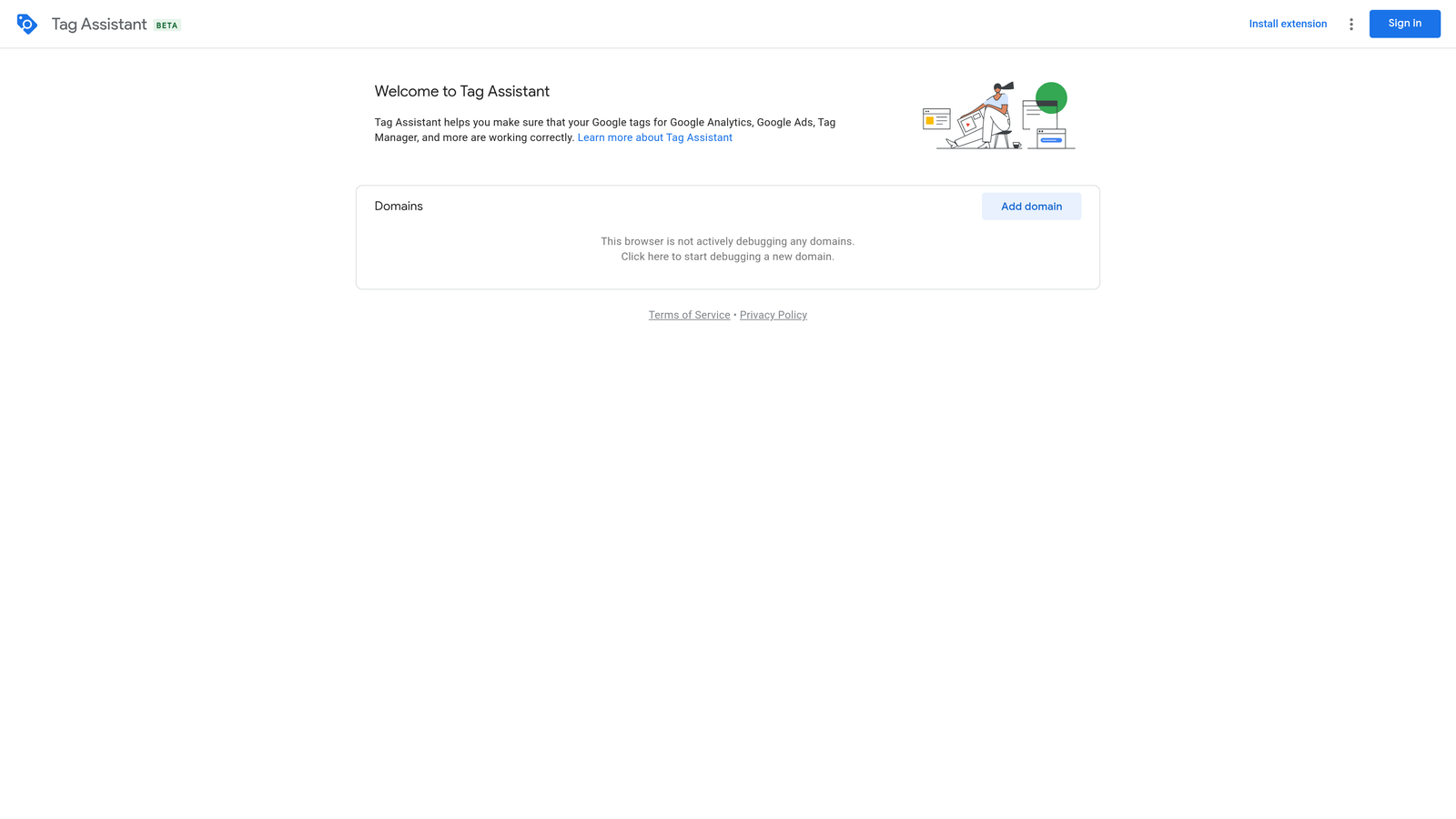
Google Tag Assistant is Google's free debugging extension for confirming that your tracking tags are firing correctly before you trust your conversion data.
Where This Tool Shines
Here's a scenario that happens constantly: you set up a new conversion action, traffic starts flowing, but conversions look suspiciously low. Before you start second-guessing your ad copy or bidding strategy, Tag Assistant tells you within seconds whether the tag is actually firing. It's the first tool I open when a client says "I think my tracking is broken."
The debug mode for Google Tag Manager is particularly useful. You can walk through a conversion path step by step and see exactly which triggers fired and which didn't. It saves hours of back-and-forth with developers trying to diagnose tag issues.
Key Features
Real-Time Tag Validation: See which Google tags are active on any page as you browse.
GTM Debug Mode: Step through Tag Manager container triggers and variables in real time.
Conversion Tag Verification: Confirm that Google Ads conversion linker and event tags are firing correctly.
Error and Warning Indicators: Clear visual cues for misconfigured or missing tags.
GA4 DebugView Compatibility: Works alongside GA4's built-in debug tools for full tracking validation.
Best For
Anyone running Google Ads who cares about conversion tracking accuracy. That should be everyone. It's especially critical during new campaign launches, landing page redesigns, or any time a developer touches the site code.
Pricing
Completely free. No account required to use the basic validation features.
6. Optmyzr
Best for: Rule-based automation and one-click optimizations for Google Ads accounts
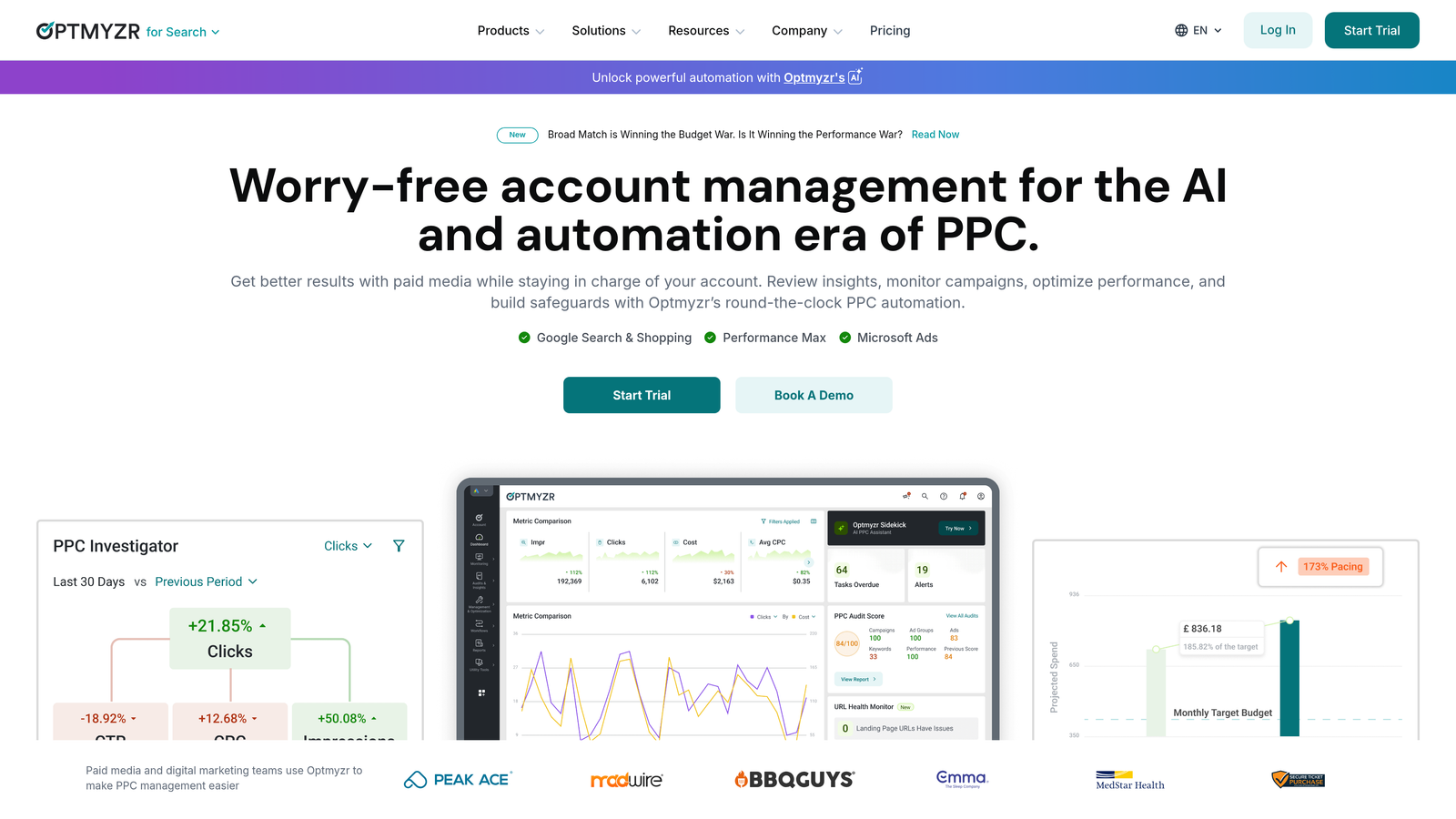
Optmyzr is a PPC management platform with browser-based access that combines rule-based automations, one-click optimization suggestions, and custom reporting in a single interface.
Where This Tool Shines
What usually happens with automation in Google Ads is that advertisers either over-automate and lose control, or they avoid it entirely and spend hours on tasks that could run on rules. Optmyzr threads that needle with a human-in-the-loop model: it surfaces recommendations, you approve or reject them, and the changes go live. That approval step matters more than most platforms acknowledge.
For agencies, the multi-account reporting and Shopping campaign tools are genuinely strong. If you're managing Performance Max campaigns alongside standard search, having a unified view with actionable recommendations in one place reduces the cognitive load considerably.
Key Features
Rule-Based Automations: Set bid and budget rules that trigger based on performance thresholds you define.
One-Click Optimizations: Review AI-generated recommendations and approve or dismiss them individually.
Custom PPC Reporting Dashboards: Build client-ready reports without manual data assembly.
Shopping and Performance Max Tools: Dedicated features for managing feed-based and automated campaign types.
Multi-Account Management: Centralized view across all client accounts for agency teams.
Best For
Mid-size agencies and in-house teams managing multiple Google Ads accounts who want automation with oversight rather than full black-box automation.
Pricing
Starts around $249/month. Pricing scales with ad spend and number of accounts managed. A free trial is available.
7. Supermetrics
Best for: Automating Google Ads data pulls into Google Sheets, Looker Studio, and other reporting tools
Supermetrics is a data connector that automates pulling Google Ads performance data into your reporting environment of choice, eliminating manual exports.

Where This Tool Shines
If you've ever spent a Friday afternoon manually copying Google Ads data into a client report spreadsheet, Supermetrics is the fix. You set up the query once, schedule it to refresh automatically, and the data flows into Google Sheets or Looker Studio on its own. The time savings for agencies producing weekly or monthly reports are substantial.
The cross-platform connectors are a big part of the value proposition. If you're running campaigns across Google Ads, Meta, LinkedIn, and TikTok, Supermetrics pulls all of it into a single reporting layer. That's genuinely useful for showing clients a consolidated view of their paid media performance.
Key Features
Automated Data Pulls: Schedule recurring data imports from Google Ads to Sheets, Excel, or Looker Studio.
Cross-Platform Connectors: Pull data from Meta, LinkedIn, TikTok, and other ad platforms alongside Google Ads.
BigQuery Integration: Push large datasets into BigQuery for advanced analysis and custom dashboards.
Custom Query Builder: Select exactly which metrics, dimensions, and date ranges you need without writing code.
Scheduled Refresh: Keep reports current automatically without manual intervention.
Best For
Agencies and marketing teams producing regular performance reports across multiple platforms. Particularly valuable if you're already using Looker Studio for client dashboards.
Pricing
Starts around $29/month for the Google Sheets connector. Pricing increases with additional connectors and data destinations.
8. Ghostery
Best for: Auditing competitor landing pages and identifying ad tech stacks
Ghostery is a privacy-focused extension that reveals every tracker, ad network, and analytics script running on any webpage you visit.
Where This Tool Shines
This one is a bit of a hidden gem for PPC work. When you're auditing a competitor's landing page, knowing what tracking and retargeting infrastructure they have in place tells you a lot about how sophisticated their paid media operation is. If a competitor is running Google Ads conversion tracking, a robust retargeting pixel, and a heatmap tool, they're likely testing and optimizing aggressively. That context shapes how you approach competing against them.
It's also useful for your own accounts. Before launching a campaign to a new landing page, a quick Ghostery scan confirms that all the right tags are present and nothing unexpected is slowing the page down.
Key Features
Tracker Identification: Instantly see every analytics tool, ad network, and retargeting pixel on any page.
Ad Network Detection: Identify which ad platforms a competitor is running through their site.
Page Load Impact Analysis: See which trackers are contributing to page load time.
Privacy Blocking: Optionally block trackers while browsing, independent of the audit use case.
Free to Use: Core functionality is available at no cost.
Best For
PPC professionals who want competitive intelligence beyond ad copy, and anyone doing landing page audits before or during campaign launches.
Pricing
Free for core features. Premium plans are available with additional privacy and blocking capabilities.
9. Keyword Surfer
Best for: Quick keyword research with CPC data directly in Google search results
Keyword Surfer is a free Chrome extension from Surfer SEO that overlays search volume, CPC estimates, and related keyword suggestions directly onto Google search results pages.
Where This Tool Shines
Sometimes you just need a fast sanity check on a keyword's search volume and estimated CPC without opening a separate tool. Keyword Surfer puts that data right in the SERP as you search, which is useful during early-stage keyword discovery or when you're quickly vetting terms a client mentioned in a brief.
It's not a replacement for Google Keyword Planner or a full keyword research suite, but for lightweight, in-the-moment research, it removes a lot of friction. The related keyword suggestions are a nice bonus for expanding lists on the fly.
Key Features
SERP Volume Overlay: See monthly search volume estimates directly in Google search results.
CPC Estimates: View estimated cost-per-click data alongside organic results without switching tools.
Related Keyword Suggestions: Get keyword ideas with volume data shown in a sidebar as you search.
Surfer SEO Integration: Connect to the full Surfer platform for deeper content and keyword analysis.
Completely Free: No subscription required for the extension itself.
Best For
Freelancers and marketers doing quick keyword research or validating search terms during client calls or discovery sessions. A solid free addition to any PPC toolkit.
Pricing
Free. No account required to use the extension's core features.
Which Tool Is Right for Your Workflow?
Every tool on this list earns its place, but the right combination depends on what's slowing you down most right now.
If search term cleanup and negative keyword management are eating your time, Keywordme is the clearest win. It solves a specific, high-frequency problem, and it does it without making you leave the Google Ads interface. For agencies billing by the hour or freelancers managing multiple accounts, that time efficiency compounds fast.
For competitive intelligence, Semrush AdClarity and Similarweb complement each other well. AdClarity goes deeper on ad creative and spend estimates; Similarweb is faster for traffic source snapshots. Use both during campaign planning and you'll go into any new vertical with a much clearer picture of the competitive landscape.
On the reporting side, Supermetrics is the right call if you're producing regular client reports and want to stop exporting data manually. Optmyzr makes more sense if you want automation with oversight built in, especially for larger accounts with complex bidding and budget rules.
And if you're not already using Google Tag Assistant on every landing page you touch, that should be your first install. Broken conversion tracking is one of the most common and most damaging problems in Google Ads accounts, and it's entirely preventable.
The tools that make the biggest difference aren't always the most complex ones. They're the ones that remove friction from the tasks you do every single day.
If you're ready to cut down on search term cleanup time specifically, start your free 7-day trial of Keywordme and see how much faster your Search Terms Report workflow gets. At $12/month per user after the trial, it's one of the easiest ROI decisions in your PPC stack.
.svg)