
8 Best Chrome Extensions for PPC in 2026
This guide reviews the 8 best Chrome extensions for PPC in 2026, evaluating each tool on practical workflow impact, reliability, and value for money. From streamlining search term analysis to adding negatives without leaving the native Google Ads interface, these focused extensions help solo freelancers and agencies alike reclaim time for higher-value strategy work.


If you manage Google Ads, you already know the routine: open the Search Terms Report, export to a spreadsheet, filter out junk, manually add negatives, switch back to Google Ads, and repeat. It's slow, error-prone, and eats up time you could spend on strategy. Chrome extensions fix this by bringing the tools you need directly into your browser, no extra dashboards required.
This list covers the best Chrome extensions for PPC in 2026, chosen for practical workflow impact, reliability, and value for money. Whether you're a solo freelancer managing a few accounts or an agency running dozens of clients, each tool here does something specific well. No bloated all-in-one platforms, just focused tools that earn their place in your browser.
One transparency note: Keywordme, listed first, is the tool behind this article. It's included because it's genuinely the most purpose-built Chrome extension for Google Ads optimization. Every other tool earned its spot on merit.
1. Keywordme
Best for: Google Ads managers who want to optimize search terms directly inside the native interface.
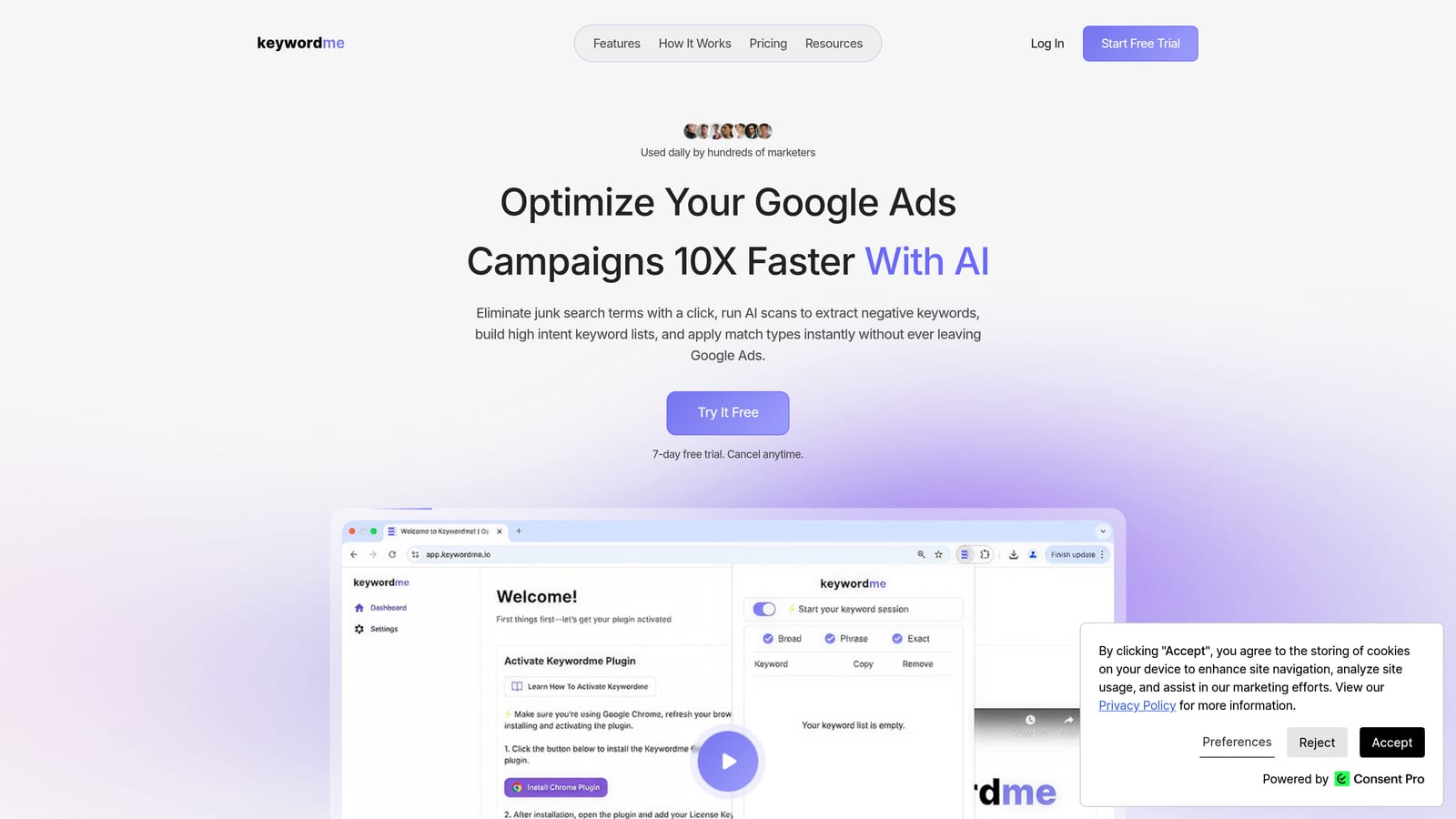
Keywordme is a Chrome extension built specifically for Google Ads optimization, working directly inside the Search Terms Report without requiring any tab switching or CSV exports.
Where This Tool Shines
Most PPC tools pull you out of Google Ads and into a separate dashboard. Keywordme stays where the work actually happens. You can remove irrelevant search terms, add negative keywords, apply match types, and cluster related terms all from within the Search Terms Report itself. That in-interface approach is what separates it from general keyword tools.
For agencies, the multi-account and team support makes it practical at scale. Bulk editing lets you process large batches of search terms quickly rather than reviewing them one at a time. Keywordme's own marketing describes it as enabling optimization up to 10x faster than manual methods, though your actual time savings will depend on your current workflow and account complexity.
Key Features
One-click search term management: Remove junk search terms and add negative keywords directly inside Google Ads without exporting anything.
Instant match type application: Apply broad, phrase, or exact match types to search terms in a single click, right inside the interface.
Keyword clustering: Group related search terms together to build tighter ad groups or identify new keyword opportunities quickly.
Bulk editing: Process multiple search terms at once rather than handling them individually, which matters when reviewing large accounts.
Multi-account and team support: Designed for agencies managing multiple client accounts, with team access built in.
Best For
Google Ads managers, freelancers, and agency teams who spend meaningful time in the Search Terms Report and want to cut that time down significantly. Particularly useful for anyone who currently relies on spreadsheets for negative keyword management.
Pricing
$12 per user per month, flat rate. A 7-day free trial is available with no credit card required upfront.
2. Keywords Everywhere
Best for: PPC managers who want keyword data surfaced inline while they browse, without opening a separate research tool.
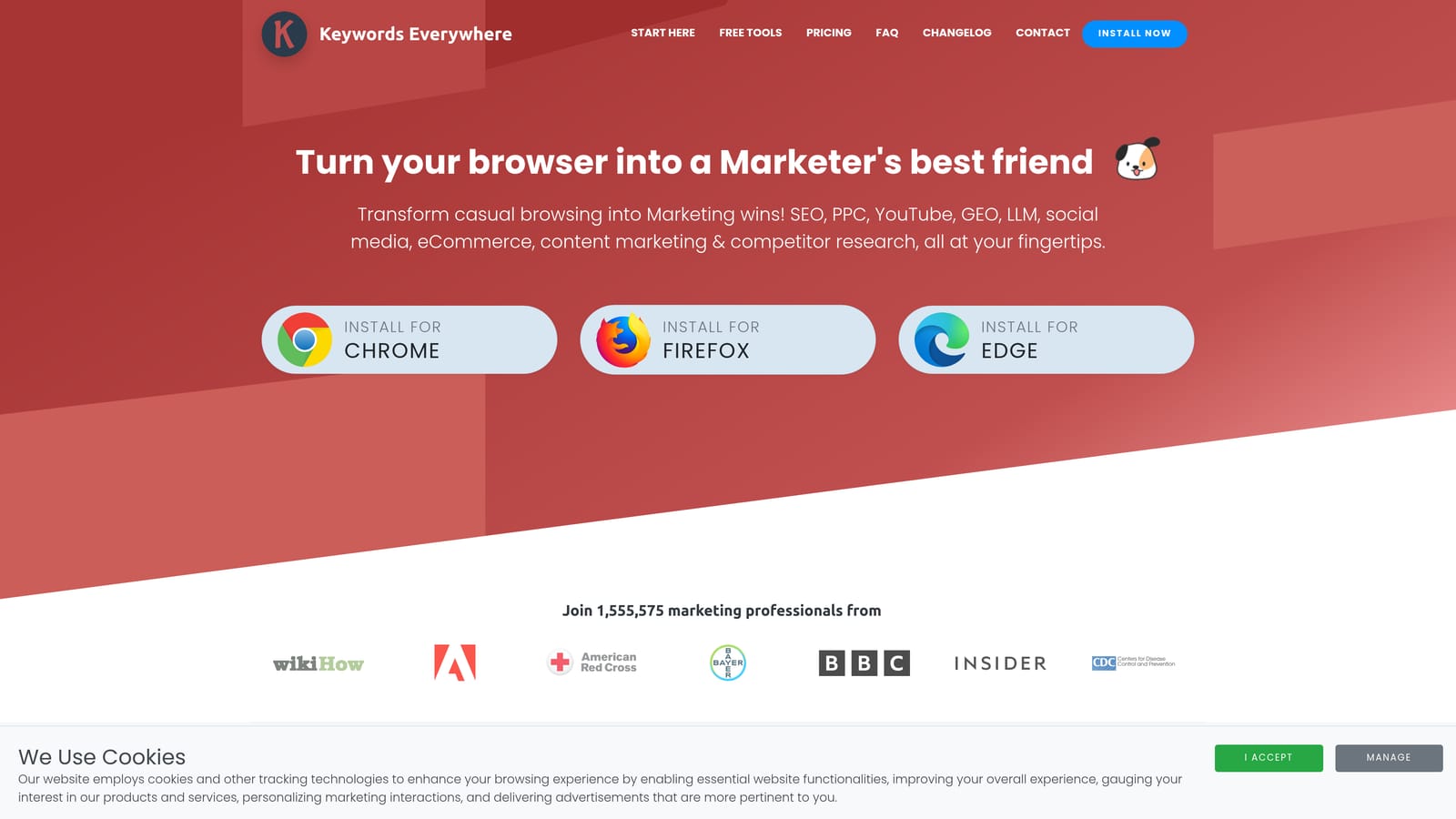
Keywords Everywhere is a keyword research extension that overlays search volume, CPC, and competition data directly on Google, YouTube, Amazon, and other platforms as you browse.
Where This Tool Shines
The core value is context. When you're searching Google to understand what a competitor is doing or exploring a new campaign angle, Keywords Everywhere surfaces the data you'd otherwise have to look up separately. Search volume and estimated CPC appear right on the SERP, so you can make faster judgments about whether a keyword is worth pursuing.
It also pulls in related keywords and "People Also Search For" data, which is useful for expanding keyword lists or spotting adjacent terms you might be missing in your campaigns. The multi-platform coverage, including YouTube and Amazon, is a bonus if your clients run campaigns beyond Google Search.
Key Features
Inline search volume and CPC data: Appears directly on Google SERPs as you search, no separate lookup required.
Related keywords panel: Surfaces related terms and "People Also Search For" suggestions alongside your search results.
Trend data: Historical search volume trends help you spot seasonal patterns before building campaigns around them.
Multi-platform support: Works on YouTube, Amazon, Etsy, and other platforms in addition to Google.
Credit-based pricing: Pay for what you use rather than a fixed monthly seat, which suits lower-volume users.
Best For
PPC managers doing keyword research during their normal browsing workflow, and freelancers who want keyword data without paying for a full-scale research platform.
Pricing
Free tier available. Paid credits are purchased in bundles. Verify current pricing and bundle options at keywordseverywhere.com as the model has changed over time.
3. Similarweb
Best for: Competitive research before launching campaigns or evaluating a new client's market position.
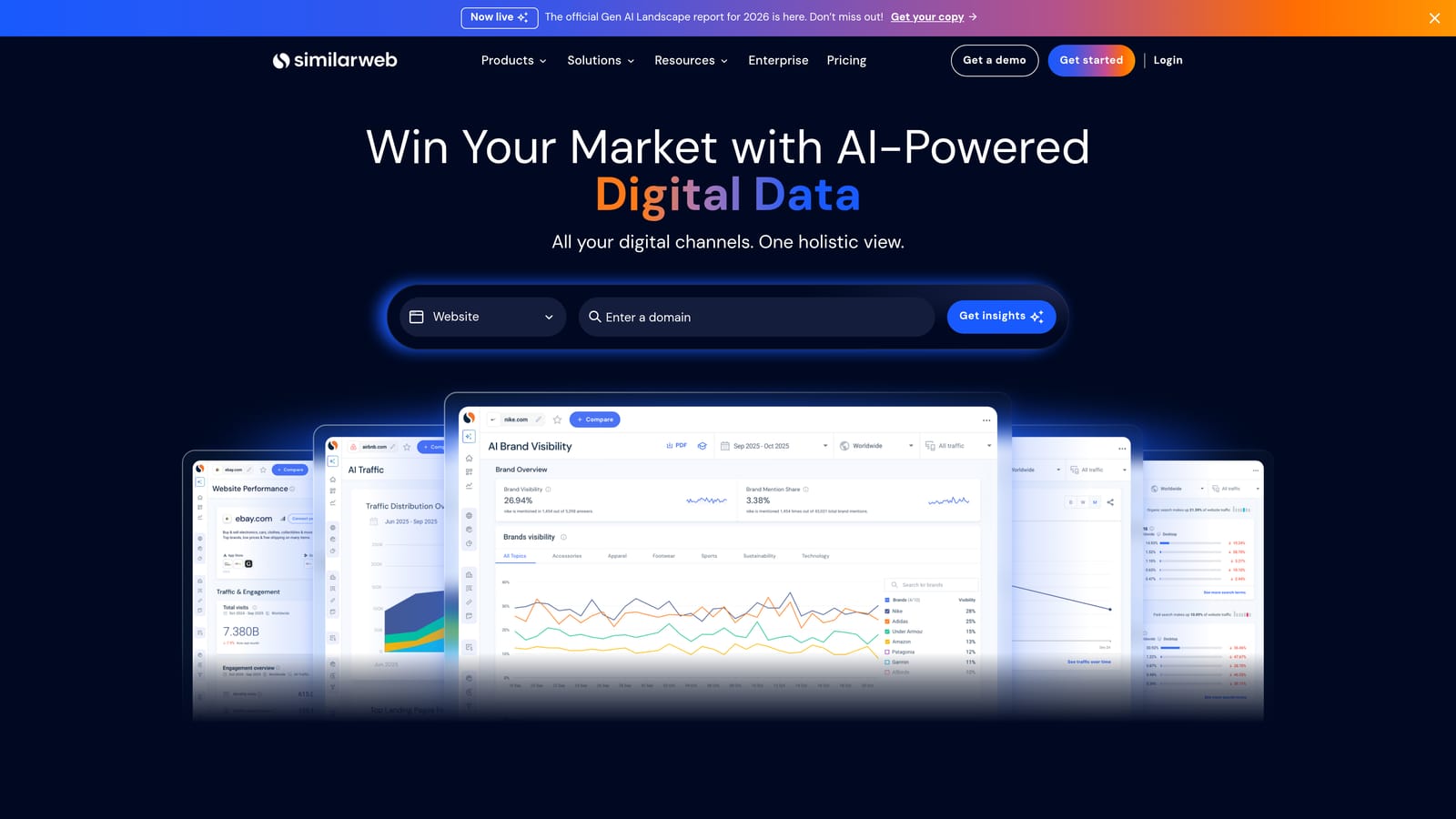
Similarweb is a competitive intelligence extension that shows estimated traffic, traffic sources, and audience data for any website you visit.
Where This Tool Shines
Before you build a campaign for a new client or enter a competitive market, you need a rough sense of the landscape. Similarweb gives you that quickly. Visit a competitor's site and you'll see estimated monthly traffic, where that traffic comes from (search, social, direct, paid, referral), and which countries drive the most visits. It's a fast way to size up a market without pulling reports from multiple tools.
One important caveat: Similarweb's traffic figures are estimates, not exact measurements. They're useful for directional understanding and relative comparisons, but you shouldn't treat the numbers as precise data. That said, for initial competitive sizing, they're genuinely helpful.
Key Features
Estimated monthly visits: Gives a ballpark traffic figure for any domain you visit, useful for competitive context.
Traffic source breakdown: Shows the split between organic search, paid search, social, direct, and referral traffic.
Geographic distribution: Identifies which countries send the most traffic to a domain.
Top referring and destination sites: Useful for understanding a competitor's link ecosystem and where their visitors go next.
Free version with limited data: The extension provides useful high-level data at no cost; paid plans unlock deeper analysis.
Best For
Agency owners and PPC managers doing pre-campaign competitive research, or anyone evaluating a new client's competitive environment before scoping a campaign strategy.
Pricing
The Chrome extension is free with limited data. Paid plans are available for more detailed analysis. Check current pricing at similarweb.com.
4. Tag Assistant by Google
Best for: Verifying that Google Ads conversion tags and GA4 are firing correctly on any webpage.
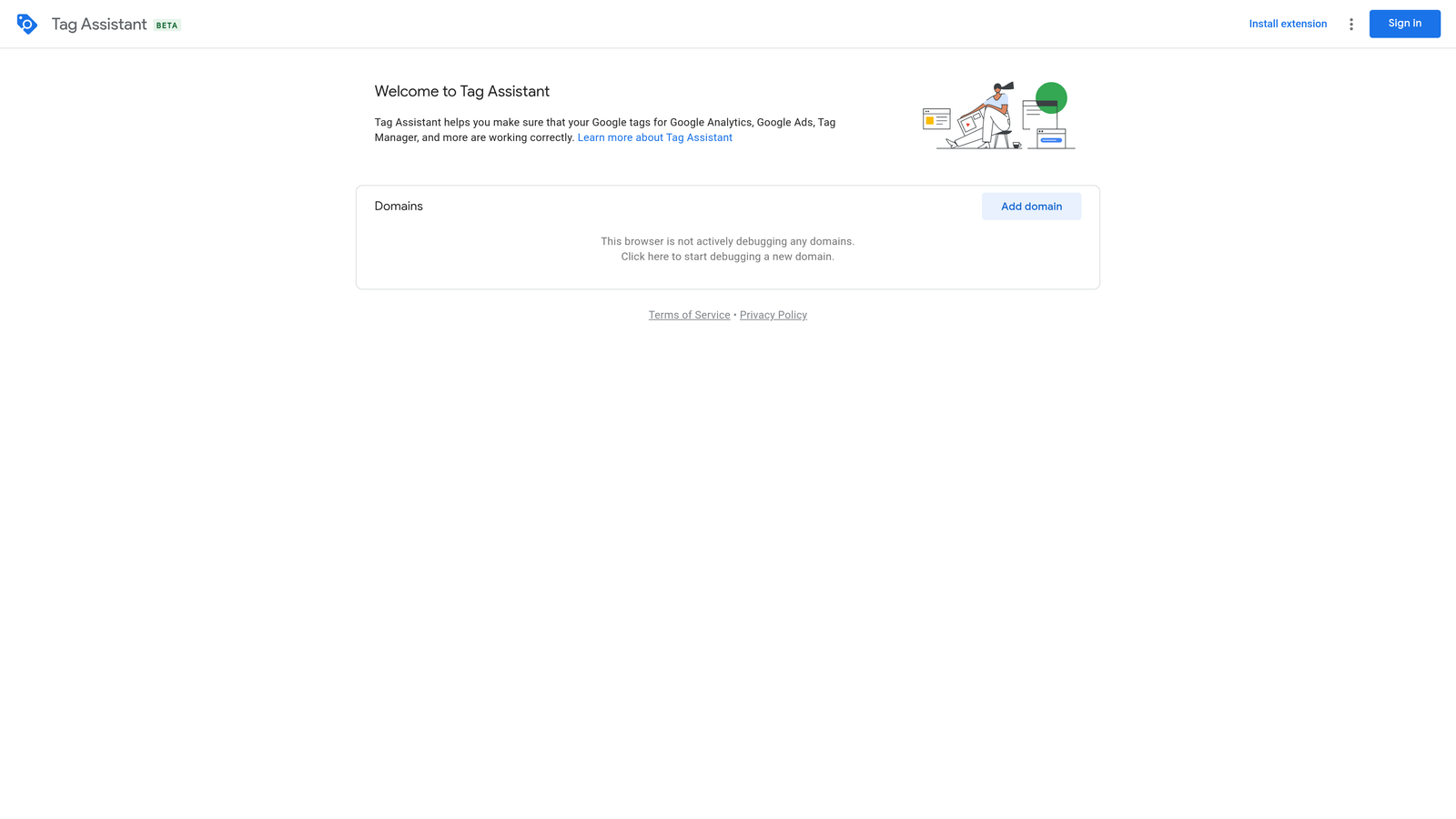
Tag Assistant is Google's official Chrome extension for validating tag implementations, including Google Ads conversion tracking and Google Analytics 4.
Where This Tool Shines
Conversion tracking problems are one of the most common and costly issues in Google Ads. If a tag isn't firing, you're flying blind on which clicks are actually converting. Tag Assistant lets you visit any page and immediately see which Google tags are present, whether they're configured correctly, and where errors or warnings exist. It's the fastest way to confirm your setup before you scale spend.
Because it's an official Google tool, you're getting direct validation rather than a third-party interpretation of tag behavior. The current version, Tag Assistant Companion, works alongside tagassistant.google.com for more detailed session-level debugging when you need to go deeper.
Key Features
Real-time tag validation: Checks Google Ads and GA4 tags on any page as you browse, flagging errors and warnings instantly.
Error and warning identification: Distinguishes between critical errors, warnings, and clean implementations so you know what needs immediate attention.
Detailed debugging via tagassistant.google.com: The extension connects to Google's web-based debugger for session-level analysis when needed.
Official Google tool: No third-party interpretation involved, which matters when you're troubleshooting tracking discrepancies with clients.
Completely free: No paid tier, no credits, no subscription.
Best For
Any PPC manager who handles conversion tracking setup or audits. Essential before scaling spend on any new campaign, and useful for diagnosing tracking discrepancies in existing accounts.
Pricing
Free. No paid plans or usage limits.
5. Ahrefs SEO Toolbar
Best for: PPC managers who want to evaluate competitor landing pages and understand organic keyword overlap.
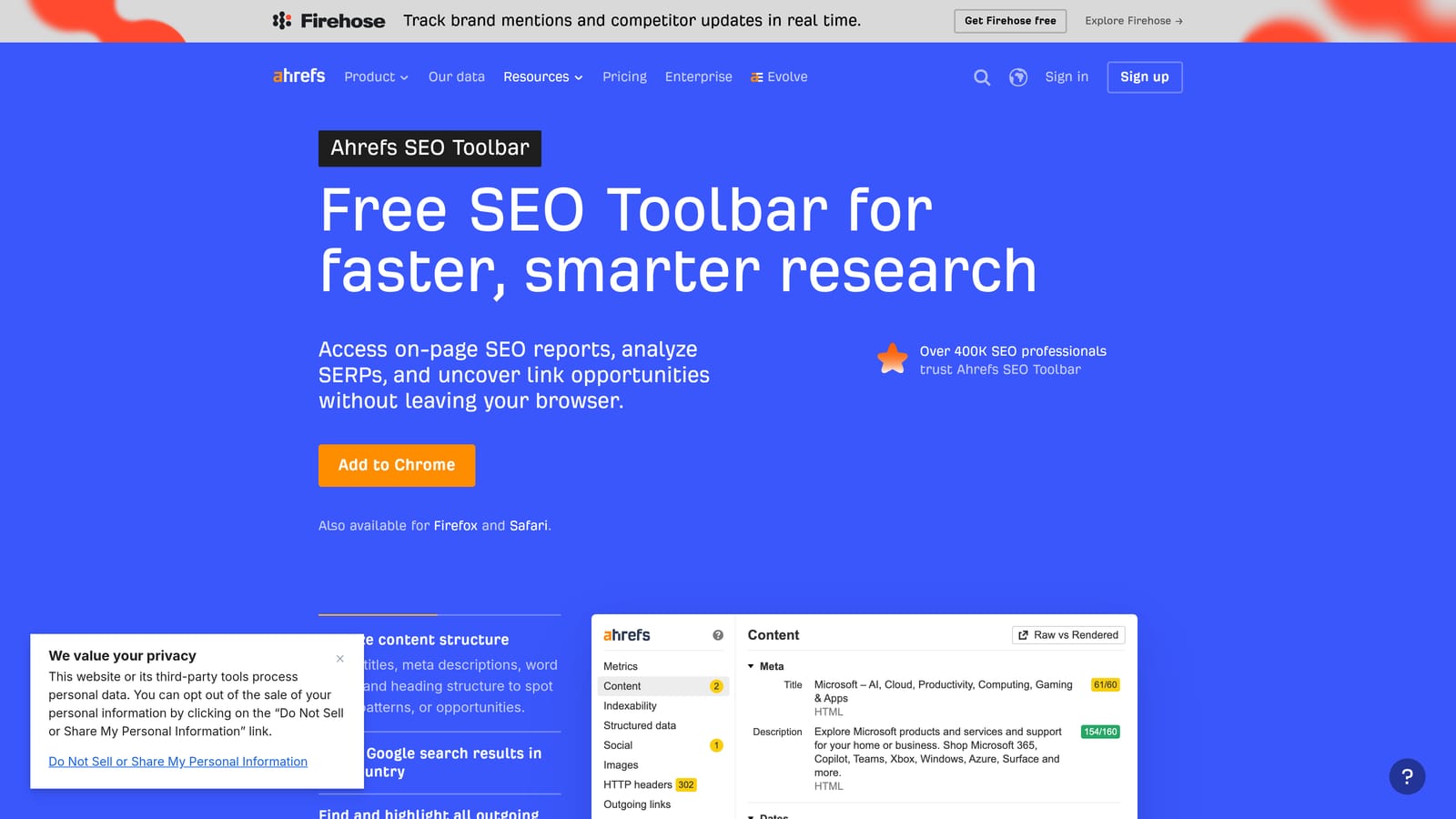
Ahrefs SEO Toolbar is an SEO-focused extension that surfaces domain authority, backlink data, and organic keyword estimates for any page you visit.
Where This Tool Shines
PPC and SEO overlap more than many managers acknowledge. When you're deciding whether to bid on a competitor's branded terms, evaluating the landing pages you're sending traffic to, or researching whether a keyword is worth targeting organically alongside paid, Ahrefs gives you the data to make that call quickly. Domain Rating and URL Rating appear on every page you visit, so you're always working with context about the site's authority.
The on-page SEO audit feature is also useful for quickly checking a client's landing page before you send paid traffic to it. Catching a missing title tag or broken heading structure takes seconds with the toolbar active.
Key Features
Domain Rating and URL Rating: Authority metrics shown on any page, useful for competitive context and landing page evaluation.
Backlink and referring domain counts: Quick snapshot of a page's link profile without opening a full Ahrefs report.
Organic keyword estimates: Rough indication of how much organic traffic a competitor page receives and which keywords drive it.
On-page SEO audit: Checks title tags, meta descriptions, headings, and other on-page elements for any page you visit.
Broken link detection: Flags broken links on any page, handy during landing page QA before campaigns go live.
Best For
PPC managers who work closely with SEO teams, anyone doing competitor landing page research, and freelancers who need quick authority signals without pulling full Ahrefs reports.
Pricing
Basic metrics are free in the toolbar. Full data, including detailed keyword and backlink reports, requires an Ahrefs subscription. Check current plans at ahrefs.com.
6. Hunter.io
Best for: Agency owners and freelancers prospecting new PPC clients through email outreach.
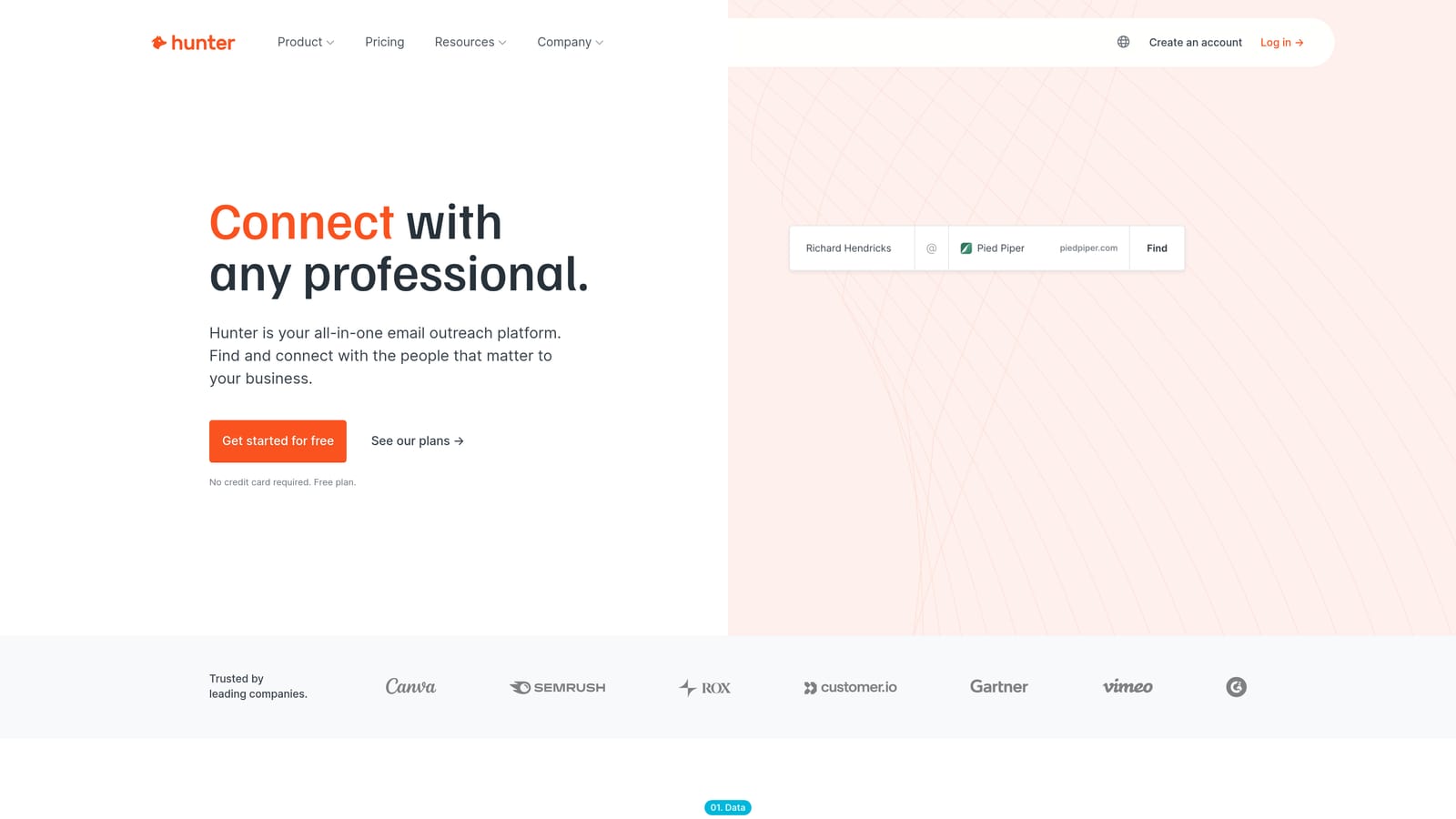
Hunter.io is an email finder extension that surfaces verified contact emails and confidence scores for any company domain you visit.
Where This Tool Shines
Hunter isn't a campaign management tool, so it's worth being direct about where it fits: this is for the business development side of running a PPC agency or freelance practice. When you're visiting a potential client's website and want to find the right person to contact, Hunter surfaces available email addresses associated with that domain along with confidence scores that indicate how reliable each address is.
For agencies actively prospecting new clients, this removes a lot of the friction from outreach. Instead of guessing email formats or digging through LinkedIn, you get verified contacts in a few clicks. The email verification feature also helps reduce bounce rates when you're sending outreach at volume.
Key Features
Domain email finder: Surfaces email addresses associated with any domain you visit, directly in the extension.
Confidence scores: Each email address is rated for reliability so you can prioritize the most likely valid contacts.
Email verification: Validates email addresses before you send, reducing bounce rates in outreach campaigns.
CRM and outreach integrations: Connects with popular tools to push contacts directly into your existing workflow.
Free tier: Limited searches per month available at no cost, sufficient for low-volume prospecting.
Best For
Agency owners and freelancers who actively prospect new PPC clients and want to streamline the outreach process. Less relevant if you're an in-house PPC manager with no business development responsibilities.
Pricing
Free tier includes limited searches per month. Paid plans unlock higher search volumes and additional features. Verify current pricing at hunter.io.
7. Loom
Best for: PPC agencies and freelancers who need to explain campaign performance to clients without scheduling a call.
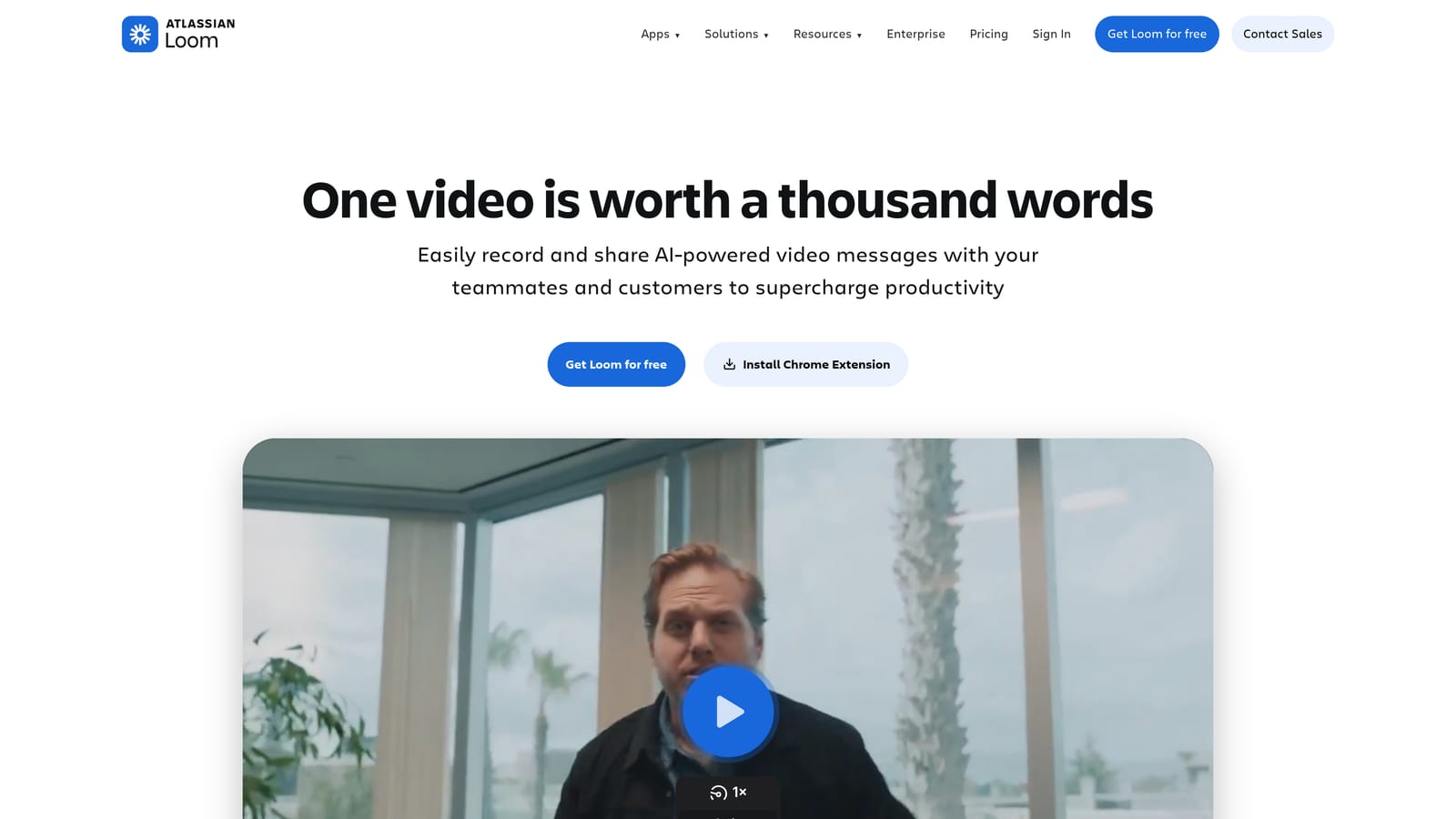
Loom is a screen recording extension that lets you record your screen and camera with one click, then instantly share a link.
Where This Tool Shines
Client communication is a real time sink for PPC agencies. Walking someone through a performance report, explaining why you're pausing a campaign, or flagging an issue that needs their input often turns into a 30-minute Zoom call that could have been a 3-minute video. Loom makes it easy to record your screen inside Google Ads, narrate what you're seeing, and send the client a link they can watch on their own time.
The viewer reactions and comment thread features mean clients can respond directly on the recording, which keeps feedback organized and reduces the back-and-forth email chains that slow down approvals.
Key Features
One-click recording: Start recording your screen, camera, or both from any browser tab, including inside Google Ads.
Instant shareable link: Your recording is available to share immediately after you finish, no upload wait required.
Viewer comments and reactions: Clients can leave timestamped comments on your recordings, keeping feedback in one place.
Free tier: Covers core recording and sharing functionality for individuals and small teams.
Team plans: Shared workspaces and team management features for agencies with multiple members.
Best For
PPC agencies and freelancers who regularly communicate campaign updates, performance reviews, or strategic recommendations to clients and want to reduce synchronous meeting time.
Pricing
Free tier available for individuals. Paid team plans add advanced features and storage. Check current pricing at loom.com.
8. Grammarly
Best for: Catching ad copy errors and improving clarity in any text field inside your browser, including Google Ads.
Grammarly is a writing assistant that checks grammar, spelling, and clarity inline across browser text fields in real time.
Where This Tool Shines
Ad copy quality matters. A typo in a headline, a confusing description, or an awkward phrase can hurt click-through rate and reflect poorly on the brand you're representing. Grammarly works directly inside Google Ads interface text fields, so it catches errors as you type rather than after you've already published. For agencies writing copy across multiple clients and ad variations, that real-time check is a practical safety net.
It's also useful for any written client communication: emails, reports, proposals. If you're writing directly in a browser-based tool, Grammarly is active. That consistency across your whole browser workflow is what makes it worth keeping installed.
Key Features
Real-time grammar and spelling checks: Flags errors as you type in any browser text field, including inside Google Ads.
Clarity and conciseness suggestions: Identifies wordy or unclear phrasing and suggests tighter alternatives.
Tone detection: Available on paid plans, helps ensure your copy matches the intended voice for each client.
Works across browser tabs: Active in Google Ads, email clients, Google Docs, and any other browser-based text field.
Free tier: Covers core grammar and spelling checks, which is sufficient for most ad copy QA needs.
Best For
PPC managers and agency copywriters who write ad copy directly inside Google Ads and want a passive error-checking layer that requires no extra steps to activate.
Pricing
Free tier available. Grammarly Pro adds advanced style, tone, and clarity features. Verify current pricing at grammarly.com.
Which Tool Belongs in Your Browser
The right extension depends on where your biggest time sink actually is. Here's a quick way to think through it.
If you spend too much time in the Search Terms Report: Start with Keywordme. It's built specifically for that workflow and handles search term review, negative keyword management, and match type application without making you leave Google Ads.
If keyword research slows you down: Keywords Everywhere is the low-friction option. It layers data directly onto your Google searches, so you're gathering intelligence during your normal browsing rather than switching to a separate tool.
If you're onboarding new clients or entering new markets: Similarweb gives you fast competitive context. Visit a competitor's site and you'll have a rough traffic picture in seconds.
If conversion tracking is a recurring headache: Tag Assistant should already be in your browser. It's free, it's official, and it removes the guesswork from tag validation before you scale any campaign.
If you're evaluating landing pages or doing PPC/SEO overlap research: The Ahrefs SEO Toolbar adds authority and organic data to every page you visit without requiring you to open a separate report.
If you run an agency and prospect new clients: Hunter.io handles the email research side of business development quickly, and Loom handles client communication efficiently. Both save time that would otherwise go to manual tasks unrelated to campaign management.
If ad copy errors are a risk in your workflow: Grammarly is a passive safety net that requires no effort once installed. The free tier is sufficient for most PPC use cases.
You don't need all eight. Pick the one or two that address your actual bottlenecks and add from there. If search term management is eating your time right now, that's the most direct place to start. Start your free 7-day trial of Keywordme and see how much faster search term review feels when you're not bouncing between tabs and spreadsheets.
.svg)