
9 Best Chrome Extensions for Google Ads in 2026
Discover the best Chrome extensions for Google Ads in 2026, with nine tools that help PPC managers optimize campaigns, eliminate wasted spend, and streamline keyword workflows directly inside the native Google Ads interface—no spreadsheets required.


TL;DR: The best Chrome extensions for Google Ads help you optimize campaigns faster, cut wasted spend, and manage keywords without ever leaving the native interface. This list covers nine extensions worth installing in 2026, ranked by how much real impact they have on day-to-day PPC workflows.
If you manage Google Ads manually, you already know the drill: export to spreadsheet, cross-reference search terms, build negative lists, re-import. It's slow, error-prone, and honestly just annoying. Chrome extensions solve this by letting you work smarter directly inside Google Ads. Whether you're a solo freelancer or running a 50-client agency, the right extension can cut hours off your weekly optimization routine. Here's what's actually worth using in 2026.
1. Keywordme
Best for: In-interface Google Ads optimization without spreadsheets or tab-switching.
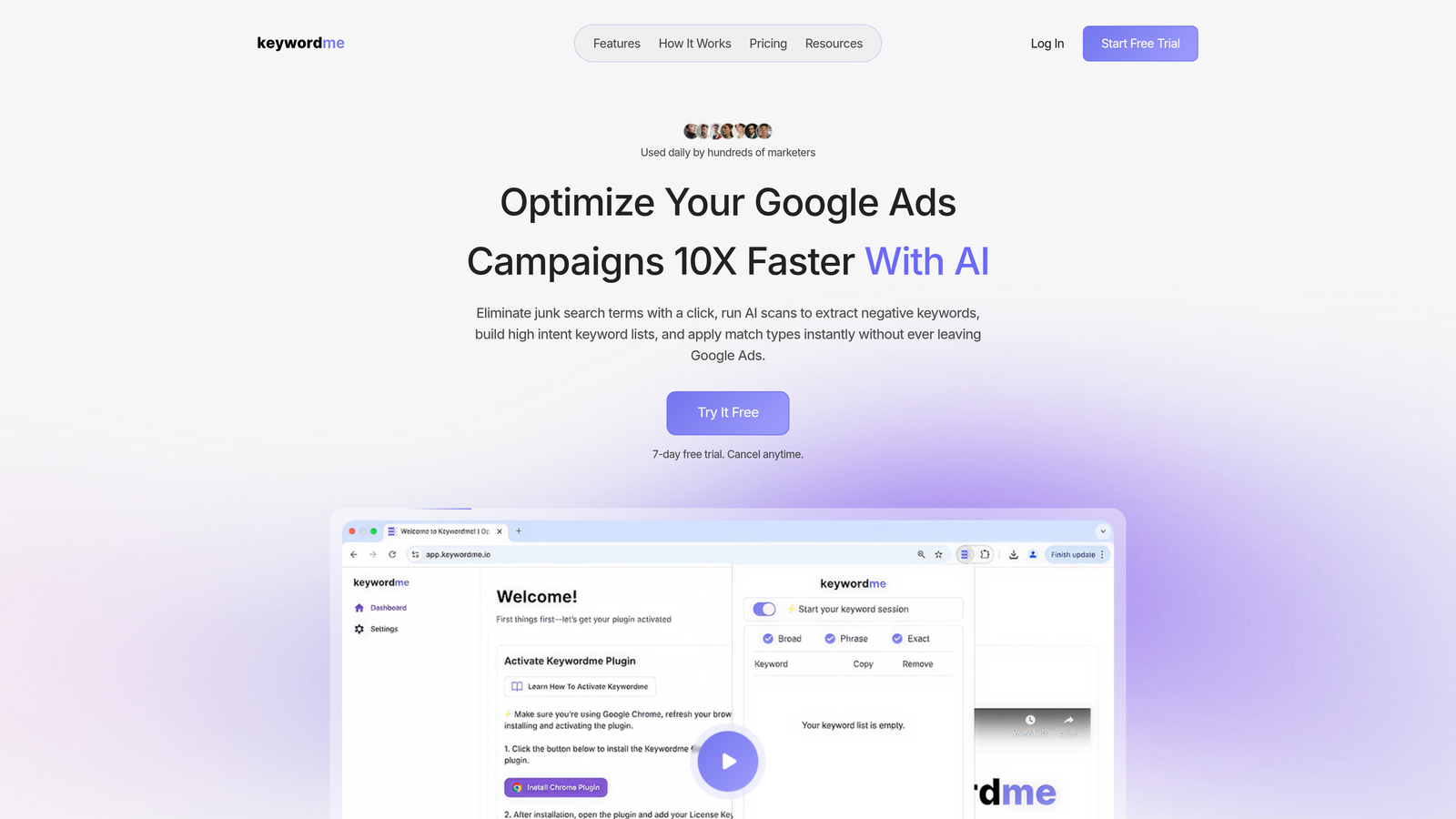
Keywordme is a Chrome extension built specifically for Google Ads users who want to optimize campaigns directly inside the native UI, without exporting anything.
Where This Tool Shines
Most PPC managers spend a painful chunk of their week inside the Search Terms Report doing things that should take seconds: flagging junk terms, adding negatives, applying match types. Keywordme puts all of that on a single click. You stay inside Google Ads the entire time.
In most accounts I audit, the biggest time drain isn't strategy, it's the repetitive manual work. Keywordme is purpose-built to eliminate exactly that. The keyword clustering and bulk editing features are especially useful when you're cleaning up a messy account or launching a new campaign structure from scratch.
Key Features
One-Click Negative Keyword Addition: Remove junk search terms directly from the Search Terms Report without exporting to a spreadsheet.
Match Type Application: Apply broad, phrase, or exact match types instantly, right inside the native interface.
Keyword Clustering: Group related search terms into logical keyword clusters for faster campaign builds and cleaner ad group structure.
Bulk Editing: Process multiple keywords or negatives at once, saving significant time on larger accounts.
Multi-Account and Team Support: Built with agencies in mind, supporting multiple client accounts and collaborative team workflows.
Best For
Freelancers and agency owners managing Google Ads campaigns who want to cut the spreadsheet-export-reimport loop entirely. Particularly valuable for anyone running five or more accounts where weekly optimization time adds up fast.
Pricing
$12/month per user. A 7-day free trial is available with no commitment required. Flat-rate pricing makes it easy to budget across a team.
2. Keywords Everywhere
Best for: Quick keyword research overlaid on Google, YouTube, and Amazon as you browse.
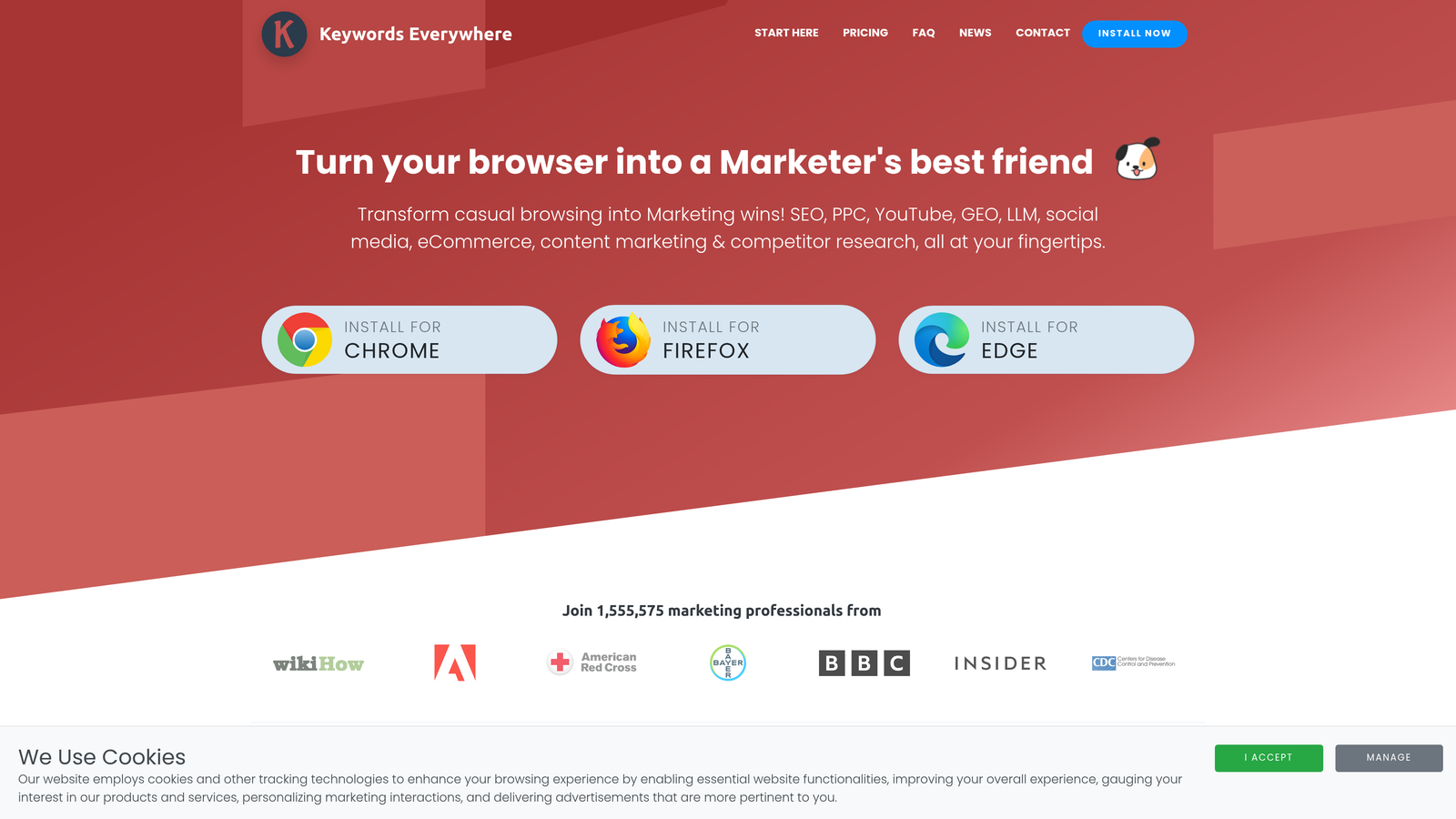
Keywords Everywhere is a browser extension that surfaces search volume, CPC, and competition data directly on the pages you're already visiting.
Where This Tool Shines
The value here is speed and context. Instead of jumping into the Google Keyword Planner or a standalone research tool, you get keyword data right inside Google search results as you browse. It's particularly useful when you're doing competitive research or building out a new campaign and want to validate demand quickly.
Worth noting: Keywords Everywhere doesn't work inside the Google Ads interface itself. It's a research overlay, not an optimization tool. Think of it as a fast-lane shortcut for keyword discovery rather than a campaign management solution.
Key Features
Search Volume and CPC Overlay: See monthly search volume and cost-per-click data directly on Google SERPs as you search.
Related Keywords Panel: Surfaces related terms and "People Also Search For" suggestions alongside your search results.
Multi-Platform Support: Works across Google, YouTube, Amazon, and several other platforms, not just Google search.
Credit-Based Pricing: Pay for what you use, with credits that never expire.
Best For
PPC managers and SEO-adjacent marketers who want fast keyword data without opening a dedicated research tool. Great for quick validation during campaign planning or competitor keyword analysis.
Pricing
Credit-based model starting at $15 for 100,000 credits. Credits do not expire, making it a low-commitment option for occasional use.
3. Supermetrics
Best for: Automating Google Ads data exports into Google Sheets, Looker Studio, and other reporting destinations.
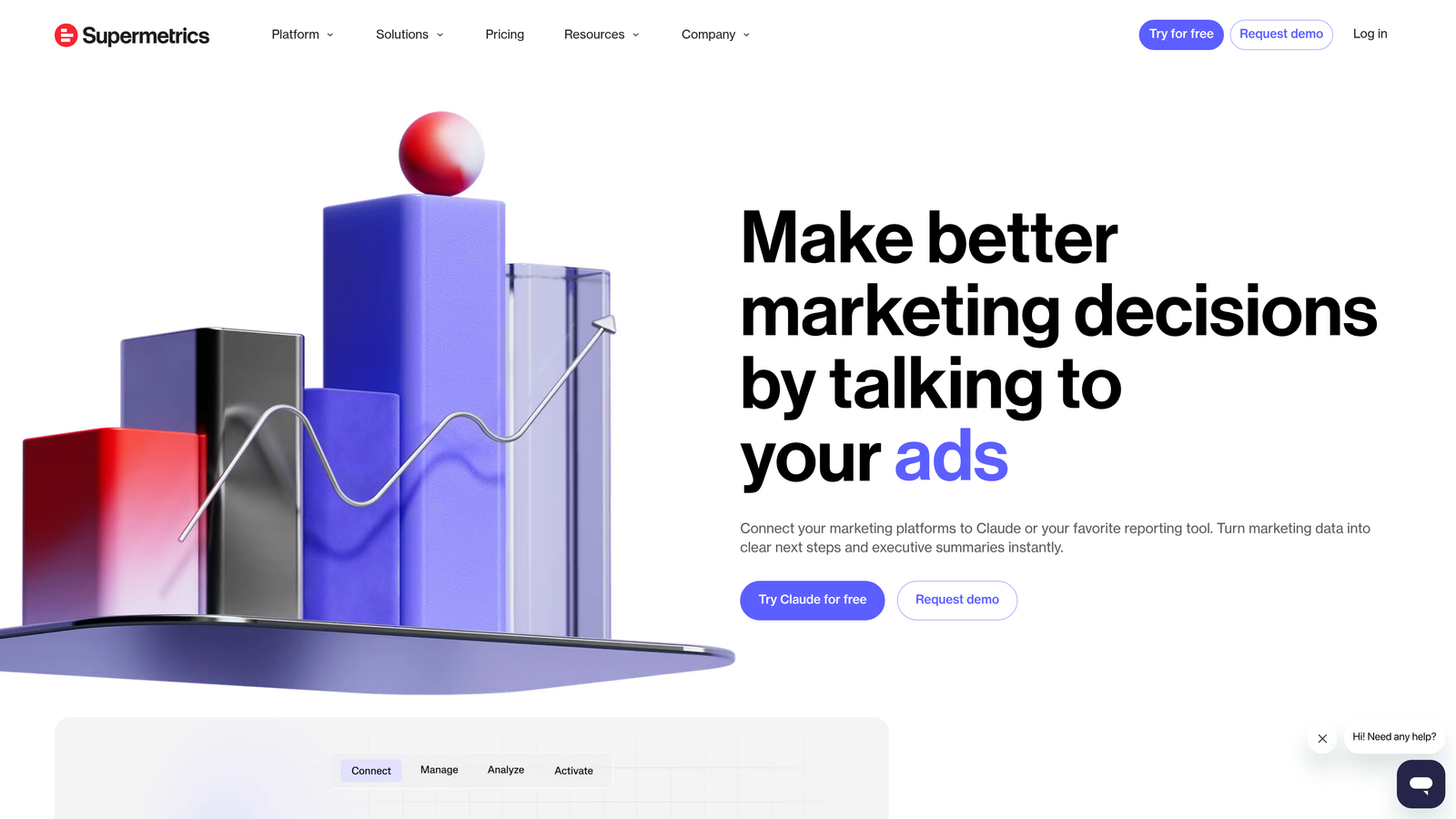
Supermetrics is a data integration platform with a connector that pulls Google Ads performance data directly into your reporting environment on a scheduled basis.
Where This Tool Shines
If you're manually pulling Google Ads reports every week and pasting data into client decks or dashboards, Supermetrics removes that entire step. You set up the connection once, configure your scheduled refresh, and your reports stay current automatically.
The mistake most agencies make is building reporting workflows that require manual intervention every single week. Supermetrics solves that at scale, especially when you're pulling data from multiple ad platforms into one unified view.
Key Features
Automated Data Pulls: Schedule regular Google Ads data exports into Google Sheets or Looker Studio without manual intervention.
Scheduled Refresh: Keep reports always current with automated data updates on your preferred cadence.
Multi-Platform Connector: Pull data from Google Ads, Meta Ads, and other platforms through a single integration.
Looker Studio and Excel Integration: Works with the reporting destinations most agency teams already use.
Best For
Agencies with regular client reporting obligations who want to eliminate manual data exports. Best suited for teams managing multiple accounts where consistent, automated reporting saves significant time each month.
Pricing
Starts at approximately $99/month depending on connector and destination. Pricing scales by plan and data source, so check the Supermetrics site for current plan details.
4. Tag Assistant (by Google)
Best for: Verifying and debugging Google Ads conversion tracking and Google Analytics tags.
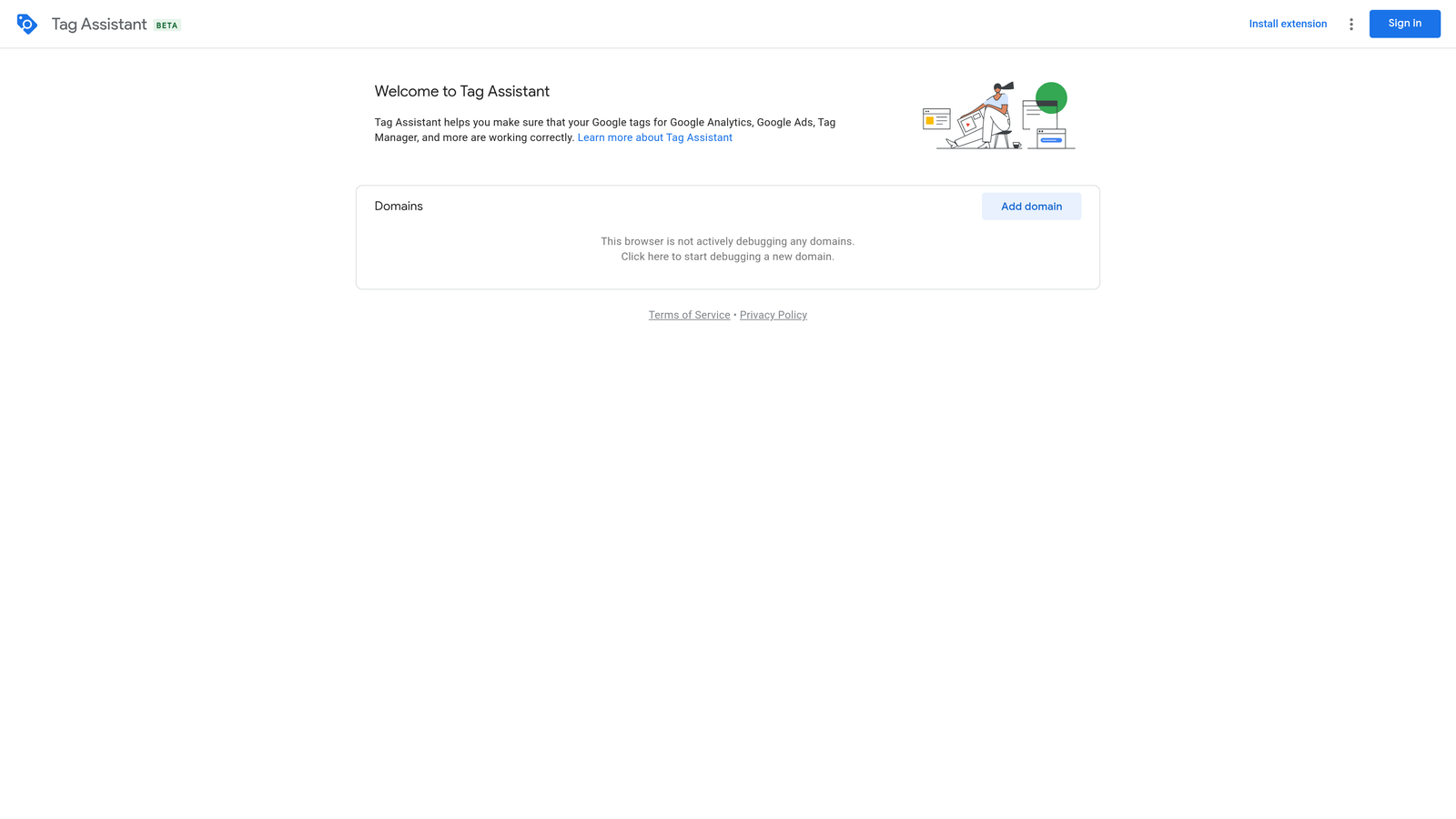
Tag Assistant is Google's official free Chrome extension for real-time tag verification across any webpage.
Where This Tool Shines
Conversion tracking issues are one of the most common and costly problems in Google Ads accounts. Tag Assistant lets you verify that your tags are firing correctly before you launch, and debug them quickly when something breaks. It's the first tool I open when a client reports conversion data that doesn't look right.
Because it's maintained by Google, it stays current with every platform change, including GA4 event validation and the latest Google Ads conversion tracking implementation methods.
Key Features
Real-Time Tag Verification: Confirm that Google tags are firing correctly on any webpage as you browse.
Conversion Tracking Debugging: Identify issues with Google Ads conversion tag implementation instantly.
GA4 Event Validation: Verify that Google Analytics 4 events are firing with the correct parameters.
Official Google Tool: Always updated to reflect current Google tag specifications and platform changes.
Best For
Any PPC manager setting up or auditing conversion tracking. Essential for agencies onboarding new clients where tracking history is unknown or unreliable.
Pricing
Free. No subscription or account required.
5. Ahrefs SEO Toolbar
Best for: Competitive landing page research and domain authority assessment before bidding.
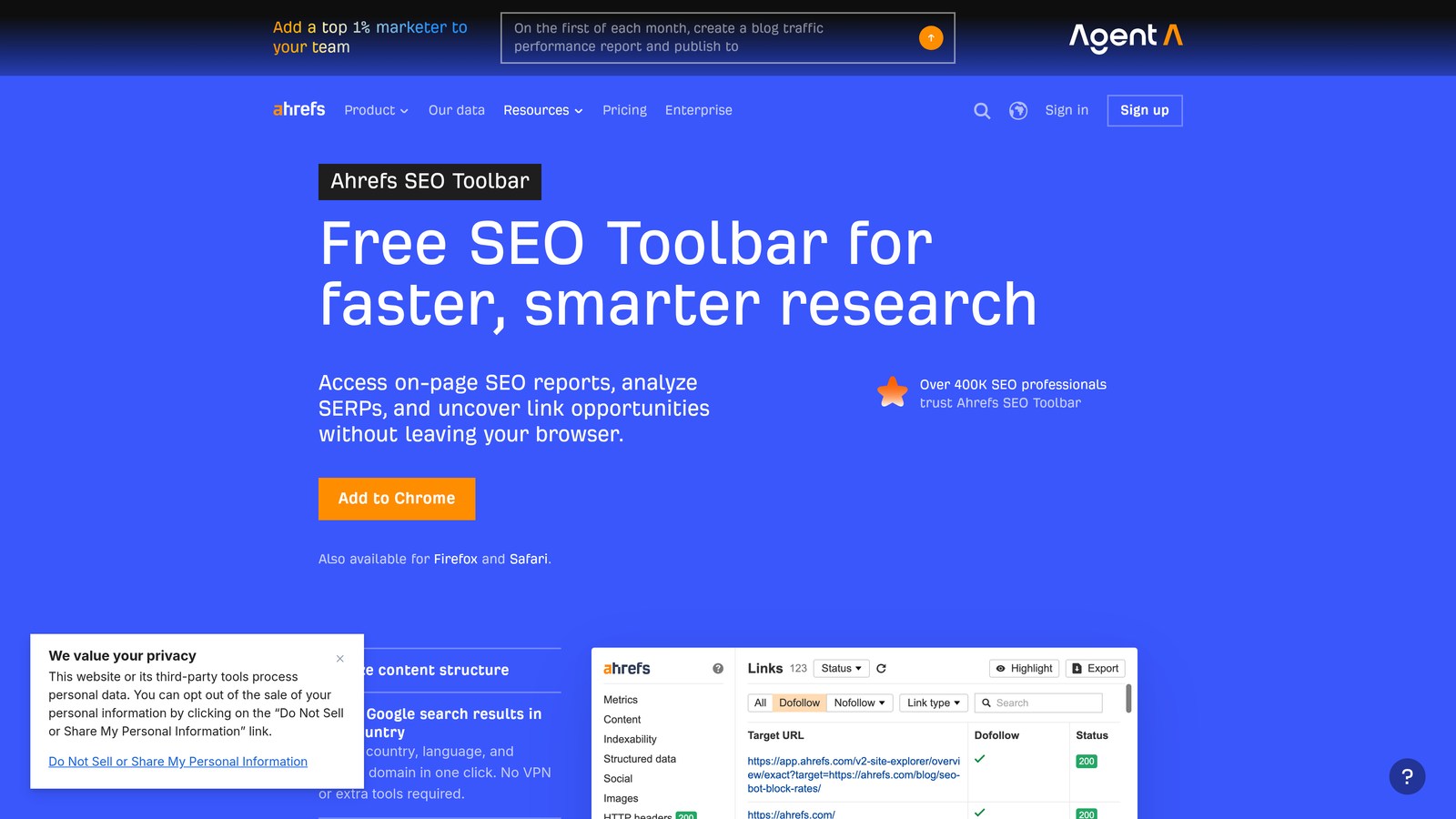
Ahrefs SEO Toolbar is a Chrome extension that overlays SEO metrics on any webpage you visit, including competitor landing pages.
Where This Tool Shines
Here's where this gets useful for PPC specifically: before you bid on a competitive keyword, it helps to understand the organic strength of the pages you're competing against. A competitor with a Domain Rating of 80 and thousands of backlinks pointing to their landing page has a very different profile than a scrappy challenger site. That context shapes your bidding strategy and landing page expectations.
It's not a Google Ads tool in the traditional sense, but in competitive verticals it fills a real research gap that the native UI doesn't address.
Key Features
Domain Rating and URL Rating: See the organic authority of any domain or specific URL at a glance.
Backlink Count: Surface the number of referring domains pointing to any page you visit.
Organic Keyword Data: See how many organic keywords a page ranks for without opening Ahrefs separately.
On-Page SEO Report: Quick technical overview of any URL including title tags, meta descriptions, and heading structure.
Best For
PPC managers doing competitive research before launching campaigns in high-competition verticals. Also useful for evaluating client landing pages against organic benchmarks.
Pricing
Limited free data available. Full data access requires an active Ahrefs subscription, which starts at $129/month.
6. SimilarWeb
Best for: Estimating competitor traffic, traffic sources, and top keywords before building campaigns.
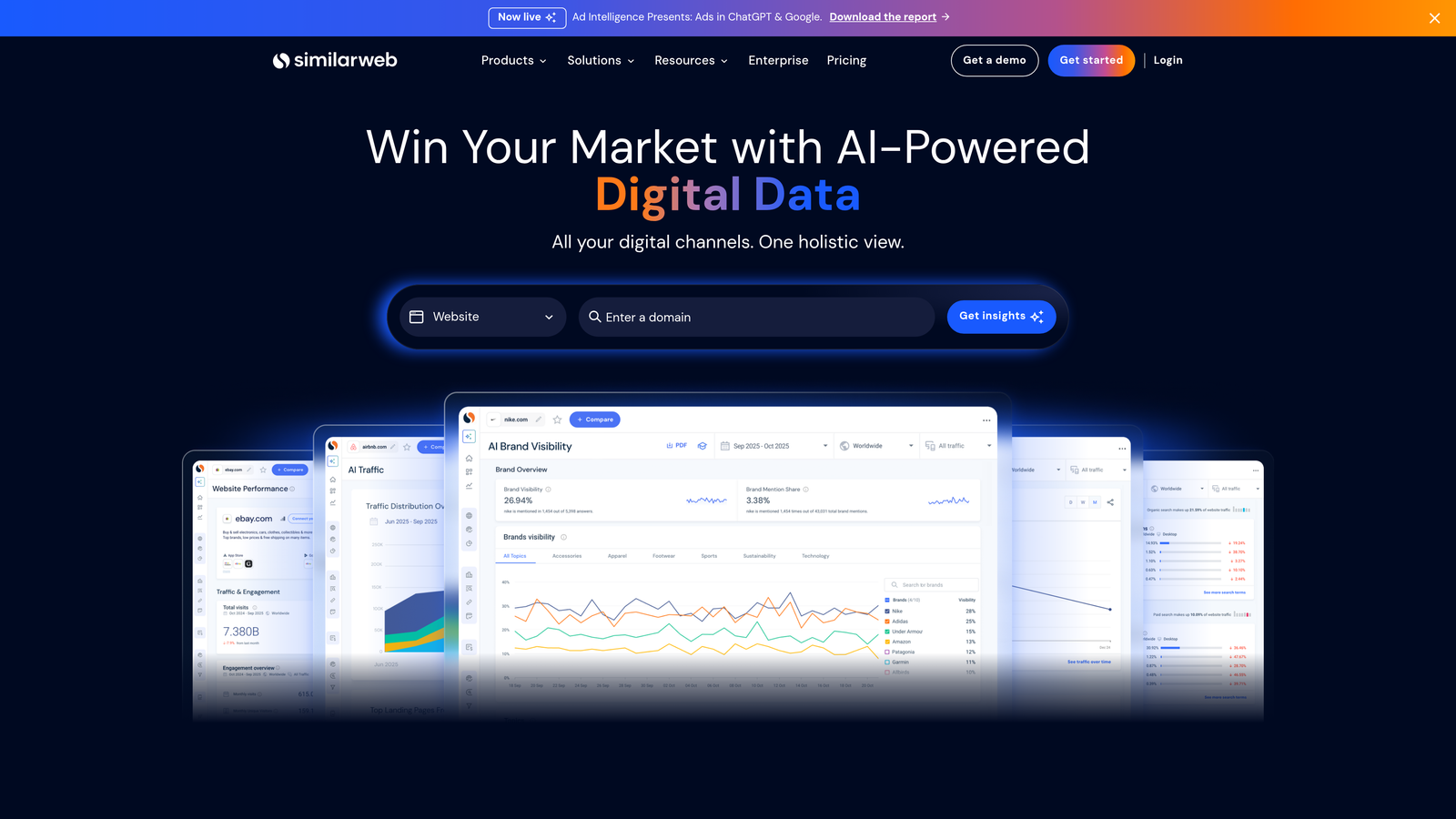
SimilarWeb is a Chrome extension that surfaces estimated traffic and competitive intelligence data for any website you visit.
Where This Tool Shines
What usually happens when you're scoping out a new client vertical is that you want to understand who the real players are and roughly how much traffic they're pulling. SimilarWeb gives you that snapshot without logging into a separate platform. You visit a competitor's site, click the extension, and get a high-level breakdown of traffic volume, source mix, and top keywords.
The data is estimated, not exact, so treat it as directional intelligence rather than hard numbers. But for quick competitive scoping before a campaign build, it's genuinely useful.
Key Features
Estimated Monthly Traffic: Get a rough traffic volume estimate for any domain you visit.
Traffic Source Breakdown: See the mix of organic, paid, direct, referral, and social traffic for any site.
Top Keywords: Surface the organic and paid keywords driving the most estimated traffic to a competitor.
Audience Engagement Metrics: View estimated bounce rate and average visit duration for competitive benchmarking.
Best For
Marketers and agency owners doing competitive research before launching new campaigns. Useful for client onboarding when you need a fast read on the competitive landscape.
Pricing
Free tier available with limited data. Full access requires a paid plan; pricing is available on request from SimilarWeb directly.
7. Grammarly
Best for: Real-time spelling and grammar checks inside Google Ads copy fields.
Grammarly is a writing assistant that works across text fields in your browser, including the headline and description fields inside Google Ads.

Where This Tool Shines
It's not glamorous, but typos in ad copy are embarrassing and surprisingly common, especially when you're moving fast across multiple accounts. Grammarly catches errors in real time directly inside the Google Ads interface, which means you don't need a separate review step for basic copy quality.
The free tier handles spelling and grammar, which is genuinely all most PPC managers need from it. The premium tone and clarity suggestions are more useful for long-form content than for 30-character ad headlines.
Key Features
Real-Time Grammar Checks: Flags spelling and grammar errors as you type in any browser text field.
Google Ads Compatibility: Works inside Google Ads headline and description input fields directly.
Tone Detection (Premium): Identifies tone and clarity issues in longer copy.
Free Tier: Core spelling and grammar functionality available without a paid subscription.
Best For
Any advertiser writing ad copy directly inside Google Ads who wants a simple safety net against typos and grammar errors. Especially useful for non-native English speakers managing English-language campaigns.
Pricing
Free tier available. Grammarly Pro starts at $12/month for advanced writing suggestions and tone analysis.
8. ColorZilla
Best for: Picking exact brand colors from any webpage for display ad creative and landing page consistency.
ColorZilla is a free Chrome extension that provides an eyedropper tool for extracting precise color codes from any element on any webpage.
Where This Tool Shines
If you're managing display campaigns or building landing pages alongside your search campaigns, brand color consistency matters. ColorZilla lets you pull the exact hex code from a client's existing website in seconds, so you're not guessing or asking the client to dig through a brand guide.
It's a small tool with a narrow use case, but when you need it, nothing else does the job as quickly.
Key Features
Eyedropper Color Picker: Extract exact hex, RGB, and HSL color codes from any element on any webpage.
Color History: Access previously picked colors for quick reference without re-picking.
CSS Gradient Analyzer: Identify gradient color values used in CSS on any page.
Display Ad Creative Support: Useful for ensuring brand color accuracy across display ad assets and landing pages.
Best For
PPC managers handling display creative or landing page builds who need fast, accurate brand color matching without access to a full design toolkit.
Pricing
Free. No account or subscription required.
9. Loom
Best for: Recording client-facing campaign walkthroughs and internal team reviews without editing software.
Loom is a screen recording Chrome extension that lets you record your screen with one click and share an instant link.
Where This Tool Shines
Client reporting is one of those tasks that sounds simple but eats time. Loom lets you record a quick walkthrough of campaign performance, narrate your commentary in real time, and send a shareable link in minutes. No editing, no uploading to a file share, no scheduling a call to explain what a chart means.
For agency teams, it's also useful for internal account handoffs and training new team members on campaign structure. A five-minute Loom replaces a 30-minute onboarding call in most cases.
Key Features
One-Click Recording: Start a screen and camera recording instantly from the Chrome extension without setup.
Instant Shareable Link: Share recordings via link immediately after stopping, no upload delay required.
Viewer Engagement Tracking: See who watched your video, when, and whether they reacted or commented.
Client Reporting Walkthroughs: Narrate Google Ads performance reports directly on screen for async client communication.
Best For
Agency owners and freelancers who communicate campaign performance to clients asynchronously. Also useful for team leads onboarding new hires or reviewing account changes without scheduling live calls.
Pricing
Free tier available, limited to 25 videos at up to 5 minutes each. Loom Business starts at $12.50/month per user for unlimited recording length and advanced analytics.
Which Tool Is Right for You
You don't need all nine. The goal is to identify your two or three biggest weekly time drains and match tools to those specifically.
Best for cutting wasted spend fast: Keywordme. If you're spending hours each week combing through search term reports, this is the obvious starting point. It eliminates the export-edit-reimport loop entirely and works right inside the interface you're already using.
Best for keyword research on the fly: Keywords Everywhere. Fast, lightweight, and useful across multiple platforms without opening a dedicated research tool.
Best for client reporting automation: Supermetrics. If your reporting workflow is the bottleneck, this will save you the most time on a weekly basis.
Best for tracking verification: Tag Assistant. Non-negotiable if you're setting up or auditing conversion tracking. It's free and maintained by Google, so there's no reason not to have it installed.
Best for competitive research: SimilarWeb. Quick competitive scoping without logging into a separate platform.
The common thread across the best tools on this list is that they remove friction from tasks you repeat every single week. Start with the one that addresses your most painful bottleneck, get comfortable with it, then add from there.
If you're ready to stop exporting search terms to spreadsheets and start optimizing directly inside Google Ads, Start your free 7-day trial of Keywordme and see how much time you get back in your first week. After the trial, it's just $12/month per user, which pays for itself quickly once you see how fast the workflow becomes.
.svg)