
8 Best Browser Extensions for PPC in 2026
A practical guide to best browser extensions for ppc.


This list is for PPC managers, freelancers, and agency owners who want fewer clicks per task in Google Ads and the work around it. The extensions were picked for fit with real workflows: search term cleanup, tag checks, keyword research, competitor review, landing page audits, and copy proofing. Availability and cost were part of the cut. A planned SERP and ad-review pick could not be verified, so it was dropped rather than filled with a guess.
Quick Comparison of the Extensions
- Keywordme: advertisers and agencies who review search terms regularly; $12/month per user; acts on search terms inside the native Google Ads Search Terms Report with no spreadsheet step.
- Google Tag Assistant: anyone QA-ing conversion tracking before launch; free; first-party validation of Google tags.
- Meta Pixel Helper: teams running paid social alongside search; free; event-level Meta Pixel debugging.
- Keywords Everywhere: quick keyword idea checks; paid and credit-based, see the website; shows volume and CPC inline on results pages.
- Semrush Extension: competitor research; requires a Semrush account, see the website; competitor estimates tied to a full research suite.
- Wappalyzer: landing page and competitor audits; free tier plus paid plans, see the website; reveals a page's technology stack.
- Grammarly: proofreading ad copy drafts; free tier plus paid plans; checks copy in any browser text field.
1. Keywordme
Keywordme is a Chrome extension that adds one-click actions to the Search Terms Report inside Google Ads. It's built for advertisers who review search terms every week and are tired of exporting them to a spreadsheet. (It's also our product, so read this with that in mind.)
A quick distinction matters here. A search term is what someone actually typed before seeing your ad. A keyword is what you bid on, and a negative keyword blocks searches you don't want. Keywordme works at that boundary: you look at the search terms, then decide which become keywords and which become negatives, without leaving the report.
What sets it apart on this list is where it acts. Every other extension here observes, checks, or estimates. Keywordme changes your account from the native interface, and you stay in control of each click.
- Add a search term as a keyword or a negative keyword in one click, so a review pass takes minutes instead of an export-and-import cycle.
- Apply a match type instantly, so you don't retype brackets or quotes.
- Cluster keywords, which helps you group related terms into tighter themes.
- Edit in bulk when a whole batch of terms needs the same treatment.
- Use multi-account and team support to run the same workflow across client accounts.
Setup is an install and a login to your Google Ads account in Chrome. The person who owns search term review day to day, usually the account manager or freelancer, is the one who uses it.
The limits are real. It runs in Chrome only, and it covers search term and keyword workflows, not tag checks, competitor research, or creative. If you want an all-purpose PPC toolkit, this is one piece of it.
Pricing is $12/month per user, with a 7-day free trial (as of November 2026; confirm on the Keywordme site). Cost scales with the number of users.
Best for: Advertisers and agencies who review search terms regularly.
2. Google Tag Assistant
Google Tag Assistant is Google's own tool for verifying that Google tags are installed and firing correctly. Its form has changed over the years: it now runs mainly as a web tool at that address, and you should check the Chrome Web Store for whatever companion extension it currently asks you to install. Confirm this before building a QA process around it.
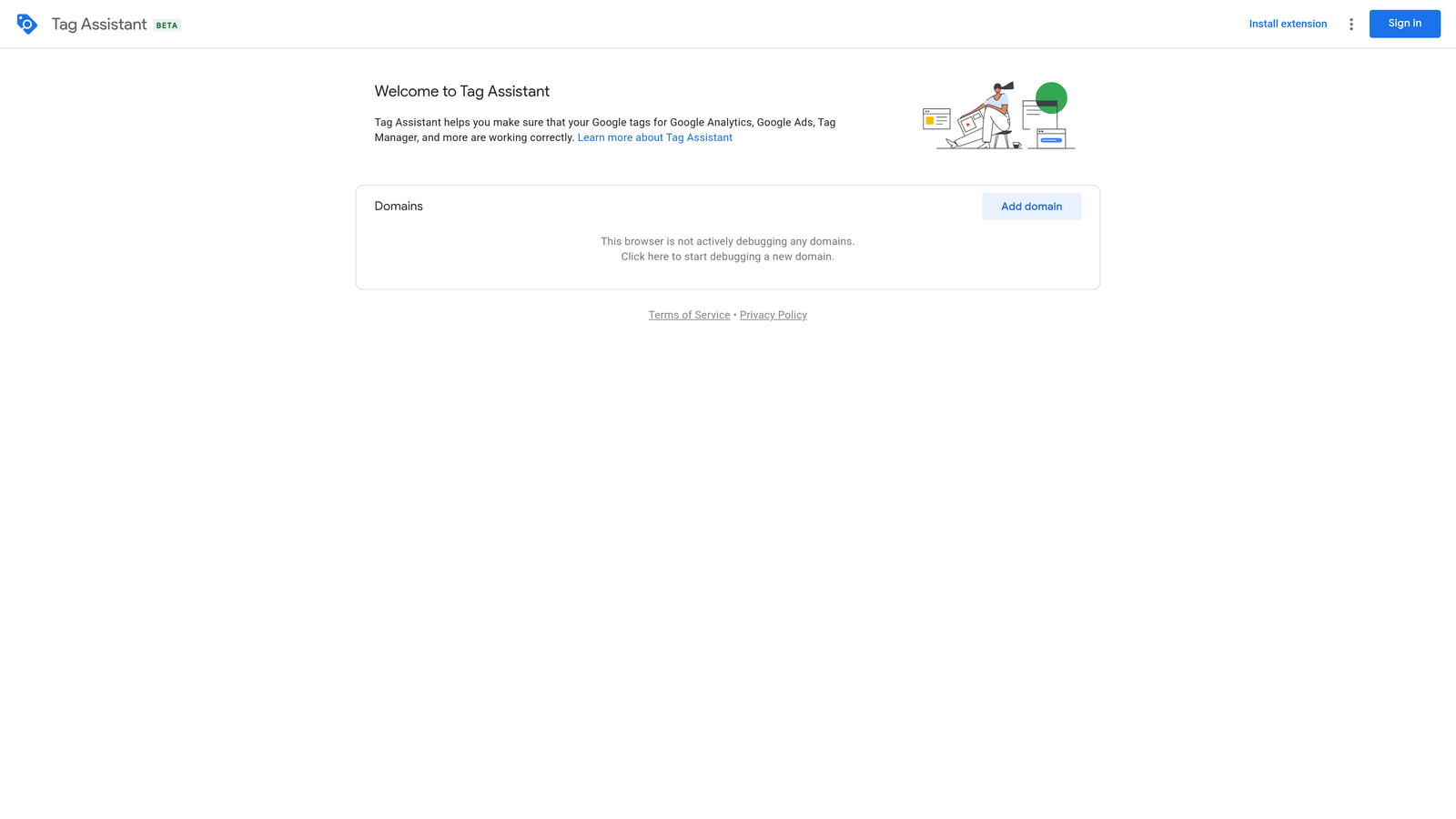
The reason to use it is that it comes from Google. When a Google Ads conversion tag is misfiring, a first-party check beats a third-party guess, and it's the cleanest way to confirm what the tag sees before you spend on a campaign.
What it checks
- Google Ads and GA4 tags, so you can confirm a conversion action fires on the right page or event.
- Google Tag Manager containers, with a debug view that shows which tags fired and in what order.
- Tag errors and warnings, flagged so you can fix them before launch rather than after a week of missing conversions.
Setup and limits
It connects to Google Ads, Google Analytics 4, and Google Tag Manager, and you start a session by entering the page URL. The person who owns tracking, often a PPC lead or an analyst, runs it. It's easy to learn, though reading the debug output well takes some tag knowledge.
The limitation is scope: it only covers Google tags. It won't validate Meta, LinkedIn, or other platforms' pixels, and it won't tell you whether your conversion setup is a good one, only whether it fires.
It's free as of November 2026.
Best for: Conversion tracking QA before launch.
3. Meta Pixel Helper
Meta Pixel Helper is Meta's Chrome extension for checking whether the Meta Pixel is on a page and which events it sends. It earns a spot on a PPC list because many search advertisers also run paid social, and the same landing pages carry both sets of tags.
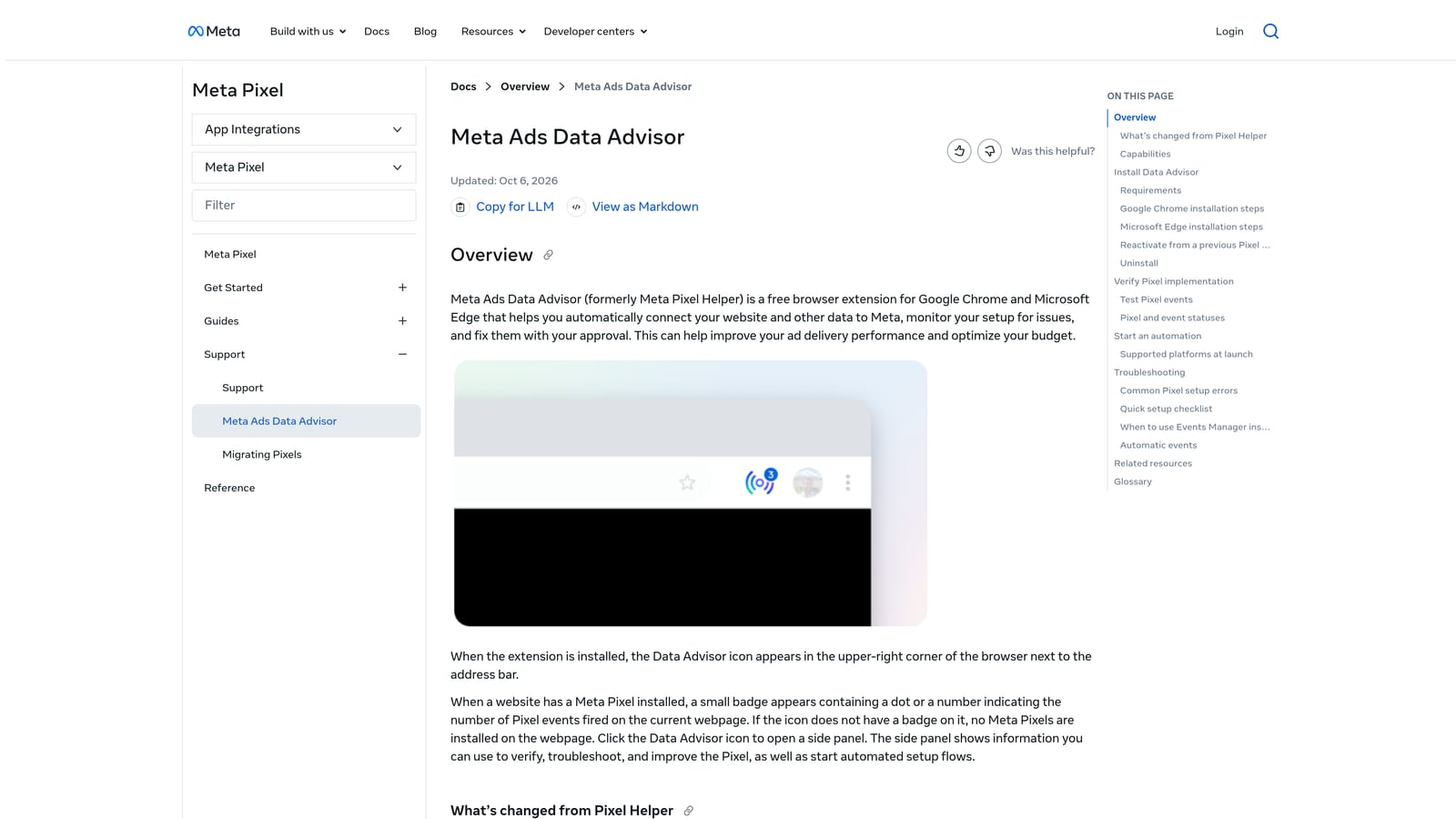
It's the one tool here built for event-level debugging of a single platform. Open a page, click the icon, and you see whether the Pixel loaded and which events fired.
- Detects the Pixel on the page, so you know right away whether the install worked or a tag manager rule blocked it.
- Shows each event as it fires, which lets you confirm a purchase or lead event triggers on the right action.
- Displays errors and warnings, pointing you at problems such as missing parameters.
There's almost no setup beyond installing it in Chrome. It works alongside Meta Pixel and Meta Ads, and whoever manages the social account or the site's tracking will use it most. A PPC manager who only runs Google Ads may open it a few times a year.
That's the main limitation: it's Meta only and does nothing for Google Ads. If your accounts are search only, skip it. Pair it with Tag Assistant if you launch pages that carry both Google and Meta tags, since neither covers the other.
It's free as of November 2026.
Best for: Teams running paid social alongside search.
4. Keywords Everywhere
Keywords Everywhere overlays keyword data on the pages you already browse, so you see estimated search volume and CPC without opening a separate research tool. It suits marketers and freelancers who want a fast gut check while they scan results.
Its distinctive trait is inline display. Search on Google, YouTube, or Amazon and the metrics show up beside the results, which makes it quick for sanity-checking an idea mid-task.
- Search volume and CPC appear directly on results pages, so you can compare a few phrases in seconds.
- Related keywords give you adjacent ideas to test or add to a list.
- People Also Search For data shows how searchers rephrase a query, which can feed ad copy and keyword themes.
Setup is an install plus an account and API key, and an individual marketer can run it alone. There's little team workflow around it.
Know what you're looking at. These numbers are third-party estimates, not your Google Ads account data. They're useful for direction, but they won't match what Keyword Planner or your own impressions show, and a CPC figure isn't a bid recommendation. A common mistake is treating them as Google's numbers.
Pricing is paid and credit-based. The exact starting price changes, so check the website (as of November 2026). Cost depends on how many credits you use.
Best for: Quick keyword idea checks.
5. Semrush Extension
The Semrush browser extension brings domain and keyword metrics onto the pages and SERPs you're already viewing. It's meant for people who already use Semrush, or are considering it, and want competitor context while they browse. Check the Chrome Web Store listing for the current extension.
It stands apart because the estimates tie into a full research suite. You can spot a competitor's page, glance at the numbers, then go deeper in the main platform for paid and organic estimates.
- Domain overview on any page gives a fast read on a competitor's size and footprint.
- Keyword metrics on SERPs let you evaluate phrases while looking at live results.
- Competitor traffic estimates help you decide which rivals deserve a closer look.
Setup means installing it and signing into a Semrush account. It's usually run by a strategist or an SEO and PPC generalist, and it fits agencies that already pay for the platform.
The limitation is dependence. How much you see depends on your Semrush plan, and the extension alone isn't much use without one. Like all competitor tools, its figures are estimates, not the competitor's real spend or traffic. If you don't want a full research subscription, one of the lighter options here fits better.
It requires a Semrush account, and plan pricing varies, so check the website (as of November 2026). Price moves with the plan tier and the limits you need.
Best for: Competitor research.
6. Wappalyzer
Wappalyzer detects the technologies behind any website. For PPC, that means a quick look at what a landing page runs on, whether it's yours, a client's, or a competitor's. It suits anyone who audits pages or inherits an account with unknown tracking.
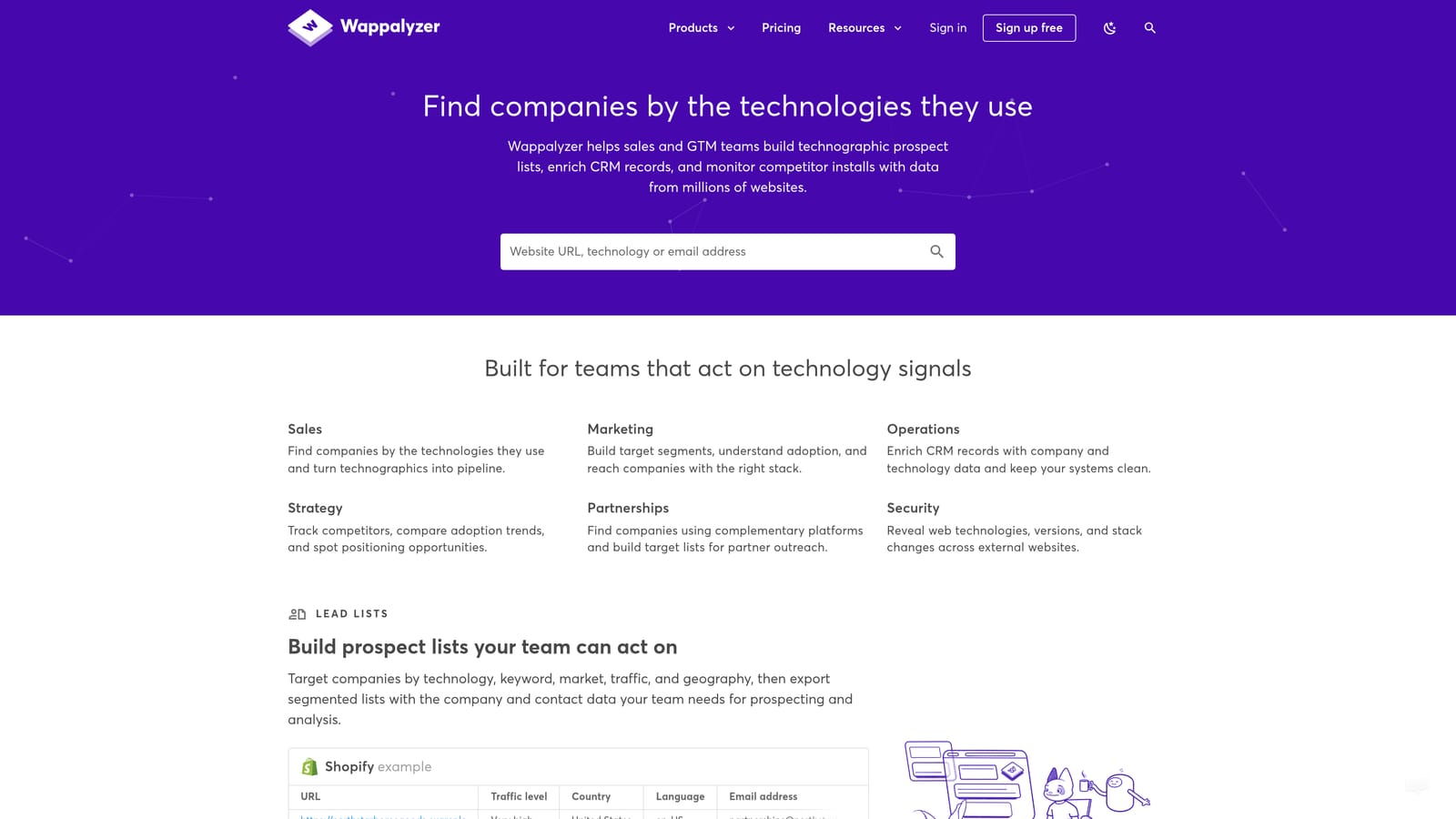
Its distinctive value on this list is the view of a page's technology stack. Other extensions here check ads, tags, or keywords. This one tells you what the page is built with.
- Tech stack detection shows the CMS, framework, and other tools in use, so you know what you're optimizing.
- CMS and analytics identification tells you quickly whether a page uses the analytics setup the client said it does.
- Tag manager detection shows whether a page loads one, a useful first step before a tracking audit.
Install it and click the icon on any page. There's no real setup, and it's typically used by the person doing audits or onboarding. Check its site for any integrations or lookup features you may need rather than assuming them.
The limitation is that detection isn't exhaustive. It identifies what it can fingerprint, so a clean result doesn't prove a tool is absent. Treat it as a starting point, then confirm with Tag Assistant or the page source.
It has a free tier and paid plans; see the website for current prices (as of November 2026). Price depends on the plan and the features you use.
Best for: Landing page and competitor audits.
7. Grammarly
Grammarly is a general proofreading extension, and it earns its place because PPC involves a lot of typing in browser fields: ad copy, landing page edits, client emails. It's for anyone who writes in the browser and wants typos caught before an ad goes live.
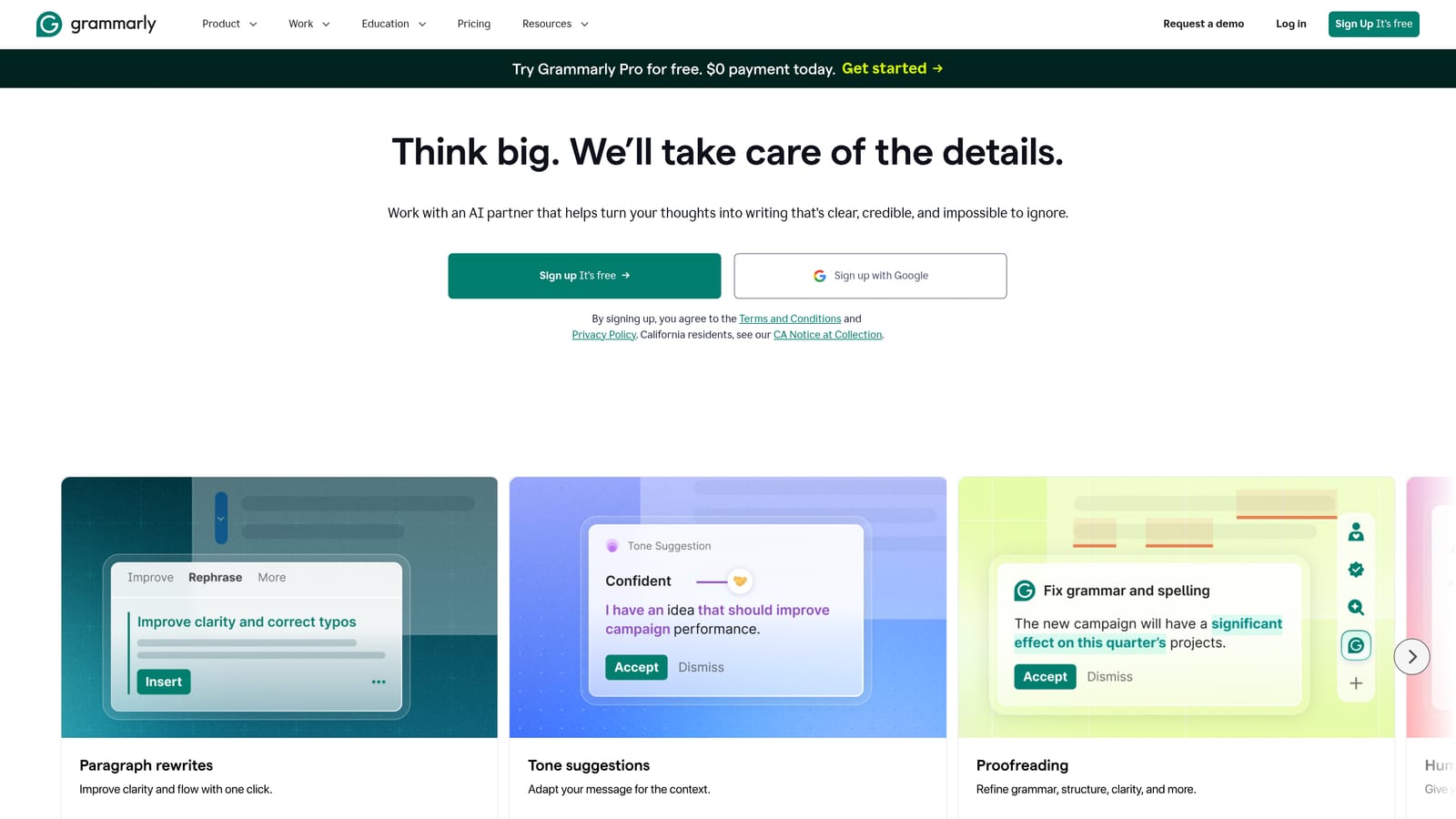
Its edge over the rest of the list is reach. It proofreads copy in any browser text field, including the Google Ads editor fields in the browser, which no PPC-specific tool here bothers to do.
- Spelling and grammar checks catch the errors that can get an ad disapproved or look sloppy.
- Tone suggestions help you adjust copy for a more formal or friendly audience.
- It works across browser text fields and in Google Docs, so one install covers drafting and editing.
Setup is an install and an account, and each writer manages their own.
It isn't PPC-specific, and it has no idea about ad character limits. Responsive search ad headlines allow 30 characters and descriptions 90, and Grammarly won't warn you when you go over. Google Ads will do that. It can also flag stylistic choices that work well in ads, such as fragments, so apply its suggestions with judgment.
There's a free tier, plus paid plans; check the website for current pricing (as of November 2026). Paid plans are priced per user.
Best for: Proofreading ad copy drafts.
Which Extension to Install First, by Job
Most PPC pros don't use all of these. They stack two or three that match the work they do every week. Here's how to choose:
- Search term cleanup: Keywordme, since it's the only one here that acts on search terms inside Google Ads.
- Conversion tracking QA: Google Tag Assistant, with Meta Pixel Helper added if you run paid social.
- Competitor research: Semrush Extension if you already have an account, Wappalyzer for a lighter look at their landing pages.
- Keyword ideas: Keywords Everywhere, keeping in mind it's estimates, not your account data.
- Copy proofing: Grammarly, with ad character limits checked in Google Ads.
If you only add one, make it the extension that touches your most frequent task. For most account managers, that's search term review, which comes back every week and eats the most clicks.
Optimize Google Ads Campaigns 10X Faster. Without Leaving Your Account. Keywordme lets you remove junk search terms, build high-intent keyword lists, and apply match types instantly, right inside Google Ads. No spreadsheets, no switching tabs, just quick, seamless optimization. Start your free 7-day trial (then just $12/month) and take your Google Ads game to the next level.
