
9 Best Browser Extensions for Advertisers
This guide rounds up the best browser extensions for advertisers in 2026, covering nine tools chosen for solving specific PPC tasks like search term cleanup, tag verification, competitor research, and keyword data instead of duplicating a full dashboard. It also explains which extensions act directly on your Google Ads account versus which simply surface information faster.</summary> </invoke>


Most days as a PPC advertiser look like a tab-management exercise: Google Ads open in one window, GA4 in another, a competitor's landing page in a third, and a spreadsheet somewhere tracking keyword ideas you'll probably forget about. Browser extensions fix pieces of this without forcing you into another platform login. The nine below were chosen because each one solves a specific, recurring job, search term cleanup, tag verification, competitor research, or keyword data, rather than trying to be a do-everything dashboard. Some act directly on your Google Ads account, others just show you information faster. Knowing which is which matters before you install a handful and expect them to do the same thing.
Quick Comparison
- Keywordme: best for advertisers who manage Google Ads search terms daily; starting at $12/month per user; the only tool here that lets you remove, add, and match-type keywords directly inside the Google Ads interface.
- Google Tag Assistant Companion: best for confirming Google Ads and GA4 tracking before launch; free; first-party accuracy straight from Google.
- Meta Pixel Helper: best for advertisers running Meta ads alongside Google Ads; free; event-by-event Meta Pixel firing logs.
- Keywords Everywhere: best for freelancers doing keyword research; credit-based pricing; overlays search volume and CPC data while you browse.
- WhatRuns: best for a fast look at a competitor's ad tech stack; free; instant popup report with no signup.
- BuiltWith: best for agencies prospecting new clients; free extension, quote-based platform plans; exportable technology lists.
- ModHeader: best for troubleshooting UTM parameters and redirects; free core, paid tiers for sync; hands-on header and query manipulation.
- SEOquake: best for auditing landing page quality before sending paid traffic; free; on-page SEO metrics in search results.
- Similarweb: best for sizing up competitor traffic and channel mix; free with quote-based full plans; traffic estimates broken down by channel.
1. Keywordme
Keywordme is a Chrome extension built for one job: cleaning up the Google Ads Search Terms Report without leaving the Google Ads interface. If you've ever exported a search terms report to a spreadsheet, sorted it, flagged junk terms, then copy-pasted negatives back into your account, this replaces that whole loop with clicks made directly on the live report.
The distinguishing feature here is action, not just visibility. Search terms are the actual queries that triggered your ad; keywords are what you bid on. A lot of extensions will show you data about either. Keywordme lets you act on it: remove a junk search term, add a negative keyword, or apply a match type to a promising term, all in place.
- One-click removal of junk search terms so you're not manually flagging rows one by one
- Bulk negative keyword list building for cleaning up wasted spend across multiple campaigns at once
- Instant match-type application so high-intent search terms get promoted to keywords without re-entering them elsewhere
- Keyword clustering that groups related terms so you're not eyeballing patterns manually
- Multi-account and team support for agencies managing several client accounts from one place
It runs natively inside Google Ads, so there's no separate dashboard to log into and no data export step. Setup is just installing the extension and signing in; day-to-day use fits into whatever account review cadence you already have, whether that's a solo advertiser checking search terms weekly or an account manager doing it across a dozen client accounts.
The limitation is scope: it's built specifically for Google Ads search term optimization. If your workflow spans Meta Ads, Microsoft Advertising, or general SEO keyword research, you'll still need separate tools for those. It doesn't do landing page audits or tag debugging either.
Pricing is flat-rate at $12/month per user, as of writing, with a 7-day free trial to test it against your actual account before committing.
Best for: Solo advertisers and agencies who want to clean up Google Ads search terms without spreadsheets.
2. Google Tag Assistant Companion
Google Tag Assistant Companion is Google's own extension for verifying that your tags, including Google Ads conversion tracking, GA4 events, and Google Tag Manager containers, are firing correctly on a live page.
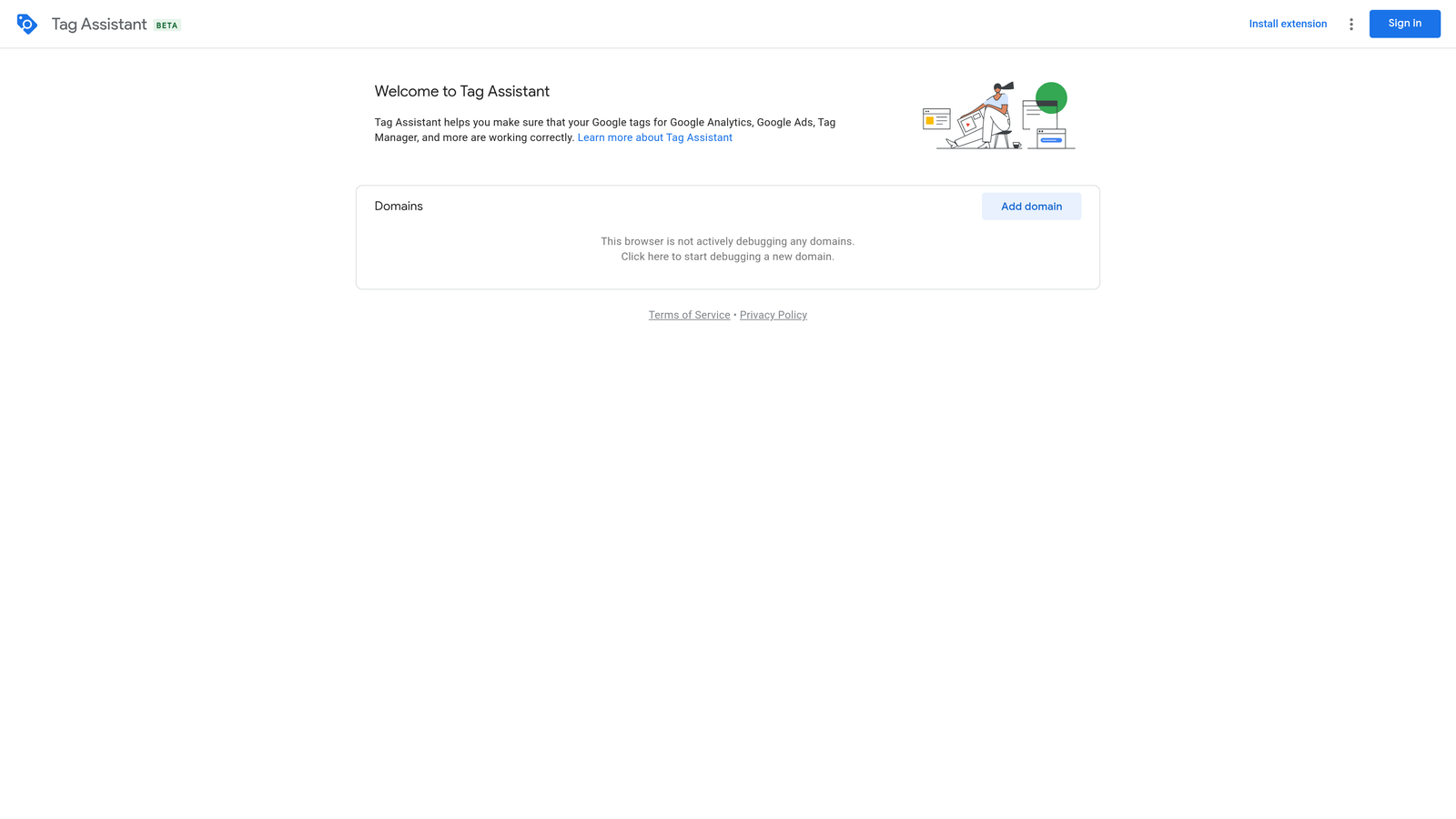
A pixel and a tag aren't quite the same thing in casual usage, but functionally here they serve the same purpose: confirming that the tracking code on your site actually reports back what you think it does. Tag Assistant checks this from the source, since Google builds and maintains both the tags and the debugger.
- Live verification that shows whether a tag fired on the page you're currently viewing
- Dedicated debugging for Google Ads conversion tags so you can catch a broken conversion action before it skews reporting
- Event-level inspection for GA4 and Tag Manager, useful for confirming custom events are set up right
- Error and warning flags that point out common misconfigurations without digging through raw network requests
It integrates with Google Ads, GA4, and Tag Manager since that's its entire purpose. Setup takes minutes: install, open the companion panel, and load the page you want to check. Anyone who can navigate a Google Ads account can use it, though reading the output meaningfully takes a bit of familiarity with how conversion tracking is structured.
It's strictly diagnostic. It won't touch keyword or search term management, and it has nothing to say about ad copy, bidding, or budgets. If your tracking is already solid, you may only need it occasionally rather than daily.
It's free, as of writing, with no paid tier since Google offers it as a support tool rather than a product.
Best for: Advertisers who need to confirm Google Ads conversion tracking is firing correctly before a campaign launch.
3. Meta Pixel Helper
Meta Pixel Helper is Meta's official extension for checking whether the Meta Pixel is installed and firing correctly on a page. If you split budget between Google Ads and Meta, this covers the half Tag Assistant doesn't.
Its strength is depth on one specific thing. Rather than a general tag debugger, it's built around Meta Pixel events specifically, showing you exactly which standard or custom events fired and flagging duplicates, which is a common cause of inflated conversion counts in Meta Ads Manager.
- Pixel detection that confirms whether a Meta Pixel exists on any page you visit
- Event-by-event firing log so you can see PageView, Purchase, or custom events as they trigger
- Error and duplicate event alerts that catch issues before they distort your Meta reporting
It connects with Meta Ads Manager and the Meta Pixel itself, and there's nothing to configure beyond installing it and browsing to the page you want to check. Any team member handling Meta campaigns can run it without special training.
The obvious limitation: it's Meta-only. If your accounts run exclusively on Google Ads or Bing, this extension does nothing for you, and it's dead weight sitting in your toolbar.
It's free, as of writing.
Best for: Advertisers running Meta ads alongside Google Ads who need to verify pixel events independently.
4. Keywords Everywhere
Keywords Everywhere overlays search volume, CPC, and competition data directly on Google search results and a handful of other supported sites, so you get keyword metrics as you browse instead of pulling up a separate planner.
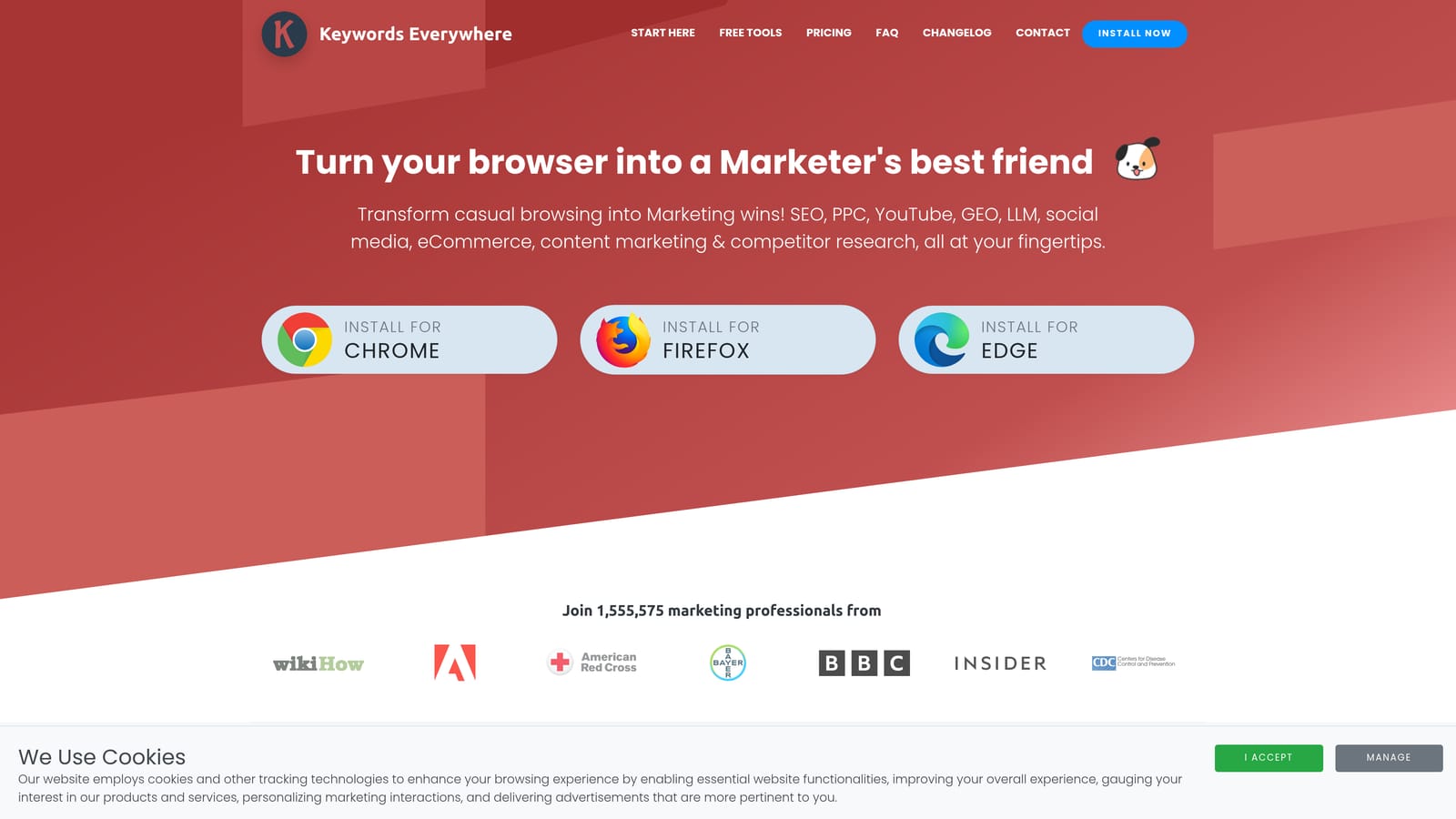
What sets it apart on this list is passivity. You're not opening a tool and running a query; the data just appears alongside your normal search behavior, which fits naturally into how freelancers and solo marketers actually do early-stage research.
- Search volume and CPC overlay right on the search results page you're already looking at
- Related keyword and "people also search for" suggestions that widen your keyword list without extra searches
- Trend data over time so you can spot seasonal or rising terms before building a campaign around them
- Coverage across multiple sites beyond Google, including YouTube and Amazon, for broader keyword contexts
It works through browser overlays on Google Search, YouTube, Amazon, and other supported research sites, so there's no account management involved on the Google Ads side. Installation and setup take only a couple of minutes.
The credit-based pricing model is worth watching closely: it's easy for heavy daily users to burn through credits faster than expected, and you'll want to check current package pricing on the website since credit-based models tend to shift. It's also purely a research tool; it has no ability to act on live Google Ads campaigns, so pair it with an execution tool if you need one.
Pricing is credit-based; check the current packages on the site since they change.
Best for: Freelancers doing keyword research before building out a new campaign.
5. WhatRuns
WhatRuns identifies the ad networks, tracking pixels, and marketing technology running on any website you visit, delivered as a single popup when you click the extension icon.
Its main advantage is speed and zero friction. There's no signup, no dashboard, and no waiting on a report; you land on a competitor's page, click the icon, and get a snapshot of what ad tech and tracking tools they're running right then.
- Ad network and pixel detection that shows what tracking is active on a competitor's site
- CMS and hosting detection that fills in the broader technical picture
- One-click popup report so you never leave the page you're researching
It works passively on any site you visit, with no integrations to configure and nothing to set up beyond installing it. Anyone doing competitive research can use it without training.
The tradeoff for that speed is depth: it only shows a current snapshot, with no history of when a competitor added or dropped a particular tool. If you want to track changes over time, you'll need to check back manually or use a tool built for historical tracking.
It's free, as of writing.
Best for: Advertisers scouting what tracking and ad tools competitors are running right now.
6. BuiltWith
BuiltWith is a technology profiler that reveals the analytics, advertising, and CMS tools behind any website, similar in concept to WhatRuns but built with more of an eye toward prospecting and list-building rather than one-off lookups.
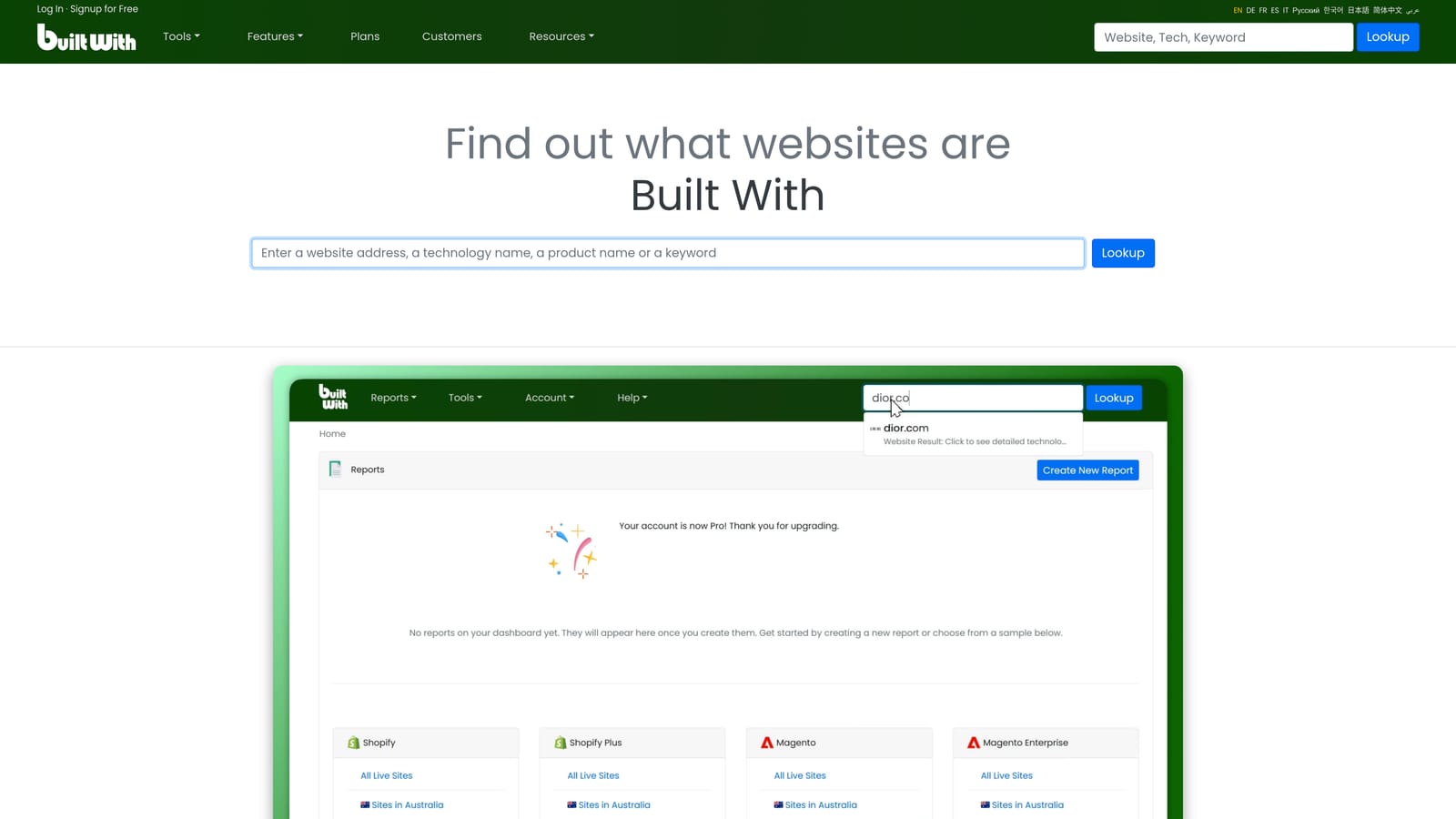
The distinguishing factor is exportability. Where a quick popup tool gives you a single answer, BuiltWith's paid platform lets you pull lists of sites running specific technologies, which matters if you're trying to find leads rather than just satisfy curiosity about one competitor.
- Technology stack detection that identifies the CMS, hosting, and analytics tools a site runs
- Advertising and analytics tool identification, useful for gauging how sophisticated a prospect's or competitor's setup already is
- Exportable technology lists on paid plans for building prospecting lists at scale
It works passively on any site, same as WhatRuns, with no configuration needed for the free extension. The paid platform requires more setup if you're building out list-based prospecting workflows, and that's typically handled by whoever owns business development or client acquisition at an agency.
The free extension only gives you a surface-level snapshot; the deeper historical data and export functionality live behind paid platform plans, which are quote-based, so you'll want to check current pricing directly with BuiltWith before assuming a cost.
Starting price: free for the browser extension; platform plans are quote-based (verify current pricing on the site).
Best for: Agencies prospecting new clients by researching what ad tools their target sites already use.
7. ModHeader
ModHeader lets you modify HTTP headers, cookies, and query parameters directly in the browser, which turns out to be useful for testing tracking and redirect behavior before a campaign goes live.
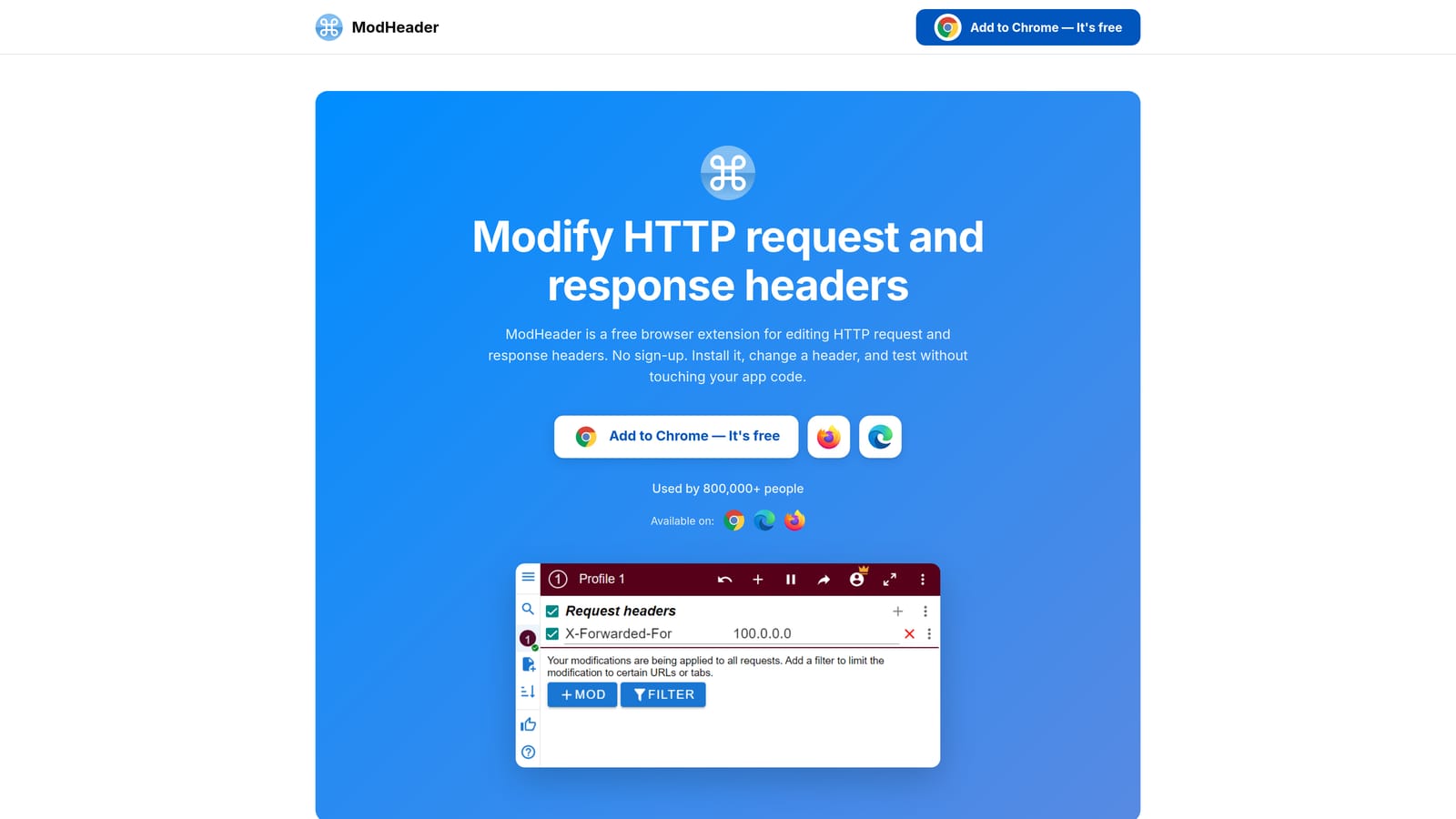
It's the only tool on this list built for hands-on testing of UTM parameters and redirect chains. If you've ever launched a campaign only to find that a redirect stripped your UTM tags and broke attribution in GA4, this is the kind of tool that catches that before launch instead of after.
- Custom header and query parameter injection so you can simulate different UTM combinations without editing live URLs repeatedly
- Multiple saved profiles for different test scenarios, useful when you're testing several campaigns or landing pages at once
- Cloud sync on paid tiers so profiles carry across devices or team members
It works on any website through browser requests, with no external integrations required. Setup involves creating profiles for the specific headers or parameters you want to test, which takes a bit more effort than a plug-and-play tool.
This one requires technical comfort with how headers and query parameters actually work. It's not built for non-technical marketers, and if you've never dealt with UTM structures or redirect chains directly, there's a learning curve before it's useful rather than confusing.
It's free for core use, with paid tiers for cloud sync; check the site for current pricing.
Best for: Advertisers troubleshooting broken UTM tracking or landing page redirects before a campaign goes live.
8. SEOquake
SEOquake, from Semrush, displays on-page SEO and domain metrics directly in search results and on webpages. It's an SEO tool at heart, but it earns a spot here because landing page quality feeds directly into what Google Ads considers when calculating Quality Score.
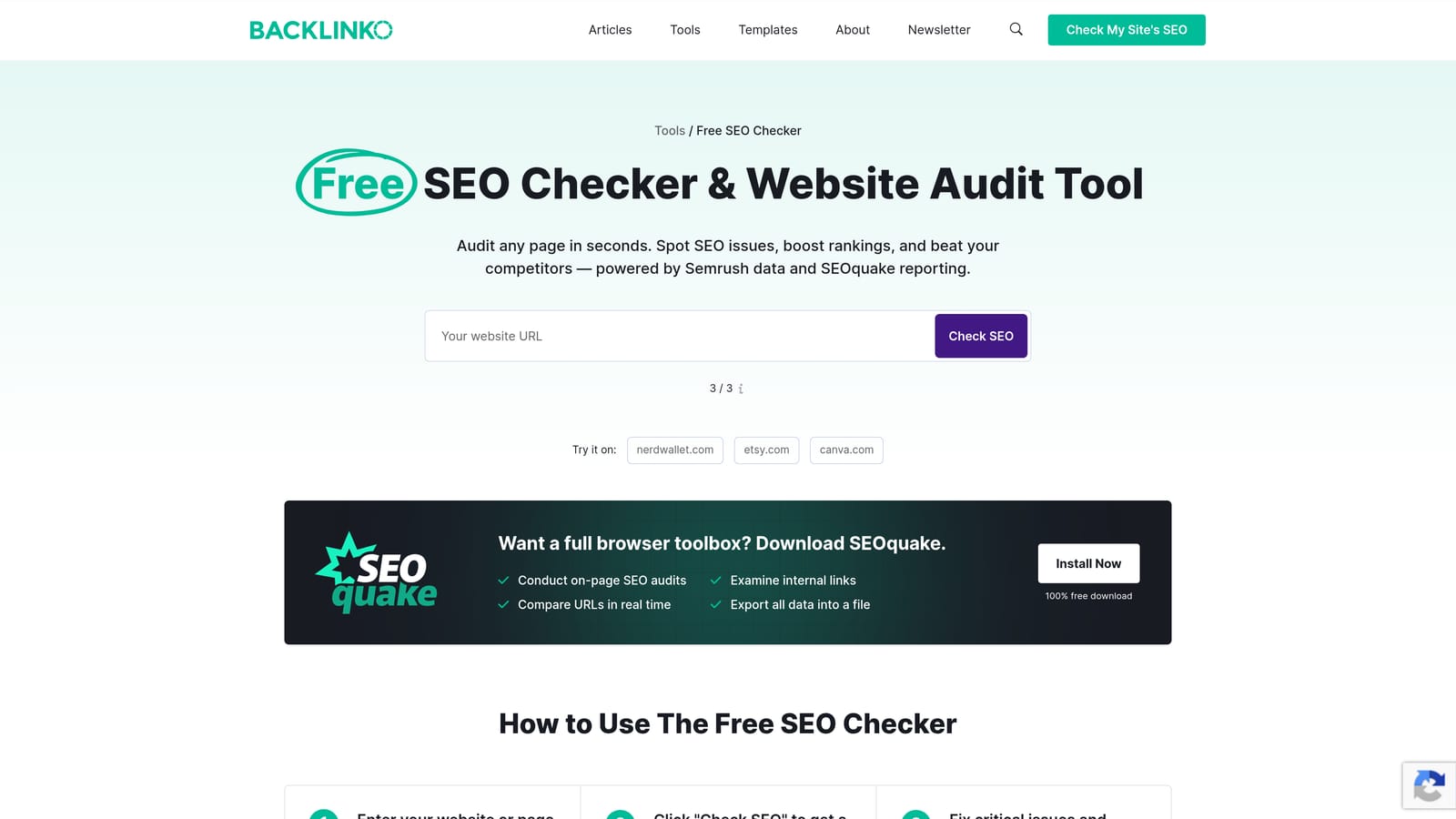
What makes it relevant to PPC specifically is the ability to check a landing page's content and technical signals before you send paid traffic to it. A slow, thin, or poorly structured page can quietly raise your cost per click even when your keywords and ad copy are solid.
- On-page SEO audit that flags content and technical issues on any page you're about to drive paid traffic to
- Domain and page metrics shown right in search results, saving you a separate lookup
- Keyword density and page comparison tools for checking how a landing page stacks up against competitors
It connects with Semrush's broader data set, and setup is just installing the extension, no account required for basic use. Anyone reviewing landing pages before a launch can run it in a couple of minutes.
Don't mistake this for a Quality Score tool. It doesn't show your actual Google Ads Quality Score or any PPC-specific metric; it only shows SEO-adjacent signals that correlate loosely with the landing page experience factor Google considers.
It's free, as of writing.
Best for: Advertisers auditing landing page quality before sending paid traffic to it.
9. Similarweb
Similarweb shows estimated traffic, top referral sources, and audience data for any website you visit, giving you a rough picture of how a competitor is actually getting visitors.
The part that matters most for PPC advertisers is the channel breakdown. Seeing how much of a competitor's traffic likely comes from paid search versus organic or social gives you a rough sense of how aggressive their paid strategy is, which is harder to infer from a pixel or tech-stack lookup alone.
- Traffic estimate overlay that gives you a ballpark figure for monthly visits to any site
- Top referral and channel breakdown showing the mix of paid, organic, social, and direct traffic
- Audience overlap data comparing a site's visitors against other competitor sites
It works passively on any website, same pattern as WhatRuns and BuiltWith, with no setup beyond installing the extension. It's a fit for anyone doing competitive research, whether that's an account manager sizing up a client's competitors or an agency owner scoping a new market.
The figures are estimates, not verified numbers, so treat them as directional rather than exact. The free tier also caps how much data you can see, and getting a fuller picture means moving to a paid plan, which is quote-based, so check current pricing before assuming a cost.
Starting price: free extension with limited data; full plans are quote-based (verify current pricing on the site).
Best for: Advertisers sizing up competitor traffic and channel mix before entering a new market.
Matching Each Extension to Your Actual Workflow
If you're doing the same search term cleanup every week by hand, Keywordme is the one that changes your daily routine rather than just adding another tab. Tag Assistant Companion and Meta Pixel Helper cover the tracking-verification side, run them before a launch, not just when something looks broken. Keywords Everywhere fits earlier in the process, during research and campaign planning, rather than day-to-day account management. WhatRuns, BuiltWith, and Similarweb all serve competitive intelligence, with WhatRuns for a fast single lookup, BuiltWith for prospecting at scale, and Similarweb for gauging traffic and channel mix.
None of these replace each other. Most advertisers end up running two or three at once: one for tracking checks, one for research, and one that actually touches their Google Ads account. If the search term side of that stack is still spreadsheets, Start your free 7-day trial of Keywordme and see how much faster search term cleanup, negative keyword building, and match-type changes feel when they happen right inside Google Ads. After the trial it's a flat $12/month per user, no long-term commitment required to find out if it fits your workflow.
.svg)