
9 Best Automated PPC Tools vs Manual Management for Google Ads in 2026
This guide compares automated PPC tools vs manual management for Google Ads, placing nine tools on a spectrum from near-manual to heavily automated. It weighs control, transparency, cost, and fit for solo advertisers and agencies, so you can decide which parts of your workflow to automate and which to keep hands-on.


Every Google Ads account sits somewhere between "I click every button myself" and "I let Google run it." Where you land depends on how much control you want to keep, how clearly you can see what a tool changed, what it costs, and whether it fits a solo setup or an agency with dozens of accounts. The tools below run from near-manual to heavily automated, so you can see where each one sits and decide which parts of your workflow deserve which treatment.
Quick Comparison: Where Each Tool Sits on the Automation Spectrum
- Keywordme: freelancers and agencies who want faster manual search term work; $12/month per user; acts directly inside the native Search Terms Report.
- Google Ads Automated Rules and Scripts: advertisers who want transparent if-this-then-that automation; free; fully predictable, rule-based changes.
- Google Ads Smart Bidding and Performance Max: accounts with solid conversion tracking and volume; free (ad spend applies); auction-time bidding no human can match.
- Optmyzr: agencies and in-house teams with many accounts; see website; the broadest agency-style toolkit for review-first automation.
- Adalysis: teams that want ongoing monitoring; see website; automated ad-testing analysis and issue detection.
- Google Ads Editor: advertisers making large structural changes; free; bulk manual control with a review step before anything goes live.
- Google Ads Recommendations and Auto-Apply: advertisers who want prompts they review; free; can change the account without sign-off when auto-apply is on.
- Swydo: agencies cutting reporting time; see website; automates client reporting.
- Zapier: teams wiring lead and data flows around ad accounts; free tier plus paid plans; connects PPC data to non-PPC systems like CRMs and chat.
1. Keywordme
Keywordme is a Chrome extension that adds one-click actions to the Google Ads Search Terms Report. It is our own product, so weigh this entry with that in mind. It sits at the manual-but-assisted end of the spectrum: you still read the search terms and make the call, but you stop shuffling data through spreadsheets to act on those calls.
A quick definition helps here. A search term is what someone actually typed into Google. A keyword is what you bid on. A negative keyword blocks matching searches from triggering your ads. Keywordme works in the gap between those: you see a search term, and you decide in one click whether it becomes a negative or a new keyword.
What it does distinctively well is stay inside the native report. Judgment about intent stays with you, and the export, copy, paste, and re-upload step disappears. Nothing here is decided for you; Keywordme does not make changes on its own.
- One-click negative keywords, so junk search terms get blocked without leaving the report.
- Quick high-intent keyword list building, so converting search terms become keywords fast.
- Instant match type application, so you choose broad, phrase, or exact as you add.
- Keyword clustering and bulk editing, so you can handle groups of related terms together.
- Multi-account and team support, so agencies can run the same workflow across clients.
It works with Google Ads through Chrome, so setup is installing the extension and opening your account. The person doing search term reviews runs it day to day, whether that is a freelancer or a junior on an agency team.
The limits are plain. It covers search term and keyword workflows only: no bidding, budgets, or ad copy. It requires Chrome. If you want a tool that decides things for you, this is not it.
Pricing is $12/month per user with a 7-day free trial, so cost scales with the number of seats rather than ad spend (as of November 2026; verify on the site).
Best for: Freelancers and agencies who want faster manual search term management.
2. Google Ads Automated Rules and Scripts
Google Ads automated rules and scripts are the built-in way to automate scheduled or conditional changes and alerts. Rules are point-and-click: pause a keyword when cost passes a threshold, raise a budget on certain days, or email you when something changes. Scripts are JavaScript snippets for logic the rule builder cannot express.
Their big advantage is predictability. A rule does exactly what you wrote, nothing more, so you can always explain why a change happened. That transparency is rare among automation options, and it costs nothing.
- Rule-based pausing and enabling, so ads or keywords turn off or on when conditions are met.
- Scheduled bid and budget changes, for patterns like weekday and weekend differences.
- Email alerts, so you hear about spikes or drops without checking daily.
- JavaScript scripts, for custom logic such as pulling data into Google Sheets.
Rules live inside Google Ads and scripts can connect to Google Sheets. Rules take minutes to set up; scripts need someone comfortable with code, or a library of scripts you can trust and review before running.
The limitation is judgment. Rules cannot read a search term and decide whether the intent is right, so they are poor at negatives. A badly written rule can also fire at scale, so test on a small campaign first.
Pricing: free with Google Ads (as of November 2026).
Best for: Advertisers who want transparent, free if-this-then-that automation.
3. Google Ads Smart Bidding and Performance Max
Smart Bidding and Performance Max sit at the fully automated end. Smart Bidding is Google's machine-learning bid strategy family: you set a goal, such as a target cost per acquisition (CPA) or target return on ad spend (ROAS), and Google sets the bid for each auction. Performance Max is a campaign type that also handles placements across Google's channels and the mix of assets it shows.
The strength is scale and speed. Bids are set at auction time using signals no person can weigh by hand, which is why manual bidding rarely competes on volume accounts.
- Target CPA and Target ROAS bidding, so you steer by the outcome you need.
- Maximize Conversions and Maximize Conversion Value, for goals without a fixed target.
- Performance Max cross-channel campaigns, which extend reach beyond Search without separate builds.
- Auction-time bid signals, which adjust bids per search rather than per day.
It connects to Google Analytics and Merchant Center, which matters for ecommerce feeds. Setup is quick, but the real work is conversion tracking. Whoever owns measurement runs this, because the system optimizes toward whatever you tell it counts.
The tradeoffs are control and transparency. You see less about why a result happened, and low-volume or poorly tracked accounts give the system little to learn from. It is also not a substitute for search term review: automated bidding still spends on queries you may not want.
Pricing: free to use; you pay for ad spend (as of November 2026).
Best for: Accounts with solid conversion tracking and enough volume.
4. Optmyzr
Optmyzr is a PPC optimization suite built around the idea that automation should be reviewable. It combines a rule engine, optimization recommendations, bulk tools, and reporting in one place, so an agency can handle routine checks across many accounts without opening each one.
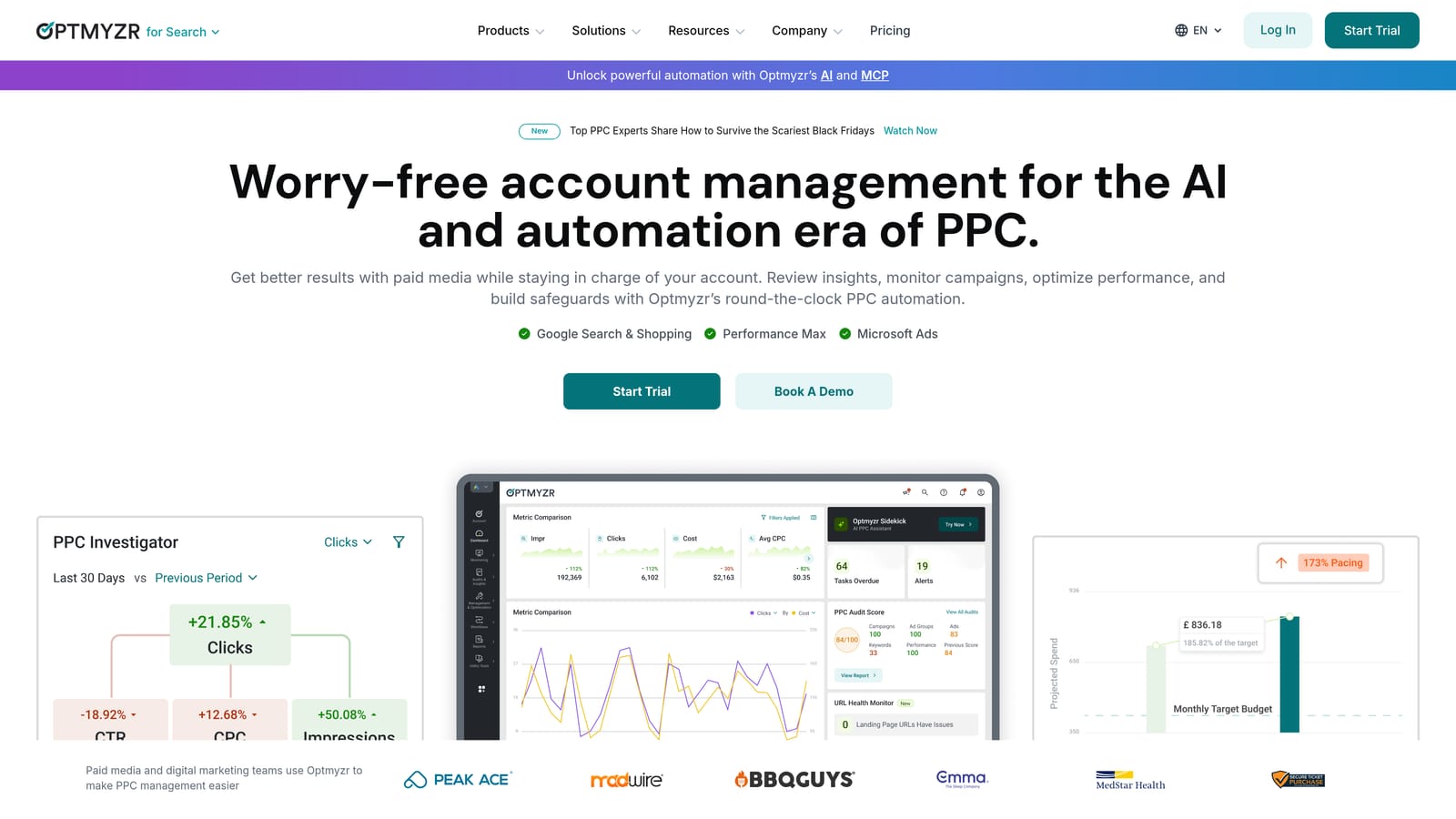
Its distinguishing trait on this list is breadth. Few other tools here cover rules, bulk edits, bid and budget management, and reporting together, and the working style is typically to review suggestions before applying them.
- Rule engine, so you can build your own conditions and actions across accounts.
- Optimization recommendations, which surface changes worth considering.
- Bulk editing tools, for changes that would take hours in the interface.
- Reporting, to turn account data into client-ready output.
- Budget and bid management, so spend pacing is monitored in one view.
It integrates with Google Ads, Microsoft Advertising, and Meta Ads. Expect a real onboarding period; a PPC specialist or account manager usually owns it.
That breadth is also the limitation. The learning curve is steeper than single-purpose tools, and the cost and complexity are hard to justify for a solo advertiser with one or two accounts.
Pricing is tiered; see the website for current plans (as of November 2026).
Best for: Agencies and in-house teams managing many accounts.
5. Adalysis
Adalysis is an auditing and monitoring platform. It watches accounts for problems, analyzes ad tests, and automates parts of the fixes. Think of it as a second set of eyes that runs constantly, rather than a tool for making changes day to day.
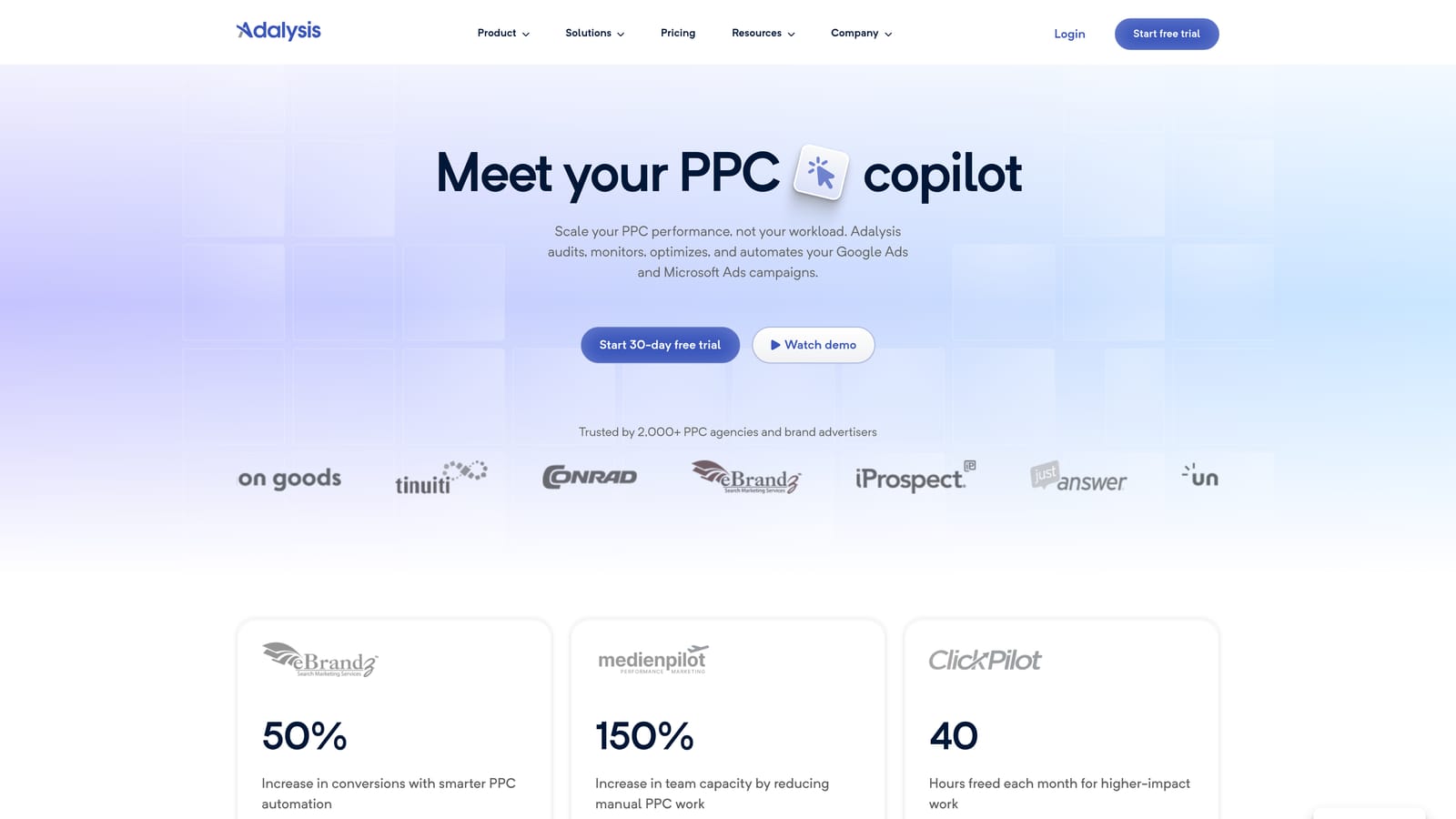
Its standout is ad-testing analysis. Judging which ad variation is really winning is tedious by hand, and Adalysis automates that evaluation and the issue detection around it.
- Account audits, which catch structural and setup issues across campaigns.
- Ad testing analysis, so you know which variants to keep or retire.
- Alerts, which flag changes that need attention.
- Bulk fixes, to resolve flagged issues without editing items one by one.
- Reporting, for sharing findings with clients or stakeholders.
It connects to Google Ads and Microsoft Advertising. Setup means linking accounts and letting it analyze; a PPC manager or team lead typically reviews its findings.
The focus is auditing, and that is a limit. It is heavier than a freelancer with a single account needs, and it will not speed up search term triage the way a dedicated workflow tool does.
Pricing is tiered; see the website (as of November 2026).
Best for: Teams that want ongoing account monitoring and ad testing insight.
6. Google Ads Editor
Google Ads Editor is the most manual tool on this list, and that is the point. It is a free desktop application where you download an account, make edits offline, and post them when ready. Nothing is automated; it just makes human work faster at scale.
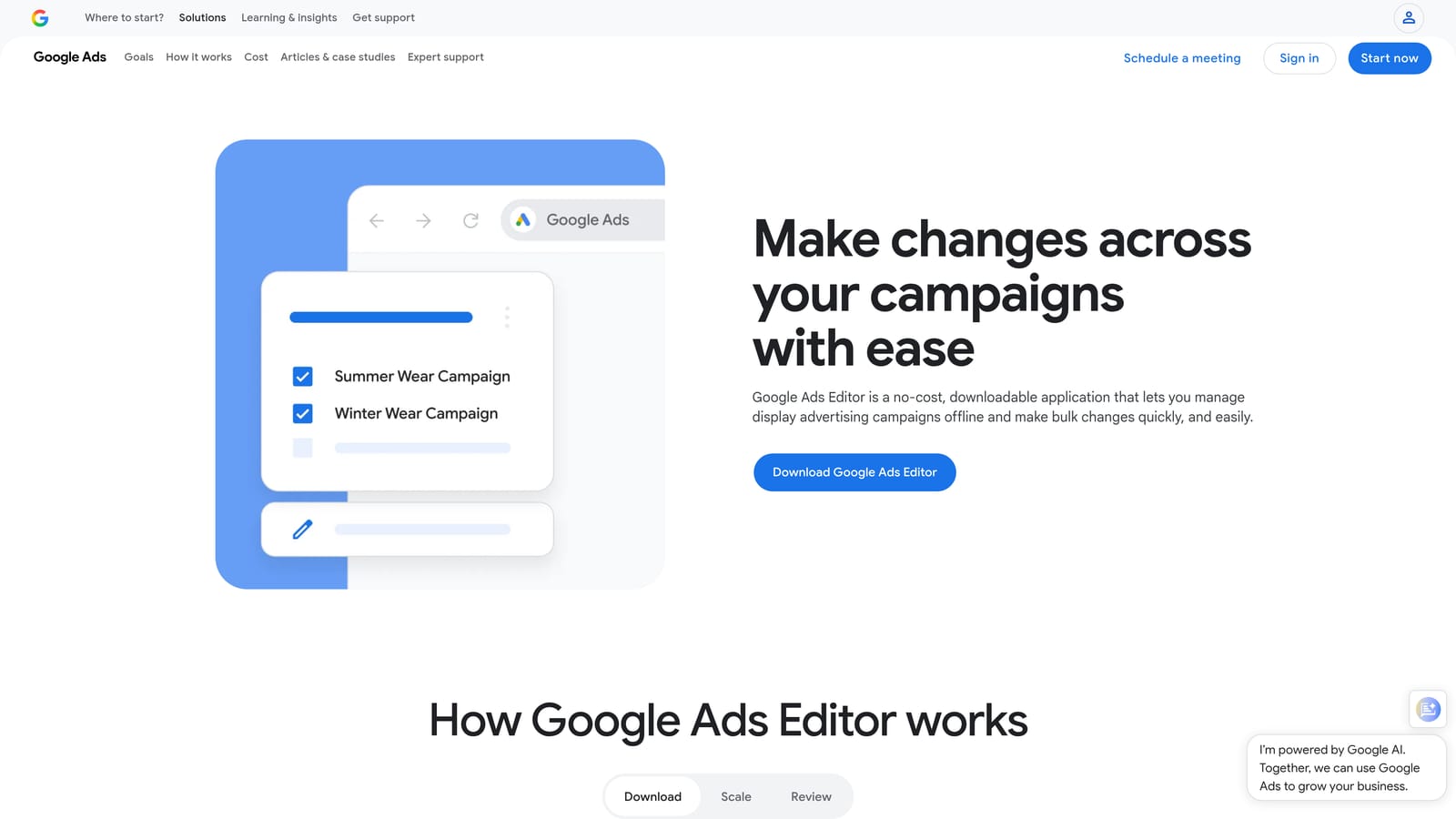
What it does best is bulk structural change with a safety net. You can review every pending edit before it goes live, which is valuable when you are restructuring campaigns or launching hundreds of ad groups.
- Bulk edits across campaigns, so one change applies to many items at once.
- Multi-account management, to move between clients in one app.
- Offline editing, so you can prepare changes without being in the browser.
- CSV import and export, for building structures in spreadsheets first.
- Change review before posting, so mistakes get caught before they cost money.
It works with Google Ads only and installs on your computer. Setup is a download and an account sign-in, and the person doing the build work runs it.
It offers no performance analysis or recommendations, so it will not tell you what to change. It speeds up execution, not decision-making.
Pricing: free (as of November 2026).
Best for: Advertisers doing large manual structure changes.
7. Google Ads Recommendations and Auto-Apply
Google Ads Recommendations are suggestions inside your account, shown with an optimization score. Auto-apply is an optional setting that lets Google apply selected recommendation types without your sign-off.
That last part is what distinguishes it here: it is the one tool on the list that can change your account without a human approving each change, once enabled. Review it carefully.
A common misconception is that the optimization score measures results. It reflects how many available recommendations you have applied, not how well your campaigns perform, so a high score does not mean profitable ads.
- Recommendations tab, which collects suggested changes in one place.
- Optimization score, a quick read on how many suggestions are outstanding.
- Selectable auto-apply types, so you choose which categories Google may apply.
- Dismiss or apply controls, so you stay in charge of anything not set to auto.
It lives inside Google Ads, with nothing to install. The account owner or manager decides what to enable.
The limitation is that suggestions reflect Google's priorities, which can differ from your margins or goals. Treat them as prompts to evaluate, and be selective about auto-apply.
Best for: Advertisers who want prompts but will review before applying.
8. Swydo
Swydo is an automated reporting platform for agencies and consultants. To be clear, it is adjacent automation: it does not optimize campaigns. It earns a place because reporting is one of the biggest manual time sinks for many agencies, and this removes most of it.
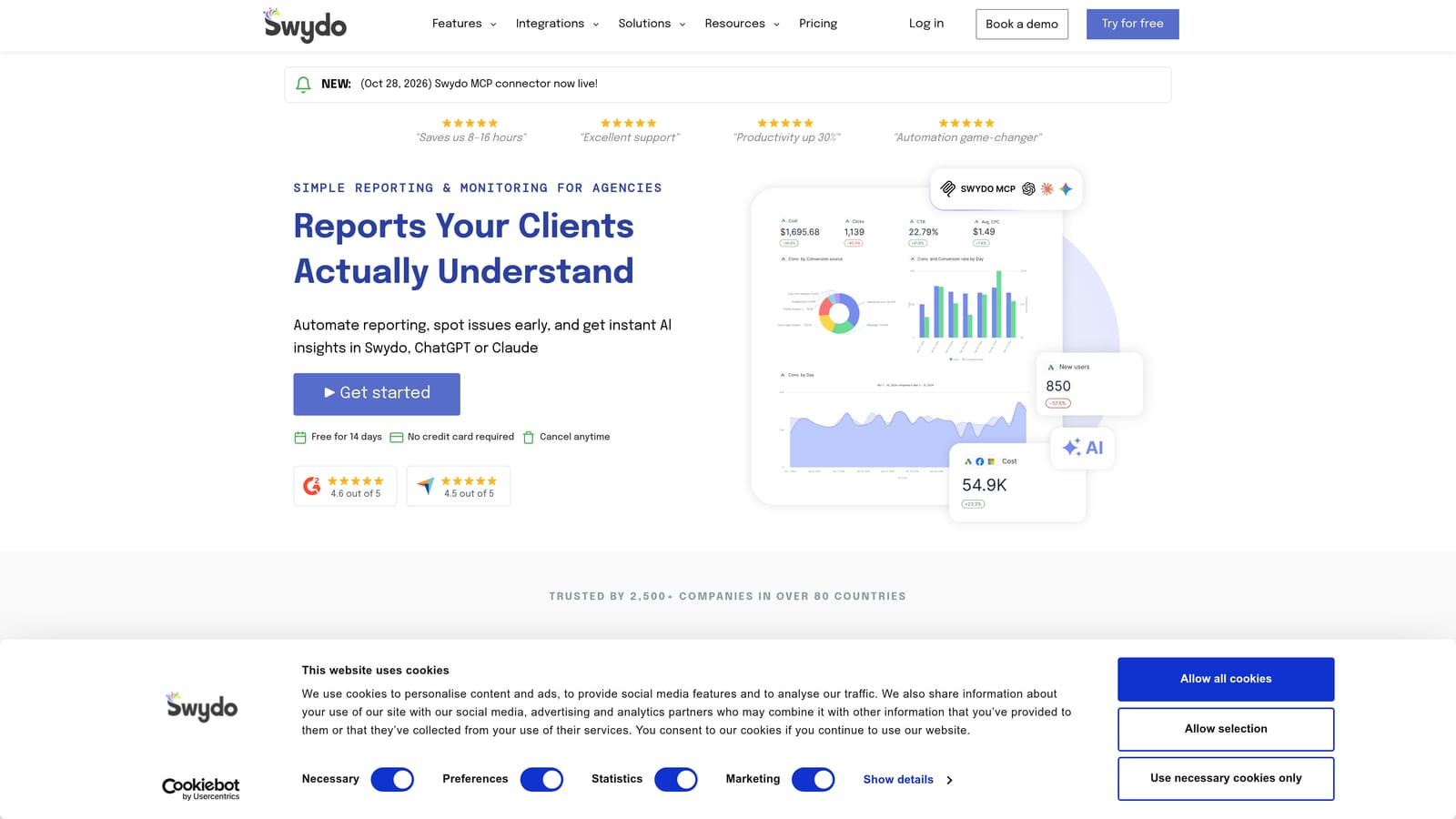
- Scheduled client reports, so they arrive on time without manual assembly.
- Dashboards, for a live view of performance.
- Multi-platform data sources, so one report can cover several channels.
- Report templates, which keep client deliverables consistent.
It connects to Google Ads, Google Analytics, Meta Ads, and Microsoft Advertising. Setup is mostly connecting data sources and building templates once, then reusing them across clients. An account manager or ops lead usually owns it.
It will not find wasted spend or change a bid. If your pain is optimization time rather than reporting time, look elsewhere on this list.
Best for: Agencies that want to cut reporting time.
9. Zapier
Zapier is a general workflow automation platform, and like Swydo it is adjacent rather than an optimizer. It links Google Ads to other apps so data and leads move without manual copying.
Its unique value is connecting PPC to systems outside PPC: pushing a lead form submission into a CRM, posting a notification in Slack, or logging data to a sheet.
- App-to-app workflows, so an event in one tool triggers an action in another.
- Lead and data syncing, which keeps CRMs and sheets current.
- Notifications, so the team hears about leads or changes in chat.
- Multi-step automations, for chains of actions from one trigger.
It connects Google Ads with Google Sheets, Slack, and many CRMs. Building a workflow is no-code, though complex multi-step ones take planning. Marketing ops or whoever owns lead handling typically runs it.
It is not built for optimization decisions, so it will not review search terms, adjust bids, or evaluate ads.
Pricing: a free tier plus paid plans; see the website, as usage volume affects the plan (as of November 2026).
Best for: Teams wiring lead and data flows around their ad accounts.
Matching the Tool to Your Situation: A Simple Hybrid Rule
Three picks stand out depending on how you work. If you are a solo advertiser on a budget, Google Ads rules plus Keywordme covers a lot for little money: free rule-based safeguards, and fast manual search term review at $12/month. If you run an agency with many accounts, Optmyzr is the broadest option, and Swydo is the pick if reporting is what eats your week. For a high-volume ecommerce account with clean conversion tracking, Smart Bidding and Performance Max are the natural core.
The simple rule that holds across all of these: automate bidding and reporting, keep human review on search terms and negatives. Bidding rewards speed and scale, and reporting is repetitive. Search terms and negatives depend on intent and business context, which is where your judgment still pays off. Automation does not remove the need to read the Search Terms Report.
Optimize Google Ads Campaigns 10X Faster. Without Leaving Your Account. Keywordme lets you remove junk search terms, build high-intent keyword lists, and apply match types instantly, right inside Google Ads. No spreadsheets, no switching tabs, just quick, seamless optimization. Start your free 7-day trial (then just $12/month) and take your Google Ads game to the next level.
