
8 Best Automated Match Type Assignment Tools for Google Ads in 2026
Manually assigning match types across hundreds of keywords wastes valuable PPC management time. This guide reviews the 8 best automated match type assignment tools available in 2026, ranging from lightweight Chrome extensions to enterprise PPC platforms, helping advertisers apply the right broad, phrase, or exact match types based on performance data and intent signals to improve budget control and campaign efficiency.


TL;DR: Manually assigning match types across hundreds of keywords is one of those PPC tasks that eats your time without adding strategic value. An automated match type assignment tool handles this grunt work for you, applying the right match types based on performance data, intent signals, or your own rules, so you can focus on strategy instead of spreadsheet gymnastics. Below, we've rounded up the best tools that can automate or accelerate match type assignment in 2026, from lightweight Chrome extensions to full-scale PPC platforms.
Whether you're a freelancer managing a handful of accounts or an agency juggling dozens of clients, match type decisions still matter. Since Google deprecated broad match modifier and simplified the landscape to three options (broad, phrase, and exact), the strategic choice of which to apply has become even more critical for budget control and intent targeting. Get it wrong and you're either burning spend on irrelevant traffic or leaving volume on the table.
Here are the top automated match type assignment tools worth knowing in 2026.
1. Keywordme
Best for: PPC managers and agencies who want match type control directly inside Google Ads
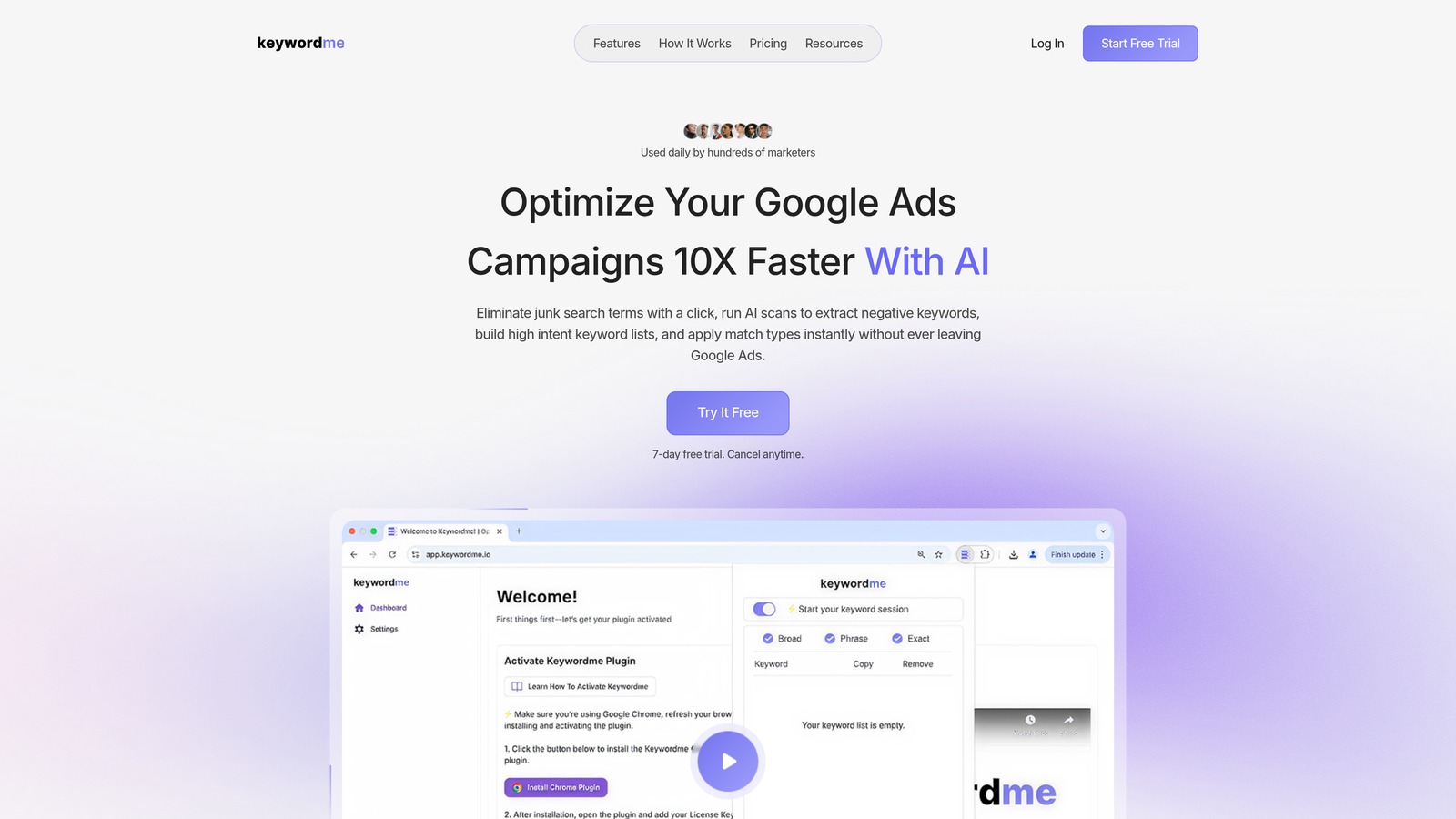
Keywordme is a Chrome extension that lets you assign match types, add negatives, and manage keywords directly inside the Google Ads Search Terms Report, with no spreadsheets or external tools required.
Where This Tool Shines
In most accounts I audit, the Search Terms Report is where match type decisions actually happen. You spot a high-intent query, you want to add it as an exact match keyword, and normally that means copying it out, opening a spreadsheet, and doing the whole export-edit-upload dance. Keywordme eliminates that entirely. You're already looking at the data, so you act on it right there.
The tool is built for speed. One click assigns a match type, one click adds a negative, and keyword clustering lets you group related terms without leaving the native Google Ads interface. For agencies managing multiple accounts, the multi-account and team support means your whole team operates from the same workflow without onboarding friction.
Key Features
One-Click Match Type Assignment: Apply broad, phrase, or exact match to any keyword directly from the Search Terms Report without leaving Google Ads.
Bulk Keyword Editing: Edit and manage multiple keywords at once, cutting down repetitive work across large campaigns.
Keyword Clustering: Group related search terms into logical keyword sets to build more organized, intent-driven ad groups.
Negative Keyword List Building: Identify and add irrelevant terms as negatives in a few clicks, directly from the same report view.
Multi-Account and Team Support: Built for agencies, with support for multiple accounts and shared team workflows.
Best For
Keywordme is ideal for solo PPC managers, freelancers, and agency teams who spend meaningful time inside the Google Ads Search Terms Report. If your current workflow involves exporting to spreadsheets before you can make match type changes, this tool removes that entire step. It's particularly effective for accounts with high search term volume where speed of optimization matters.
Pricing
$12/month per user, with a 7-day free trial. Flat-rate pricing makes it easy to budget, especially for agencies billing across multiple client accounts.
2. Optmyzr
Best for: Agencies and in-house teams that want rule-based automation with human approval checkpoints
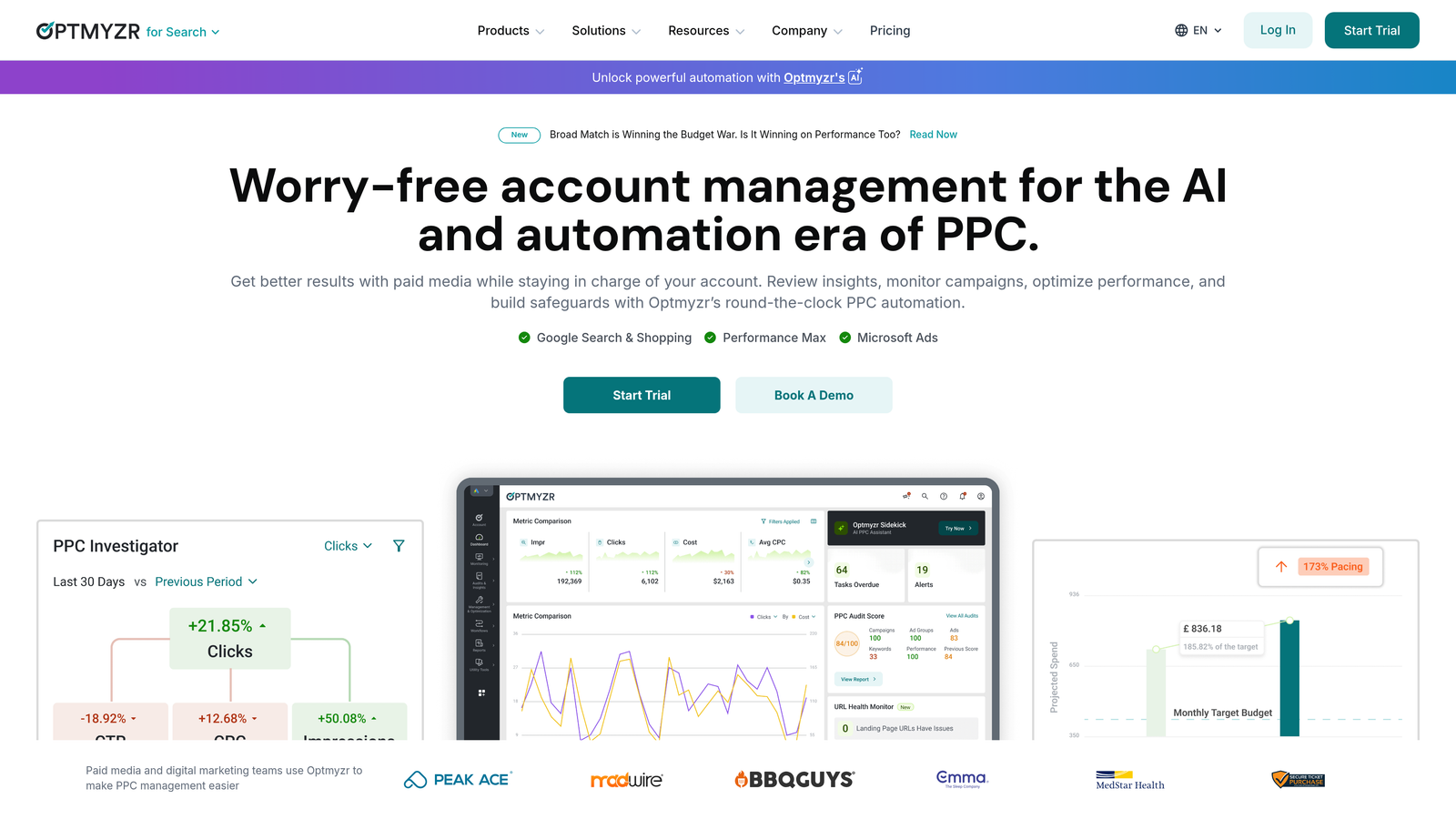
Optmyzr is a comprehensive PPC management platform with rule-based automations, one-click optimizations, and match type management tools for Google Ads and Microsoft Ads.
Where This Tool Shines
Optmyzr's Rule Engine is where match type automation gets serious. You can build logic like "if a search term has generated X conversions with a CPA below Y, add it as an exact match keyword" and let the system run that check on a schedule. What usually happens here is that agencies use this to create consistent, auditable workflows that scale across many accounts.
The human-in-the-loop approval model is worth calling out. Optmyzr doesn't just make changes silently. It surfaces recommendations that a manager can review and approve with one click, which is the right balance for accounts where you want automation without losing oversight.
Key Features
Rule Engine: Build custom automation logic for keyword and match type workflows based on performance thresholds.
One-Click Optimizations: Review and approve match type recommendations with a single click before they're applied.
Search Term Analysis: Automated analysis of search queries with match type recommendations surfaced in a clean interface.
Multi-Platform Support: Works across Google Ads, Microsoft Ads, and Amazon Ads from a single dashboard.
Custom Reporting: Build dashboards that track keyword and match type performance over time.
Best For
Mid-to-large agencies and in-house teams managing significant ad spend across multiple platforms. Optmyzr rewards users who invest time in setting up rules and workflows, making it better suited to experienced PPC teams than beginners.
Pricing
Starts around $249/month, with tiered plans based on ad spend. A free trial is available.
3. WordStream (by LocaliQ)
Best for: SMBs and smaller agencies looking for guided optimization with match type suggestions
WordStream is a PPC management tool geared toward SMBs that provides guided optimization recommendations, including match type suggestions, through its 20-Minute Work Week workflow.

Where This Tool Shines
WordStream's strength is making PPC optimization accessible to people who aren't full-time PPC specialists. The 20-Minute Work Week concept surfaces a prioritized list of recommended actions, including match type changes, based on account performance. You don't need to know what to look for because the tool tells you.
The mistake most agencies make is underestimating how useful this guided approach is for smaller clients who manage their own accounts. WordStream bridges the gap between "I have no idea what I'm doing" and "I can make smart keyword decisions."
Key Features
20-Minute Work Week: A guided workflow that surfaces the most impactful keyword and match type recommendations each week.
Match Type Suggestions: Performance-based recommendations for adjusting match types on existing keywords.
Cross-Platform Management: Manage Google Ads, Microsoft Ads, and Facebook campaigns from one place.
Performance Grading: Free Google Ads Performance Grader benchmarks your account against industry standards.
Best For
Small business owners managing their own ads, and smaller agencies that want a guided optimization workflow without building custom automations from scratch. Less suited to power users who want granular control.
Pricing
Custom pricing; contact WordStream for a quote. The Google Ads Performance Grader is available for free.
4. Adalysis
Best for: Data-driven PPC managers who want automated diagnostics and match type insights at the keyword level
Adalysis is a PPC optimization platform focused on data-driven analysis, offering automated alerts and keyword-level recommendations including match type insights.

Where This Tool Shines
Adalysis goes deep on keyword diagnostics. Beyond just suggesting match type changes, it flags negative keyword conflicts (where a negative is accidentally blocking a keyword you want to trigger), which is one of the more subtle and costly issues in large accounts. In most accounts I audit with significant keyword lists, these conflicts exist and nobody knows about them.
The automated search query analysis surfaces match type insights alongside Quality Score data, giving you more context for each decision. It's less of a "click to approve" tool and more of an analysis layer that informs smarter manual decisions.
Key Features
Search Query Analysis: Automated analysis with match type insights and recommendations based on query performance.
Negative Keyword Conflict Detection: Identifies cases where negatives are blocking keywords that should be triggering.
Quality Score Tracking: Keyword-level Quality Score diagnostics to support match type and bid decisions.
Ad Testing Automation: Systematic ad variant testing alongside keyword management workflows.
Bulk Actions: Apply keyword and match type changes in bulk across campaigns.
Best For
Experienced PPC managers and agencies who want detailed keyword-level diagnostics alongside match type recommendations. Particularly strong for accounts with large, complex keyword lists where conflicts and inefficiencies are hard to spot manually.
Pricing
Starts around $99/month, scaling with ad spend. A free trial is available.
5. Google Ads Editor
Best for: Anyone who needs free, bulk match type editing across large keyword sets
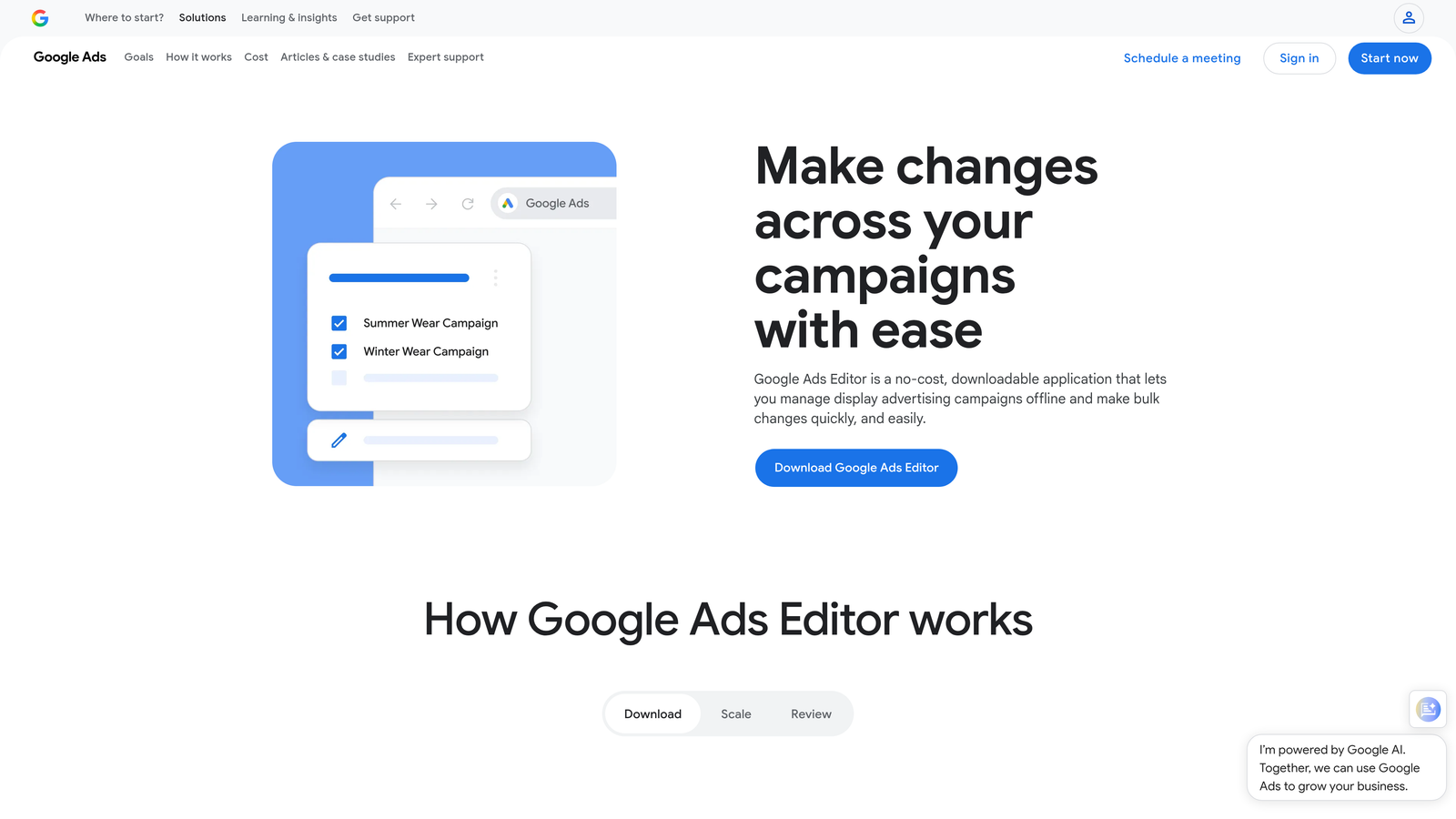
Google Ads Editor is Google's free desktop application for bulk editing campaigns, including find-and-replace functionality for match type changes across large keyword sets.
Where This Tool Shines
Google Ads Editor isn't glamorous, but it's powerful and it's free. The find-and-replace function for match types is genuinely useful when you need to convert a large set of broad match keywords to phrase or exact match in one operation. You can make changes offline, review them, and upload when ready, which is a good safety net for large-scale edits.
What usually happens here is that PPC managers use Editor as a complement to other tools. It doesn't surface recommendations or automate decisions, but once you know what changes to make, Editor is often the fastest way to execute them at scale.
Key Features
Bulk Match Type Editing: Change match types across multiple campaigns and ad groups simultaneously.
Find-and-Replace: Locate keywords by match type and replace them with a different match type in bulk.
Offline Editing: Make changes offline and upload when ready, with a review step before anything goes live.
Cross-Campaign Copy-Paste: Copy keywords between campaigns and ad groups with match type adjustments.
Best For
Any Google Ads user who needs to make bulk match type changes without paying for a third-party tool. Essential for anyone restructuring large accounts or migrating keyword lists between campaigns.
Pricing
Completely free. No subscription, no ad spend minimum.
6. Opteo
Best for: Teams that want a lightweight, low-friction optimization feed with match type suggestions
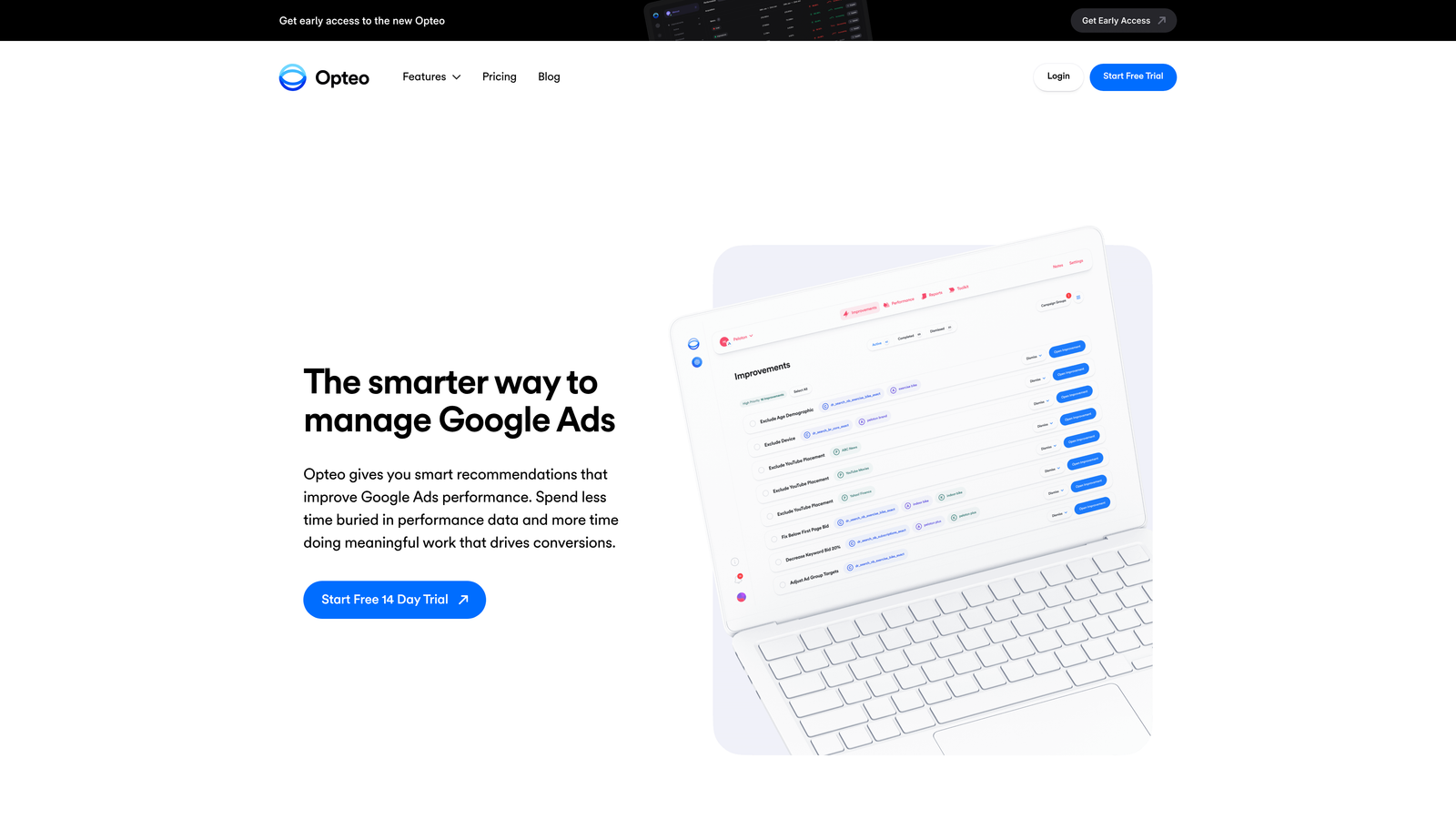
Opteo is a lightweight Google Ads optimization tool that delivers a prioritized feed of improvement suggestions, including match type adjustments, with one-click implementation.
Where This Tool Shines
Opteo's interface is clean and approachable. Instead of asking you to build rules or dig through reports, it surfaces a daily feed of recommended changes ranked by potential impact. Match type suggestions appear alongside bid adjustments, ad pauses, and other recommendations, so you're getting a holistic view of what to optimize each day.
The Slack integration is a nice operational touch for agency teams. Recommendations can be pushed to a Slack channel, which means the right person sees the suggestion at the right time without having to log into another dashboard.
Key Features
Prioritized Improvement Feed: Daily ranked list of optimization suggestions including match type changes, sorted by estimated impact.
One-Click Implementation: Apply recommended changes directly from the suggestion card without navigating to Google Ads.
Search Term Monitoring: Ongoing monitoring with negative keyword suggestions surfaced automatically.
Spend Alerts: Notifications when spend deviates from expected patterns, helping catch issues early.
Slack Integration: Push optimization recommendations to team Slack channels for faster review and action.
Best For
Small to mid-sized agencies and in-house teams who want a low-overhead optimization workflow. Opteo works well for teams that don't want to build complex automation rules but still want a systematic approach to keyword and match type management.
Pricing
Starts around $129/month, with plans tiered by ad spend. A free trial is available.
7. SEMrush PPC Keyword Tool
Best for: Advertisers who want to plan and assign match types before campaigns go live
SEMrush's PPC Keyword Tool lets you plan keyword groups with match types, organize them by campaign structure, and export directly to Google Ads.

Where This Tool Shines
Most match type tools focus on optimizing existing campaigns. SEMrush's PPC Keyword Tool is more useful at the planning stage, when you're building out a new campaign structure and want to assign match types before anything goes live. You can group keywords by theme, assign match types to each group, layer in CPC and volume data, and export a clean list ready for upload.
The competitive research angle is also useful here. You can pull competitor keyword data and use it to identify gaps or inform match type strategy, which is something the native Google Ads tools don't offer.
Key Features
Pre-Launch Match Type Assignment: Assign broad, phrase, or exact match to keywords during campaign planning before uploading to Google Ads.
Keyword Grouping: Organize keywords into campaign and ad group structures with match types intact.
Competitive Research: Pull competitor keyword data to inform your own match type and bidding strategy.
CPC and Volume Data: Cross-reference match type decisions with estimated CPC and search volume.
Direct Export: Export keyword lists with match types formatted for Google Ads upload.
Best For
SEMrush subscribers who are building new campaigns or restructuring existing ones. Less useful for ongoing match type optimization of live campaigns, where other tools on this list are stronger.
Pricing
Included in SEMrush plans starting at $139.95/month. Not available as a standalone purchase.
8. Google Ads Scripts (Custom)
Best for: Technical PPC managers or teams with developer support who want fully custom match type automation
Google Ads Scripts is JavaScript-based automation built directly into Google Ads, letting you write custom logic for match type assignment, keyword management, and more, completely free.
Where This Tool Shines
Scripts are the most powerful option on this list if you have the technical chops to use them. You can write logic that says "if a search term has generated more than 5 conversions at a CPA below my target in the last 30 days, add it as an exact match keyword to the relevant ad group" and run that check automatically on any schedule you choose. No third-party tool can match that level of customization.
The community around Google Ads Scripts is also worth mentioning. There are freely available script templates for common match type tasks, which means you don't necessarily need to write everything from scratch. A developer with basic JavaScript knowledge can adapt existing scripts to your specific account logic in a reasonable amount of time.
Key Features
Fully Custom Logic: Write any match type assignment rule you can imagine, based on any performance data available in Google Ads.
Scheduled Automation: Run scripts hourly, daily, or weekly without manual intervention.
API-Level Data Access: Pull and act on Google Ads performance data directly within the script environment.
Community Templates: Access a library of community-built scripts as starting points for common workflows.
Zero Cost: No subscription fees, no per-user pricing, no third-party dependencies.
Best For
Technical PPC managers, performance marketing teams with developer resources, and agencies that want to build proprietary automation workflows. Not suitable for non-technical users without developer support, as JavaScript knowledge is required to build and maintain scripts effectively.
Pricing
Free. You only need a Google Ads account and someone with JavaScript knowledge to write and maintain the scripts.
Which Tool Is Right for You?
The right automated match type assignment tool depends almost entirely on where you are in your workflow and how much technical overhead you're willing to take on.
If you're already inside Google Ads doing search term analysis and want match type changes to happen right there without switching tools, Keywordme is the most direct solution. It removes the spreadsheet step entirely and works where you're already working.
If you're running a larger agency and need rule-based automation with approval workflows, Optmyzr or Adalysis give you that structure with more sophisticated logic. If budget is the constraint, Google Ads Editor and Google Ads Scripts are both free and genuinely capable, though Scripts requires technical investment.
For campaign planning before launch, SEMrush's PPC Keyword Tool is the strongest option. For guided optimization without deep PPC expertise, WordStream or Opteo are friendlier starting points.
| Tool | Best For | Pricing | Technical Level |
|---|---|---|---|
| Keywordme | Fastest in-interface match type workflow | $12/month | Beginner–Advanced |
| Optmyzr | Rule-based automation with human approval | From $249/month | Intermediate–Advanced |
| Adalysis | Deep keyword diagnostics & conflict detection | From $99/month | Intermediate–Advanced |
| WordStream | Guided optimization for SMBs | Custom pricing | Beginner |
| Google Ads Editor | Free bulk match type editing | Free | Beginner–Intermediate |
| Opteo | Low-friction daily optimization feed | From $129/month | Beginner–Intermediate |
| SEMrush PPC Keyword Tool | Match type planning before campaign launch | From $139.95/month | Intermediate |
| Google Ads Scripts | Fully custom automation for technical teams | Free | Advanced (JavaScript) |
If you want to start cutting wasted time on match type management today without any setup complexity, start your free 7-day trial of Keywordme. It installs in seconds as a Chrome extension and works directly inside your Google Ads account. No spreadsheets, no tab-switching, just faster optimization at $12/month after the trial.
.svg)