
8 Best Alternatives to Manual PPC Optimization
Manual PPC optimization — downloading reports, scrubbing spreadsheets, uploading negative keyword lists — is time-consuming at scale. This guide ranks the 8 best alternatives to manual PPC optimization in 2026, covering tools that automate search term review, negative keyword management, and campaign decisions directly inside Google Ads.


Manual PPC optimization has a familiar rhythm: download the search terms report, paste it into a spreadsheet, scroll through hundreds of rows hunting for irrelevant queries, build a negative keyword list, upload it back into Google Ads, and repeat next week. If you're managing one account, it's tedious. If you're managing ten, it's a serious time problem.
The tools on this list exist specifically to break that cycle. Some work directly inside Google Ads, eliminating the spreadsheet step entirely. Others automate the decisions you'd normally make by hand. A few help you build smarter campaigns before you even spend a dollar.
Here are the top tools worth considering in 2026, ranked by how directly they address the manual work most advertisers deal with every day.
1. Keywordme
Best for: Advertisers who want to cut search term review and negative keyword management time without leaving Google Ads.
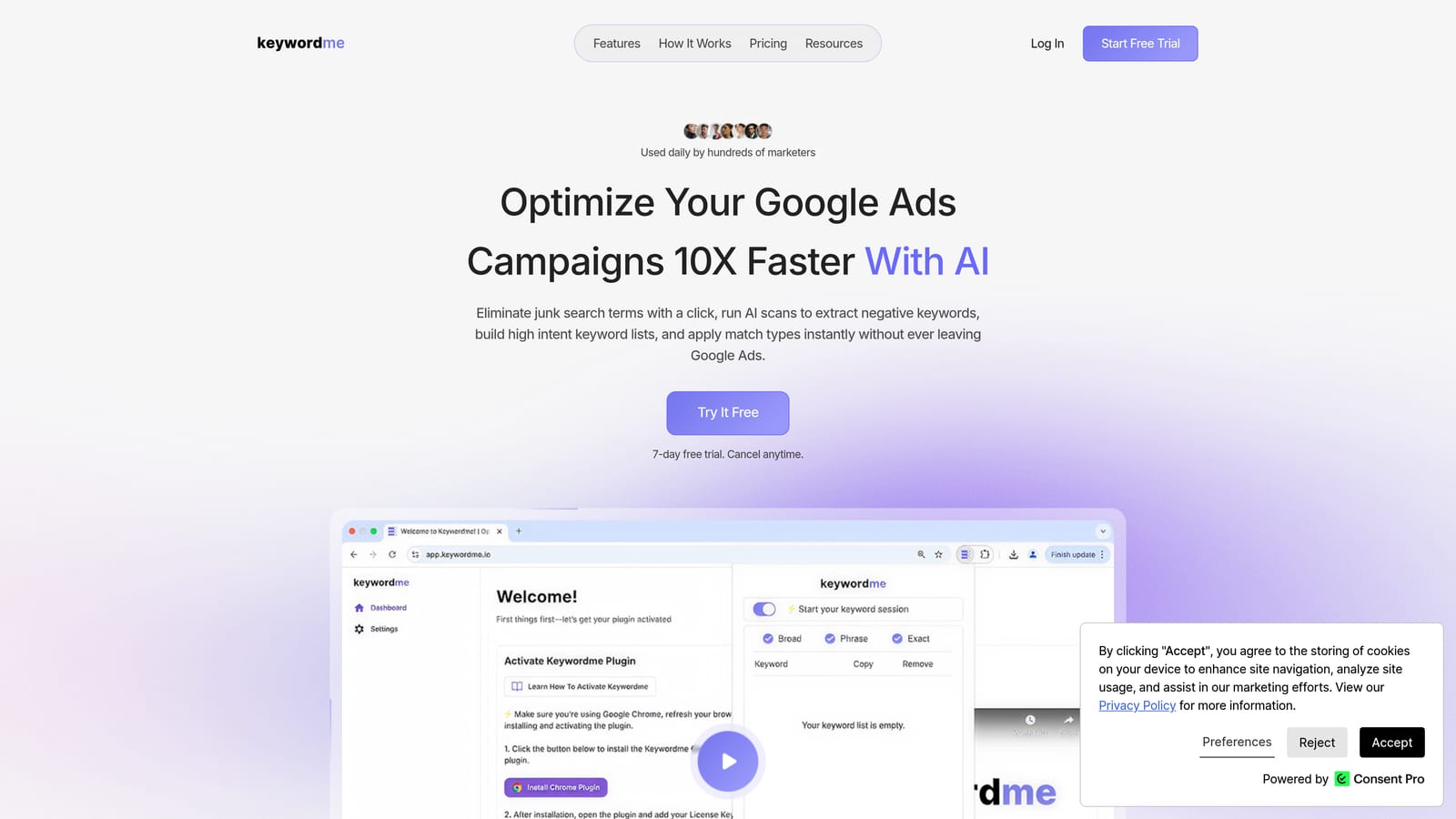
Keywordme is a Chrome extension that works directly inside the Google Ads Search Terms Report, letting you clean up irrelevant queries, add negative keywords, apply match types, and build keyword lists without opening a spreadsheet or switching tabs.
Where This Tool Shines
Most tools that promise to speed up PPC work still require you to export data, work in a separate dashboard, and then import changes back into Google Ads. Keywordme skips all of that. Because it lives inside the native Google Ads interface, every action you take is immediate and in context.
For agencies managing multiple client accounts, the multi-account and team support features make it practical to standardize search term review across the whole roster. The keyword clustering and bulk editing capabilities also help when you're building or reorganizing keyword lists at scale, which is typically one of the slower parts of campaign setup.
Key Features
One-click search term removal: Flag and remove irrelevant search terms directly in the Search Terms Report without exporting anything.
Instant negative keyword addition: Add negatives at the campaign or ad group level in a single click, right where you're already working.
Match type application: Apply broad, phrase, or exact match types to keywords without touching a spreadsheet.
Keyword clustering and bulk editing: Group and edit keyword lists faster than manual sorting allows.
Multi-account and team support: Built for agency workflows where multiple users work across multiple accounts.
Best For
Freelancers and agency teams who spend meaningful time each week on search term review and negative keyword management. It's also a strong fit for solo advertisers who want a faster, less error-prone alternative to the download-spreadsheet-upload loop.
Pricing
$12/month per user, flat rate. A 7-day free trial is available with no commitment required.
2. Google Ads Scripts
Best for: Technical users who want free, flexible automation built directly into Google Ads.
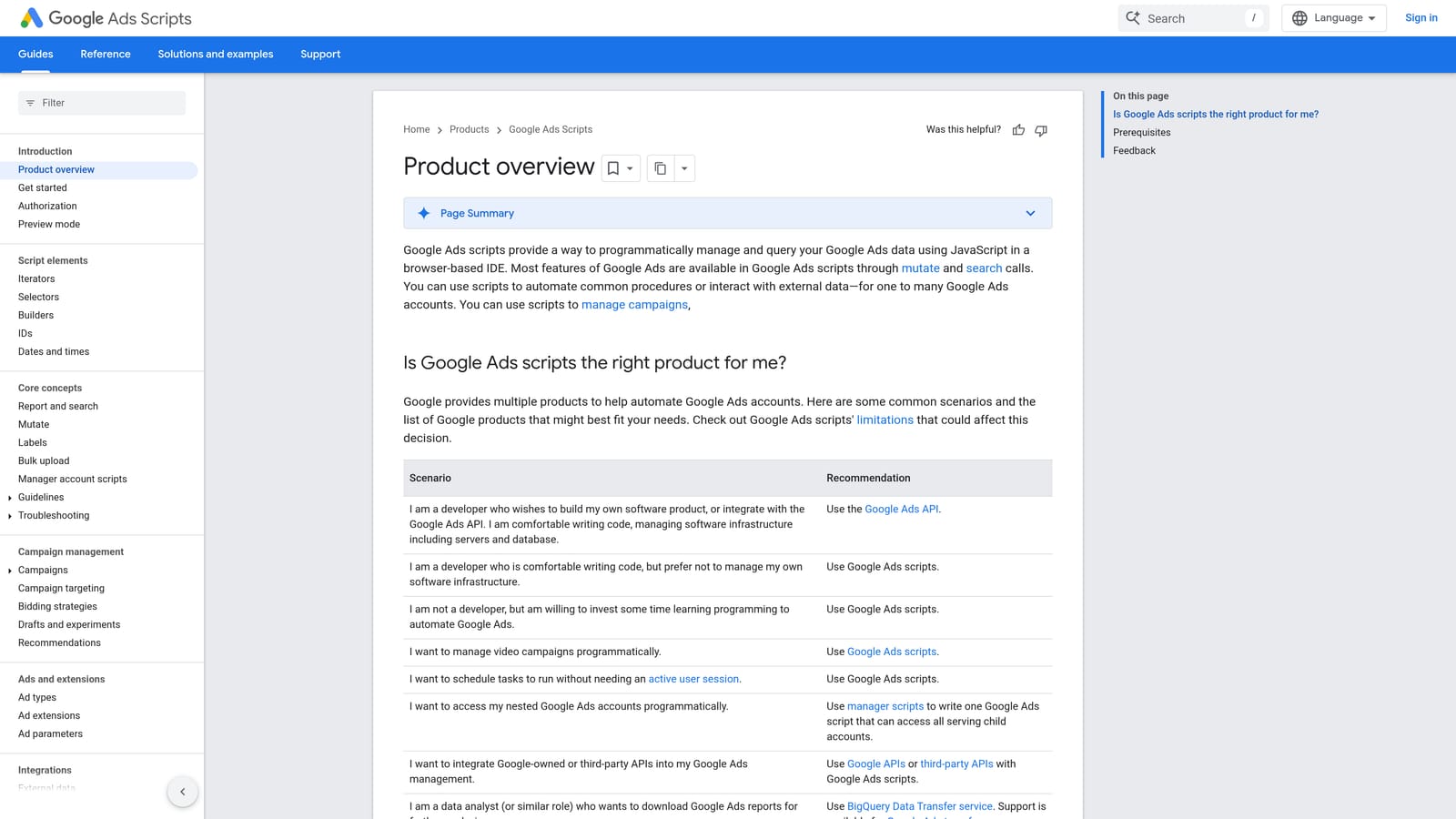
Google Ads Scripts is a native JavaScript automation layer inside Google Ads that lets you automate repetitive tasks like negative keyword additions, bid adjustments, account alerts, and performance reporting.
Where This Tool Shines
Scripts are free, highly customizable, and run inside Google Ads without any third-party platform involved. If you have JavaScript knowledge or access to a developer, you can build automations tailored exactly to your workflow. There's also a large community library of pre-built scripts covering common use cases, so you don't always need to write from scratch.
For multi-account management, MCC-level scripts can run across an entire account portfolio simultaneously, which makes them especially useful for agencies with consistent optimization rules across clients.
Key Features
Free native automation: No third-party subscription required; runs inside any Google Ads account.
Negative keyword and bid automation: Automate additions, adjustments, and rules based on performance thresholds.
Scheduled execution: Set scripts to run automatically on a defined frequency, from hourly to monthly.
Pre-built community scripts: Access a library of ready-to-use scripts for common tasks without writing custom code.
MCC support: Run scripts across multiple accounts through a Manager Account.
Best For
Advertisers with technical skills or developer access who want maximum customization at no additional cost. Less suitable for non-technical users or teams without ongoing capacity to maintain scripts as accounts and campaigns evolve.
Pricing
Free. Included with any Google Ads account. Development and maintenance time are the primary costs.
3. Optmyzr
Best for: Agencies and in-house teams that want rule-based automation and one-click optimizations across multiple accounts.
Optmyzr is a SaaS PPC management platform that offers rule-based automation, one-click optimization workflows, and cross-account reporting for Google Ads, Microsoft Ads, and Amazon Ads.

Where This Tool Shines
Optmyzr's core design principle is that automation should surface recommendations for human review before anything gets applied. That approach suits teams who want to move faster than fully manual work allows, but aren't comfortable with fully automated changes running without oversight. The one-click optimization workflow is the practical middle ground: the platform does the analysis, you make the call.
The rule-based automation engine is flexible enough to cover bids, budgets, keywords, and ads, which means you can build workflows that match your specific account management style rather than adapting to a rigid system.
Key Features
One-click optimization workflows: Recommendations surface for human review before being applied, keeping the advertiser in control.
Rule-based automation: Build custom rules for bids, budgets, keywords, and ad management across accounts.
PPC reporting and account auditing: Identify structural issues and optimization opportunities across the account.
Shopping campaign management: Feed-based automation for product listing ad campaigns.
Multi-account support: Designed for agency team structures managing multiple clients.
Best For
Agencies and in-house PPC teams that need structured automation workflows with human approval steps. Particularly useful when managing Google Ads, Microsoft Ads, and Amazon Ads from a single platform.
Pricing
Subscription-based. Check optmyzr.com for current plan pricing, as tiers vary by account spend and feature access.
4. Google Ads Smart Bidding
Best for: Advertisers with conversion tracking in place who want to automate bid decisions at the auction level.
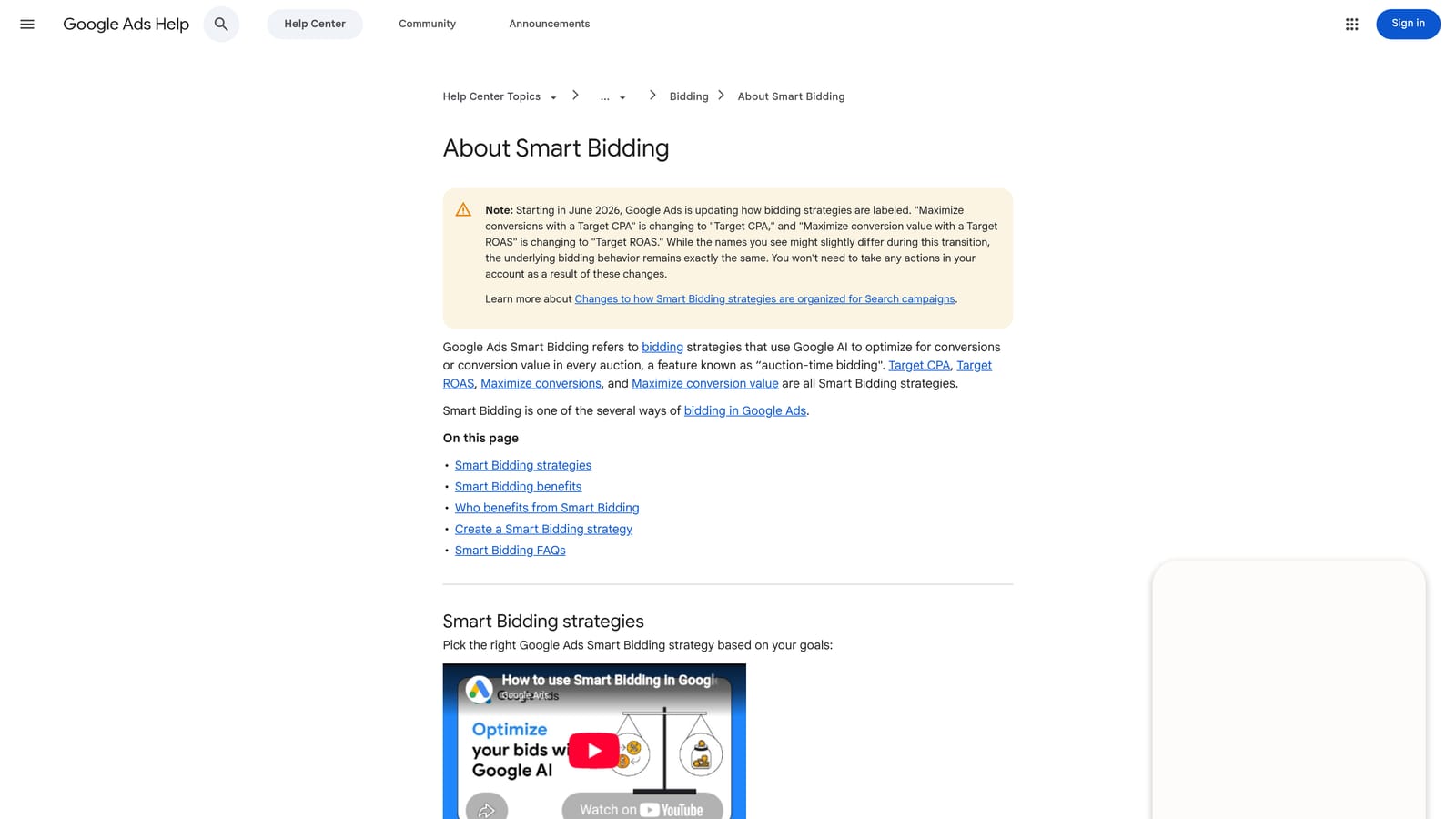
Google Ads Smart Bidding is a suite of native automated bid strategies that uses machine learning and real-time auction signals to optimize bids toward your conversion goals, with no third-party tool required.
Where This Tool Shines
Smart Bidding has access to real-time signals that no external tool can replicate: device, location, time of day, audience membership, query context, and more. It adjusts bids at the individual auction level, which means it's making decisions far faster and with more data than any manual bidding process could match.
The main practical consideration is data. Smart Bidding strategies like Target CPA and Target ROAS require sufficient conversion volume to work effectively. Accounts with low conversion data may see inconsistent results early on while the strategy learns. Google's Help Center documents current recommended conversion thresholds for each strategy.
Key Features
Multiple strategy options: Target CPA, Target ROAS, Maximize Conversions, and Maximize Conversion Value cover most advertiser goals.
Real-time auction signals: Uses device, location, time, audience, and query context that external tools cannot access.
Auction-level bid adjustments: Bids are optimized for every individual auction automatically.
Native conversion tracking integration: Works directly with Google Ads conversion data without requiring exports or syncs.
No additional cost: Included in Google Ads at no extra charge.
Best For
Any advertiser with reliable conversion tracking and enough conversion data to support the chosen strategy. Works best when conversion goals are clearly defined and tracked accurately.
Pricing
Free. Included with Google Ads. You pay only for ad spend, not for using Smart Bidding strategies.
5. Adalysis
Best for: Advertisers who want automated ad testing and account health monitoring without doing the analysis manually.
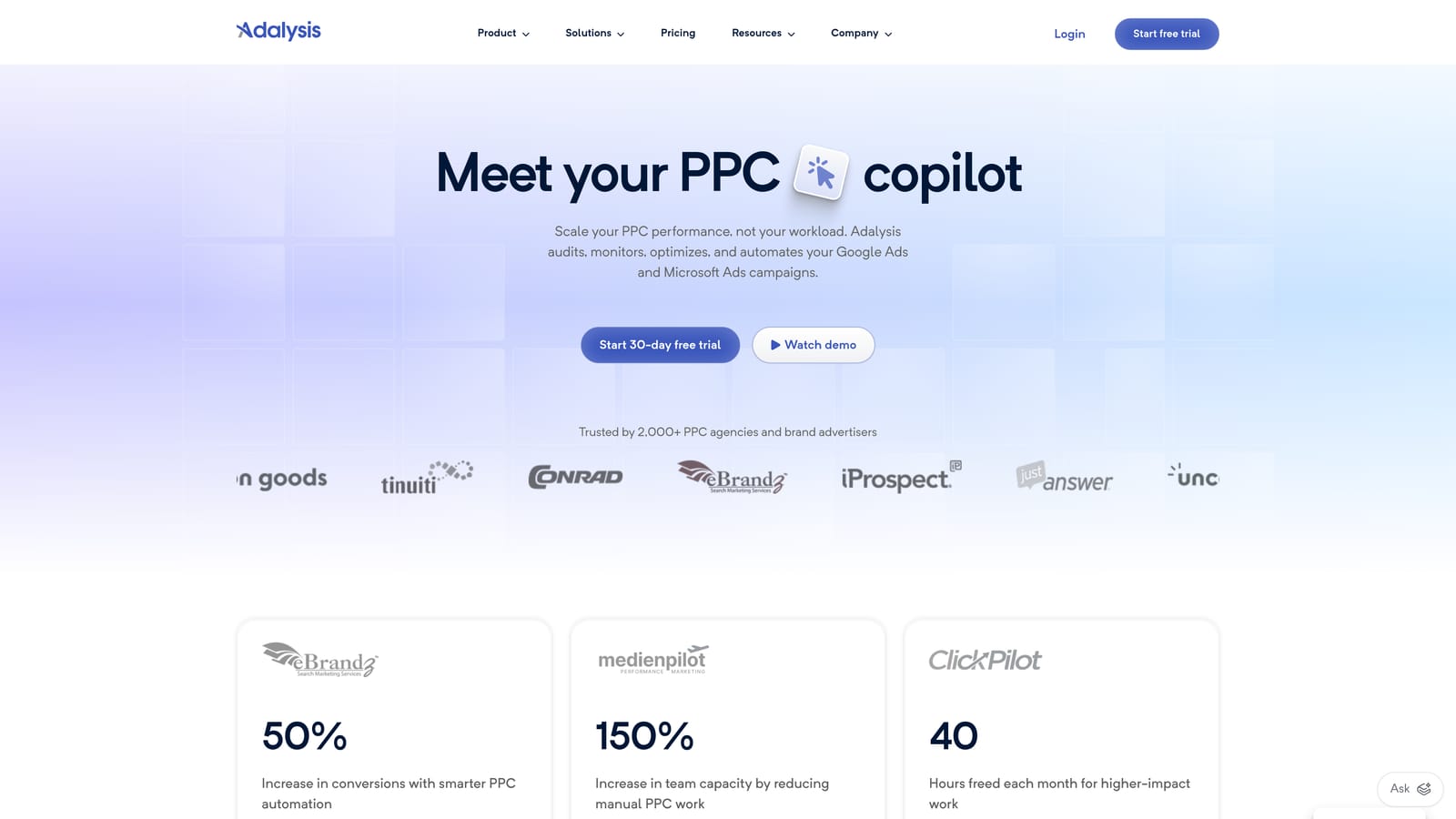
Adalysis is a PPC management and testing platform focused on automated ad testing, quality score monitoring, and account health alerts for Google Ads and Microsoft Ads.
Where This Tool Shines
Ad testing is one of the most consistently neglected parts of manual PPC management because it requires patience, statistical discipline, and regular check-ins to declare winners and losers. Adalysis automates that analysis, flagging which ad variations are underperforming and when a test has reached statistical significance, so you're not guessing or forgetting to follow up.
The account audit and alert system adds a useful safety net. Rather than discovering a budget issue or a disapproved ad days after it happened, the platform surfaces those problems proactively, which is especially valuable when you're managing multiple accounts and can't check every one daily.
Key Features
Automated ad testing: Identifies winning and losing ad variations without requiring manual analysis or statistical calculations.
Quality score tracking: Monitors quality scores at the keyword, ad group, and campaign level over time.
Account audit tools: Flags structural issues and highlights optimization opportunities across the account.
Performance alert system: Notifies you of significant performance changes, disapprovals, and budget problems.
Google Ads and Microsoft Ads support: Works across both platforms from a single interface.
Best For
Advertisers who run ongoing ad copy tests and want systematic analysis rather than manual review. Also suits teams managing multiple accounts who need a reliable alert layer to catch issues early.
Pricing
Subscription-based. Check adalysis.com for current plan details and pricing tiers.
6. SEMrush PPC Toolkit
Best for: Advertisers who want competitive keyword intelligence and structured keyword planning before campaigns go live.
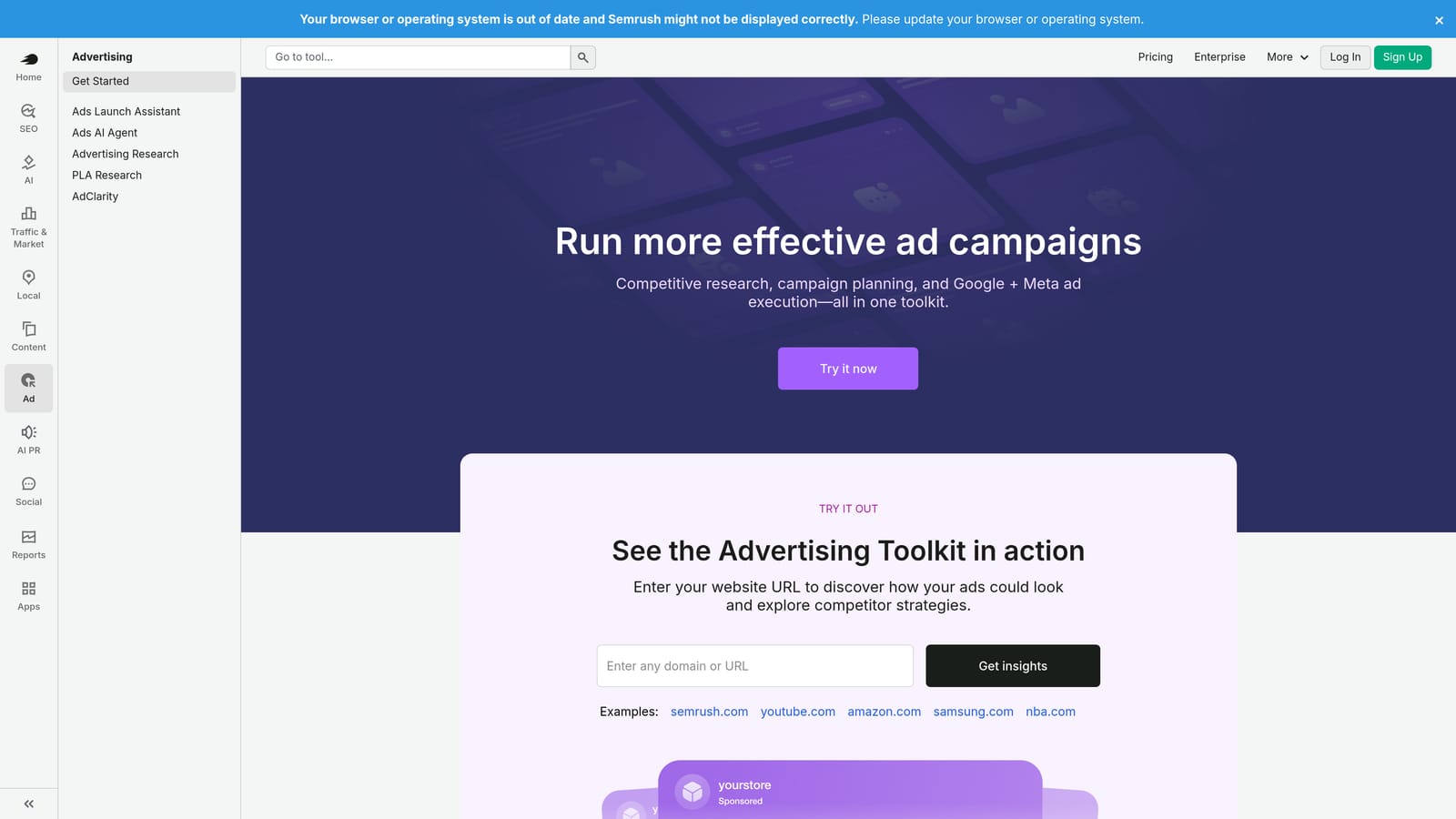
SEMrush's PPC Toolkit is a set of research and planning tools within the broader SEMrush platform, covering competitor ad intelligence, keyword research, and keyword list organization for Google Ads campaigns.
Where This Tool Shines
SEMrush occupies a different part of the PPC workflow than most tools on this list. Rather than optimizing live campaigns, it helps you build better campaigns from the start by showing what competitors are bidding on, what their ad copy looks like, and where the high-intent keyword opportunities are. That upstream research often prevents the kind of wasted spend that makes ongoing optimization so labor-intensive.
The PPC Keyword Tool is particularly useful for organizing and deduplicating keyword lists before uploading them to Google Ads, which cuts down on the structural cleanup work that tends to pile up in accounts that were built quickly.
Key Features
Advertising Research: See competitor keywords, ad copy, and estimated spend data to inform your own strategy.
Keyword Magic Tool: Build high-intent keyword lists with search volume and CPC data.
PPC Keyword Tool: Organize, group, and deduplicate keyword lists before uploading to Google Ads.
CPC Map: Benchmark cost-per-click estimates by geographic region.
Ad History: Review how competitor ad copy has evolved over time.
Best For
Advertisers doing competitive research, building new campaigns, or auditing existing keyword structure. Less suited to live campaign optimization tasks like search term review or bid management.
Pricing
Included in SEMrush subscription plans. Check semrush.com for current plan pricing, as the PPC Toolkit is available across multiple tiers.
7. WordStream Advisor (LocaliQ)
Best for: Small businesses and agencies looking for guided optimization recommendations with optional managed service support.
WordStream Advisor, now operating under the LocaliQ brand, is a PPC management platform that provides guided weekly optimization workflows, keyword recommendations, and cross-channel reporting for Google Ads and other paid channels.
Where This Tool Shines
WordStream built its reputation on simplifying PPC management for advertisers who don't have deep technical expertise. The guided weekly workflow, originally known as the 20-Minute Work Week, was designed to surface the most important optimization tasks and walk users through them in a structured way, rather than leaving them to figure out where to start.
Under the LocaliQ brand, the platform has expanded toward managed digital marketing services, which makes it a reasonable option for businesses that want expert oversight rather than a self-serve tool. The tradeoff is that it's less suited to experienced PPC practitioners who want granular control and more suited to teams that need guardrails and guidance.
Key Features
Guided optimization workflow: Prioritized weekly recommendations walk users through the most impactful changes.
Keyword and negative keyword suggestions: Surfaces keyword opportunities and flags potential wasted spend.
Ad performance grading: Benchmarks account performance against industry averages.
Cross-channel reporting: Covers Google Ads and other paid channels in a single view.
Managed service option: Businesses that prefer hands-off management can access expert-run services.
Best For
Small businesses and agencies that want structured guidance rather than a blank-slate automation platform. The managed service tier suits businesses that want PPC handled for them rather than optimizing in-house.
Pricing
Varies by service tier and whether managed services are included. Check localiq.com for current pricing options.
8. Google Ads Performance Max
Best for: Advertisers who want Google's AI to handle bidding, targeting, and ad delivery across all Google inventory from a single campaign.
Google Ads Performance Max is a native campaign type that uses Google's machine learning to automate bidding, audience targeting, ad creation, and placement across Search, Display, YouTube, Gmail, Discover, and Maps simultaneously.
Where This Tool Shines
Performance Max removes more manual decisions than any other option on this list. A single campaign covers every Google inventory channel, and the AI handles bid optimization, audience selection, and ad serving in real time. For advertisers whose goal is maximum conversion volume with minimal hands-on management, it removes a significant amount of the ongoing work that standard Search campaigns require.
The important trade-off is visibility. Performance Max offers less transparency into search term-level performance than standard Search campaigns, and the reporting on which asset combinations and audience segments are driving results is more limited. Advertisers who rely on detailed search term analysis to control spend may find that constraint frustrating.
Key Features
All-inventory coverage: One campaign type spans Search, Display, YouTube, Gmail, Discover, and Maps automatically.
AI-driven optimization: Google's machine learning handles bidding, targeting, and ad serving in real time.
Asset group structure: Supply headlines, descriptions, images, and video; Google assembles and tests combinations.
Audience signals: Guide initial targeting by providing audience data while the campaign learns.
Insights reporting: Provides some visibility into top-performing asset combinations and audience segments.
Best For
Advertisers with strong conversion tracking, sufficient budget for the AI to learn, and a goal of maximizing conversions across multiple Google channels without managing each one separately. Less suited to advertisers who need granular search term control.
Pricing
Free to use. Included with Google Ads. You pay only for ad spend, not for the campaign type itself.
Which Tool Is Right for Your Workflow
The honest answer is that most advertisers end up using two or three of these together. Native Google automation, such as Smart Bidding or Performance Max, handles bid decisions that no manual process can match at scale. But those tools don't solve the search term review problem, the negative keyword management problem, or the match type decision problem. That's where workflow tools come in.
If search term review and keyword cleanup are your biggest time drains, start with Keywordme. It solves that specific problem faster than anything else on this list, and it does it without adding another dashboard to your routine. Smart Bidding layers in naturally on top, handling bid optimization while you focus on the keyword-level decisions Google's AI doesn't make for you.
For agencies managing multiple accounts with complex automation rules, Optmyzr is worth evaluating. If ad testing and account health monitoring are gaps in your current process, Adalysis fills them well. And if you're building new campaigns or doing competitive research, SEMrush gives you the upstream intelligence to start with better keyword lists and avoid structural problems that create optimization headaches later.
The tools that genuinely replace manual work are the ones that fit where you're already working. If you haven't tried managing search terms directly inside Google Ads without a spreadsheet, Start your free 7-day trial of Keywordme at $12/month per user. It's a low-friction way to find out how much time your current process is actually costing you.
.svg)