
7 Smart Alternatives to Manual Keyword Tracking That Actually Save Time
Manual keyword tracking in Google Ads can consume 5-10 hours weekly through tedious spreadsheet exports, pattern analysis, and data re-entry that invites human error and delays optimization. Modern alternatives to manual keyword tracking—including browser extensions, underutilized native automation features, and AI-powered pattern recognition tools—eliminate this spreadsheet chaos and help PPC advertisers reclaim valuable time while improving accuracy across scaled campaigns.


TL;DR: Manual keyword tracking in Google Ads is a notorious time drain. Between exporting search terms to spreadsheets, manually reviewing hundreds of rows for patterns, and copying keywords back into campaigns, PPC advertisers can easily burn 5-10 hours per week on repetitive tasks. The friction compounds when you're managing multiple accounts or clients. Human error creeps in during data entry. Optimization decisions get delayed because the workflow is just too clunky to do daily. And as your campaigns scale, the spreadsheet chaos becomes genuinely unmanageable.
Here's the good news: You don't have to live in spreadsheet hell anymore. Modern alternatives to manual keyword tracking have evolved dramatically, and many are more accessible than you'd think. We're talking about browser extensions that work directly inside Google Ads, native automation features you're probably underusing, and AI-powered tools that spot patterns you'd miss after hours of manual review.
This guide walks through seven practical alternatives that actually save time—not just shift the workload around. Whether you're a solo advertiser tired of the export-edit-import cycle or an agency juggling dozens of client accounts, there's an approach here that'll reclaim hours of your week. Let's dig into the solutions that turn keyword management from a tedious chore into a streamlined workflow.
1. Browser Extensions That Work Inside Google Ads
The Challenge It Solves
The classic manual workflow forces you to leave Google Ads, open a spreadsheet, manipulate data, then return to upload changes. This export-edit-import cycle breaks your focus and introduces friction at every step. When you're reviewing search terms multiple times per week, those context switches add up fast. You lose momentum, miss optimization opportunities, and the whole process feels unnecessarily complicated.
The Strategy Explained
Browser extensions integrate directly into the Google Ads interface, letting you take keyword actions without leaving your workspace. Think of it like adding power tools to a carpenter's bench—you're working in the same place, just with capabilities the native interface doesn't provide. These extensions typically add buttons or overlays to the search terms report, enabling one-click actions for common tasks like adding negatives, creating keyword groups, or applying match types.

The beauty of this approach is how it eliminates workflow friction. Instead of opening a new tab, exporting CSV files, and manually formatting data, you're clicking directly on the search terms you want to optimize. The extension handles the technical work of communicating with Google Ads in the background. For advertisers who live in the search terms report, this single change can cut optimization time by 60-70%.
Implementation Steps
1. Install a Chrome extension designed for Google Ads optimization (extensions like Keywordme are built specifically for this workflow).
2. Navigate to your search terms report and look for the new interface elements the extension adds—usually action buttons next to each search term.
3. Start with simple actions: click to add high-performing search terms as keywords, or remove junk terms as negatives with a single click.
4. Explore advanced features like bulk editing, keyword clustering, or applying match types across multiple terms simultaneously.
Pro Tips
Don't try to optimize everything at once. Start by focusing on your highest-spend campaigns where time savings matter most. Many extensions offer keyboard shortcuts—learn them early to speed up your workflow even further. If you're managing multiple accounts, look for extensions with team features that let you share settings or collaborate on optimization decisions.
2. Automated Rules Within Google Ads
The Challenge It Solves
Manual keyword monitoring means you're constantly checking performance metrics to catch issues before they drain budget. A keyword that was profitable yesterday might be hemorrhaging money today, but you won't know until your next manual review. This reactive approach creates blind spots where poor performers keep running simply because you haven't gotten around to checking them yet.
The Strategy Explained
Automated rules are Google Ads' native feature for setting conditional triggers that take action based on performance thresholds. Think of them as if-then statements for your campaigns: if a keyword drops below two conversions in seven days, pause it. If cost per conversion exceeds $50, lower the bid by 20%. These rules run on a schedule you define—daily, weekly, or custom intervals—and execute actions automatically without requiring your manual intervention.

The power here isn't just time savings, it's consistency. Rules don't forget to check. They don't get distracted. They apply the same logic across every keyword in scope, catching performance issues that might slip through during manual reviews. For advertisers managing hundreds or thousands of keywords, this systematic approach ensures nothing falls through the cracks.
Implementation Steps
1. Navigate to the "Rules" section under Tools & Settings in Google Ads.
2. Create your first rule by selecting what you want to monitor (keywords, ad groups, campaigns) and defining your trigger conditions.
3. Start conservative—set rules to send you email alerts before taking automated actions, so you can verify the logic is working as intended.
4. Once you're confident, enable automated actions like pausing underperformers or adjusting bids based on your performance thresholds.
5. Review rule activity weekly to ensure they're behaving correctly and adjust thresholds as your campaigns evolve.
Pro Tips
Layer multiple rules for different scenarios rather than trying to create one complex rule that handles everything. Use preview mode to see what would happen before activating a rule. Pay attention to the frequency setting—running rules too often can create erratic bid changes, while running them too infrequently defeats the purpose of automation.
3. Google Ads Scripts for Custom Automation
The Challenge It Solves
Automated rules work great for straightforward logic, but what happens when you need something more sophisticated? Maybe you want to cross-reference keyword performance against external data sources, or implement custom bidding logic based on multiple variables. Manual workarounds for these complex scenarios often involve even more spreadsheet gymnastics and custom formulas that break when Google Ads changes their interface.
The Strategy Explained
Google Ads scripts use JavaScript to access the Google Ads API, giving you programmatic control over virtually any aspect of your account. Think of scripts as your personal automation engineer—they can read data from your campaigns, perform calculations, make decisions based on complex logic, and execute changes automatically. Scripts run on Google's servers on a schedule you define, so they don't require your computer to be running.
The flexibility here is remarkable. You can build scripts that identify keyword cannibalization across campaigns, automatically generate performance reports and email them to clients, or implement custom quality score monitoring. Many advertisers share pre-built scripts in the community, so you don't always need to code from scratch. This approach bridges the gap between basic automation and expensive third-party platforms.
Implementation Steps
1. Access the Scripts section under Tools & Settings in Google Ads.
2. Start with a pre-built script from Google's script gallery or community resources—keyword bid adjustments based on weather data or automated label management are good beginner options.
3. Paste the script code, authorize it to access your account, and configure any required settings like spreadsheet URLs or email addresses.
4. Run the script manually first to verify it works as expected, then set it to run on a schedule.
5. Monitor execution logs to catch errors and refine the script based on actual performance.
Pro Tips
You don't need to be a JavaScript expert to use scripts effectively. Focus on modifying existing scripts from trusted sources rather than building from scratch. Always test scripts on a small subset of keywords before applying them account-wide. Keep a backup of working scripts since Google Ads occasionally updates their API in ways that break older code.
4. Third-Party PPC Management Platforms
The Challenge It Solves
Managing multiple client accounts or large-scale campaigns in the native Google Ads interface becomes genuinely painful beyond a certain threshold. You're constantly switching between accounts, repeating the same optimization tasks across campaigns, and struggling to get a unified view of performance. The lack of bulk editing capabilities means simple changes that should take minutes instead consume hours of repetitive clicking.
The Strategy Explained
Dedicated PPC management platforms sit on top of Google Ads, providing enhanced interfaces designed specifically for professional advertisers and agencies. These tools offer features the native interface doesn't: true bulk editing across multiple accounts, advanced reporting that combines data from different sources, automated optimization suggestions, and collaborative workflows for teams. Think of them as a control center that makes managing complexity actually manageable.

The trade-off is cost and learning curve. Most platforms charge monthly fees based on ad spend or account count, and you'll need to invest time learning a new interface. But for agencies managing dozens of clients or advertisers running campaigns across multiple accounts, the efficiency gains often justify the investment within the first month. The ability to make bulk changes across 20 campaigns simultaneously, or generate client reports with a few clicks, fundamentally changes how you spend your time.
Implementation Steps
1. Evaluate platforms based on your specific needs—Optmyzr, WordStream, and SEMrush offer different feature sets optimized for different user types.
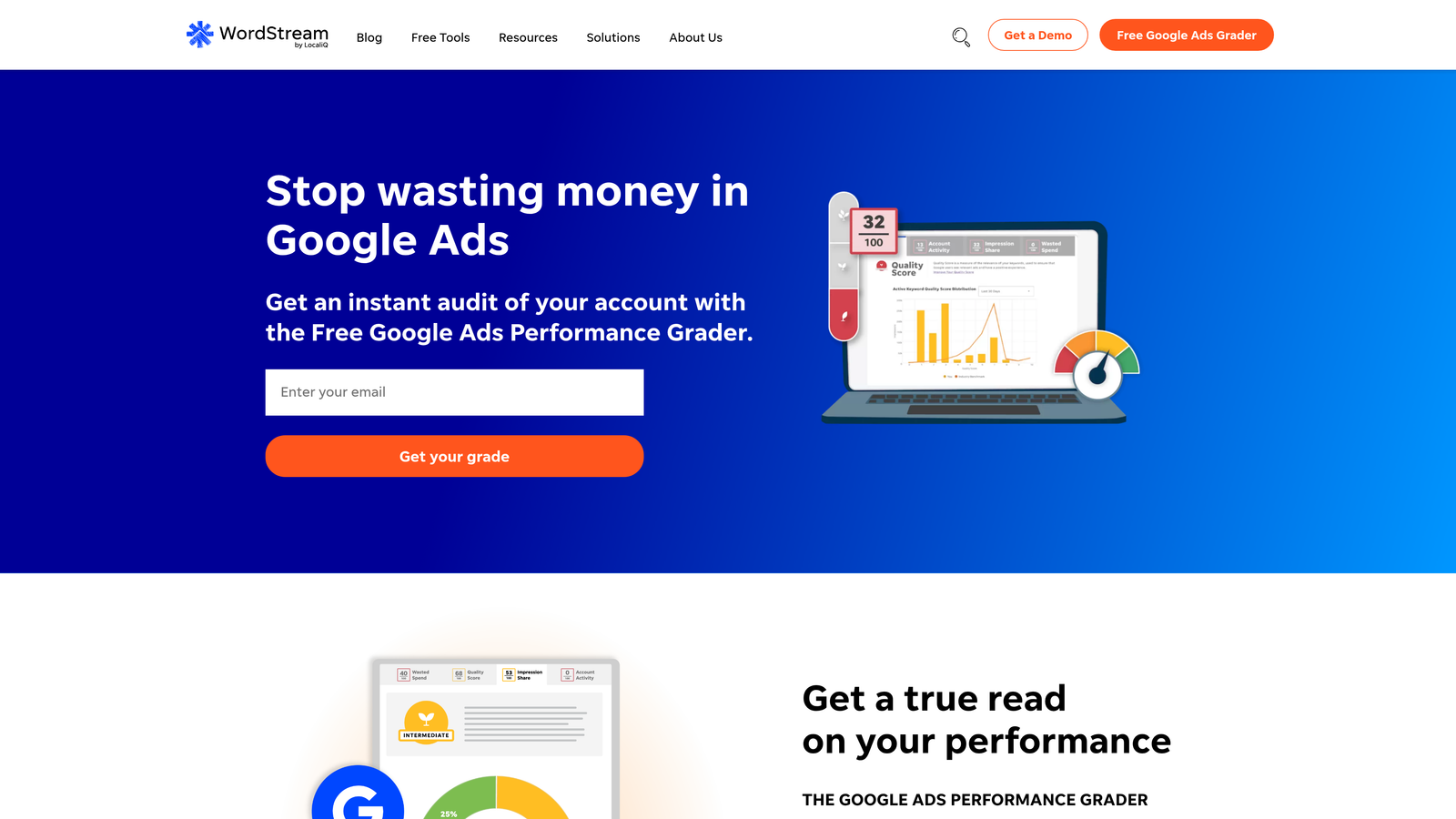
2. Start with a free trial to test the interface and verify it actually solves your workflow pain points before committing financially.
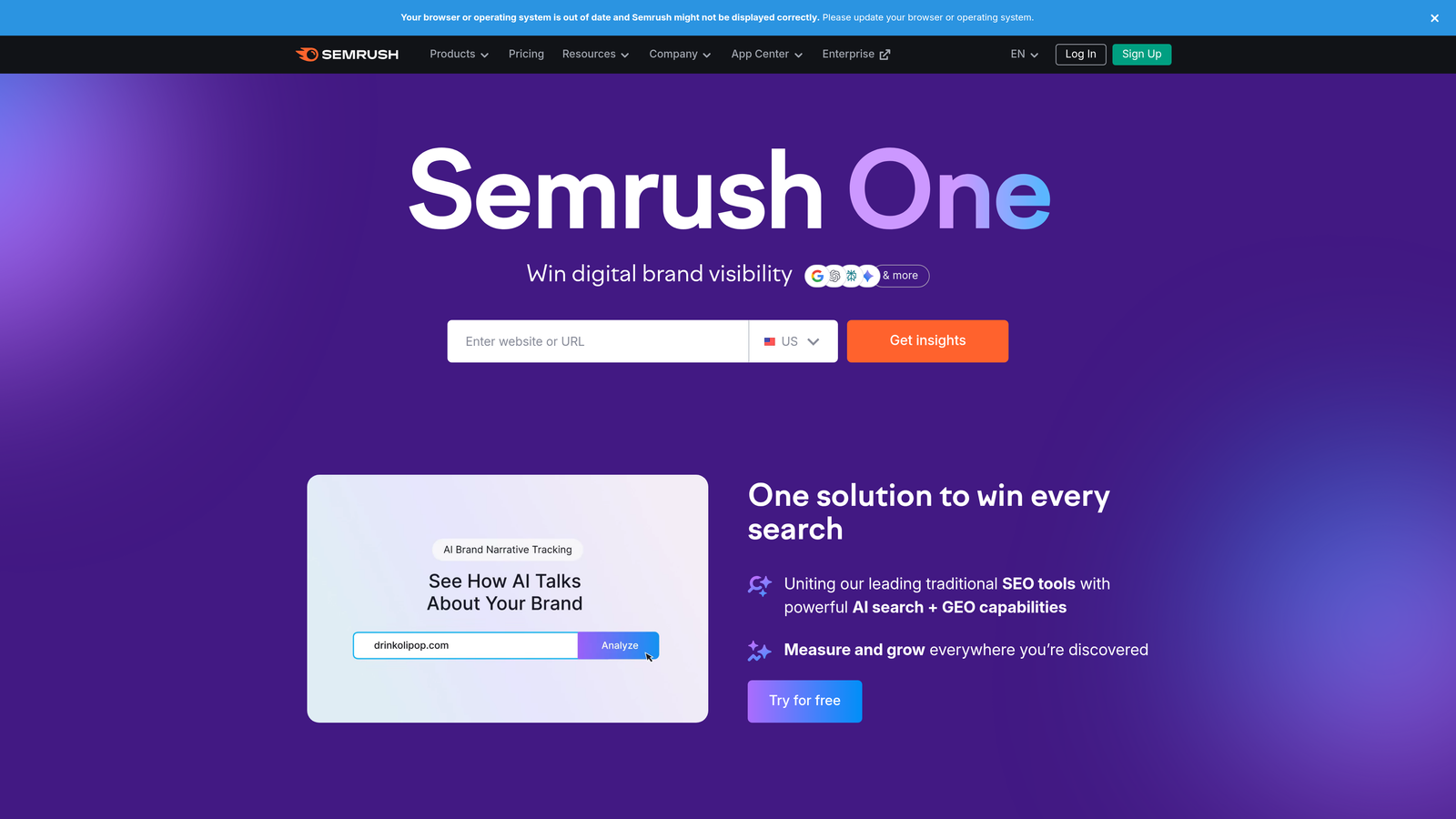
3. Connect your Google Ads accounts through OAuth authentication and let the platform sync your campaign data.
4. Focus on mastering one core feature first (like bulk keyword editing or automated reporting) before exploring advanced capabilities.
5. Build templates for recurring tasks so you can execute common optimizations with minimal repeated setup.
Pro Tips
Don't assume more features equals better value. Choose platforms whose core strengths align with your biggest time drains. Many platforms offer agency-specific features like white-label reporting or client access portals—if you're an agency, these capabilities can be worth the premium pricing. Watch for platforms that charge based on ad spend, as costs can escalate quickly as your accounts grow.
5. Keyword Clustering Tools for Smarter Organization
The Challenge It Solves
Manually sorting keywords into logical groups is mind-numbing work, especially when you're dealing with hundreds of search terms. You're essentially playing a matching game, trying to identify which keywords share intent or meaning so you can organize them into coherent ad groups. Miss the patterns, and you end up with bloated ad groups that make ad copy relevance impossible. Spend too much time on it, and you're back in spreadsheet hell trying to categorize everything perfectly.
The Strategy Explained
Keyword clustering tools use semantic analysis to automatically group keywords by meaning and intent rather than just matching exact words. These tools analyze the linguistic relationships between terms, identifying which keywords represent the same user intent even when the phrasing differs. Instead of manually deciding whether "affordable running shoes" and "budget jogging sneakers" belong together, the clustering algorithm recognizes the semantic similarity and groups them automatically.
This approach reveals patterns you'd miss during manual review. You might discover that you're bidding on the same intent across three different ad groups, creating internal competition. Or you'll spot gaps where you're missing obvious keyword variations. The real value isn't just organization—it's the strategic insights about your keyword coverage that emerge when you can see the semantic landscape of your campaigns.
Implementation Steps
1. Export your current keyword list or search terms report from Google Ads.
2. Upload the data to a clustering tool (options range from specialized software to Python libraries if you're technical).
3. Review the suggested clusters and adjust the algorithm's sensitivity—tighter clustering creates more specific groups, looser clustering creates broader themes.
4. Use the clusters to restructure your ad groups, ensuring each cluster gets its own group with tailored ad copy.
5. Apply the same clustering approach to your negative keyword strategy, identifying patterns in junk search terms that suggest broader negative themes.
Pro Tips
Don't blindly accept the tool's suggestions. Use clustering as a starting point, then apply your market knowledge to refine the groups. Pay special attention to clusters that mix commercial and informational intent—these often need to be split into separate campaigns with different bidding strategies. Re-cluster quarterly as your keyword list evolves and new search patterns emerge.
6. Negative Keyword List Automation
The Challenge It Solves
Building negative keyword lists manually means you're constantly playing defense against junk search terms. You review the search terms report, spot irrelevant queries, add them as negatives, then repeat this process endlessly as new junk terms appear. It's exhausting, and you're always one step behind. By the time you've added "free" as a negative, you've already wasted budget on dozens of freebie-seeking clicks.
The Strategy Explained
Negative keyword list automation creates dynamic filters that proactively block junk search terms based on patterns rather than individual terms. Instead of manually adding "free," "cheap," "DIY," and 50 other variations one at a time, you build rule-based systems that automatically exclude search terms containing specific patterns or characteristics. Some approaches use shared negative keyword lists that apply across multiple campaigns, while more sophisticated setups use scripts or tools to automatically populate these lists based on performance data.
The shift from reactive to proactive filtering is game-changing. You're no longer waiting to waste money before blocking bad traffic. Instead, you're defining the characteristics of irrelevant searches upfront and letting automation handle the filtering. This approach is especially powerful for broad match or phrase match campaigns where search term variation is high.
Implementation Steps
1. Create a shared negative keyword list in Google Ads and populate it with your known junk terms and patterns.
2. Apply this shared list across all relevant campaigns so new campaigns inherit your negative keyword knowledge automatically.
3. Set up a weekly review process where you scan search terms for new patterns rather than individual terms—look for themes like location-based irrelevance or job-seeking queries.
4. If you're technical, implement a script that automatically adds search terms to your negative list if they meet specific criteria (zero conversions after X clicks, for example).
5. Regularly audit your negative keyword lists to remove terms that might have been added too aggressively and are blocking legitimate traffic.
Pro Tips
Start with a conservative negative keyword list and expand gradually. Being too aggressive with negatives can tank your traffic volume and hide opportunities. Use negative keyword lists at the campaign level for broad themes (like "free" or "jobs") and at the ad group level for more specific exclusions. Remember that negative keywords don't work exactly like regular keywords—close variants still apply, so test your negatives to ensure they're blocking what you intend.
7. AI-Powered Keyword Suggestions and Optimization
The Challenge It Solves
Human pattern recognition has limits. When you're staring at thousands of search terms, you'll spot the obvious winners and losers, but you'll miss subtle patterns that indicate emerging opportunities or gradual performance degradation. Your brain can't process the multidimensional relationships between keywords, match types, device performance, time of day, and dozens of other variables simultaneously. This means optimization decisions are often based on incomplete pattern recognition.
The Strategy Explained
AI-powered tools analyze search term patterns using machine learning algorithms that can process far more variables than human analysis allows. These systems look at historical performance data, identify statistical patterns in what makes keywords successful, and generate recommendations based on those patterns. Google's own Smart Bidding and recommendations engine represents one form of this approach, while third-party tools often offer more specialized analysis focused on keyword discovery and search term optimization.
The key is understanding these tools as decision support rather than autopilot. AI excels at spotting patterns and generating hypotheses, but it lacks the strategic context and brand knowledge you bring. The most effective approach combines AI pattern recognition with human judgment—let the algorithms surface opportunities and risks, then apply your expertise to decide which suggestions align with your business goals.
Implementation Steps
1. Enable Google Ads recommendations if you haven't already, and review the keyword suggestions it generates based on your search terms data.
2. Evaluate third-party AI tools that specialize in keyword analysis—look for platforms that explain their recommendations rather than just providing black-box suggestions.
3. Start by testing AI-generated keyword suggestions in a small test campaign with limited budget to validate the quality before scaling.
4. Review the performance of AI-suggested keywords monthly, comparing their metrics to your manually selected keywords to gauge the tool's effectiveness.
5. Use AI insights to inform your strategy rather than replacing your judgment—if the AI suggests keywords that don't align with your brand positioning, trust your instincts.
Pro Tips
Pay attention to which AI recommendations consistently perform well versus which ones miss the mark. This pattern will tell you where the algorithm's strengths lie for your specific account. Don't accept every suggestion—AI tools often prioritize volume over intent quality, so filter recommendations through your understanding of customer value. Combine AI keyword suggestions with your clustering approach to organize new keywords strategically from the start.
Putting It All Together: Choosing Your Automation Stack
Here's the thing about alternatives to manual keyword tracking: you don't need to implement all seven at once. In fact, trying to do everything simultaneously will just create a different kind of overwhelm. The smart approach is building your automation stack progressively based on where you're losing the most time right now.
If you're a solo advertiser managing one or two accounts, start with a browser extension that eliminates the export-edit-import cycle. This single change delivers immediate time savings with minimal learning curve. Add automated rules next to catch obvious performance issues while you sleep. That combination alone will reclaim 5-7 hours per week for most advertisers.
For agencies or advertisers managing multiple accounts, prioritize tools that enable bulk actions and cross-account management. A third-party platform becomes worth the investment when you're repeating the same optimization tasks across ten client accounts. Layer in keyword clustering to ensure your campaign structures stay organized as you scale. The goal is eliminating repetitive work that doesn't require strategic thinking.
Technical advertisers should explore scripts and AI-powered tools once the basics are automated. These advanced approaches unlock sophisticated optimization strategies that simply aren't possible with manual workflows. But they're overkill if you're still exporting search terms to spreadsheets—fix the foundation first.
Ready to eliminate the busywork? Start your free 7-day trial of Keywordme and optimize your Google Ads campaigns 10X faster—without leaving your account. Remove junk search terms, build high-intent keyword groups, and apply match types instantly, right inside Google Ads. No spreadsheets, no switching tabs, just quick, seamless optimization. Manage one campaign or hundreds and save hours while making smarter decisions. After your trial, it's just $12/month to keep your workflow running smoothly.
The alternatives to manual keyword tracking exist. They're accessible. And they actually work. Pick one, implement it this week, and start reclaiming your time.
.svg)