
9 Best Alternatives to Manual Keyword Optimization in 2026
Discover the 9 best alternatives to manual keyword optimization in 2026, from lightweight Chrome extensions to full-scale PPC platforms designed to automate time-consuming search term analysis, negative keyword management, and bid adjustments. This guide evaluates each tool on automation depth, ease of use, and pricing so freelancers and agencies can eliminate spreadsheet-based workflows and focus on higher-level PPC strategy.


TL;DR: Manual keyword optimization, scrolling through search terms reports, copying data into spreadsheets, adding negatives one by one, eats hours every week and leaves money on the table. Whether you're a freelancer managing a handful of accounts or an agency juggling dozens, there are tools built specifically to automate the tedious parts of PPC keyword management so you can focus on strategy instead of data entry. This list covers the best alternatives to manual keyword optimization in 2026, from lightweight Chrome extensions to full-scale PPC platforms. We evaluated each tool based on ease of use, automation depth, pricing transparency, and how well it actually replaces the manual grind. If you're still exporting CSVs and highlighting rows in Google Sheets, it's time to upgrade your workflow.
1. Keywordme
Best for: Google Ads users who want fast, in-interface keyword optimization without leaving their account
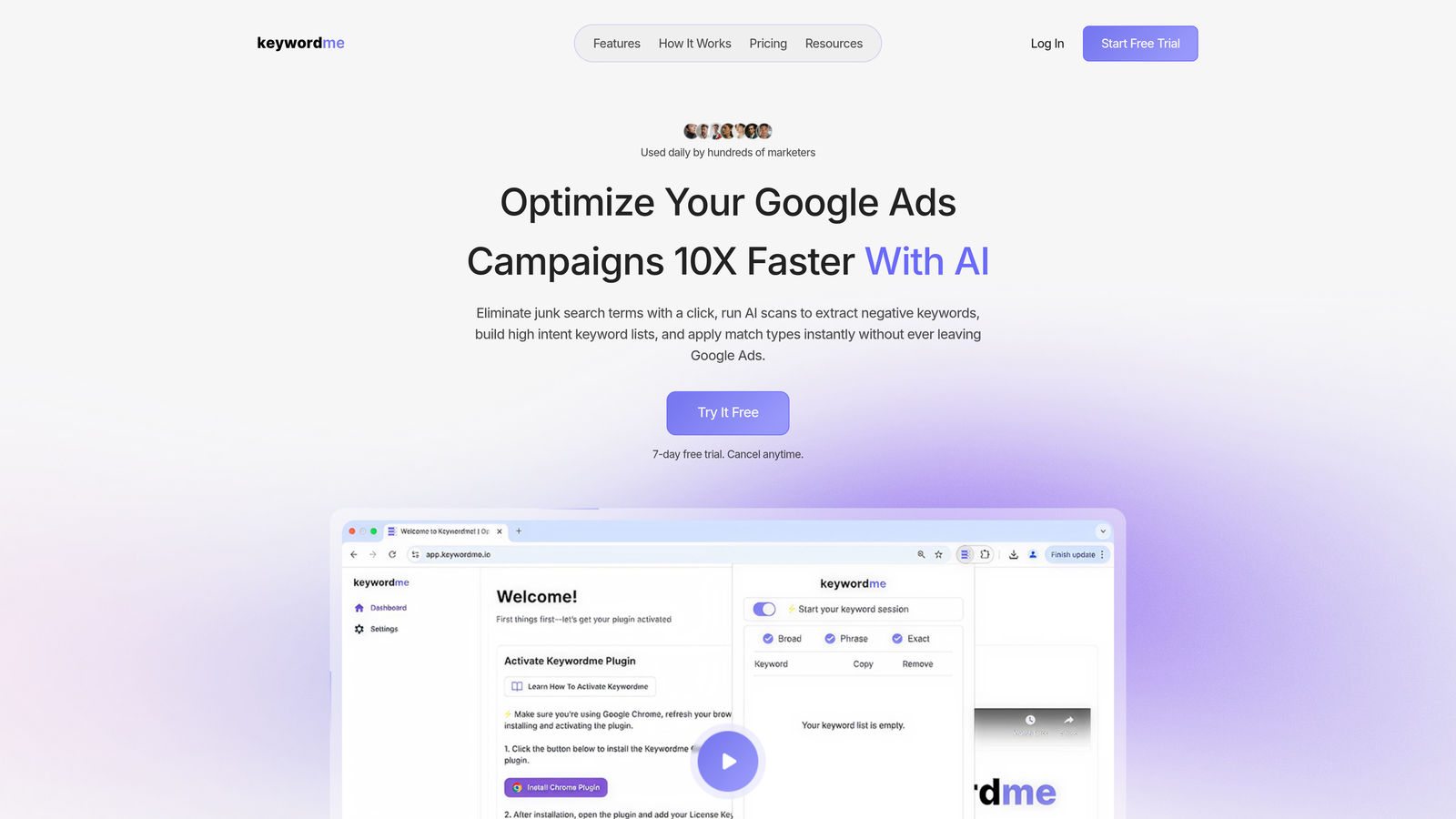
Keywordme is a Chrome extension that integrates directly into the Google Ads Search Terms Report, turning what used to be a multi-step spreadsheet process into a series of one-click actions.
Where This Tool Shines
In most accounts I audit, the search terms report is where the most wasted spend hides. Irrelevant queries, broad match bleed, low-intent traffic that converts at a fraction of the rate of your core keywords. Keywordme sits right inside that report and lets you act on what you see immediately, without exporting a thing.
The workflow change is significant. Instead of copy-pasting terms into a spreadsheet, flagging them, building a negative list offline, and then uploading it back into Google Ads, you're handling all of it in one place. For agencies managing multiple accounts, the multi-user and multi-account support makes this scale cleanly across a team.
Key Features
One-Click Junk Term Removal: Dismiss irrelevant search terms directly from the Search Terms Report without exporting or switching tabs.
In-Interface Keyword Adding: Add high-intent search terms as keywords and apply match types (exact, phrase, broad) without leaving Google Ads.
Bulk Negative Keyword List Building: Select and add multiple negatives at once, dramatically cutting down list-building time.
Keyword Clustering and Grouping: Organize new keywords into ad groups without jumping between screens or external tools.
Multi-Account and Team Support: Designed for agencies managing multiple clients, with shared workflows across team members.
Best For
Keywordme is a strong fit for solo Google Ads managers and agency teams who spend significant time each week in the Search Terms Report. If your bottleneck is the repetitive mechanics of keyword hygiene rather than strategy, this is where the time savings are most immediate. It's less suited to advertisers running non-Google platforms.
Pricing
$12/month per user with a 7-day free trial. Flat-rate pricing with no ad spend tiers makes it predictable regardless of account size.
2. Optmyzr
Best for: Agencies and experienced PPC managers who need deep automation across multiple ad platforms
Optmyzr is a full-featured PPC management platform with rule-based automations, one-click optimizations, and reporting built for Google, Microsoft, and Amazon Ads.

Where This Tool Shines
Optmyzr is what you reach for when you need automation that goes beyond keyword management. The rule-based engine lets you build custom workflows that trigger based on performance thresholds, which is genuinely useful for accounts with lots of moving parts. One-click optimizations let you review and apply suggested changes in batches rather than one at a time.
The mistake most agencies make is treating Optmyzr like a set-it-and-forget-it tool. It rewards users who invest time in configuring their rules and reviewing its suggestions critically. The payoff is real, but there's a learning curve upfront.
Key Features
Rule-Based Automation Engine: Build custom workflows triggered by performance conditions across campaigns, ad groups, and keywords.
One-Click Optimizations: Review and apply batched suggestions across search, shopping, and display without manual edits.
Negative Keyword Management: Search term analysis with negative keyword recommendations and bulk application.
Custom Reporting and Dashboards: Build client-facing reports with flexible data visualizations.
Multi-Platform Support: Manage Google, Microsoft, Amazon, and Meta Ads from a single interface.
Best For
Mid-size to large agencies managing multiple clients across platforms. Also well-suited for in-house teams running complex Google Ads accounts where custom automation logic is needed. The price point makes it less practical for solo freelancers managing small budgets.
Pricing
Starts around $249/month depending on ad spend tier. Pricing scales with managed spend, so costs increase as your accounts grow.
3. Google Ads Automated Rules (Native)
Best for: Advertisers who want basic automation without adding a new tool or monthly cost
Google Ads Automated Rules is a built-in feature that lets you set condition-based triggers to pause keywords, adjust bids, or enable and disable ads on a schedule, all inside the native interface.

Where This Tool Shines
What usually happens here is that advertisers discover Automated Rules when they're trying to solve a specific problem, like pausing low-CTR keywords or turning off ads on weekends, and they realize the tool was sitting there the whole time. For straightforward, repeatable tasks, it's surprisingly capable.
The limitation is flexibility. You're working within Google's predefined condition options, which means complex logic or cross-campaign rules require workarounds. It also doesn't give you a clean workflow for search term analysis specifically, which is where most manual keyword work actually lives.
Key Features
Schedule-Based Adjustments: Pause or enable keywords, ads, and campaigns on a defined schedule without manual intervention.
Condition Triggers: Set performance thresholds, such as pausing keywords below a CTR target or above a CPA limit.
Email Notifications: Get alerts when rules fire so you stay informed without logging in constantly.
Zero Additional Cost: Fully included in Google Ads with no subscription or setup fees.
Best For
Advertisers who want to automate a handful of specific, recurring tasks without committing to a paid tool. It's a good starting point for beginners and a useful complement to more powerful tools, but not a comprehensive replacement for manual keyword optimization on its own.
Pricing
Free. Built into every Google Ads account with no additional cost or ad spend requirements.
4. WordStream (by LocaliQ)
Best for: Small businesses and beginners who need guided PPC recommendations without deep technical knowledge
WordStream is a PPC management tool designed to simplify campaign optimization through prioritized action items and a guided workflow across Google, Meta, and Microsoft Ads.

Where This Tool Shines
WordStream's 20-Minute Work Week feature is its most distinctive element. It surfaces a prioritized list of recommended actions and walks you through implementing them. For small business owners who don't live inside Google Ads every day, this kind of guided experience reduces the cognitive load of knowing where to start.
It's less of a power tool and more of a structured workflow layer. If you already know what you're doing in Google Ads, you may find the guided approach limiting. But for teams without a dedicated PPC specialist, it fills a real gap.
Key Features
20-Minute Work Week: A curated list of prioritized optimization actions designed to be completed in a short weekly session.
Cross-Platform Management: Manage campaigns across Google, Meta, and Microsoft Ads from one interface.
Negative Keyword Suggestions: Keyword research and negative keyword recommendations based on account performance.
Performance Grading: Benchmarking tool that scores your account against industry averages.
Landing Page Analysis: Flags landing page issues that may be affecting Quality Score and conversion rates.
Best For
Small businesses, local advertisers, and marketing generalists who manage PPC as one part of a broader role. Also useful for agencies that work with SMB clients who need simplified reporting and recommendations.
Pricing
Custom pricing based on account needs. A free performance grader is available without signing up, which is a useful entry point.
5. Adalysis
Best for: PPC managers who want proactive monitoring and automated alerts rather than reactive optimization
Adalysis is a Google Ads optimization platform focused on continuous account monitoring, automated alerts, and search term analysis with built-in negative keyword recommendations.

Where This Tool Shines
Adalysis is built around the idea that catching problems early is better than fixing them after budget has been wasted. Its alert system monitors your account continuously and flags issues before they compound, which is genuinely valuable for agencies managing accounts they can't check every day.
The search term monitoring is particularly strong. It doesn't just surface terms; it recommends negatives with context, showing you why a term is problematic based on actual account data. The ad testing module with statistical significance tracking is a bonus that most keyword-focused tools don't include.
Key Features
Automated Search Term Monitoring: Continuous analysis of search terms with negative keyword recommendations surfaced automatically.
Ad Testing with Statistical Significance: Run structured ad tests and get clear guidance on when results are statistically valid.
Quality Score Monitoring: Track Quality Score changes over time with alerts when scores drop.
Bulk Keyword and Ad Management: Apply changes across multiple campaigns and ad groups simultaneously.
Customizable Alert Thresholds: Set your own performance benchmarks for what triggers a notification.
Best For
PPC managers and agencies who want a monitoring-first approach to account management. Particularly useful for accounts with high search term volume where manual review isn't feasible on a daily basis.
Pricing
Starts around $99/month based on ad spend. Pricing scales with the size of the accounts you're managing.
6. Google Ads Scripts
Best for: Technical PPC managers or teams with developer resources who need fully custom automation
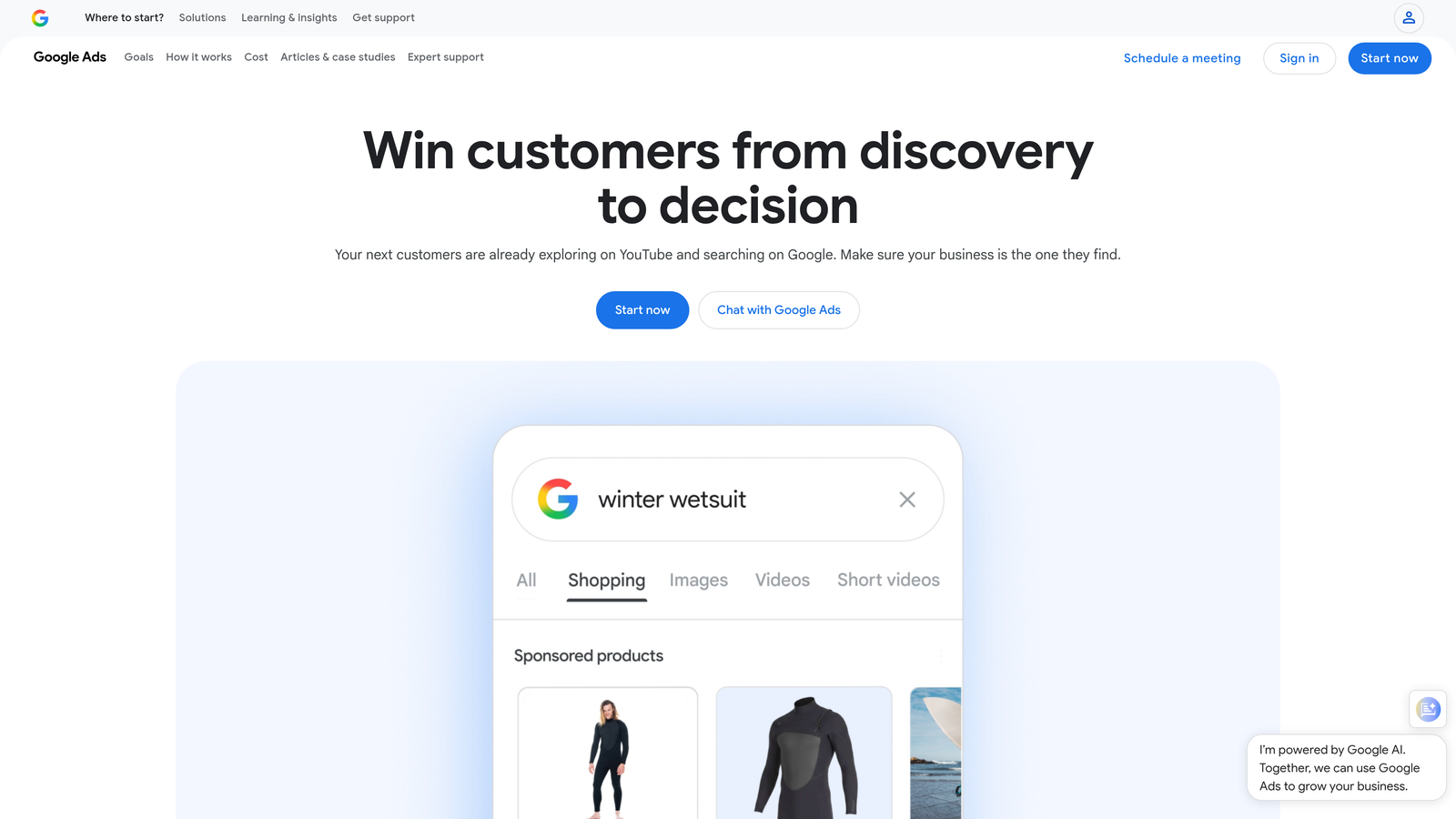
Google Ads Scripts is a JavaScript-based automation layer built into Google Ads that allows users to create fully custom keyword management, reporting, and bidding workflows.
Where This Tool Shines
Scripts are the most powerful free option on this list, but the word "free" comes with an asterisk. You're either writing JavaScript yourself, hiring someone who can, or adapting community-shared scripts to fit your account structure. For teams with that capability, the ceiling is essentially unlimited.
The practical use case most PPC managers start with is n-gram analysis or automated negative keyword management, where a script reviews search terms on a schedule and flags or adds negatives based on rules you define. Once it's running, it runs without you.
Key Features
Fully Customizable JavaScript Automation: Build any workflow you can code, from keyword management to custom bidding logic.
Community Script Libraries: A large ecosystem of pre-built scripts shared by the PPC community is available online and adaptable for most accounts.
Scheduled Execution: Run scripts on a daily, weekly, or custom schedule without manual triggering.
Direct API-Level Access: Query and modify account data at a level of depth not available through the standard UI.
Best For
Technical PPC managers, agencies with in-house developers, or anyone comfortable working with shared script templates. Not practical for non-technical users without developer support.
Pricing
Free to use within Google Ads. The real cost is developer time for setup, customization, and ongoing maintenance.
7. SEMrush PPC Toolkit
Best for: Marketers who want keyword research and competitor intelligence alongside their PPC management
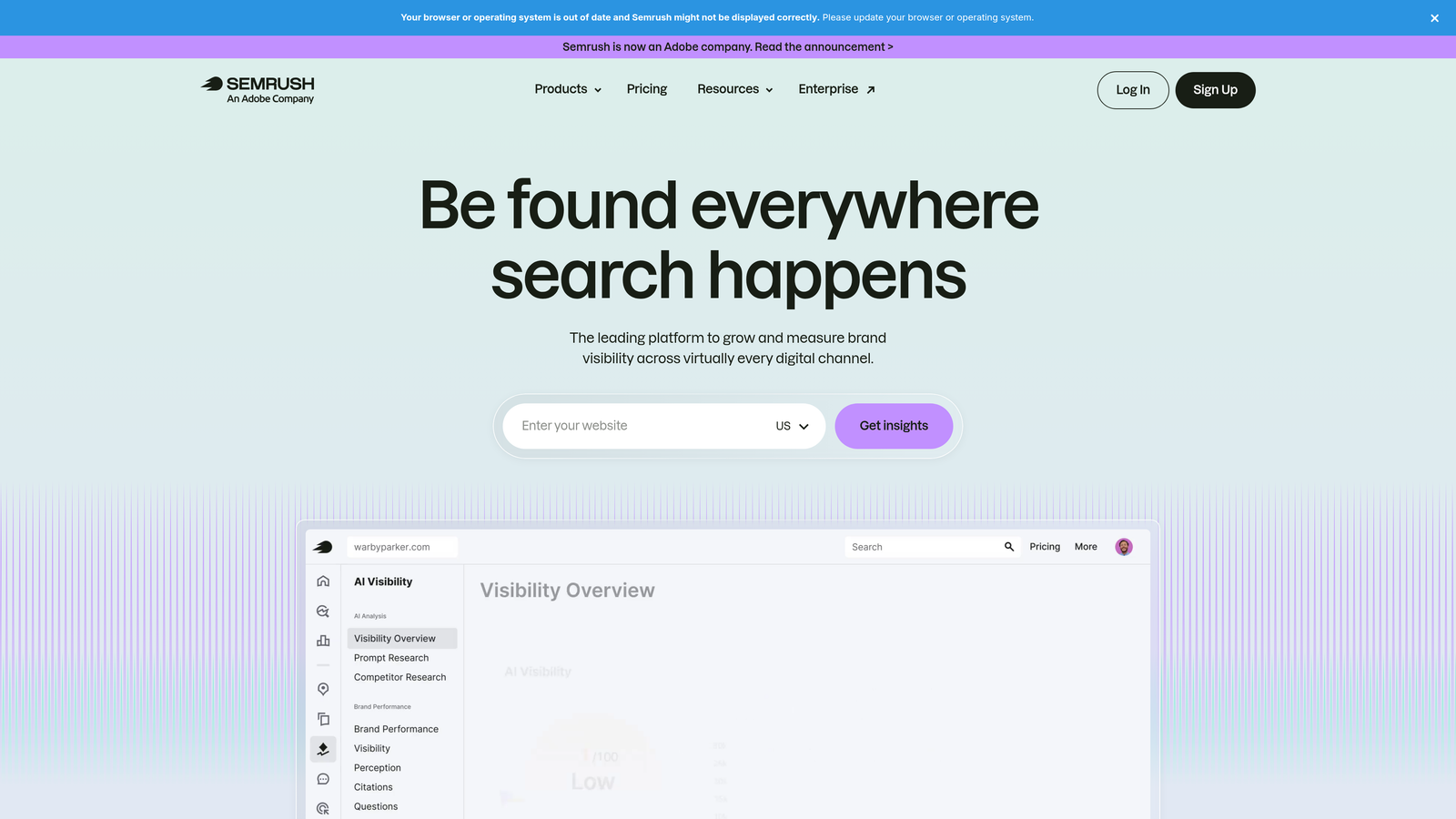
SEMrush is an all-in-one marketing platform with a dedicated PPC module covering keyword research, competitor ad analysis, and campaign planning tools.
Where This Tool Shines
SEMrush is strongest at the research and planning end of PPC keyword work rather than the ongoing optimization end. If you're building out a new campaign or trying to understand what competitors are bidding on, the PPC Toolkit gives you data that's hard to get anywhere else at this depth.
The cross-channel keyword overlap feature, which shows you where your SEO and PPC keyword strategies intersect or conflict, is particularly useful for teams managing both channels. It's not a replacement for a dedicated PPC optimization tool, but as a research layer it's hard to beat.
Key Features
PPC Keyword Research: CPC estimates, competition levels, and keyword volume data for campaign planning.
Competitor Ad Analysis: See competitor ad copy, keywords, and estimated spend to inform your own strategy.
Keyword Grouping and List Management: Organize keywords into structured lists and ad groups before importing to Google Ads.
SEO and PPC Keyword Overlap Insights: Identify where paid and organic strategies can be coordinated or where you're paying for traffic you already rank for organically.
Ad Builder and Campaign Planning: Draft ad copy and map out campaign structure within the platform.
Best For
Digital marketing teams managing both SEO and PPC who want a unified research platform. Also useful for agencies doing competitive research before launching or restructuring campaigns.
Pricing
Starts at $139.95/month for the Pro plan. PPC tools are included across all tiers, though higher plans unlock more data and features.
8. Opteo
Best for: Google Ads managers who want a steady stream of actionable improvement suggestions without building complex automation
Opteo is a Google Ads optimization tool that surfaces continuous improvement suggestions in a feed-style interface, with one-click implementation directly to your account.
Where This Tool Shines
Opteo's feed-based approach is genuinely different from most tools on this list. Instead of asking you to configure rules or run reports, it continuously analyzes your account and surfaces specific, prioritized suggestions. You review each one, decide whether to apply it, and push the change with one click.
For managers who don't want to think about what to optimize next, this workflow removes a lot of mental overhead. The tradeoff is that you're working within Opteo's suggestion logic rather than defining your own rules, which suits some workflows better than others.
Key Features
Prioritized Improvement Feed: A continuously updated list of specific optimization suggestions ranked by potential impact.
One-Click Change Implementation: Apply suggestions directly to Google Ads without navigating the native interface.
Search Term Management: Negative keyword recommendations surfaced as part of the suggestion feed.
Budget and Performance Monitoring: Alerts for budget pacing issues, performance drops, and anomalies.
Multi-Account Dashboard: Manage and monitor multiple Google Ads accounts from a single view.
Best For
Solo PPC managers and small agencies who want an always-on optimization assistant without the complexity of rule-based automation platforms. Works well for accounts where ongoing refinement matters more than large-scale restructuring.
Pricing
Starts at $129/month based on ad spend. Pricing tiers increase as managed spend grows.
9. N-Gram Analysis Tools (Free/Open Source)
Best for: PPC managers comfortable with spreadsheets or scripting who want a free, scalable way to surface negative keyword patterns
N-gram analysis is a technique, not a single tool, that breaks search terms into word-level patterns to surface high-spend, low-converting terms at scale using free Google Sheets templates or Python scripts.
Where This Tool Shines
N-gram analysis is one of the most underused techniques in PPC keyword management. The idea is simple: instead of reviewing individual search terms, you look at which words or two-word combinations appear repeatedly across your search terms and are draining budget without converting. A single word showing up in 200 irrelevant queries is a negative keyword waiting to be added.
The free scripts and Google Sheets templates shared by the PPC community are genuinely powerful for accounts with high search term volume. The limitation is that it's a periodic analysis tool, not a live workflow. You run it, act on the findings, and run it again next month.
Key Features
Word-Pattern Breakdown: Splits search terms into single-word, two-word, and three-word combinations to reveal patterns invisible at the individual term level.
High-Spend Pattern Identification: Surfaces word combinations that are consuming budget without contributing conversions.
Free Templates and Scripts: Available as Google Sheets templates or Python scripts shared by the PPC community, no subscription required.
Fully Customizable: Adapt thresholds, filters, and output formats to match your account's specific needs.
Best For
PPC managers who are comfortable with spreadsheets or basic scripting and want a free, scalable method for negative keyword discovery. Also useful as a complement to paid tools for accounts with very high search term volume.
Pricing
Free. Setup requires time and either spreadsheet skills or basic Python/JavaScript knowledge. Ongoing use requires periodic manual runs rather than automated monitoring.
Which Tool Is Right for Your PPC Workflow
The right tool depends entirely on where your time is actually going and what kind of account you're managing.
If you're a solo freelancer or a Google Ads specialist who spends meaningful time each week in the Search Terms Report, Keywordme is the most direct solution. It removes the friction from the exact task that eats the most time: reviewing terms, adding negatives, and building keyword lists. At $12/month, the math works out quickly if you're billing hourly or managing your own ad spend.
For agencies managing multiple clients across platforms, Optmyzr or Adalysis give you the automation depth and monitoring infrastructure that scales with a team. They cost more, but they're built for that volume.
If you're just getting started and want to reduce manual work without adding a paid tool, Google Ads Automated Rules and N-gram analysis templates are legitimate free options that can meaningfully reduce repetitive tasks.
The goal here isn't to add more software to your stack. It's to reclaim the hours you're currently spending on data entry and spend them on the decisions that actually move accounts forward: bidding strategy, audience segmentation, offer testing, and creative direction.
If you're still copying search terms into a spreadsheet every week, the fastest way to change that is to try a tool that works where you already are. Start your free 7-day trial of Keywordme and see how much time you get back in the first session. After that, it's just $12/month to keep the workflow running.
.svg)