
8 Best Alternatives to Optmyzr for Google Ads Optimization
Discover the 8 best alternatives to Optmyzr for Google Ads optimization in 2026, covering tools for every budget and workflow—from lean solo-manager solutions to enterprise automation platforms. This guide evaluates each option on pricing transparency, ease of use, and real Google Ads integration depth so you can find the right fit without overpaying for features you'll never use.


TL;DR: Optmyzr is a capable PPC platform, but it's not built for everyone. The pricing can be steep for freelancers and small agencies, and the feature set often goes well beyond what a solo Google Ads manager actually needs. If you're looking for something leaner, faster, or more budget-friendly, the tools below cover the full spectrum: in-interface optimization, bulk editing, competitive research, ad testing, and enterprise automation. Pick the one that solves your actual bottleneck.
Selection criteria for this list: ease of use, pricing transparency, depth of Google Ads integration, and real workflow impact. No fluff, no tools that just look good in a demo.
What Makes a Good Optmyzr Alternative?
Optmyzr sits in an interesting middle ground. It's more powerful than most entry-level tools, but it's also priced and structured like a platform built for teams managing serious ad spend. That creates a gap for a lot of advertisers.
The most common complaint I hear from people who've tried Optmyzr and moved on: "I only needed one or two features, but I was paying for the whole thing." That's a legitimate reason to look elsewhere. The right alternative isn't the one with the most features. It's the one that solves your specific workflow problem without adding friction everywhere else.
Here are the top tools worth considering in 2026.
1. Keywordme
Best for: Freelancers and agency managers who want fast, in-interface Google Ads optimization without leaving the native UI.
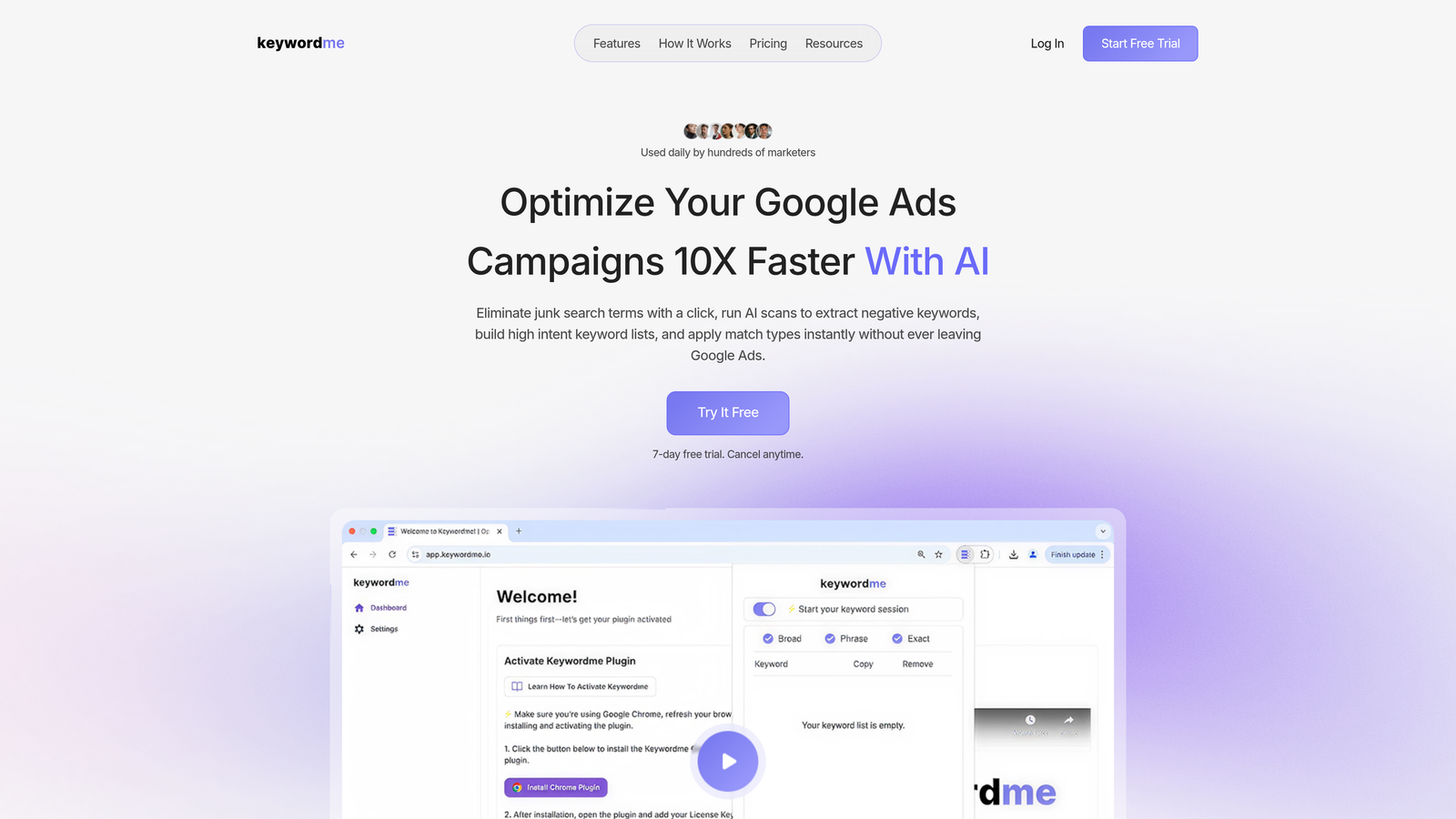
Keywordme is a Chrome extension that plugs directly into Google Ads' Search Terms Report, letting you manage keywords, negatives, and match types without ever opening a spreadsheet or switching tabs.
Where This Tool Shines
Most PPC tools pull you out of Google Ads and into a separate dashboard. That context-switching adds up. Keywordme is genuinely different: it lives inside the Google Ads interface, which means your workflow stays where your data already is.
In most accounts I audit, the Search Terms Report is where the biggest wins are hiding. Junk traffic, irrelevant queries, and missed negative keywords all show up there. Keywordme turns what's normally a tedious export-edit-upload cycle into a series of quick clicks. That's a real time saver, especially for agencies running multiple accounts.
Key Features
One-Click Negative Keyword Addition: Flag and remove junk search terms directly from the Search Terms Report without exporting to a spreadsheet.
Keyword Clustering: Group related search terms into themed clusters and push them into new ad groups or keyword lists in-interface.
Match Type Application: Apply exact, phrase, or broad match types to keywords instantly, right inside Google Ads.
Bulk Editing: Make mass changes across campaigns without leaving the native UI or touching a CSV file.
Multi-Account and Team Support: Built for agencies managing multiple clients, with shared access and team-level workflows.
Best For
Keywordme is ideal for solo Google Ads managers, freelancers, and agency teams who spend significant time inside the Search Terms Report. If your biggest pain point is wasted spend from irrelevant queries and slow keyword list-building, this is the most direct fix available. It's not an enterprise suite, and it doesn't try to be.
Pricing
Flat rate of $12/month per user. A 7-day free trial is available with no credit card required. Straightforward pricing with no spend-based tiers.
2. Google Ads Editor
Best for: Anyone who needs free, offline bulk editing across large Google Ads accounts.
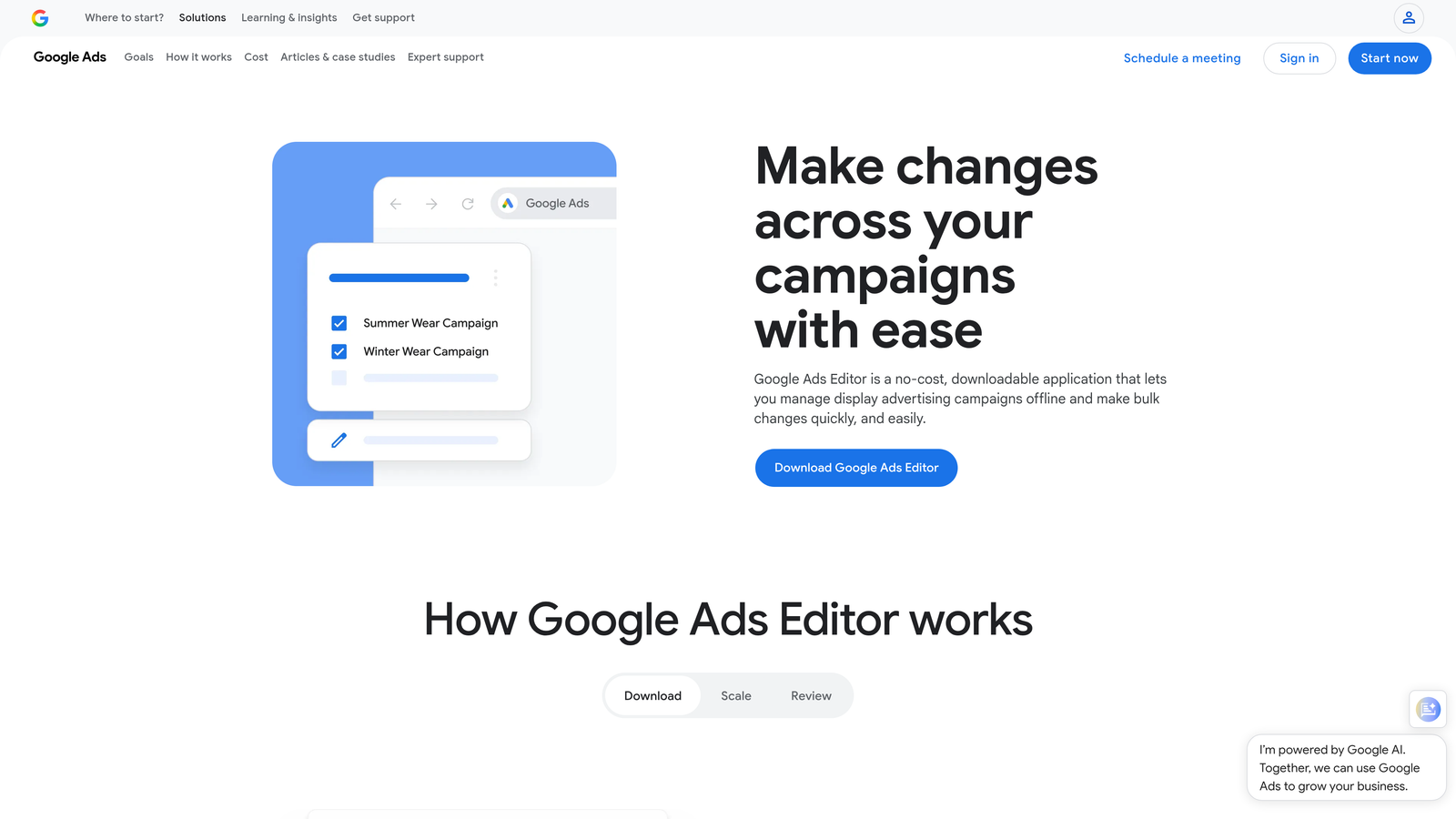
Google Ads Editor is Google's own free desktop application for managing and editing campaigns in bulk, offline.
Where This Tool Shines
If you're making structural changes at scale, like reorganizing ad groups, doing find-and-replace across hundreds of ads, or copying campaigns between accounts, Google Ads Editor is still the most reliable tool available. Nothing else touches it for pure bulk editing speed, and the fact that it's free makes it a default recommendation for any advertiser on a budget.
The offline editing capability is underrated. You can draft major account changes, review them carefully, and upload when ready. That's a meaningful safety net when you're making sweeping changes to a live account.
Key Features
Completely Free: No subscription, no spend minimums, no catch.
Offline Bulk Editing: Draft and review changes before pushing them live to your account.
Find-and-Replace: Update ad copy, URLs, or keywords across campaigns in seconds.
Performance Max Support: Works with all major campaign types, including the newer Performance Max format.
Full Google API Compatibility: As an official Google product, it's always up to date with the latest campaign types and settings.
Best For
Google Ads Editor is best for advertisers who need to make large structural changes quickly and want zero cost. It's not an optimization or automation tool, but for raw bulk editing, nothing beats it. Every Google Ads manager should have this in their toolkit regardless of what else they're using.
Pricing
Free. No paid tiers or add-ons.
3. WordStream Advisor
Best for: Small business owners and less technical advertisers who want guided, prioritized weekly recommendations.
WordStream Advisor is a guided PPC management platform that surfaces actionable weekly recommendations to help advertisers improve account performance without needing deep PPC expertise.

Where This Tool Shines
WordStream's signature feature is the "20-Minute Work Week," a curated list of prioritized action items that tells you exactly what to fix in your account each week. For small business owners or advertisers who don't live inside Google Ads every day, this kind of guided workflow is genuinely useful.
The mistake most agencies make when recommending WordStream is pitching it to experienced PPC managers. It's built for people who need direction, not raw tools. If your client is a business owner managing their own ads, WordStream gives them a structured framework that reduces the chance of making costly mistakes.
Key Features
20-Minute Work Week: Prioritized weekly action items that surface the highest-impact changes in plain language.
Smart Alerts: Automated notifications for underperforming keywords and ad copy.
Ad Performance Scoring: Grades your ads and landing pages with specific improvement suggestions.
Google and Microsoft Ads Support: Manages both platforms from a single interface.
Agency Reporting Dashboards: Client-facing reports that don't require manual assembly.
Best For
Small business advertisers, marketing generalists, and agencies managing clients who prefer a simplified optimization workflow. Not the best fit for advanced PPC managers who want granular control.
Pricing
Quote-based pricing. Contact WordStream directly for current plan details, as pricing varies by account type and spend level.
4. Adalysis
Best for: PPC managers focused on ad copy testing automation and account-level diagnostics.
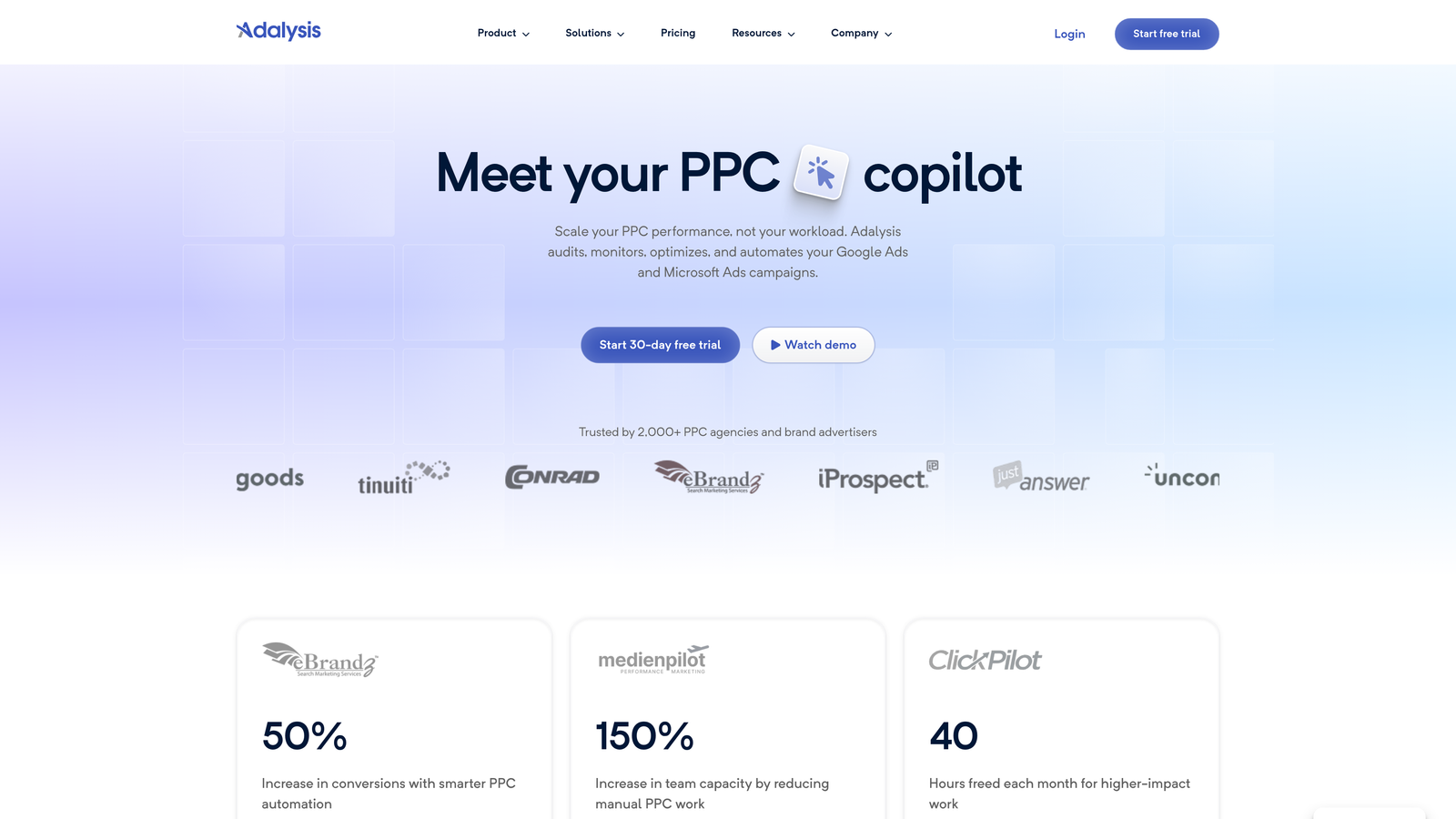
Adalysis is a PPC management and testing platform built around ad copy testing, Quality Score monitoring, and structured account auditing.
Where This Tool Shines
Adalysis is one of the most underrated tools in the PPC space for anyone serious about ad testing. It handles statistical significance tracking automatically, which removes the guesswork from deciding when a test has enough data to call a winner. Most advertisers either test too early or never properly test at all. Adalysis removes that problem.
The account audit features are also genuinely useful. What usually happens here is you run the audit and immediately find structural issues you didn't know existed: ad groups with no active ads, keywords with tanking Quality Scores, or campaigns missing ad extensions. It's the kind of diagnostic depth that Optmyzr offers, but with a sharper focus on ad testing specifically.
Key Features
Automated A/B Ad Testing: Runs tests with statistical significance tracking so you know when results are actually meaningful.
Quality Score Monitoring: Tracks Quality Score changes across keywords and ad groups over time.
Account Audit Tools: Surfaces structural issues and optimization gaps across your account.
Performance-Based Rules: Pause or enable ads and keywords based on defined performance thresholds.
Ad Copy Reporting: Detailed analysis of which messaging elements drive performance improvements.
Best For
Mid-size agencies and experienced PPC managers who run multiple ad variations and need a systematic way to test and diagnose account performance. Particularly strong for teams managing accounts with large ad copy libraries.
Pricing
Tiered pricing based on monthly ad spend. Entry-level plans are available for smaller accounts. Check the Adalysis website for current pricing tiers.
5. Semrush PPC Toolkit
Best for: Teams already using Semrush for SEO who want integrated PPC keyword and competitive research.
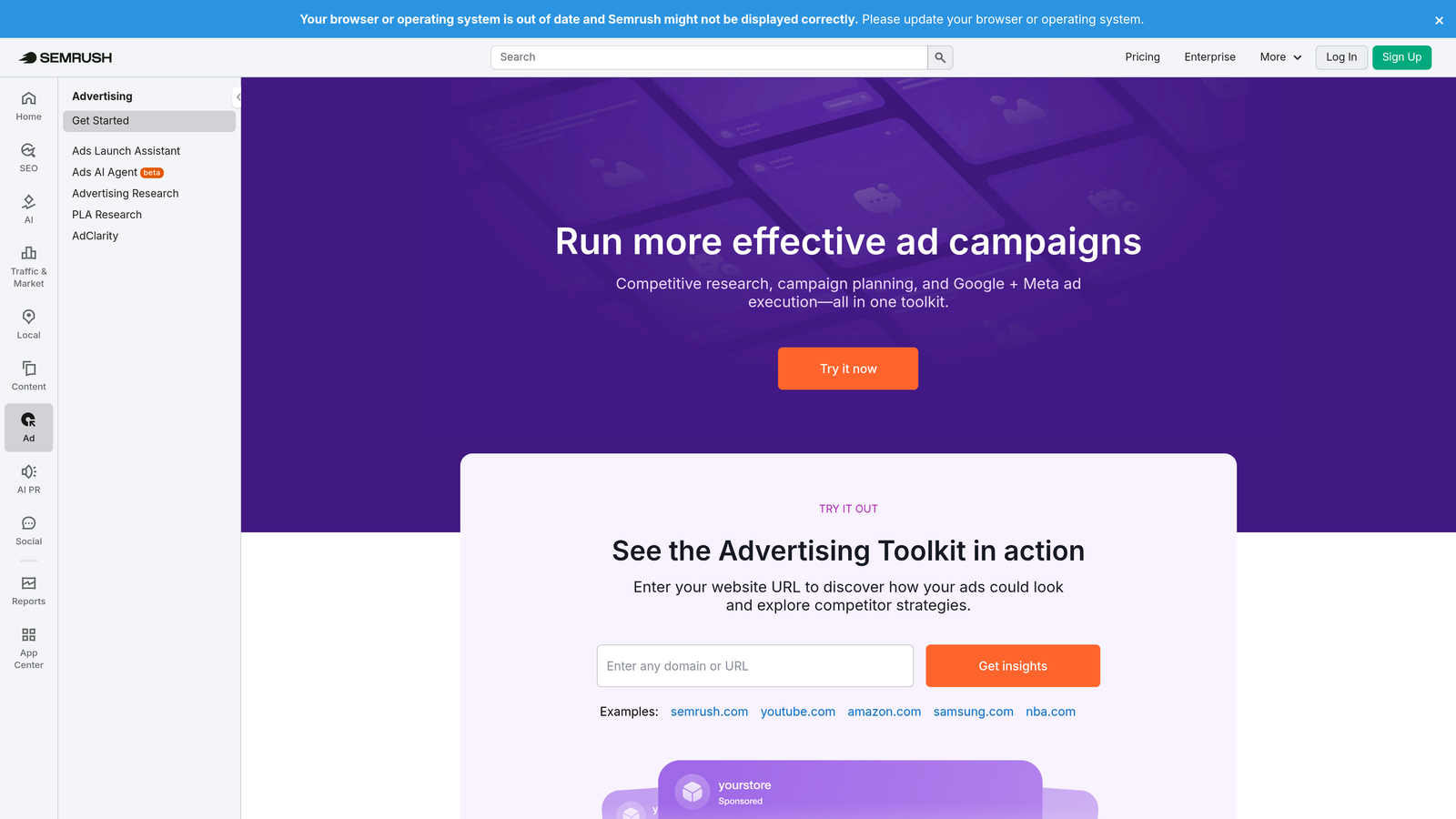
Semrush PPC Toolkit is the paid search research layer within the broader Semrush platform, covering competitor ad intelligence, keyword gap analysis, and CPC data.
Where This Tool Shines
If your team is already paying for Semrush for SEO work, the PPC Toolkit is essentially a free add-on that gives you competitive keyword research, CPC estimates, and competitor ad copy analysis without needing a separate subscription. That's a meaningful cost efficiency for agencies doing both SEO and PPC for the same clients.
The competitor ad history data is particularly useful during the planning phase of a new campaign. You can see what your competitors have been running, which keywords they're consistently bidding on, and where the gaps are in your own keyword strategy.
Key Features
Competitor Ad Copy Research: View historical ad copy from any competitor domain.
Keyword Gap Analysis: Identify keywords competitors are bidding on that you're missing.
CPC and Volume Data: Estimates for search volume and cost-per-click across markets.
PLA Research: Product Listing Ad data for ecommerce advertisers.
Unified SEO and PPC Reporting: Single platform for teams managing both channels.
Best For
Digital marketing teams and agencies that manage both SEO and PPC for clients and want to consolidate their toolset. Less useful if you only need campaign management and not research data.
Pricing
Included with Semrush subscriptions. Pro plans start at approximately $139.95/month. Not a standalone PPC tool purchase.
6. SpyFu
Best for: Competitive keyword research and understanding what competitors are bidding on historically.
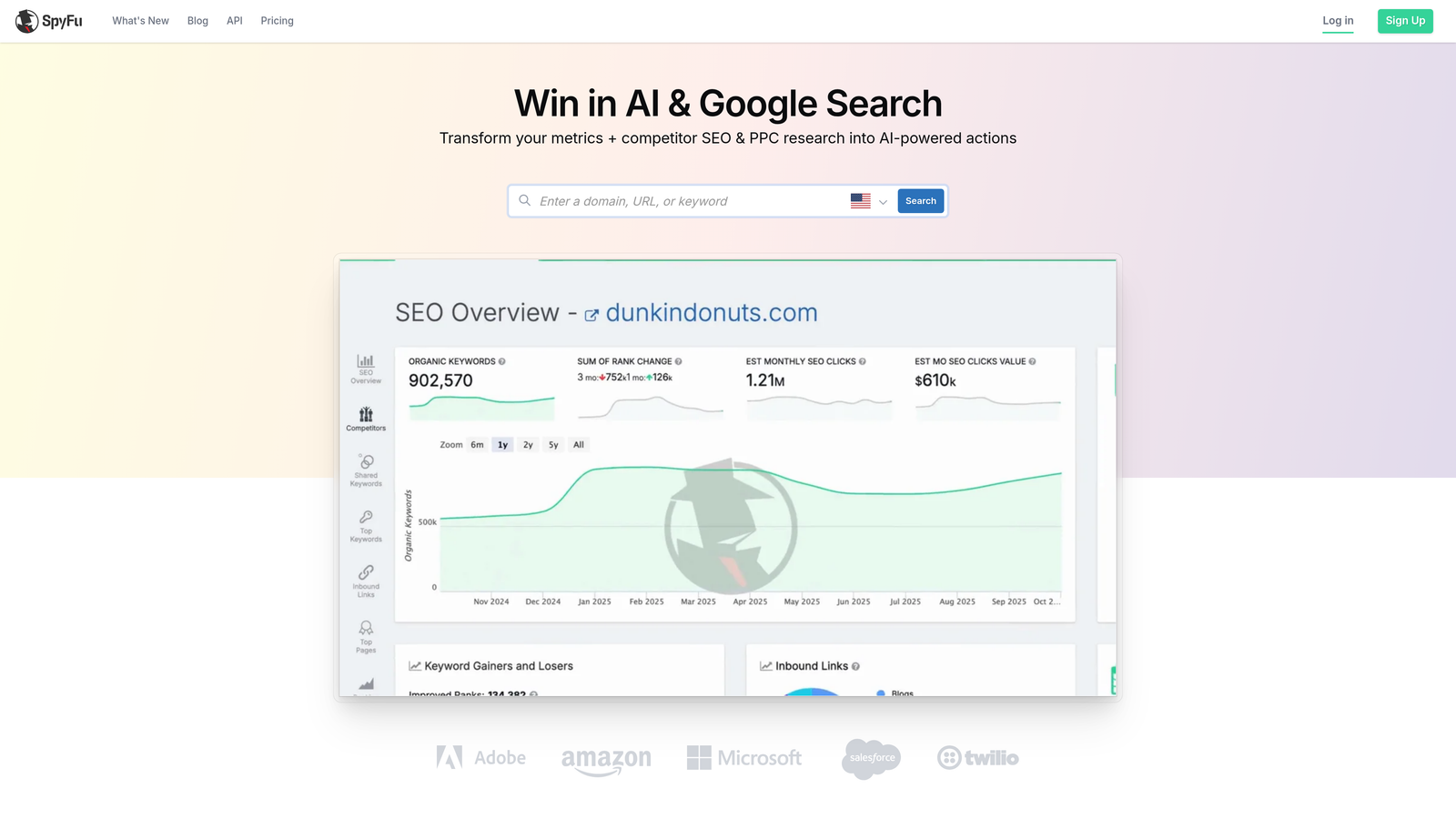
SpyFu is a competitive intelligence tool that reveals competitor keywords, ad history, and estimated PPC spend going back years.
Where This Tool Shines
SpyFu's depth of historical data is genuinely impressive. You can look up any competitor domain and see the keywords they've been bidding on for years, which ads they've run, and roughly how much they're spending. For building initial keyword lists or understanding a competitive landscape before launching a new campaign, it's one of the most cost-effective research tools available.
It's worth being clear about what SpyFu is not: it's a research tool, not a campaign management platform. You won't use it to optimize live campaigns. But as a planning and intelligence layer, it punches well above its price point.
Key Features
Years of Competitor Ad History: Historical keyword and ad data for any domain you search.
Most Profitable Keywords: Identifies which keywords competitors have maintained longest, a proxy for profitability.
SERP Overlap Analysis: Shows where your keyword coverage overlaps or gaps against competitors.
Backlink Research: Includes SEO data alongside PPC intelligence.
Affordable Pricing: Significantly cheaper than enterprise alternatives with comparable competitive data.
Best For
Freelancers and agencies doing competitive research before launching campaigns, or looking to expand keyword coverage based on what's working for competitors in the same space.
Pricing
Plans start at approximately $39/month, making it one of the more affordable competitive intelligence tools available.
7. Tenscores
Best for: Google Ads managers focused specifically on diagnosing and improving Quality Scores.
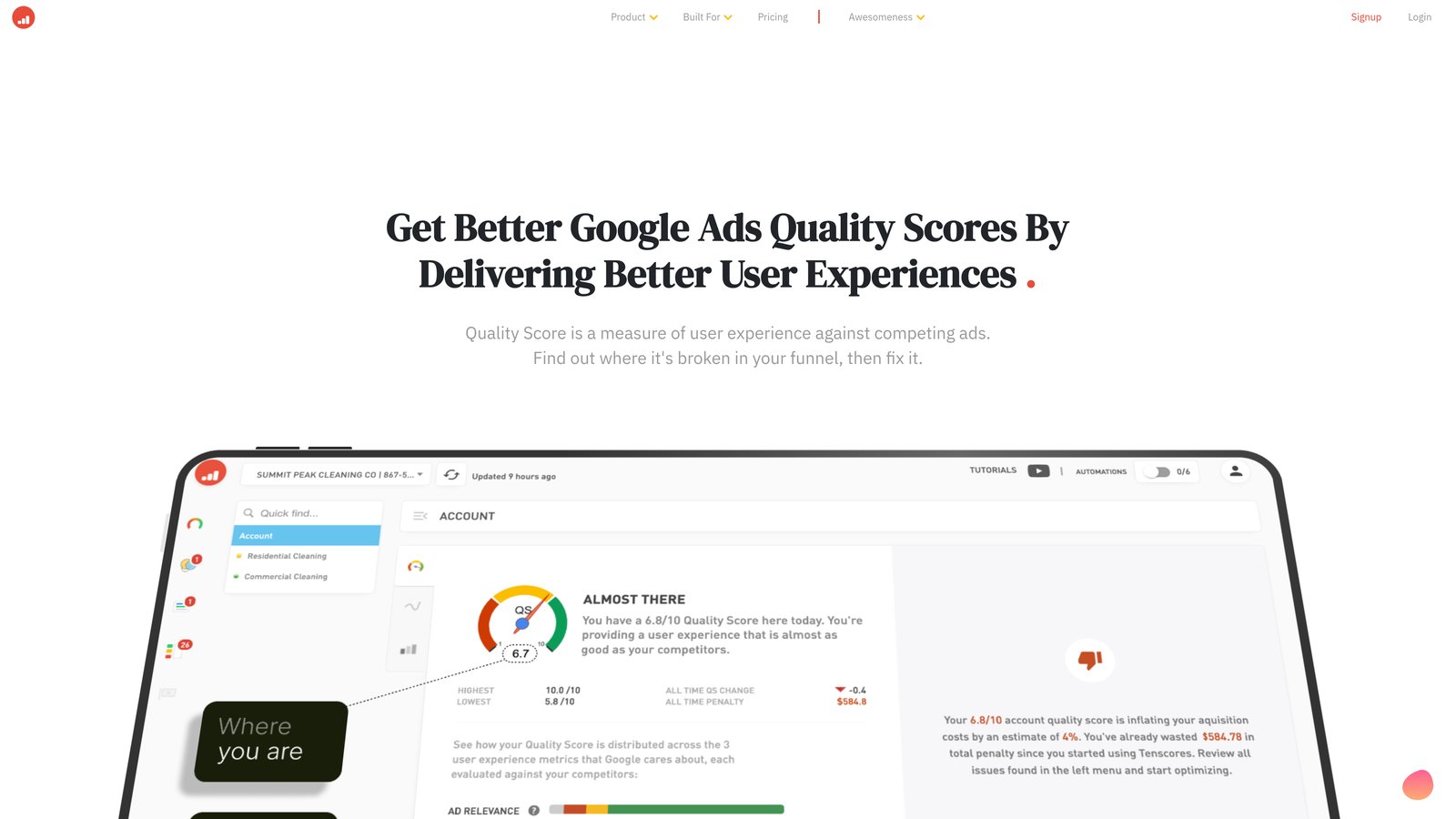
Tenscores is a niche Google Ads tool built entirely around Quality Score analysis, tracking, and improvement recommendations.
Where This Tool Shines
Quality Score is one of those metrics that most advertisers know matters but few actually manage systematically. Tenscores fills that gap. It tracks Quality Score trends over time, identifies which ad groups have alignment problems between keywords, ad copy, and landing pages, and gives you specific recommendations for what to fix.
In most accounts I audit, low Quality Scores are quietly inflating CPCs in ways that don't show up obviously in the main dashboard. Tenscores makes those issues visible and actionable. It's a focused tool that does one thing well rather than trying to be a full PPC suite.
Key Features
Quality Score Tracking: Historical trends across keywords, ad groups, and campaigns.
Ad Group Relevance Scoring: Identifies structural issues that are suppressing Quality Scores.
Keyword-to-Ad Alignment Diagnostics: Surfaces mismatches between what you're bidding on and what your ads say.
Landing Page Relevance Analysis: Evaluates whether your landing pages align with keyword intent.
Actionable CPC Reduction Recommendations: Specific steps to lower costs through Quality Score improvement.
Best For
Google Ads managers who know their Quality Scores are underperforming but can't pinpoint exactly why. Also useful for agencies doing account audits where CPC efficiency is a key deliverable.
Pricing
Tiered plans based on the number of keywords managed. Entry-level plans are available for smaller accounts. Check the Tenscores website for current pricing.
8. Acquisio
Best for: Enterprise agencies managing significant ad spend across Google Ads, Microsoft Ads, and Facebook simultaneously.
Acquisio is an enterprise-grade PPC management platform with machine learning bid optimization across multiple ad platforms.
Where This Tool Shines
Acquisio is the closest direct competitor to Optmyzr at the high end of the market. Its machine learning bid management works across Google Ads, Microsoft Ads, and Facebook Ads from a single dashboard, which is genuinely valuable for agencies running multi-channel campaigns at scale.
The automated budget pacing is a standout feature for agencies managing clients with strict monthly spend caps. Instead of manually monitoring daily spend and adjusting budgets, Acquisio handles the pacing automatically. White-label reporting is also included, which saves agencies significant time on client deliverables.
Key Features
Machine Learning Bid Management: Automated bidding optimization across Google Ads, Microsoft Ads, and Facebook Ads.
Automated Budget Pacing: Keeps spend on track against monthly caps without manual monitoring.
White-Label Reporting: Agency-branded reports for client delivery.
Multi-Channel Dashboard: Manage all platforms from a single interface.
Enterprise API Integrations: Connects with existing agency workflows and data infrastructure.
Best For
Larger agencies managing significant ad spend across multiple platforms who need automation, multi-channel visibility, and white-label reporting in a single platform. Overkill for freelancers or small teams managing a handful of accounts.
Pricing
Enterprise pricing. Contact Acquisio directly for a quote based on your account volume and spend level.
Which Tool Is Right for Your Workflow?
The right Optmyzr alternative depends entirely on where your current process breaks down. Here's a quick-reference breakdown to help you choose.
For in-interface optimization without leaving Google Ads: Keywordme is the most friction-free option on this list. It's the only tool here that works natively inside the Google Ads UI, which makes it genuinely different from everything else. If your bottleneck is the Search Terms Report and keyword management, start here.
For free bulk editing at scale: Google Ads Editor is unbeatable and should be in every advertiser's toolkit regardless of what else they're using.
For guided weekly recommendations: WordStream Advisor is the right fit for less technical advertisers or clients who want direction rather than raw tools.
For ad testing depth and account diagnostics: Adalysis is the most focused option for teams that take ad copy testing seriously.
For competitive research and keyword intelligence: SpyFu if you want affordable competitor data, Semrush PPC Toolkit if you're already in the Semrush ecosystem.
For Quality Score improvement specifically: Tenscores is the only tool on this list built entirely around that problem.
For enterprise multi-channel automation: Acquisio is the most direct Optmyzr competitor at the high end, with machine learning bid management across multiple platforms.
Most advertisers don't need a platform that does everything. They need the one tool that fixes their specific workflow gap. If that gap is in the Search Terms Report, and you're tired of exporting CSVs and switching between tabs just to manage keywords, Start your free 7-day trial of Keywordme and see how much faster your optimization workflow can actually be. At $12/month per user after the trial, it's one of the lowest-friction upgrades available for any Google Ads manager in 2026.
.svg)