
8 Best Alternatives to Google Ads Spreadsheets
Managing PPC campaigns through spreadsheets is slow, error-prone, and pulls advertisers out of their workflow. This guide compares 8 tools that serve as a practical alternative to Google Ads spreadsheets, covering keyword management, negative keyword workflows, and search term analysis for solo advertisers, freelancers, and agencies alike.


If you're still copying search terms into a spreadsheet to figure out what to block or add, you're not alone. But you're also burning time you don't have. Spreadsheets were never built for PPC optimization: they go stale the moment you export, they break under collaboration, and they pull you completely out of Google Ads just to do basic housekeeping.
The tools below replace that copy-export-analyze-reimport loop. Some work directly inside the Google Ads interface, others give you automation and dashboards, and a few make your existing data flow automatic without changing much about how your team works. Each one is evaluated on how well it removes friction from keyword management, negative keyword workflows, and search term analysis.
We've noted who each tool works best for, whether you're a solo advertiser, a freelancer, or an agency managing multiple accounts.
1. Keywordme
Best for: Advertisers and agencies who want to optimize Google Ads without leaving the native interface.
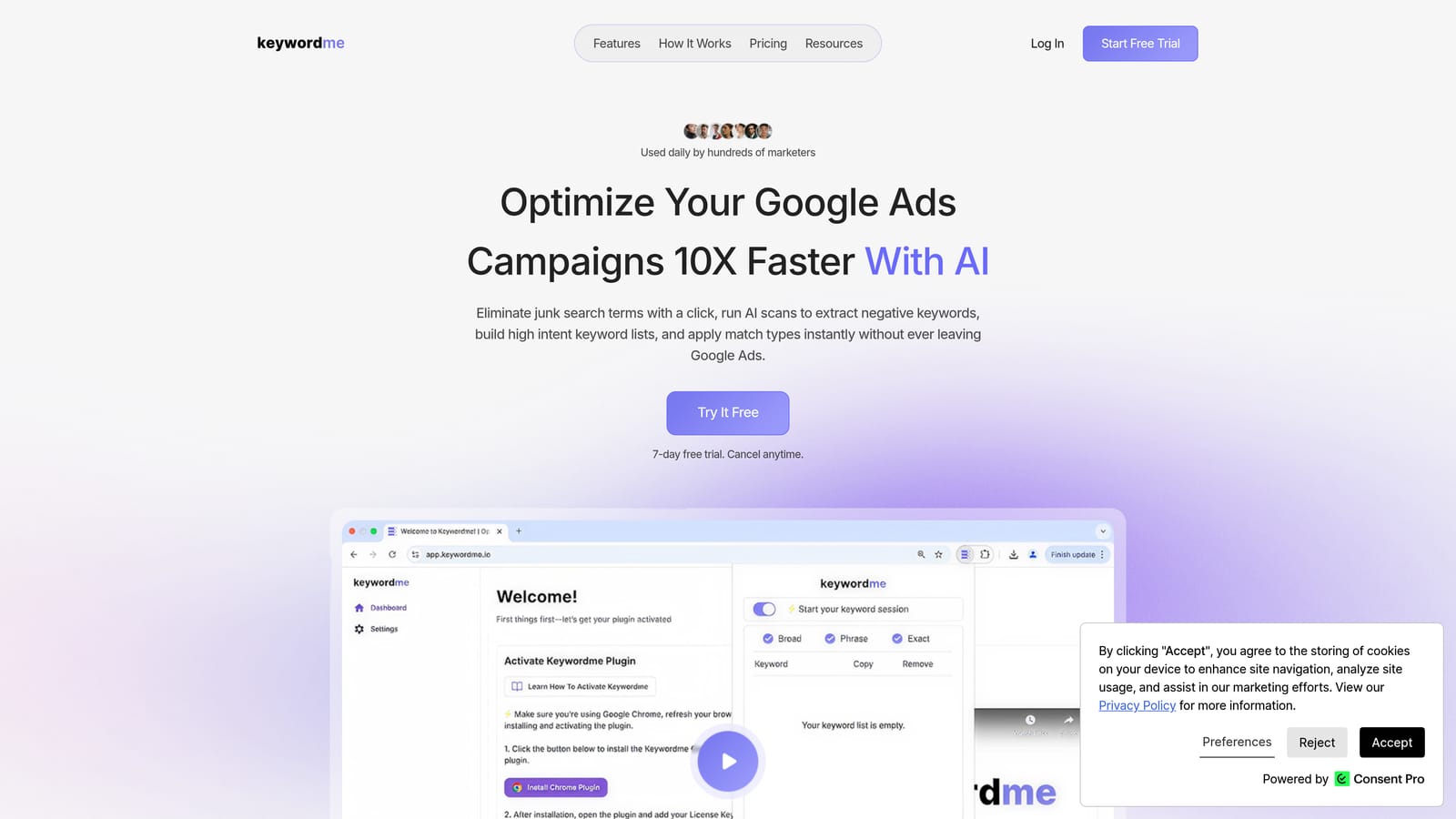
Keywordme is a Chrome extension built to replace the spreadsheet workflow by letting you act on search term data directly inside Google Ads, without exporting a single row.
Where This Tool Shines
The core idea is simple: instead of exporting search terms, pasting them into a spreadsheet, tagging them, and then re-uploading changes, you handle everything in one place. One click removes a junk search term. Another click adds a high-intent keyword with the match type you choose. The workflow stays inside the Search Terms Report, where the data already lives.
For agencies, the multi-account and team support makes this especially practical. You're not managing a shared spreadsheet with version conflicts. Everyone works from the same interface, and bulk editing speeds up the repetitive parts of list-building that eat into billable time.
Key Features
One-Click Negative Keyword Actions: Remove junk search terms and add them to negative keyword lists without leaving the Google Ads interface.
Keyword Addition with Match Types: Add high-intent terms as positive keywords and apply match types in the same step, directly from the Search Terms Report.
Negative Keyword List Management: Build and manage negative keyword lists from within the native interface rather than in a separate spreadsheet or document.
Keyword Clustering and Bulk Editing: Group and edit keywords in bulk, which speeds up the process of building structured keyword lists across campaigns.
Multi-Account and Team Support: Manage multiple Google Ads accounts and collaborate with team members without switching tools or sharing files.
Best For
Keywordme works well for freelancers and agency teams who spend meaningful time each week reviewing search terms and managing negative keywords. It's most useful when the bottleneck is the manual back-and-forth between Google Ads and an external spreadsheet. Solo advertisers running tightly managed campaigns will also find the one-click workflow a practical upgrade.
Pricing
$12/month per user, flat rate. A 7-day free trial is available with no commitment required.
2. Google Ads Editor
Best for: Advertisers who need free bulk editing and are comfortable with an offline, upload-based workflow.
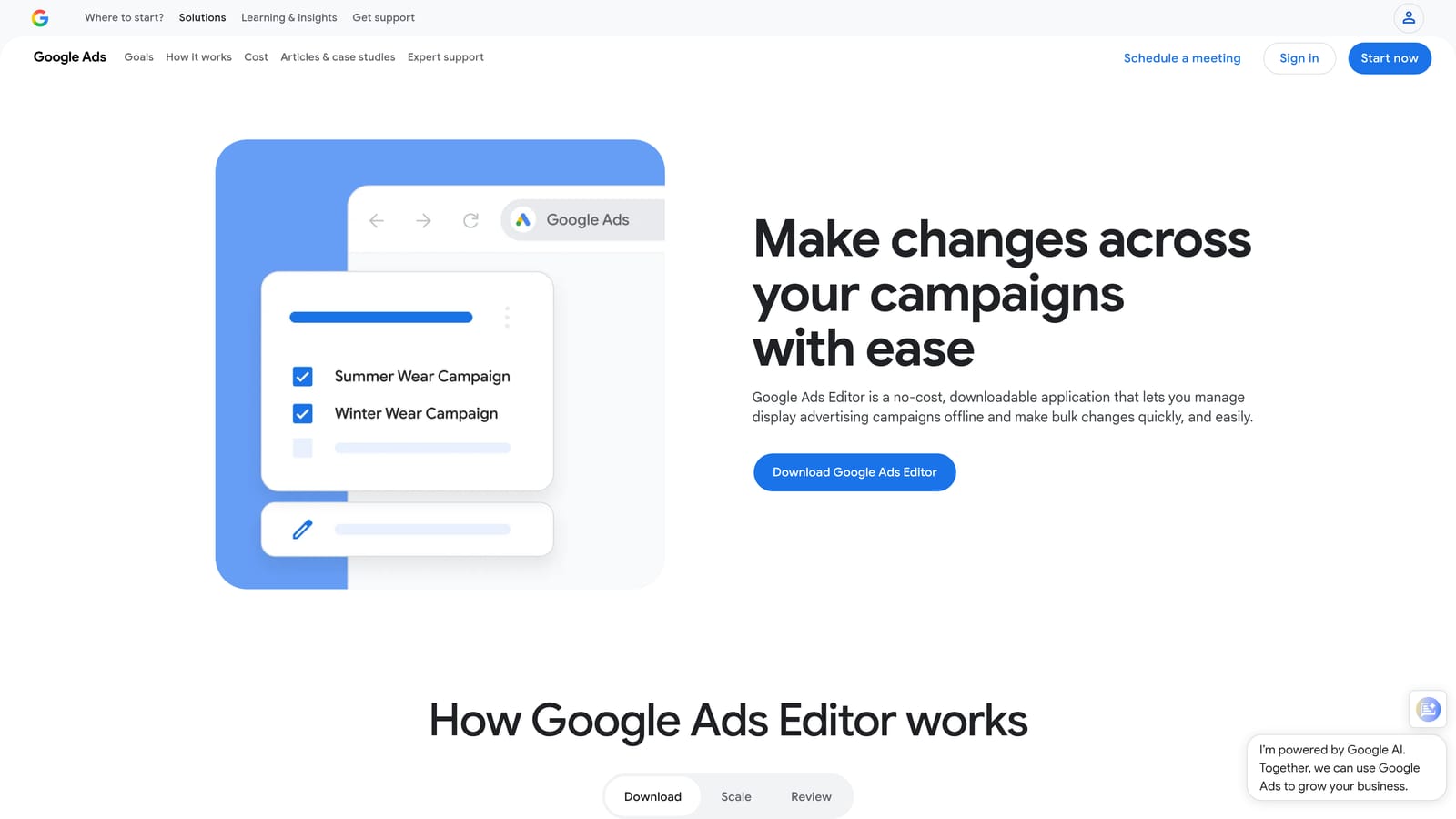
Google Ads Editor is Google's free desktop application for making bulk changes to campaigns offline and uploading them in a single batch.
Where This Tool Shines
If your main frustration with spreadsheets is the sheer volume of changes you need to make across multiple campaigns, Google Ads Editor solves that without any subscription. You download your account data, make edits locally, and push everything up at once. It handles keywords, negative keywords, ad groups, bids, and more.
The find-and-replace function is particularly useful for agencies making consistent changes across many campaigns. Copy-paste across campaigns is also built in. The trade-off is that this is still an offline, download-upload process. It doesn't give you live data or in-browser optimization, but it's hard to argue with free for bulk structural work.
Key Features
Bulk Offline Editing: Edit campaigns, ad groups, keywords, and negative keywords locally before uploading changes in one batch.
Find-and-Replace: Make consistent changes across multiple campaigns quickly using text-based search and replace.
Copy-Paste Across Campaigns: Duplicate settings, keywords, or ad structures from one campaign to another without manual re-entry.
CSV Import/Export: Supports structured bulk changes via CSV for teams that prefer a spreadsheet-adjacent workflow for uploads.
Free with Any Google Ads Account: No additional cost, no third-party login required.
Best For
Google Ads Editor is a strong fit for advertisers who need to restructure campaigns, add large batches of keywords or negatives, or make consistent edits across many ad groups at once. It's especially practical for agencies doing periodic account maintenance rather than daily in-interface optimization.
Pricing
Free. Available to any Google Ads account holder.
3. Optmyzr
Best for: Agencies and experienced advertisers who want automation, one-click optimizations, and custom reporting in one platform.
Optmyzr is a SaaS PPC management platform that surfaces optimization opportunities and automates repetitive tasks across Google Ads, Microsoft Ads, and Amazon Ads.

Where This Tool Shines
Optmyzr is built around the idea that most PPC optimization decisions follow predictable rules. Rather than reviewing data in a spreadsheet and manually deciding what to change, you set up rule-based automations or act on one-click suggestions that Optmyzr generates from your account data. This works well for agencies that manage many accounts and need to standardize how optimization decisions get made.
The reporting layer is also worth noting. Custom dashboards and PPC-specific report templates reduce the time spent assembling client-facing reports from exported data. If your team currently builds those reports in spreadsheets, that's a meaningful part of the workflow you can move out.
Key Features
One-Click Optimization Suggestions: Surfaces actionable recommendations based on account performance data, ready to apply with a single click.
Rule-Based Automation: Automates bid adjustments, budget changes, and keyword actions based on conditions you define.
Search Term and Negative Keyword Tools: Includes dedicated workflows for reviewing search terms and managing negative keyword lists.
Custom PPC Reporting: Builds client-ready dashboards and reports without exporting data to a separate tool.
Multi-Platform Support: Manages Google Ads, Microsoft Ads, and Amazon Ads from one interface.
Best For
Optmyzr is a strong fit for PPC agencies managing multiple client accounts who want to standardize optimization workflows and reduce manual reporting time. It's less suited to solo advertisers running a single small account, where the platform's depth may be more than needed.
Pricing
Tiered by ad spend managed. Check optmyzr.com for current plan details and pricing.
4. Search Ads 360 (SA360)
Best for: Enterprise advertisers and large media agencies managing significant budgets across multiple search engines.
Search Ads 360 is Google's enterprise-grade cross-channel search management platform, part of Google Marketing Platform, built for advertisers operating at scale.
Where This Tool Shines
SA360 addresses a problem that most spreadsheet-based workflows can't handle at all: unified management of Google Ads and Microsoft Advertising in one interface, with advanced bidding algorithms that use cross-channel signals. For large advertisers running campaigns across multiple search engines and markets, this level of coordination is where SA360 earns its place.
The Floodlight conversion tracking system and enterprise-level audience management give media agencies the infrastructure to manage complex campaigns without stitching together data from multiple exports. The platform is not designed for small accounts, and the pricing reflects that.
Key Features
Unified Cross-Channel Management: Manages Google Ads and Microsoft Advertising campaigns from a single interface.
Advanced Automated Bidding: Uses cross-channel signals to inform bidding decisions at a scale that manual management can't replicate.
Floodlight Conversion Tracking: Tracks conversions across channels using Google Marketing Platform's Floodlight system.
Enterprise Reporting and Audience Management: Custom reporting and audience tools built for large teams and complex account structures.
Designed for Large-Scale Operations: Built for media agencies and enterprise advertisers, not small or mid-sized accounts.
Best For
SA360 is the right fit for enterprise advertisers and large agencies managing substantial budgets across multiple search engines. It's not practical for solo advertisers or small agencies, and the cost and complexity reflect an enterprise use case.
Pricing
Enterprise pricing. Contact Google Marketing Platform directly for details.
5. Adalysis
Best for: PPC managers who want automated account auditing, ad testing, and keyword analysis without manual spreadsheet tracking.
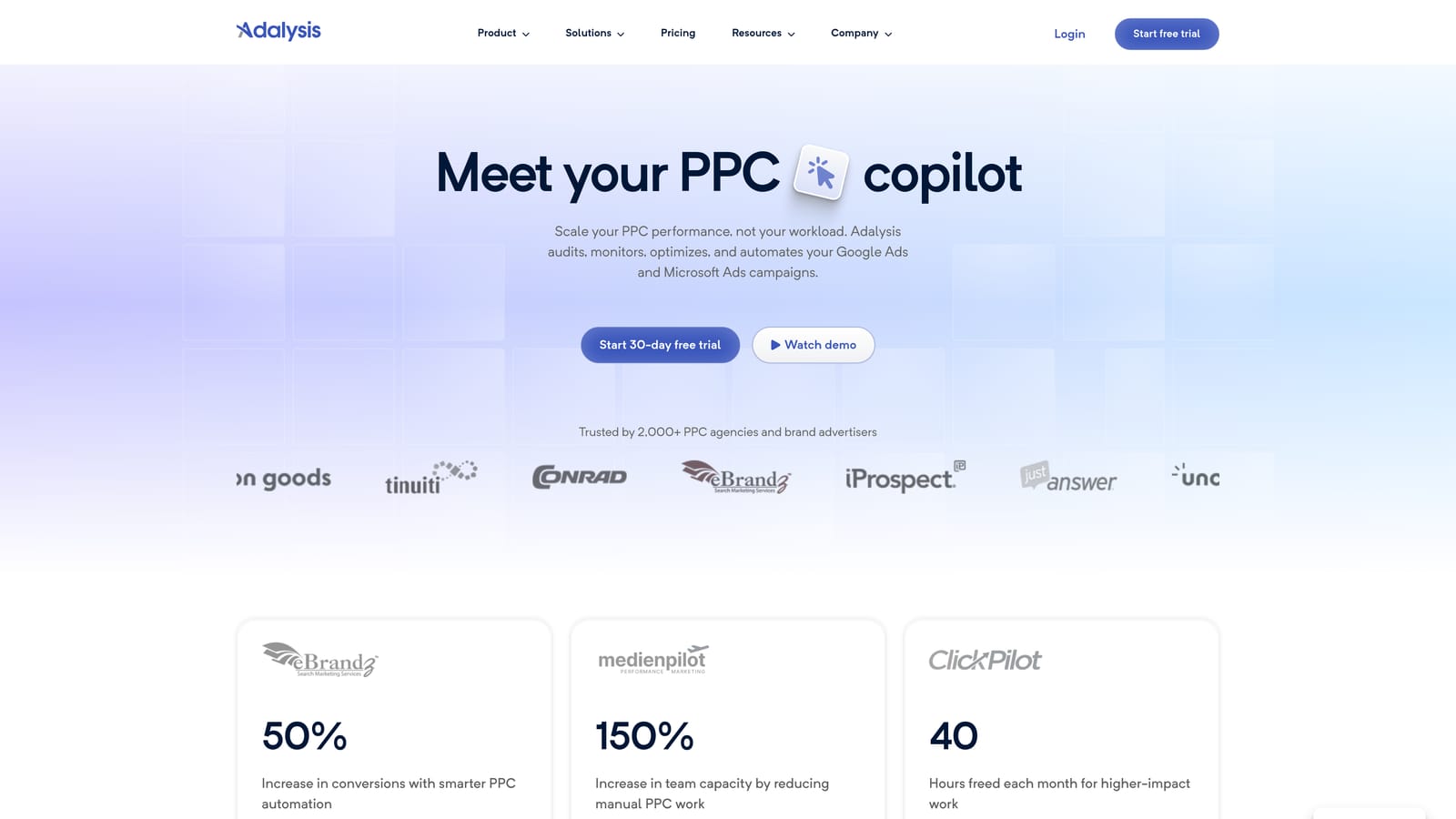
Adalysis is a PPC management and auditing tool that continuously monitors account health and surfaces optimization opportunities so you don't have to find them manually.
Where This Tool Shines
One of the less obvious costs of the spreadsheet workflow is that it's reactive. You only see what you export, when you export it. Adalysis takes a different approach by running automated audits in the background and alerting you to issues like negative keyword conflicts, underperforming ads, or search term anomalies before they compound into bigger problems.
The ad testing framework is also genuinely useful. Statistical significance tracking for ad copy tests is something most advertisers either skip or handle imprecisely in spreadsheets. Adalysis builds that analysis into the platform, which removes a common source of guesswork from creative decisions.
Key Features
Automated Account Audits: Continuously checks account health and flags issues without requiring manual review sessions.
Ad Copy Testing with Statistical Tracking: Manages A/B tests for ad copy and tracks statistical significance so decisions are based on reliable data.
Search Term and Keyword Analysis: Surfaces actionable recommendations from search term data without requiring manual export and review.
Negative Keyword Conflict Detection: Identifies conflicts between negative keywords and positive keywords that can block intended traffic.
Ongoing Optimization Alerts: Sends alerts when performance changes or new opportunities are detected, reducing the need for constant manual monitoring.
Best For
Adalysis works well for PPC managers and agencies who want continuous account monitoring and structured ad testing without building their own tracking systems in spreadsheets. It's particularly useful for accounts where ad copy testing and keyword conflicts are active concerns.
Pricing
Tiered by ad spend. Check adalysis.com for current pricing.
6. Google Looker Studio
Best for: Teams and agencies that need live, shareable reporting dashboards to replace static exported spreadsheet reports.
Google Looker Studio is Google's free data visualization tool that connects directly to Google Ads data and turns it into live, shareable dashboards.
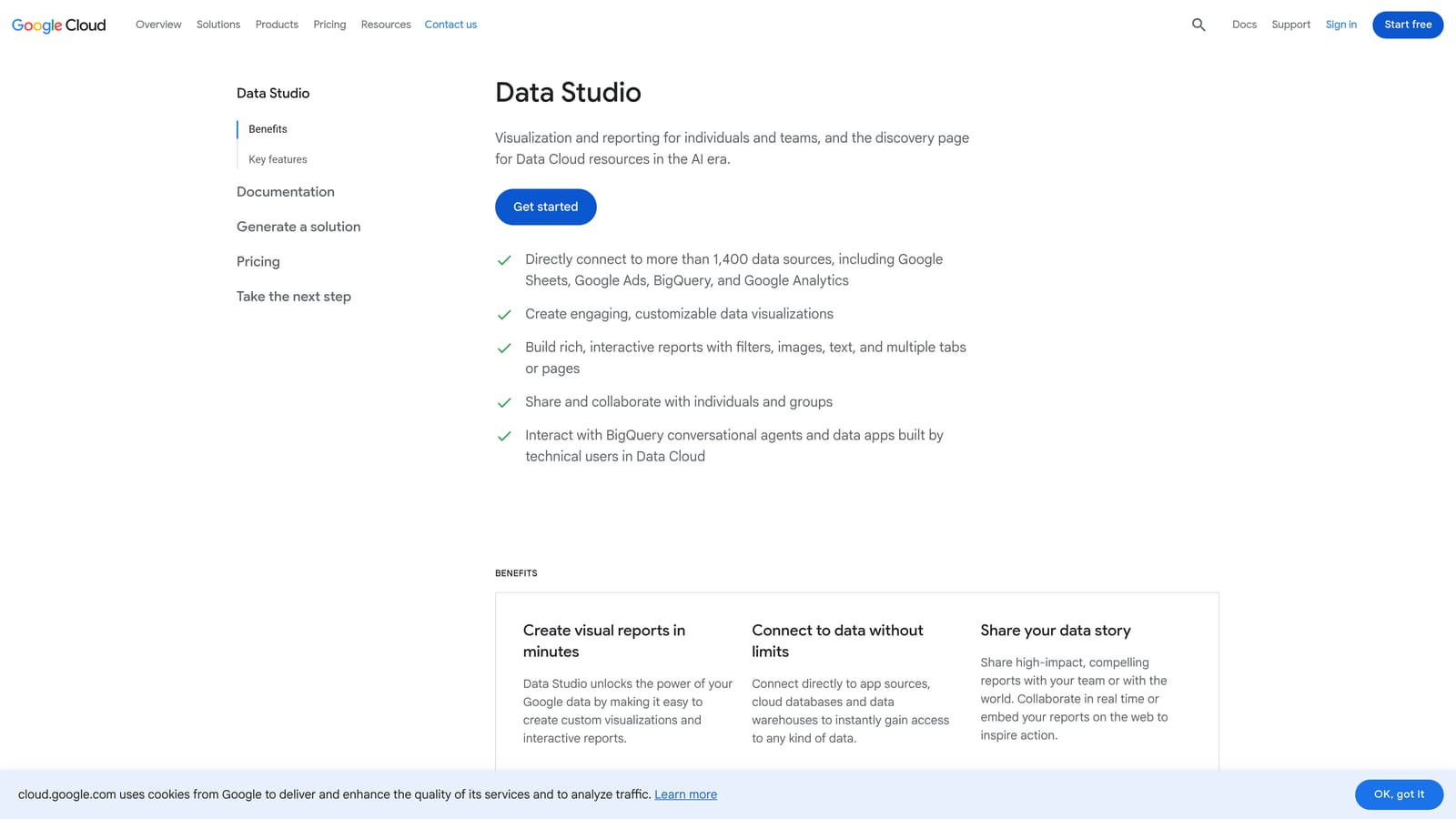
Where This Tool Shines
The core problem Looker Studio solves is that exported spreadsheet reports are immediately out of date. Looker Studio's native Google Ads connector pulls live data directly, so dashboards refresh automatically without anyone manually exporting or pasting new numbers. For client reporting, this removes a recurring manual task from the workflow entirely.
The flexibility of the template system is also worth noting. You can build custom views for different audiences: a high-level performance summary for a client, a detailed keyword breakdown for internal review, or a cross-campaign comparison for an agency principal. All of it updates on its own schedule.
Key Features
Native Google Ads Connector: Pulls data directly from Google Ads without manual exports or copy-paste steps.
Live-Updating Dashboards: Reports refresh automatically, so the data is always current when someone opens the link.
Shareable Reports: Dashboards can be shared via link, making client and team communication straightforward without sending files.
Customizable Charts, Tables, and Filters: Flexible layout and visualization options for different reporting needs and audiences.
Free with a Google Account: No subscription or additional cost beyond what you already use for Google Ads.
Best For
Looker Studio is the right tool when the primary pain point is reporting rather than optimization itself. It's especially practical for agencies that send regular performance reports to clients and want to eliminate the manual assembly step. It doesn't help with in-platform keyword management, but for the reporting side of the workflow, it's hard to beat for the price.
Pricing
Free with a Google account.
7. Supermetrics
Best for: Teams that want to keep a spreadsheet-based reporting workflow but automate the data pull so it's always current.
Supermetrics is a data pipeline tool that pulls Google Ads data automatically into Google Sheets, Excel, Looker Studio, BigQuery, and other destinations on a schedule.
Where This Tool Shines
Supermetrics doesn't replace your spreadsheet workflow. It makes the data flow automatic so the manual export step disappears. If your team has built reporting templates in Google Sheets that work well, but the frustration is that someone has to refresh the data every week, Supermetrics handles that refresh on a schedule without anyone touching it.
It also supports multiple ad platforms in one data flow, which is useful for agencies pulling Google Ads, Meta, and other sources into a single reporting view. The no-code setup for common destinations keeps the barrier to entry low for teams that aren't technical.
Key Features
Automated Data Pulls: Schedules automatic data refreshes from Google Ads into your chosen destination without manual exports.
Multiple Destinations: Sends data to Google Sheets, Excel, Looker Studio, BigQuery, and other platforms depending on your workflow.
Multi-Platform Data Blending: Combines Google Ads data with other marketing sources in a single data flow.
Scheduled Refresh: Data updates on the schedule you set, so reports are always current when your team opens them.
No-Code Setup: Common reporting destinations can be configured without technical development work.
Best For
Supermetrics is a practical fit for agencies and in-house teams that have invested in spreadsheet-based reporting templates and want to keep that structure while eliminating the manual data refresh. It's a reporting and data movement tool, not an optimization tool, so it works best alongside something that handles the keyword management side.
Pricing
Varies by destination and data sources. Check supermetrics.com for current plans.
8. WordStream Advisor (LocaliQ)
Best for: Small business owners and less experienced advertisers who want guided optimization without deep PPC knowledge.
WordStream Advisor, now part of the LocaliQ platform, provides a structured weekly optimization workflow with performance grading to guide advertisers through account improvements.
Where This Tool Shines
The "20-Minute Work Week" concept that WordStream built its reputation on is still the core of the experience: a set of guided action items each week that walk you through the most important optimizations for your account. For advertisers who aren't sure what to look at or in what order, that structure removes a lot of the guesswork that often ends up in a spreadsheet with no clear next step.
The performance grading system gives account health a score, which is useful for small business owners who want a quick read on how their campaigns are doing without digging into raw data. It's a more accessible entry point than most PPC platforms, though experienced advertisers may find the guided approach limiting.
Key Features
Weekly Guided Workflow: Structured action items walk you through the most impactful optimizations each week in a defined sequence.
Performance Grading: Scores account health across key dimensions so you can quickly identify where attention is needed.
Keyword and Search Term Recommendations: Surfaces suggestions for new keywords and terms to add or block based on account data.
Ad Copy Suggestions and Testing Guidance: Provides recommendations for ad copy improvements with guidance on how to test them.
Designed for Less Experienced Advertisers: The interface and workflow are built for users without deep PPC expertise, making it accessible for small business owners managing their own accounts.
Best For
WordStream Advisor suits small business owners and advertisers who are newer to Google Ads and want structured guidance rather than an open-ended platform. It's less suited to experienced PPC managers or agencies looking for granular control and advanced automation.
Pricing
Check localiq.com for current pricing.
Which Tool Fits Your Situation
The right pick depends on where your time is actually going. Most spreadsheet workflows exist because there wasn't a better option built into Google Ads itself. That's changed.
Here's a quick breakdown by use case:
Stop leaving Google Ads to manage keywords: Keywordme is the most direct fix. It keeps the entire workflow inside the Search Terms Report, so there's no export, no spreadsheet, no re-upload.
Need bulk offline edits for free: Google Ads Editor handles large structural changes across campaigns without any subscription cost. It's the right tool for periodic account restructuring.
Agency wanting automation and reporting together: Optmyzr or Adalysis are worth evaluating. Both reduce the manual analysis burden and give you a platform for managing optimization decisions across multiple accounts.
Enterprise or multi-engine management: Search Ads 360 is built for that scale. It's not a fit for smaller operations, but for large agencies and enterprise advertisers, the cross-channel capabilities are genuinely useful.
Client reporting is the main pain point: Looker Studio solves that without a subscription. Live dashboards replace static exports, and sharing a link is simpler than sending a file.
Your team lives in spreadsheets and that's not changing: Supermetrics at least makes the data flow automatic. You keep your templates; the manual refresh disappears.
If you're not sure where to start, the most common bottleneck is the keyword management workflow inside Google Ads. Start your free 7-day trial of Keywordme and see how much of your current spreadsheet routine you can eliminate in the first session. After the trial, it's $12/month per user. No spreadsheets, no switching tabs, just faster optimization right inside Google Ads.
.svg)