
9 Best Alternatives to Google Ads Editor in 2026
Discover the best alternatives to Google Ads Editor for managing PPC campaigns more efficiently in 2026, covering tools that offer real-time collaboration, smarter automation, and improved bulk editing capabilities. This guide evaluates nine options—from lightweight browser extensions to full PPC management platforms—helping advertisers find the right fit based on workflow, multi-account support, and pricing transparency.


TL;DR: Google Ads Editor is the go-to desktop app for bulk campaign management, but it's not the only game in town. Whether you're frustrated by the clunky UI, need real-time collaboration, want smarter automation, or just prefer working directly inside the browser, there are solid alternatives worth exploring. This list covers tools that can replace or complement Google Ads Editor depending on your workflow, from lightweight Chrome extensions to full PPC management platforms. Here's what we evaluated: ease of use, bulk editing capabilities, automation features, multi-account support, and pricing transparency.
In most accounts I audit, the workflow looks something like this: download data in Editor, make changes offline, upload, cross your fingers, then jump into a spreadsheet to handle search terms. It works, but it's slow. And for search term optimization specifically, Editor doesn't really help at all. The good news is the market has matured significantly. You've got real options now.
1. Keywordme
Best for: In-browser search term optimization and negative keyword management without leaving Google Ads
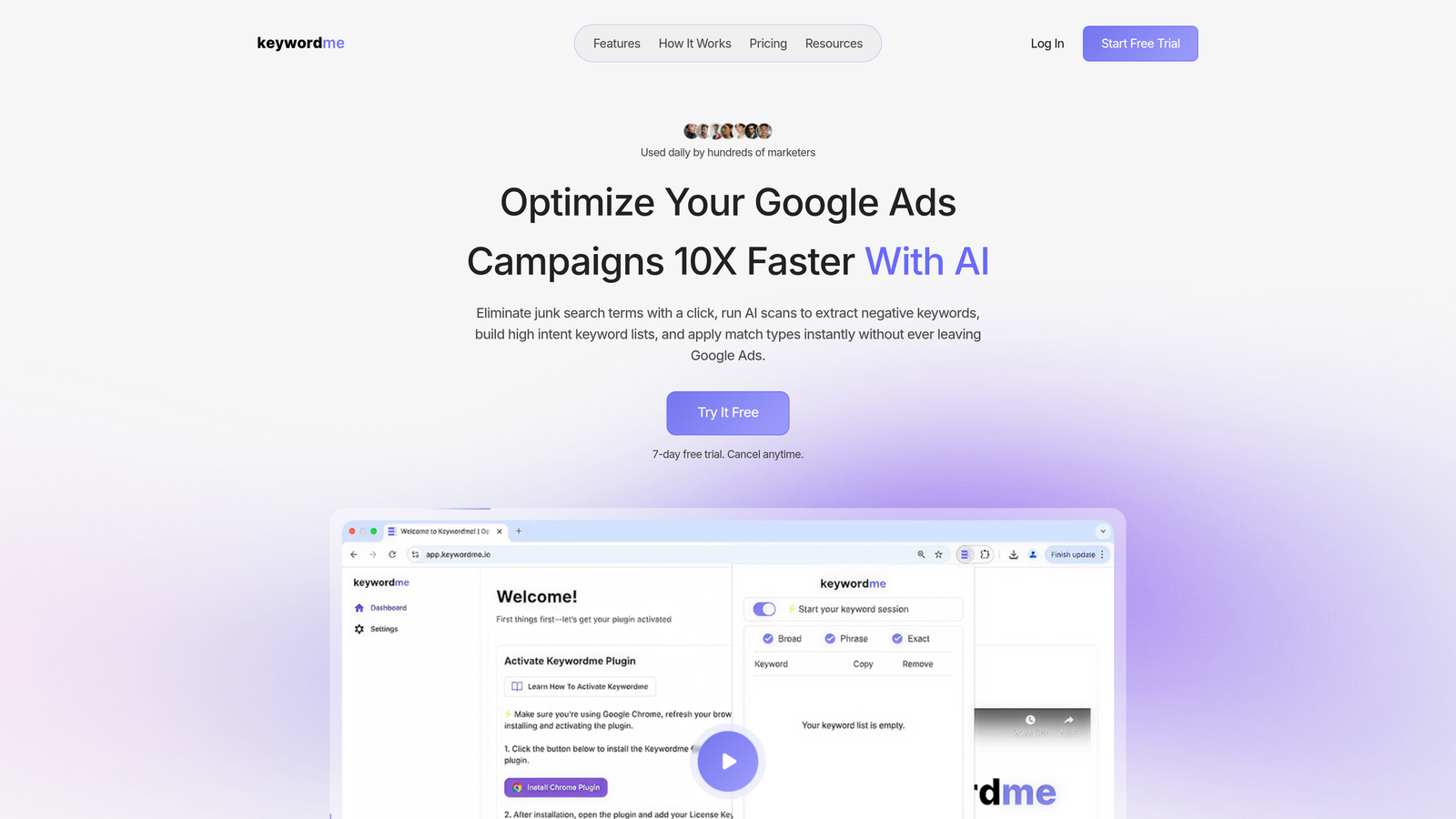
Keywordme is a Chrome extension that plugs directly into your Google Ads Search Terms Report and lets you take action without opening a single spreadsheet.
Where This Tool Shines
The core problem Keywordme solves is one that Editor never really addressed: working through your search terms report efficiently. In most accounts, this process involves exporting to a CSV, filtering manually, deciding what to negate or add, then re-importing. It's tedious and error-prone. Keywordme turns that entire workflow into a series of clicks inside the native Google Ads UI.
What makes it genuinely useful for agencies is the multi-account and team support. You're not jumping between tools or maintaining separate spreadsheet templates per client. Everything happens where you're already working, which means faster turnaround and fewer mistakes during handoffs.
Key Features
One-Click Junk Term Removal: Dismiss irrelevant search terms directly from the Search Terms Report without exporting or switching tabs.
Bulk Negative Keyword List Building: Build and apply negative keyword lists on the fly, no spreadsheet required.
Instant Match Type Application: Add new keywords with the correct match type applied immediately, right from the report.
Keyword Clustering and Grouping: Organize new keywords into logical groups as you work through search term data.
Multi-Account and Team Support: Built for agencies managing multiple clients, with shared workflows across team members.
Best For
Freelancers and agency teams who spend meaningful time in the Search Terms Report every week. If your biggest Google Ads bottleneck is search term cleanup and keyword expansion, this is the most direct solution available. It's also a strong fit for anyone who hates toggling between Google Ads and external tools.
Pricing
$12/month per user with a 7-day free trial. Straightforward flat-rate pricing with no ad spend tiers to worry about.
2. Optmyzr
Best for: Full-scale PPC management with rule-based automation across multiple ad platforms
Optmyzr is a comprehensive PPC management platform built for teams that need automation, reporting, and optimization playbooks across Google, Microsoft, Amazon, and Facebook Ads.

Where This Tool Shines
Optmyzr is what you reach for when you've outgrown manual optimization and need structured automation without writing custom scripts. The Rule Engine lets you define conditions and actions that run on a schedule, covering bid adjustments, budget pacing, and keyword management. Think of it as a more accessible version of Google Ads Scripts with a visual interface.
The one-click optimization features are genuinely time-saving for agencies. Pre-built playbooks surface recommendations based on account performance, and you can approve or dismiss them in bulk. It's not just surfacing suggestions, it's letting you act on them fast.
Key Features
Optimization Playbooks: Pre-built workflows for bid adjustments, budget pacing, and keyword management that can be applied with one click.
Custom Rule Engine: Build and schedule automated optimizations based on performance conditions you define.
Campaign Builder: Create and structure new campaigns directly within Optmyzr, including shopping campaign tools.
Cross-Platform Support: Manage Google Ads, Microsoft Ads, Amazon Ads, and Facebook Ads from a single interface.
PPC Reporting Dashboards: Customizable reporting for client-facing and internal use.
Best For
Mid-to-large agencies and in-house teams managing significant ad spend across multiple platforms. If you're spending more than a few hours a week on manual optimizations, Optmyzr's automation features can meaningfully reduce that time.
Pricing
Starts around $249/month and scales with the volume of ad spend you're managing. Enterprise plans are available for larger teams.
3. Opteo
Best for: Prioritized optimization suggestions based on statistical performance analysis
Opteo is a lightweight Google Ads optimization tool that continuously monitors your account and surfaces improvement suggestions ranked by potential impact.

Where This Tool Shines
Opteo's biggest strength is its simplicity. It doesn't try to be a full campaign management platform. Instead, it focuses on one thing: telling you what to fix and making it easy to act on. Suggestions are statistically validated before they're surfaced, so you're not wading through noise.
The ad testing workflow is particularly clean. Rather than manually tracking performance across variants, Opteo flags when a test has reached statistical significance and recommends a winner. For accounts running multiple ad variations, this saves a surprising amount of time.
Key Features
Continuous Improvement Suggestions: Prioritized recommendations pushed to your dashboard based on live account data.
Statistically Significant Ad Testing: Ad test results flagged only when they reach meaningful confidence levels.
Budget and Bid Recommendations: Suggestions for reallocating budget and adjusting bids based on performance trends.
Anomaly Alerts: Performance monitoring that flags unusual changes before they become expensive problems.
Minimal Interface: Designed for speed and clarity, not feature overload.
Best For
Freelancers and small agency teams who want smart optimization guidance without a steep learning curve. Opteo works well as a daily check-in tool rather than a full campaign management replacement.
Pricing
Starts at $129/month, tiered by the amount of ad spend managed across connected accounts.
4. Adalysis
Best for: Automated ad testing, quality score tracking, and deep campaign auditing
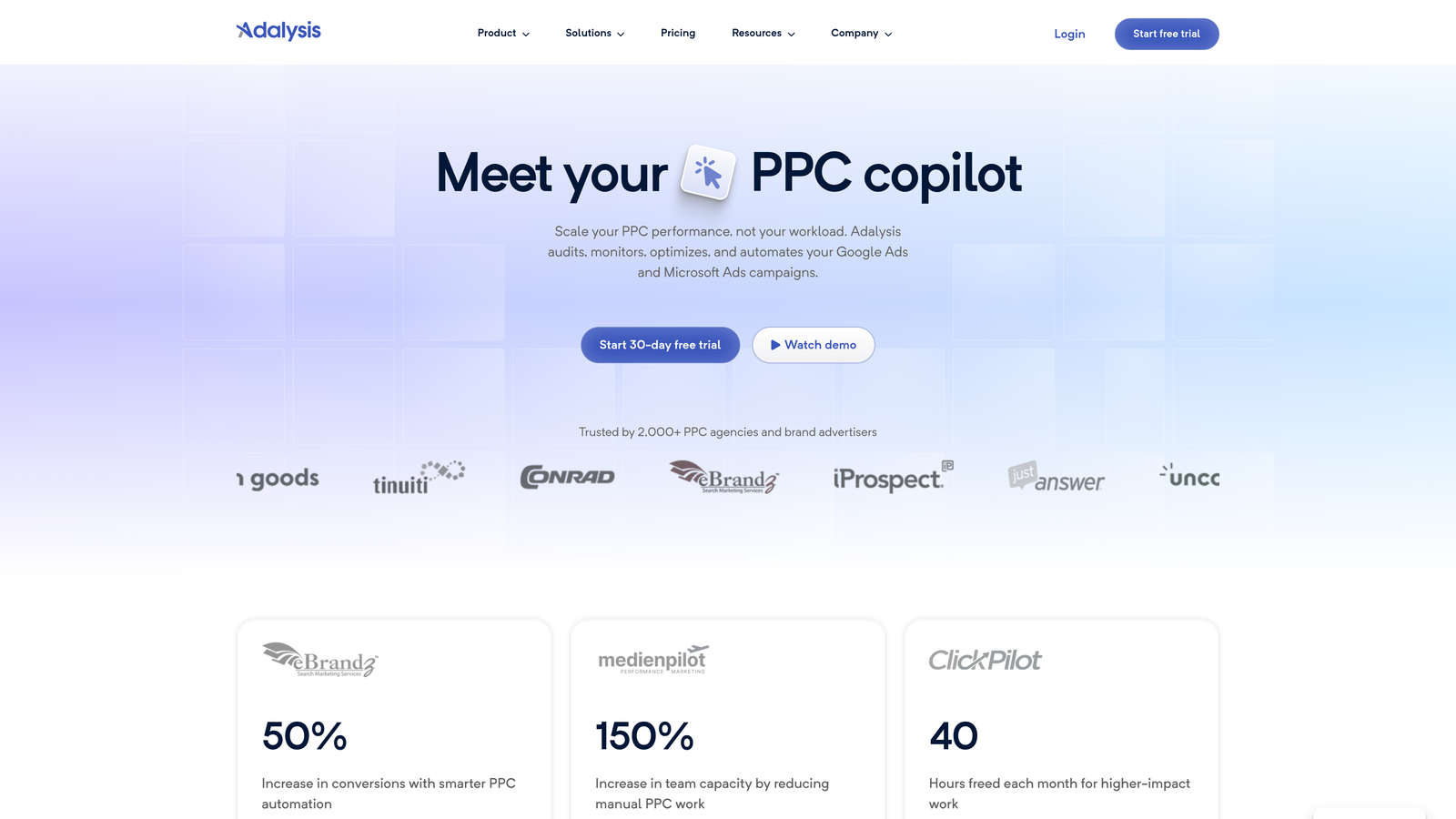
Adalysis is a PPC optimization platform built around ad testing automation, quality score monitoring, and granular campaign structure analysis for Google Ads.
Where This Tool Shines
The mistake most agencies make with ad testing is running it manually and declaring winners too early. Adalysis automates the testing cycle and only surfaces results when they're statistically reliable. If you're managing accounts with a lot of ad copy variation, this alone justifies the cost.
The campaign audit tools are also genuinely useful for identifying structural issues. Quality Score monitoring with historical tracking helps you understand whether changes you're making are actually moving the needle over time, not just in the current snapshot.
Key Features
Automated Ad Testing: Runs ad tests continuously and flags winners based on statistical significance.
Quality Score Monitoring: Historical Quality Score tracking at the keyword level so you can see trends over time.
Negative Keyword Conflict Detection: Identifies negative keywords that are blocking your own ads from showing.
Campaign Audit Tools: Flags structural issues, coverage gaps, and optimization opportunities across the account.
Bulk Ad Creation: Create and manage ads at scale directly within the platform.
Best For
PPC managers who run accounts with active ad testing programs and need reliable statistical tracking. Also strong for agencies that do regular account audits as part of their client onboarding process.
Pricing
Starts around $99/month and scales with ad spend. One of the more affordable options among dedicated PPC platforms.
5. WordStream by LocaliQ
Best for: Small businesses and beginners who want guided PPC optimization without complexity
WordStream is a simplified PPC management platform designed to make Google Ads and Facebook Ads optimization accessible to users who aren't full-time PPC specialists.

Where This Tool Shines
WordStream's 20-Minute Work Week feature is exactly what it sounds like: a guided workflow that surfaces the most important optimizations for your account and walks you through them in a structured session. For small business owners managing their own ads, this kind of guardrail is genuinely helpful.
The free Performance Grader is worth mentioning separately. It's one of the fastest ways to get a quick audit of a Google Ads account and is often used by agencies as a conversation starter with prospective clients.
Key Features
20-Minute Work Week: Guided optimization workflow that prioritizes the highest-impact changes for your account.
Cross-Platform Management: Manage Google Ads and Facebook Ads from a single dashboard.
Free Performance Grader: Instant account audit tool available without a paid subscription.
Keyword and Negative Keyword Tools: Smart keyword suggestions with negative keyword management built in.
Reporting and Benchmarking: Performance dashboards with industry benchmark comparisons.
Best For
Small business owners, local advertisers, and newer PPC managers who want structured guidance rather than an open-ended platform. Less suited for experienced managers who prefer full control.
Pricing
Custom pricing based on ad spend and account needs. The Performance Grader is free with no account required.
6. Google Ads Scripts
Best for: Custom automation and reporting built directly into Google Ads at no cost
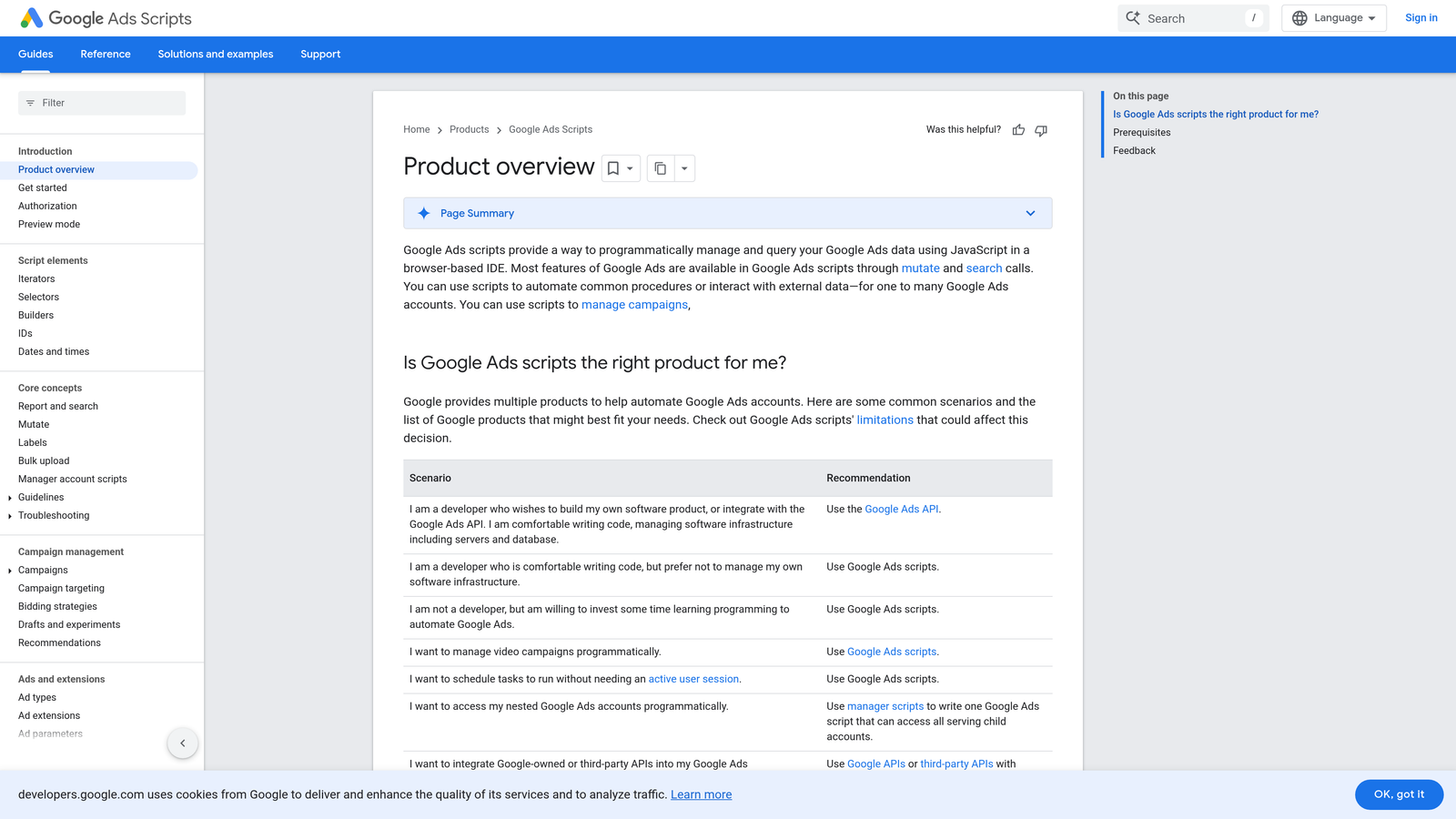
Google Ads Scripts is Google's native JavaScript-based automation layer that lets you build custom rules, automate repetitive tasks, and generate reports directly inside the platform.
Where This Tool Shines
Scripts are the most flexible option on this list because you define exactly what they do. Want to pause campaigns when your landing page goes down? There's a script for that. Want to automatically adjust bids based on weather data? That too. The community library of pre-written scripts is extensive, and many common use cases are already covered without writing a single line of code yourself.
What usually happens here is that experienced PPC managers start with community scripts, modify them for their specific needs, and gradually build a library of automations that run on schedule. It's a compounding investment.
Key Features
Native Integration: Runs directly inside Google Ads with no third-party connection required.
Full Campaign Data Access: API-level access to campaigns, ad groups, keywords, and performance data.
Scheduled Execution: Run scripts hourly, daily, weekly, or on custom triggers.
Community Script Library: Large repository of pre-written scripts for common optimization tasks.
Custom Reporting: Automate report generation and push data to Google Sheets or external systems.
Best For
PPC managers and developers comfortable with JavaScript who want maximum flexibility at zero cost. Less practical for teams without technical resources, though pre-built community scripts lower the barrier significantly.
Pricing
Completely free. Requires JavaScript knowledge or access to pre-built scripts from the community library.
7. SEMrush PPC Toolkit
Best for: Competitor research, keyword grouping, and campaign planning before you launch
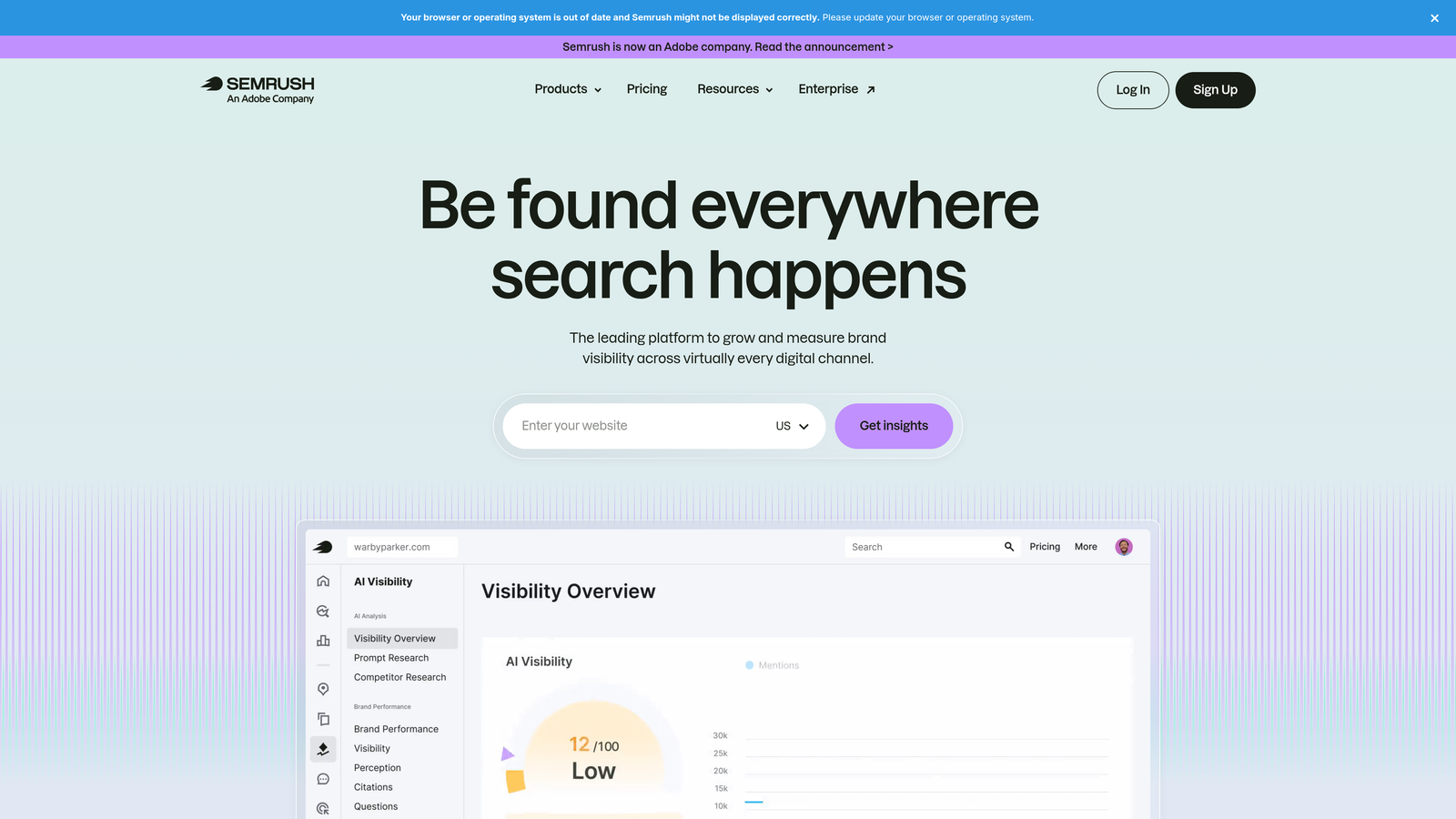
SEMrush is a full-stack digital marketing suite that includes a dedicated PPC toolkit covering competitor ad research, keyword grouping, ad copy analysis, and campaign building.
Where This Tool Shines
SEMrush is most valuable at the research and planning stage. The Advertising Research tool lets you see what competitors are bidding on, what their ad copy looks like, and how long they've been running specific campaigns. This kind of competitive intelligence is hard to get anywhere else at this level of detail.
The PPC Keyword Tool handles keyword grouping and negative keyword management in a way that's genuinely useful for building out new campaigns. You can group, filter, and export keyword lists ready for upload, which complements tools like Google Ads Editor or Keywordme that handle the in-account execution side.
Key Features
Advertising Research Tool: View competitor keywords, ad copy, and estimated spend data.
PPC Keyword Tool: Group keywords, assign match types, and manage negative keywords before uploading to Google Ads.
Ad Builder: Create and export ad copy with character count validation and preview functionality.
CPC Map and Historical Data: Understand cost trends by geography and industry vertical.
Cross-Channel Integration: Connects PPC research with SEO, content, and social tools in one platform.
Best For
Agencies and in-house teams that do significant competitive research and need PPC planning tools integrated with broader marketing workflows. Less useful as a standalone Google Ads management tool.
Pricing
Starts at $139.95/month for the Pro plan. PPC tools are included across all subscription tiers.
8. Channable
Best for: E-commerce advertisers who need dynamic campaign generation from product feeds
Channable is a feed management and PPC automation platform that generates and updates Google Ads campaigns dynamically based on your product data.
Where This Tool Shines
For e-commerce accounts with large and frequently changing product catalogs, maintaining campaigns manually in Google Ads Editor is essentially impossible at scale. Channable solves this by syncing your product feed directly to your campaigns. When a product goes out of stock or a price changes, your ads update automatically.
The rule-based feed optimization layer lets you filter which products get ads, set naming conventions for campaigns and ad groups, and define bidding logic based on product attributes like margin or category. It's a fundamentally different approach to campaign management than anything else on this list.
Key Features
Automated Campaign Generation: Build Google Ads campaigns dynamically from product feed data without manual setup.
Dynamic Ad Creation: Generate search, shopping, and display ads using product attributes as templates.
Rule-Based Feed Optimization: Filter and transform product data before it reaches your campaigns.
Real-Time Inventory Sync: Automatically pause ads for out-of-stock products and reactivate when they return.
Multi-Channel Support: Push campaigns to Google, Microsoft, Amazon, and Facebook from the same feed.
Best For
E-commerce brands and retail agencies managing hundreds or thousands of SKUs across multiple channels. Not designed for service-based advertisers or lead generation campaigns.
Pricing
Starts around €59/month and scales based on the number of SKUs and channels you're managing.
9. Microsoft Advertising Editor
Best for: Free bulk editing for Microsoft Ads with direct Google Ads campaign import
Microsoft Advertising Editor is a free desktop application for bulk campaign management in Microsoft Ads, with a built-in Google Ads import feature that makes cross-platform management significantly easier.
Where This Tool Shines
If you're already managing campaigns in Google Ads and want to expand to Microsoft Ads without rebuilding everything from scratch, this is the most direct path. The Google Ads import functionality pulls your campaigns directly, and the interface will feel immediately familiar to anyone who has used Google Ads Editor.
For teams that are committed to Microsoft Ads as a channel, Editor handles the same bulk editing workflows you'd expect: find-and-replace across ad copy, bulk bid changes, copy/paste across campaigns, and multi-account management. It's not flashy, but it's free and it works.
Key Features
Free Desktop Application: Full offline bulk editing at no cost, with sync to Microsoft Ads when ready.
Google Ads Campaign Import: Import campaigns directly from Google Ads to replicate structure and settings.
Bulk Editing Tools: Find-and-replace, bulk bid changes, and copy/paste across campaigns and ad groups.
Multi-Account Management: Manage multiple Microsoft Ads accounts from a single application window.
Familiar Interface: Layout and workflow closely mirrors Google Ads Editor for a minimal learning curve.
Best For
Any advertiser or agency running campaigns on both Google Ads and Microsoft Ads. Also useful as a free fallback for bulk editing if you're not ready to invest in a paid platform.
Pricing
Completely free with no usage limits or ad spend thresholds.
Which Tool Is Right for Your Workflow?
The right alternative to Google Ads Editor really depends on what's slowing you down. Here's a quick breakdown by use case.
Freelancers managing a handful of accounts: Start with Keywordme for search term work and Opteo for optimization suggestions. Both are affordable, easy to set up, and don't require a major platform commitment.
Agencies managing multiple clients: Optmyzr or Adalysis give you the automation and audit depth you need at scale. Pair either with Keywordme for in-browser search term management and you've covered the two biggest time sinks in most accounts.
E-commerce advertisers: Channable is in a category of its own for feed-based campaign management. Nothing else on this list handles dynamic product campaign generation the same way.
Budget-conscious teams: Google Ads Scripts and Microsoft Advertising Editor are both free. Scripts require some technical lift but pay off over time. Microsoft Editor is zero effort if you're already running on that platform.
Competitive research and planning: SEMrush PPC Toolkit fills a gap that most pure management tools don't touch. Use it upstream of your campaign build, then execute with your preferred in-account tool.
If search term optimization is your biggest bottleneck, which it is in most accounts, Start your free 7-day trial of Keywordme and see how much faster you can move when you're not exporting CSVs and building spreadsheets just to manage negatives. At $12/month after the trial, it's one of the lowest-friction upgrades available for any Google Ads workflow.
.svg)