
10 Top AI Tools for Google Ads Optimization in 2026
10 Top AI Tools for Google Ads Optimization in 2026


Monday, 9:12 a.m. Search terms are full of junk queries, spend is drifting toward the wrong campaign, and Google is suggesting broad changes you are not ready to apply blind. That is usually the moment teams start looking for an AI tool. The better question is which kind.
AI tools for Google Ads optimization are useful because they cut down the manual work that slows account management and help surface decisions faster. In practice, that can mean faster search term cleanup, tighter budget pacing, better anomaly detection, or clearer testing priorities. I have found the biggest gains come from using the right tool for the right job, not from expecting one platform to run the whole account for you.
That is the frame for this guide. We are not treating every tool as interchangeable. Some are built for keyword management. Some focus on bidding and budget control. Others are strongest in audits, monitoring, or enterprise orchestration. A focused tool like Keywordme can handle search term mining and negative keyword workflows inside Google Ads, while a broader platform can cover reporting, rules, and budget oversight. If you want a benchmark for how much time AI can save in day-to-day Google Ads work, this AI Google Ads workflow analysis is a useful reference point.
The trade-off is straightforward. More specialized tools are often faster and easier to trust for one workflow. Broader suites give you more coverage, but they can add setup time, extra cost, and another layer between you and the account. The goal is not to collect software. It is to build a stack that helps you act faster without giving up control.
1. Keywordme
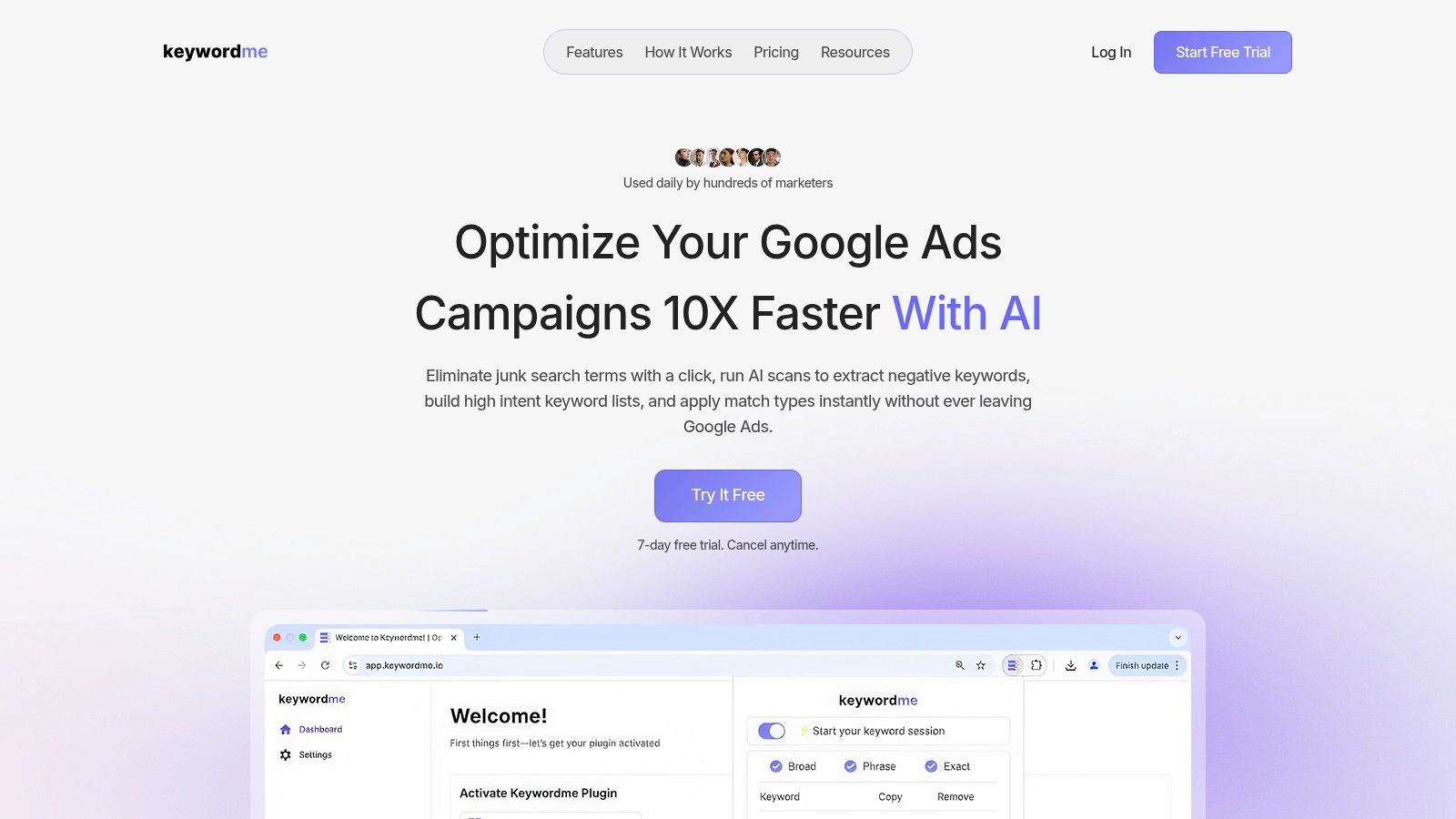
If your daily pain lives inside search terms, negatives, match types, and ad group expansion, Keywordme is the tool I'd start with. It doesn't try to be a giant all-in-one PPC operating system. That focus is exactly why it's useful.
Keywordme runs as a Chrome plugin directly in the Google Ads interface. That matters more than it sounds. Instead of exporting reports, cleaning lists in sheets, fixing match-type formatting, and pasting everything back in, you do the cleanup where the work already happens.
Why it earns the featured spot
The biggest win is speed on the boring but expensive stuff. Historical data from 2022 to 2025 shows AI tools for Google Ads optimization reduced manual workload by about 35% and accelerated workflows by up to ten times compared with traditional methods (AI workflow benchmark). Keywordme is built around exactly that kind of compression.
It handles the tasks that usually eat a PPC manager's morning:
- Negative keyword discovery: Pull out junk terms quickly and turn them into ready-to-use negative lists.
- Match-type control: Apply exact, phrase, or broad at scale without manual formatting.
- Bulk handling: Paste or download properly formatted keyword sets in a few clicks.
- Ad group expansion: Build out from real search-term data and planner inputs instead of starting from a blank page.
Setup is simple, too. There's a 7-day free trial, cancel anytime, and paid seats start at $12 per month for Pro. That low friction makes it easy for freelancers, in-house teams, and agencies to test without a long procurement cycle.
Practical rule: If your account has solid conversion tracking but weak query hygiene, fix keywords and negatives before you buy a bigger optimization suite.
What works and what doesn't
What works is the productivity-first design. Keywordme feels like a tool made by someone who got tired of spreadsheet cleanup. It's especially strong when broad match expansion and AI-generated reach need tighter control. That matters because AI-powered Broad Match has expanded keyword reach by an average of 35% while maintaining cost efficiency, which is useful only if you also stay on top of exclusions (Broad Match performance shift).
The trade-off is clear. Keywordme is Google Ads-focused and Chrome-extension based. If you need cross-channel reporting, enterprise governance, or media buying across search, social, and retail media, this isn't trying to solve that. It's the sharp tool for one of the most annoying parts of PPC.
For teams that spend too much time on keyword maintenance, that specialization is the whole point.
2. Optmyzr
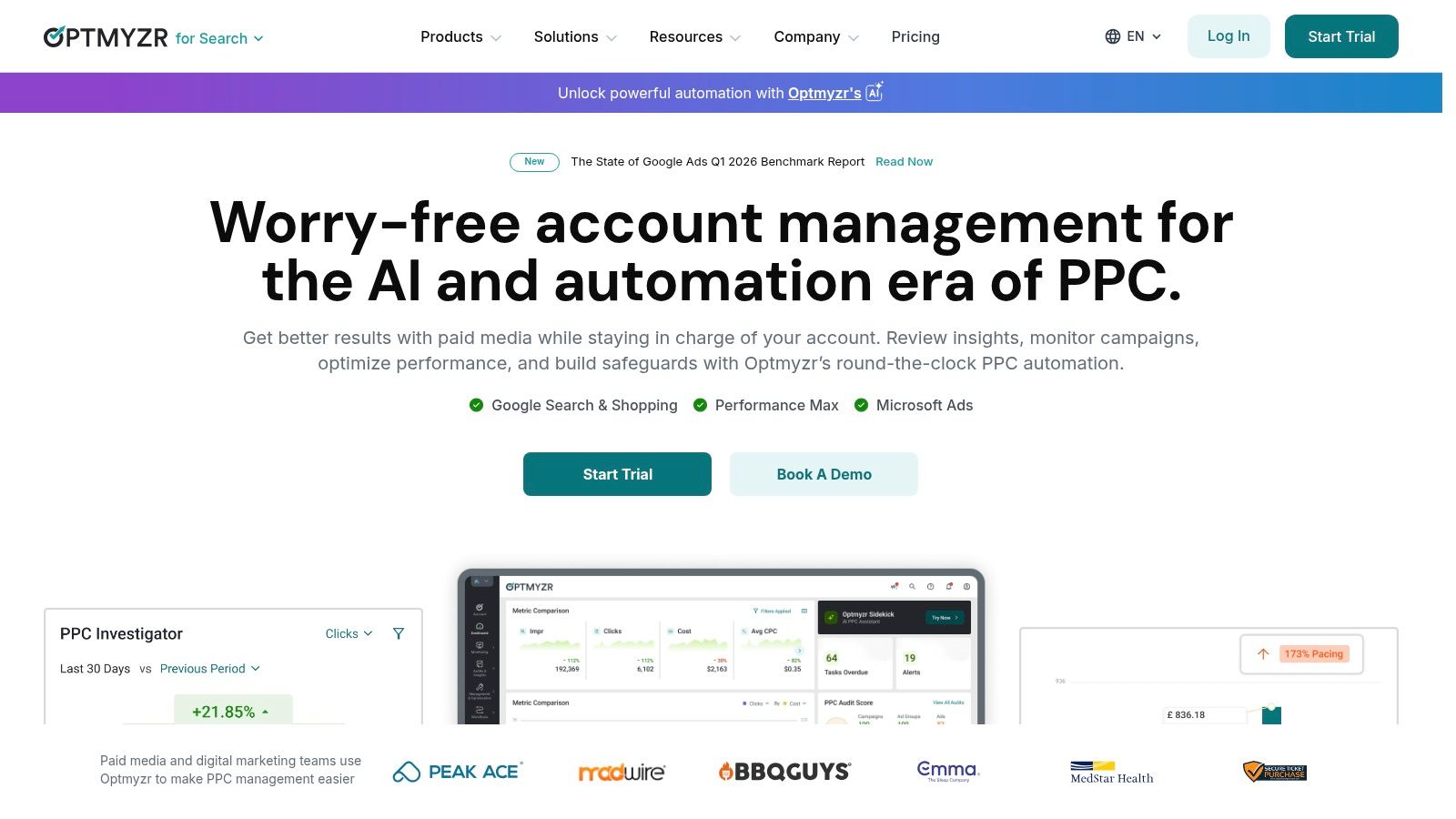
Optmyzr is what I'd call a mature operator's platform. It's broad, opinionated, and loaded with workflows that save time once you know how to use them. For agencies and in-house teams juggling lots of accounts, that breadth is the appeal.
It blends AI-driven insights with rule-based automation. You get one-click workflows for bids, budgets, ads, search queries, and shopping structure, plus a Rule Engine for custom logic across accounts. It also supports more than Google Ads, which makes it easier to manage mixed channel portfolios.
Best fit for teams that already know what good looks like
Optmyzr isn't the tool I'd hand to someone who wants the software to think for them. It's better for practitioners who want to amplify their efforts. If you've already got a strong process, it can compress a lot of repetitive execution.
That's important because advertisers using AI-powered bidding strategies achieved an average 15% improvement in ROI compared with manual CPC bidding, while automated ad testing tools reduced A/B testing time by 40% (Google Ads AI bidding and testing benchmarks). Optmyzr leans directly into those two jobs. Bids and testing are where it feels strongest.
- Express Optimizations: Useful when you want fast account-wide actions without building a workflow from scratch.
- Rule Engine: Good for agencies that need custom guardrails and repeatable account standards.
- Cross-platform support: Helpful if Google Ads is only part of your workload.
The downside is the learning curve. There are enough levers here that new users can overbuild automations or apply recommendations too aggressively. Pricing also scales with monthly spend, so smaller teams may feel the cost sooner than they would with a narrower tool.
Optmyzr is strong when your bottleneck is process, not access to ideas.
If Keywordme is the fast utility knife, Optmyzr is the toolbox.
3. Opteo
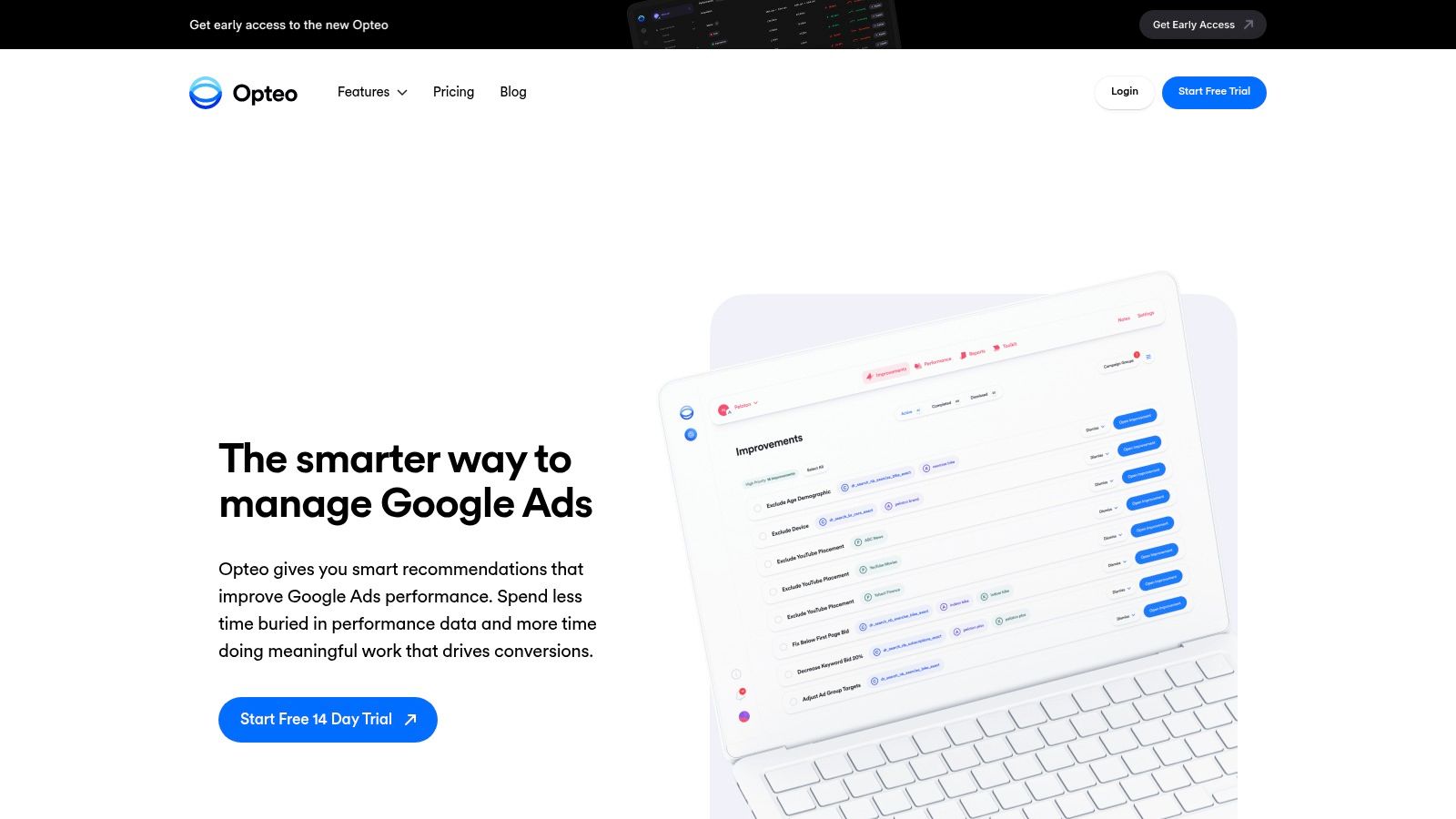
Opteo has always made sense to me for lean teams. It's a Google Ads-first optimization assistant that scans accounts and surfaces prioritized recommendations you can review and apply quickly. If you want guidance without enterprise complexity, it's a solid fit.
The interface is straightforward. Recommendations span bids, budgets, ads, keywords, and negatives, and the scorecards are client-friendly enough that agencies can use them in reporting without much cleanup.
Where Opteo shines
The main advantage is clarity. Opteo doesn't bury you in twenty layers of settings before it delivers value. It's built for daily account hygiene and practical next steps.
That matters because in a 2023 global survey, 72% of digital marketing agencies had already integrated at least one AI-powered tool for Google Ads. The most common use cases were automated bid management at 58%, negative keyword identification at 45%, and ad copy generation at 39% (agency AI adoption survey). Opteo fits neatly into that first wave of adoption. It helps teams operationalize the obvious wins faster.
A few trade-offs are worth knowing:
- Good for prioritization: You get a ranked list of changes instead of a blank canvas.
- Good for smaller teams: Fixed pricing by accounts and spend caps is easier to understand than custom enterprise pricing.
- Less deep cross-channel: If you need broad support beyond Google Ads, there are stronger options later in this list.
Some suggestions still need human review. That's not a flaw. It's the right posture for many advertisers. Recommendation engines are useful, but they can still miss context like branded campaigns, seasonality, or margin differences by product line.
For a team that wants AI support without giving up control, Opteo hits a nice middle ground.
4. Adalysis
Some accounts need more than a checklist and a few one-click suggestions. They need a system that can catch drift early, enforce standards across campaigns, and keep budget pacing from slipping in the middle of the month. Adalysis fits that job well.
It is a strong choice for hands-on PPC managers who want control over how an account is evaluated. The platform centers on audit automation, ad testing, RSA asset analysis, search term review, and budget monitoring. That mix makes it useful for agencies and in-house teams that already know their process and want software to reinforce it.
Best for teams that want custom audits, not generic advice
Adalysis stands out because you can define your own standards instead of accepting a fixed recommendation engine. If one account needs tighter impression share controls, another needs aggressive search query monitoring, and a third needs stricter ad testing rules, you can set those checks up and keep them running. That matters in mature accounts where the expensive mistakes are usually operational, not strategic.
I have found that this kind of tool works best after campaign structure is already in decent shape. It will not rescue a broken account by itself. It will help teams spot recurring issues faster and stay consistent once the foundations are in place.
A few strengths are worth calling out:
- Custom audit coverage: Good for teams with a documented QA process and clear account standards.
- Ad testing support: Useful if RSA reviews and creative iteration are part of a regular workflow.
- Budget pacing controls: Helpful for accounts where overspend, underspend, or uneven monthly delivery keep showing up.
- Agency fit: Account monitoring is easier to scale when multiple users need visibility into the same review system.
The trade-off is complexity. Adalysis asks for setup time and some judgment. Teams that want a simpler daily task list may get faster value from a lighter recommendation tool. Teams that manage larger books of business, or need to standardize how accounts are audited, usually get more from the extra depth.
In a practical workflow, Adalysis often works best as the governance layer. A specialized keyword tool can improve query selection and negative keyword decisions upstream, while Adalysis checks whether the account stays within the rules you set after those changes go live. That is the primary value here. It helps turn optimization ideas into a repeatable operating process.
5. TrueClicks
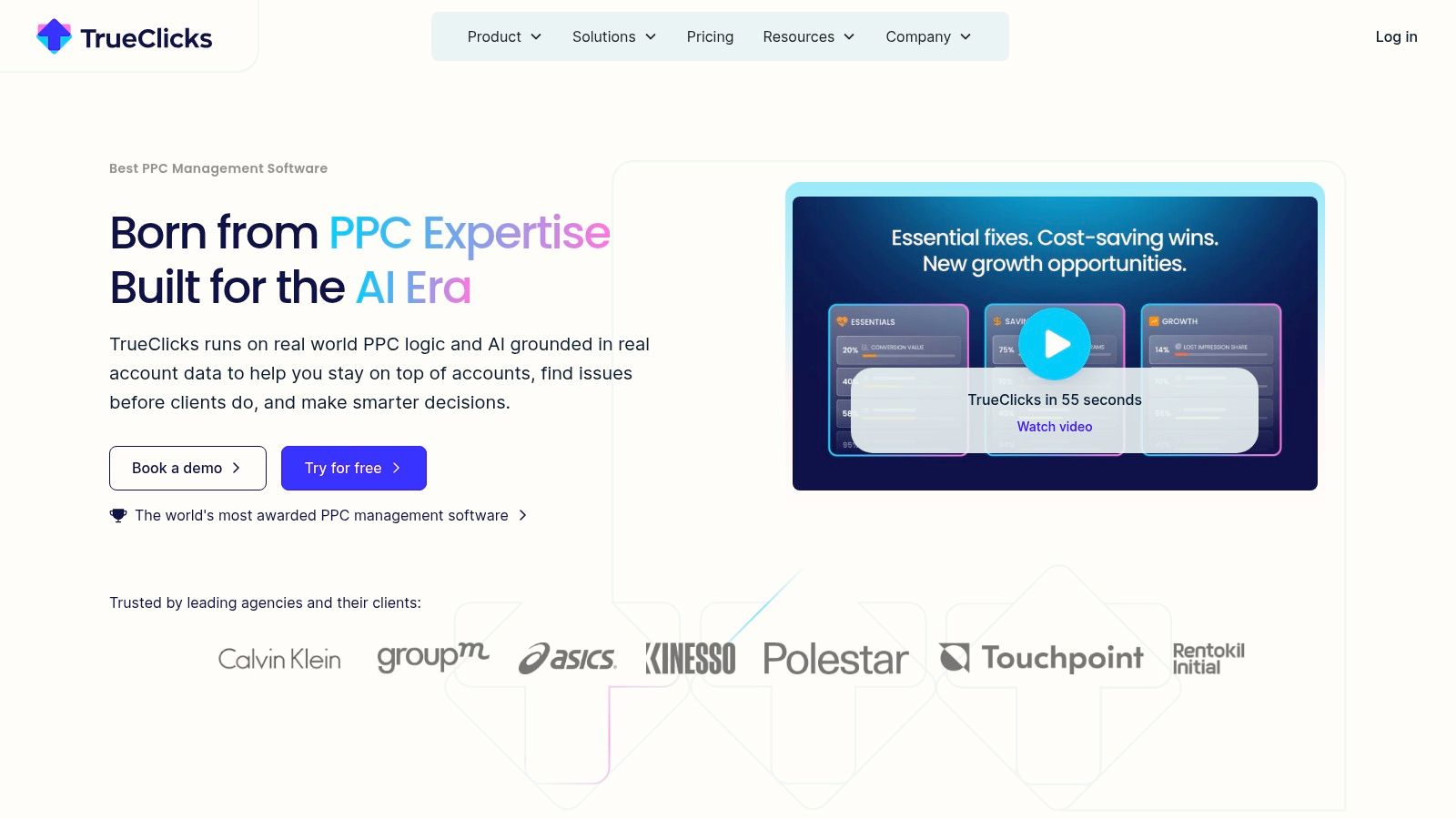
A familiar scenario. Smart Bidding is active, Performance Max is spending, and the account still drifts because nobody noticed a broken asset group, a policy issue, or a campaign that fell outside your naming and tracking rules. TrueClicks is built for that kind of account management problem.
Its strength is oversight. TrueClicks monitors Google Ads and Microsoft Advertising accounts continuously, flags issues quickly, and gives teams a shared view of account health. That makes it a strong fit for agencies, in-house teams with several brands, and any PPC manager who spends too much time checking whether the basics are still intact.
Best for keeping standards tight across many accounts
TrueClicks sits in the auditing and monitoring category, not the bidding category. That distinction matters. If your stack already includes Google's native automation for bids and campaign delivery, the bigger risk is often poor execution around that automation. Missing negatives, broken tracking, weak ad coverage, budget mistakes, and inconsistent settings can hurt performance long before a quarterly review catches them.
That is the job TrueClicks handles well.
I like tools like this when the account strategy is already clear but day-to-day quality slips between handoffs. A specialist keyword tool such as Keywordme can improve search term control upstream. TrueClicks then acts as the check layer, making sure the account stays clean after changes go live. That combination is more useful than chasing one platform that claims to do everything.
A few practical advantages stand out:
- Always-on monitoring: Good for catching account issues while they are still small.
- Unlimited users and accounts: Useful for agencies that need visibility across clients without rationing seats.
- Clear recommendations: Easier for junior team members to act on than a raw audit export.
- Accessible entry point: The free tier lowers the cost of testing whether the alerts prove helpful.
The trade-off is depth. TrueClicks is better at spotting issues than building campaign strategy. It will not replace a platform focused on advanced bid management, large-scale automation design, or search term expansion. If your main need is governance, account hygiene, and faster QA across a portfolio, it is a smart addition to the stack.
6. PPC Samurai
A common agency problem looks like this: Smart Bidding is fine, conversion tracking is mostly stable, but the account still leaks performance through process gaps. Budget caps get missed. Naming conventions drift. A campaign launches without the right labels or checks. PPC Samurai is built for that layer of work.
PPC Samurai focuses on visual automation. You build rule-based workflows with flowchart-style logic across Google Ads and Microsoft Ads, then manage them from one place. I like that approach for teams that want to see exactly why an automation fired, who set it up, and what happens next.
Built for process-driven teams
Some platforms are strongest when they generate recommendations. PPC Samurai is better when your team already knows the operating rules and wants to automate them cleanly. That distinction matters.
If Keywordme handles search term expansion and control earlier in the workflow, PPC Samurai fits later as the execution layer. It can help enforce standards across accounts, trigger checks when thresholds are hit, and reduce the manual QA work that usually gets pushed to the end of the week. That makes it useful in a stack, especially for agencies managing repeatable playbooks across many clients.
A few strengths stand out:
- Visual workflow builder: Easier to audit and maintain than scattered scripts in different accounts.
- Cross-platform coverage: Helpful for teams running Google Ads and Microsoft Ads with similar operating rules.
- Clear automation logic: Better for handoffs, approvals, and training than black-box systems.
- Good fit for governance: Strong for QA, alerts, budget controls, and process enforcement.
The trade-off is effort. PPC Samurai usually pays off after you map your workflows properly, test edge cases, and keep the automations updated as account structure changes. Teams looking for instant recommendations or plug-and-play bid optimization may find it slower to implement than tools with a narrower job.
For advertisers who want more control over how automation works, not just what it recommends, PPC Samurai fills a useful gap.
7. Adspert
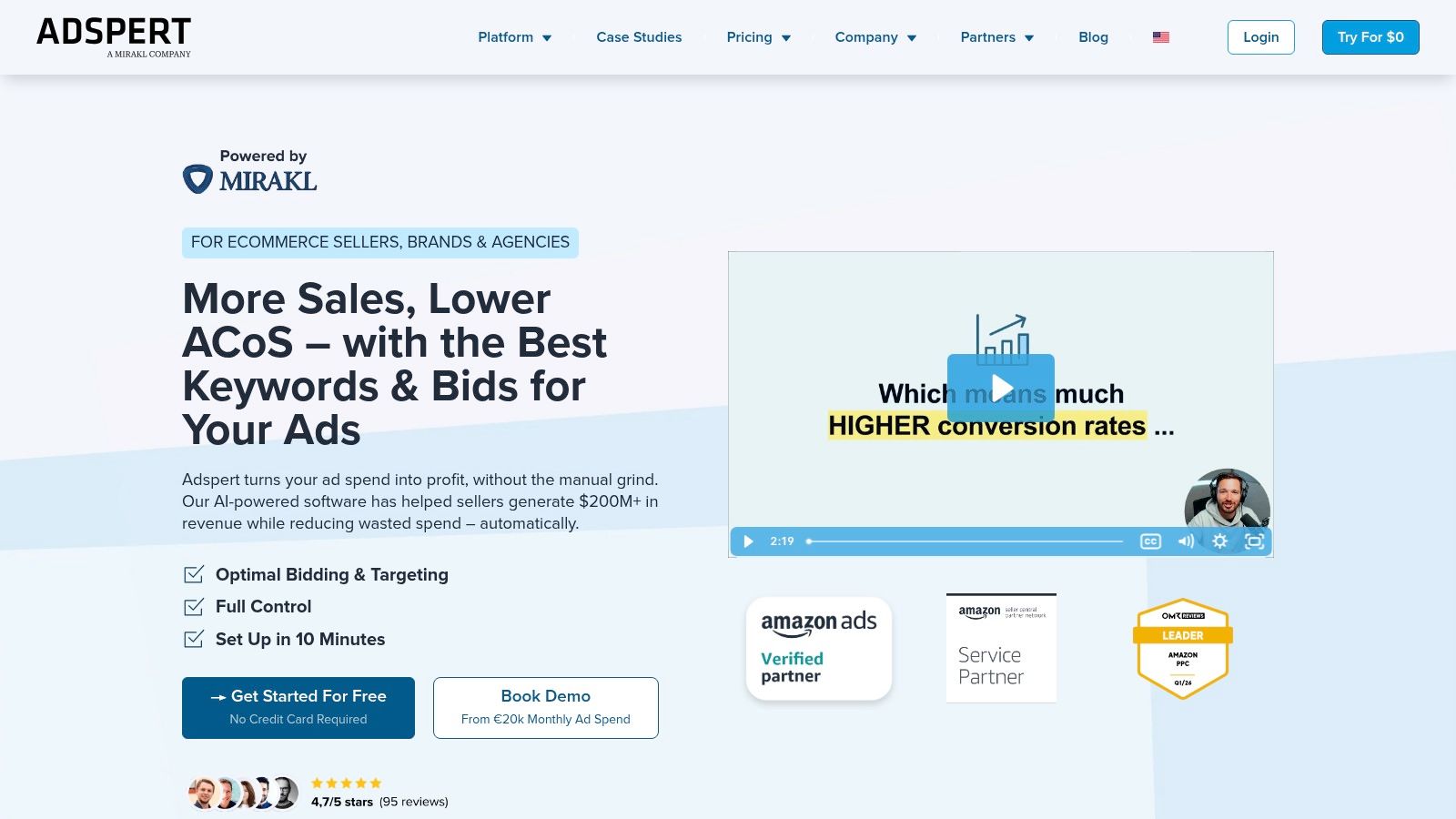
A common account problem looks like this: performance is acceptable in the morning, CPCs spike by lunch, and by the time someone checks again, the budget has drifted away from the target. Adspert is built for that kind of job. It focuses on objective-based bidding and budget optimization, so you set the target, such as ROAS, CPA, or CRR, and the platform handles the bid math across Google Ads, Microsoft Ads, and marketplaces.
That positioning matters.
Some tools in this category are broad management suites with audits, alerts, scripts, and reporting layered together. Adspert is narrower and more operational. If the main need is better bid and budget control tied to a clear business target, that focus can be a plus because there is less clutter between the goal and the automation.
Best fit: clear targets, repeatable economics
Adspert works best in accounts where the success metric is already agreed on. Ecommerce teams with stable margin targets usually get the value fastest. So do advertisers managing search alongside marketplace spend, where one tool handling multiple channels can simplify oversight.
The practical advantage is speed. Analysts at Search Engine Land noted that AI bidding systems can react to auction changes far more frequently than manual workflows, which is a key justification for a tool like Adspert rather than any promise of magic performance gains (AI bid management analysis). In live accounts, that matters most during promotions, inventory shifts, or seasonal swings when yesterday's bid logic stops holding up.
A few strengths stand out:
- Goal-led optimization: Useful when the account is managed to a hard efficiency target, not loose growth goals.
- Intraday bid and budget adjustments: Helpful for accounts where performance changes within the day, not just week to week.
- Multi-channel coverage: A practical fit for advertisers splitting spend across search engines and marketplaces.
There are trade-offs. Adspert is less appealing if your team wants deep Google Ads diagnostics, extensive workflow controls, or lots of custom reporting in the same platform. Cost structure matters too. Its plan fee plus commission on optimized spend can become harder to justify as budgets scale, especially if the account already performs well with native bidding.
In a stack, I would treat Adspert as the bidding layer, not the whole operating system. A specialized tool such as Keywordme can shape search term coverage and query control earlier in the workflow. Adspert can then manage bid pressure and budget allocation once that structure is in place. That division is usually where the value shows up most clearly.
Adspert makes sense for advertisers who want a focused system for target-based optimization and are comfortable trading some reporting depth for simpler bid automation.
8. Acquisio Turing
A common agency problem looks like this. Fifty accounts are live, several locations need different budget pacing, and the primary failure is not bidding too low. It is overspending by the middle of the month and spending the rest of the cycle explaining it.
Acquisio has stayed relevant because Turing is built for that job. It automates bid and budget adjustments across Google Ads and Microsoft Ads, but the bigger draw is pacing control at scale. For agencies, franchises, and multi-location advertisers, that matters more than a prettier UI.
Reliable for pacing and portfolio management
Acquisio is a good fit when budget management is the main operational constraint. Teams can use it to pace toward monthly targets, account for seasonality, clone campaigns across accounts, and keep reporting in one place. That combination still solves a real workflow problem for managers who are responsible for many smaller or mid-sized accounts at once.
I would not pick Acquisio for deep account diagnostics or for hands-on search term work. Other tools are better when the job is tightening query control, auditing creative tests, or spotting structural waste inside Google Ads. Acquisio earns its place later in the workflow, once the account structure is set and the bigger risk is portfolio-level budget drift.
That distinction matters.
In a practical stack, a specialized tool like Keywordme can handle keyword expansion and search term organization first. Acquisio Turing can then manage pacing, bid pressure, and cross-account budget control once campaigns are live. That split usually makes more sense than asking one platform to do everything.
The trade-offs are straightforward. Pricing is custom, so it can take work to judge fit before a sales process. The interface and documentation can also feel dated compared with newer PPC tools. Still, for teams managing many accounts where stable pacing and repeatable workflows matter more than a modern dashboard, Acquisio remains a credible option.
9. Skai
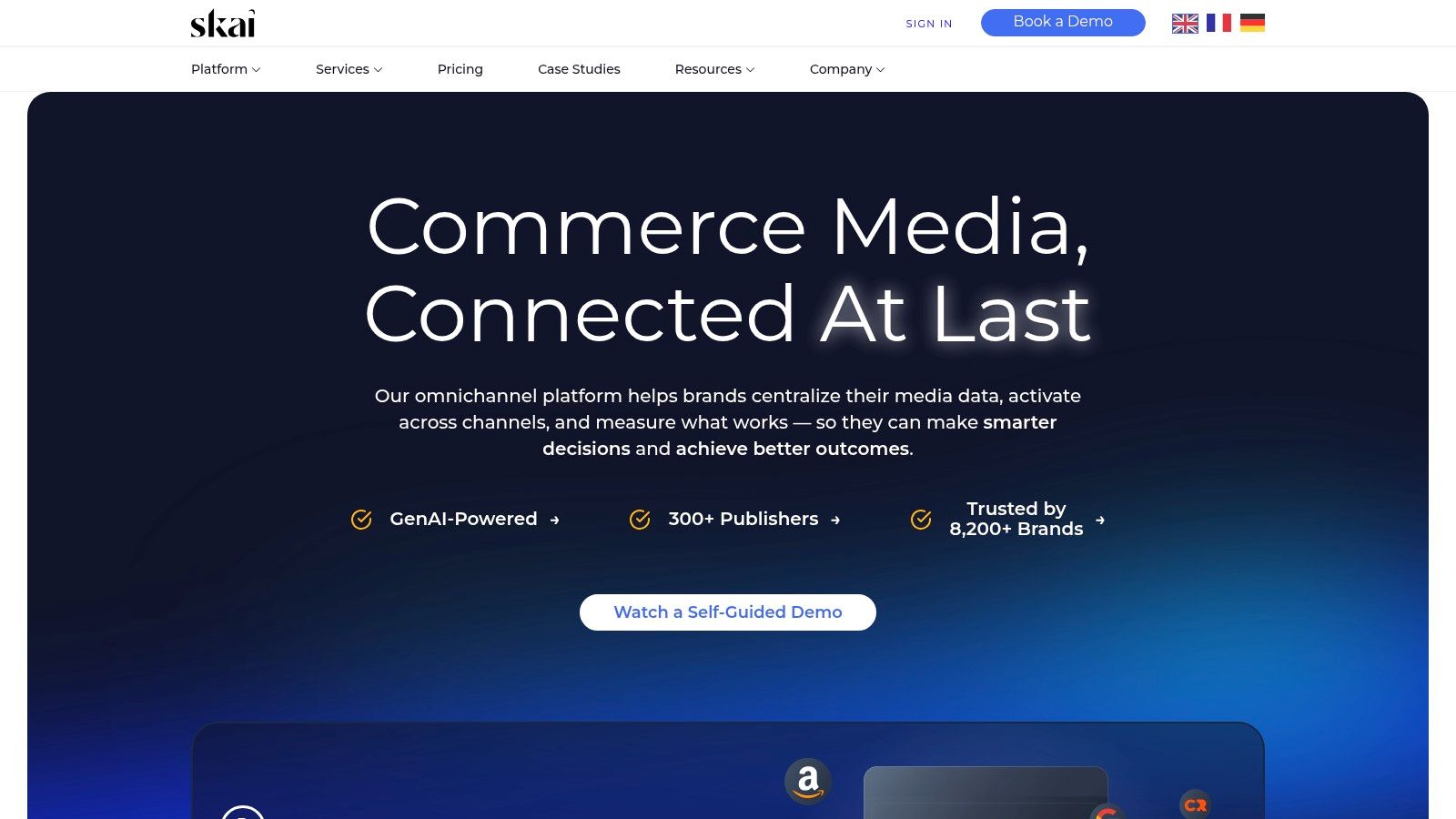
A team can manage Google Ads well inside a specialist platform. The cracks usually show up when search budgets need to be evaluated alongside paid social and retail media, with finance, ecommerce, and channel leads all looking at different numbers. Skai is built for that operating model.
Skai is best understood as a cross-channel media management platform, not a pure Google Ads optimizer. It supports paid search, paid social, and retail media in one environment, with forecasting, pacing, budget controls, publisher integrations, and AI-assisted optimization. That makes it more relevant for enterprise advertisers than for in-house teams running a single search program.
Best for teams that need cross-channel budget control
Skai earns its place when the primary problem is coordination. Large brands often do not struggle with finding another bid adjustment tool. They struggle with deciding whether incremental budget should go to Google Ads, Amazon, or paid social, and then reporting that decision in a way finance and leadership can trust.
That is the trade-off. You get stronger cross-channel planning and governance, but you also take on a heavier platform, a longer implementation cycle, and more process discipline than smaller PPC tools require.
In a practical workflow, I would not use Skai for early-stage keyword discovery or search term cleanup. A focused tool like Keywordme is a better fit for building and organizing keyword coverage before campaigns go live. Skai makes more sense later, once the account structure is stable and the harder job is allocating spend across channels, monitoring pacing, and keeping reporting consistent across a large media program.
A few strengths stand out:
- Cross-channel planning: Useful when search, social, and retail media teams need one view of spend and performance.
- Governance: Strong fit for teams that need permissions, approval flows, and standardized reporting across markets or business units.
- Forecasting and pacing: Helpful for advertisers managing large budgets where underdelivery and overspend create operational risk.
The downside is straightforward. Skai is too much platform for SMBs and many mid-market advertisers. If Google Ads is your only serious channel, a dedicated PPC tool will usually be easier to set up, easier to use, and easier to justify on cost. Skai is the better choice when Google Ads optimization is only one part of a much bigger media operation.
10. Search Ads 360
A common enterprise scenario looks like this: paid search runs across Google Ads and Microsoft Ads, measurement sits in Floodlight, finance wants tighter budget controls, and leadership expects one reporting layer across markets. In that setup, Search Ads 360 is often less of an optimization add-on and more of an operating system for search.
That distinction matters.
SA360 is strongest when search is already tied to the rest of Google Marketing Platform. Teams using Campaign Manager 360, DV360, Analytics 360, and Floodlight usually get more value from the shared measurement, trafficking, and reporting setup than they would from a lighter standalone PPC tool. It also supports multi-engine management, which is useful when Google Ads is only part of the account mix.
The practical reason enterprises keep buying SA360 is control at scale. You get auction-time bidding, budget management, experiments, inventory-driven campaign features, and reporting workflows built for large teams with approval layers and market-level oversight. For a single in-house manager or a small agency, that can feel heavy. For a global brand, that structure is often the point.
Here is where the trade-off becomes clear. SA360 helps centralize execution after strategy is already defined, but it is not the tool I would pick for early keyword discovery or search term cleanup. A specialized workflow still works better there. Keywordme can speed up negatives, match-type cleanup, and bulk keyword organization inside Google Ads. SA360 then makes more sense once campaigns are live and the bigger problem is coordinating bidding, budgets, engine coverage, and reporting across a larger program.
A few strengths stand out:
- Best fit inside GMP: Stronger choice when Floodlight measurement and other GMP products are already in place.
- Multi-engine operations: Useful for teams managing Google Ads alongside Microsoft Ads and other engines.
- Governance and scale: Better suited to large organizations that need permissions, approval processes, and centralized reporting.
The drawbacks are predictable. Pricing is not public and usually comes through GMP partners. Setup, training, and change management are also more demanding than with tools built for smaller PPC teams. If the account is mostly one Google Ads instance and the main goal is faster day-to-day optimization, SA360 is usually more platform than you need. If search has to plug into a broader enterprise media and measurement stack, it remains a very credible choice.
Top 10 AI Tools for Google Ads, Comparison
| Tool | Core features ✨ | UX / Quality ★ | Value proposition 💰 | Target audience 👥 | Price & USP 🏆 |
|---|---|---|---|---|---|
| Keywordme 🏆 | ✨ Chrome plugin; one-click negative discovery, match-type assignment, bulk formatting, ad-group expansion | ★★★★☆, In-Ads UI; fast onboarding | 💰 Cuts wasted spend; up to 10x faster workflows | 👥 Freelancers, in-house teams, agencies, SMBs, enterprise | 💰 From $12/mo per seat; 7‑day free trial; native-in-Google UI; low friction |
| Optmyzr | ✨ Express optimizations, Rule Engine, Quality Score tracking, multi-platform | ★★★★, Mature, powerful automations; steeper learning curve | 💰 Saves hours with rule + AI-driven workflows at scale | 👥 Agencies & large account portfolios | 💰 Pricing by monthly spend; deep automation library |
| Opteo | ✨ Ranked, explainable recommendations; scorecards; multi-account | ★★★★, Prescriptive, easy daily hygiene | 💰 Fast, actionable improvements; transparent fixed pricing | 👥 Small teams, agencies running client accounts | 💰 Fixed pricing by account/spend; clear recommendations |
| Adalysis | ✨ 100+ customizable audits, budget pacing, RSA asset manager | ★★★★, Deep testing & diagnostics; learning curve | 💰 Strong analysis for testing & optimization without spreadsheets | 👥 Hands-on practitioners, agencies | 💰 Pricing varies by spend; generous trial; audit-heavy USP |
| TrueClicks | ✨ Always-on auditing & monitoring; scalable suggestions | ★★★★, Real-time alerts; trusted reviews | 💰 Standardizes quality; quick issue detection | 👥 SMBs to large portfolios, agencies | 💰 Free tier available; unlimited users/accounts; audit-first focus |
| PPC Samurai | ✨ Drag-and-drop, no-code flowchart automations; cross-engine | ★★★★, High control & transparency; requires setup time | 💰 Custom, transparent automations that complement Smart Bidding | 👥 Agencies needing bespoke automations | 💰 Pricing via sales; visual automation builder |
| Adspert | ✨ AI bidding & bid adjustments; goal-based optimization; intraday | ★★★★, Performance-driven; marketplace support | 💰 Objective-driven ROAS optimization; performance-linked fees | 👥 Advertisers focused on ROAS, marketplaces | 💰 Commission on optimized spend + fee; 30‑day free test |
| Acquisio (Turing) | ✨ ML bidding engine, pacing, campaign cloning & reporting | ★★★★, Stable for many small budgets; agency workflows | 💰 Stabilizes & scales numerous small/locational budgets | 👥 Agencies, multi-location advertisers | 💰 Pricing varies by support/spend; agency-centric features |
| Skai | ✨ Enterprise omnichannel AI, forecasting, cross-channel pacing | ★★★★, Enterprise-grade; requires onboarding | 💰 Unified planning & measurement across search, social, retail | 👥 Enterprise brands & unified marketing teams | 💰 Annual licensing tiers; designed for large budgets |
| Search Ads 360 (SA360) | ✨ Cross-engine campaign mgmt, auction-time bidding, GMP integrations | ★★★★★, First-party Google parity; robust enterprise UX | 💰 Deep GMP integration; advanced enterprise workflows | 👥 Enterprises & agencies using Google Marketing Platform | 💰 Pricing via GMP partners; best for complex multi-engine setups |
Building Your AI-Powered Google Ads Workflow
Monday morning usually starts the same way. Search terms need review, negatives are overdue, one campaign is pacing too fast, another is stuck learning, and someone wants ad copy tests launched before lunch. That workload is exactly why a good AI setup for Google Ads needs layers with clear jobs.
The strongest stacks are built by function, not by brand loyalty. Use a specialized tool for the task that creates the most daily friction. Use a broader platform for weekly decisions and account oversight. Keep enterprise software for cases where cross-channel reporting, portfolio bidding, or governance justify the cost.
For many advertisers, the first layer is Keywordme. It handles the ground-level work inside Google Ads: search term review, negative keyword management, match type formatting, and the repetitive cleanup that gets skipped when the account gets busy. I like starting here because better query control improves every other system above it. Smart Bidding can only work with the traffic you allow into the account.
Once that foundation is stable, add a second layer for optimization and QA. Optmyzr and Adalysis fit well if the team needs structured audits, testing workflows, pacing checks, and account diagnostics. Opteo is a simpler fit for teams that want guided recommendations without as much operational complexity. TrueClicks is useful when account quality starts slipping across multiple clients or markets and you need a monitoring layer that catches issues before they become expensive.
Then decide whether you need execution or guidance.
That trade-off matters more than most buying decisions. Some tools are strong at surfacing problems. Others are built to act faster on those problems through rules, scripts, or automated workflows. If your team already has good operators but limited visibility, a recommendation-heavy platform can be enough. If changes sit in a backlog for days, pick a tool that shortens the gap between finding an issue and fixing it.
Google's own automation should sit in the middle of this workflow, not above it. Broad match, Smart Bidding, and AI-driven campaign features can scale reach and speed, but they also create more need for clean inputs and tighter review cycles. As noted earlier, automated query handling and faster reaction times can reduce wasted spend. The practical lesson is simple. Let Google handle auction-time decisions. Use your tool stack to improve inputs, enforce guardrails, and catch what native automation misses.
A practical workflow looks like this:
Use Keywordme daily for search-term mining, negatives, and match-type cleanup inside Google Ads.
Use Optmyzr, Adalysis, or Opteo weekly for audits, budget checks, ad testing, and performance reviews.
Add TrueClicks for portfolio-level QA if you manage a large account set.
Bring in PPC Samurai if the team needs more automated execution across repeated account tasks.
Use Adspert or Acquisio Turing when bidding and budget pacing are the main bottlenecks.
Move to Skai or Search Ads 360 when scale, cross-channel planning, and governance become the primary concern.
That sequence keeps the stack honest. You are not paying enterprise prices to solve a keyword hygiene problem, and you are not asking a niche tool to do portfolio forecasting.
If I were building from scratch today, I would start with Keywordme and one broader optimization layer. That combination covers the work that burns time in most accounts. Add more software only after the workflow breaks at a specific point, whether that is QA, bidding, reporting, or cross-channel management.
If keyword cleanup, negative keyword management, and match-type formatting are eating up your week, try Keywordme. It's a simple way to do the tedious Google Ads work faster, stay inside the Ads interface, and keep wasted spend under tighter control without adding a bloated PPC suite to your stack.
.svg)